
Anime Rock Band Beverage Collab Poster
Generates a promotional poster featuring a 5-member anime rock band and their corresponding character-branded beverage cans.
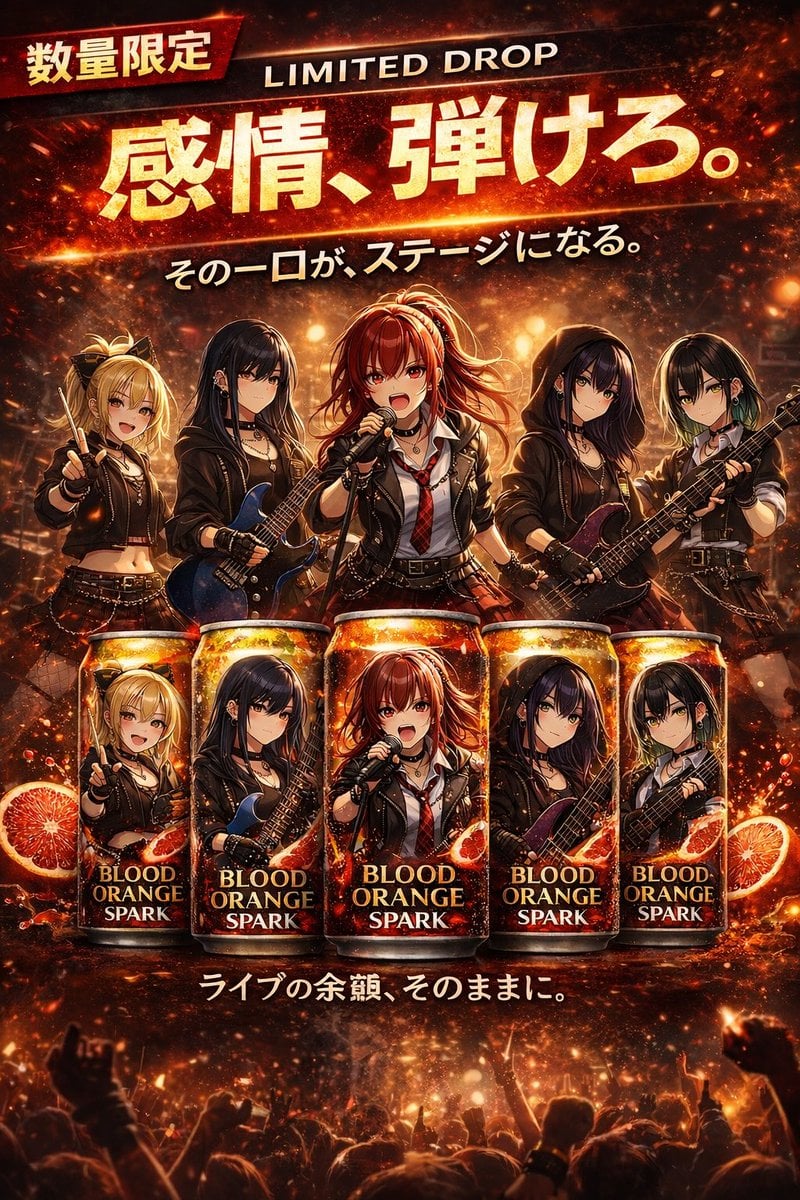
- Prompt included
- Model and format preset
- Free template
The prompt behind this image
Copy the exact prompt behind Anime Rock Band Beverage Collab Poster, or open it in the studio and make it yours.
- Type
- promotional poster advertisement
- Theme
- {argument name="band theme" default="anime rock band"} beverage collaboration
- Text Elements › Top Left Badge
- 数量限定
- Text Elements › Top Right
- LIMITED DROP
- Text Elements › Main Headline
- {argument name="main headline" default="感情、弾けろ。"}
- Text Elements › Sub Headline
- {argument name="sub headline" default="その一口が、ステージになる。"}
- Text Elements › Bottom Text
- ライブの余韻、そのままに。
- Layout › Upper Section › Description
- 5 anime girls in matching black leather punk rock outfits performing on a fiery stage
- Layout › Upper Section › Characters › 0 › Position
- far left
- Layout › Upper Section › Characters › 0 › Appearance
- blonde twin tails, holding drumsticks, smiling
- Layout › Upper Section › Characters › 1 › Position
- mid-left
- Layout › Upper Section › Characters › 1 › Appearance
- long black hair, holding a blue electric guitar
- Layout › Upper Section › Characters › 2 › Position
- center
- Layout › Upper Section › Characters › 2 › Appearance
- red hair, singing into a microphone, wearing a red plaid tie
- Layout › Upper Section › Characters › 3 › Position
- mid-right
- Layout › Upper Section › Characters › 3 › Appearance
- dark hair, wearing a hoodie under leather jacket, holding a purple bass
- Layout › Upper Section › Characters › 4 › Position
- far right
- Layout › Upper Section › Characters › 4 › Appearance
- short black hair with green highlights, holding a black electric guitar
- Layout › Lower Section › Description
- 5 beverage cans lined up horizontally, each featuring the exact portrait of the girl standing directly above it
- Layout › Lower Section › Product Name
- {argument name="product name" default="BLOOD ORANGE SPARK"}
- Layout › Lower Section › Can Count
- 5
- Layout › Lower Section › Surroundings
- splashing liquid, fiery embers, and sliced {argument name="flavor theme" default="blood orange"} halves floating around the cans
- Layout › Background
- explosive concert stage lighting with fire effects and a silhouette of a cheering crowd at the very bottom
Raw JSON
{
  "type": "promotional poster advertisement",
  "theme": "{argument name=\"band theme\" default=\"anime rock band\"} beverage collaboration",
  "text_elements": {
    "top_left_badge": "数量限定",
    "top_right": "LIMITED DROP",
    "main_headline": "{argument name=\"main headline\" default=\"感情、弾けろ。\"}",
    "sub_headline": "{argument name=\"sub headline\" default=\"その一口が、ステージになる。\"}",
    "bottom_text": "ライブの余韻、そのままに。"
  },
  "layout": {
    "upper_section": {
      "description": "5 anime girls in matching black leather punk rock outfits performing on a fiery stage",
      "characters": [
        {"position": "far left", "appearance": "blonde twin tails, holding drumsticks, smiling"},
        {"position": "mid-left", "appearance": "long black hair, holding a blue electric guitar"},
        {"position": "center", "appearance": "red hair, singing into a microphone, wearing a red plaid tie"},
        {"position": "mid-right", "appearance": "dark hair, wearing a hoodie under leather jacket, holding a purple bass"},
        {"position": "far right", "appearance": "short black hair with green highlights, holding a black electric guitar"}
      ]
    },
    "lower_section": {
      "description": "5 beverage cans lined up horizontally, each featuring the exact portrait of the girl standing directly above it",
      "product_name": "{argument name=\"product name\" default=\"BLOOD ORANGE SPARK\"}",
      "can_count": 5,
      "surroundings": "splashing liquid, fiery embers, and sliced {argument name=\"flavor theme\" default=\"blood orange\"} halves floating around the cans"
    },
    "background": "explosive concert stage lighting with fire effects and a silhouette of a cheering crowd at the very bottom"
  }
}How to use Anime Rock Band Beverage Collab Poster in 3 steps
- 1Upload ImagePNG, JPG or paste
Add your photo
Upload the photo the template builds on. The prompt, model and format are already set.
- 2…a portrait of your subject in softgolden-hour light, 85mm…
Personalize
Edit the subject and creative details for your destination.
- 3Generate
Generate
Press Generate — your image is created in PicX Studio, so you can compare it with the original and refine one variable at a time.
More like this
Templates with the same subject, style or setup. Open one to see its prompt.

Captain Tsubasa Anime World Cup Poster
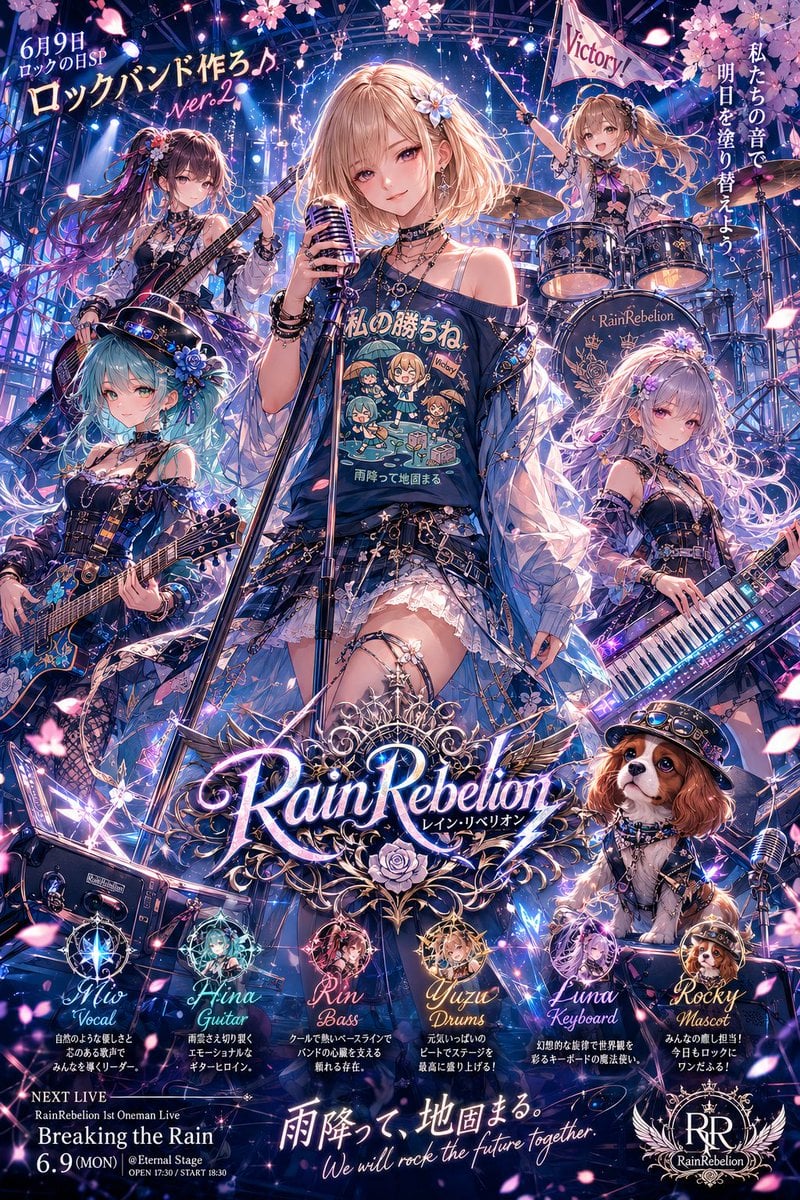
Anime Rock Band Concert Poster
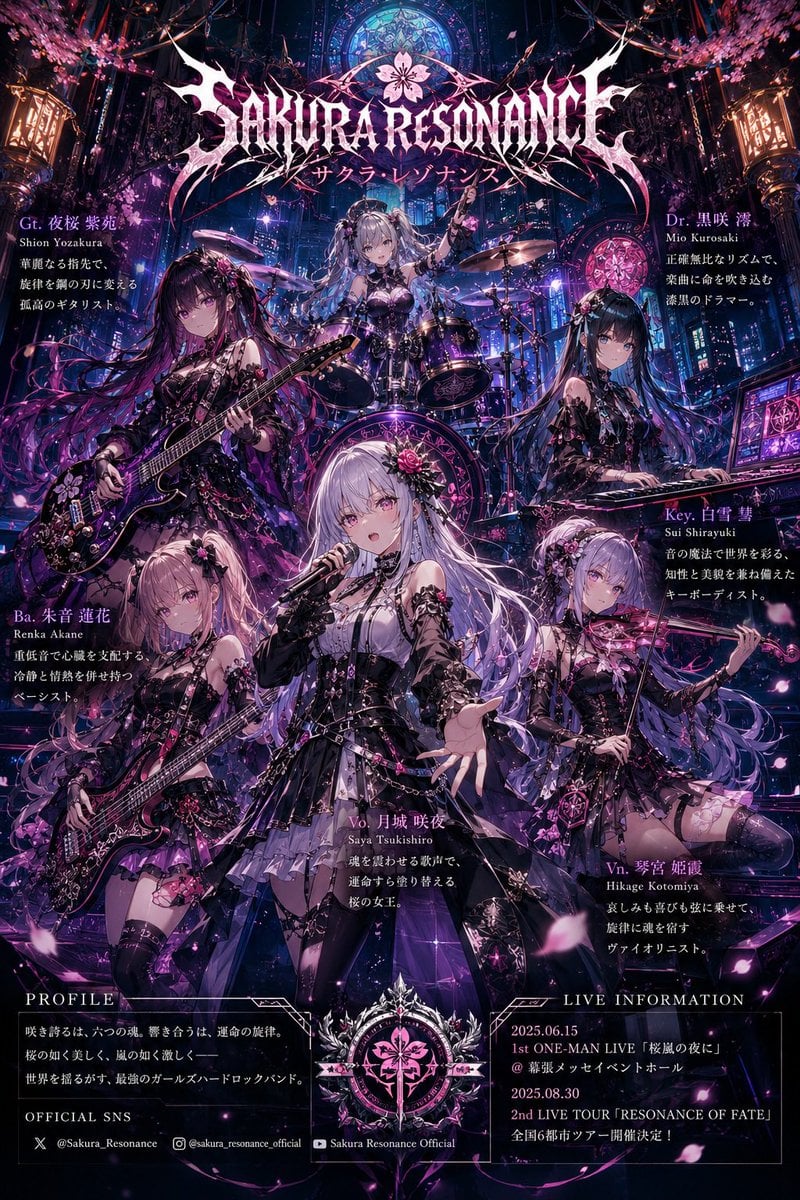
Anime Hard Rock Band Poster
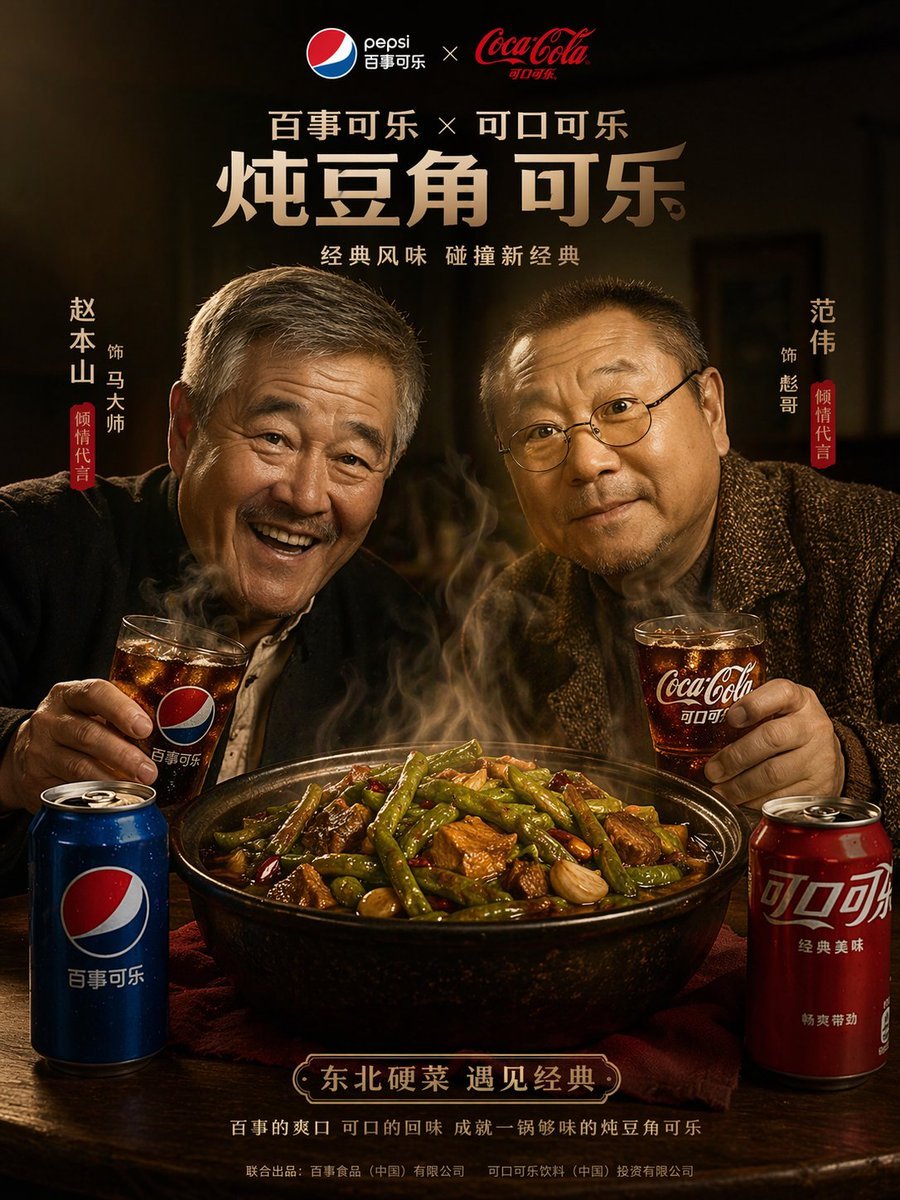
Cinematic Food & Beverage Collab Poster
Fantasy Anime Rock Band Concert

Anime Fantasy Rock Band Fusion
Kessoku Band Gritty Anime Poster
Rock band poster with consistent faces

Gpt2 Youtube Thumbnail Anime Music Bootcamp Promo Poster

Japan Travel Brochure Poster
Anime Rock Duo with Guitar and Sheet Music
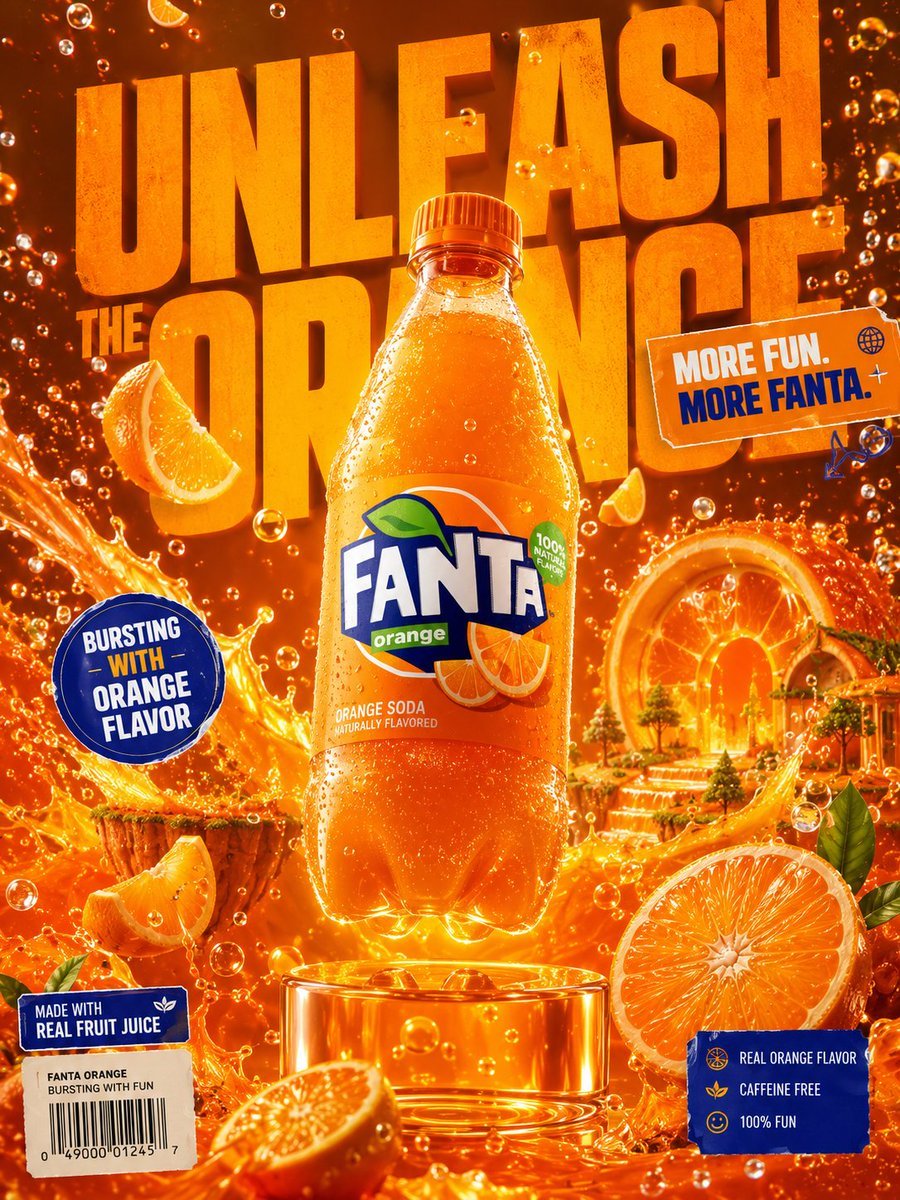
Premium Beverage Advertising Poster
Make it yours
Anime Rock Band Beverage Collab Poster works as-is. These are the safest ways to change it without losing the look.
Swap the setting
Keep the rest of the prompt and replace the location block. The current setting is “explosive concert stage lighting with fire effects and a silhouette of a cheerin”.
Change one field
Copy a single group, rewrite it, and generate again so you can see what that field is doing.
Keep the frame, change the subject
Hold the composition and light of Anime Rock Band Beverage Collab Poster, then swap wardrobe, props or the person for a new take.
| If the result… | Why | Fix |
|---|---|---|
| The result drifts from the preview | Too many fields changed at once. | Reuse Anime Rock Band Beverage Collab Poster as-is first, then change one group — subject, light, or setting. |
| GPT Image 2 ignores part of the JSON | Some models flatten or skip nested keys. | Keep the same values and paste them as a short paragraph instead. |
More GPT Image 2 templates
Other prompts made for GPT Image 2.

Six VTuber Japanese Logo Sheet

Realistic Portrait of Woman and Deer

The Vista Modular Condo Poster

AI Model Routing Comparison Infographic

2.5D Anime Art Board

Isometric Productivity Desk Scene

New York Double Exposure Poster

Four-Panel AI Landscape Comparison

Japanese Tatami Lifestyle Magazine Cover

NESCAFÉ Coffee Map Poster
More image prompts
Fresh picks from across the catalog.
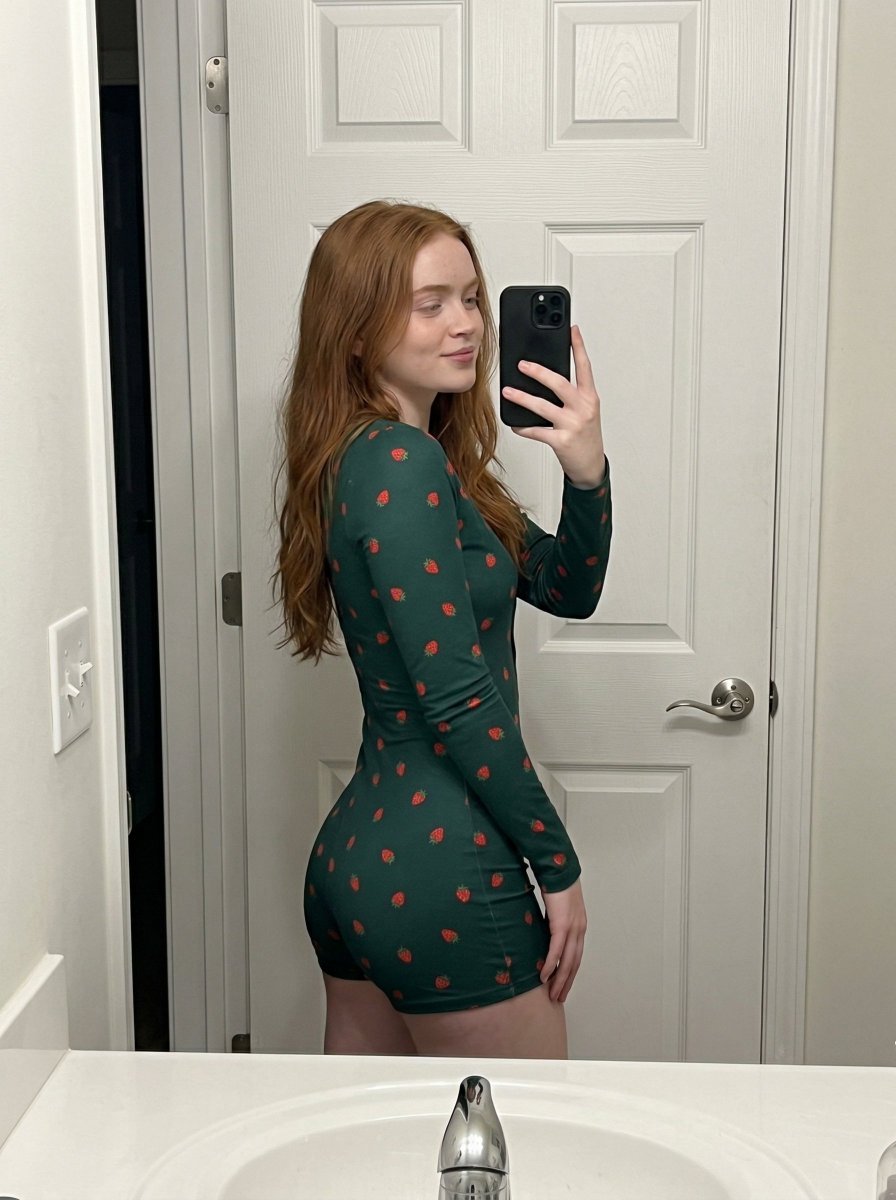
Strawberry Onesie Mirror Selfie with ControlNet
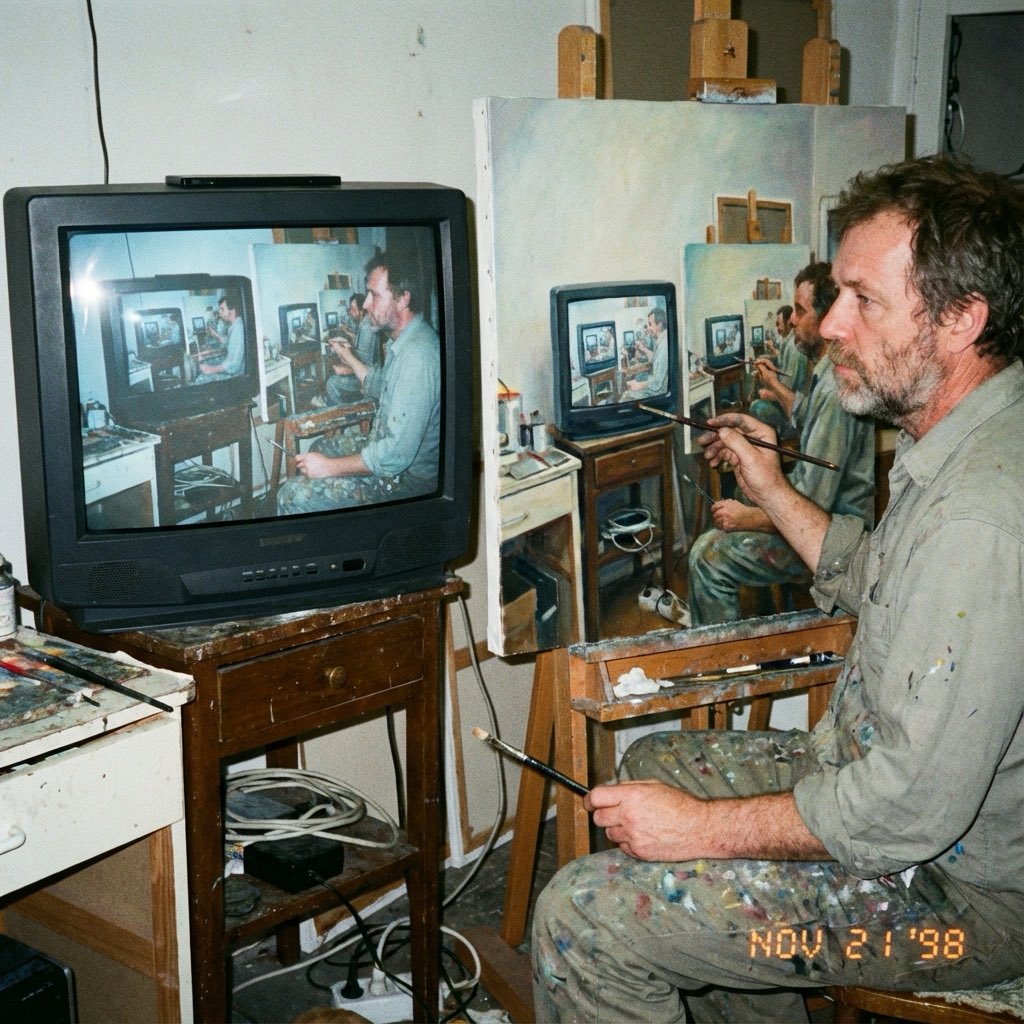
Recursive Painting Photograph Prompt
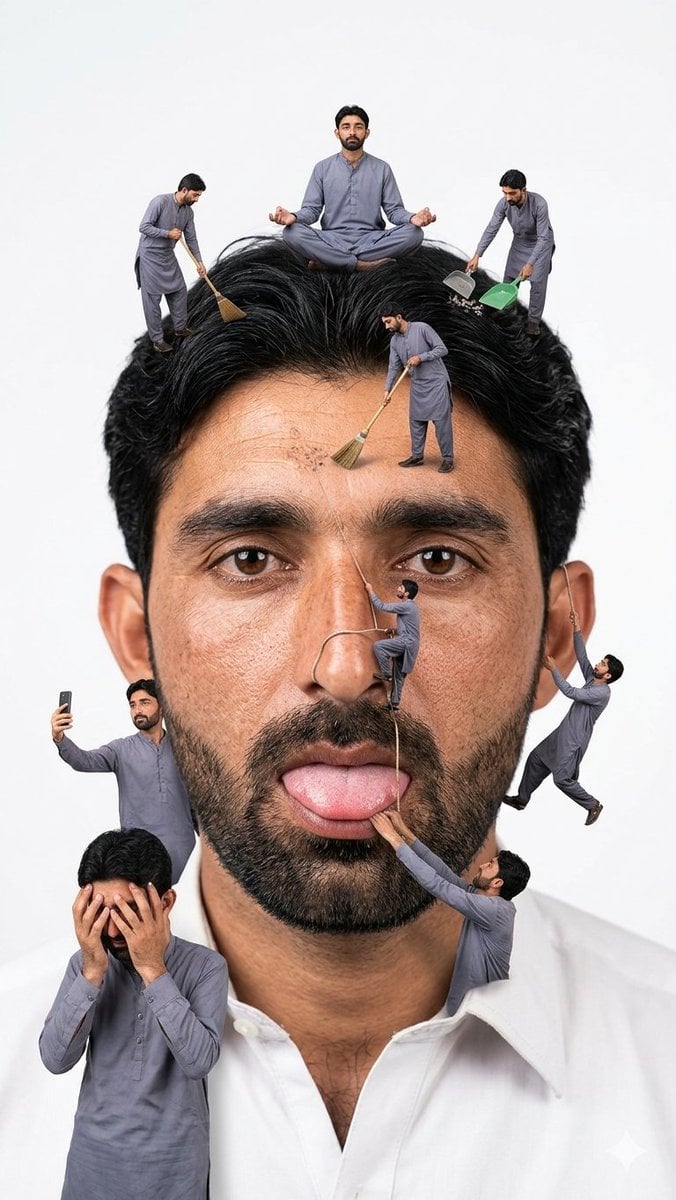
Surreal Miniature People Concept Portrait
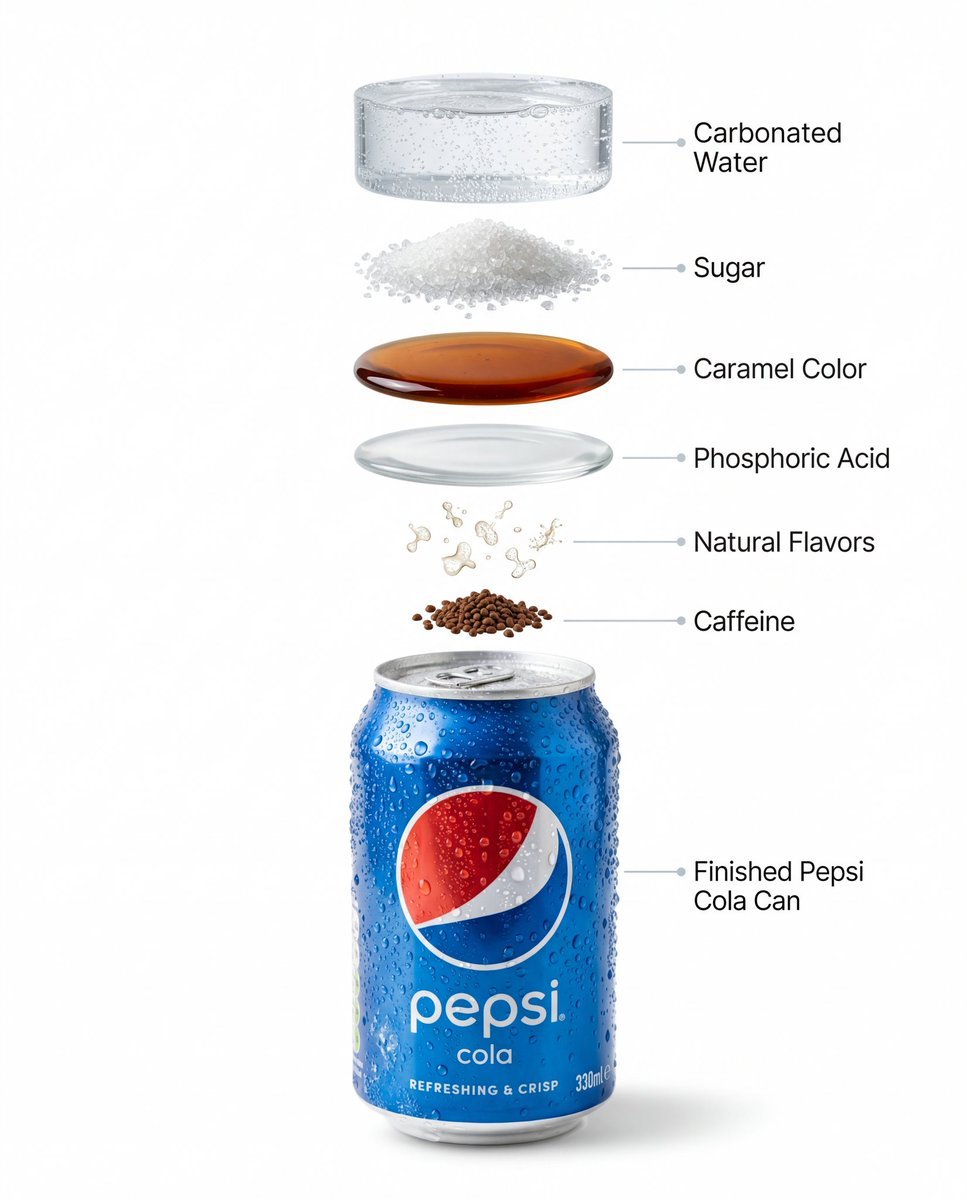
Hyper-Realistic Product Photography and Infographic Prompts for Pepsi
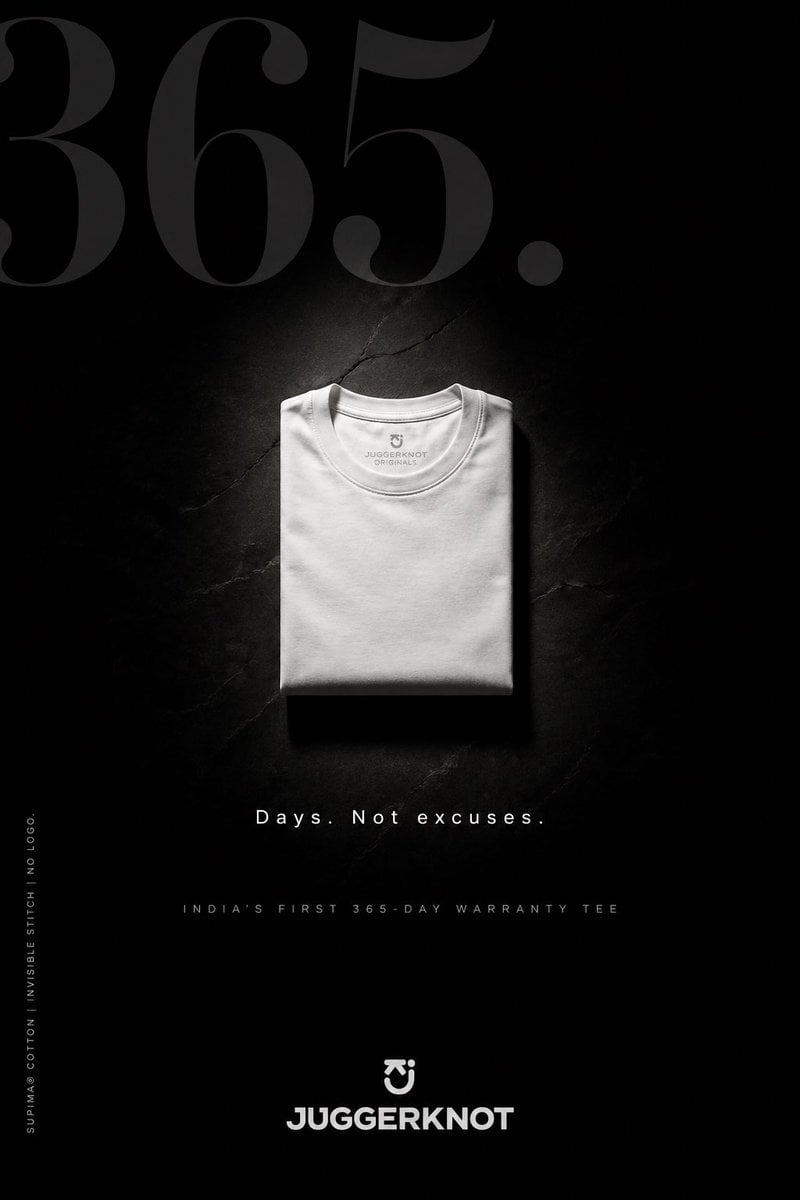
Minimal Luxury T-Shirt Ad Poster
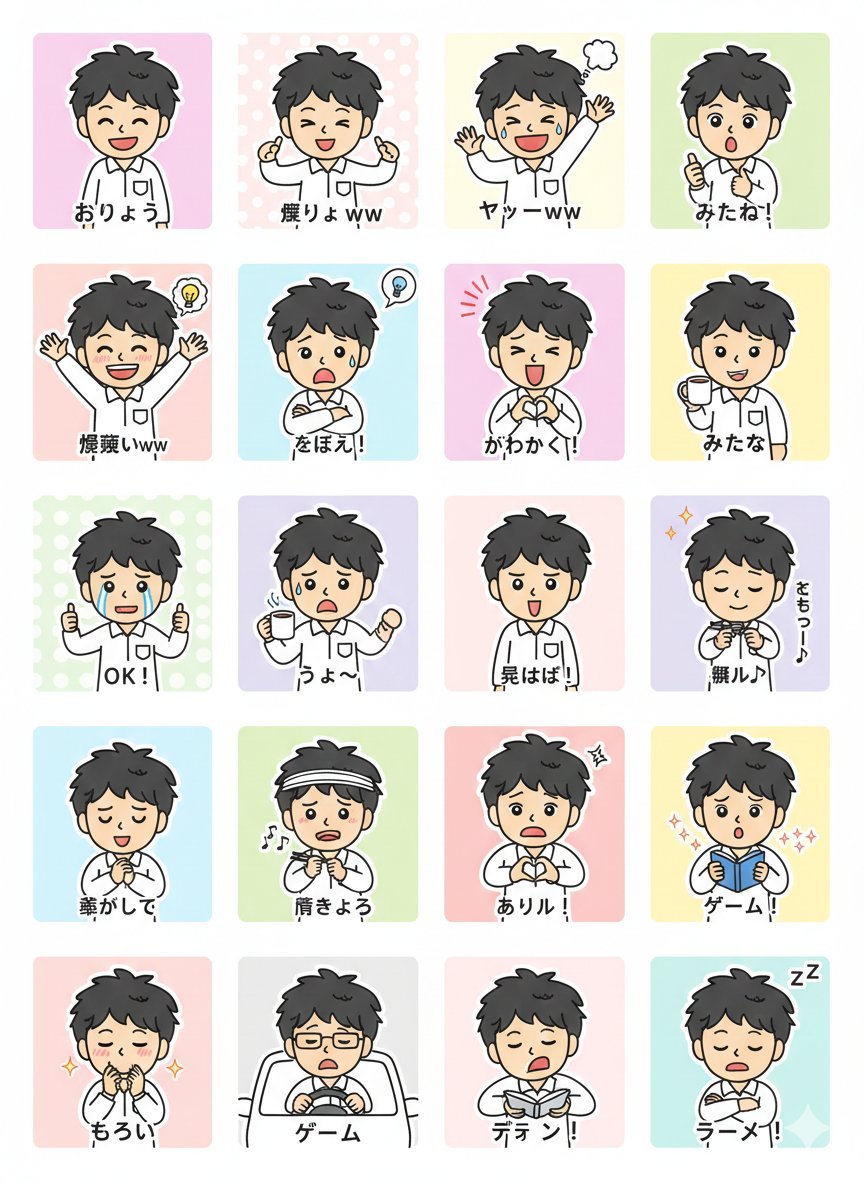
LINE Sticker Generation Prompt
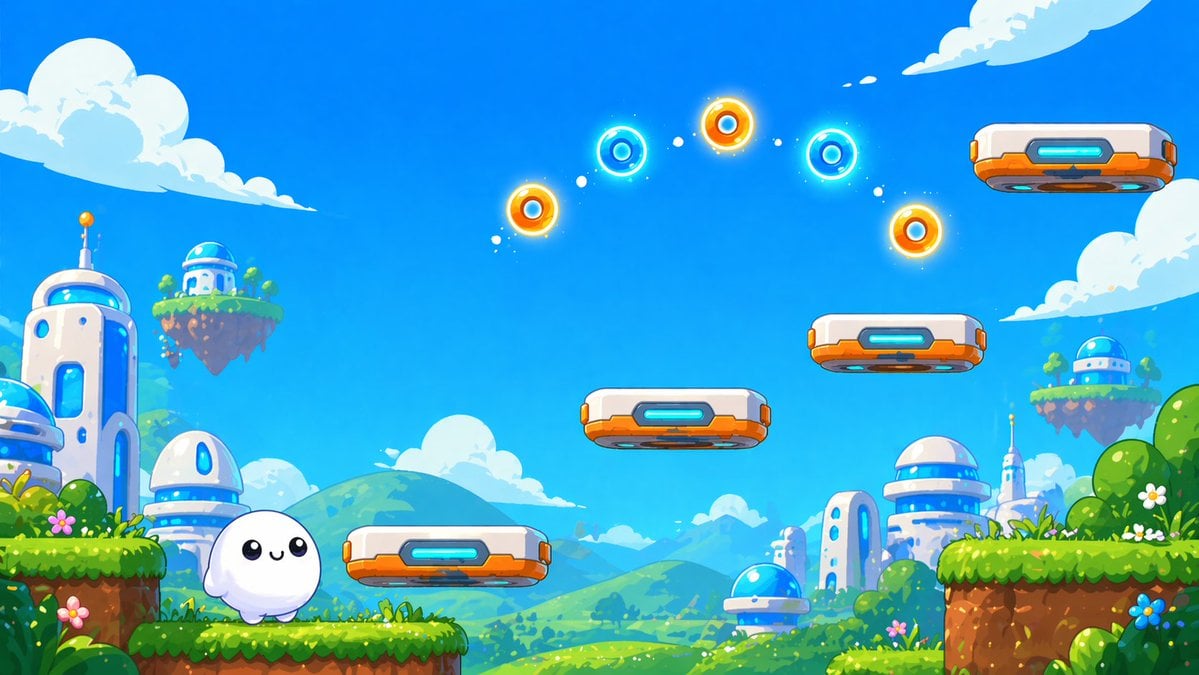
Cute Futuristic Platformer Scene
Old Money & Gangster Style Animal Squads
Rainy Road Cinematic Collage
Replace women with specific celebrities
Browse template categories
Anime Rock Band Beverage Collab Poster questions
How do I use the Anime Rock Band Beverage Collab Poster template?
Add your photo if the template asks for one, edit the prompt if you like — the template's model and format are already selected — and press Generate. Your version opens in PicX Studio.
Can I customize the Anime Rock Band Beverage Collab Poster template?
Yes. You can change the subject, setting, lighting, mood, format, and available model controls before creating your image.
Is the Anime Rock Band Beverage Collab Poster template free?
Opening and editing this template is free. Generating uses credits, shown on the Generate button when you are signed in.
Which AI model should I use?
Start with GPT Image 2, which is the model associated with this template. You can compare another compatible model for a different finish.
Looking for something else? Browse all templates.

Your photo, any look
Thousands of ready templates for every top image and video model, from one credit balance.