
Anime Fantasy Rock Band Fusion
A detailed prompt designed to merge multiple uploaded character illustrations into a single, cohesive anime-style rock band visual, ensuring character consistency and stylistic unity across all members.

- Prompt included
- Model and format preset
- Premium template
The prompt behind this image
Copy the exact prompt behind Anime Fantasy Rock Band Fusion, or open it in the studio and make it yours.
Analyze all uploaded illustration images and create an ultra high-quality original hard rock / fantasy anime band visual that fuses the characters’ traits, atmosphere, colors, personalities, fashion, emotional tone, and worldbuilding into one unified universe. Important: • Every uploaded character must appear. No missing members. • Do not let any character appear in a different art style. • All members must look like they belong to the same anime production and same world. • Preserve each character’s face, eyes, hairstyle, hair color, expression, proportions, age, body type, species traits, and personality. • Do not paste the original images directly. Fully redraw them while preserving their original identity and art style. • Reflect natural height differences and individuality. • Every member must have strong protagonist-level presence. • Keep the emotional atmosphere cinematic and cohesive. Band roles should be assigned automatically depending on member count: vocalist, lead guitar, bass, drums, keyboard, violin, DJ, mage support, etc. Reconstruct stage outfits by fusing elements from the uploaded illustrations: fantasy mage robes, gothic lolita, shrine maiden motifs, cyberpunk armor, military belts, idol fashion, royal fantasy fabrics, glowing ornaments, magical accessories, asymmetric jackets, belts, chains, layered skirts, armored boots, luminous jewelry, and original fantasy-rock styling. The instruments must be completely original custom designs naturally born from the uploaded illustrations’ worlds: • magical crystal guitars • rune-covered basses • floating keyboards • arcane violins • mechanical drums • glowing staffs converted into microphones • fantasy amplifiers powered by magic or futuristic energy The concert stage itself must also originate from the uploaded artwork universe. Avoid generic live stages. Fantasy themes may inspire: • giant glowing trees • floating ruins • cathedral architecture • magical circles • moonlit forests • crystal chandeliers • ancient runes • snow particles • divine light rays Cyberpunk themes may inspire: • holographic screens • neon lighting • giant LED walls • futuristic machinery • floating drones • illuminated cables Cute pastel worlds may inspire: • dreamy lighting • floating ribbons • sparkling stars • candy-colored effects • magical particle trails The lighting must feel like a real live concert: dramatic spotlights, rim lighting, volumetric fog, stage reflections, cinematic shadows, glowing effects, crowd glow sticks, dynamic atmosphere. Camera style: anime movie key visual, ultra detailed, cinematic composition, dynamic angles, masterpiece quality, premium fantasy rock album cover, highly polished rendering, emotional storytelling, unified color grading. The final image must feel like: “a legendary anime fantasy band born directly from the uploaded illustrations’ universe.”
How to use Anime Fantasy Rock Band Fusion in 3 steps
- 1Upload ImagePNG, JPG or paste
Add your photo
Upload the photo the template builds on. The prompt, model and format are already set.
- 2…a portrait of your subject in softgolden-hour light, 85mm…
Personalize
Edit the subject and creative details for your destination.
- 3Generate
Generate
Press Generate — your image is created in PicX Studio, so you can compare it with the original and refine one variable at a time.
More like this
Templates with the same subject, style or setup. Open one to see its prompt.
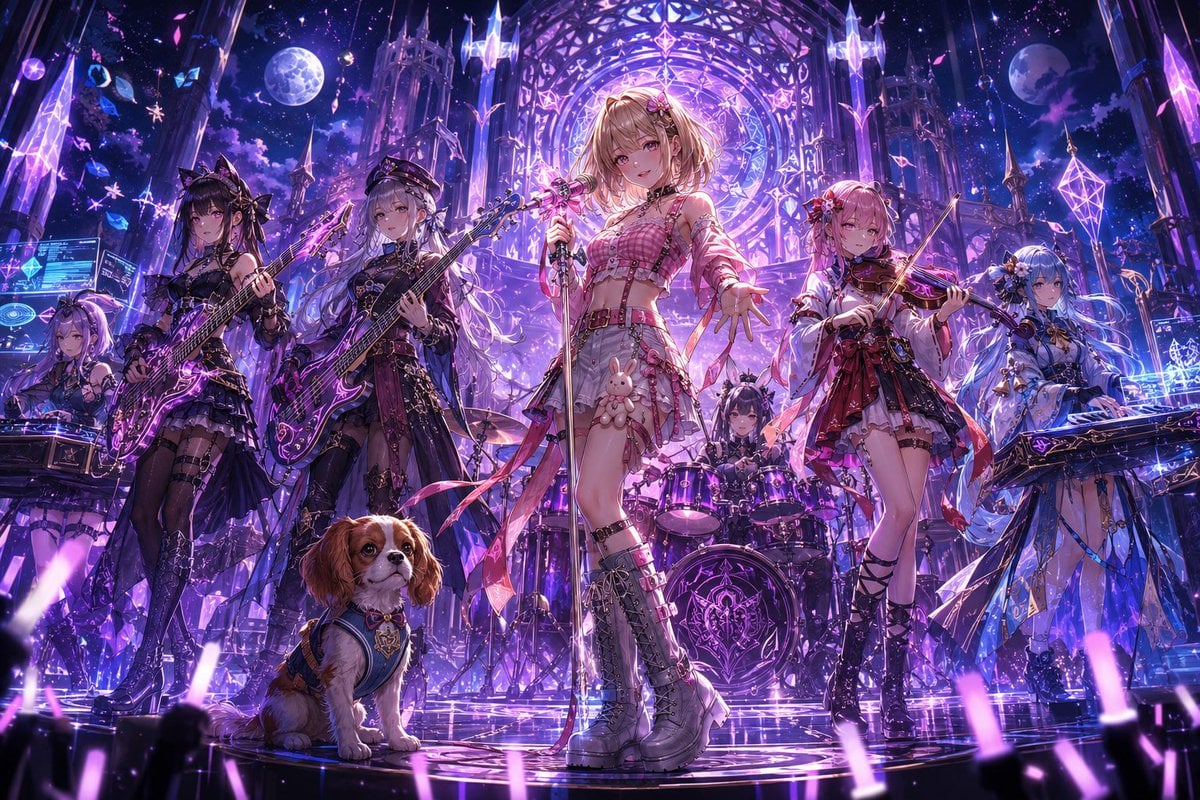
Fantasy Anime Rock Band Concert
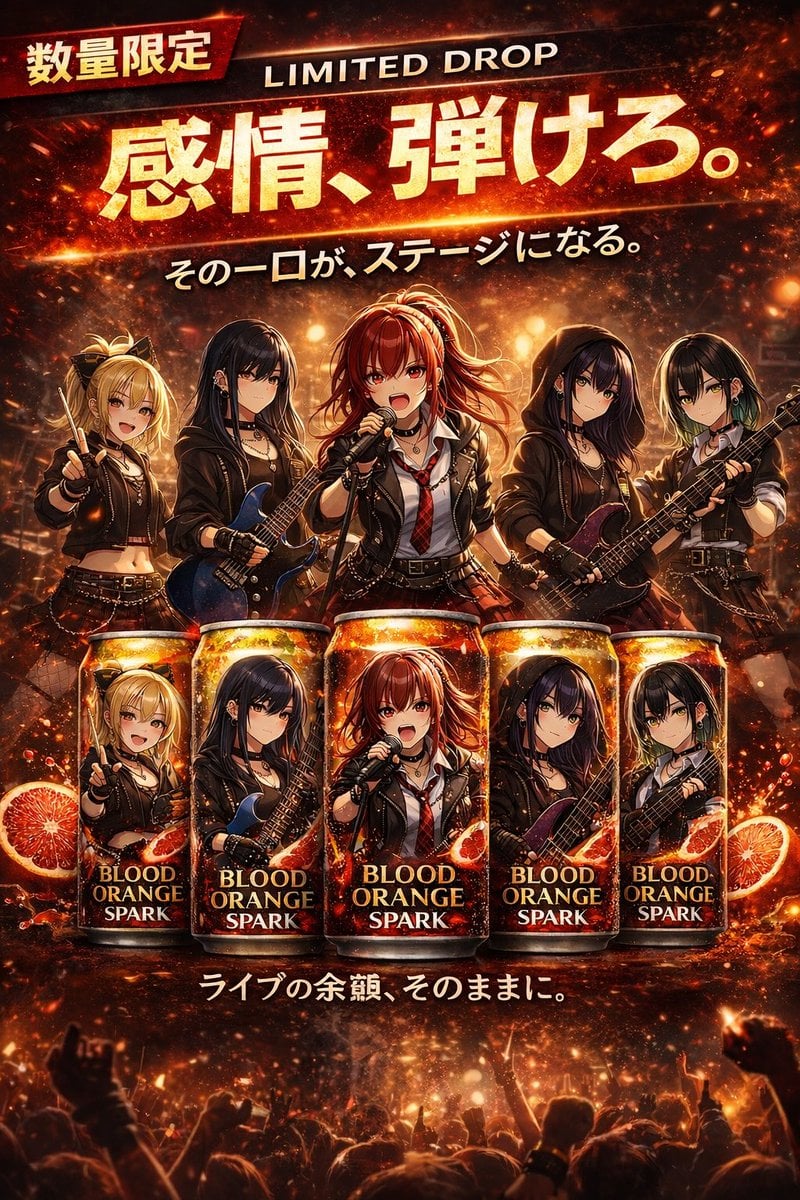
Anime Rock Band Beverage Collab Poster
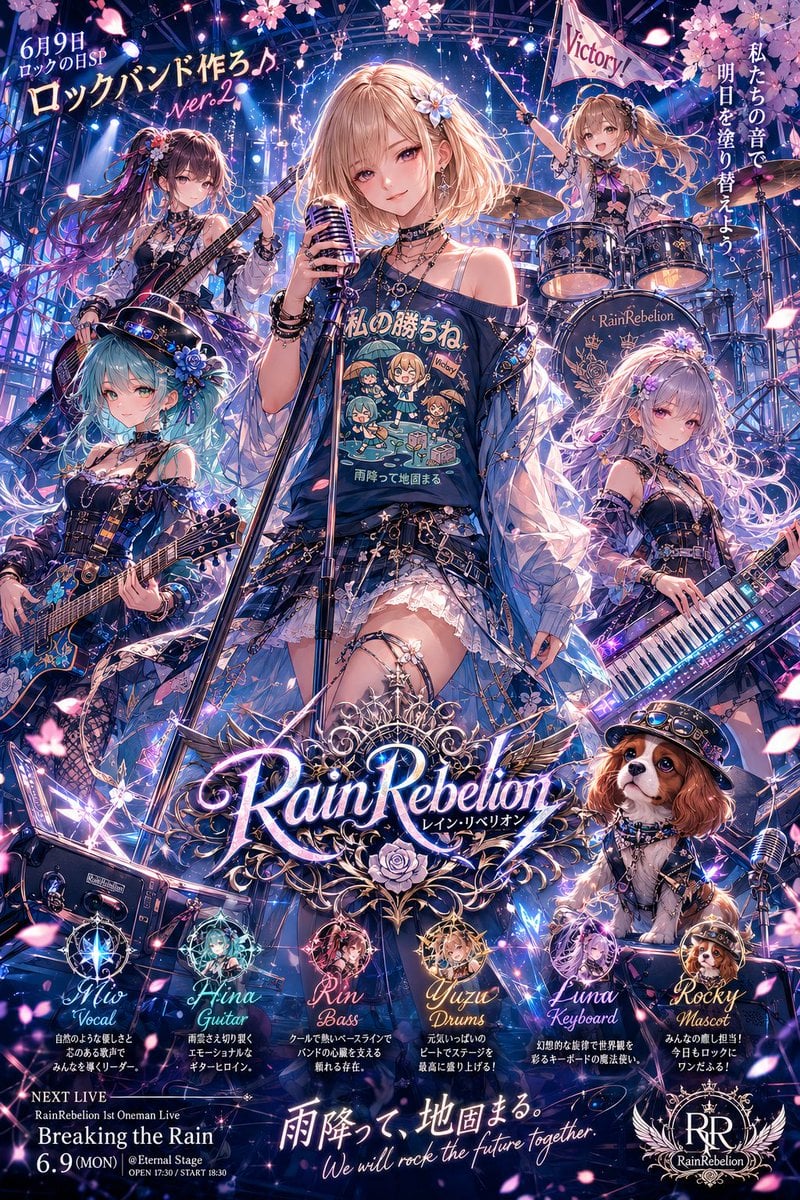
Anime Rock Band Concert Poster
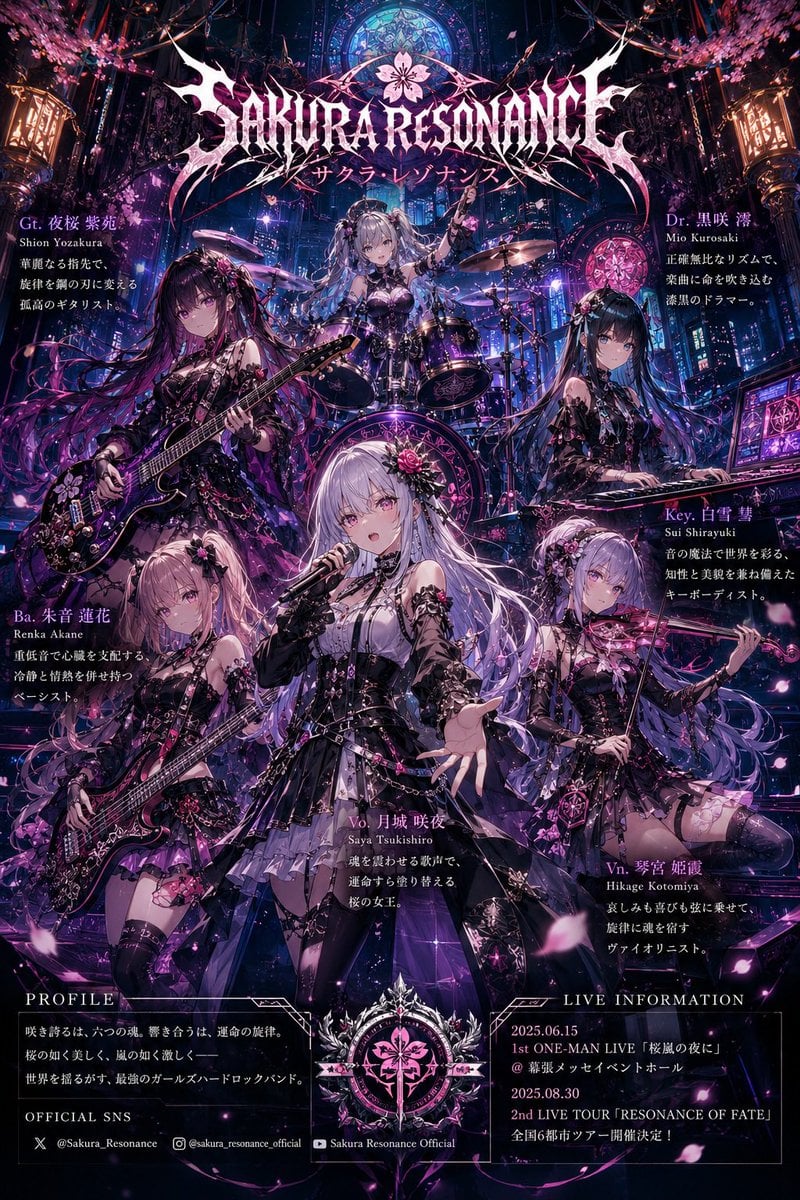
Anime Hard Rock Band Poster
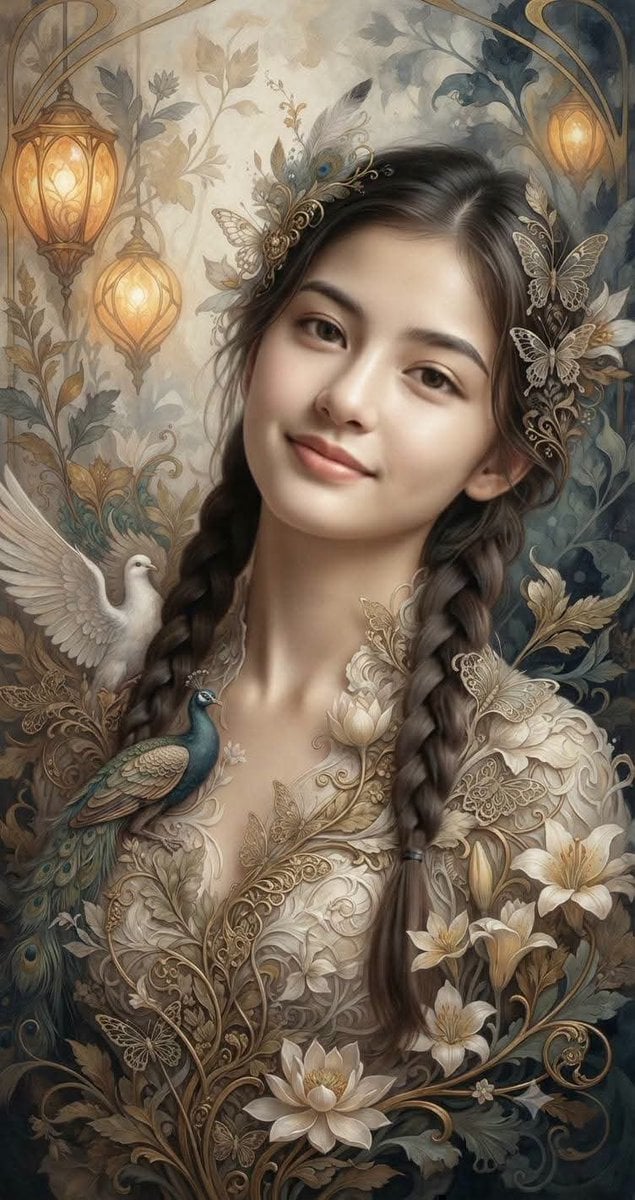
Fantasy Realism and Art Nouveau Fusion
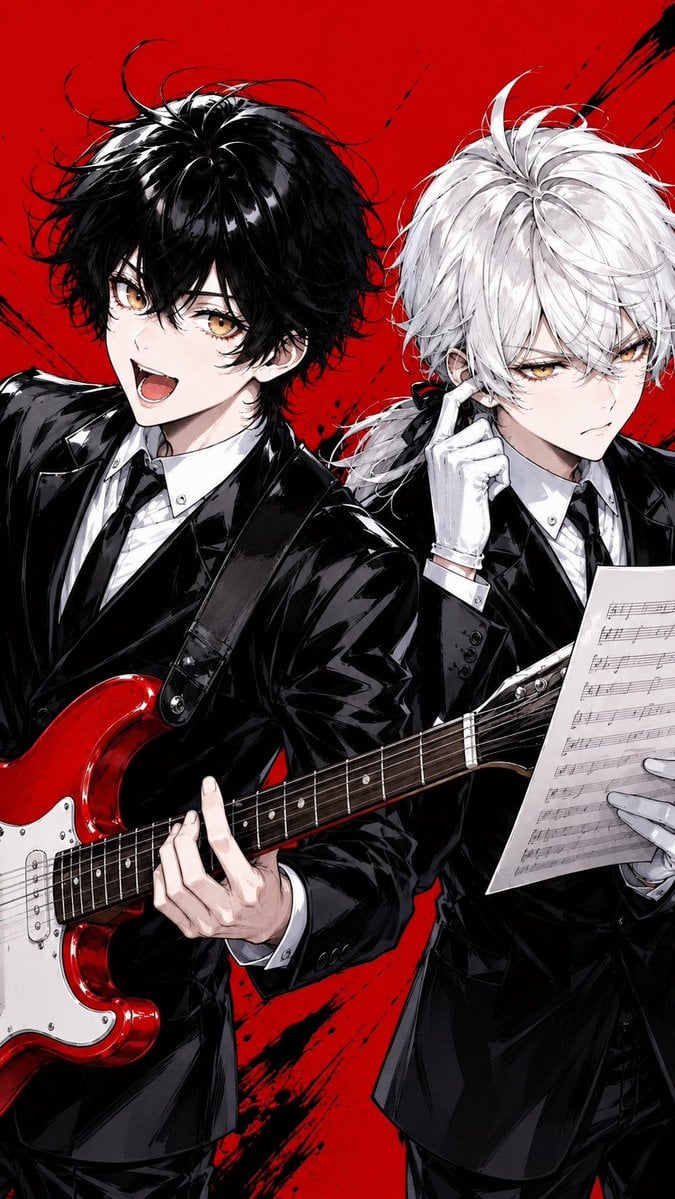
Anime Rock Duo with Guitar and Sheet Music
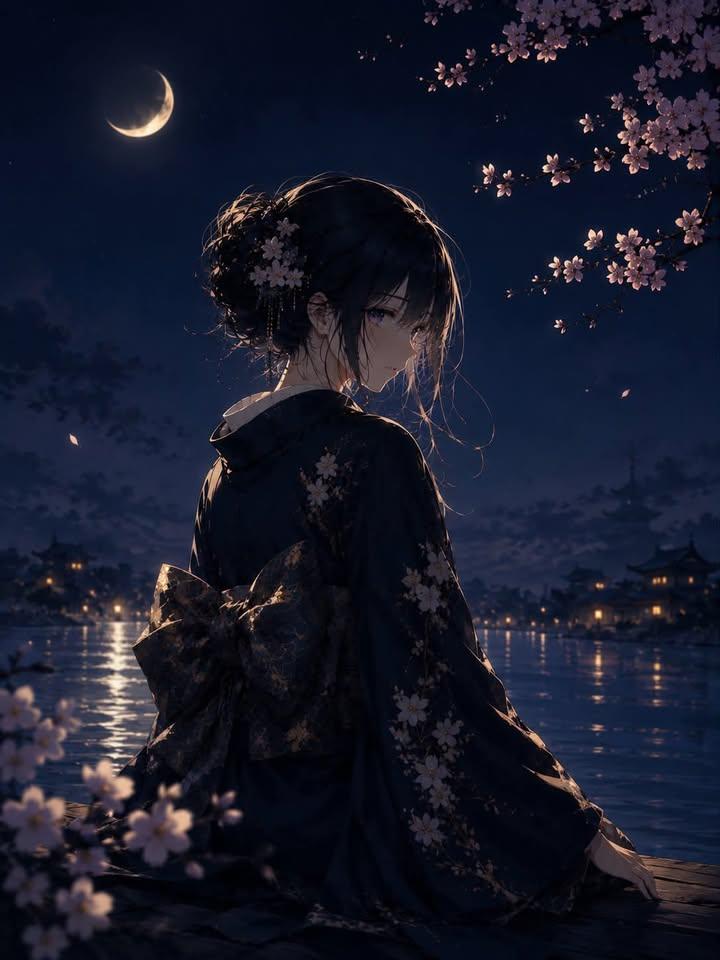
Luxury Japanese Fantasy Anime Kimono

Cel 2D Finale Fireworks

Cel 2D Garden Maze

Cel 2D Rooftop Concert

Cel 2D Bicycle Coast

Cel 2D Castle Gate
Make it yours
Anime Fantasy Rock Band Fusion works as-is. These are the safest ways to change it without losing the look.
Change one field
Copy a single group, rewrite it, and generate again so you can see what that field is doing.
Keep the frame, change the subject
Hold the composition and light of Anime Fantasy Rock Band Fusion, then swap wardrobe, props or the person for a new take.
| If the result… | Why | Fix |
|---|---|---|
| The result drifts from the preview | Too many fields changed at once. | Reuse Anime Fantasy Rock Band Fusion as-is first, then change one group — subject, light, or setting. |
| The model over-stylizes the scene | The prose prompt leaves finish and camera underspecified. | Add one camera or lighting sentence and stay on GPT Image 2. |
More GPT Image 2 templates
Other prompts made for GPT Image 2.

Six VTuber Japanese Logo Sheet

Realistic Portrait of Woman and Deer

The Vista Modular Condo Poster

AI Model Routing Comparison Infographic

2.5D Anime Art Board

Isometric Productivity Desk Scene

New York Double Exposure Poster

Four-Panel AI Landscape Comparison

Japanese Tatami Lifestyle Magazine Cover

NESCAFÉ Coffee Map Poster
More image prompts
Fresh picks from across the catalog.
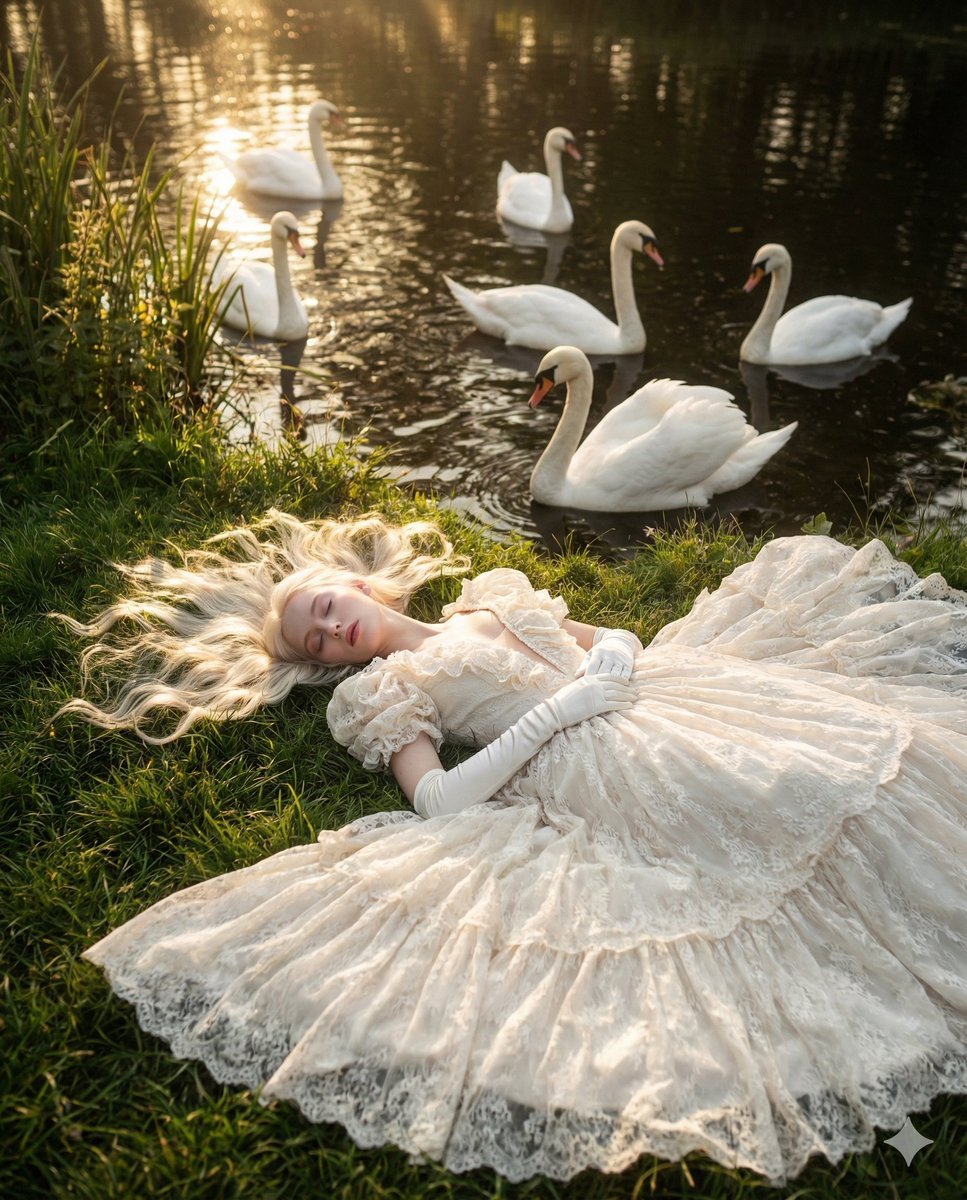
Ethereal Fantasy Portrait with Swans and Golden Hour Light
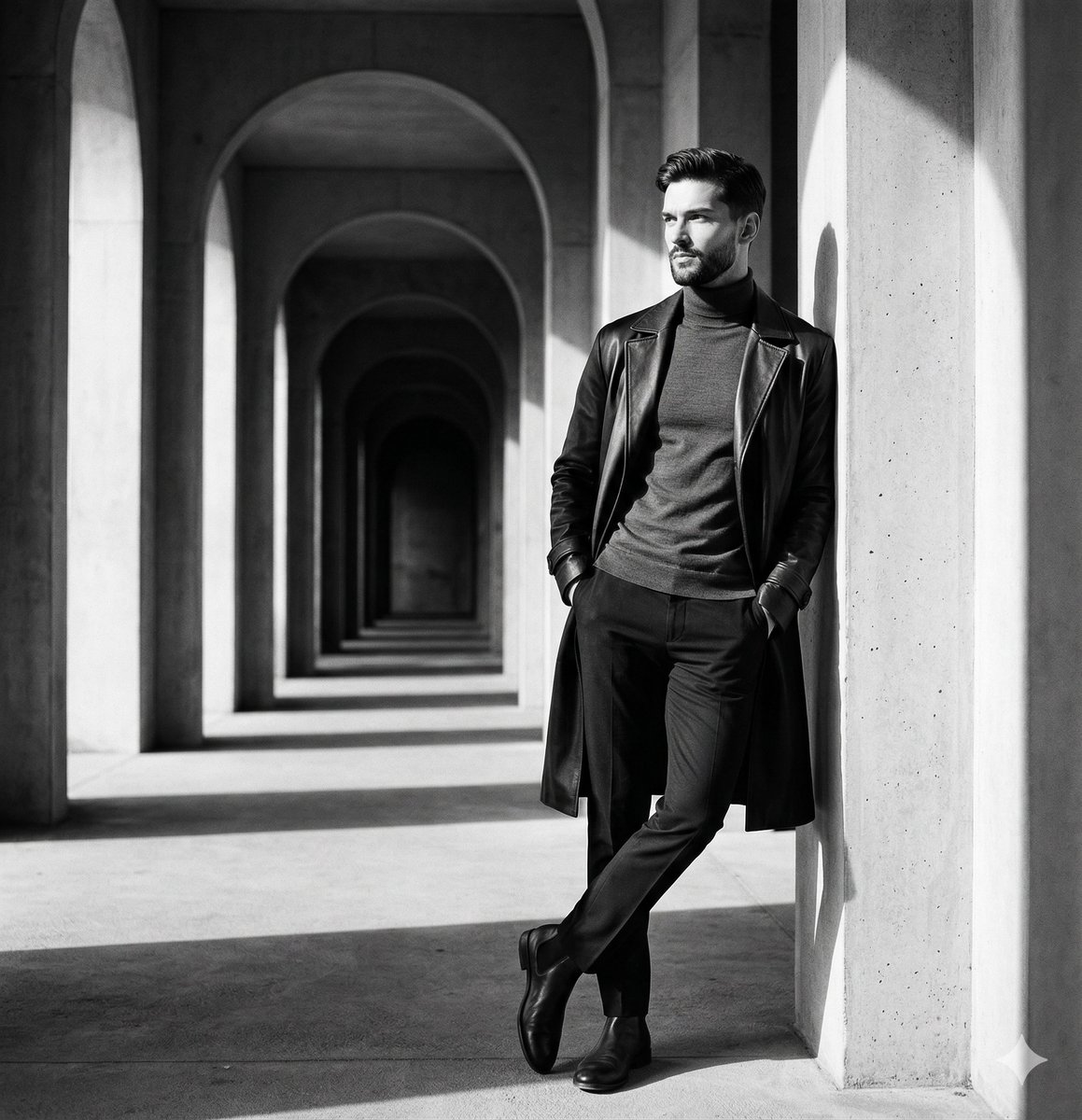
Monochromatic Editorial Portrait Prompt for Gemini Nano Banana 2
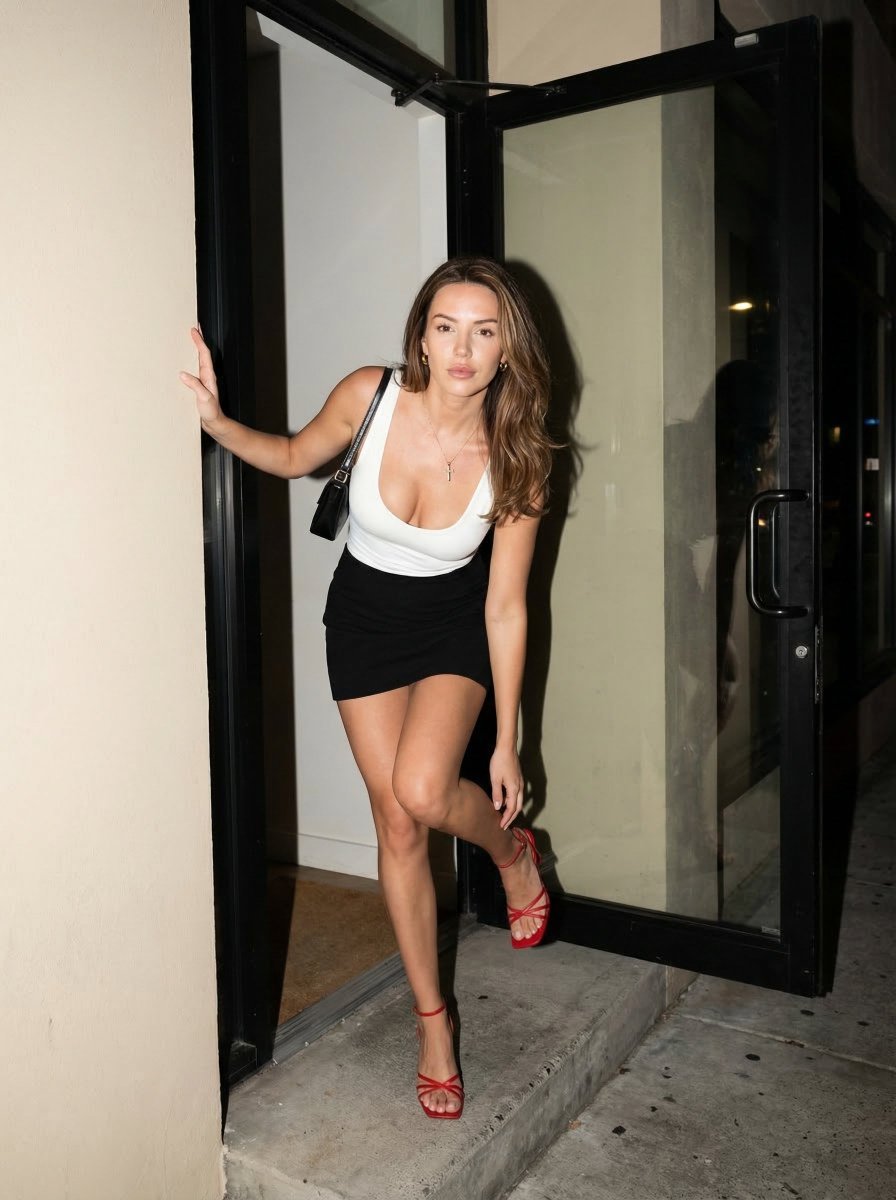
Nighttime Street Fashion Flash Portrait
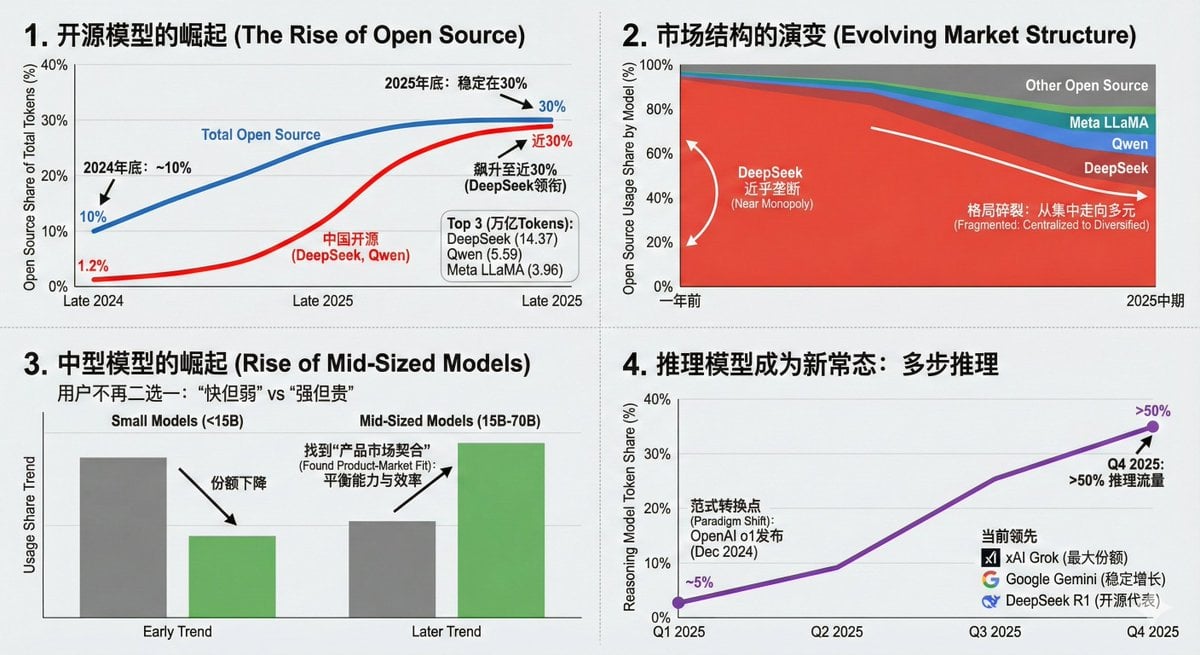
Data Visualization Based on Storytelling with Data Principles
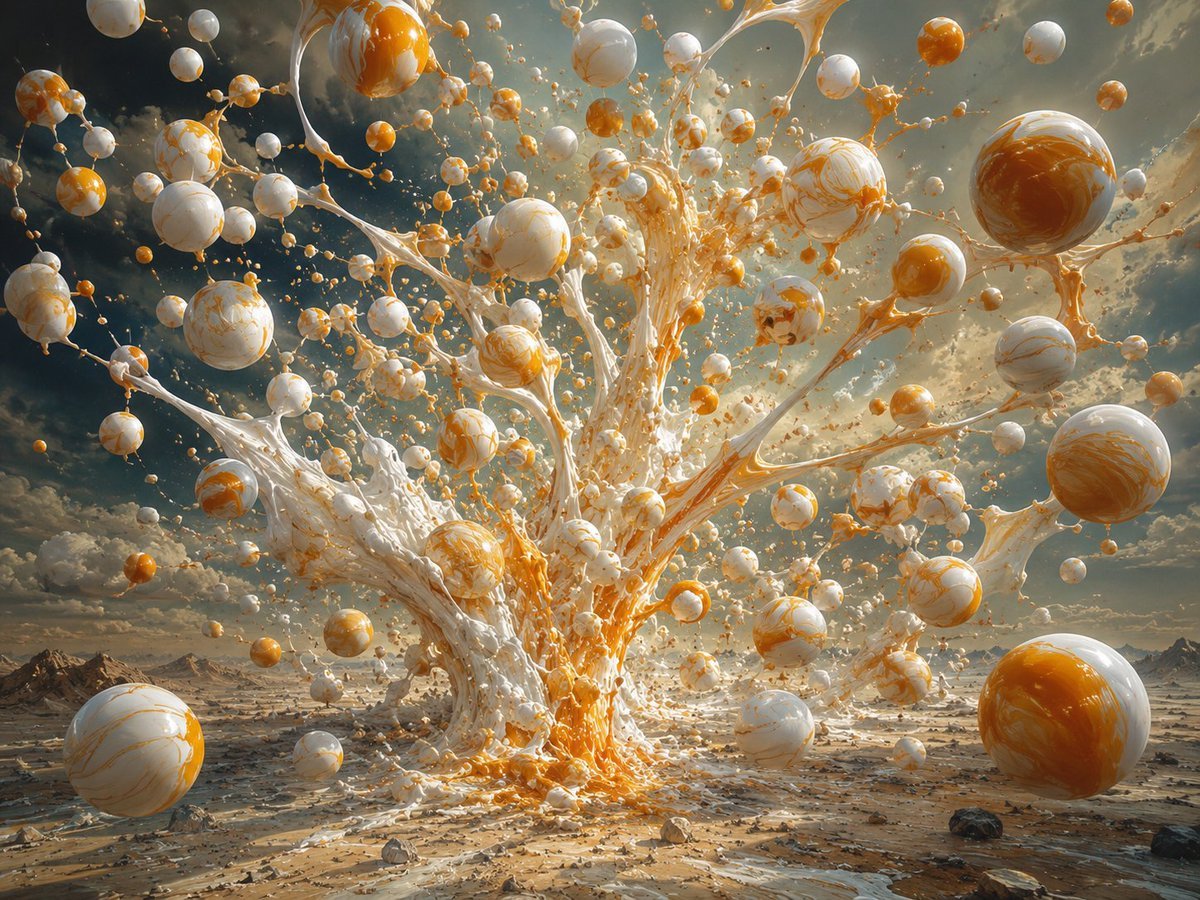
Surreal Orange White Liquid Explosion
Soft Pink Home Selfie Lifestyle Prompt
Noisy Distortion Filter for Mixed Media Effect
Maximalist Sky Temple City
Photorealistic Crystal Logo Generation
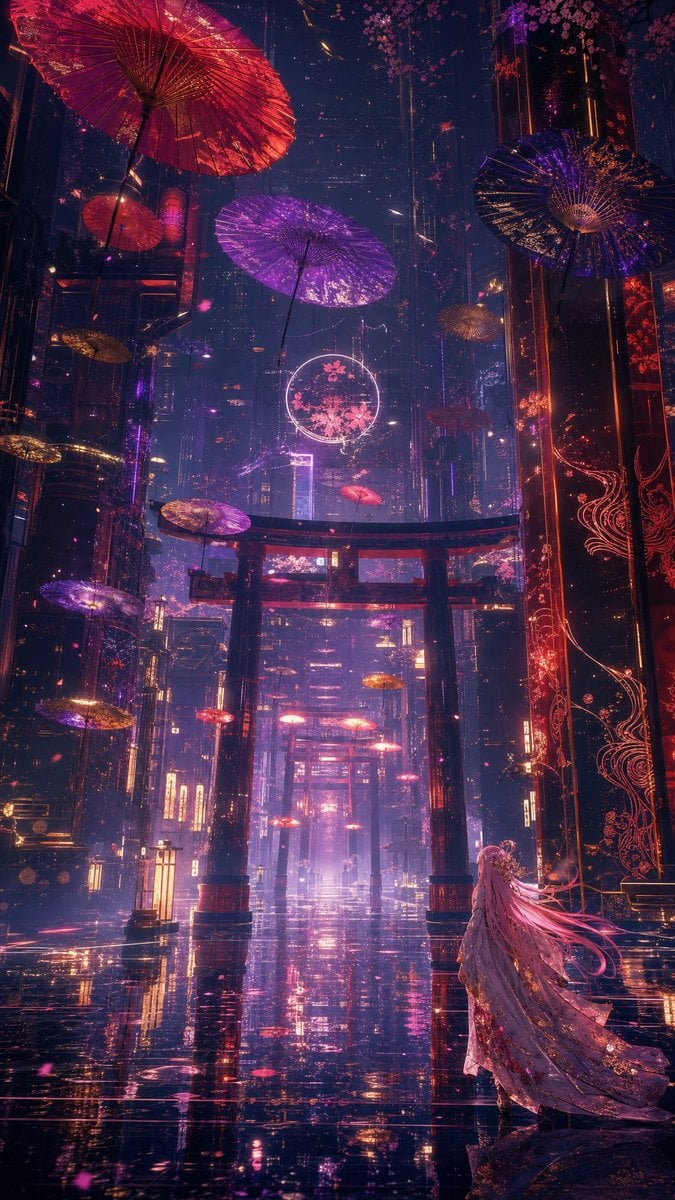
Neon Kyoto Rain Alley
Browse template categories
Anime Fantasy Rock Band Fusion questions
How do I use the Anime Fantasy Rock Band Fusion template?
Add your photo if the template asks for one, edit the prompt if you like — the template's model and format are already selected — and press Generate. Your version opens in PicX Studio.
Can I customize the Anime Fantasy Rock Band Fusion template?
Yes. You can change the subject, setting, lighting, mood, format, and available model controls before creating your image.
Is the Anime Fantasy Rock Band Fusion template free?
Opening and editing this template is free. Generating uses credits, shown on the Generate button when you are signed in.
Which AI model should I use?
Start with GPT Image 2, which is the model associated with this template. You can compare another compatible model for a different finish.
Looking for something else? Browse all templates.

Your photo, any look
Thousands of ready templates for every top image and video model, from one credit balance.