
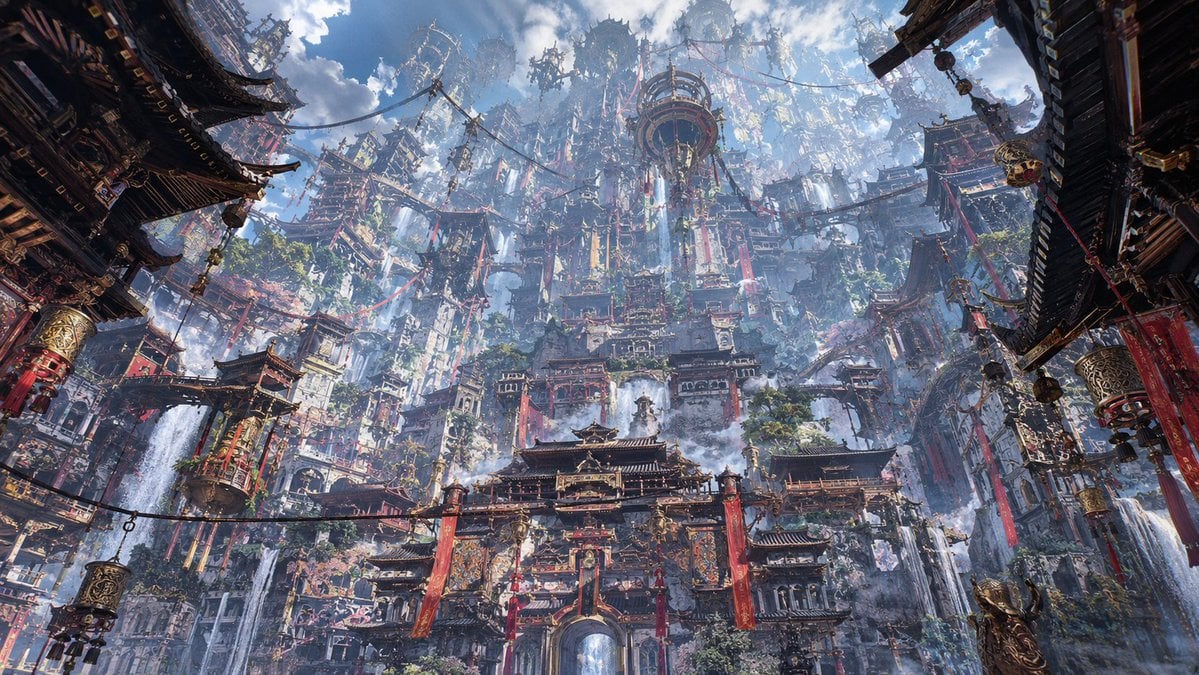
Maximalist Sky Temple City
Generates an epic hyper-detailed fantasy cityscape of stacked East Asian temples rising into the clouds, ideal for cinematic worldbuilding and concept art.
- Prompt included
- Model and format preset
- Free template
The prompt behind this image
Copy the exact prompt behind Maximalist Sky Temple City, or open it in the studio and make it yours.
Create an ultra-detailed maximalist fantasy cityscape in a monumental East Asian architectural style, viewed from a low wide-angle perspective looking upward through a deep canyon of stacked temples and cliffside structures. The scene centers on a vast ornate palace gate and tiered temple complex with dark curved roofs, gilded carved trim, red pillars, hanging crimson banners, lanterns, prayer flags, rope bridges, suspended balconies, and countless tiny architectural details. Behind it rises an impossible vertical megastructure of densely layered pagodas, towers, terraces, sky bridges, circular observatory-like platforms, and scaffolded shrines climbing into misty clouds, as if an ancient sacred city has grown into a colossal mountain metropolis. Add {argument name="architectural culture" default="Tibetan, Chinese, and Himalayan temple influences"}, {argument name="primary accent color" default="deep crimson red"}, abundant gold ornamentation, weathered dark wood, stone walls, carved metalwork, and lush patches of greenery clinging to ledges. Include multiple thin waterfalls streaming down the left and right cliff faces, drifting mist, shafts of sunlight breaking through dramatic blue sky and cumulus clouds, atmospheric haze for immense scale, tiny figures and walkways for depth, and dense foreground framing from shadowed roof eaves on both sides. Use {argument name="visual style" default="cinematic hyperreal fantasy concept art"}, extremely high detail, epic scale, sharp ornate textures, volumetric lighting, rich contrast, awe-inspiring vertical composition, 16:9 widescreen, no text, no modern vehicles, no sci-fi neon.
How to use Maximalist Sky Temple City in 3 steps
- 1Upload ImagePNG, JPG or paste
Add your photo
Upload the photo the template builds on. The prompt, model and format are already set.
- 2…a portrait of your subject in softgolden-hour light, 85mm…
Personalize
Edit the subject and creative details for your destination.
- 3Generate
Generate
Press Generate — your image is created in PicX Studio, so you can compare it with the original and refine one variable at a time.
More like this
Templates with the same subject, style or setup. Open one to see its prompt.

Cozy Knit Sweater Window Portrait

Minimalist Hand-Drawn Doodle Portrait
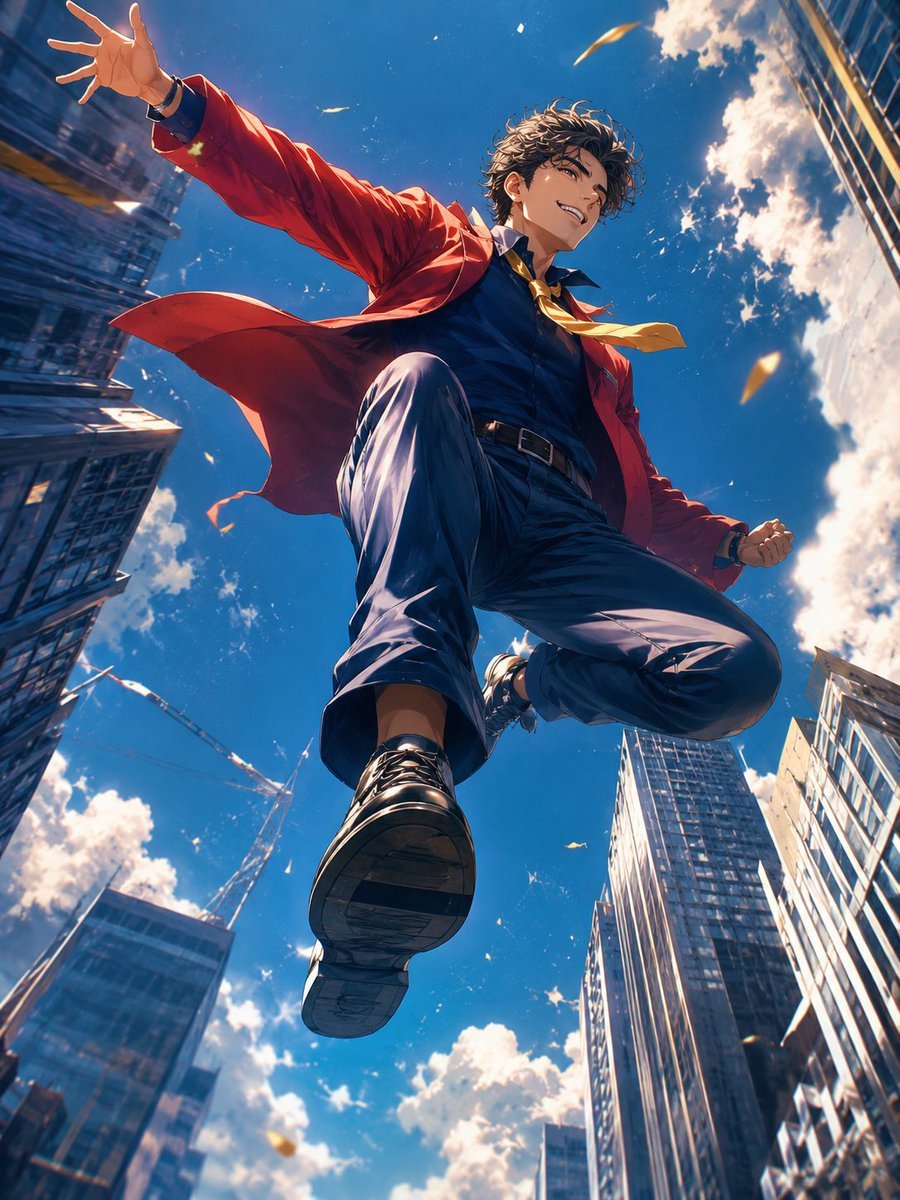
Anime Hero Leaping Through City Sky
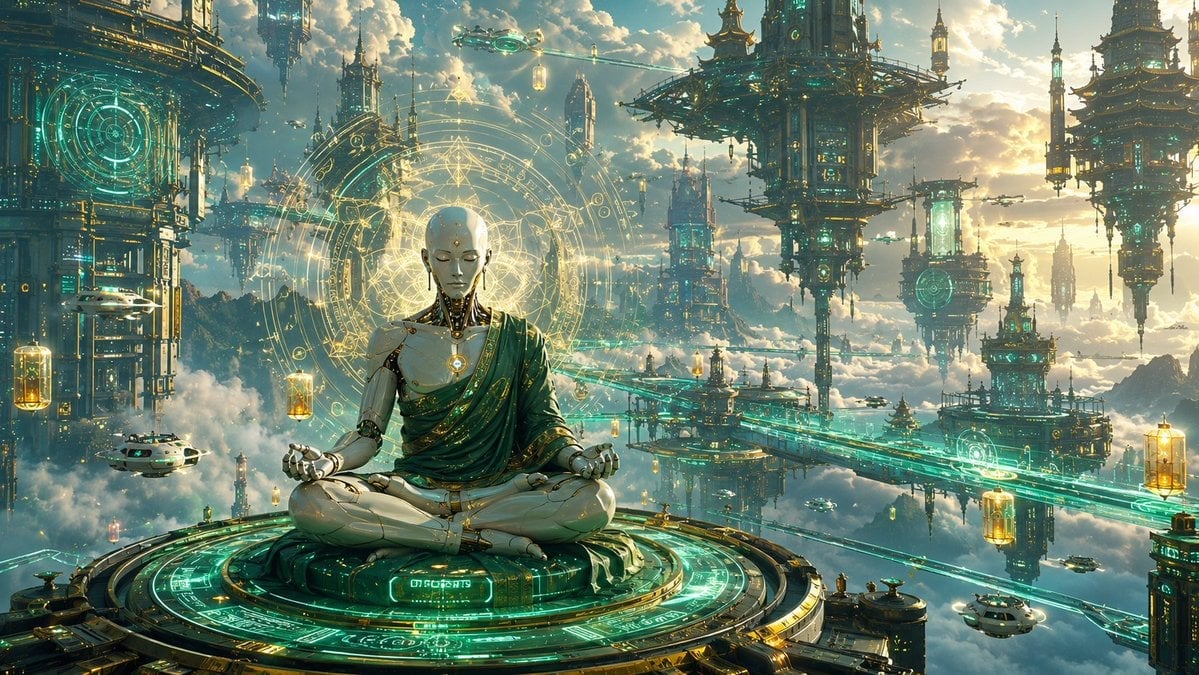
Cyberpunk Android Monk Sky City

Toon Cartoon Sky Temple
Paper Cut Sky Temple
Pixel Limited Sky Temple
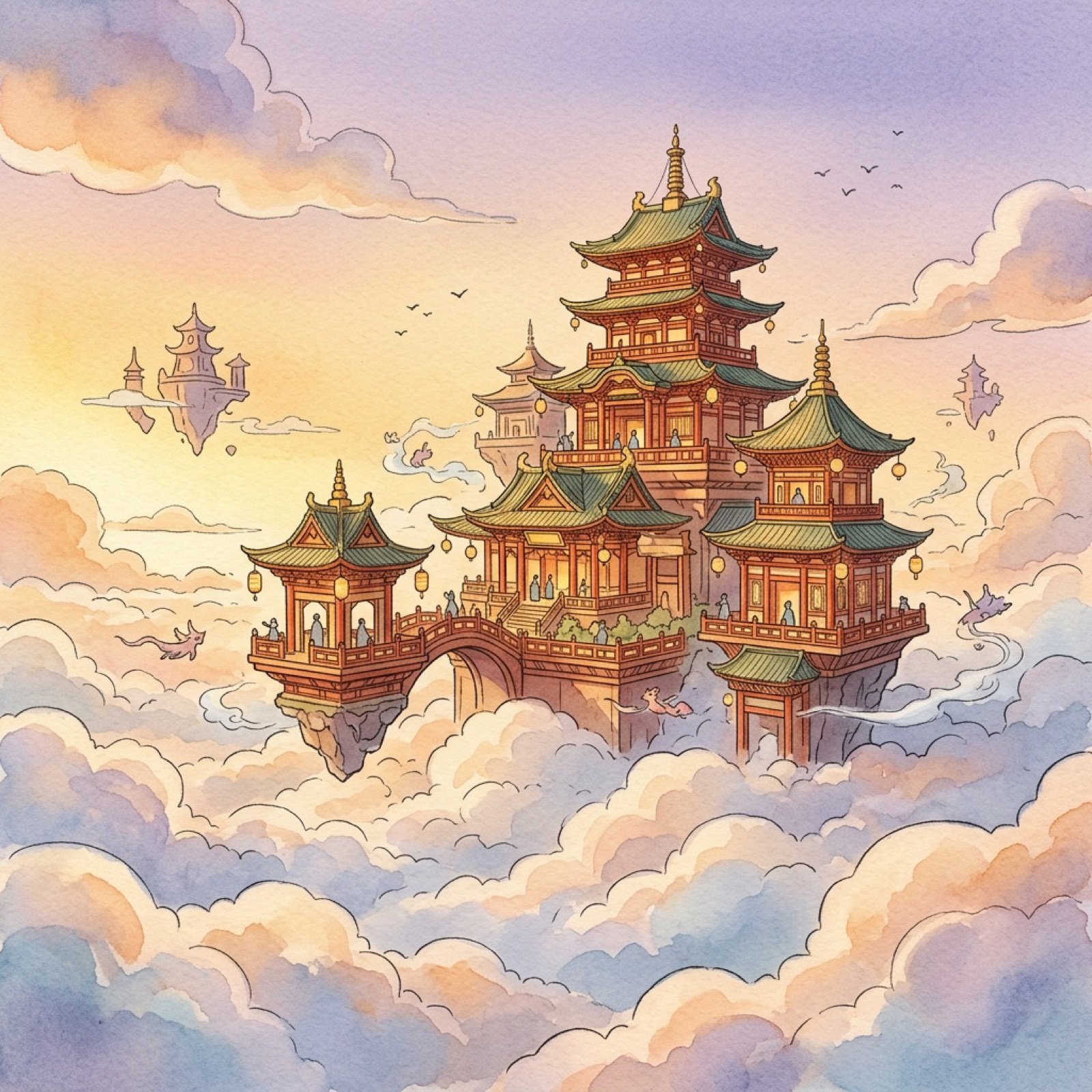
Watercolor Anim Sky Temple

Motion Graphics Sky Temple

Stop Motion Sky Temple

CGI 3D Sky Temple
Anime Sky City Fantasy
Make it yours
Maximalist Sky Temple City works as-is. These are the safest ways to change it without losing the look.
Change one field
Copy a single group, rewrite it, and generate again so you can see what that field is doing.
Keep the frame, change the subject
Hold the composition and light of Maximalist Sky Temple City, then swap wardrobe, props or the person for a new take.
| If the result… | Why | Fix |
|---|---|---|
| The result drifts from the preview | Too many fields changed at once. | Reuse Maximalist Sky Temple City as-is first, then change one group — subject, light, or setting. |
| The model over-stylizes the scene | The prose prompt leaves finish and camera underspecified. | Add one camera or lighting sentence and stay on GPT Image 2. |
More GPT Image 2 templates
Other prompts made for GPT Image 2.

Six VTuber Japanese Logo Sheet

Realistic Portrait of Woman and Deer

The Vista Modular Condo Poster

AI Model Routing Comparison Infographic

2.5D Anime Art Board

Isometric Productivity Desk Scene

New York Double Exposure Poster

Four-Panel AI Landscape Comparison

Japanese Tatami Lifestyle Magazine Cover

NESCAFÉ Coffee Map Poster
More image prompts
Fresh picks from across the catalog.
Fantasy Card Master Portrait
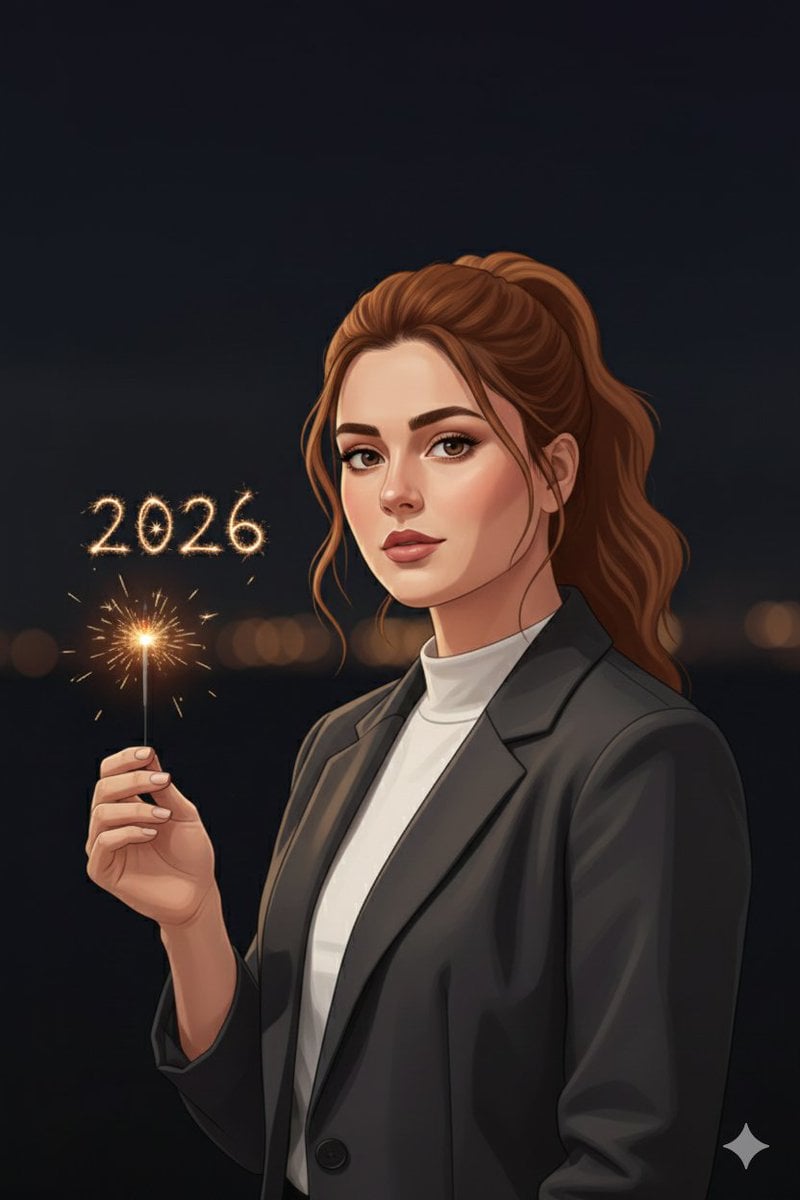
Minimal Cinematic New Year 2026 Portrait
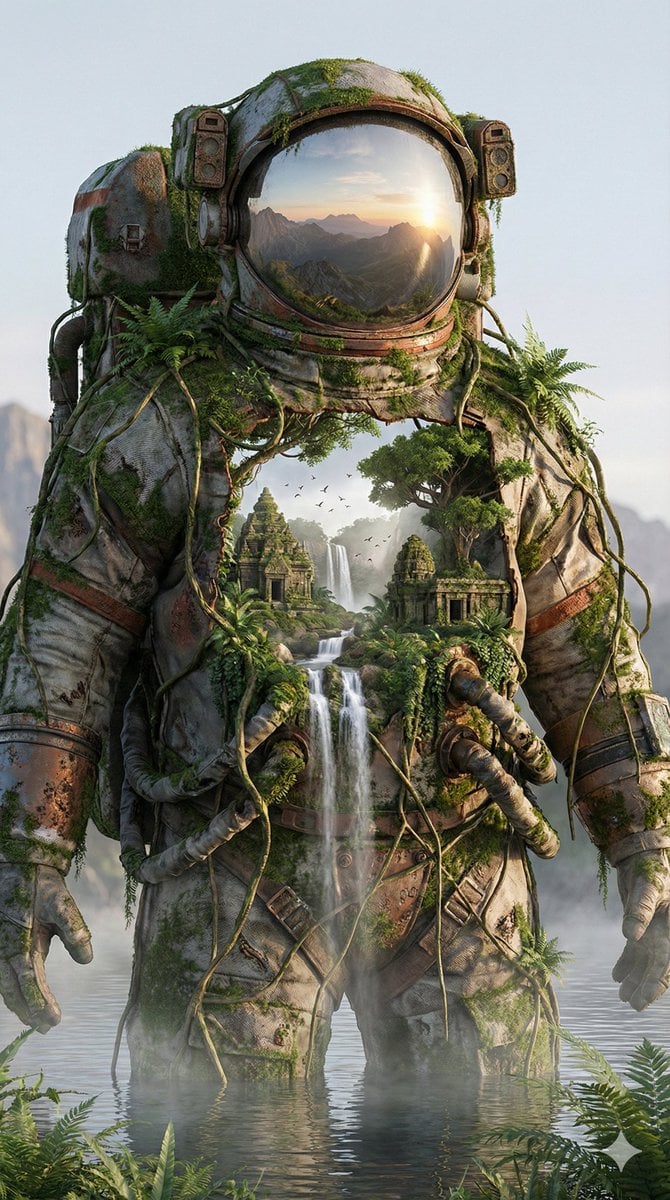
Surreal Nature-Meets-Sci-Fi Astronaut Suit
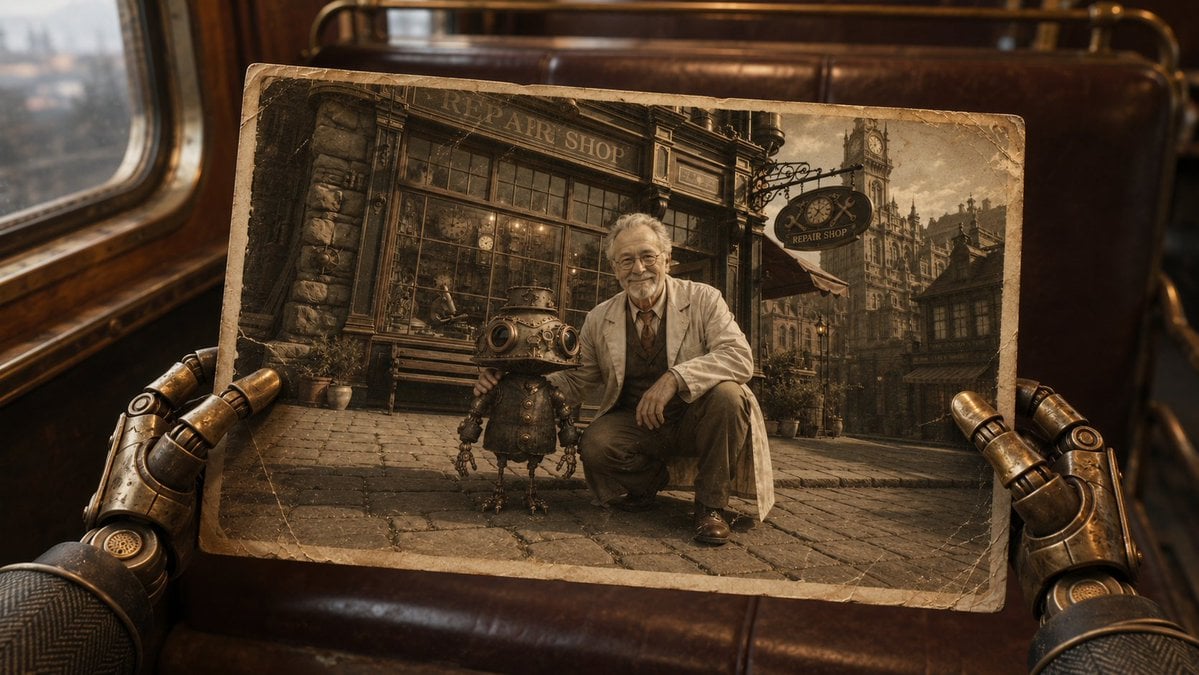
Steampunk Hands Holding Old Photo
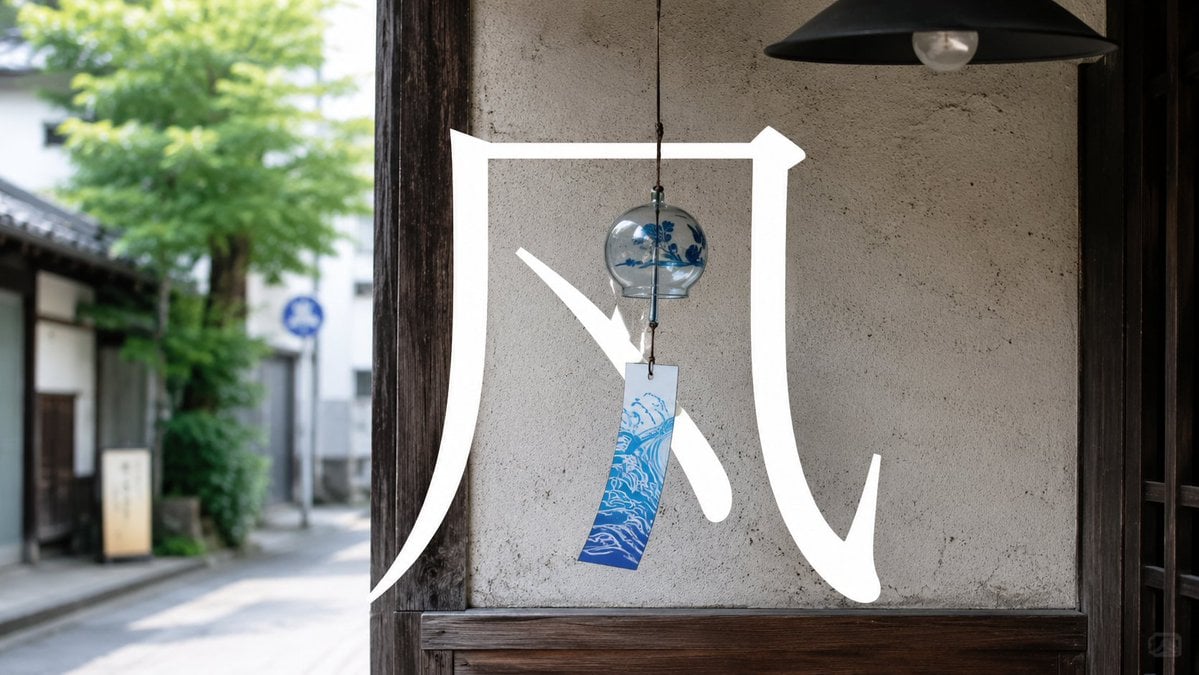
Japanese Wind Chime Calligraphy Photo
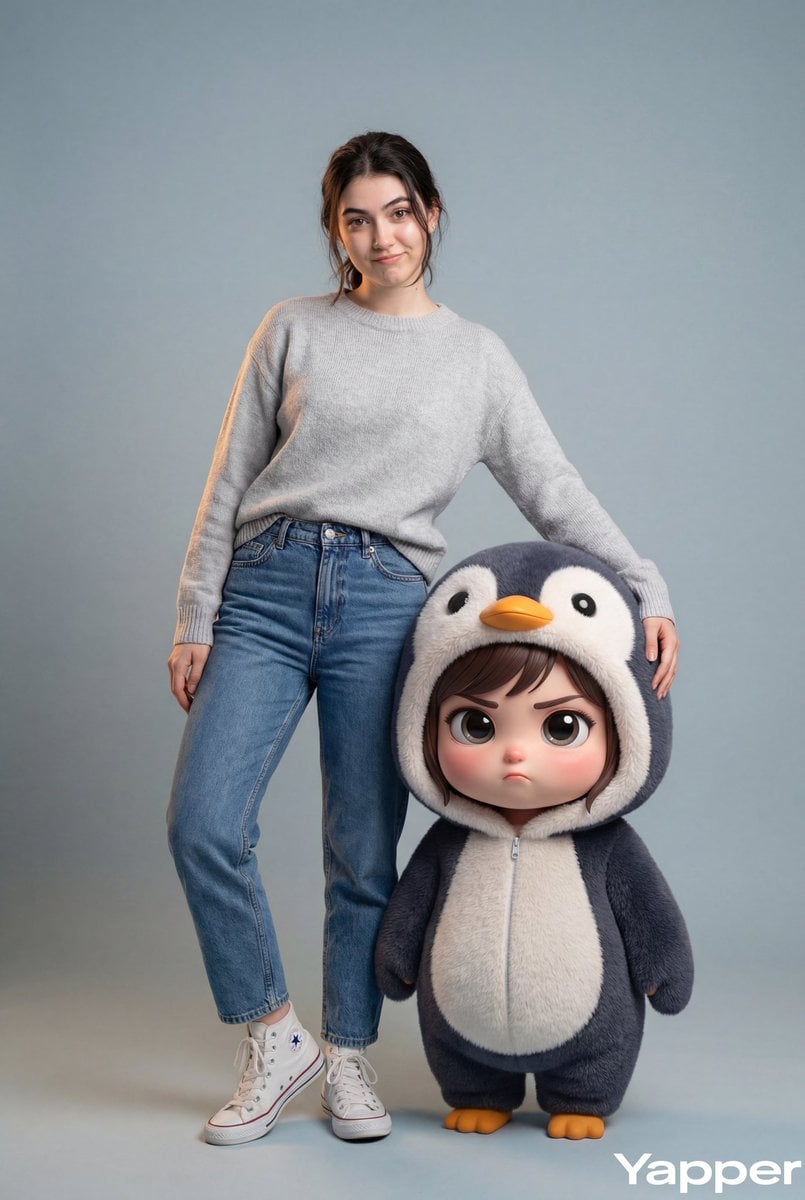
Hyper-Realistic Portrait with Chibi Penguin Character
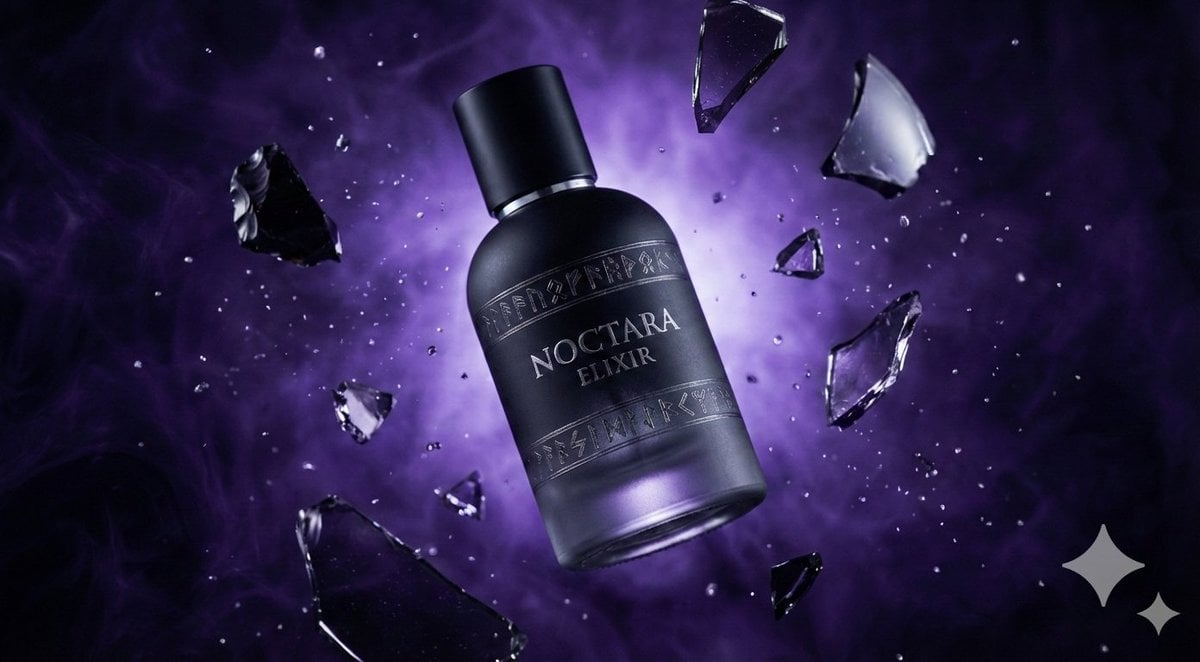
Matte Black Elixir Bottle with Purple Smoke Background
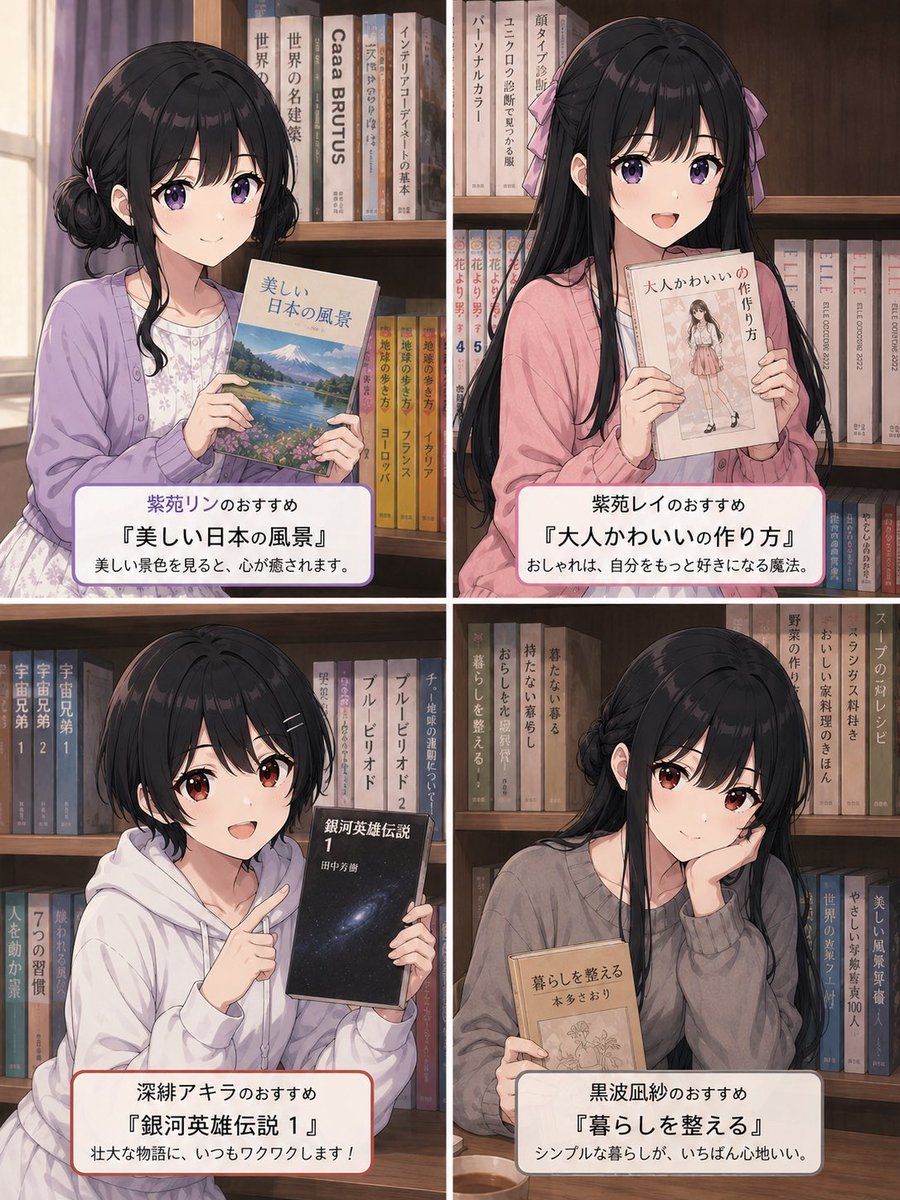
Four Anime Bookshelf Recommendations
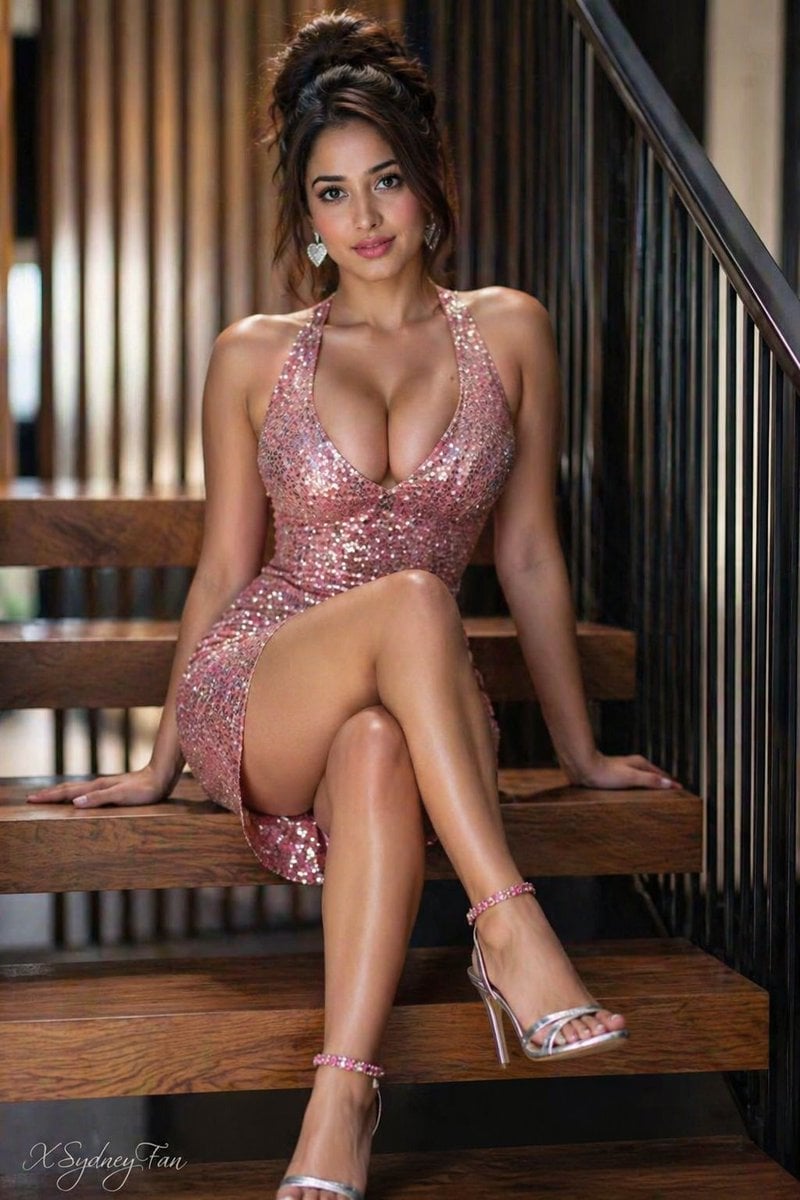
Gpt2 Profile Avatar Young Woman in Sequin Dress on Stairs

Kasane Teto Pop Idol Portrait
Browse template categories
Maximalist Sky Temple City questions
How do I use the Maximalist Sky Temple City template?
Add your photo if the template asks for one, edit the prompt if you like — the template's model and format are already selected — and press Generate. Your version opens in PicX Studio.
Can I customize the Maximalist Sky Temple City template?
Yes. You can change the subject, setting, lighting, mood, format, and available model controls before creating your image.
Is the Maximalist Sky Temple City template free?
Opening and editing this template is free. Generating uses credits, shown on the Generate button when you are signed in.
Which AI model should I use?
Start with GPT Image 2, which is the model associated with this template. You can compare another compatible model for a different finish.
Looking for something else? Browse all templates.

Your photo, any look
Thousands of ready templates for every top image and video model, from one credit balance.