How do I use the Kasane Teto Pop Idol Portrait template?
Edit the prompt in the box under the preview — the template's model and format are already selected — and press Generate. Your version appears right on this page.
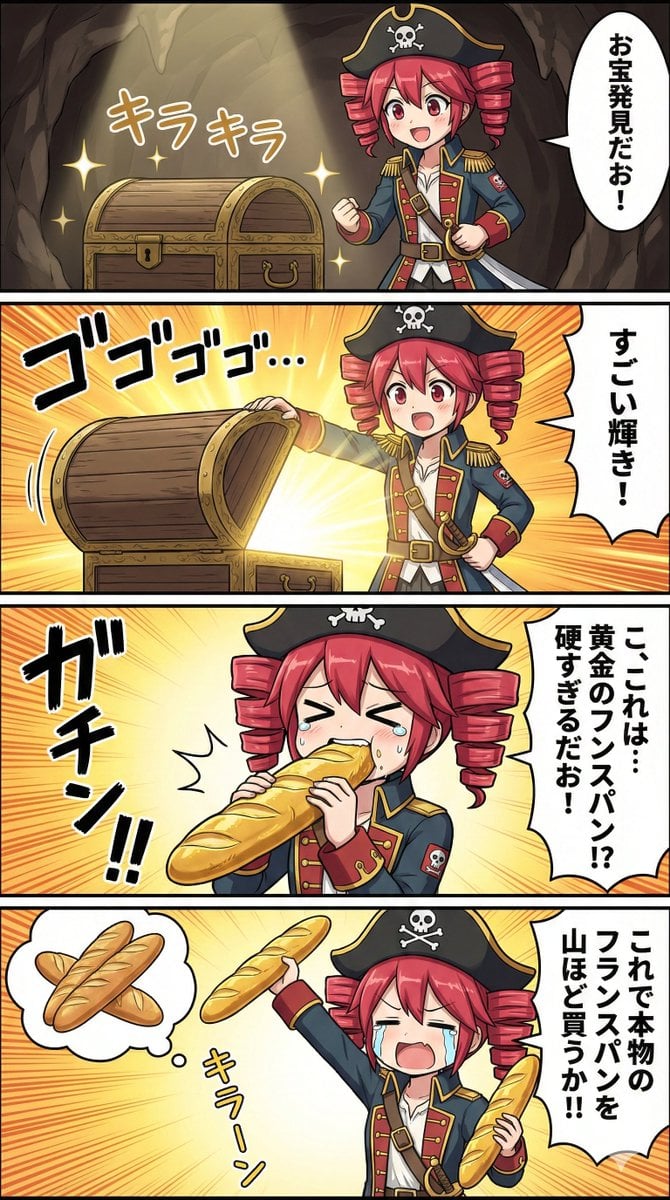
Generates a cute energetic anime portrait of Kasane Teto with drill twin-tails, a pointing pose, and a pink sticker-style background.

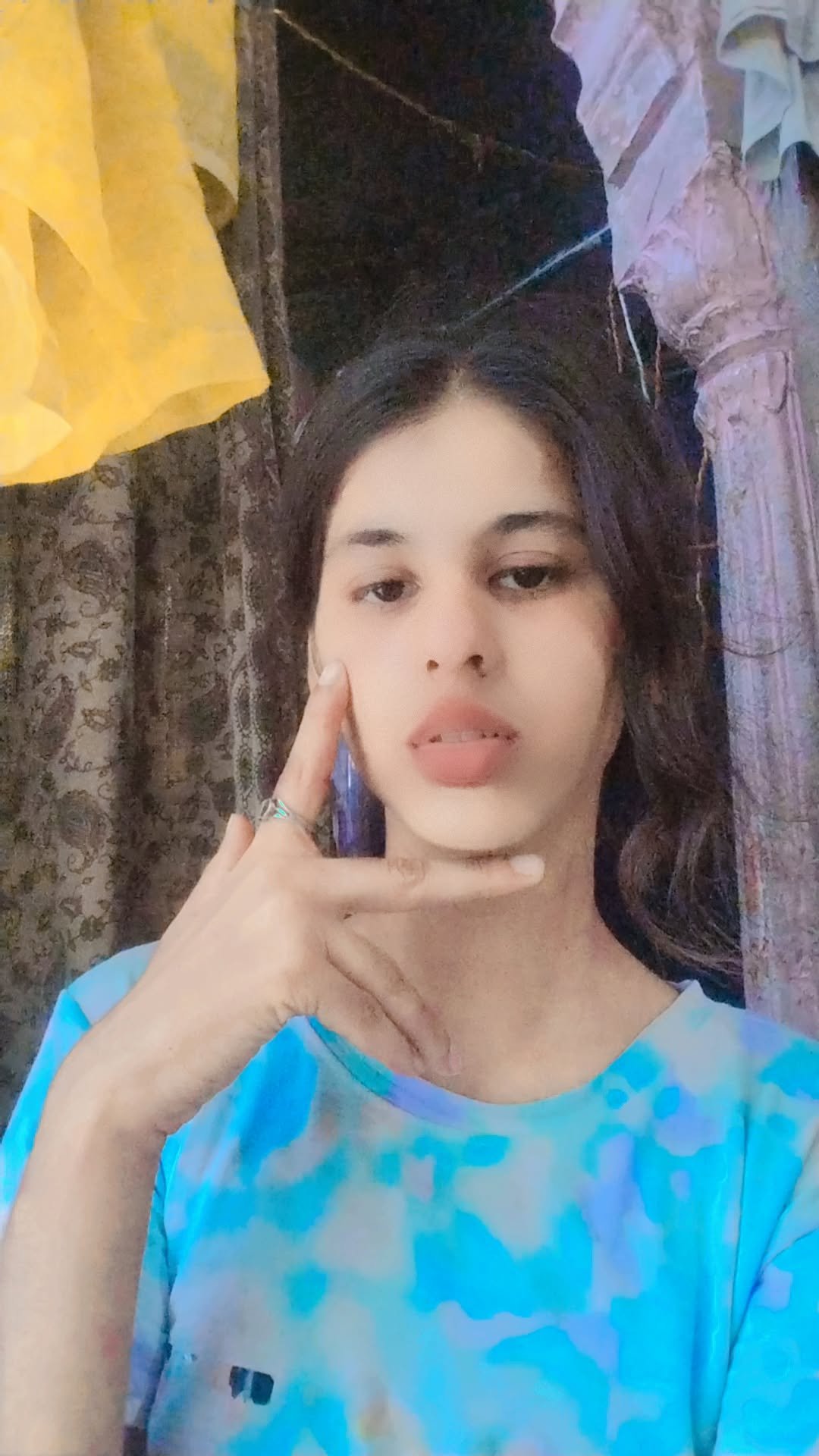
This template uses your photo — add one with the + button.
Create a vibrant anime close-up portrait of {argument name="character name" default="Kasane Teto"}, a mischievous young virtual singer with vivid {argument name="hair color" default="hot pink"} hair styled into two large glossy drill-twin-tails on both sides, short layered bangs, and loose side strands. She has large pink-red eyes with golden highlights, long black lashes, faint blush, and a playful toothy grin. Pose her leaning toward the viewer in strong perspective, one arm thrust forward with her index finger pointing directly at the camera, the other hand touching her cheek with pink manicured nails. Dress her in a dark navy sleeveless collared shirt with bright magenta piping, magenta buttons, a front placket, and a small chest pocket, with a detached dark navy sleeve visible on one arm. Use a cute pop-idol anime illustration style with clean ink lines, glossy cel shading, soft skin tones, and a thick white sticker-like outline around the character. Set the background to a flat pastel {argument name="background color" default="pink"} with decorative white doodles: exactly 3 outlined stars, 7 four-point sparkles, and 3 short radiating accent lines near the upper right. Make the composition energetic, centered, cropped from the torso upward, with the pointing hand exaggerated large in the foreground and the face framed by the twin drills.
Create a vibrant anime close-up portrait of {argument name="character name" default="Kasane Teto"}, a mischievous young virtual singer with vivid {argument name="hair color" default="hot pink"} hair styled into two large glossy drill-twin-tails on both sides, short layered bangs, and loose side strands. She has large pink-red eyes with golden highlights, long black lashes, faint blush, and a playful toothy grin. Pose her leaning toward the viewer in strong perspective, one arm thrust forward with her index finger pointing directly at the camera, the other hand touching her cheek with pink manicured nails. Dress her in a dark navy sleeveless collared shirt with bright magenta piping, magenta buttons, a front placket, and a small chest pocket, with a detached dark navy sleeve visible on one arm. Use a cute pop-idol anime illustration style with clean ink lines, glossy cel shading, soft skin tones, and a thick white sticker-like outline around the character. Set the background to a flat pastel {argument name="background color" default="pink"} with decorative white doodles: exactly 3 outlined stars, 7 four-point sparkles, and 3 short radiating accent lines near the upper right. Make the composition energetic, centered, cropped from the torso upward, with the pointing hand exaggerated large in the foreground and the face framed by the twin drills.
Edit the prompt in the box under the preview — the template's model and format are already selected — and press Generate. Your version appears right on this page.
Yes. You can change the subject, setting, lighting, mood, format, and available model controls before creating your image.
Opening and editing this template is free. Generating uses credits, shown on the Generate button when you are signed in.
Start with GPT Image 2, which is the model associated with this template. You can compare another compatible model for a different finish.
Follow a topic to a crawlable collection of related PicX Studio templates.