
Candid Lo-Fi Night Photo Editing Instruction
A unique JSON prompt that instructs the AI to perform photo editing on an image, specifically requiring that the subject's face remains 100% identical to the original reference photo.
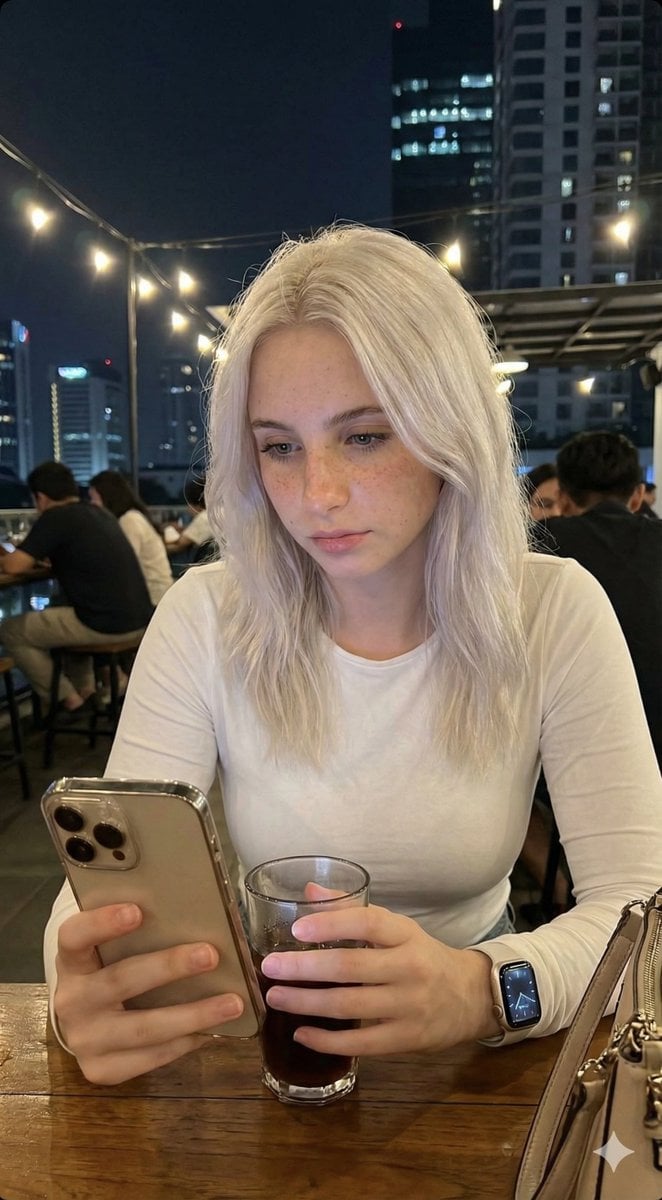
- Prompt included
- Model and format preset
- Free template
The prompt behind this image
Copy the exact prompt behind Candid Lo-Fi Night Photo Editing Instruction, or open it in the studio and make it yours.
- Task
- photo_editing
- Instruction
- Edit the photo according to the description without changing the face in the slightest. The face must remain 100% authentic and identical to the original.
- Photo Style › Type
- candid_smartphone_photo
- Photo Style › Aspect Ratio
- 3:4
- Photo Style › Time
- night
- Photo Style › Device
- low-end Android phone
- Photo Style › Shooting Style
- handheld, rushed, imperfect
- Photo Style › Quality
- realistic, unpolished
- Subject › Gender
- female
- Subject › Age Appearance
- early 20s
- Subject › Ethnicity
- Indonesian
- Subject › Expression › Mood
- soft, youthful, naturally cute
- Subject › Expression › Face
- relaxed
- Subject › Expression › Lips
- gently closed
- Subject › Expression › Eyes
- calm and warm
- Subject › Expression › Smile
- none
- Subject › Vibe
- girl-next-door, young, fresh, everyday, not model-like, not glamorous, not influencer, not styled
- Pose And Action › Seating
- sitting casually
- Pose And Action › Moment
- unplanned, unposed
- Pose And Action › Hands › One Hand
- holding a glass of drink
- Pose And Action › Hands › Other Hand
- using phone
- Pose And Action › Attention
- focused on her phone, unaware of camera
- Clothing And Appearance › Top › Type
- plain long-sleeved top
- Clothing And Appearance › Top › Color
- White
Raw JSON
{
  "task": "photo_editing",
  "instruction": "Edit the photo according to the description without changing the face in the slightest. The face must remain 100% authentic and identical to the original.",
  "photo_style": {
    "type": "candid_smartphone_photo",
    "aspect_ratio": "3:4",
    "time": "night",
    "device": "low-end Android phone",
    "shooting_style": "handheld, rushed, imperfect",
    "quality": "realistic, unpolished"
  },
  "subject": {
    "gender": "female",
    "age_appearance": "early 20s",
    "ethnicity": "Indonesian",
    "expression": {
      "mood": "soft, youthful, naturally cute",
      "face": "relaxed",
      "lips": "gently closed",
      "eyes": "calm and warm",
      "smile": "none"
    },
    "vibe": [
      "girl-next-door",
      "young",
      "fresh",
      "everyday",
      "not model-like",
      "not glamorous",
      "not influencer",
      "not styled"
    ]
  },
  "pose_and_action": {
    "seating": "sitting casually",
    "moment": "unplanned, unposed",
    "hands": {
      "one_hand": "holding a glass of drink",
      "other_hand": "using phone"
    },
    "attention": "focused on her phone, unaware of camera"
  },
  "clothing_and_appearance": {
    "top": {
      "type": "plain long-sleeved top",
      "color": "White",
      "style": "simple, fitted, no patterns"
    },
    "hair": {
      "length": "waist-length",
      "color": "Platinum white",
      "texture": "smooth, straight, natural",
      "style": "flowing freely"
    },
    "skin": {
      "look": "clean, youthful, lightly smooth",
      "details": "subtle pores, mild natural variation",
      "health": "healthy and soft",
      "restrictions": [
        "no beauty filter",
        "no retouching",
        "no AI-polished skin",
        "no plastic look"
      ]
    }
  },
  "camera_angle_and_framing": {
    "angle": "slightly from the side and slightly behind",
    "perspective": "authentic candid",
    "framing": "medium-wide",
    "visibility": "upper body and part of table visible",
    "composition": "subject slightly smaller in frame, minor imbalance"
  },
  "lighting": {
    "type": "harsh and imperfect",
    "sources": [
      "rooftop café lights",
      "city street lights"
    ],
    "effects": [
      "uneven exposure",
      "blown highlights",
      "deep shadows",
      "imperfect white balance"
    ]
  },
  "focus_and_quality": {
    "focus": "slightly more on subject",
    "background_blur": "soft blur due to low light and camera limitations",
    "restrictions": [
      "not portrait mode blur",
      "not artificial bokeh"
    ],
    "artifacts": [
      "visible digital noise",
      "grain",
      "slight motion blur",
      "imperfect focus accuracy",
      "limited dynamic range"
    ]
  },
  "background": {
    "location": "Jakarta rooftop café",
    "elements": [
      "tables",
      "railing",
      "other people casually visible",
      "distant Jakart"
    ]
  }
}How to use Candid Lo-Fi Night Photo Editing Instruction in 3 steps
- 1Upload ImagePNG, JPG or paste
Add your photo
Upload the photo the template builds on. The prompt, model and format are already set.
- 2…a portrait of your subject in softgolden-hour light, 85mm…
Personalize
Edit the subject and creative details for your destination.
- 3Generate
Generate
Press Generate — your image is created in PicX Studio, so you can compare it with the original and refine one variable at a time.
More like this
Templates with the same subject, style or setup. Open one to see its prompt.

Neon Night Crosswalk Candid Portrait
Neon Night Crosswalk Candid Portrait

Sunday Afternoon, 1988

Our Song was on a Cassette

The Date After College

80s College Gate

Teen Girl Alpine Lake Mountain View
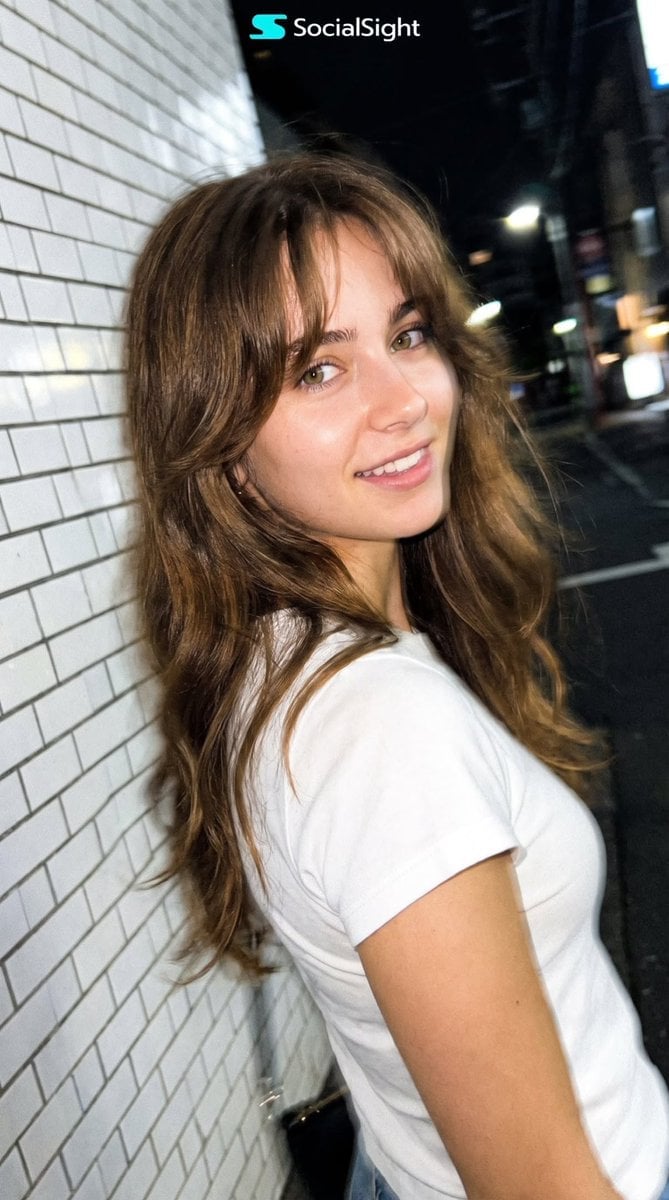
Candid Tokyo Night Smartphone Snapshot
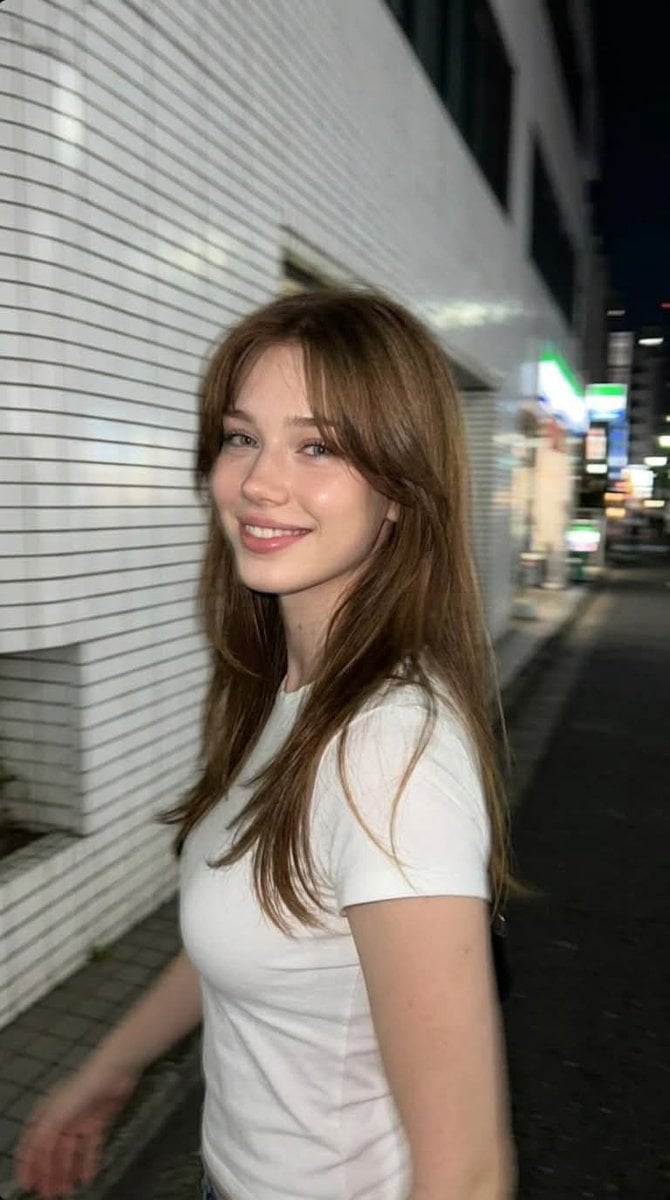
Candid Tokyo Smartphone Night Photo

Cat Photobomb Selfie — 0.5x Wide Angle Café Chaos

Cinematic Street Fashion Portrait Motion Blur Crowd

Nostalgic Digicam Café Afternoon Portrait
Make it yours
Candid Lo-Fi Night Photo Editing Instruction works as-is. These are the safest ways to change it without losing the look.
Swap the setting
Keep the rest of the prompt and replace the location block. The current setting is “soft blur due to low light and camera limitations”.
Swap the light
One lighting change is enough to compare takes. Current light: “harsh and imperfect”.
Change one field
Copy a single group, rewrite it, and generate again so you can see what that field is doing.
| If the result… | Why | Fix |
|---|---|---|
| The result drifts from the preview | Too many fields changed at once. | Reuse Candid Lo-Fi Night Photo Editing Instruction as-is first, then change one group — subject, light, or setting. |
| Nano Banana 2 ignores part of the JSON | Some models flatten or skip nested keys. | Keep the same values and paste them as a short paragraph instead. |
More Nano Banana 2 templates
Other prompts made for Nano Banana 2.

Photorealistic Leaf Shaped Like a Dragon

K-Pop Idol Portrait Grid for Rapid Selection

Poetic Rain Forest Portrait During Golden Hour

Urban Street Portrait with Cartoon Inner Self Duo

Candid Nighttime Photo with Cat Prompt

High-Concept 3D Diorama Generation Prompt

Cinematic Futuristic Studio Portrait Template

Skincare Editorial Photography Collage Prompt

Hyper-Realistic Commercial Product Photography (Splash Effect)

Hyper-Realistic Nightclub Portrait Prompt
More image prompts
Fresh picks from across the catalog.
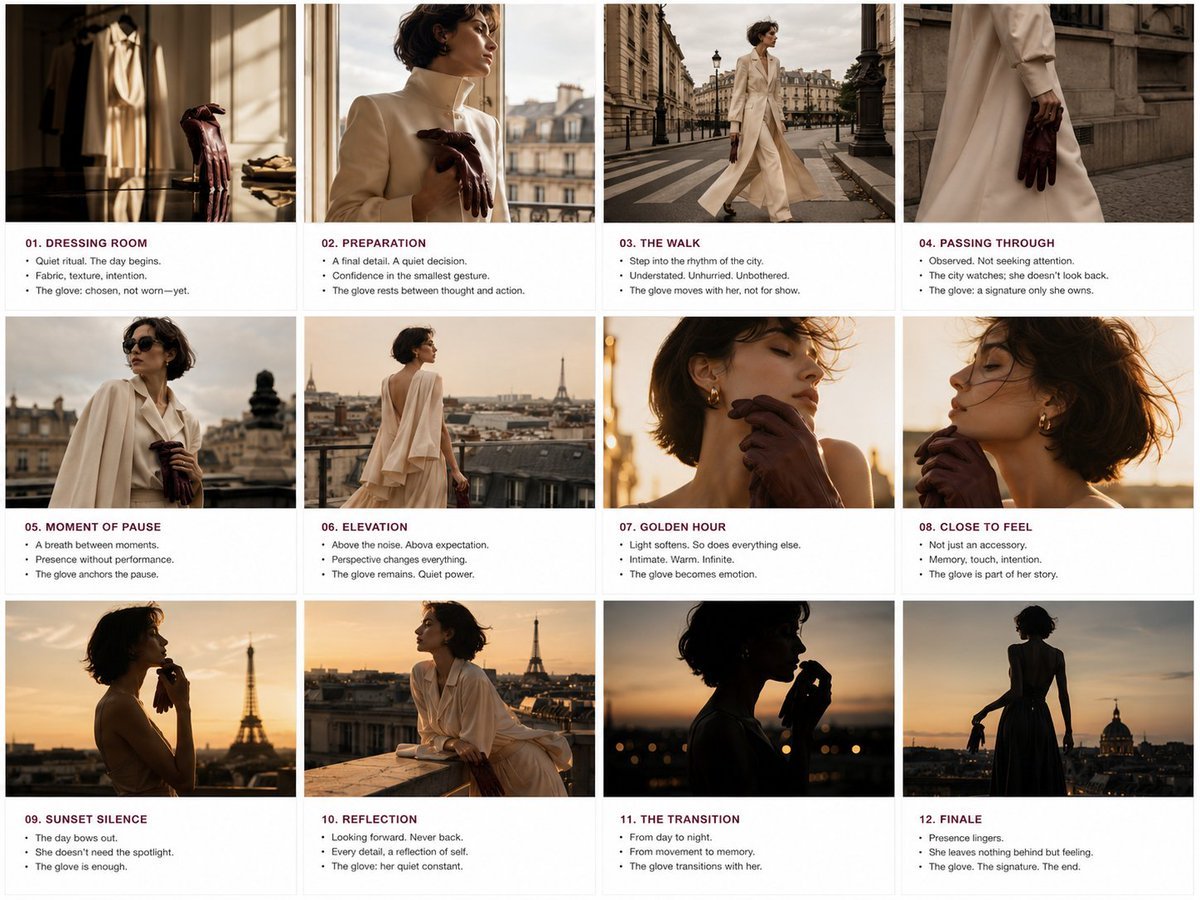
Luxury Fashion Editorial Storyboard
Pastel Court Ladies on Horseback
Hyperrealistic Portrait of Man Lighting Cigarette
Hyperrealistic Tattooed Elf Couple
Nano Banana Pro Prompt Using Image Reference
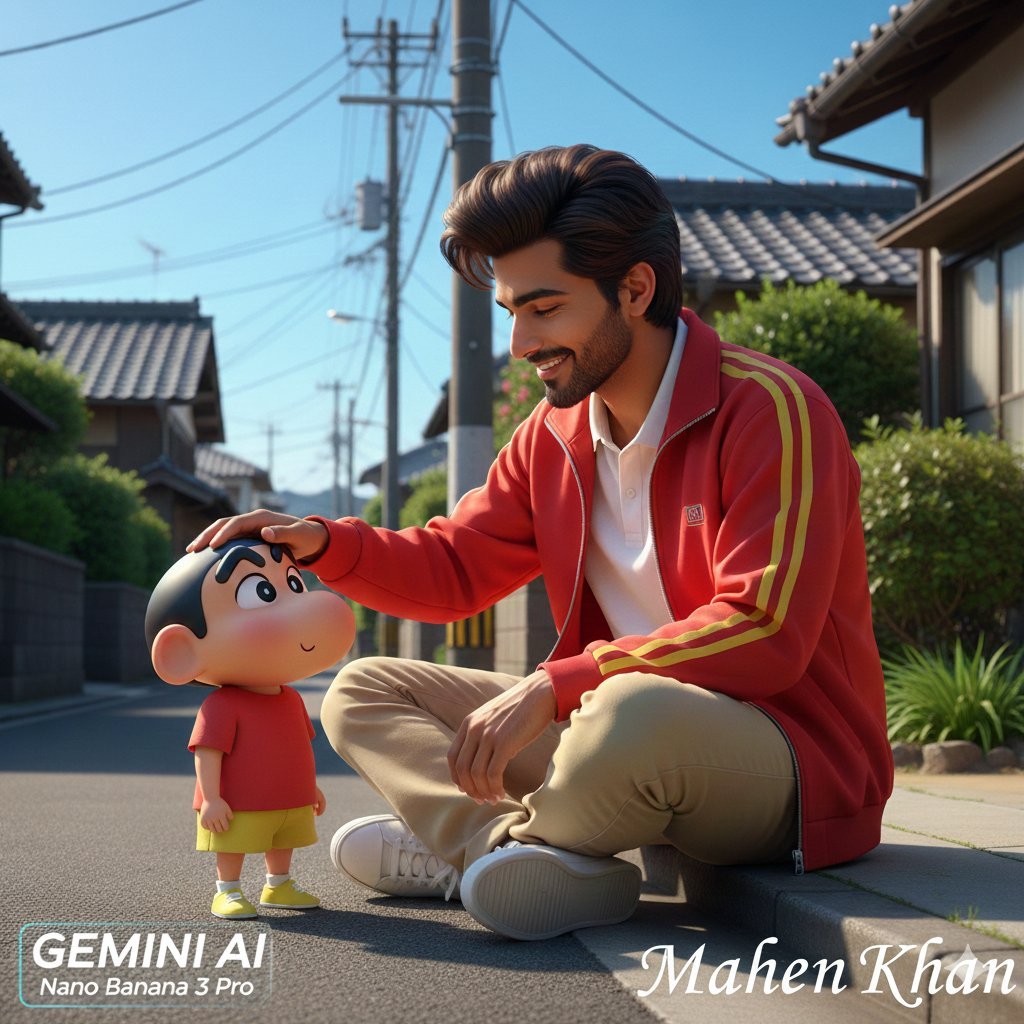
Photorealistic Man Interacting with 3D Shin-chan
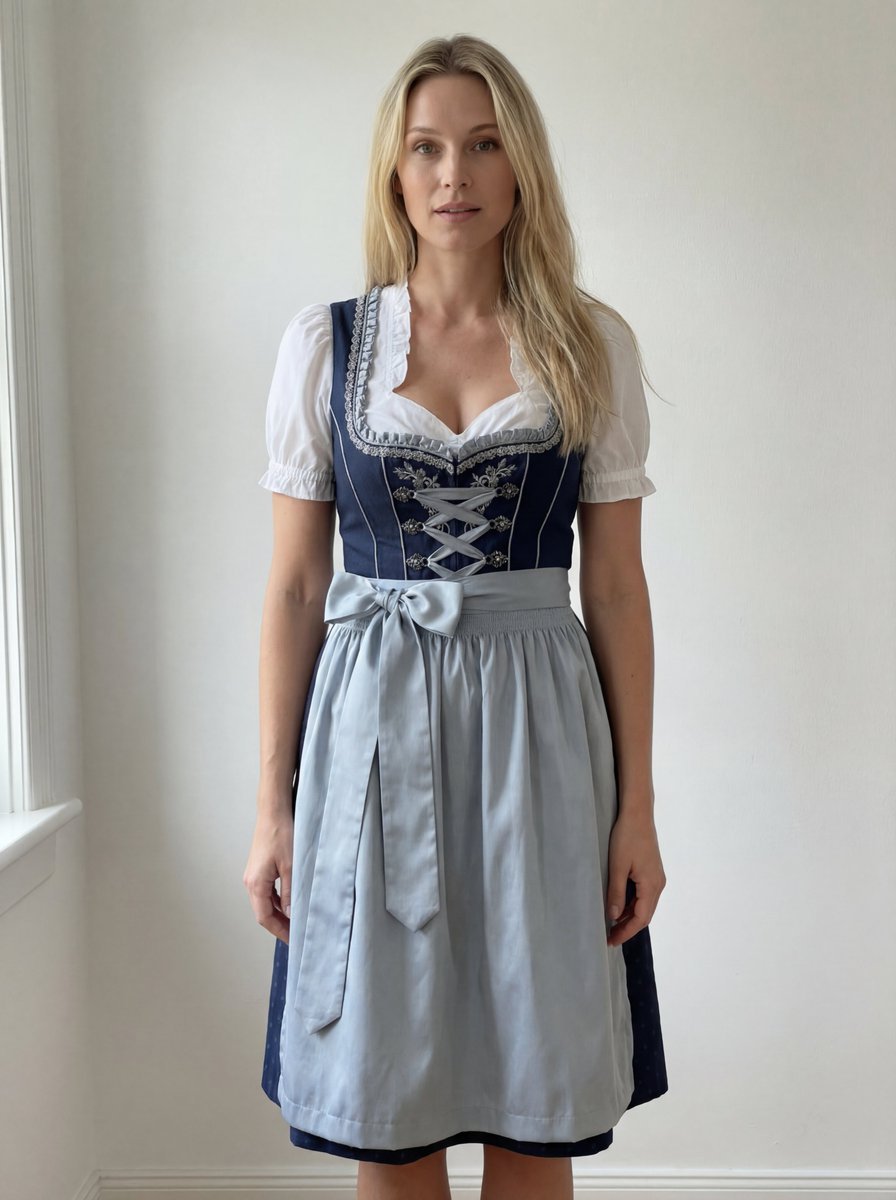
Edit Prompt: Woman in Bavarian Dirndl (Strict Background Preservation)
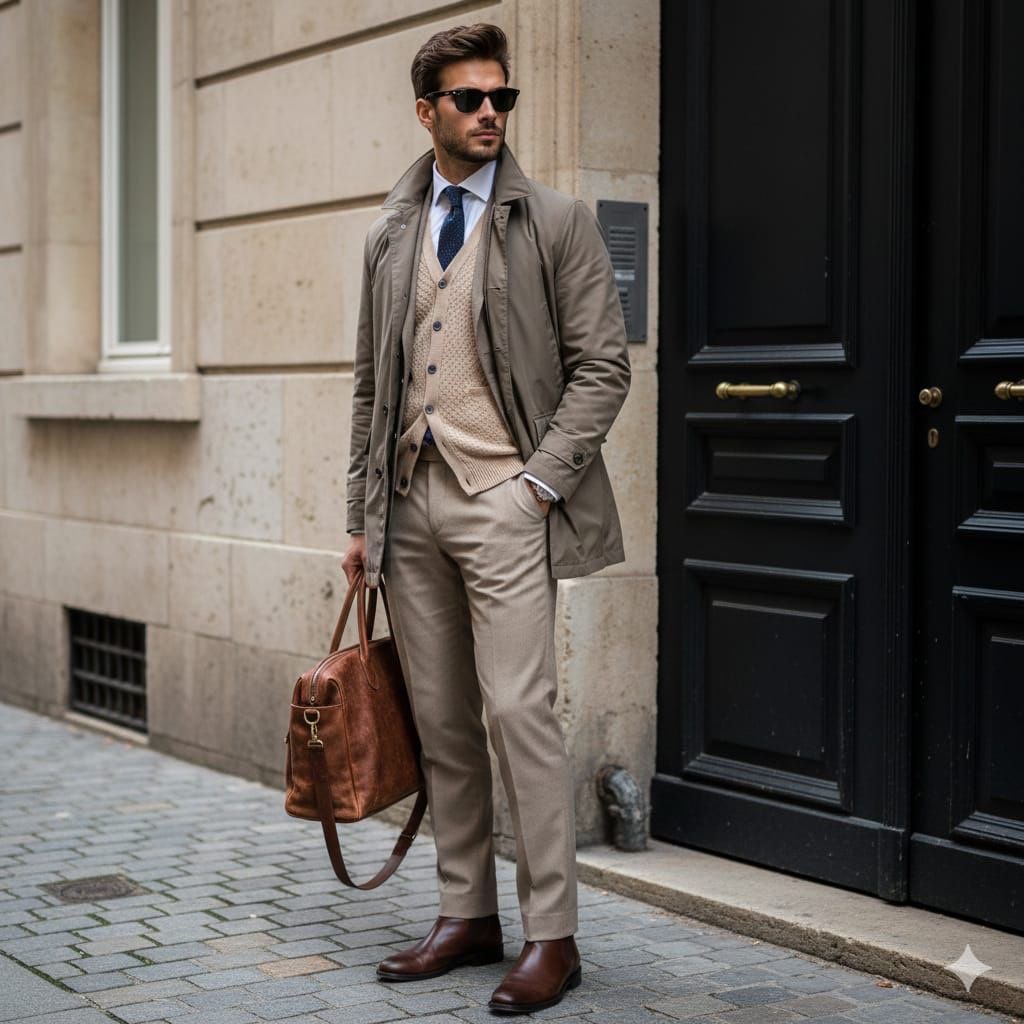
Stylish European Street Portrait
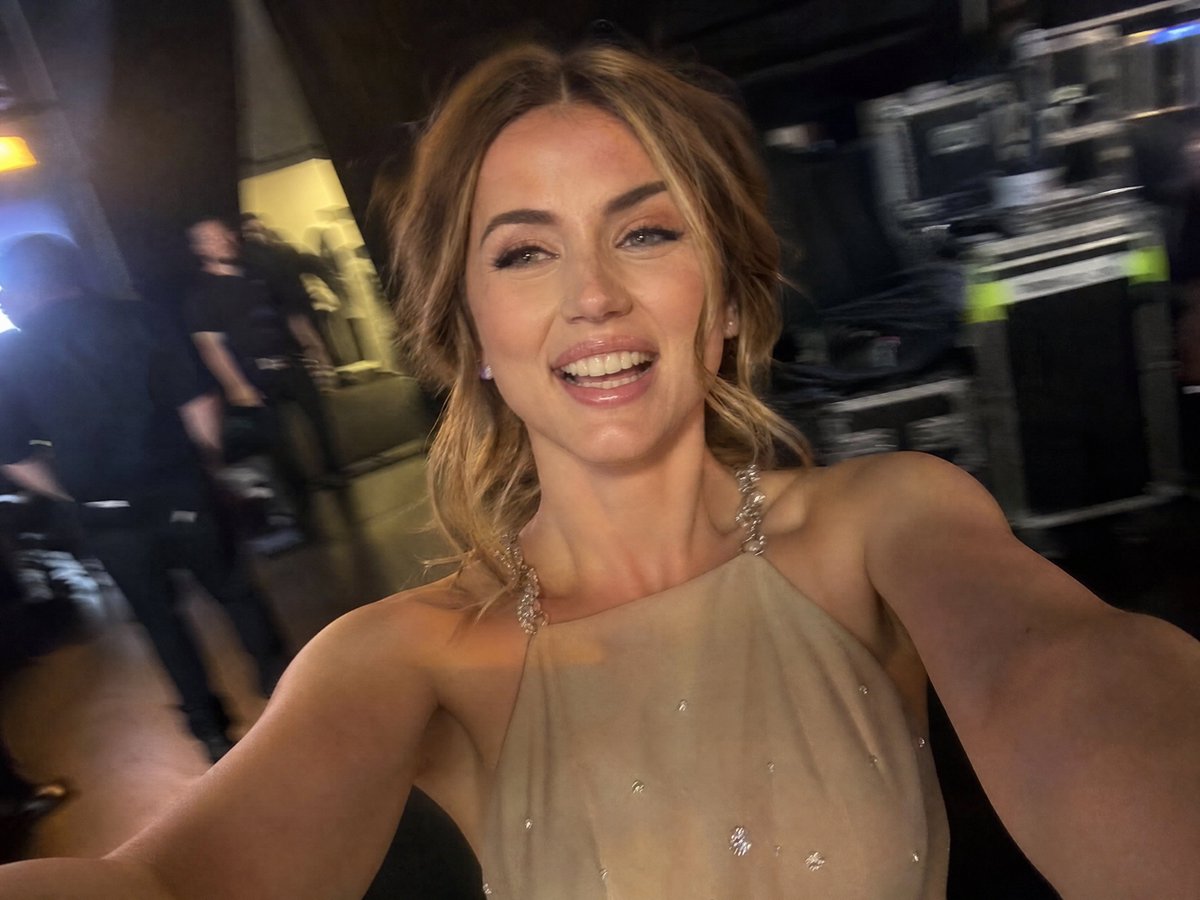
Accidental iPhone Camera Selfie

Futuristic Sportswear Fashion Poster
Browse template categories
Candid Lo-Fi Night Photo Editing Instruction questions
How do I use the Candid Lo-Fi Night Photo Editing Instruction template?
Add your photo if the template asks for one, edit the prompt if you like — the template's model and format are already selected — and press Generate. Your version opens in PicX Studio.
Can I customize the Candid Lo-Fi Night Photo Editing Instruction template?
Yes. You can change the subject, setting, lighting, mood, format, and available model controls before creating your image.
Is the Candid Lo-Fi Night Photo Editing Instruction template free?
Opening and editing this template is free. Generating uses credits, shown on the Generate button when you are signed in.
Which AI model should I use?
Start with Nano Banana 2, which is the model associated with this template. You can compare another compatible model for a different finish.
Looking for something else? Browse all templates.

Your photo, any look
Thousands of ready templates for every top image and video model, from one credit balance.