
Photorealistic Man Interacting with 3D Shin-chan
A highly detailed, mixed-style prompt for Gemini Ai Nano Banana 3 Pro.
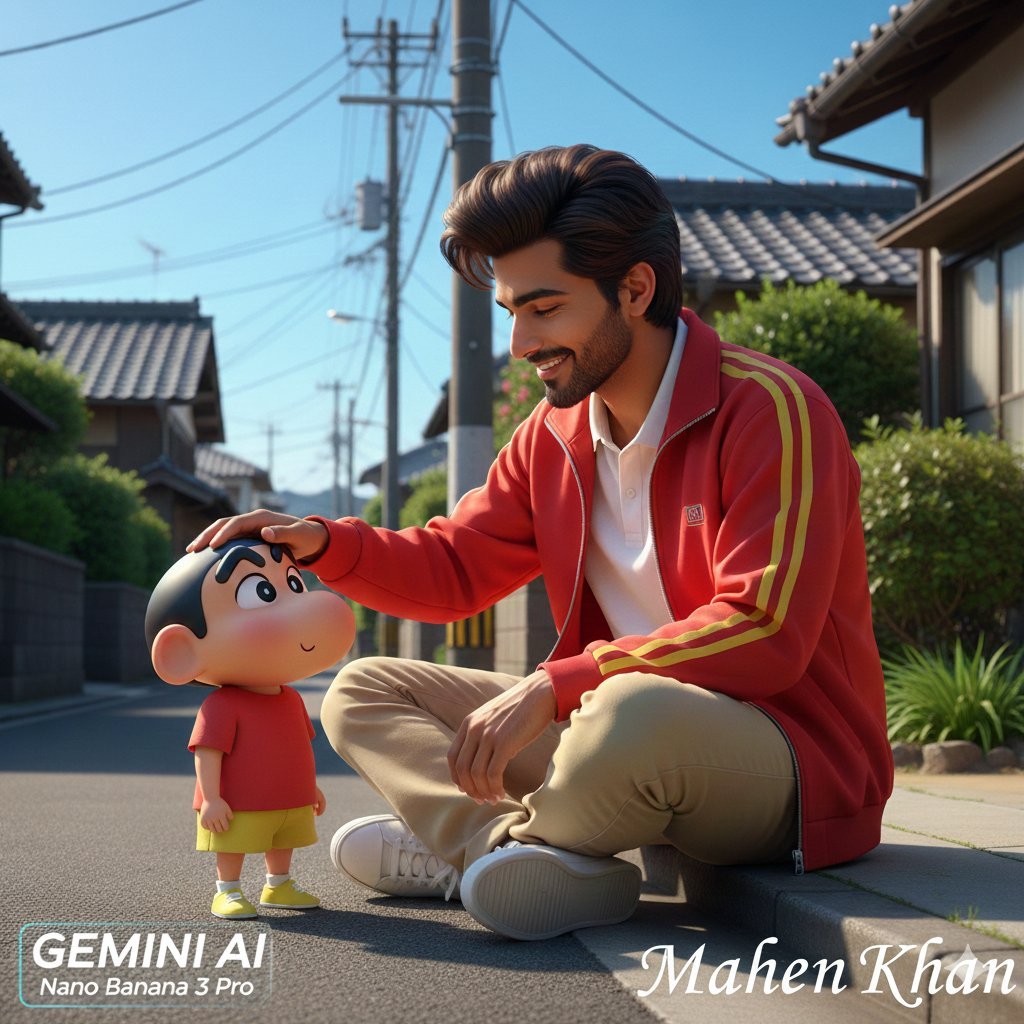
- Prompt included
- Model and format preset
- Free template
The prompt behind this image
Copy the exact prompt behind Photorealistic Man Interacting with 3D Shin-chan, or open it in the studio and make it yours.
- Prompt
- Masterpiece, ultra-realistic, 8K RAW photo. Medium shot, slightly low-angle view. A 20-year-old South Asian man sitting calmly on a concrete curb of a quiet Japanese residential street. He has a slim physique, voluminous dark brown pompadour hair, a neatly trimmed dark brown beard and mustache, and warm skin with soft highlights. He wears a vibrant red zip-up track jacket with yellow stripe details over a white polo shirt, beige chinos, and white sneakers. He is gently extending one hand to pat the head of Shin-chan with a soft, warm smile. Shin-chan, rendered in a high-quality 3D animated style with smooth matte texture, sits close wearing a red t-shirt and yellow shorts, looking up with a pleased, content expression. Background: Traditional Japanese houses with dark tiled roofs, utility poles with overhead wires, lush green foliage, and a clear blue sky. Lighting: Bright natural daylight from the high right, casting soft distinct shadows. Vivid colors, sharp focus, cinematic composition.
- Negative Prompt
- blurry, low quality, low resolution, pixelated, noise, grain, ugly, deformed, disfigured, bad anatomy, bad proportions, extra limbs, extra fingers, missing limbs, floating limbs, disconnected limbs, mutation, mutated, gross, disgusting, text, watermark, signature, logo, copyright, cartoonish man, realistic shin-chan, dark, gloomy, overexposed, underexposed
- Aspect Ratio
- 3:4
- Style
- Photorealistic mixed with 3D Character Render
- Camera Settings › Lens
- Standard to wide-angle
- Camera Settings › Lighting
- Natural daylight, high key
- Camera Settings › Focus
- Sharp on subjects
Raw JSON
{
  "prompt": "Masterpiece, ultra-realistic, 8K RAW photo. Medium shot, slightly low-angle view. A 20-year-old South Asian man sitting calmly on a concrete curb of a quiet Japanese residential street. He has a slim physique, voluminous dark brown pompadour hair, a neatly trimmed dark brown beard and mustache, and warm skin with soft highlights. He wears a vibrant red zip-up track jacket with yellow stripe details over a white polo shirt, beige chinos, and white sneakers. He is gently extending one hand to pat the head of Shin-chan with a soft, warm smile. Shin-chan, rendered in a high-quality 3D animated style with smooth matte texture, sits close wearing a red t-shirt and yellow shorts, looking up with a pleased, content expression. Background: Traditional Japanese houses with dark tiled roofs, utility poles with overhead wires, lush green foliage, and a clear blue sky. Lighting: Bright natural daylight from the high right, casting soft distinct shadows. Vivid colors, sharp focus, cinematic composition.",
  "negative_prompt": "blurry, low quality, low resolution, pixelated, noise, grain, ugly, deformed, disfigured, bad anatomy, bad proportions, extra limbs, extra fingers, missing limbs, floating limbs, disconnected limbs, mutation, mutated, gross, disgusting, text, watermark, signature, logo, copyright, cartoonish man, realistic shin-chan, dark, gloomy, overexposed, underexposed",
  "aspect_ratio": "3:4",
  "style": "Photorealistic mixed with 3D Character Render",
  "camera_settings": {
    "lens": "Standard to wide-angle",
    "lighting": "Natural daylight, high key",
    "focus": "Sharp on subjects"
  }
}How to use Photorealistic Man Interacting with 3D Shin-chan in 3 steps
- 1
Open
The prompt is already in the box next to the preview, with the template's model and format selected.
- 2…a portrait of your subject in softgolden-hour light, 85mm…
Personalize
Edit the subject and creative details for your destination.
- 3Generate
Generate
Press Generate — your image is created in PicX Studio, so you can compare it with the original and refine one variable at a time.
More like this
Templates with the same subject, style or setup. Open one to see its prompt.

Spider-Man Rooftop Golden Hour Cinematic Photo

Tiny Woman Miniature Fantasy Macro Scene

Tiny Man Macro Survival Six-Panel Collage

Cozy Knit Sweater Window Portrait

Gen Z Triple Selfie Collage — Y2K Flash Photography

Mountain Lake Sunset Landscape

Cinematic Destination Letter Panel Poster

Face-Locked Train Window Lifestyle Portrait

Face-Locked Cream Half-Zip Street Walk

Luxury Toothpaste Commercial Storyboard

Unfinished Sketch Comes Alive Portrait

Open Travel Journal Overhead Still Life
Make it yours
Photorealistic Man Interacting with 3D Shin-chan works as-is. These are the safest ways to change it without losing the look.
Swap the setting
Keep the rest of the prompt and replace the location block. The current setting is “Standard to wide-angle”.
Swap the light
One lighting change is enough to compare takes. Current light: “Natural daylight, high key”.
Change one field
Copy a single group, rewrite it, and generate again so you can see what that field is doing.
| If the result… | Why | Fix |
|---|---|---|
| The result drifts from the preview | Too many fields changed at once. | Reuse Photorealistic Man Interacting with 3D Shin-chan as-is first, then change one group — subject, light, or setting. |
| Nano Banana 2 ignores part of the JSON | Some models flatten or skip nested keys. | Keep the same values and paste them as a short paragraph instead. |
More Nano Banana 2 templates
Other prompts made for Nano Banana 2.

Photorealistic Leaf Shaped Like a Dragon

K-Pop Idol Portrait Grid for Rapid Selection

Poetic Rain Forest Portrait During Golden Hour

Urban Street Portrait with Cartoon Inner Self Duo

Candid Nighttime Photo with Cat Prompt

High-Concept 3D Diorama Generation Prompt

Cinematic Futuristic Studio Portrait Template

Skincare Editorial Photography Collage Prompt

Hyper-Realistic Commercial Product Photography (Splash Effect)

Hyper-Realistic Nightclub Portrait Prompt
More image prompts
Fresh picks from across the catalog.
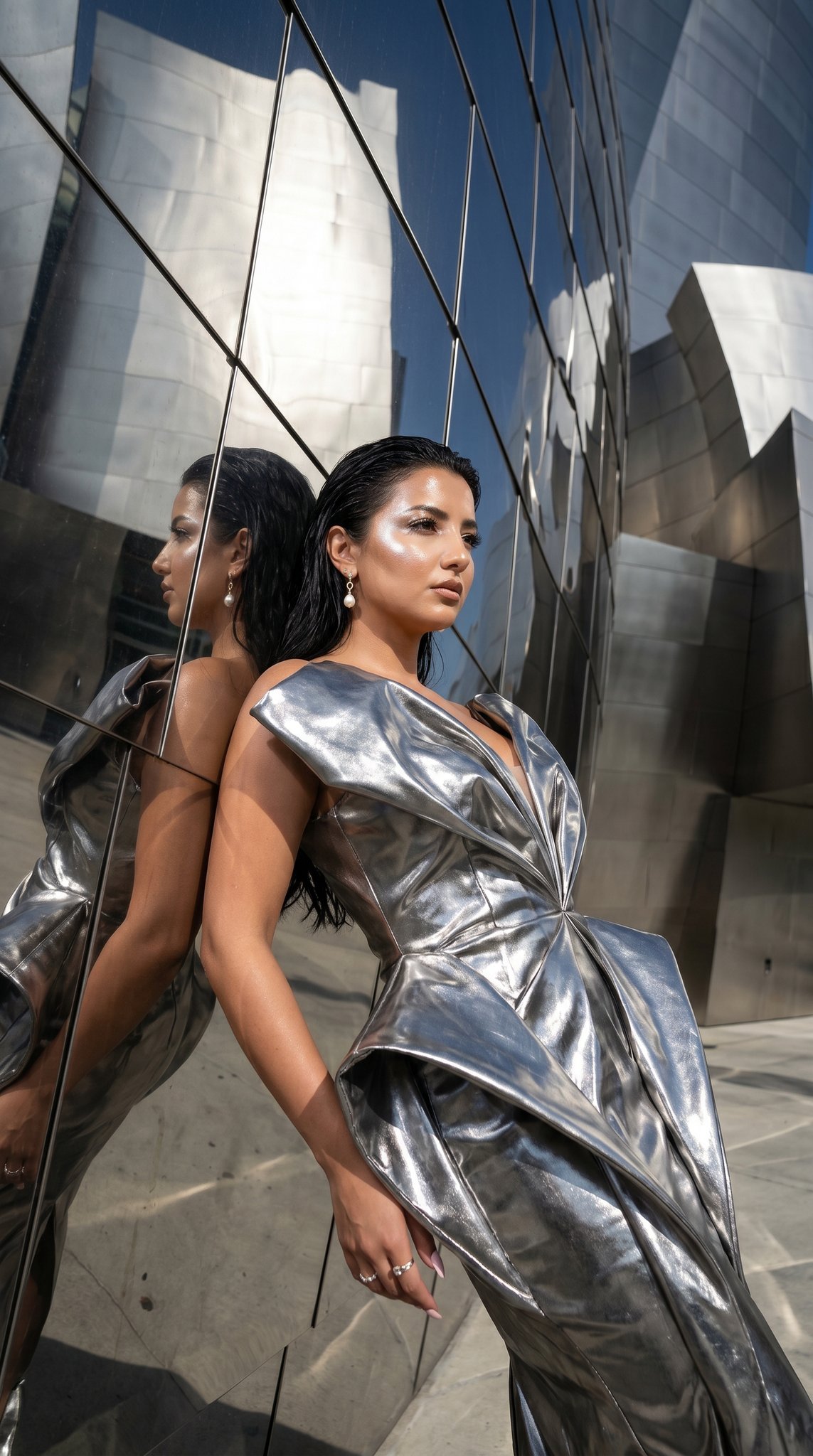
11 Walt Disney Concert Hall — California Series
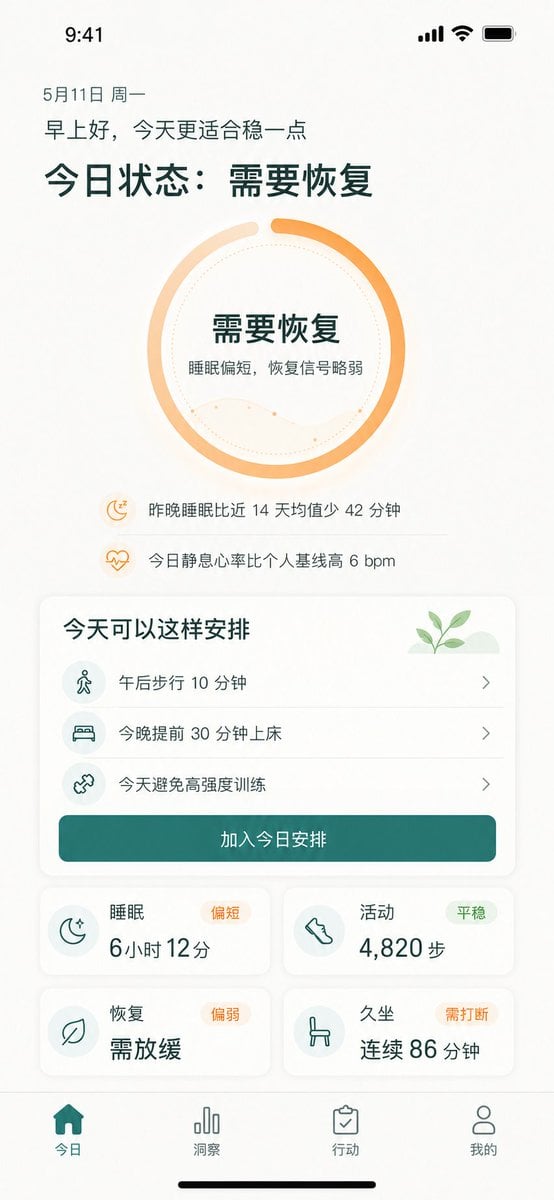
Chinese Wellness Recovery App UI
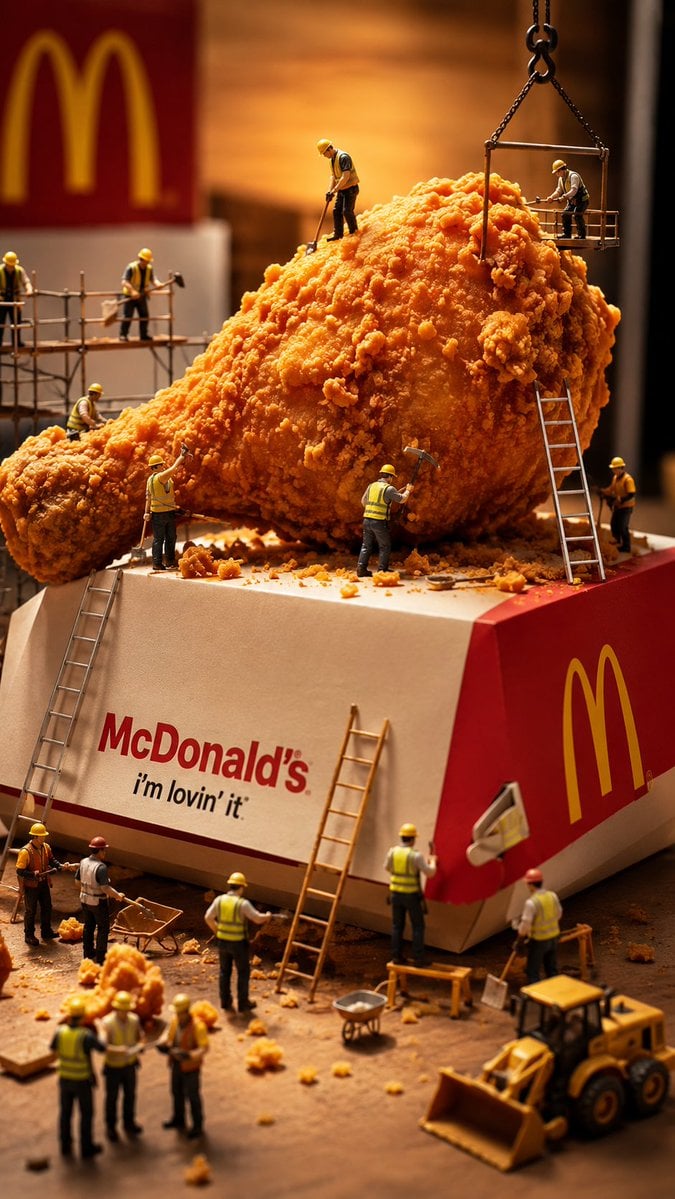
Miniature Workers Sculpt Giant McDonald's Drumstick
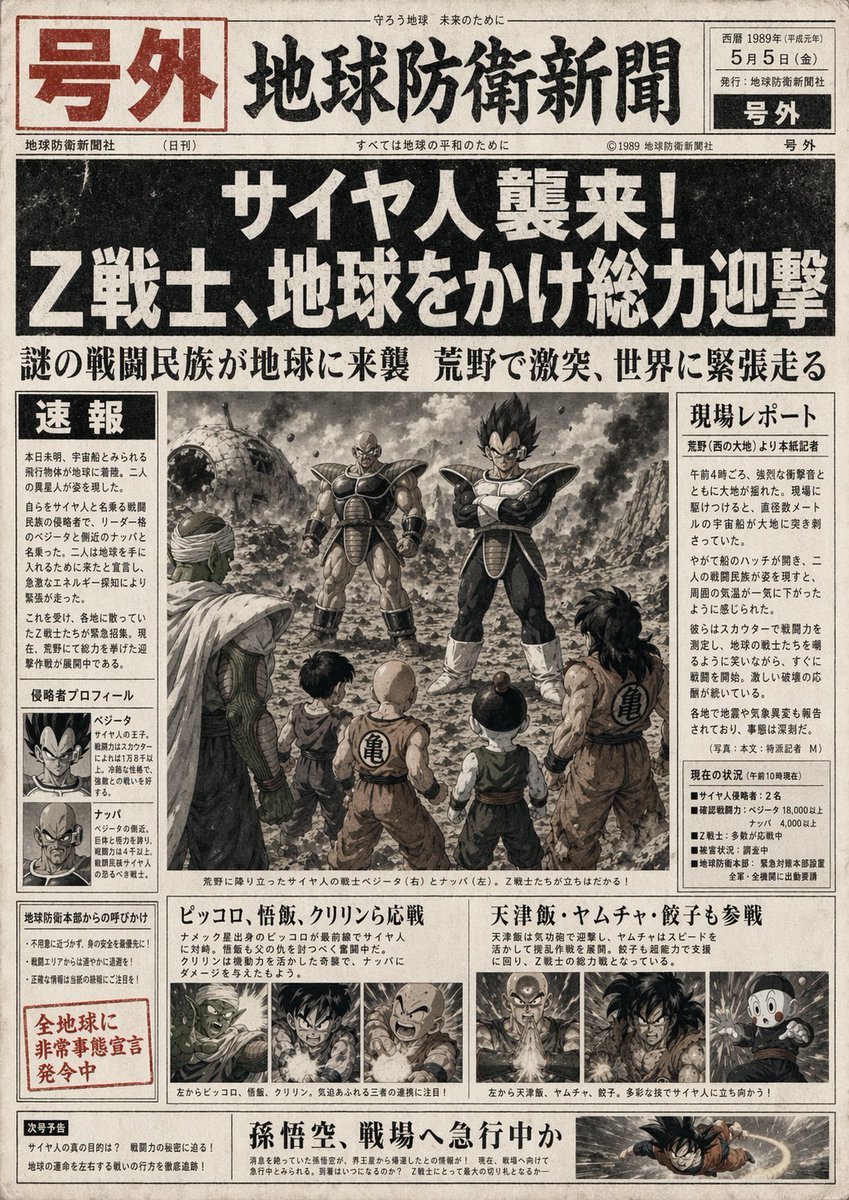
Fictional Newspaper Newspaper Extra
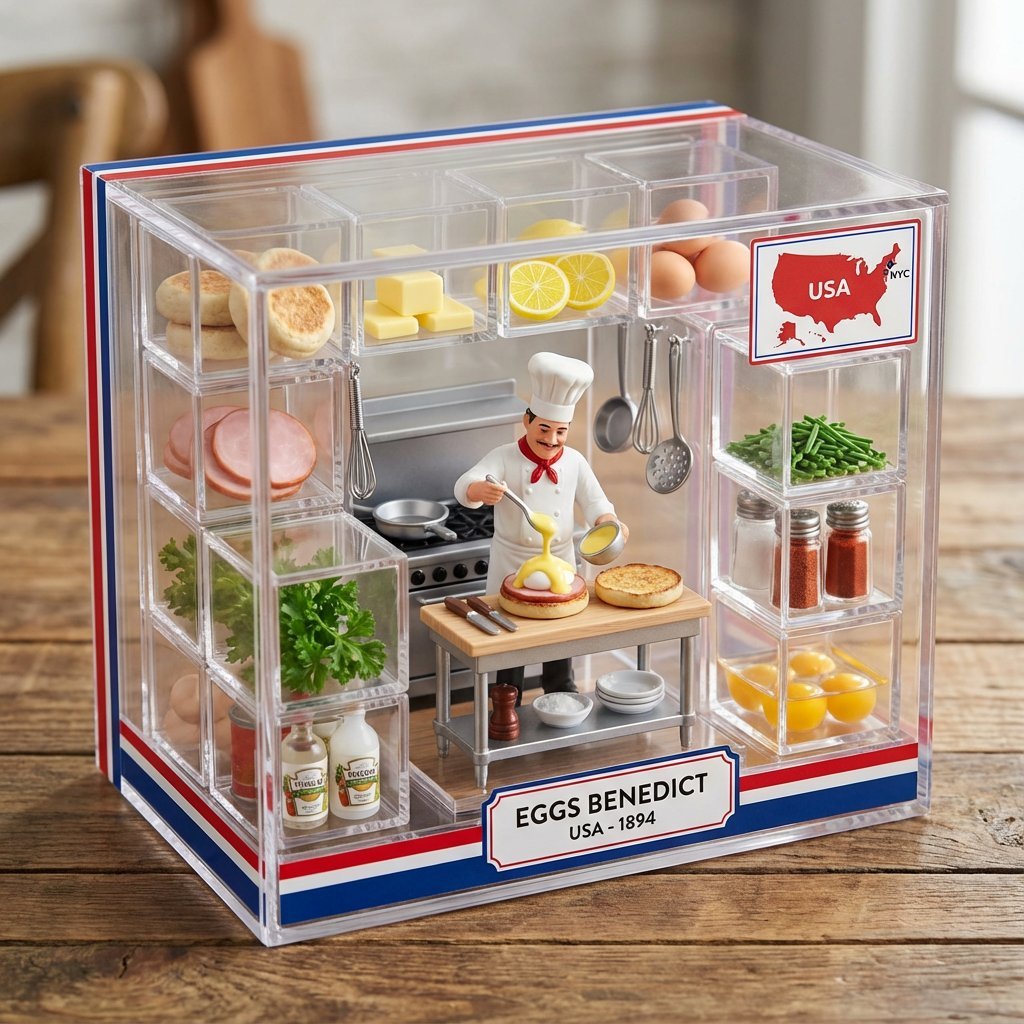
Eggs Benedict Miniature Acrylic Box
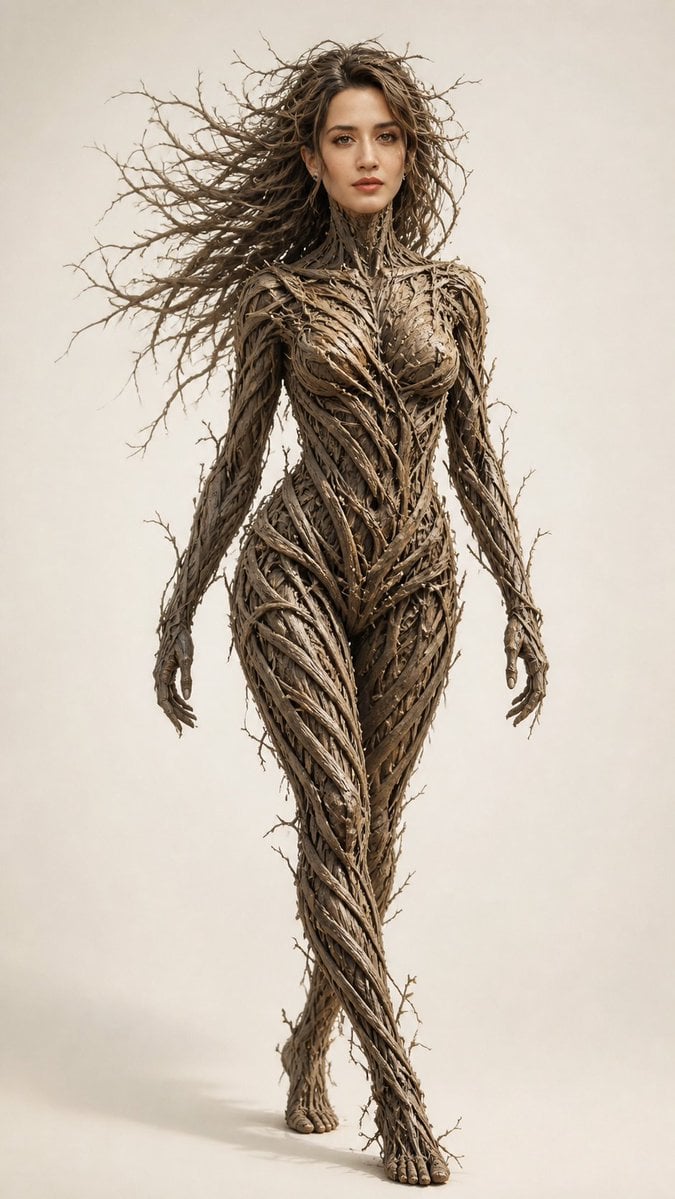
Dry Branch Sculpture Portrait

Neon Night Market Food Photography Prompt
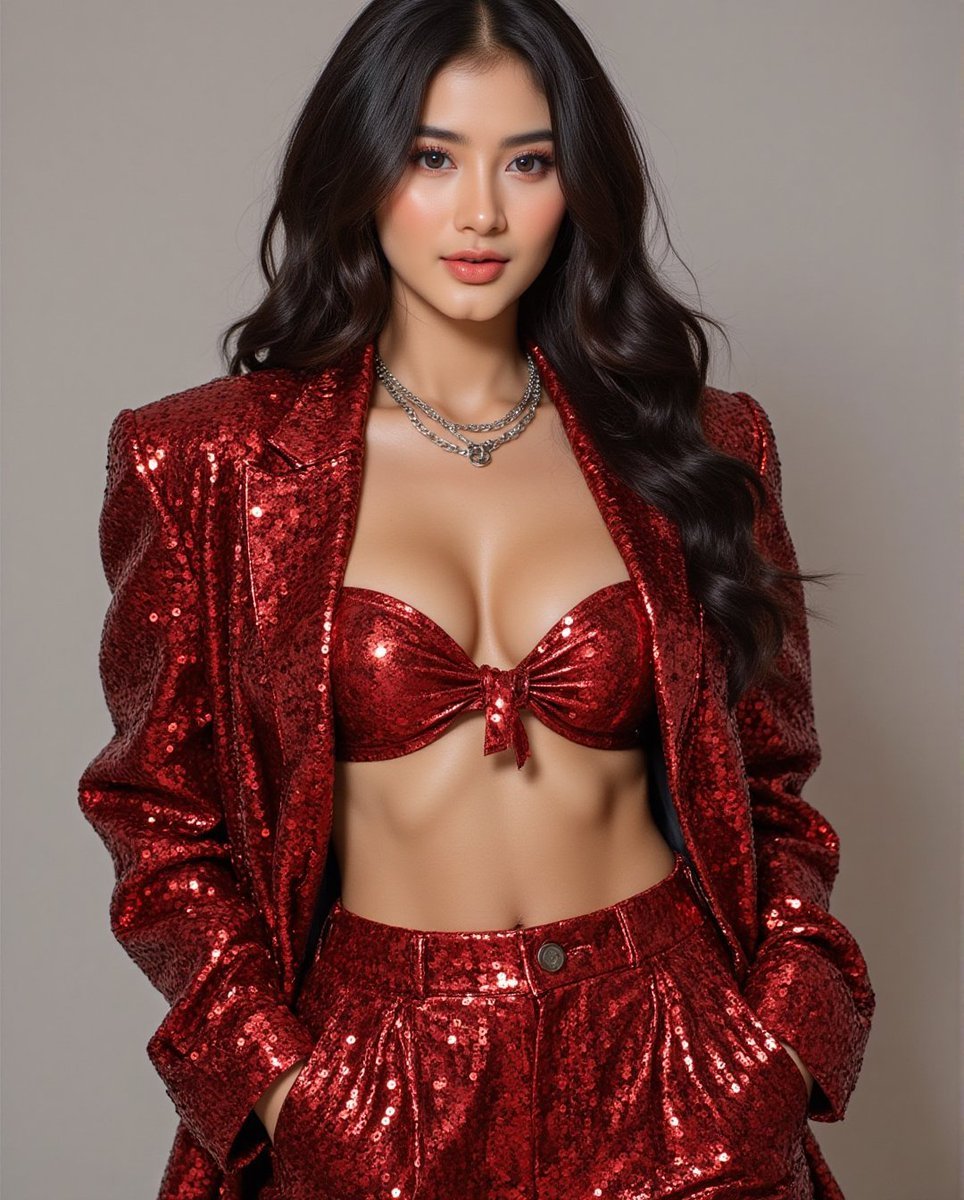
Fashion Photo in Metallic Red Sequin Suit
Cinematic Game Character in Midnight Station
Alexander the Great Historical Poster
Browse template categories
Photorealistic Man Interacting with 3D Shin-chan questions
How do I use the Photorealistic Man Interacting with 3D Shin-chan template?
Add your photo if the template asks for one, edit the prompt if you like — the template's model and format are already selected — and press Generate. Your version opens in PicX Studio.
Can I customize the Photorealistic Man Interacting with 3D Shin-chan template?
Yes. You can change the subject, setting, lighting, mood, format, and available model controls before creating your image.
Is the Photorealistic Man Interacting with 3D Shin-chan template free?
Opening and editing this template is free. Generating uses credits, shown on the Generate button when you are signed in.
Which AI model should I use?
Start with Nano Banana 2, which is the model associated with this template. You can compare another compatible model for a different finish.
Looking for something else? Browse all templates.

Your photo, any look
Thousands of ready templates for every top image and video model, from one credit balance.