
Chinese Wellness Recovery App UI
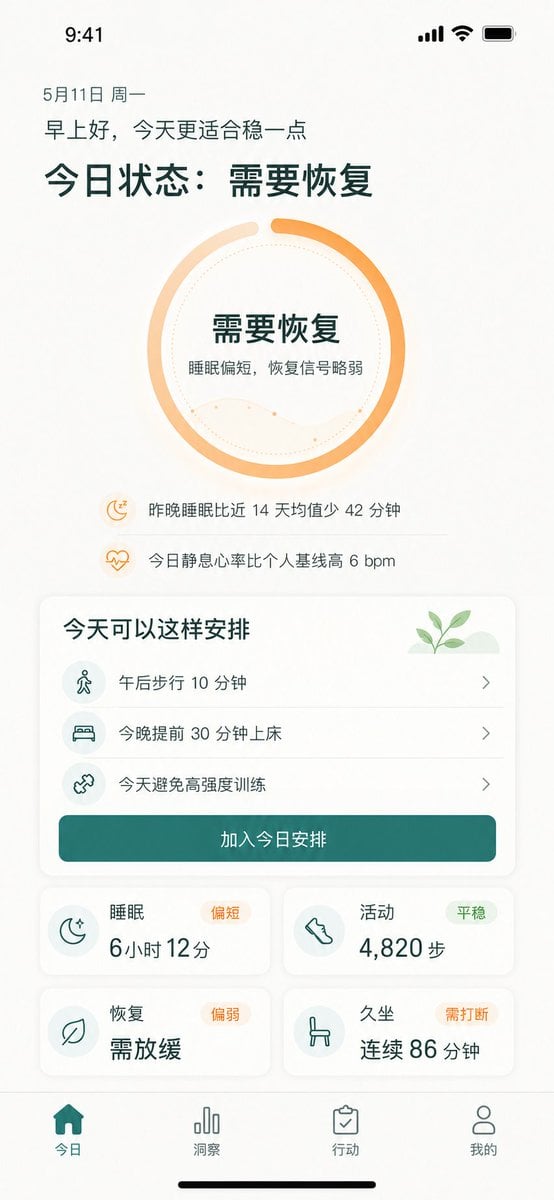
Generates a polished iPhone dashboard for a Chinese wellness app showing recovery status, suggested actions, metrics, and bottom navigation.
- Prompt included
- Model and format preset
- Free template
The prompt behind this image
Copy the exact prompt behind Chinese Wellness Recovery App UI, or open it in the studio and make it yours.
- Type
- high-fidelity mobile health recovery dashboard UI mockup
- Platform
- iPhone portrait screen, 9:41 status bar, white warm background, soft shadows, rounded cards, minimalist wellness app visual style
- Language
- Simplified Chinese UI text
- Theme › Primary Color
- {argument name="primary color" default="deep teal green"}
- Theme › Accent Color
- {argument name="accent color" default="warm orange"}
- Theme › Background
- off-white with subtle beige texture
- Theme › Typography
- clean modern sans-serif, bold large Chinese headings, lighter body text
- Screen › Top Status Bar
- time 9:41 at top left, cellular signal, Wi-Fi, battery icons at top right
- Screen › Date
- 5月11日 周一
- Screen › Greeting
- {argument name="greeting text" default="早上好,今天更适合稳一点"}
- Screen › Main Headline
- {argument name="main status headline" default="今日状态:需要恢复"}
- Hero Status Ring › Position
- upper center
- Hero Status Ring › Shape
- large circular progress ring
- Hero Status Ring › Count
- 1
- Hero Status Ring › Style
- thick orange gradient ring about 85 percent complete with a small gap at top, pale peach secondary arc, dotted inner circle, faint wavy line chart inside
- Hero Status Ring › Center Text
- 需要恢复, 睡眠偏短,恢复信号略弱
- Insight Rows › Position
- below ring
- Insight Rows › Count
- 2
- Insight Rows › Items › 0 › Icon
- small orange moon with zzz
- Insight Rows › Items › 0 › Text
- 昨晚睡眠比近 14 天均值少 42 分钟
- Insight Rows › Items › 1 › Icon
- small orange heart pulse
- Insight Rows › Items › 1 › Text
- 今日静息心率比个人基线高 6 bpm
- Schedule Card › Position
- middle
- Schedule Card › Title
- 今天可以这样安排
Raw JSON
{"type":"high-fidelity mobile health recovery dashboard UI mockup","platform":"iPhone portrait screen, 9:41 status bar, white warm background, soft shadows, rounded cards, minimalist wellness app visual style","language":"Simplified Chinese UI text","theme":{"primary_color":"{argument name=\"primary color\" default=\"deep teal green\"}","accent_color":"{argument name=\"accent color\" default=\"warm orange\"}","background":"off-white with subtle beige texture","typography":"clean modern sans-serif, bold large Chinese headings, lighter body text"},"screen":{"top_status_bar":"time 9:41 at top left, cellular signal, Wi-Fi, battery icons at top right","date":"5月11日 周一","greeting":"{argument name=\"greeting text\" default=\"早上好,今天更适合稳一点\"}","main_headline":"{argument name=\"main status headline\" default=\"今日状态:需要恢复\"}"},"hero_status_ring":{"position":"upper center","shape":"large circular progress ring","count":1,"style":"thick orange gradient ring about 85 percent complete with a small gap at top, pale peach secondary arc, dotted inner circle, faint wavy line chart inside","center_text":["需要恢复","睡眠偏短,恢复信号略弱"]},"insight_rows":{"position":"below ring","count":2,"items":[{"icon":"small orange moon with zzz","text":"昨晚睡眠比近 14 天均值少 42 分钟"},{"icon":"small orange heart pulse","text":"今日静息心率比个人基线高 6 bpm"}]},"schedule_card":{"position":"middle","title":"今天可以这样安排","decoration":"small green sprout illustration on pale green hill in top right","count":3,"items":[{"icon":"walking person in pale teal circle","text":"午后步行 10 分钟","chevron":"right"},{"icon":"bed in pale teal circle","text":"今晚提前 30 分钟上床","chevron":"right"},{"icon":"dumbbell/cross training icon in pale teal circle","text":"今天避免高强度训练","chevron":"right"}],"primary_button":"加入今日安排"},"metric_cards":{"position":"lower middle in 2 by 2 grid","count":4,"cards":[{"title":"睡眠","status_badge":"偏短","icon":"crescent moon with stars","main_value":"6小时 12分"},{"title":"活动","status_badge":"平稳","icon":"shoe/footprint","main_value":"4,820 步"},{"title":"恢复","status_badge":"偏弱","icon":"leaf","main_value":"需放缓"},{"title":"久坐","status_badge":"需打断","icon":"chair","main_value":"连续 86 分钟"}]},"bottom_navigation":{"position":"bottom fixed tab bar","count":4,"tabs":[{"label":"今日","icon":"filled home","state":"active teal"},{"label":"洞察","icon":"bar chart","state":"inactive gray"},{"label":"行动","icon":"clipboard check","state":"inactive gray"},{"label":"我的","icon":"user outline","state":"inactive gray"}],"home_indicator":"black iPhone home indicator at very bottom"},"composition":"single mobile app screen mockup centered in portrait, generous spacing, readable Chinese text, soft rounded rectangles, subtle dividers between schedule rows, wellness recovery tracking product design suitable for demo presentation"}How to use Chinese Wellness Recovery App UI in 3 steps
- 1Upload ImagePNG, JPG or paste
Add your photo
Upload the photo the template builds on. The prompt, model and format are already set.
- 2…a portrait of your subject in softgolden-hour light, 85mm…
Personalize
Edit the subject and creative details for your destination.
- 3Generate
Generate
Press Generate — your image is created in PicX Studio, so you can compare it with the original and refine one variable at a time.
More like this
Templates with the same subject, style or setup. Open one to see its prompt.

Lumen iOS Wellness App Mockup
Chinese Livestreaming App UI Grid

敦煌纸雕飞天 — 3D Layered Paper Cutout

博物馆图鉴式汉服拆解图 — GPT-image-2
Foxy App Icon Exploration Board
Wellness Magazine Lifestyle Cover
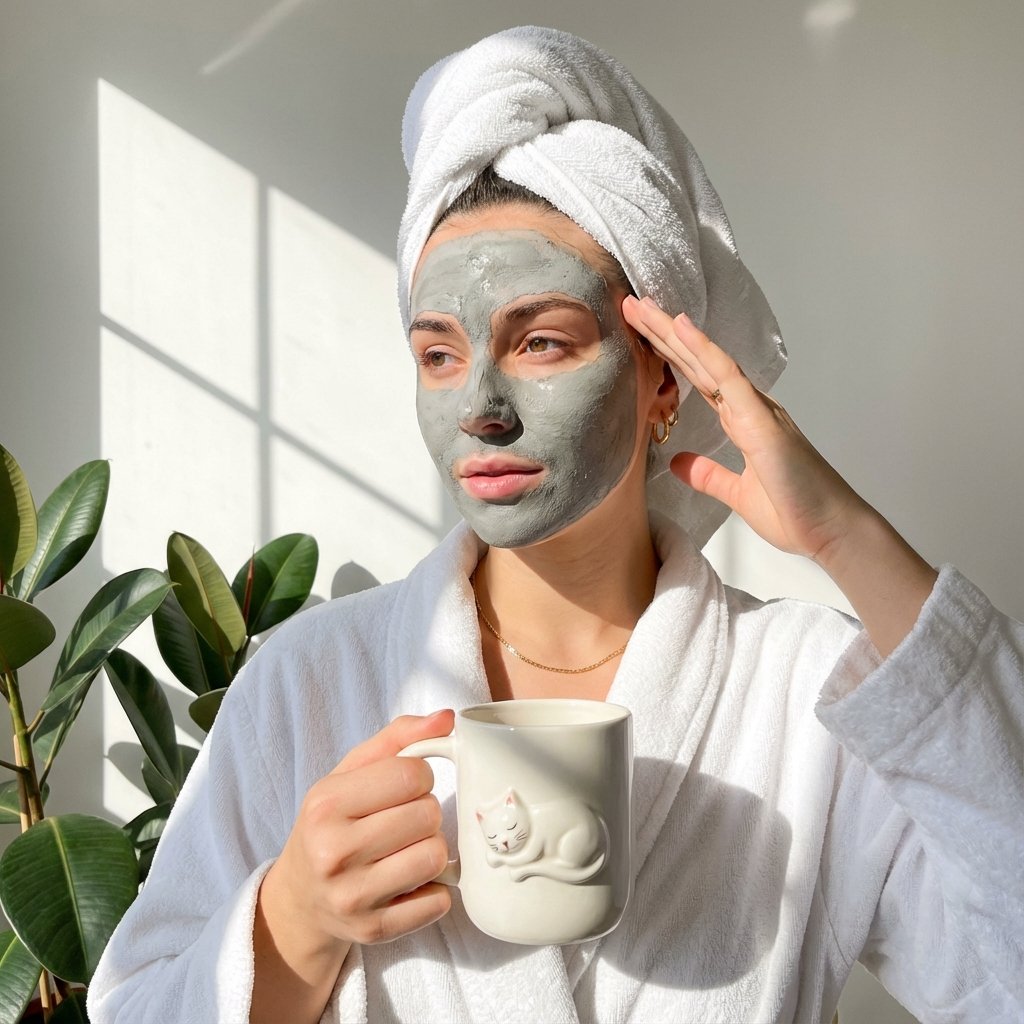
Morning Spa Wellness JSON

Subway Good Vibes App Card Portrait

Brutalist Cogito Chinese Typography Poster
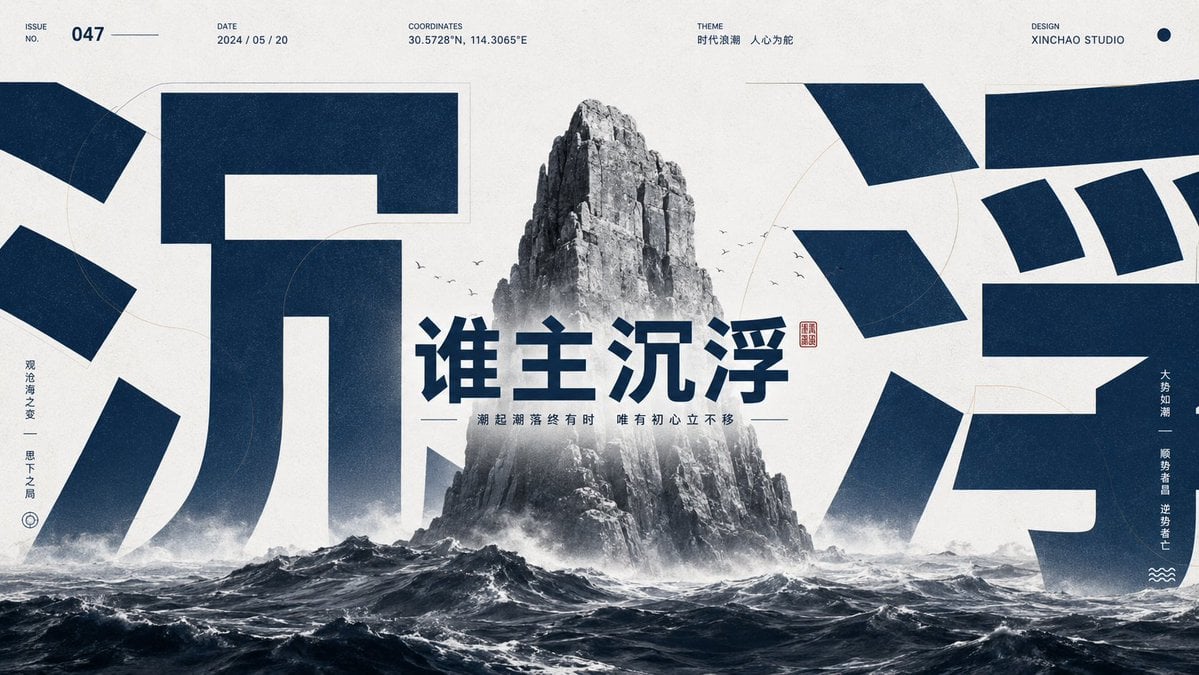
Monumental Chinese Ocean Poster
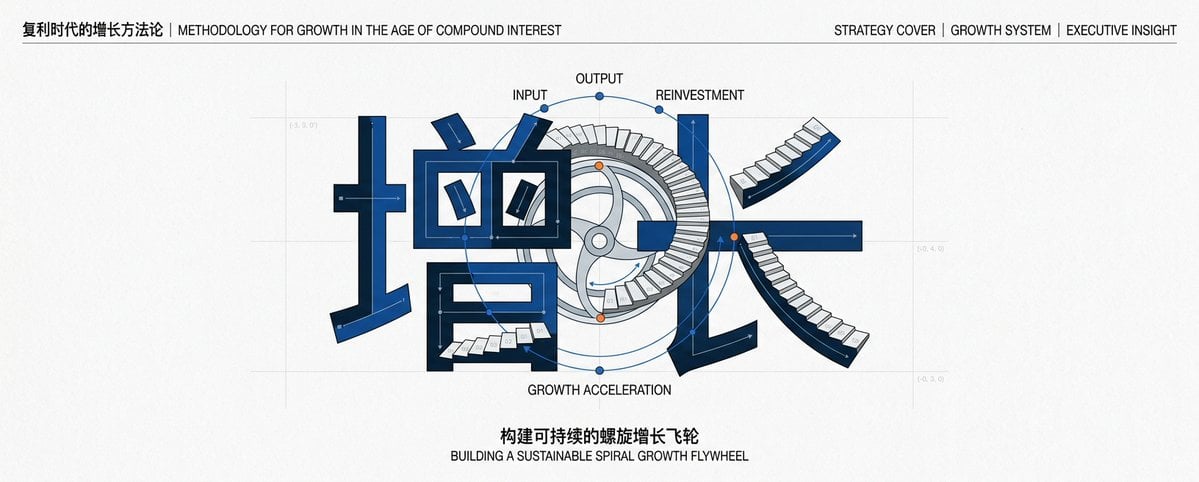
Chinese Growth Flywheel Strategy Cover
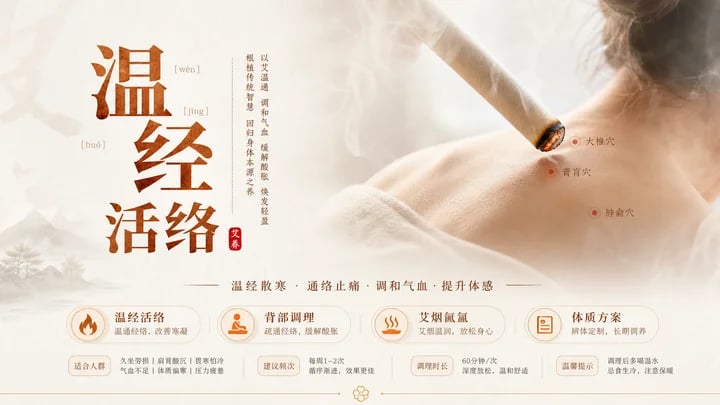
Traditional Chinese Moxibustion Poster
Make it yours
Chinese Wellness Recovery App UI works as-is. These are the safest ways to change it without losing the look.
Swap the setting
Keep the rest of the prompt and replace the location block. The current setting is “off-white with subtle beige texture”.
Change one field
Copy a single group, rewrite it, and generate again so you can see what that field is doing.
Keep the frame, change the subject
Hold the composition and light of Chinese Wellness Recovery App UI, then swap wardrobe, props or the person for a new take.
| If the result… | Why | Fix |
|---|---|---|
| The result drifts from the preview | Too many fields changed at once. | Reuse Chinese Wellness Recovery App UI as-is first, then change one group — subject, light, or setting. |
| GPT Image 2 ignores part of the JSON | Some models flatten or skip nested keys. | Keep the same values and paste them as a short paragraph instead. |
More GPT Image 2 templates
Other prompts made for GPT Image 2.

Six VTuber Japanese Logo Sheet

Realistic Portrait of Woman and Deer

The Vista Modular Condo Poster

AI Model Routing Comparison Infographic

2.5D Anime Art Board

Isometric Productivity Desk Scene

New York Double Exposure Poster

Four-Panel AI Landscape Comparison

Japanese Tatami Lifestyle Magazine Cover

NESCAFÉ Coffee Map Poster
More image prompts
Fresh picks from across the catalog.
Vintage North America Stamp Grid

Guardian of the Night Silver Wolf
Street Style Lifestyle Portrait
Short-Video App Interface Mockup
Editorial Street-Fashion Portrait Prompt
Rabbit Portfolio Design System Board
Magical Realism: Dragon Emerging from Canvas

Luxury Fashion Illustration
Retro Crystal Observatory Visual Novel
Isometric Photo Generation Prompt
Browse template categories
Chinese Wellness Recovery App UI questions
How do I use the Chinese Wellness Recovery App UI template?
Add your photo if the template asks for one, edit the prompt if you like — the template's model and format are already selected — and press Generate. Your version opens in PicX Studio.
Can I customize the Chinese Wellness Recovery App UI template?
Yes. You can change the subject, setting, lighting, mood, format, and available model controls before creating your image.
Is the Chinese Wellness Recovery App UI template free?
Opening and editing this template is free. Generating uses credits, shown on the Generate button when you are signed in.
Which AI model should I use?
Start with GPT Image 2, which is the model associated with this template. You can compare another compatible model for a different finish.
Looking for something else? Browse all templates.

Your photo, any look
Thousands of ready templates for every top image and video model, from one credit balance.