
Chinese Livestreaming App UI Grid
Generates a 2x2 grid of realistic Chinese livestreaming app interfaces featuring different hosts, platforms, and UI overlays.
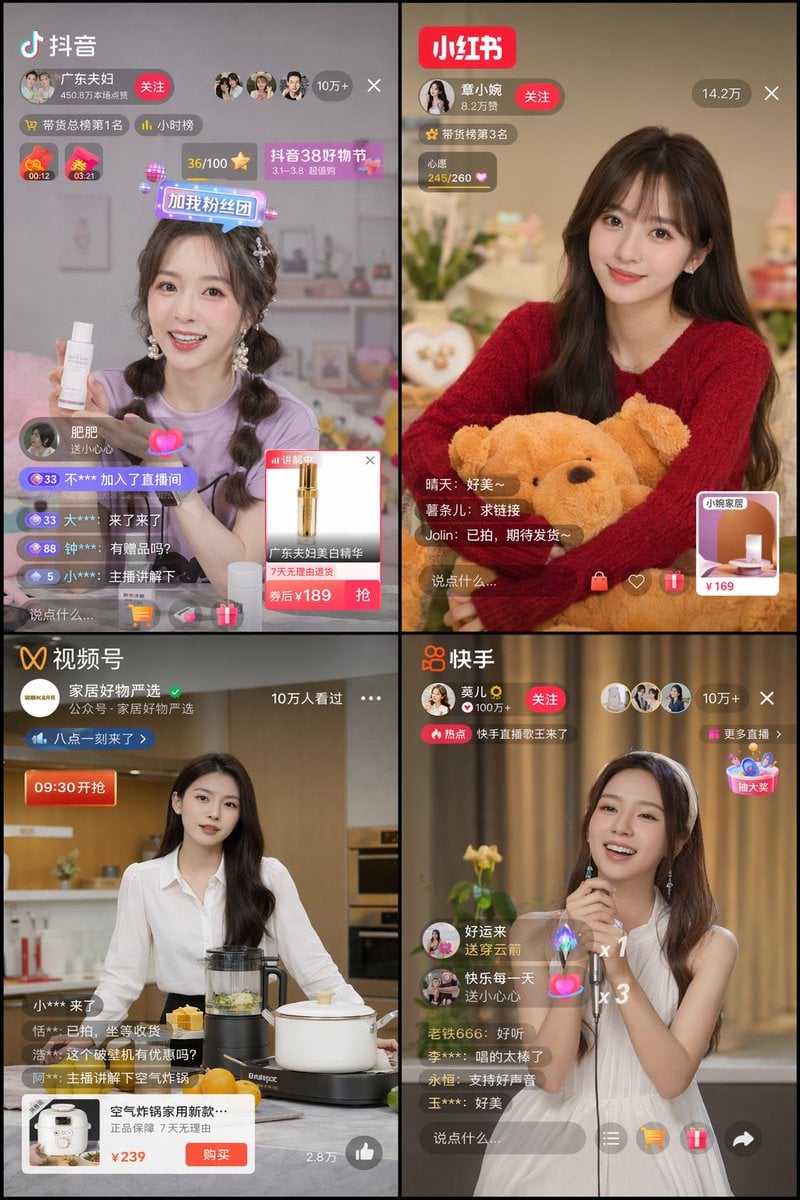
- Prompt included
- Model and format preset
- Free template
The prompt behind this image
Copy the exact prompt behind Chinese Livestreaming App UI Grid, or open it in the studio and make it yours.
- Type
- 2x2 grid of Chinese livestreaming app interfaces
- Layout › Grid
- 2 columns, 2 rows
- Layout › Panels › 0 › Position
- top-left
- Layout › Panels › 0 › Platform
- Douyin
- Layout › Panels › 0 › Logo
- 抖音
- Layout › Panels › 0 › Host › Name
- {argument name="douyin host name" default="广东夫妇"}
- Layout › Panels › 0 › Host › Appearance
- young woman, purple t-shirt, braided pigtails
- Layout › Panels › 0 › Host › Action
- holding a white skincare bottle
- Layout › Panels › 0 › Ui Elements
- profile banner with '关注' button, viewer count '10万+', floating sticker '加我粉丝团', chat stream with 4 messages, product overlay card showing a gold bottle and '券后¥{argument name="douyin product price" default="189"}'
- Layout › Panels › 1 › Position
- top-right
- Layout › Panels › 1 › Platform
- Xiaohongshu
- Layout › Panels › 1 › Logo
- 小红书
- Layout › Panels › 1 › Host › Name
- {argument name="xiaohongshu host name" default="章小婉"}
- Layout › Panels › 1 › Host › Appearance
- young woman, red sweater, long wavy dark hair
- Layout › Panels › 1 › Host › Action
- hugging a large brown teddy bear
- Layout › Panels › 1 › Ui Elements
- profile banner with '关注' button, viewer count '14.2万', heart progress bar '245/260', chat stream with 3 messages, product overlay card showing a lamp and '¥169'
- Layout › Panels › 2 › Position
- bottom-left
- Layout › Panels › 2 › Platform
- WeChat Video
- Layout › Panels › 2 › Logo
- 视频号
- Layout › Panels › 2 › Host › Name
- {argument name="wechat host name" default="家居好物严选"}
- Layout › Panels › 2 › Host › Appearance
- young woman, white button-up shirt, long dark hair
- Layout › Panels › 2 › Host › Action
- standing in a kitchen with a blender and white pot
- Layout › Panels › 2 › Ui Elements
- profile banner, viewer count '10万人看过', countdown tag '09:30开抢', chat stream with 4 messages, product overlay card showing an air fryer and '¥239'
- Layout › Panels › 3 › Position
- bottom-right
Raw JSON
{
  "type": "2x2 grid of Chinese livestreaming app interfaces",
  "layout": {
    "grid": "2 columns, 2 rows",
    "panels": [
      {
        "position": "top-left",
        "platform": "Douyin",
        "logo": "抖音",
        "host": {
          "name": "{argument name=\"douyin host name\" default=\"广东夫妇\"}",
          "appearance": "young woman, purple t-shirt, braided pigtails",
          "action": "holding a white skincare bottle"
        },
        "ui_elements": [
          "profile banner with '关注' button",
          "viewer count '10万+'",
          "floating sticker '加我粉丝团'",
          "chat stream with 4 messages",
          "product overlay card showing a gold bottle and '券后¥{argument name=\"douyin product price\" default=\"189\"}'"
        ]
      },
      {
        "position": "top-right",
        "platform": "Xiaohongshu",
        "logo": "小红书",
        "host": {
          "name": "{argument name=\"xiaohongshu host name\" default=\"章小婉\"}",
          "appearance": "young woman, red sweater, long wavy dark hair",
          "action": "hugging a large brown teddy bear"
        },
        "ui_elements": [
          "profile banner with '关注' button",
          "viewer count '14.2万'",
          "heart progress bar '245/260'",
          "chat stream with 3 messages",
          "product overlay card showing a lamp and '¥169'"
        ]
      },
      {
        "position": "bottom-left",
        "platform": "WeChat Video",
        "logo": "视频号",
        "host": {
          "name": "{argument name=\"wechat host name\" default=\"家居好物严选\"}",
          "appearance": "young woman, white button-up shirt, long dark hair",
          "action": "standing in a kitchen with a blender and white pot"
        },
        "ui_elements": [
          "profile banner",
          "viewer count '10万人看过'",
          "countdown tag '09:30开抢'",
          "chat stream with 4 messages",
          "product overlay card showing an air fryer and '¥239'"
        ]
      },
      {
        "position": "bottom-right",
        "platform": "Kuaishou",
        "logo": "快手",
        "host": {
          "name": "{argument name=\"kuaishou host name\" default=\"莫儿\"}",
          "appearance": "young woman, white sleeveless dress, white headband",
          "action": "holding a microphone and singing"
        },
        "ui_elements": [
          "profile banner with '关注' button",
          "viewer count '10万+'",
          "hot topic banner '快手直播歌王来了'",
          "chat stream with 5 messages",
          "floating gift animations including a rocket and hearts",
          "floating treasure box '抽大奖'"
        ]
      }
    ]
  }
}How to use Chinese Livestreaming App UI Grid in 3 steps
- 1Upload ImagePNG, JPG or paste
Add your photo
Upload the photo the template builds on. The prompt, model and format are already set.
- 2…a portrait of your subject in softgolden-hour light, 85mm…
Personalize
Edit the subject and creative details for your destination.
- 3Generate
Generate
Press Generate — your image is created in PicX Studio, so you can compare it with the original and refine one variable at a time.
More like this
Templates with the same subject, style or setup. Open one to see its prompt.
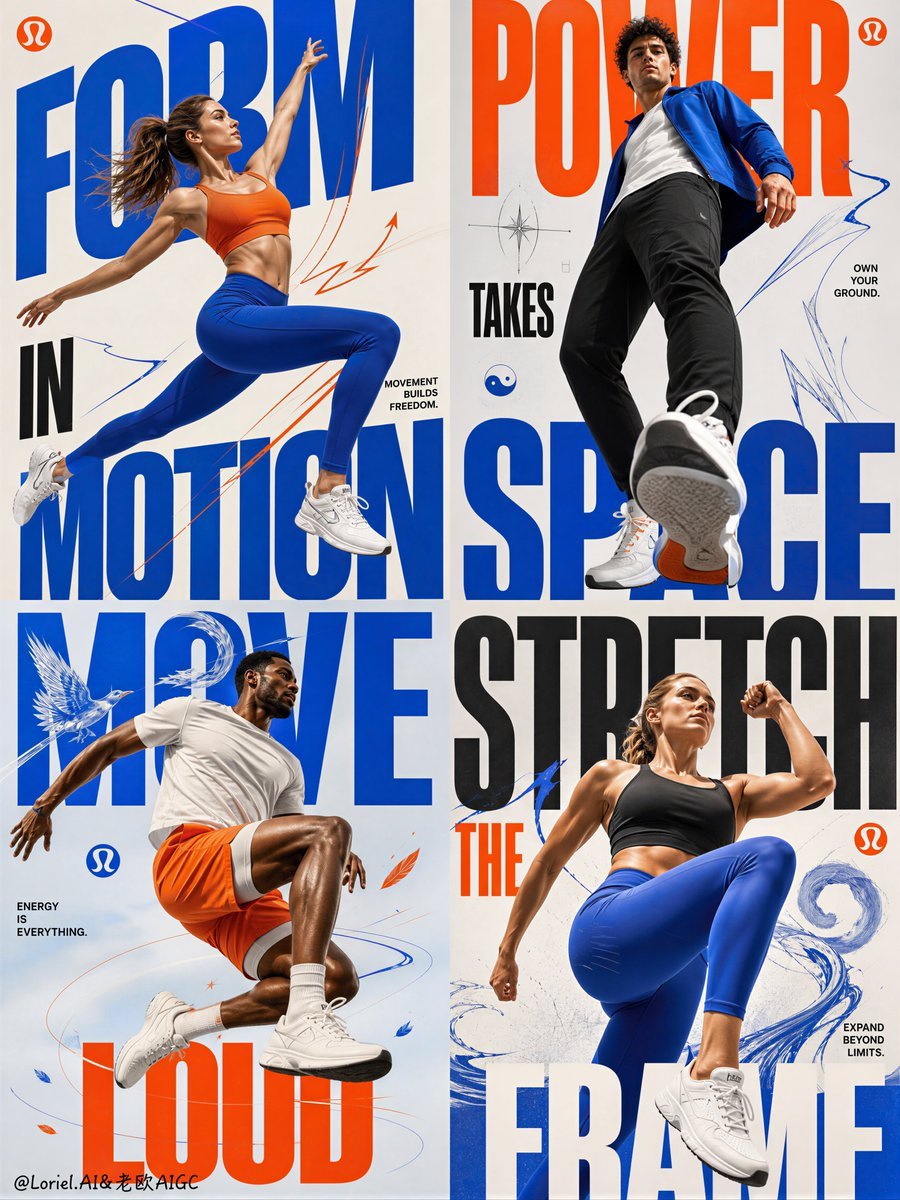
Fitness Apparel Grid Campaign Poster

Korean Luxury Fashion Editorial 2x2 Grid Series

Minimalist Fashion Editorial Split Layout

Ultra-Realistic Vogue-Style Editorial Fashion Grid

Headphones Lifestyle Nine Panel Grid
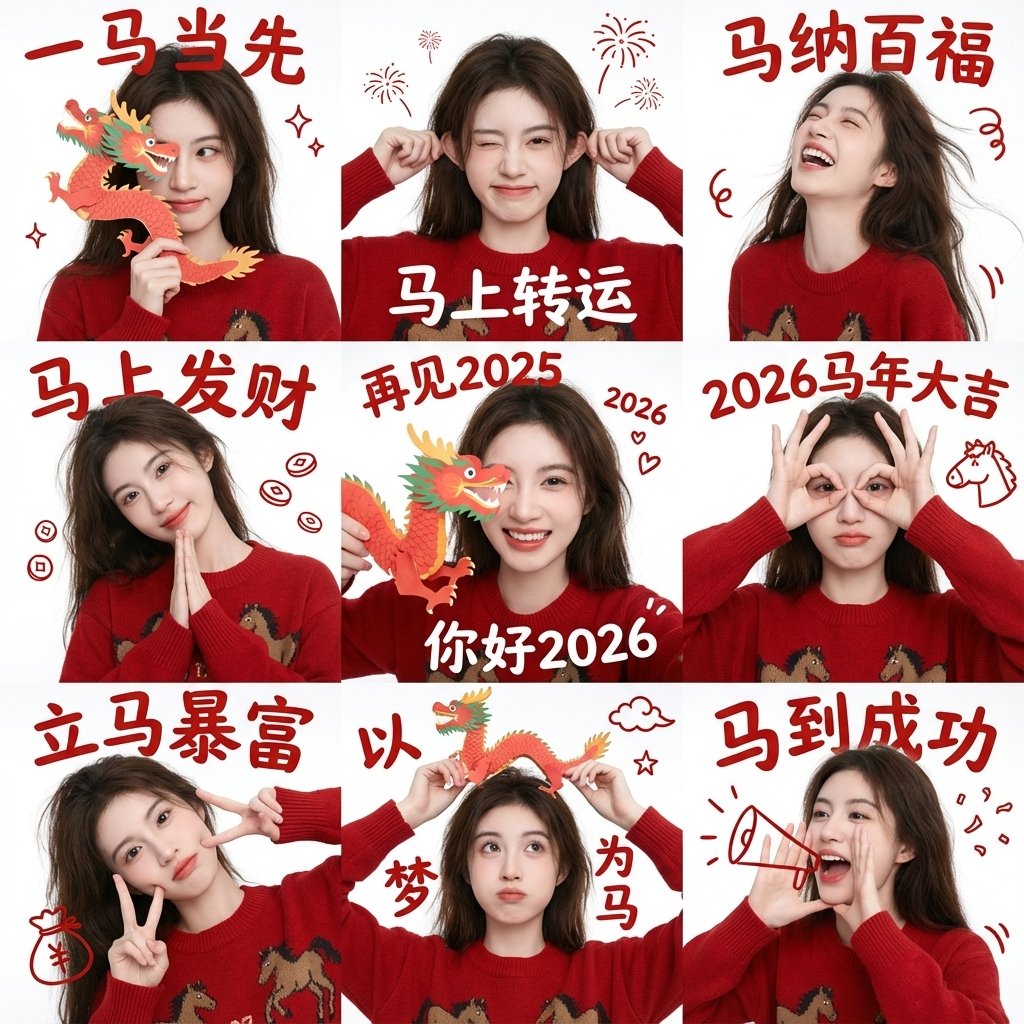
Chinese New Year Blessing Portrait Grid
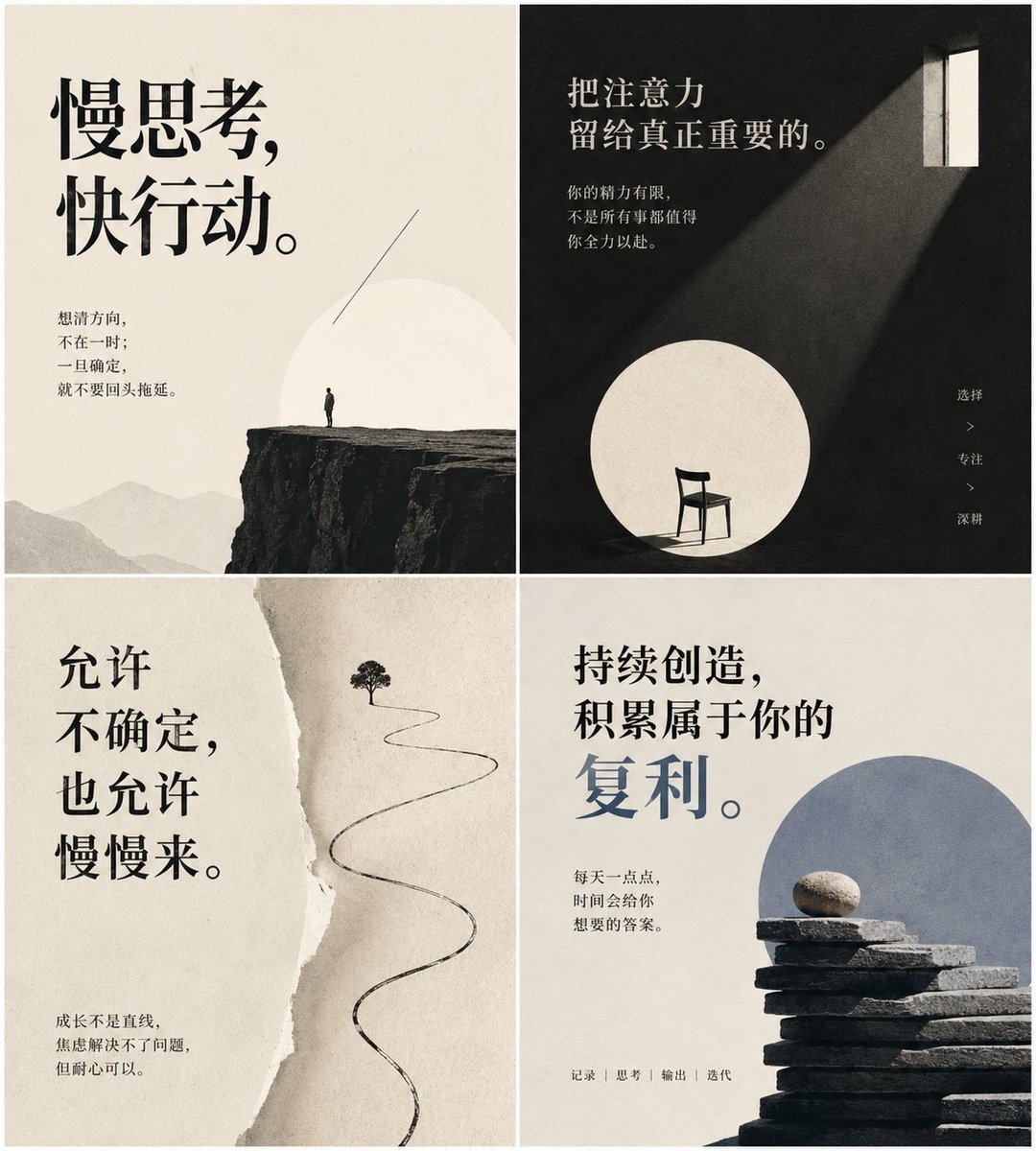
Minimal Chinese Advice Card Grid
Chinese Wellness Recovery App UI

4x4 Grid - Candid Nostalgic Vacation Selfies

Movement Sheet - Dance Reference (Seedance 2.0)
Tower defense mobile app design mockup grid

敦煌纸雕飞天 — 3D Layered Paper Cutout
Make it yours
Chinese Livestreaming App UI Grid works as-is. These are the safest ways to change it without losing the look.
Change one field
Copy a single group, rewrite it, and generate again so you can see what that field is doing.
Keep the frame, change the subject
Hold the composition and light of Chinese Livestreaming App UI Grid, then swap wardrobe, props or the person for a new take.
| If the result… | Why | Fix |
|---|---|---|
| The result drifts from the preview | Too many fields changed at once. | Reuse Chinese Livestreaming App UI Grid as-is first, then change one group — subject, light, or setting. |
| GPT Image 2 ignores part of the JSON | Some models flatten or skip nested keys. | Keep the same values and paste them as a short paragraph instead. |
More GPT Image 2 templates
Other prompts made for GPT Image 2.

Six VTuber Japanese Logo Sheet

Realistic Portrait of Woman and Deer

The Vista Modular Condo Poster

AI Model Routing Comparison Infographic

2.5D Anime Art Board

Isometric Productivity Desk Scene

New York Double Exposure Poster

Four-Panel AI Landscape Comparison

Japanese Tatami Lifestyle Magazine Cover

NESCAFÉ Coffee Map Poster
More image prompts
Fresh picks from across the catalog.
Chaotic Holiday at Home Manga Scene
Giant Woman City Walk Video Prompt
Luxury Terrace Editorial Photography Prompt

3D Perspective Text Effect Prompt

Anime Light Novel Promotional Poster
Toile de Jouy Street Style Fashion Editorial
Close-up Portrait with Persian Cat
Local Web App Annotation Demo

Anime Fantasy Rock Band Fusion
High-Fashion Editorial: Golden Hour Luxury
Browse template categories
Chinese Livestreaming App UI Grid questions
How do I use the Chinese Livestreaming App UI Grid template?
Add your photo if the template asks for one, edit the prompt if you like — the template's model and format are already selected — and press Generate. Your version opens in PicX Studio.
Can I customize the Chinese Livestreaming App UI Grid template?
Yes. You can change the subject, setting, lighting, mood, format, and available model controls before creating your image.
Is the Chinese Livestreaming App UI Grid template free?
Opening and editing this template is free. Generating uses credits, shown on the Generate button when you are signed in.
Which AI model should I use?
Start with GPT Image 2, which is the model associated with this template. You can compare another compatible model for a different finish.
Looking for something else? Browse all templates.

Your photo, any look
Thousands of ready templates for every top image and video model, from one credit balance.