
Chinese New Year Blessing Portrait Grid
A detailed JSON-formatted prompt for generating a consistent 3x3 grid of Chinese New Year portraits featuring a male subject with specific poses and traditional blessing calligraphy.
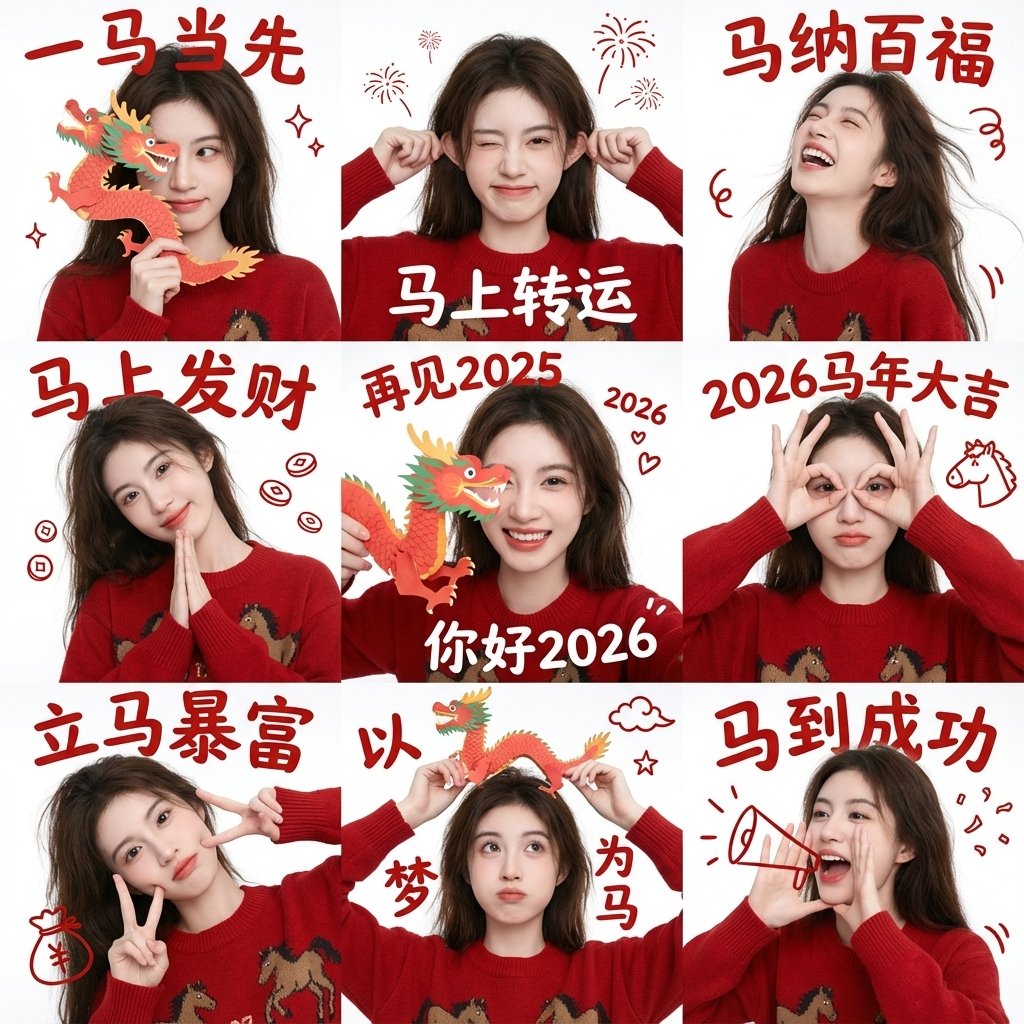
- Prompt included
- Model and format preset
- Free template
The prompt behind this image
Copy the exact prompt behind Chinese New Year Blessing Portrait Grid, or open it in the studio and make it yours.
- Project Settings › Task Type
- 3x3 Chinese New Year blessing portrait grid (male version)
- Project Settings › Aspect Ratio
- 1:1
- Project Settings › Grid Layout
- 3x3
- Project Settings › Batch Size
- 1
- Overall Style › Style
- minimalist New Year blessing aesthetic
- Overall Style › Visual Tone
- clean, gentle, restrained festive feel
- Overall Style › Background
- solid white wall, no decoration
- Overall Style › Lighting
- soft natural light, even, no harsh shadows
- Overall Style › Color Focus
- Chinese red (clothing and text)
- Subject Base › Consistency
- same person across all 9 grids
- Subject Base › Subject Type
- Asian male
- Subject Base › Vibe
- clean, sunny, natural, not greasy
- Subject Base › Hair
- short black hair, naturally fluffy, simple and crisp
- Subject Base › Outfit
- red knit sweater or hoodie, plain, no patterns
- Subject Base › Makeup
- no visible makeup, real natural skin
- Subject Base › Expression
- happy, restrained smile, not exaggerated
- Pose Variations › Grid 1
- index finger raised in front of lips, relaxed quiet gesture
- Pose Variations › Grid 2
- one hand making V-sign near the face
- Pose Variations › Grid 3
- one hand making OK or three-finger gesture
- Pose Variations › Grid 4
- both hands raised in a light playful gesture (not overly cute)
- Pose Variations › Grid 5
- one open hand covering half the face
- Pose Variations › Grid 6
- one hand in phone gesture near the side of the face
- Pose Variations › Grid 7
- one hand lightly touching cheek or chin
- Pose Variations › Grid 8
- one hand resting under the chin, slight thinking pose
Raw JSON
{
  "project_settings": {
    "task_type": "3x3 Chinese New Year blessing portrait grid (male version)",
    "aspect_ratio": "1:1",
    "grid_layout": "3x3",
    "batch_size": 1
  },

  "overall_style": {
    "style": "minimalist New Year blessing aesthetic",
    "visual_tone": "clean, gentle, restrained festive feel",
    "background": "solid white wall, no decoration",
    "lighting": "soft natural light, even, no harsh shadows",
    "color_focus": "Chinese red (clothing and text)"
  },

  "subject_base": {
    "consistency": "same person across all 9 grids",
    "subject_type": "Asian male",
    "vibe": "clean, sunny, natural, not greasy",
    "hair": "short black hair, naturally fluffy, simple and crisp",
    "outfit": "red knit sweater or hoodie, plain, no patterns",
    "makeup": "no visible makeup, real natural skin",
    "expression": "happy, restrained smile, not exaggerated"
  },

  "pose_variations": {
    "grid_1": "index finger raised in front of lips, relaxed quiet gesture",
    "grid_2": "one hand making V-sign near the face",
    "grid_3": "one hand making OK or three-finger gesture",
    "grid_4": "both hands raised in a light playful gesture (not overly cute)",
    "grid_5": "one open hand covering half the face",
    "grid_6": "one hand in phone gesture near the side of the face",
    "grid_7": "one hand lightly touching cheek or chin",
    "grid_8": "one hand resting under the chin, slight thinking pose",
    "grid_9": "both hands pointing toward the face or a restrained heart-shape variation"
  },

  "text_overlays": {
    "font_style": "traditional Chinese New Year calligraphy",
    "text_color": "Chinese red",
    "year_color": "deep blue",
    "text_position": "top center of each grid cell",
    "text_structure": "four-character blessing phrase + year"
  },

  "text_content": [
    { "position": "grid_1", "text": "一帆风顺", "year": "2026" },
    { "position": "grid_2", "text": "双喜临门", "year": "2026" },
    { "position": "grid_3", "text": "三阳开泰", "year": "2026" },
    { "position": "grid_4", "text": "四季发财", "year": "2026" },
    { "position": "grid_5", "text": "五福临门", "year": "2026" },
    { "position": "grid_6", "text": "六六大顺", "year": "2026" },
    { "position": "grid_7", "text": "七星高照", "year": "2026" },
    { "position": "grid_8", "text": "八方来财", "year": "2026" },
    { "position": "grid_9", "text": "九九同心", "year": "2026" }
  ],

  "constraints": {
    "do_not": [
      "do not change subject identity",
      "do not use exaggerated expressions",
      "do not feminize the pose",
      "do not use a complex background",
      "do not add festive props",
      "do not stylize the face"
    ],
    "consistency_rules": [
      "facial features must stay fully identical across grids",
      "outfit color and material must stay consistent",
      "camera angle and distance roughly "
    ]
  }
}How to use Chinese New Year Blessing Portrait Grid in 3 steps
- 1
Open
The prompt is already in the box next to the preview, with the template's model and format selected.
- 2…a portrait of your subject in softgolden-hour light, 85mm…
Personalize
Edit the subject and creative details for your destination.
- 3Generate
Generate
Press Generate — your image is created in PicX Studio, so you can compare it with the original and refine one variable at a time.
More like this
Templates with the same subject, style or setup. Open one to see its prompt.

B&W Photobooth Expression Grid 4x4 — Nano Banana

Gen Z TikTok Viral Expression Grid 4x4 — Nano Banana

Found Photograph: Us, 1970

80s Couple Studio Portrait

80s Bollywood Star

80s Golden Hour Cinema

Me in 1985

1985 Studio Portrait

Hyper-Realistic Minecraft POV Portrait

Minimalist Studio Fashion Portrait Grid
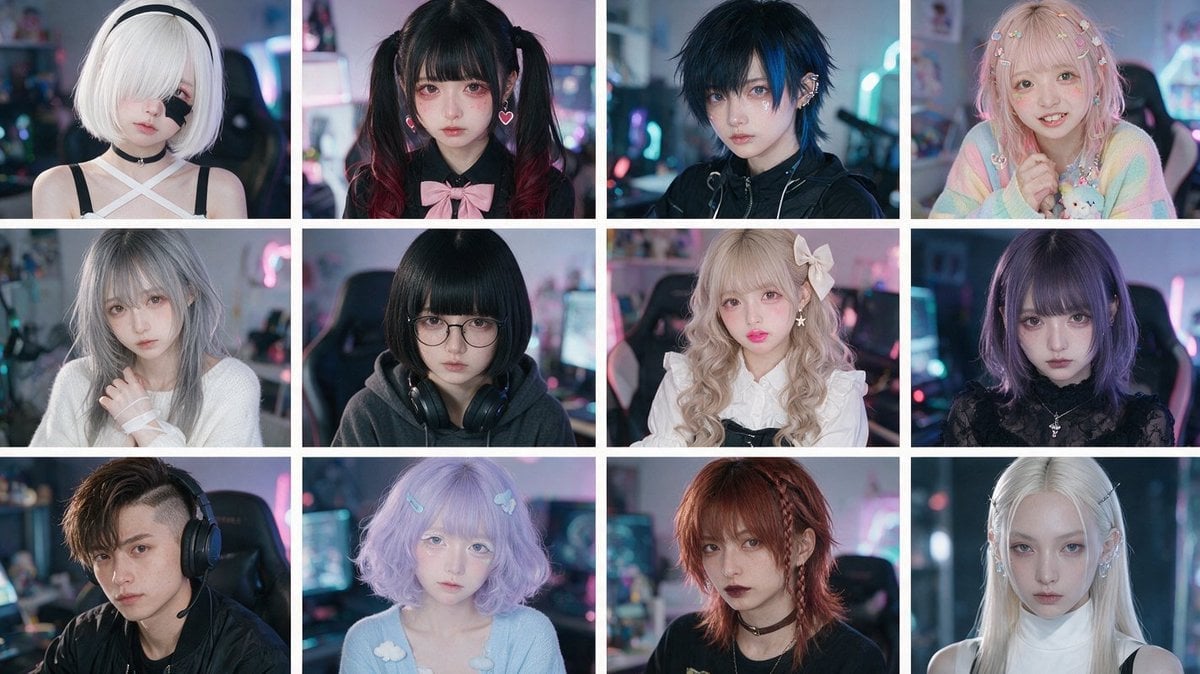
Cyber-Kawaii Influencer Portrait Grid

Rooftop Fisheye — Cat-Ear Balaclava at Golden Hour
Make it yours
Chinese New Year Blessing Portrait Grid works as-is. These are the safest ways to change it without losing the look.
Swap the setting
Keep the rest of the prompt and replace the location block. The current setting is “3x3 Chinese New Year blessing portrait grid (male version)”.
Swap the light
One lighting change is enough to compare takes. Current light: “soft natural light, even, no harsh shadows”.
Change one field
Copy a single group, rewrite it, and generate again so you can see what that field is doing.
| If the result… | Why | Fix |
|---|---|---|
| The result drifts from the preview | Too many fields changed at once. | Reuse Chinese New Year Blessing Portrait Grid as-is first, then change one group — subject, light, or setting. |
| GPT Image 2 ignores part of the JSON | Some models flatten or skip nested keys. | Keep the same values and paste them as a short paragraph instead. |
More GPT Image 2 templates
Other prompts made for GPT Image 2.

Six VTuber Japanese Logo Sheet

Realistic Portrait of Woman and Deer

The Vista Modular Condo Poster

AI Model Routing Comparison Infographic

2.5D Anime Art Board

Isometric Productivity Desk Scene

New York Double Exposure Poster

Four-Panel AI Landscape Comparison

Japanese Tatami Lifestyle Magazine Cover

NESCAFÉ Coffee Map Poster
More image prompts
Fresh picks from across the catalog.
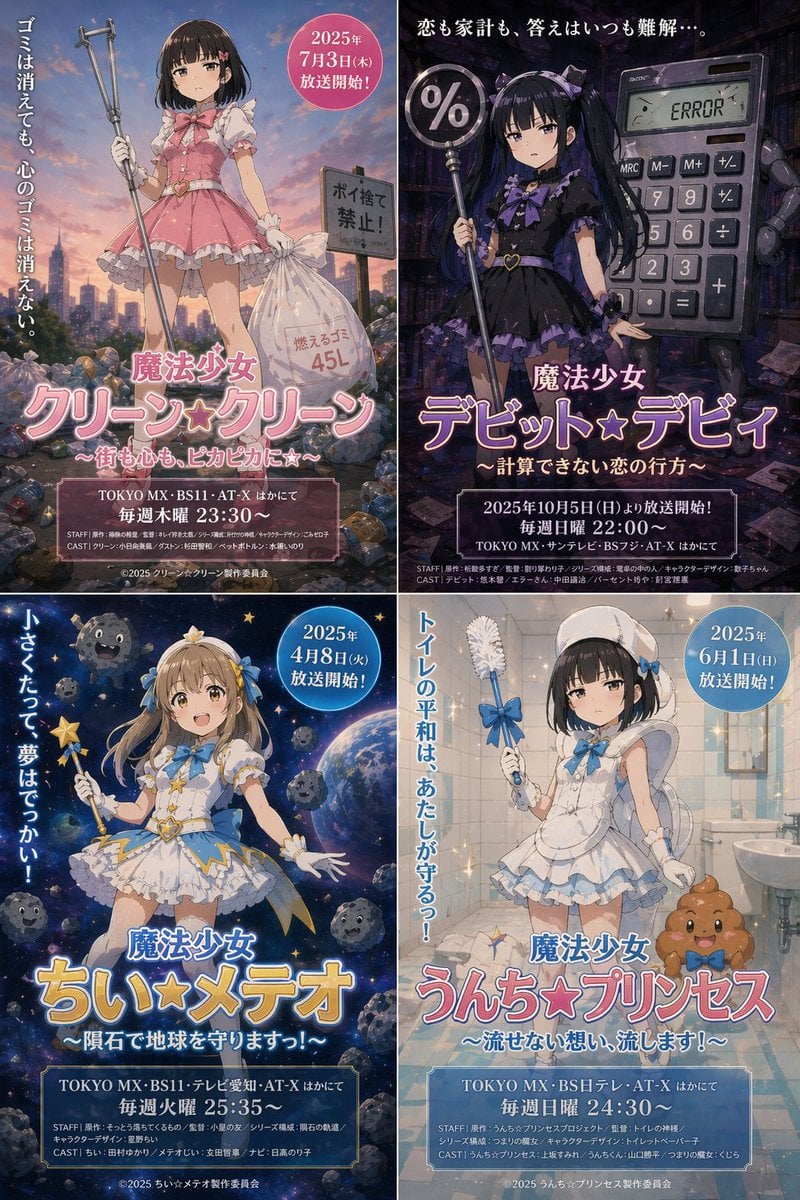
Surreal Japanese Anime Poster Prompt
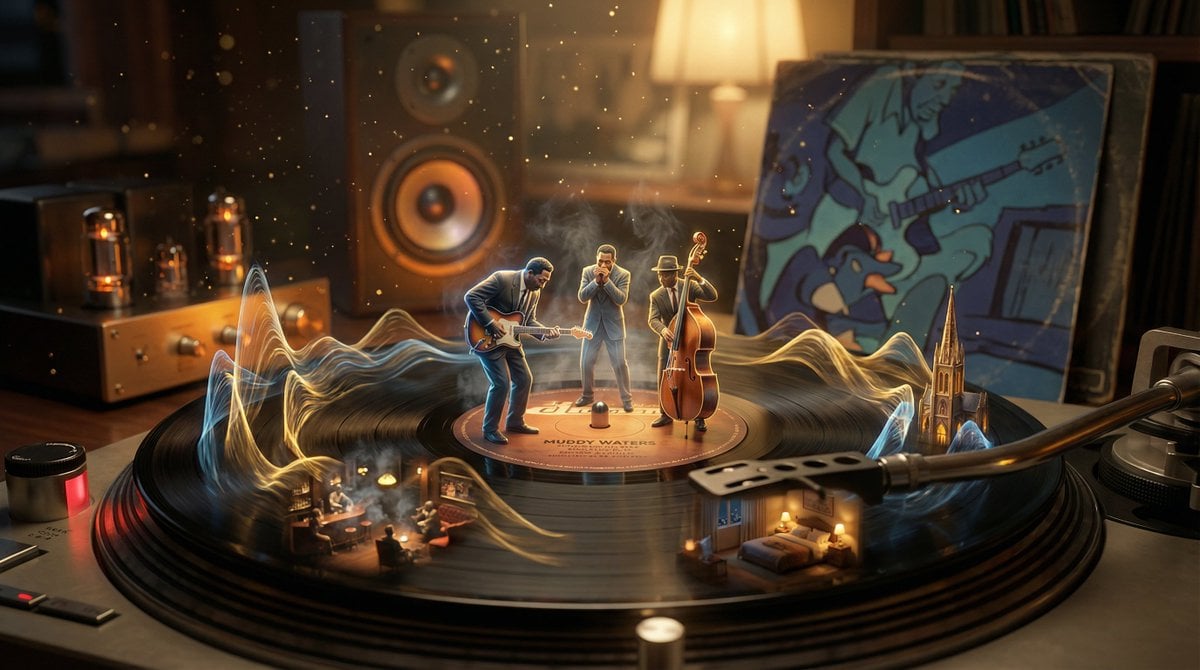
Surreal Vinyl Record Mid-Play Visualization
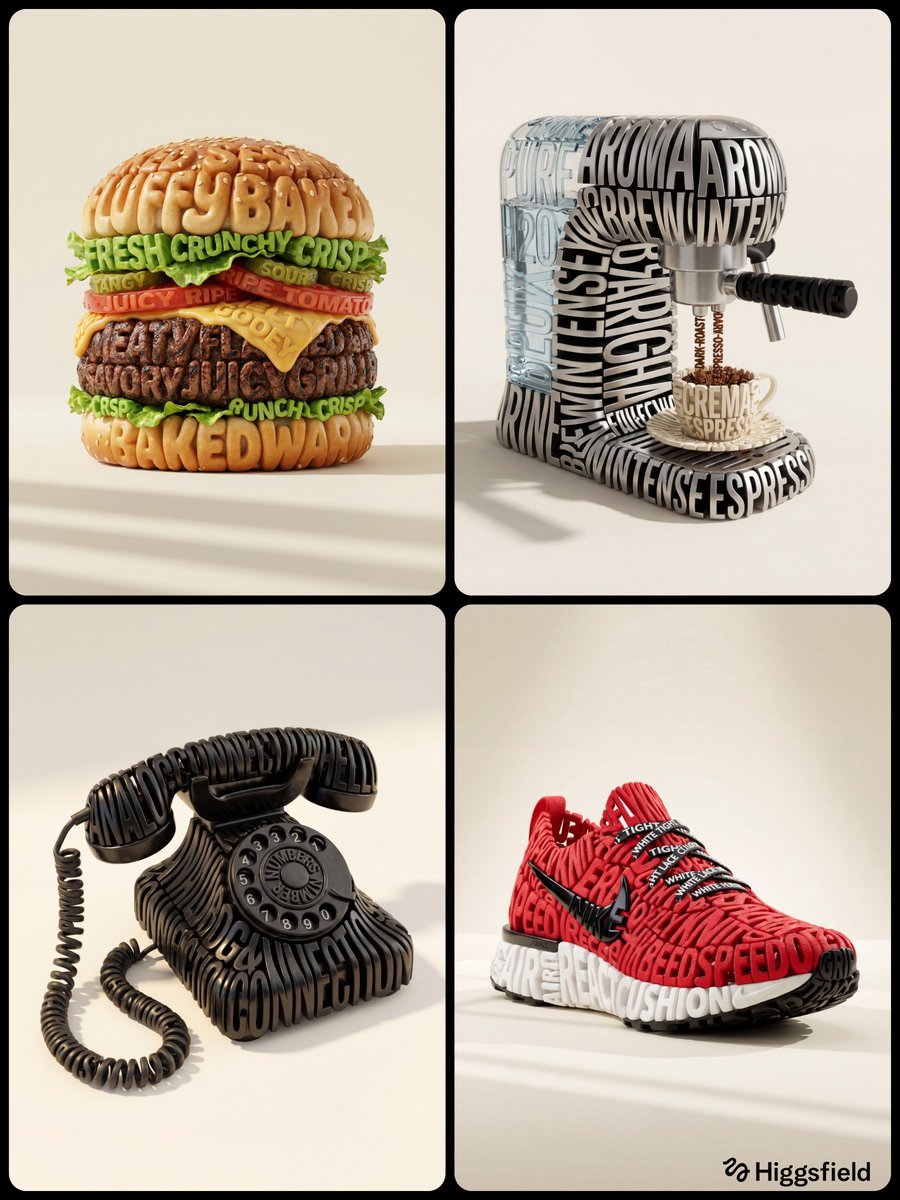
Hyper-Realistic 3D Typographic Sculpture Product Concept
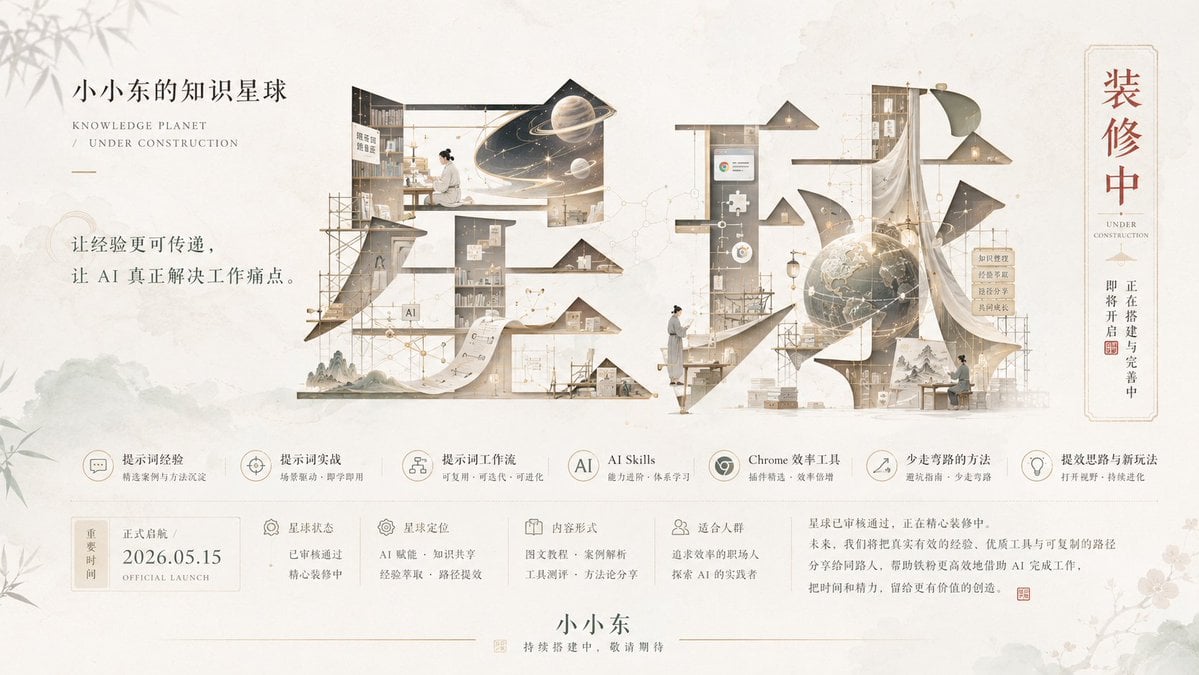
Bright Korean Minimalist Typography Graphic
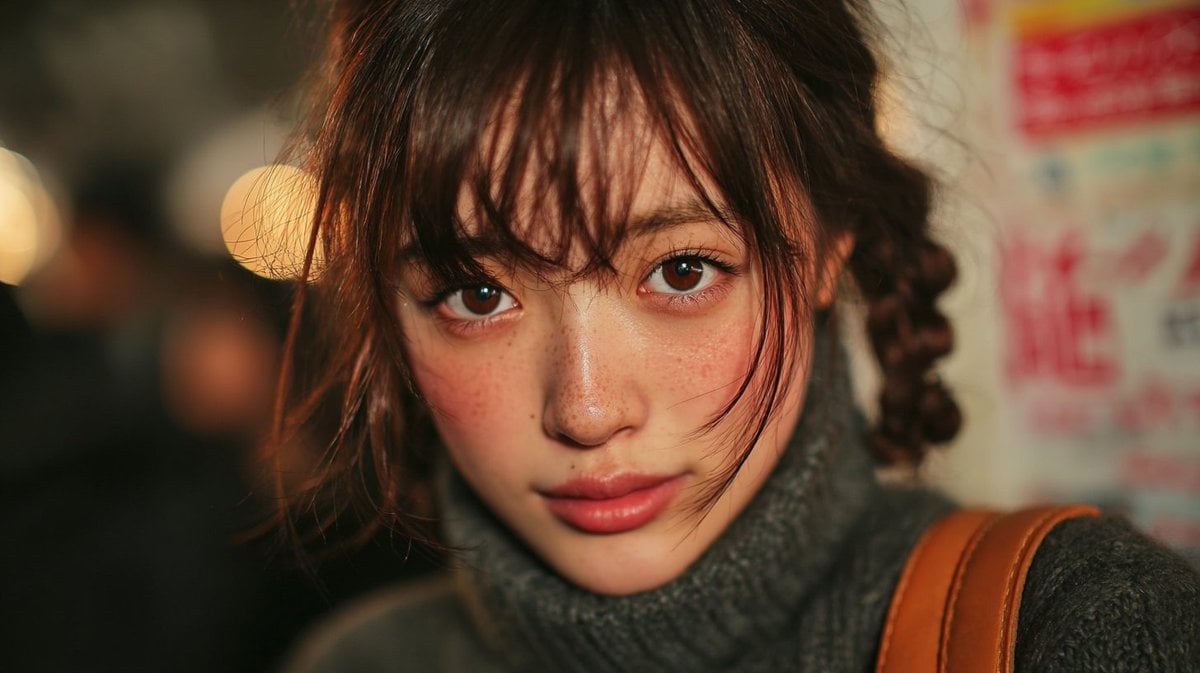
2000s Compact Digital Camera Texture Prompt
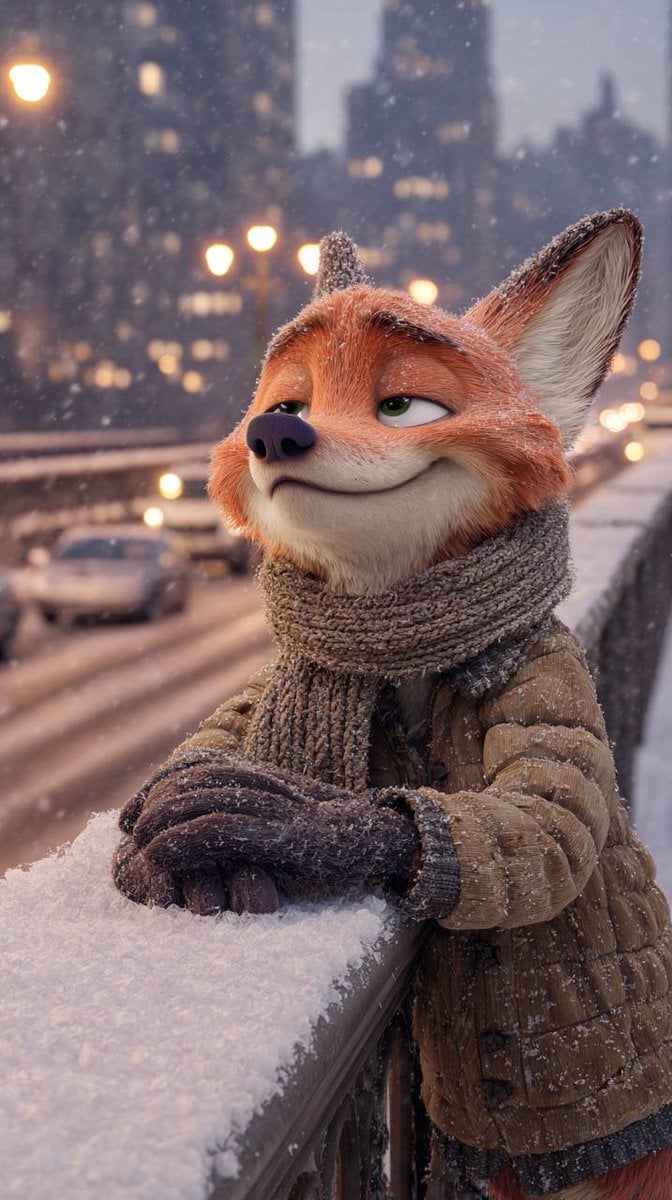
Anthropomorphic Fox in a Winter City
Imperial Chinese Hall Model Render

Milo Cocoa Energy Poster
Image Generation Prompt: Internal Structure of a Robot
Photorealistic BTS SpongeBob Scene
Browse template categories
Chinese New Year Blessing Portrait Grid questions
How do I use the Chinese New Year Blessing Portrait Grid template?
Add your photo if the template asks for one, edit the prompt if you like — the template's model and format are already selected — and press Generate. Your version opens in PicX Studio.
Can I customize the Chinese New Year Blessing Portrait Grid template?
Yes. You can change the subject, setting, lighting, mood, format, and available model controls before creating your image.
Is the Chinese New Year Blessing Portrait Grid template free?
Opening and editing this template is free. Generating uses credits, shown on the Generate button when you are signed in.
Which AI model should I use?
Start with GPT Image 2, which is the model associated with this template. You can compare another compatible model for a different finish.
Looking for something else? Browse all templates.

Your photo, any look
Thousands of ready templates for every top image and video model, from one credit balance.