
Milo Cocoa Energy Poster
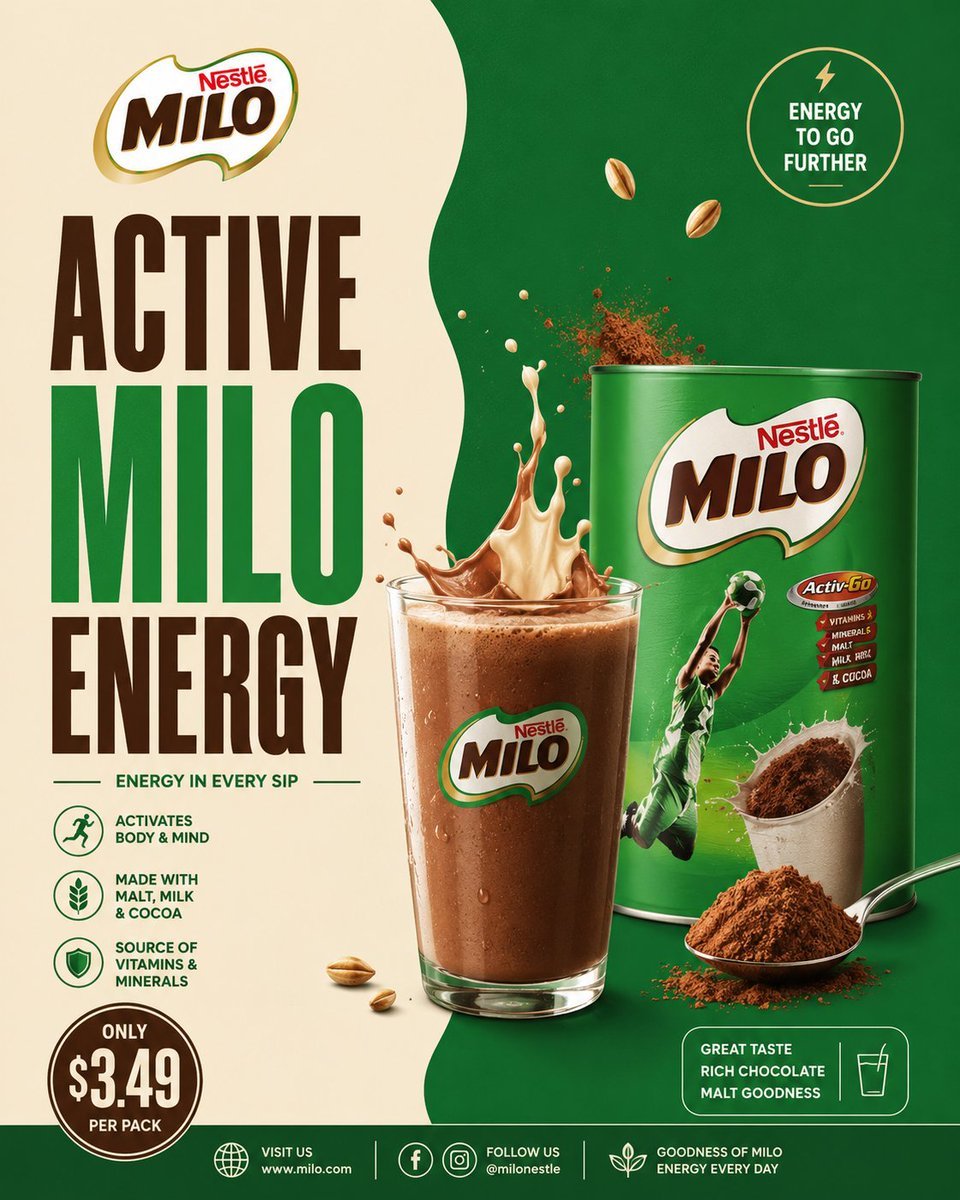
A square commercial cocoa malt beverage poster with split green-and-cream branding, bold typography, realistic product packaging, and energetic splash effects.
- Prompt included
- Model and format preset
- Free template
The prompt behind this image
Copy the exact prompt behind Milo Cocoa Energy Poster, or open it in the studio and make it yours.
Goal: Create a premium square advertising poster for a cocoa malt drink brand, styled like a polished real-world grocery beverage campaign. Use {argument name="brand name" default="Nestlé MILO"} as the featured brand and make the poster feel energetic, sporty, nutritious, and chocolatey. Canvas: Square 1:1 poster, high-resolution commercial print look. Split background with a warm cream panel on the left and a deep emerald green panel on the right, divided by a soft organic wavy vertical edge. Use studio lighting, glossy product rendering, crisp shadows, and realistic splashes. Layout: Place the brand logo at the top left. Under it, create a huge stacked headline in bold condensed uppercase typography reading {argument name="headline text" default="ACTIVE MILO ENERGY"}; make “ACTIVE” dark chocolate brown, “MILO” bright green, and “ENERGY” dark chocolate brown. Center-right should feature a realistic glass of chocolate malt drink in front of a large green product tin. The drink splash erupts upward from the glass with both cream-colored milk and chocolate liquid, plus airborne cocoa powder particles. Put the product tin behind and slightly to the right of the glass. Add a spoonful of cocoa powder and loose cocoa powder at the lower right foreground. Main product details: The product tin is a glossy green cylindrical can with a large MILO logo on the front, a dynamic athlete in a green sports uniform jumping with a ball, a cocoa cup image, and a small red nutrition badge. The glass is clear, filled with cold brown chocolate malt drink, condensation droplets, foam on top, and the MILO logo printed on the front. Text content and badges: Include exactly 8 text areas: 1) top-left brand logo text “Nestlé MILO”; 2) main headline “ACTIVE MILO ENERGY”; 3) tagline below headline “ENERGY IN EVERY SIP”; 4) top-right circular badge “ENERGY TO GO FURTHER” with a small lightning icon; 5) three left-side benefit rows with icons and text: “ACTIVATES BODY & MIND”, “MADE WITH MALT, MILK & COCOA”, and “SOURCE OF VITAMINS & MINERALS”; 6) bottom-left price badge reading {argument name="price text" default="ONLY $3.49 PER PACK"}; 7) lower-right rounded rectangle reading “GREAT TASTE RICH CHOCOLATE MALT GOODNESS” with a simple glass icon; 8) bottom footer with website/social information: “VISIT US www.milo.com”, “FOLLOW US @milonestle”, and “GOODNESS OF MILO ENERGY EVERY DAY”. Counted visual elements: Include exactly 1 glass of chocolate malt drink, exactly 1 large product tin, exactly 1 spoon filled with cocoa powder, exactly 1 cocoa powder mound, exactly 2 floating malt grains near the upper middle-right, exactly 3 small malt grains near the lower left of the glass, exactly 1 top-right circular energy badge, exactly 3 benefit icons on the left, exactly 1 bottom-left circular price badge, exactly 1 lower-right rounded taste badge, and exactly 3 footer icon groups. Visual style: Bold FMCG advertising design inspired by Milo or Nesquik-style cocoa drink posters, with saturated green, cream, chocolate brown, gold accents, thick condensed type, clean iconography, glossy packaging, and photorealistic food splashes. Make the cocoa and milk splash look frozen in motion with powder burst details. Keep the poster clean, balanced, and highly legible. Constraints: Do not add extra products, characters, text blocks, badges, or icons beyond the counted elements. Avoid clutter. No watermark. No spelling errors. Maintain strong brand hierarchy with the headline dominating the left half and the drink/tin dominating the right half.
How to use Milo Cocoa Energy Poster in 3 steps
- 1Upload ImagePNG, JPG or paste
Add your photo
Upload the photo the template builds on. The prompt, model and format are already set.
- 2…a portrait of your subject in softgolden-hour light, 85mm…
Personalize
Edit the subject and creative details for your destination.
- 3Generate
Generate
Press Generate — your image is created in PicX Studio, so you can compare it with the original and refine one variable at a time.
More like this
Templates with the same subject, style or setup. Open one to see its prompt.

Japan Travel Brochure Poster

Cartoon TV Show Poster Pack

Trendy Cafe Drink Promo Poster

Urban Fashion Editorial Collage Streetwear Poster

Premium Fashion Editorial Cover Layout System

Polo Ralph Lauren Luxury American Heritage Fashion Campaign

Monochrome Halftone Editorial Fashion Poster

Retro Mirror Luxury Fashion Campaign Poster

Luxury Fashion Campaign Typography Poster System

Premium Fashion Editorial Campaign Poster System

Ultra-Stylized High-Fashion Streetwear Poster

Urban Fashion Editorial Collage Poster
Make it yours
Milo Cocoa Energy Poster works as-is. These are the safest ways to change it without losing the look.
Change one field
Copy a single group, rewrite it, and generate again so you can see what that field is doing.
Keep the frame, change the subject
Hold the composition and light of Milo Cocoa Energy Poster, then swap wardrobe, props or the person for a new take.
| If the result… | Why | Fix |
|---|---|---|
| The result drifts from the preview | Too many fields changed at once. | Reuse Milo Cocoa Energy Poster as-is first, then change one group — subject, light, or setting. |
| The model over-stylizes the scene | The prose prompt leaves finish and camera underspecified. | Add one camera or lighting sentence and stay on GPT Image 2. |
More GPT Image 2 templates
Other prompts made for GPT Image 2.

Six VTuber Japanese Logo Sheet

Realistic Portrait of Woman and Deer

The Vista Modular Condo Poster

AI Model Routing Comparison Infographic

2.5D Anime Art Board

Isometric Productivity Desk Scene

New York Double Exposure Poster

Four-Panel AI Landscape Comparison

Japanese Tatami Lifestyle Magazine Cover

NESCAFÉ Coffee Map Poster
More image prompts
Fresh picks from across the catalog.
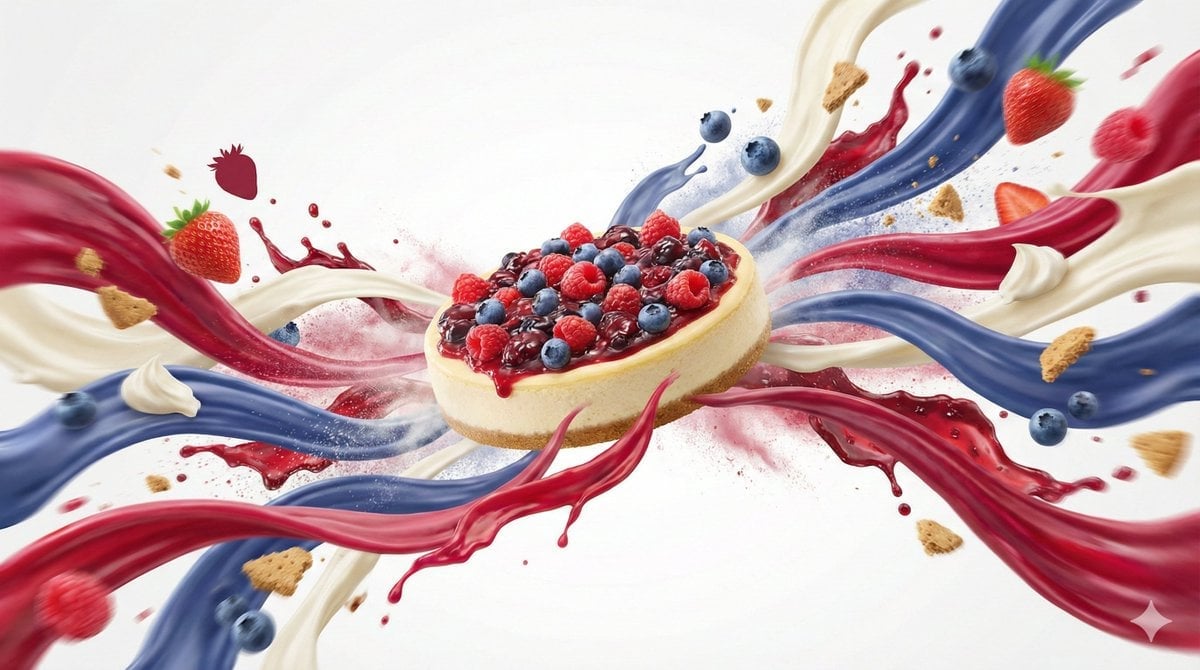
Dynamic Food Advertisement with Flavor Wave
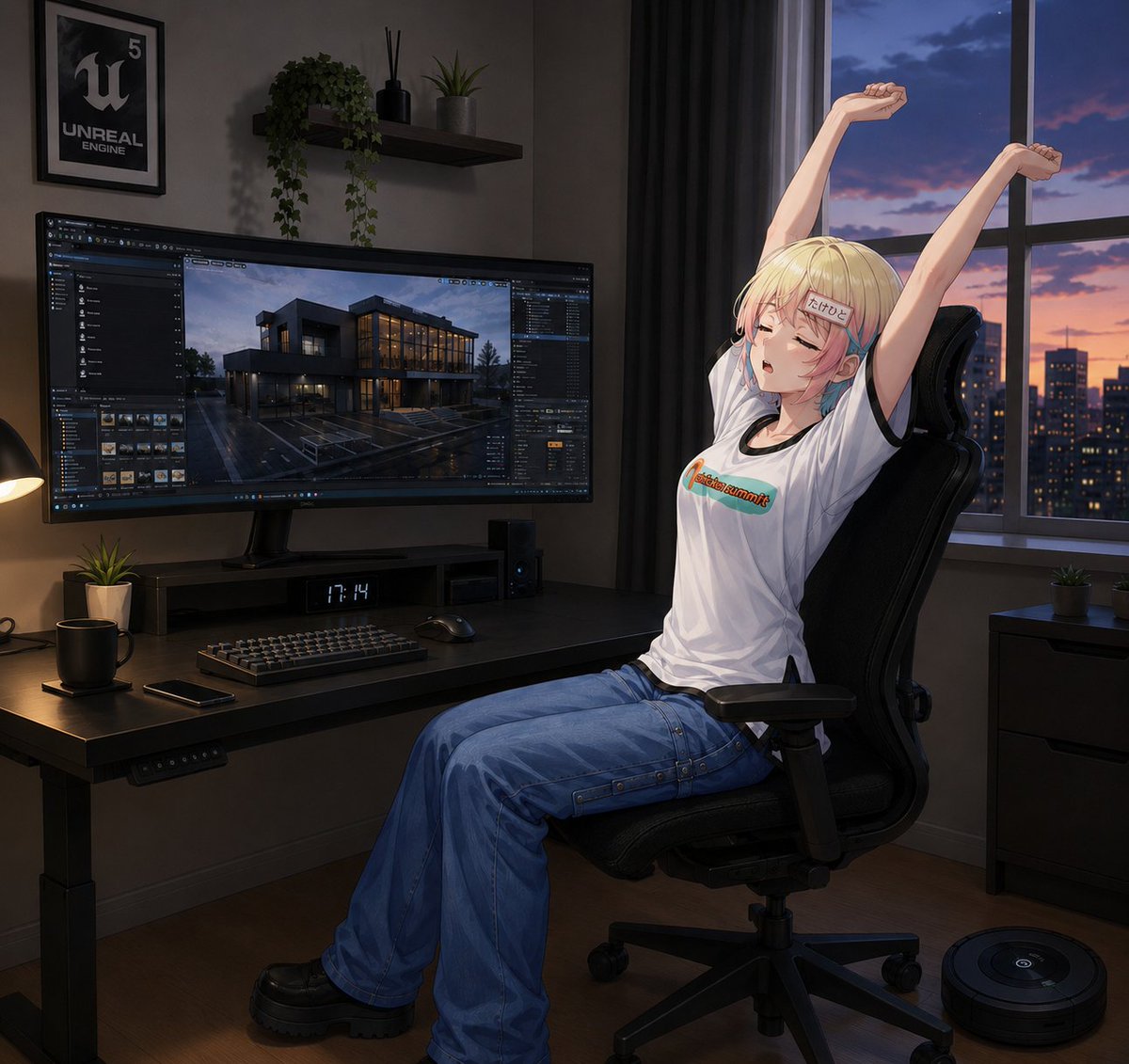
Anime Developer Room Stretching Pose
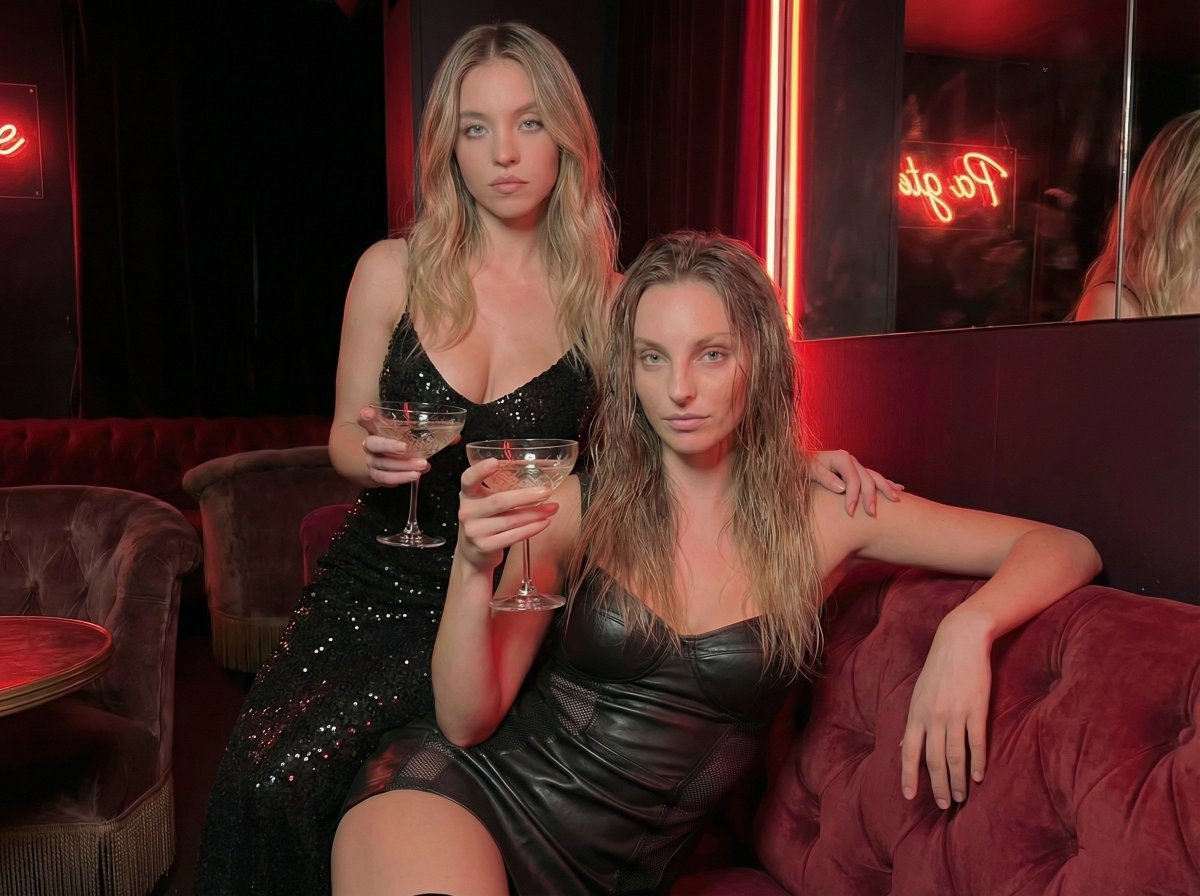
High-Fashion Noir Lounge Scene with Detailed Anatomy and Texture

Gritty Comic-Book Graphic Novel Portrait

Full Stack Knowledge Visualization
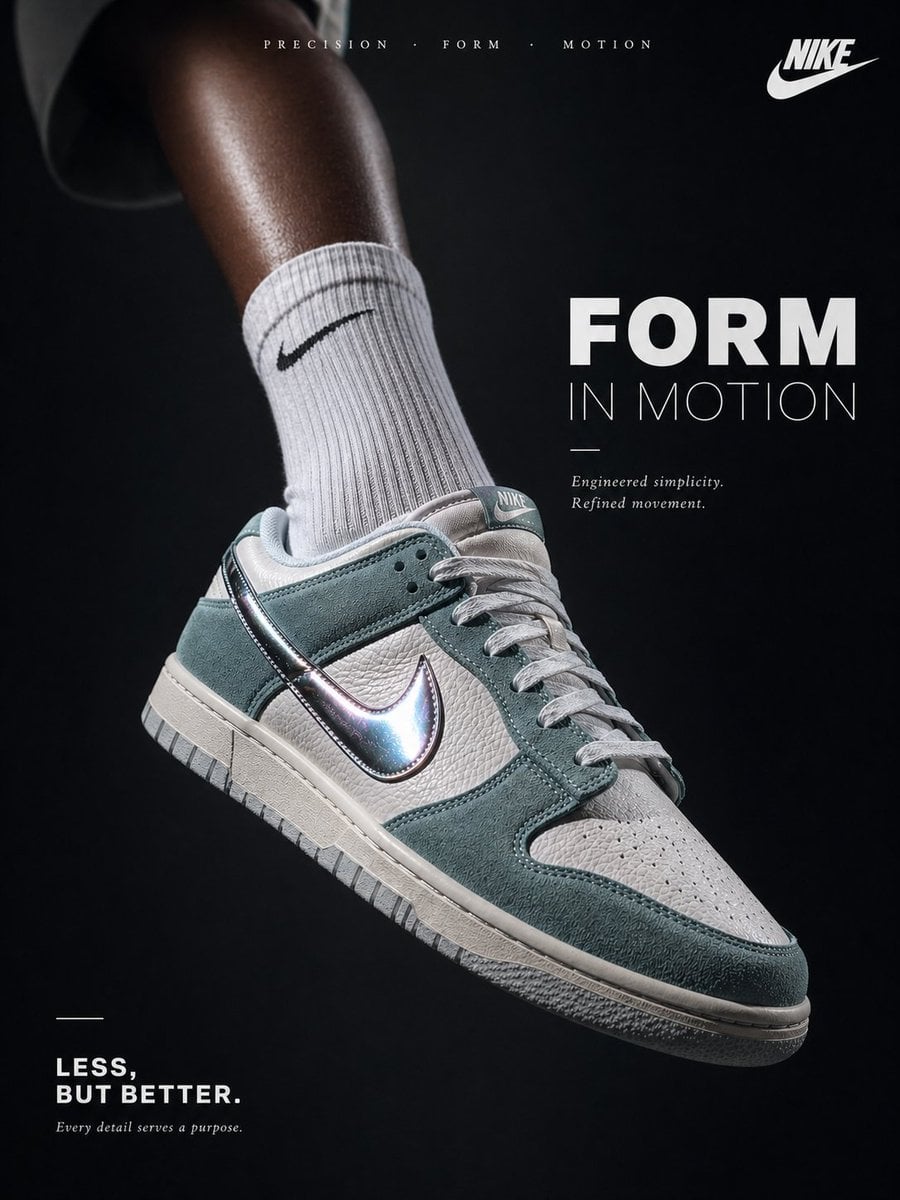
Luxury Minimalist Footwear Ad
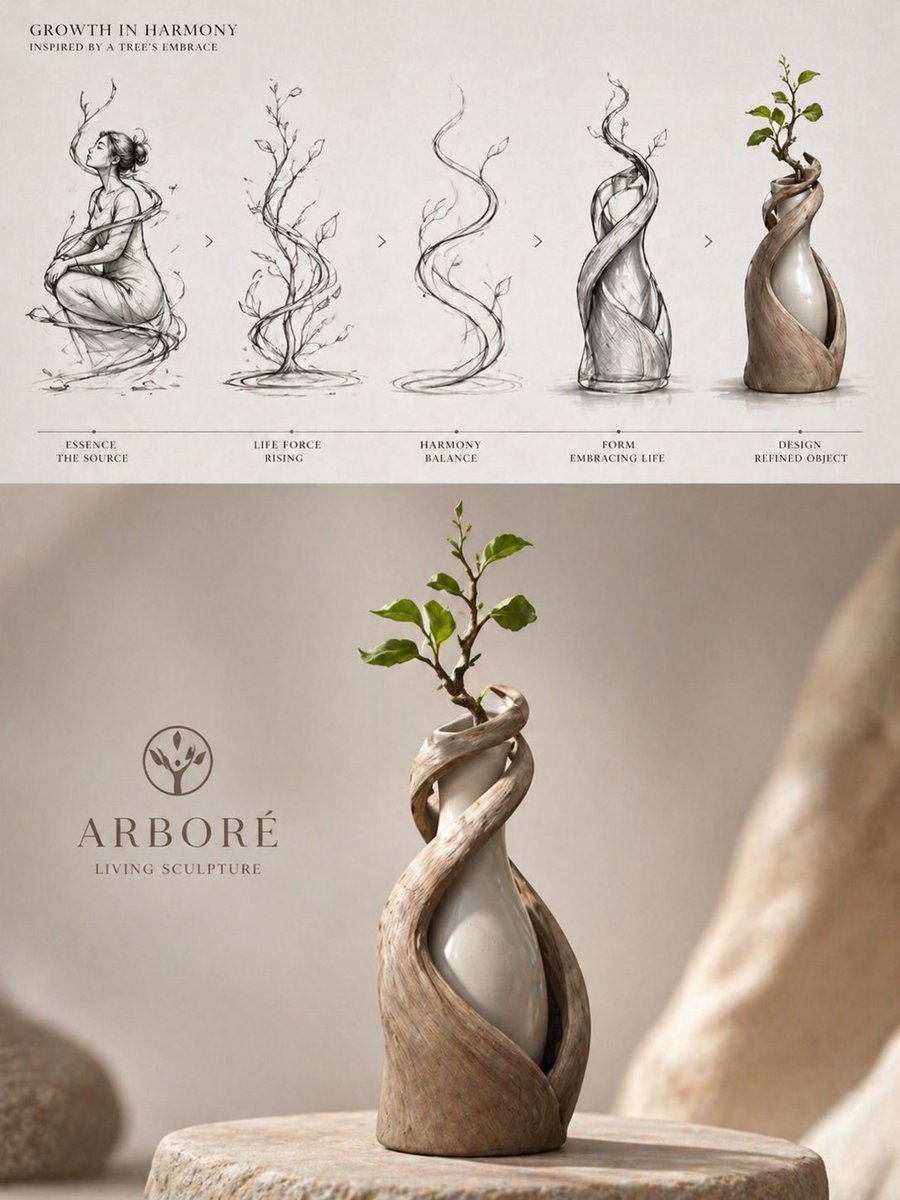
Luxury Biophilic Vase Concept Poster
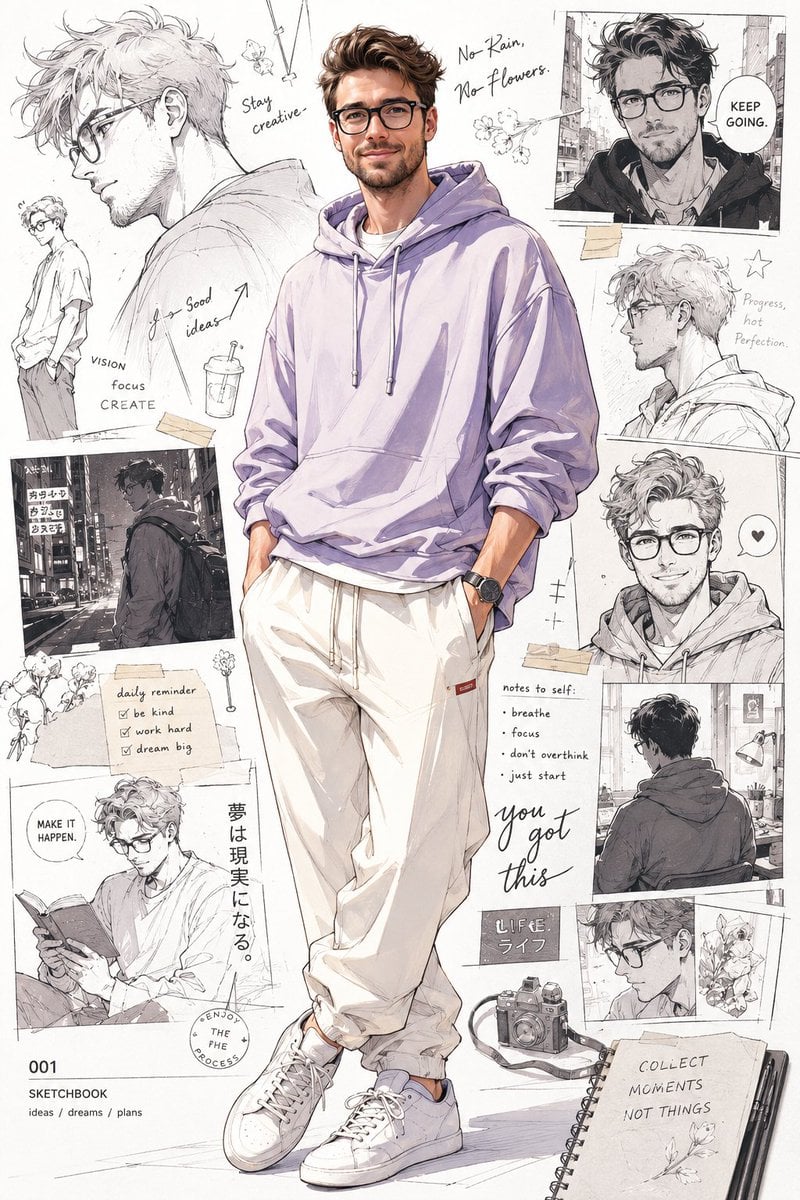
Anime Portrait with Sketch Background
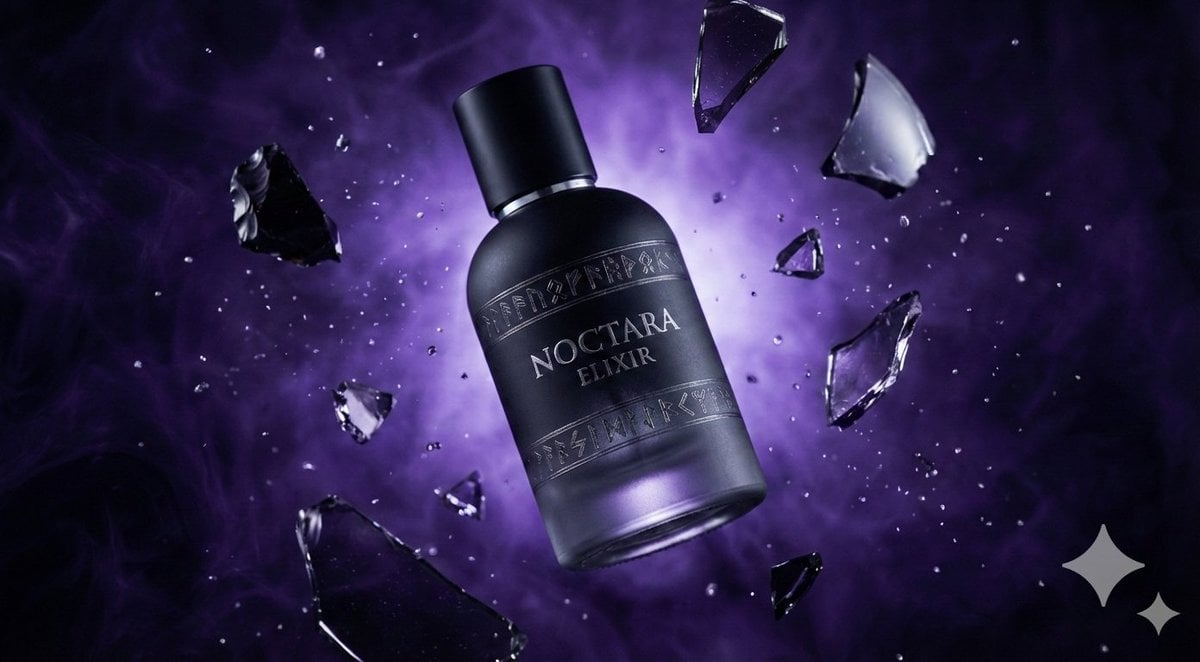
Matte Black Elixir Bottle with Purple Smoke Background
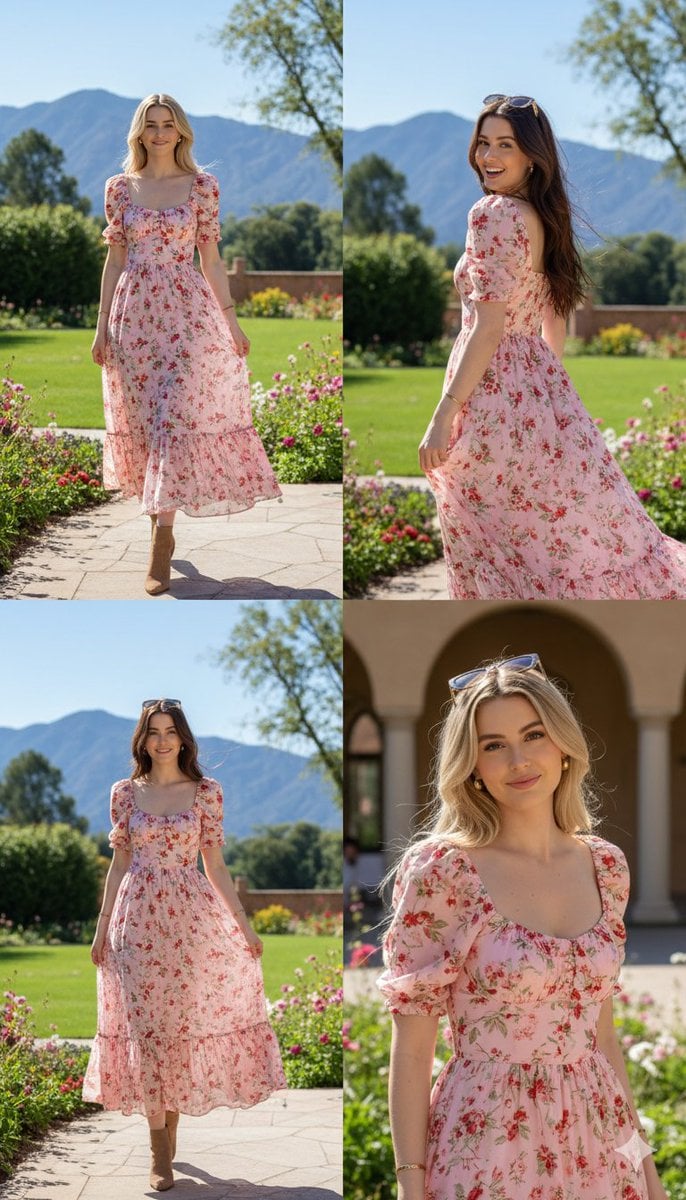
Photorealistic fashion collage of Polina Gagarina
Browse template categories
Milo Cocoa Energy Poster questions
How do I use the Milo Cocoa Energy Poster template?
Add your photo if the template asks for one, edit the prompt if you like — the template's model and format are already selected — and press Generate. Your version opens in PicX Studio.
Can I customize the Milo Cocoa Energy Poster template?
Yes. You can change the subject, setting, lighting, mood, format, and available model controls before creating your image.
Is the Milo Cocoa Energy Poster template free?
Opening and editing this template is free. Generating uses credits, shown on the Generate button when you are signed in.
Which AI model should I use?
Start with GPT Image 2, which is the model associated with this template. You can compare another compatible model for a different finish.
Looking for something else? Browse all templates.

Your photo, any look
Thousands of ready templates for every top image and video model, from one credit balance.