
Monochrome Halftone Editorial Fashion Poster
Negative prompt: colors outside selection box, extra limbs, distorted anatomy, dense text, back-facing pose, additional characters, messy layout, watermark, logo, cartoon, illustration

- Prompt included
- Model and format preset
- Premium template
The prompt behind this image
Copy the exact prompt behind Monochrome Halftone Editorial Fashion Poster, or open it in the studio and make it yours.
Minimalist fashion magazine poster in strict monochrome halftone print texture with paper grain. Vertical 9:16 composition with high-contrast black, white, and gray outside a chest selection box. Dynamic fashion motion created through strong diagonal or S-shaped movement rather than ordinary standing. Character identity anchors remain clear inside the selection box, with high-fashion editorial couture translation preserving key hairstyle, eyes, accessories, and temperament. Handwritten English script title in ink signature style, tiny editorial metadata at top, small barcode at bottom. Minimal editorial layout with dramatic fashion motion, graphic selection box design, pixel cursor accent, clean negative space. No extra characters, no dense text, no colors outside the selection box.
How to use Monochrome Halftone Editorial Fashion Poster in 3 steps
- 1
Open
The prompt is already in the box next to the preview, with the template's model and format selected.
- 2…a portrait of your subject in softgolden-hour light, 85mm…
Personalize
Edit the subject and creative details for your destination.
- 3Generate
Generate
Press Generate — your image is created in PicX Studio, so you can compare it with the original and refine one variable at a time.
More like this
Templates with the same subject, style or setup. Open one to see its prompt.

Luxury Sliced Wordmark Player Poster

untitled

Google Gemini Nano Banana Pro

Conceptual Fashion Portrait in Spider We

01 Skincare Split Portrait — Nano Banana 2

24 The Getty Center — California Series

21 Glass Floor Skyscraper — California Series

19 Luxury Helicopter Travel — California Series

08 Rodeo Drive Luxury Exit — California Series

03 Beverly Hills Convertible — California Series

Gpt Image 2 Fashion Portrait

Caution Tape Fashion — Industrial Editorial
Make it yours
Monochrome Halftone Editorial Fashion Poster works as-is. These are the safest ways to change it without losing the look.
Change one field
Copy a single group, rewrite it, and generate again so you can see what that field is doing.
Keep the frame, change the subject
Hold the composition and light of Monochrome Halftone Editorial Fashion Poster, then swap wardrobe, props or the person for a new take.
| If the result… | Why | Fix |
|---|---|---|
| The result drifts from the preview | Too many fields changed at once. | Reuse Monochrome Halftone Editorial Fashion Poster as-is first, then change one group — subject, light, or setting. |
| The model over-stylizes the scene | The prose prompt leaves finish and camera underspecified. | Add one camera or lighting sentence and stay on PicX Studio. |
More image prompts
Fresh picks from across the catalog.
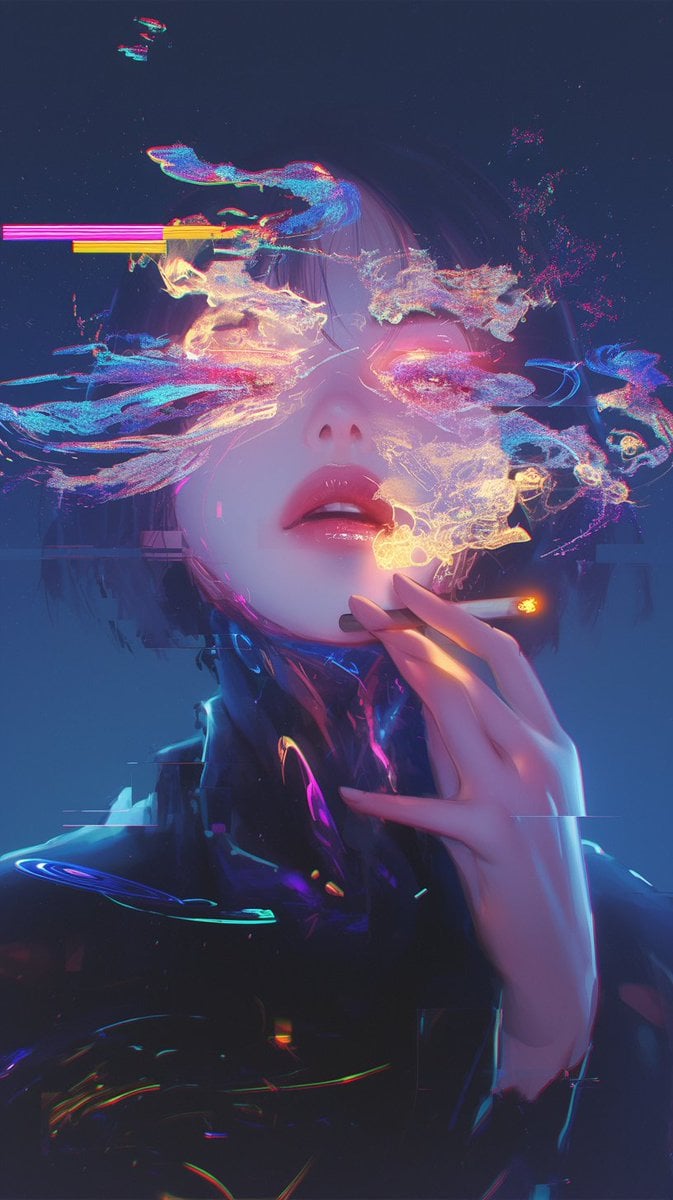
Image Repair and Inpainting Prompt
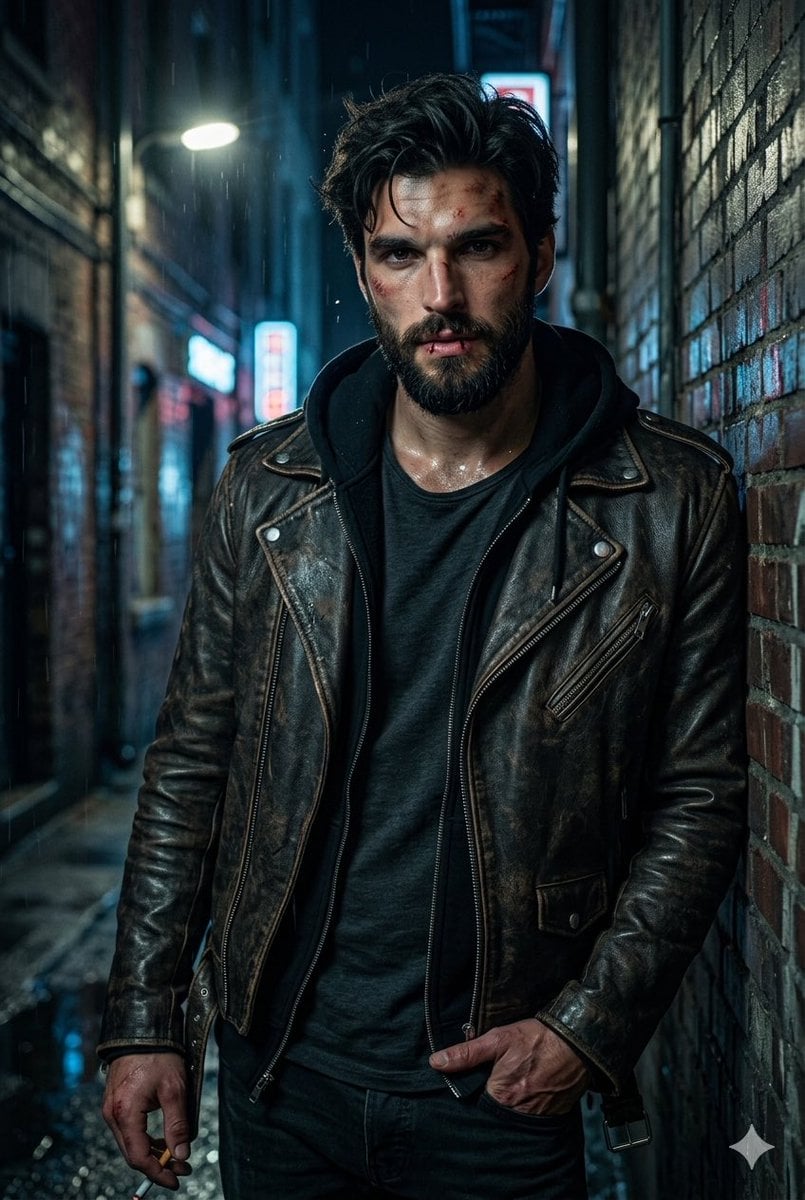
Rugged Urban Portrait
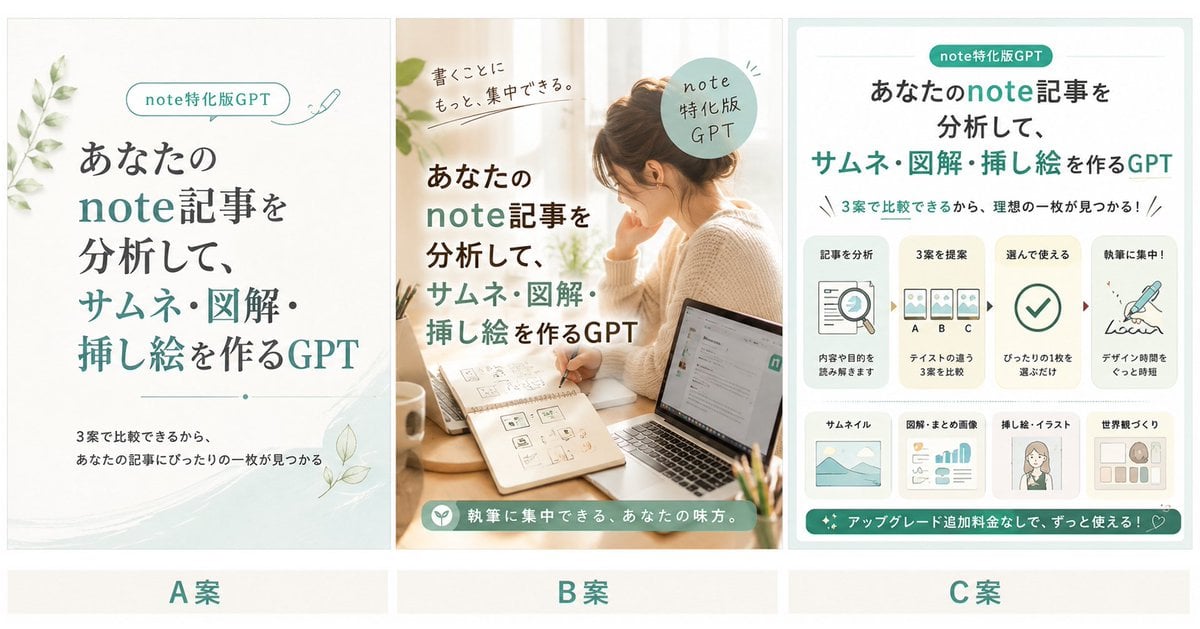
Three Japanese Note GPT Cover Proposals
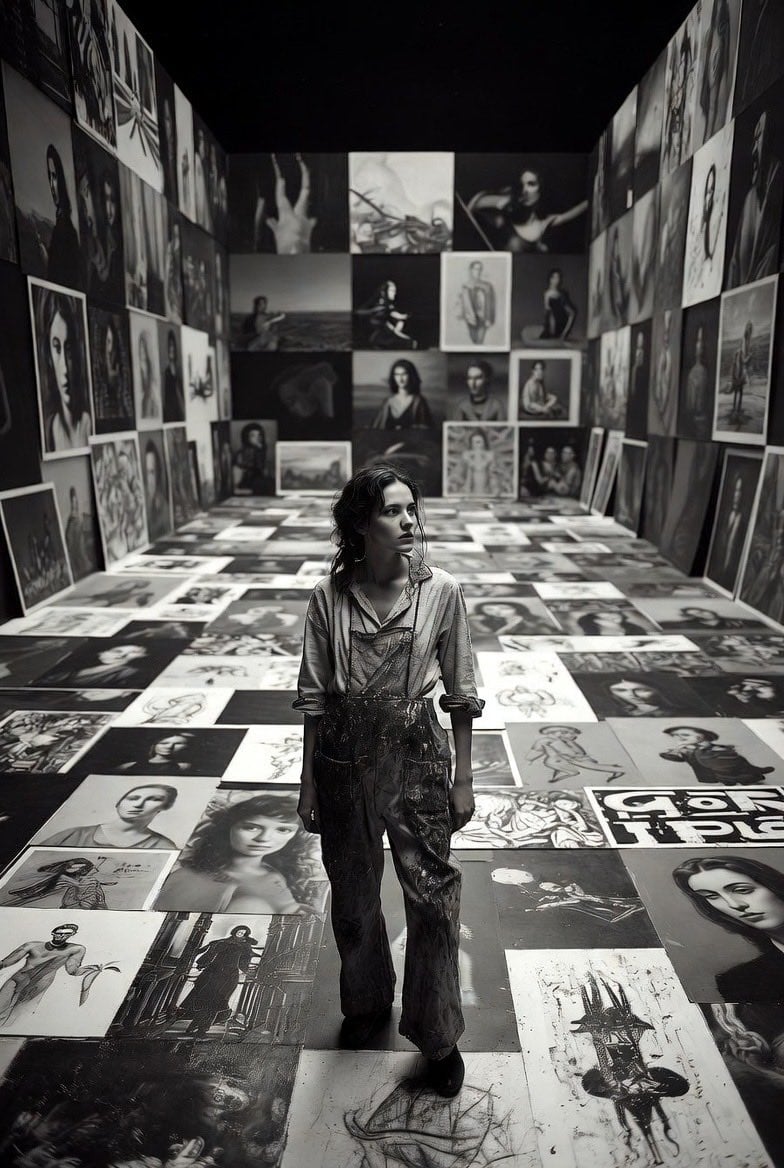
Aspiring Artist in Grand Gallery Film Style
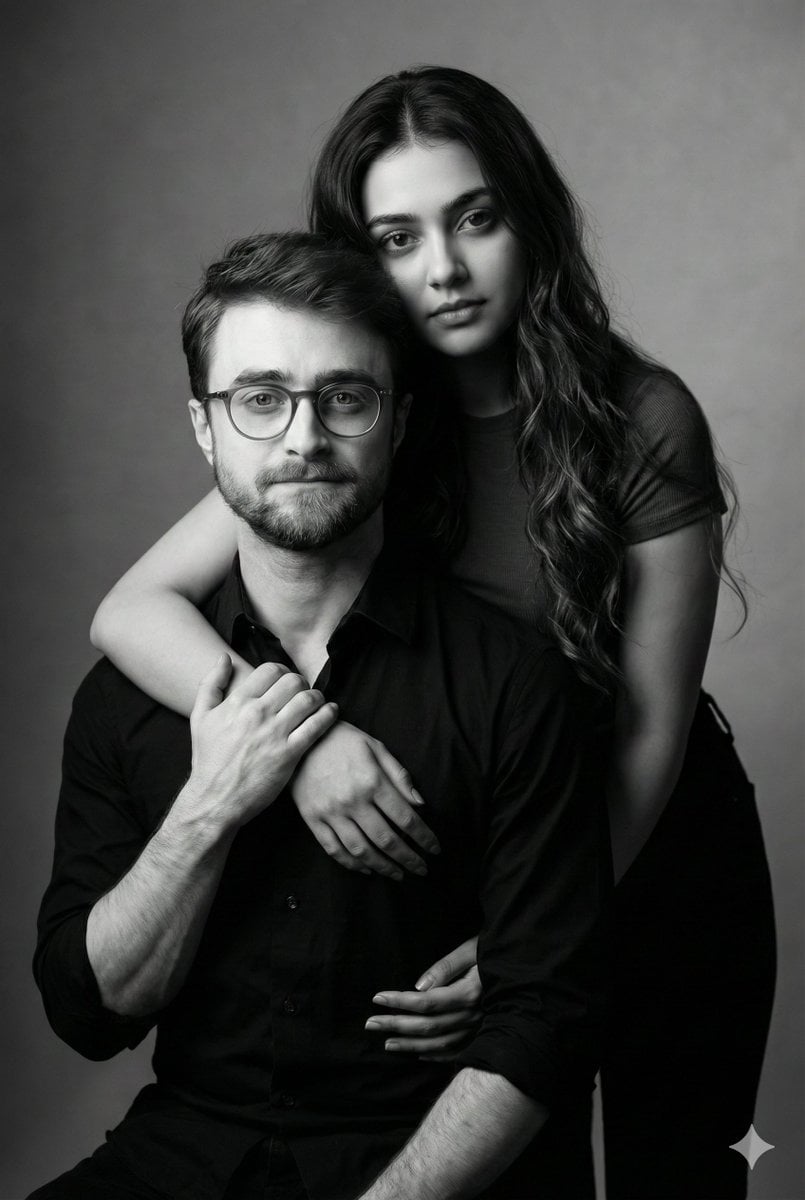
Monochrome Fine Art Couple Portrait
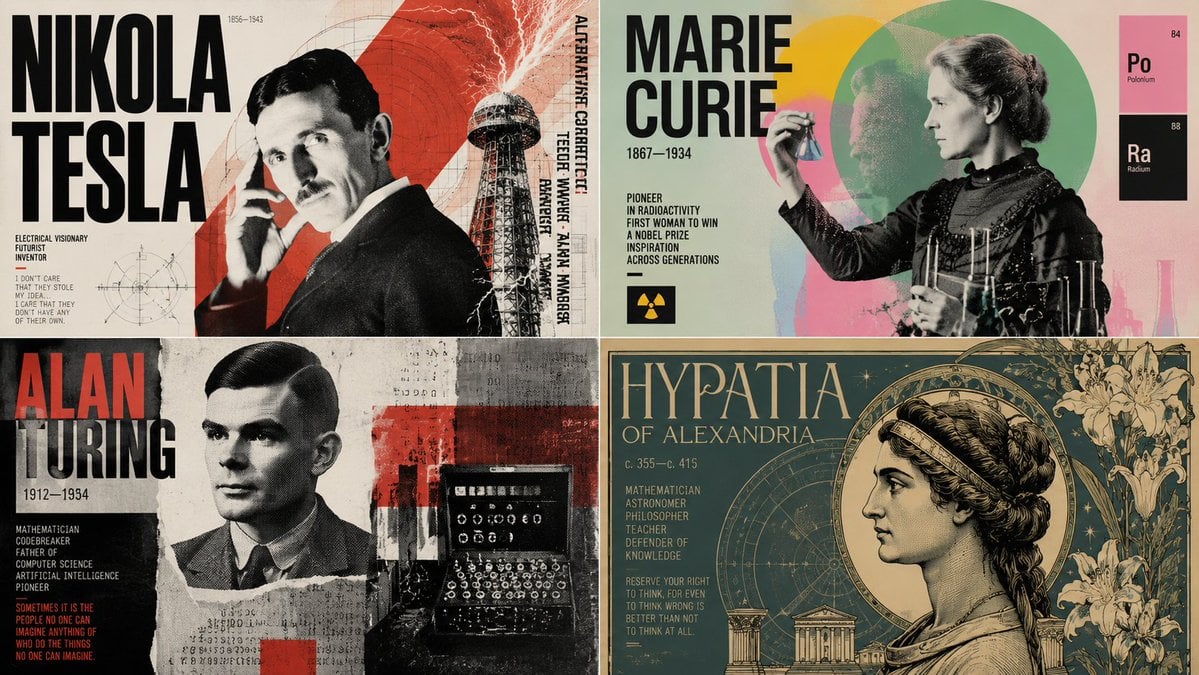
Dynamic Poster Design Instruction Set
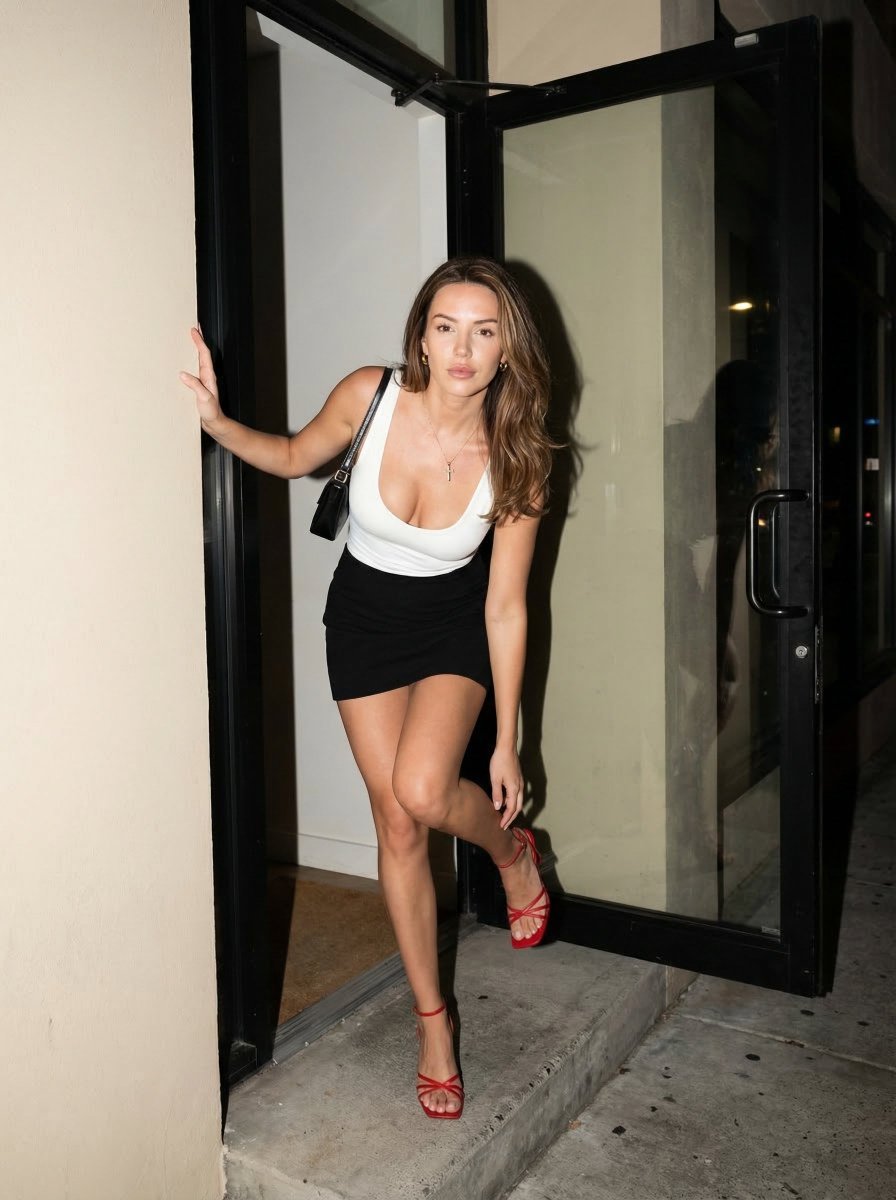
Nighttime Street Fashion Flash Portrait
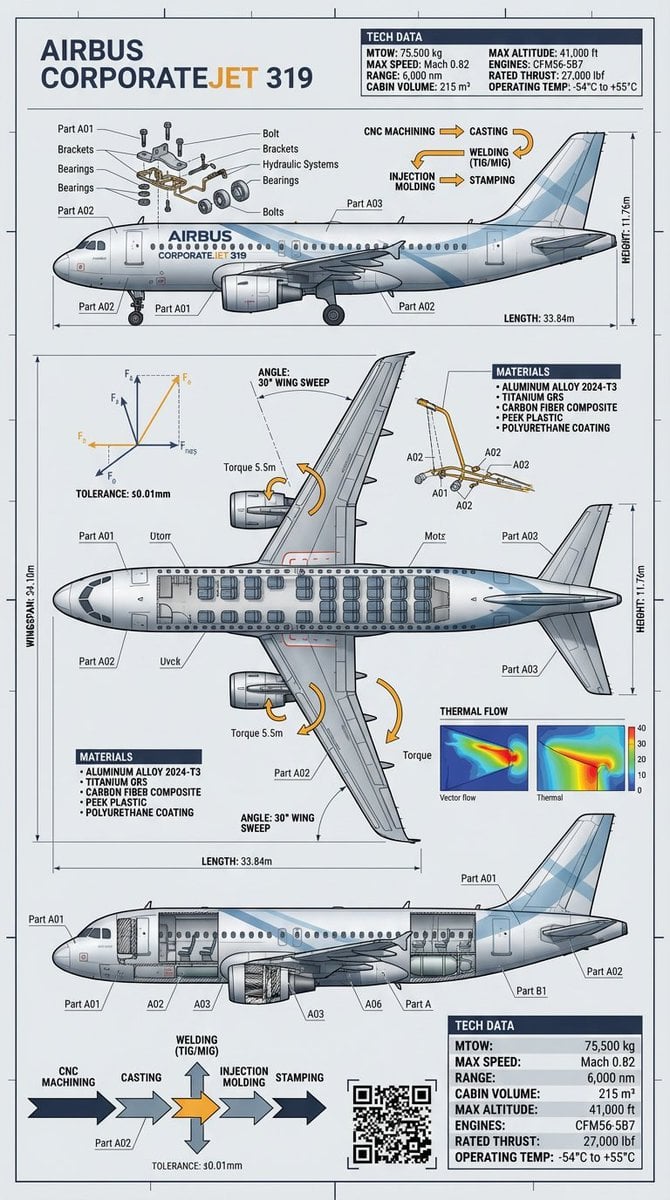
Raw Object to Factory Blueprint Prompt
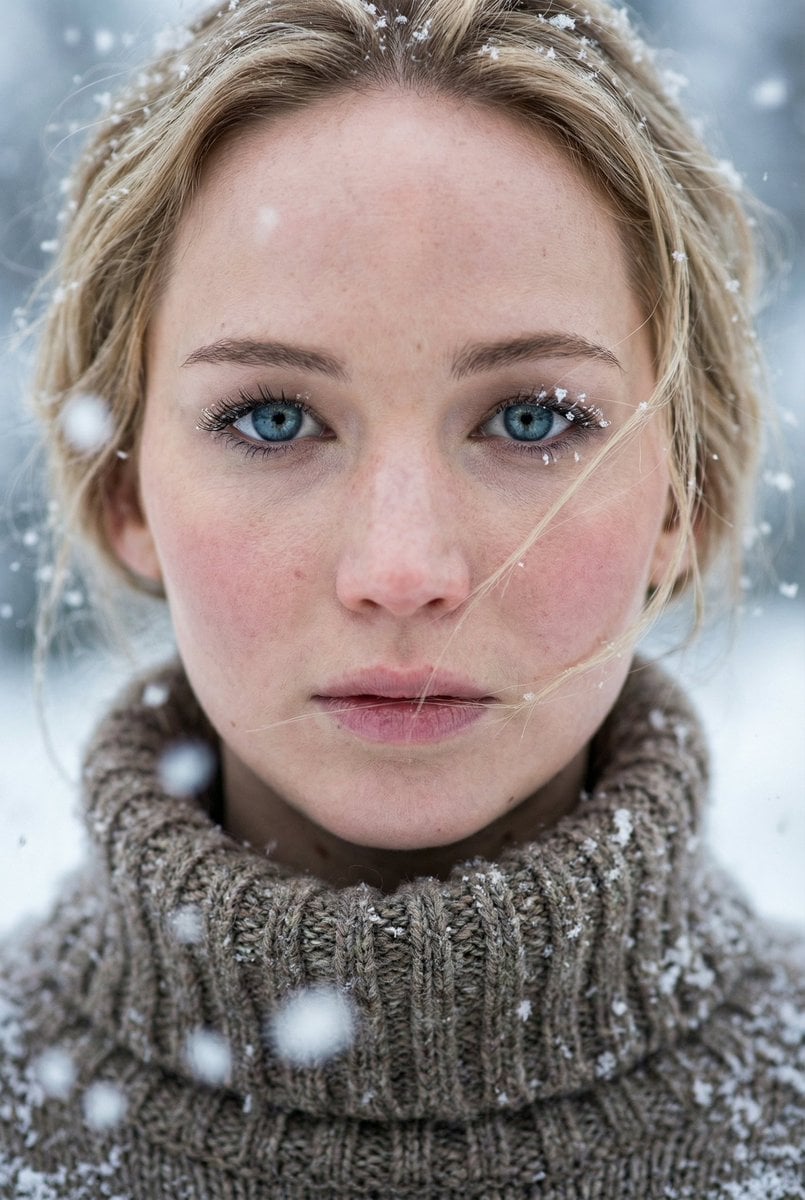
Ultra-Photorealistic Winter Portrait Macro Focus (Jennifer Lawrence)
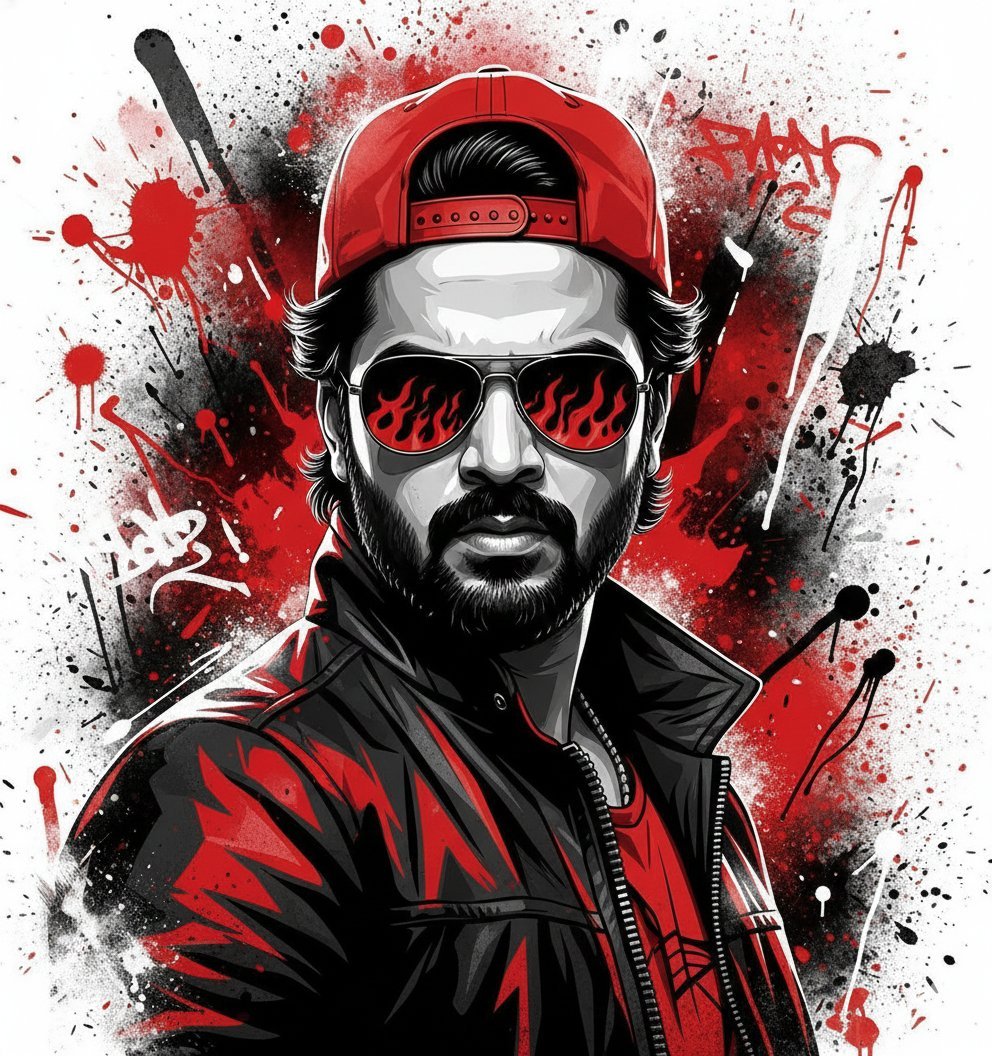
Street Art Style Portrait of a Man with Face Preservation
Browse template categories
Monochrome Halftone Editorial Fashion Poster questions
How do I use the Monochrome Halftone Editorial Fashion Poster template?
Add your photo if the template asks for one, edit the prompt if you like — the template's model and format are already selected — and press Generate. Your version opens in PicX Studio.
Can I customize the Monochrome Halftone Editorial Fashion Poster template?
Yes. You can change the subject, setting, lighting, mood, format, and available model controls before creating your image.
Is the Monochrome Halftone Editorial Fashion Poster template free?
Opening and editing this template is free. Generating uses credits, shown on the Generate button when you are signed in.
Which AI model should I use?
Choose a compatible model in PicX Studio based on the style, speed, and output controls your project needs.
Looking for something else? Browse all templates.

Your photo, any look
Thousands of ready templates for every top image and video model, from one credit balance.