
01 Skincare Split Portrait — Nano Banana 2
Nano Banana 2 skincare split comparison — by @saniaspeaks_

- Prompt included
- Model and format preset
- Free template
The prompt behind this image
Copy the exact prompt behind 01 Skincare Split Portrait — Nano Banana 2, or open it in the studio and make it yours.
Use the reference woman. Create a split comparison portrait: same young woman shown in two skin conditions, vertical split center layout, close-up face, eye-level angle. Left side: neutral tired expression, severe acne, pimples, redness, uneven texture, dull and oily skin. Right side: soft confident smile, clear smooth glowing skin, even tone, healthy radiant look. Wearing cream knitted sweater. Car interior setting with soft daylight, brown seat, blurred outdoor greenery. Natural lighting — left side slightly dull and flat, right side brighter and glowing. High resolution, sharp facial texture difference clearly visible. Text overlays: left side 'Foods that ruin skin', right side 'Foods that save skin'.
How to use 01 Skincare Split Portrait — Nano Banana 2 in 3 steps
- 1
Open
The prompt is already in the box next to the preview, with the template's model and format selected.
- 2…a portrait of your subject in softgolden-hour light, 85mm…
Personalize
Edit the subject and creative details for your destination.
- 3Generate
Generate
Press Generate — your image is created in PicX Studio, so you can compare it with the original and refine one variable at a time.
More like this
Templates with the same subject, style or setup. Open one to see its prompt.

24 The Getty Center — California Series

21 Glass Floor Skyscraper — California Series

19 Luxury Helicopter Travel — California Series

08 Rodeo Drive Luxury Exit — California Series

03 Beverly Hills Convertible — California Series

Google Gemini Nano Banana Pro

Conceptual Fashion Portrait in Spider We

Nano Banana 2 Editorial Fashion Portrait

Gpt Image 2 Fashion Portrait

Caution Tape Fashion — Industrial Editorial

Nano Banana - Paris Cafe Editorial

Gemini Nano Banana 2
Make it yours
01 Skincare Split Portrait — Nano Banana 2 works as-is. These are the safest ways to change it without losing the look.
Change one field
Copy a single group, rewrite it, and generate again so you can see what that field is doing.
Keep the frame, change the subject
Hold the composition and light of 01 Skincare Split Portrait — Nano Banana 2, then swap wardrobe, props or the person for a new take.
| If the result… | Why | Fix |
|---|---|---|
| The result drifts from the preview | Too many fields changed at once. | Reuse 01 Skincare Split Portrait — Nano Banana 2 as-is first, then change one group — subject, light, or setting. |
| The model over-stylizes the scene | The prose prompt leaves finish and camera underspecified. | Add one camera or lighting sentence and stay on Nano Banana. |
More Nano Banana templates
Other prompts made for Nano Banana.










More image prompts
Fresh picks from across the catalog.
Cyber Anime Idol Music Cover
YouTube Live Stream Announcement Mockup
Isometric Harbor District Cross-Section
The Rock 'Lay the Smackdown' Cinematic Visual
Sunlit Desk with White Cat and Laptop
Sunlit Candid Portrait in a Rose Garden
Sunset Window Silhouette
Extreme Ski Jump Action Shot (Cinestill Film Style)
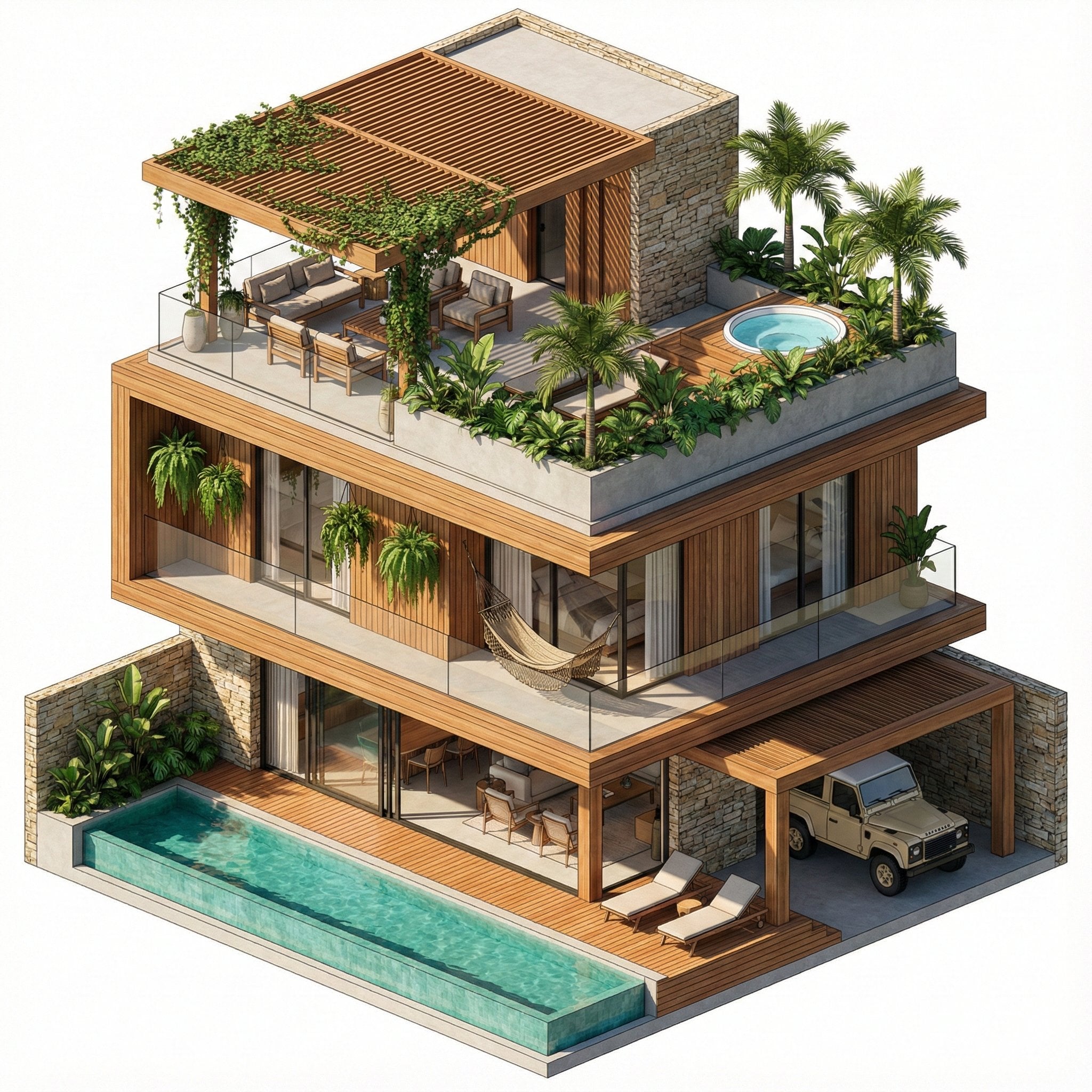
Nano Banana Pro in Geminiapp
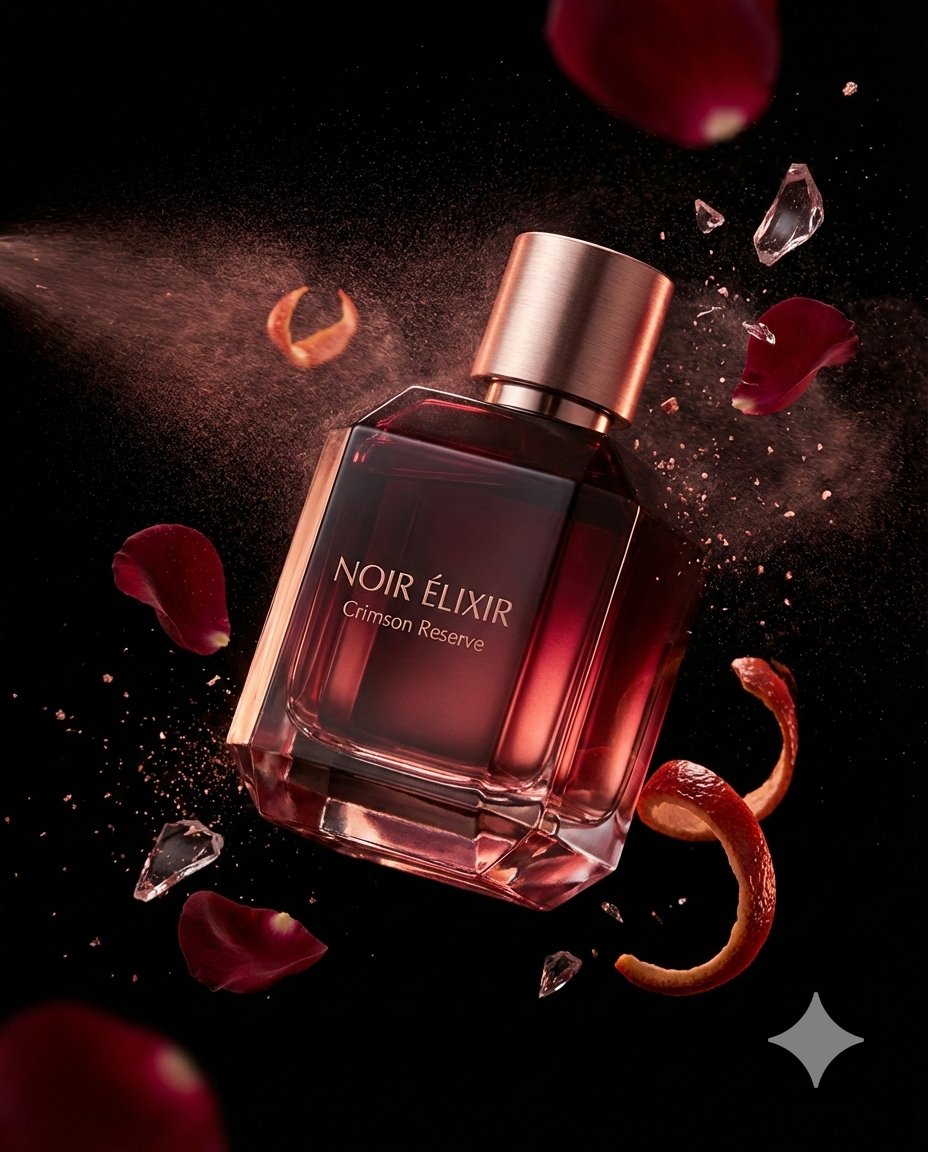
Luxury Fragrance Advertising Photography Prompt
Featured in prompt roundups
Hand-picked collections that include this template.
Browse template categories
01 Skincare Split Portrait — Nano Banana 2 questions
How do I use the 01 Skincare Split Portrait — Nano Banana 2 template?
Add your photo if the template asks for one, edit the prompt if you like — the template's model and format are already selected — and press Generate. Your version opens in PicX Studio.
Can I customize the 01 Skincare Split Portrait — Nano Banana 2 template?
Yes. You can change the subject, setting, lighting, mood, format, and available model controls before creating your image.
Is the 01 Skincare Split Portrait — Nano Banana 2 template free?
Opening and editing this template is free. Generating uses credits, shown on the Generate button when you are signed in.
Which AI model should I use?
Start with Nano Banana, which is the model associated with this template. You can compare another compatible model for a different finish.
Looking for something else? Browse all templates.

Your photo, any look
Thousands of ready templates for every top image and video model, from one credit balance.