
Sunlit Candid Portrait in a Rose Garden
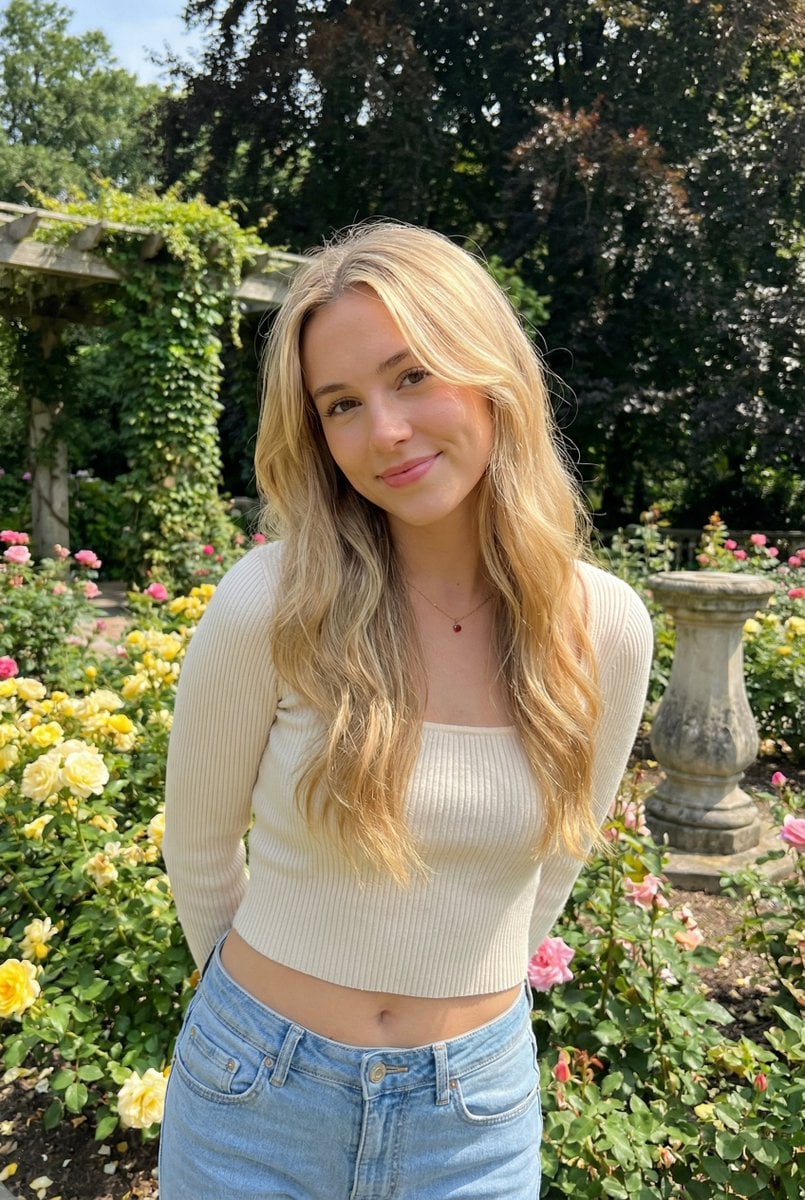
A highly detailed JSON prompt for generating a candid, sunlit outdoor portrait of a young woman in a lush rose garden.
- Prompt included
- Model and format preset
- Free template
The prompt behind this image
Copy the exact prompt behind Sunlit Candid Portrait in a Rose Garden, or open it in the studio and make it yours.
{ "subject": { "description": "A young woman with long wavy blonde hair stands in a lush rose garden, leaning slightly forward with hands behind her back, giving a soft warm smile to the camera; a candid, sunlit outdoor portrait that feels like a gentle moment paused in time.", "mirror_rules": "Not a mirror selfie. No mirrored text, no reflection artifacts, no duplicated limbs.", "age": "early 20s", "expression": { "eyes": { "look": "direct eye contact with the camera", "energy": "calm, affectionate, slightly playful", "direction": "toward viewer" }, "mouth": { "position": "closed-lip smile", "energy": "soft, friendly" }, "overall": "relaxed, approachable, quietly flirtatious" }, "face": { "preserve_original": true, "makeup": "natural makeup, subtle blush, light mascara, soft neutral lips" }, "hair": { "color": "golden blonde", "style": "long loose waves, center part, face-framing strands", "effect": "a few flyaways as if from a light garden breeze" }, "body": { "frame": "slim with gentle curves", "waist": "defined waist, relaxed midriff", "chest": "natural proportion", "legs": "long legs suggested by framing and stance", "skin": { "visible_areas": "face, neck, midriff, hands (mostly behind back)", "tone": "fair skin tone", "texture": "real skin texture, soft natural pores, not airbrushed", "lighting_effect": "sun-kissed highlights with soft open-shade shadows" } }, "pose": { "position": "standing in front of flowering rose bushes", "base": "slight forward lean, shoulders gently back, hands held behind the back", "overall": "head slightly tilted, relaxed posture that feels candid" }, "clothing": { "top": { "type": "cream/ivory ribbed knit long-sleeve cropped top", "color": "cream white", "details": "square neckline feel, fitted silhouette, visible vertical seam/placket detail down the center front", "effect": "cozy texture that catches daylight softly" }, "bottom": { "type": "light blue denim jeans", "color": "light wash blue", "details": "low-rise fit, natural creases and lived-in denim texture", "effect": "casual everyday styling" } } }, "accessories": { "jewelry": "delicate thin chain necklace with a small pendant (hint of red accent)" }, "photography": { "camera_style": "realistic smartphone portrait photography, social media outdoor portrait", "angle": "eye-level, slight downward tilt from the photographer, gentle head tilt by the subject", "shot_type": "mid-length portrait (upper thighs to head), subject centered with garden context", "aspect_ratio": "3:4 vertical", "texture": "crisp natural detail, mild smartphone sharpening, subtle sensor noise, no heavy retouching", "lighting": "natural daylight, soft and even, minimal harsh shadows", "depth_of_field": "moderate depth of field; subject sharp, background slightly softened but still recognizable" }, "background": { "setting": "a blooming rose garden wi
How to use Sunlit Candid Portrait in a Rose Garden in 3 steps
- 1
Open
The prompt is already in the box next to the preview, with the template's model and format selected.
- 2…a portrait of your subject in softgolden-hour light, 85mm…
Personalize
Edit the subject and creative details for your destination.
- 3Generate
Generate
Press Generate — your image is created in PicX Studio, so you can compare it with the original and refine one variable at a time.
More like this
Templates with the same subject, style or setup. Open one to see its prompt.
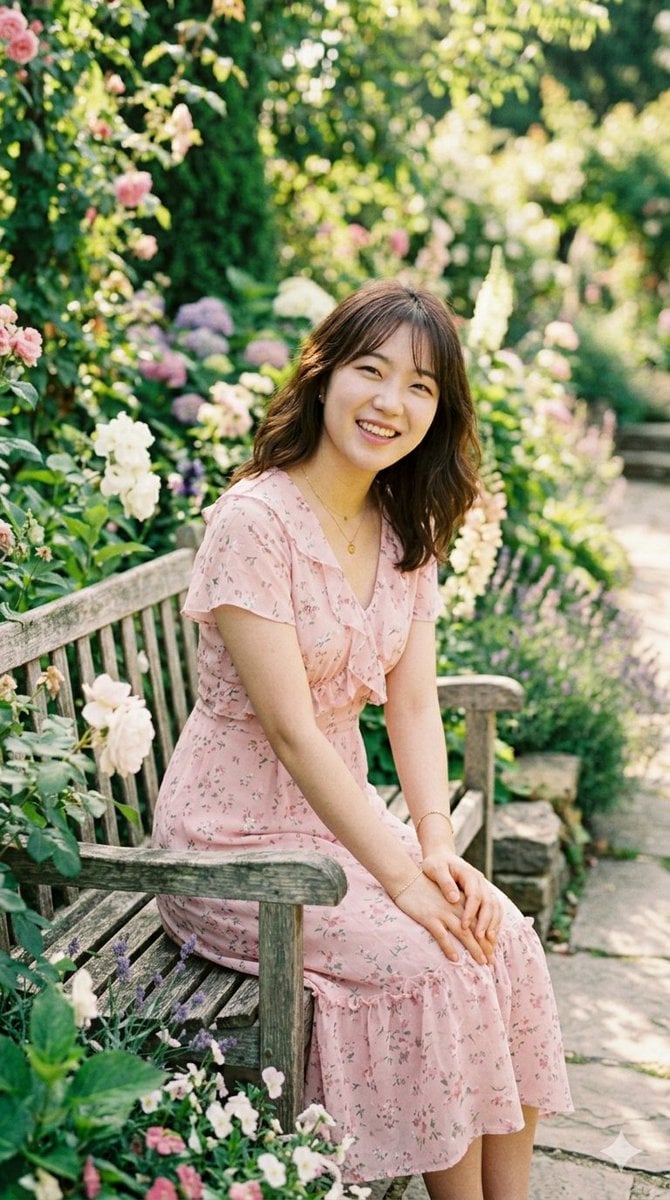
Sunlit Garden Portrait
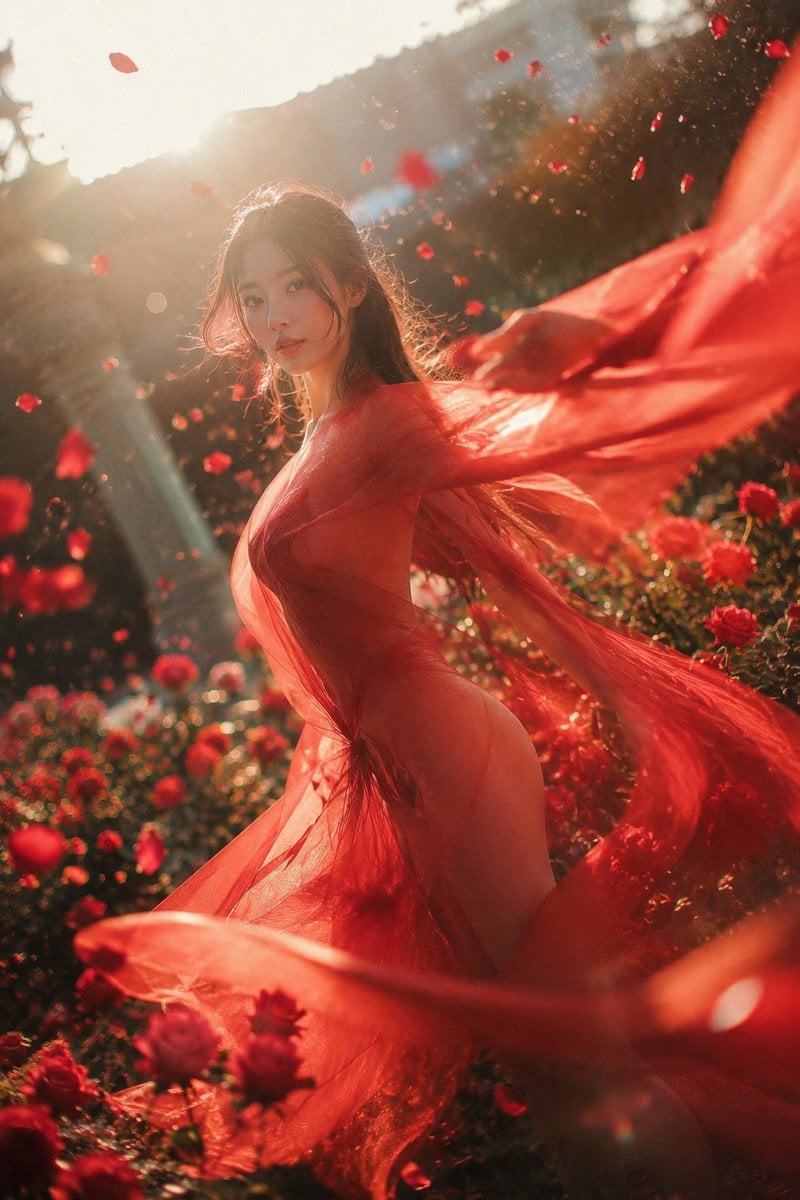
Crimson Rose Garden Fashion Portrait
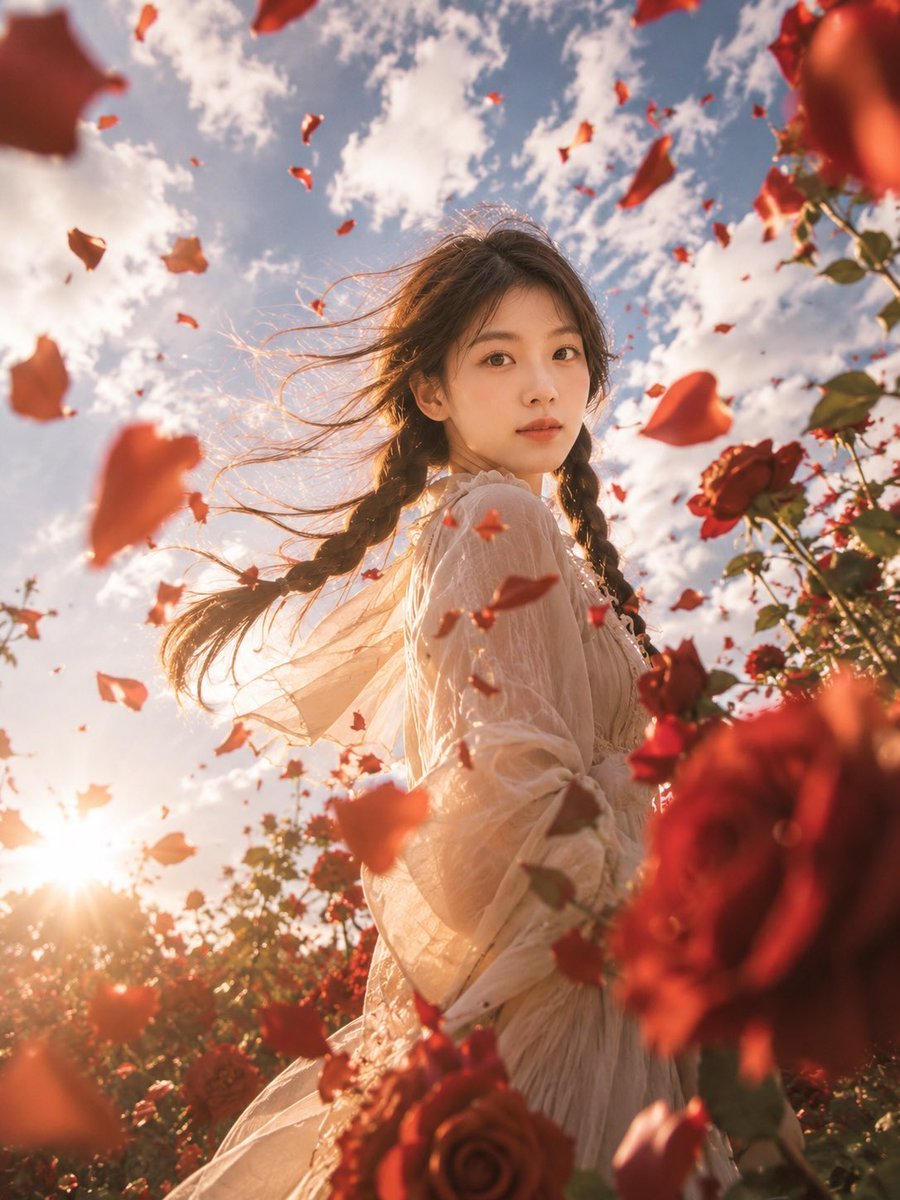
Windblown Rose Garden Portrait
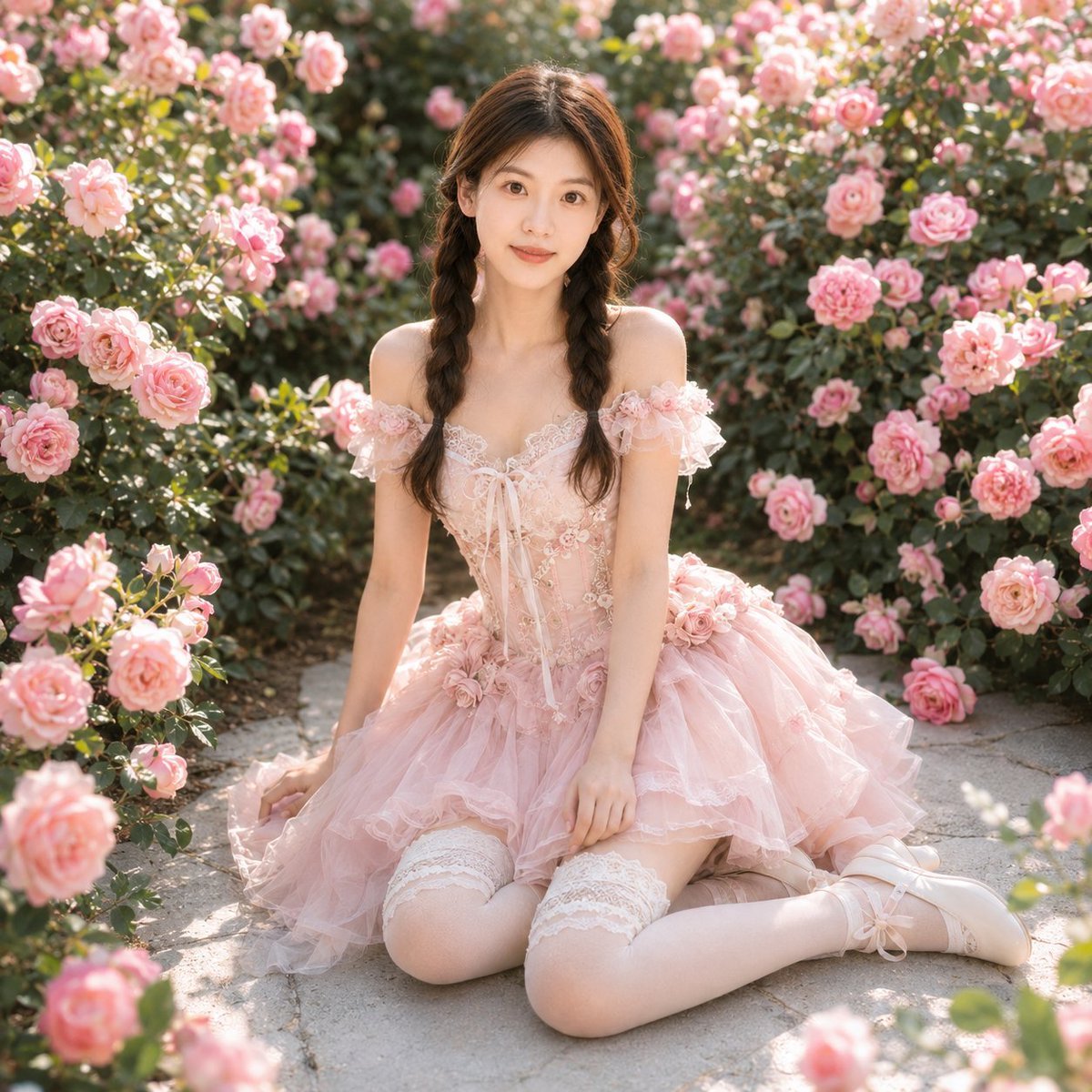
Identity-Based Rose Garden Portrait

Sunday Afternoon, 1988

Found Photograph: Us, 1970

Our Song was on a Cassette

The Date After College

80s Couple Studio Portrait

80s College Gate

80s Bollywood Star

80s Golden Hour Cinema
Make it yours
Sunlit Candid Portrait in a Rose Garden works as-is. These are the safest ways to change it without losing the look.
Change one field
Copy a single group, rewrite it, and generate again so you can see what that field is doing.
Keep the frame, change the subject
Hold the composition and light of Sunlit Candid Portrait in a Rose Garden, then swap wardrobe, props or the person for a new take.
| If the result… | Why | Fix |
|---|---|---|
| The result drifts from the preview | Too many fields changed at once. | Reuse Sunlit Candid Portrait in a Rose Garden as-is first, then change one group — subject, light, or setting. |
| The model over-stylizes the scene | The prose prompt leaves finish and camera underspecified. | Add one camera or lighting sentence and stay on Nano Banana 2. |
More Nano Banana 2 templates
Other prompts made for Nano Banana 2.

Photorealistic Leaf Shaped Like a Dragon

K-Pop Idol Portrait Grid for Rapid Selection

Poetic Rain Forest Portrait During Golden Hour

Urban Street Portrait with Cartoon Inner Self Duo

Candid Nighttime Photo with Cat Prompt

High-Concept 3D Diorama Generation Prompt

Cinematic Futuristic Studio Portrait Template

Skincare Editorial Photography Collage Prompt

Hyper-Realistic Commercial Product Photography (Splash Effect)

Hyper-Realistic Nightclub Portrait Prompt
More image prompts
Fresh picks from across the catalog.

Leprechaun Illustration with Custom Style

Sorcery Magazine Anime Cover

Minimalist Hand-Drawn Ink Sketch

Live Stream UI Mockup with 3D Effects
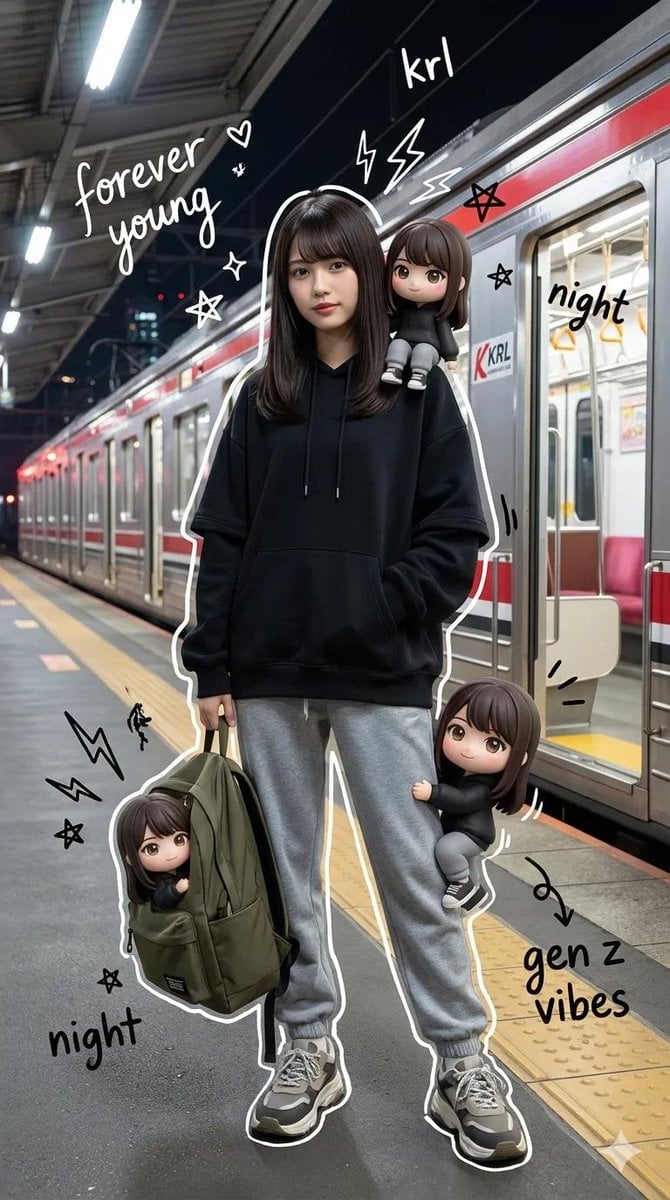
Mixed-Media Portrait with Chibi Overlays at Night Train Station

Watercolor Cat and Valentine's Cupcake
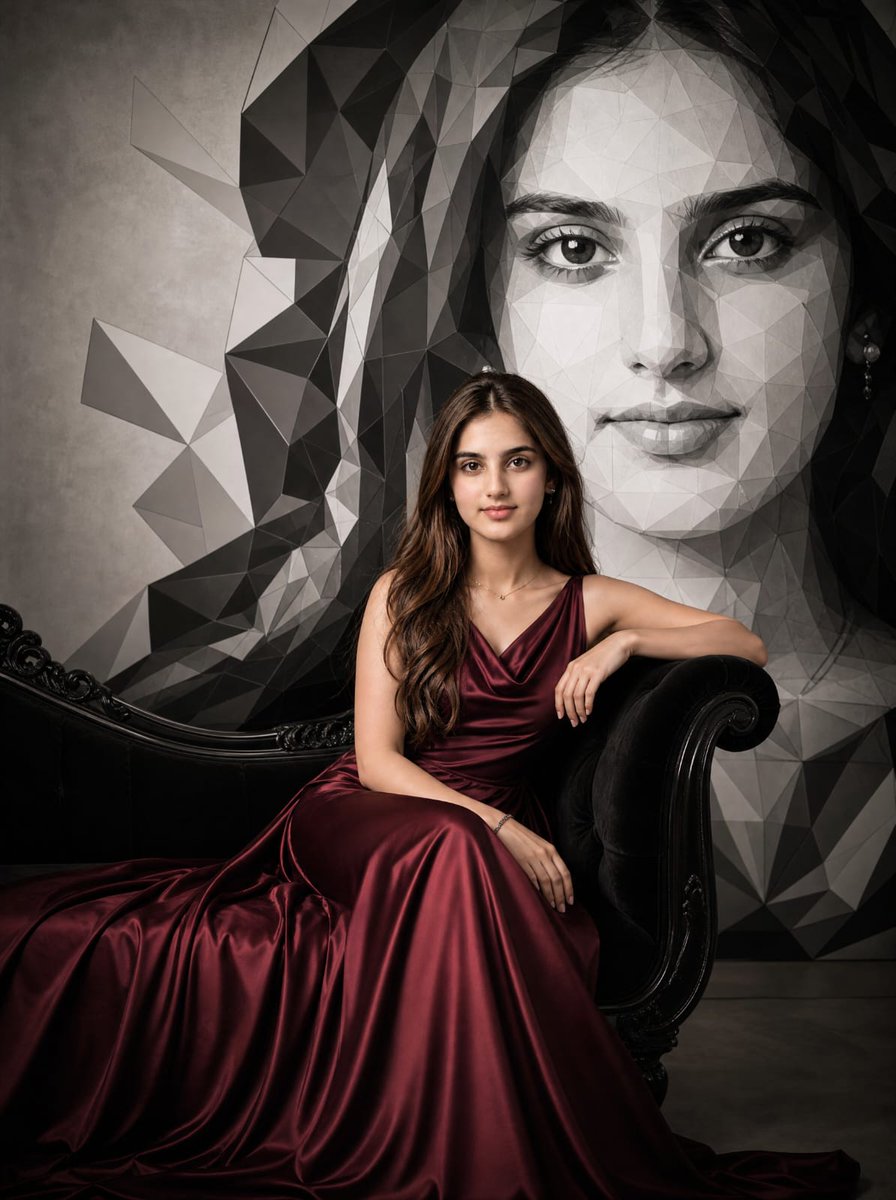
Burgundy Gown Editorial on Black Chaise

Ultra-Realistic 3D Render of a Furry Logo
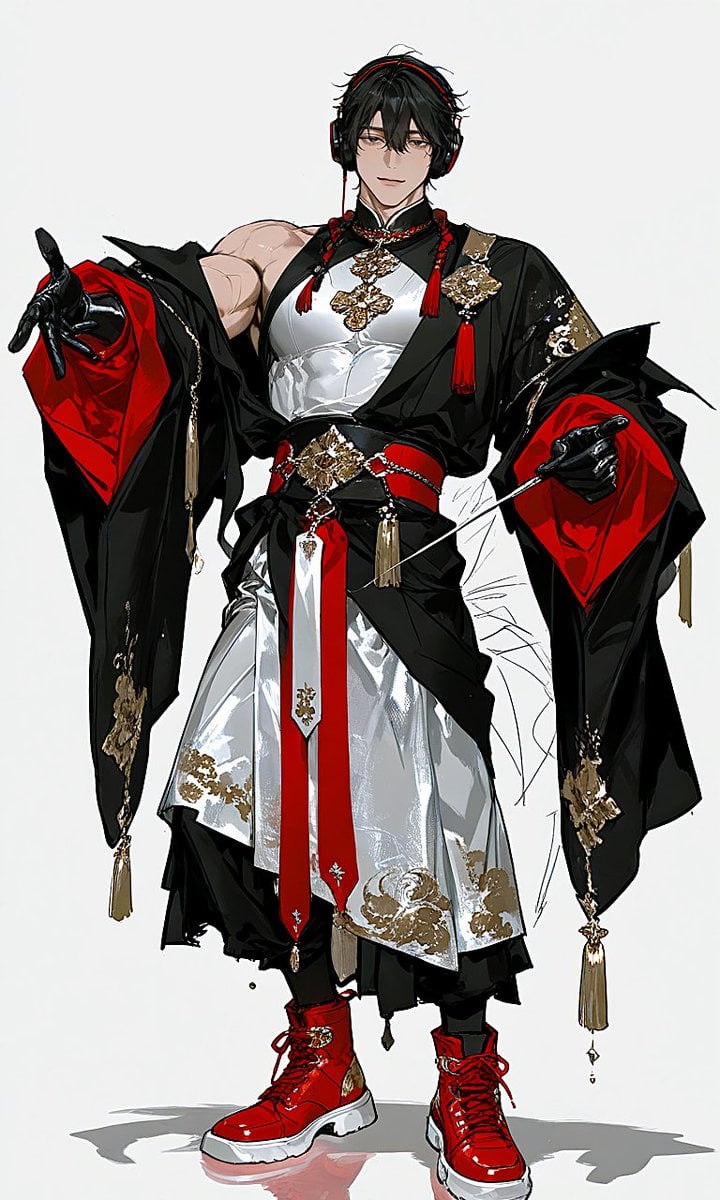
Japanese-Western Fusion Fashion Model
Misty Cliffside Mule Trail
Browse template categories
Sunlit Candid Portrait in a Rose Garden questions
How do I use the Sunlit Candid Portrait in a Rose Garden template?
Add your photo if the template asks for one, edit the prompt if you like — the template's model and format are already selected — and press Generate. Your version opens in PicX Studio.
Can I customize the Sunlit Candid Portrait in a Rose Garden template?
Yes. You can change the subject, setting, lighting, mood, format, and available model controls before creating your image.
Is the Sunlit Candid Portrait in a Rose Garden template free?
Opening and editing this template is free. Generating uses credits, shown on the Generate button when you are signed in.
Which AI model should I use?
Start with Nano Banana 2, which is the model associated with this template. You can compare another compatible model for a different finish.
Looking for something else? Browse all templates.

Your photo, any look
Thousands of ready templates for every top image and video model, from one credit balance.