
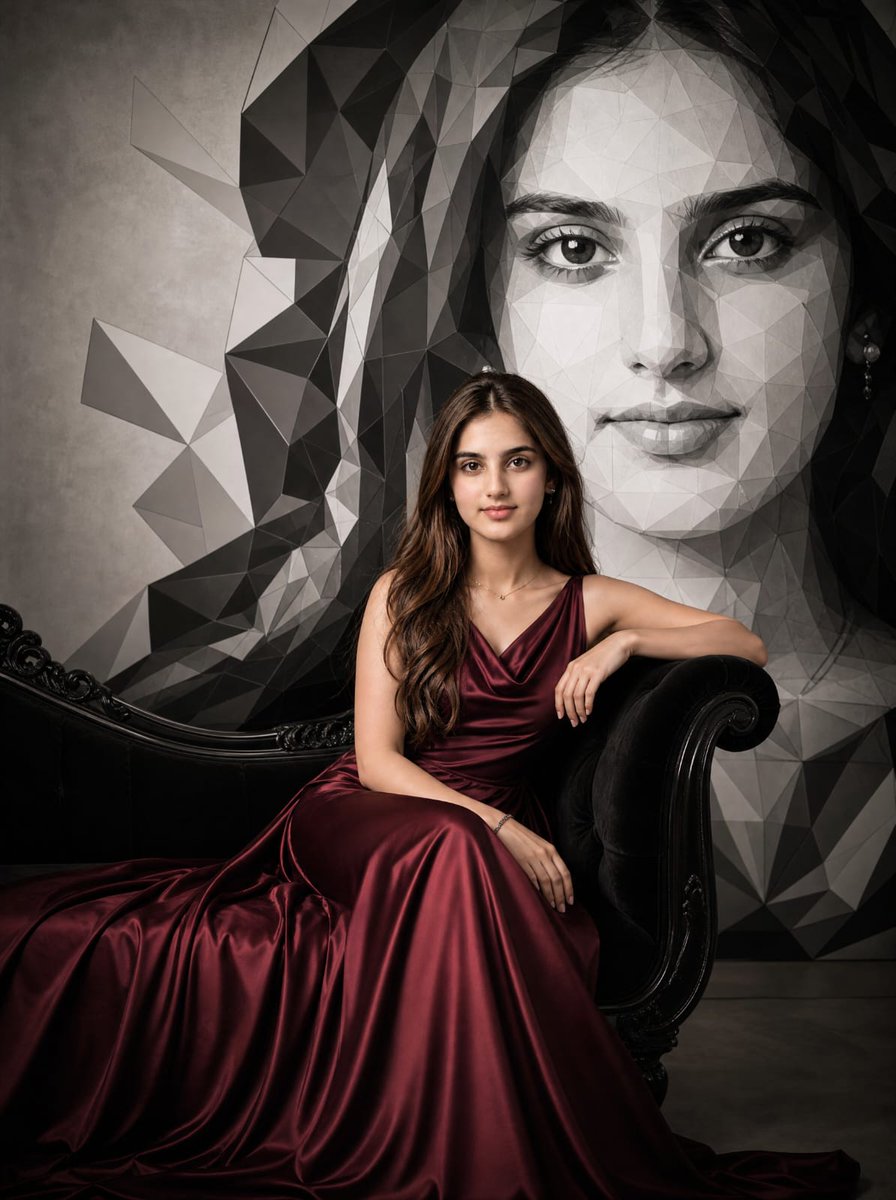
Burgundy Gown Editorial on Black Chaise
A cinematic luxury fashion portrait of an elegant woman in a burgundy satin gown seated on a vintage black chaise before a geometric mural.
- Prompt included
- Model and format preset
- Free template
The prompt behind this image
Copy the exact prompt behind Burgundy Gown Editorial on Black Chaise, or open it in the studio and make it yours.
Create a cinematic luxury fashion editorial portrait of {argument name="character description" default="an elegant woman"} seated on an ornate vintage black velvet chaise lounge with glossy carved black wood scroll arms, wearing a floor-length {argument name="gown color and fabric" default="deep burgundy satin"} gown with a draped cowl neckline, thin straps, and a long flowing train spilling across the floor in rich folds. She sits in a poised three-quarter pose, one arm resting on the chaise arm, the other hand relaxed on her lap, with long wavy brunette hair over one shoulder and minimal delicate jewelry. Behind her is a giant black-and-white low-poly geometric mural resembling a stylized portrait of a woman, made of angular triangular facets in charcoal, gray, white, and black, filling the wall like modern gallery art. The setting is moody and upscale, with a textured gray concrete wall, dark floor, dramatic soft side lighting, deep shadows, premium satin highlights, and a timeless high-fashion magazine atmosphere. Include exactly two opaque anonymizing overlays: one large medium-gray rectangle covering the upper-right portrait/face area and part of the mural, and one smaller blurred taupe-gray square covering the seated woman's face. Use a vertical 3:4 composition, rich contrast, realistic photography, cinematic editorial lighting, no text, no watermark.
How to use Burgundy Gown Editorial on Black Chaise in 3 steps
- 1Upload ImagePNG, JPG or paste
Add your photo
Upload the photo the template builds on. The prompt, model and format are already set.
- 2…a portrait of your subject in softgolden-hour light, 85mm…
Personalize
Edit the subject and creative details for your destination.
- 3Generate
Generate
Press Generate — your image is created in PicX Studio, so you can compare it with the original and refine one variable at a time.
More like this
Templates with the same subject, style or setup. Open one to see its prompt.

Luxury Black-and-White Fashion Contact Sheet
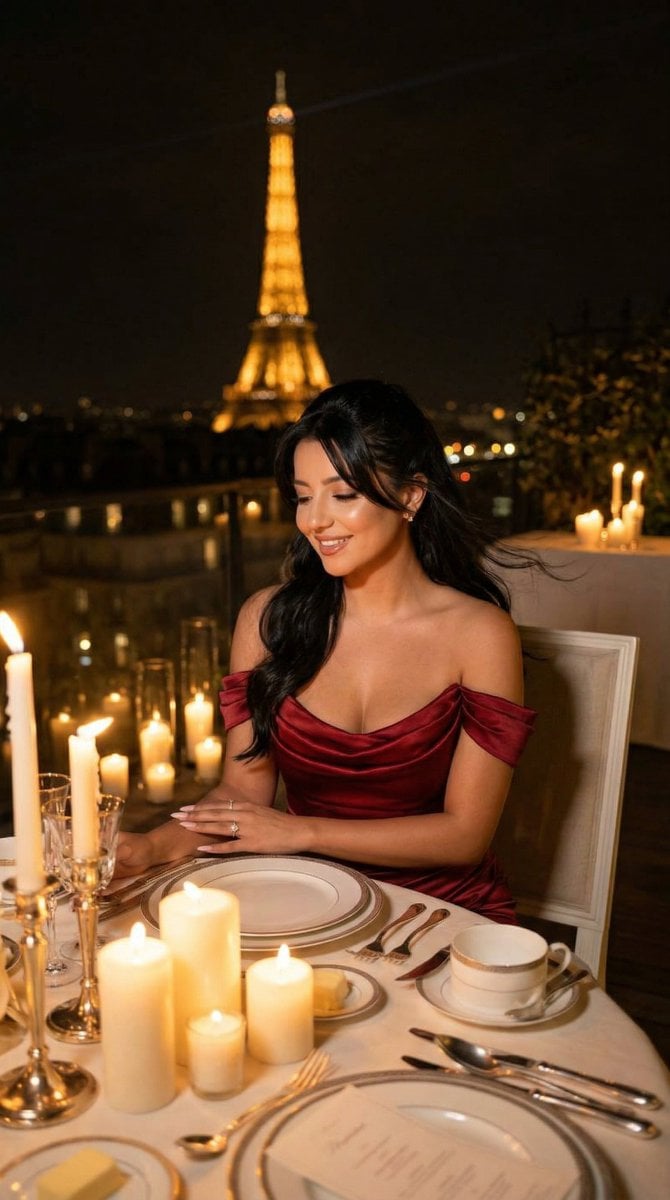
Nano Banana - Opera Red Gown Couture
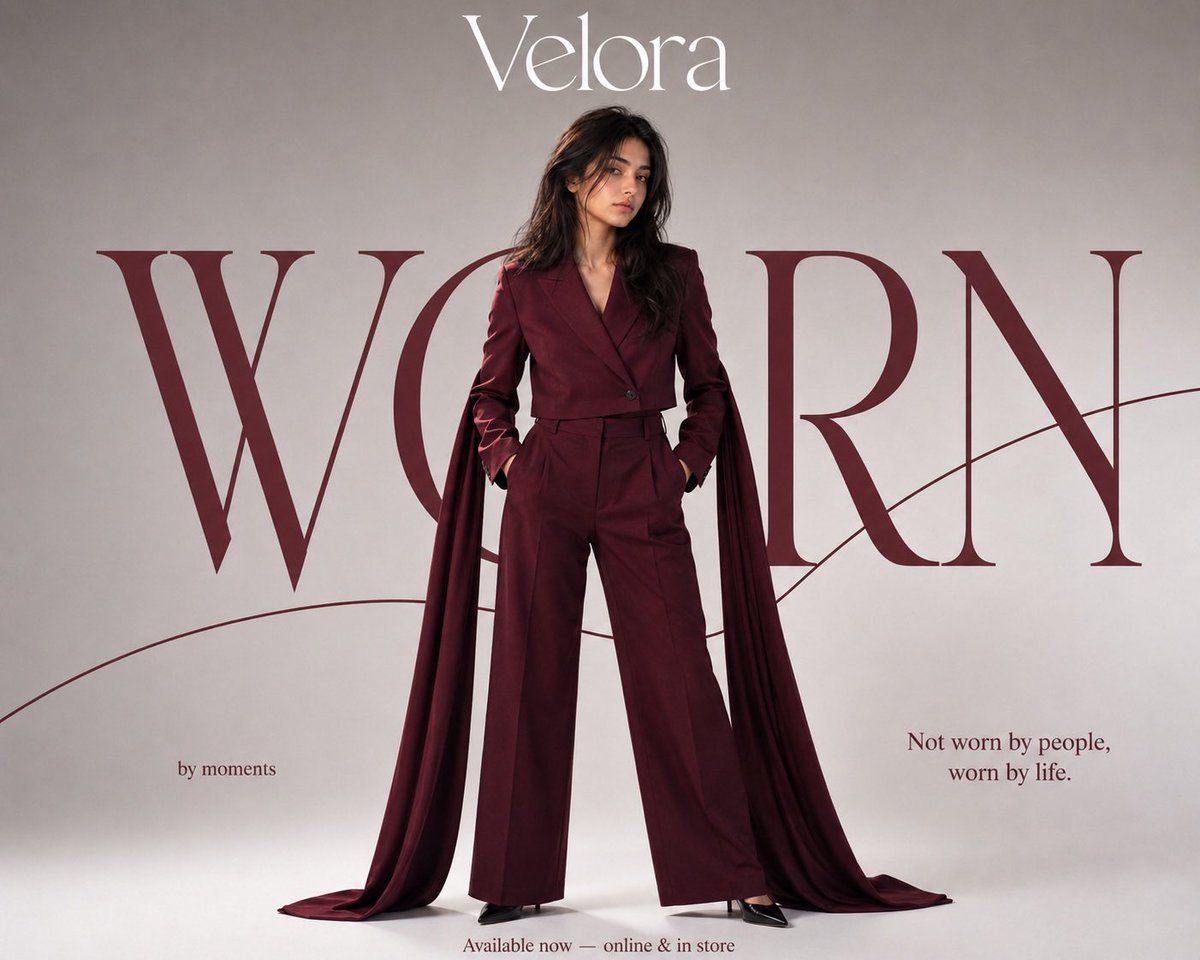
Burgundy Editorial Fashion Portrait
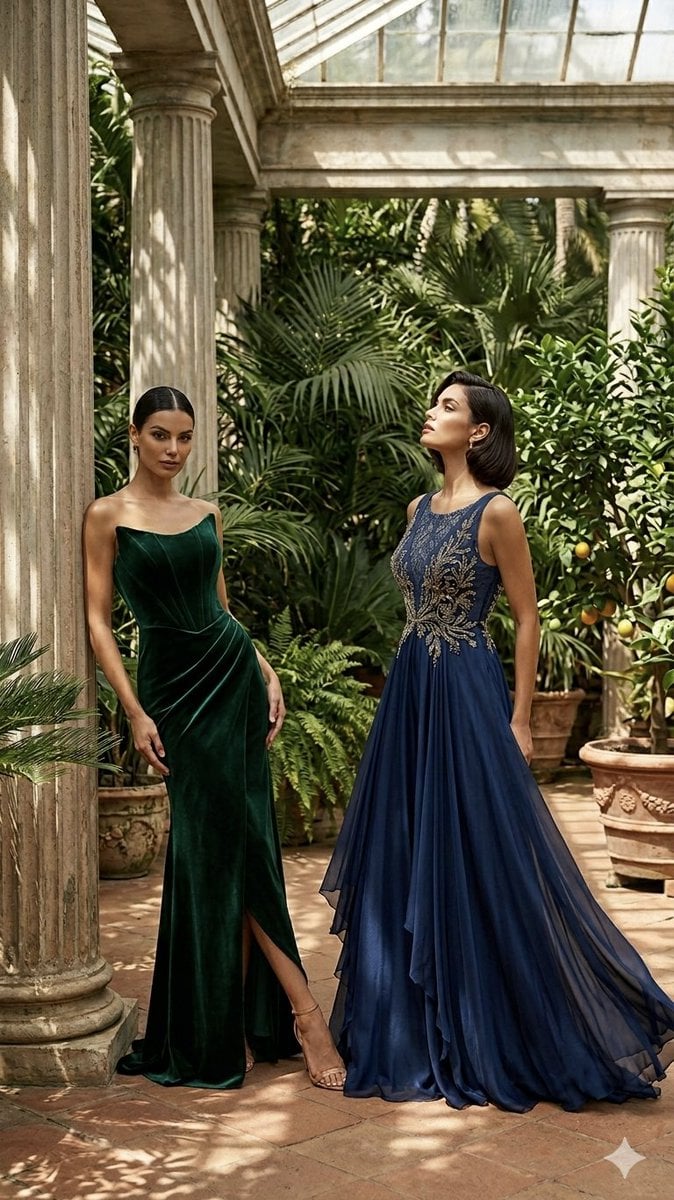
Elegant Gowns Greenhouse Editorial

Anime Happily Ever After Sky

Anime Stained Glass Prayer

Anime White Horse Escape

Anime Golden Spinning Straw

Anime Gingerbread Cottage

Anime Bean Stalk Climb

Anime Seafoam Transformation

Anime Shoe Fitting Trial
Make it yours
Burgundy Gown Editorial on Black Chaise works as-is. These are the safest ways to change it without losing the look.
Change one field
Copy a single group, rewrite it, and generate again so you can see what that field is doing.
Keep the frame, change the subject
Hold the composition and light of Burgundy Gown Editorial on Black Chaise, then swap wardrobe, props or the person for a new take.
| If the result… | Why | Fix |
|---|---|---|
| The result drifts from the preview | Too many fields changed at once. | Reuse Burgundy Gown Editorial on Black Chaise as-is first, then change one group — subject, light, or setting. |
| The model over-stylizes the scene | The prose prompt leaves finish and camera underspecified. | Add one camera or lighting sentence and stay on GPT Image 2. |
More GPT Image 2 templates
Other prompts made for GPT Image 2.

Six VTuber Japanese Logo Sheet

Realistic Portrait of Woman and Deer

The Vista Modular Condo Poster

AI Model Routing Comparison Infographic

2.5D Anime Art Board

Isometric Productivity Desk Scene

New York Double Exposure Poster

Four-Panel AI Landscape Comparison

Japanese Tatami Lifestyle Magazine Cover

NESCAFÉ Coffee Map Poster
More image prompts
Fresh picks from across the catalog.
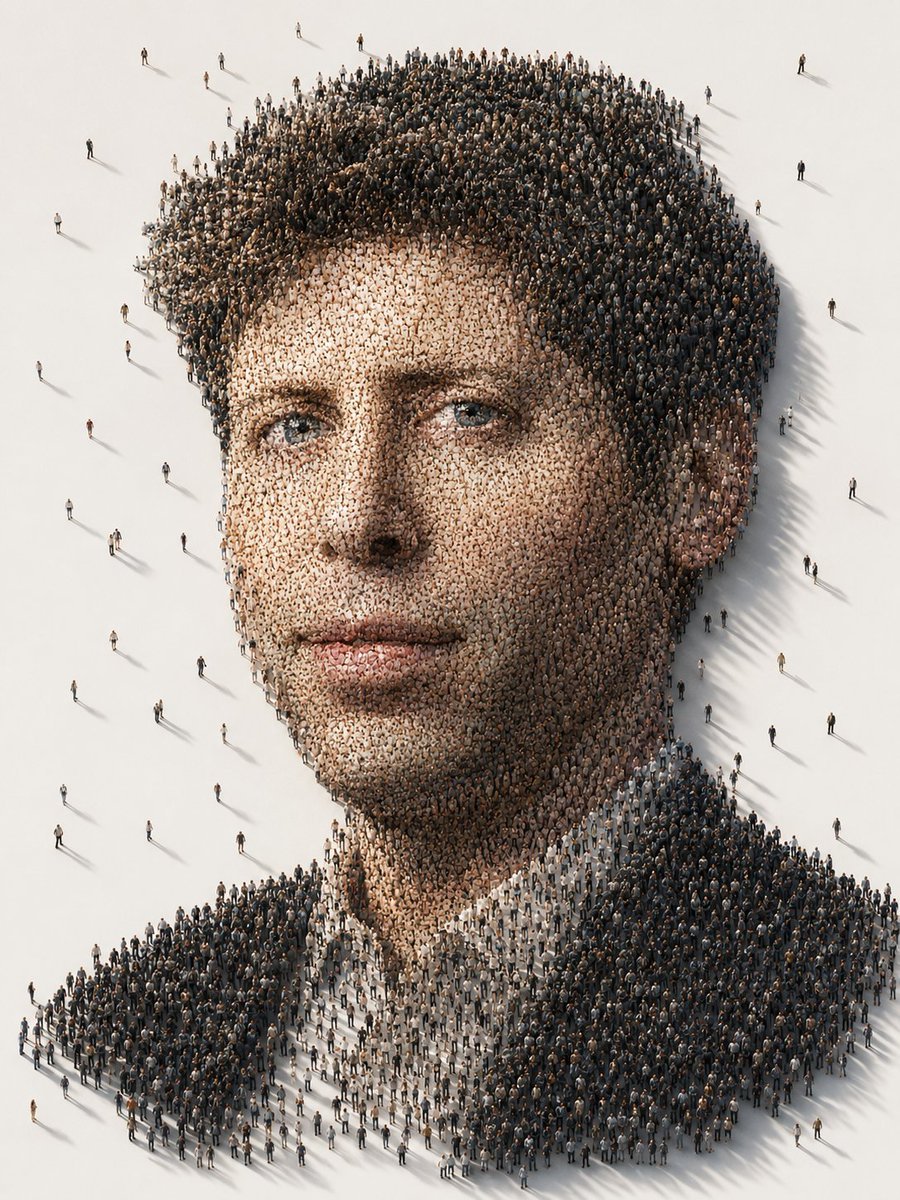
Conceptual Crowd Portrait Installation Art
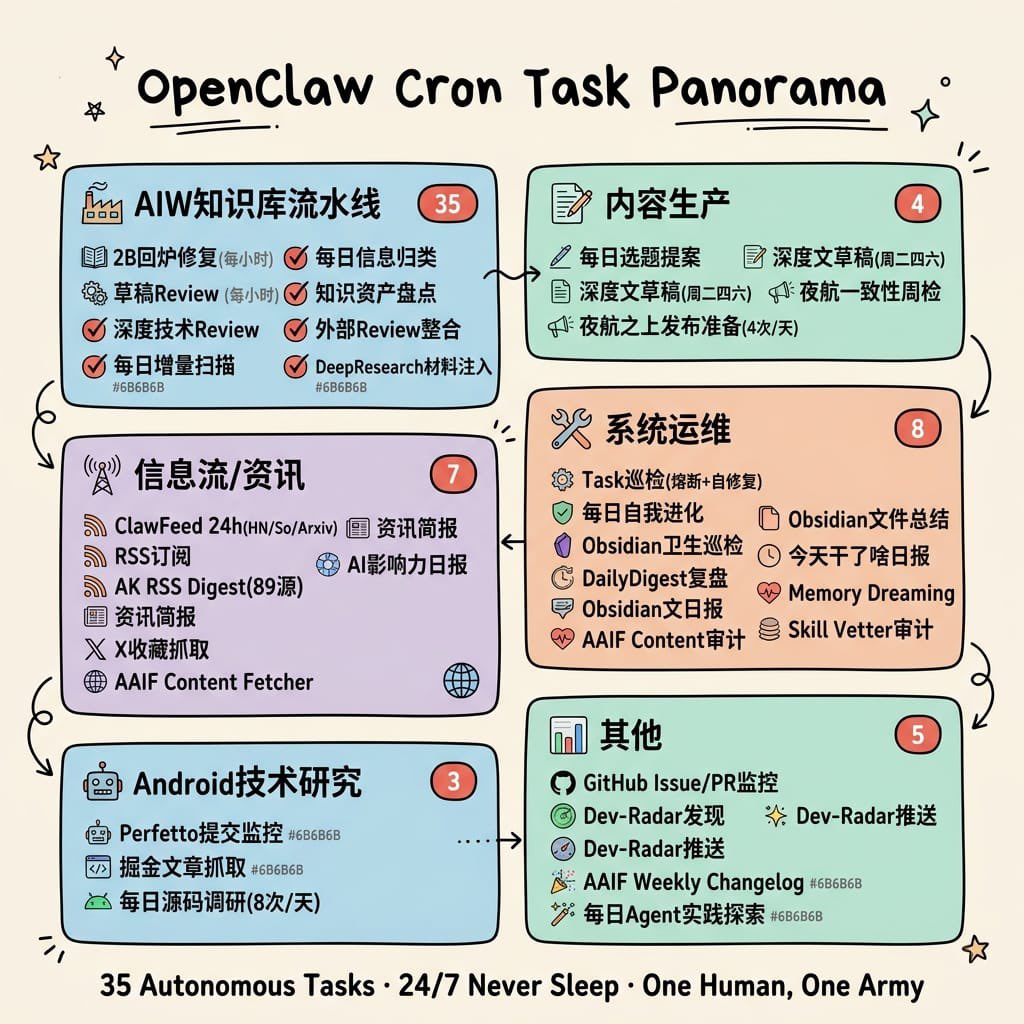
Hand-Drawn Cron Task Panorama
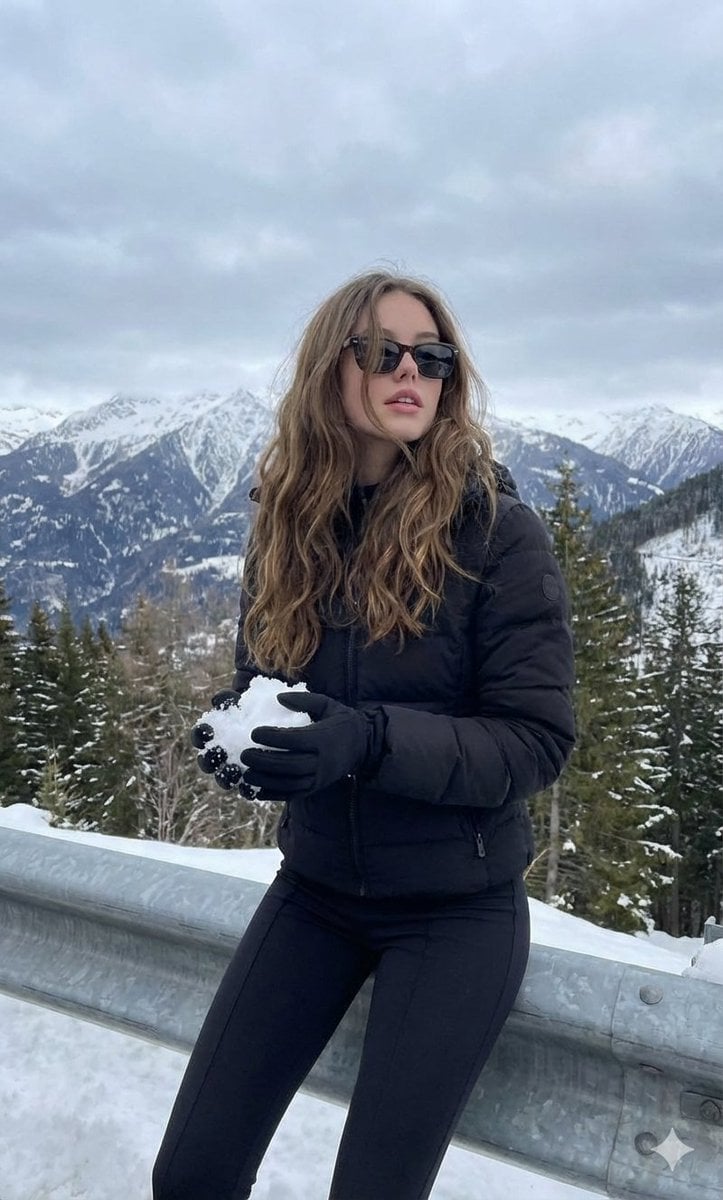
Monochromatic Winter Mountain Portrait
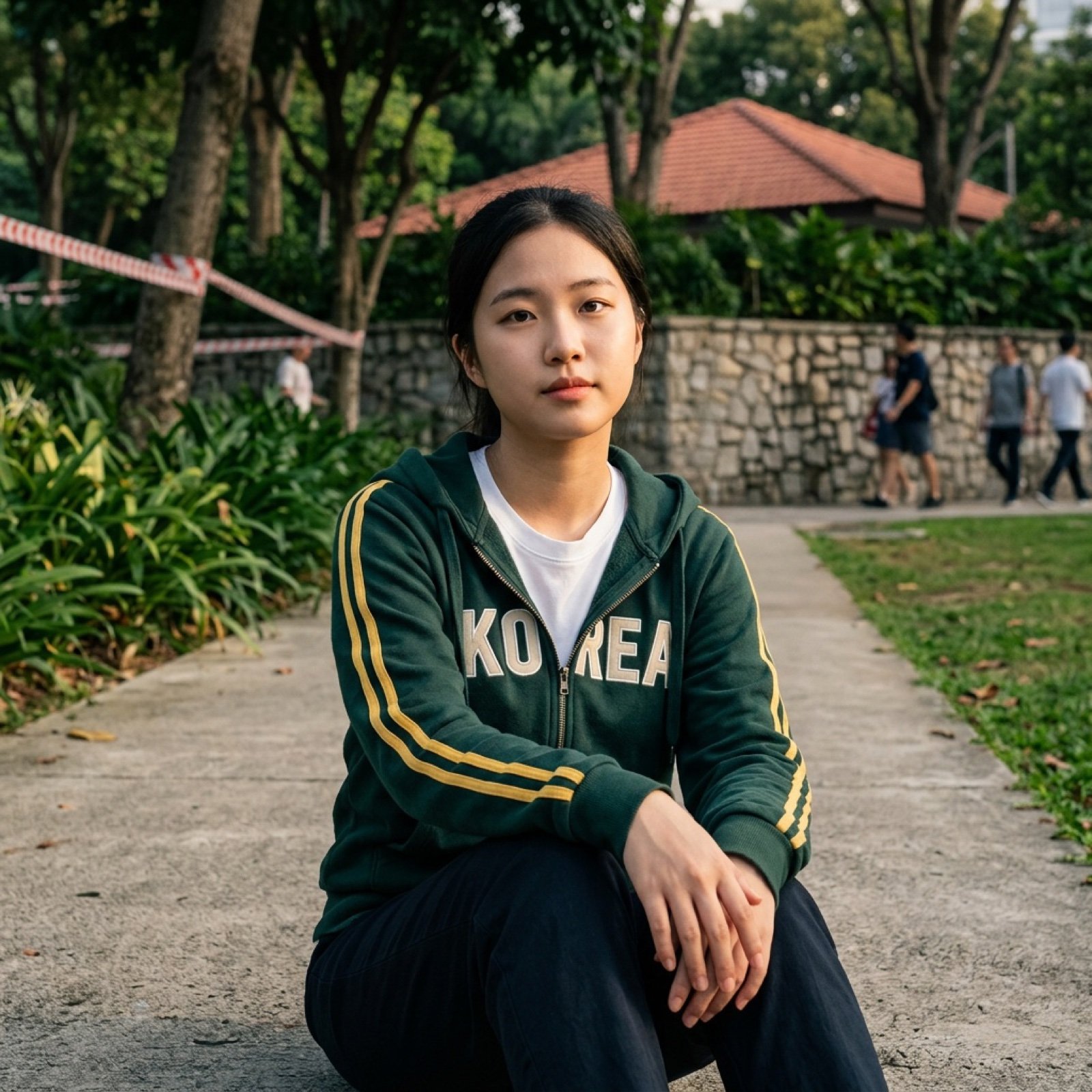
Multi-AI Workflow: Niji Journey, Seedream, Nano Banana Pro, and Grok Imagine
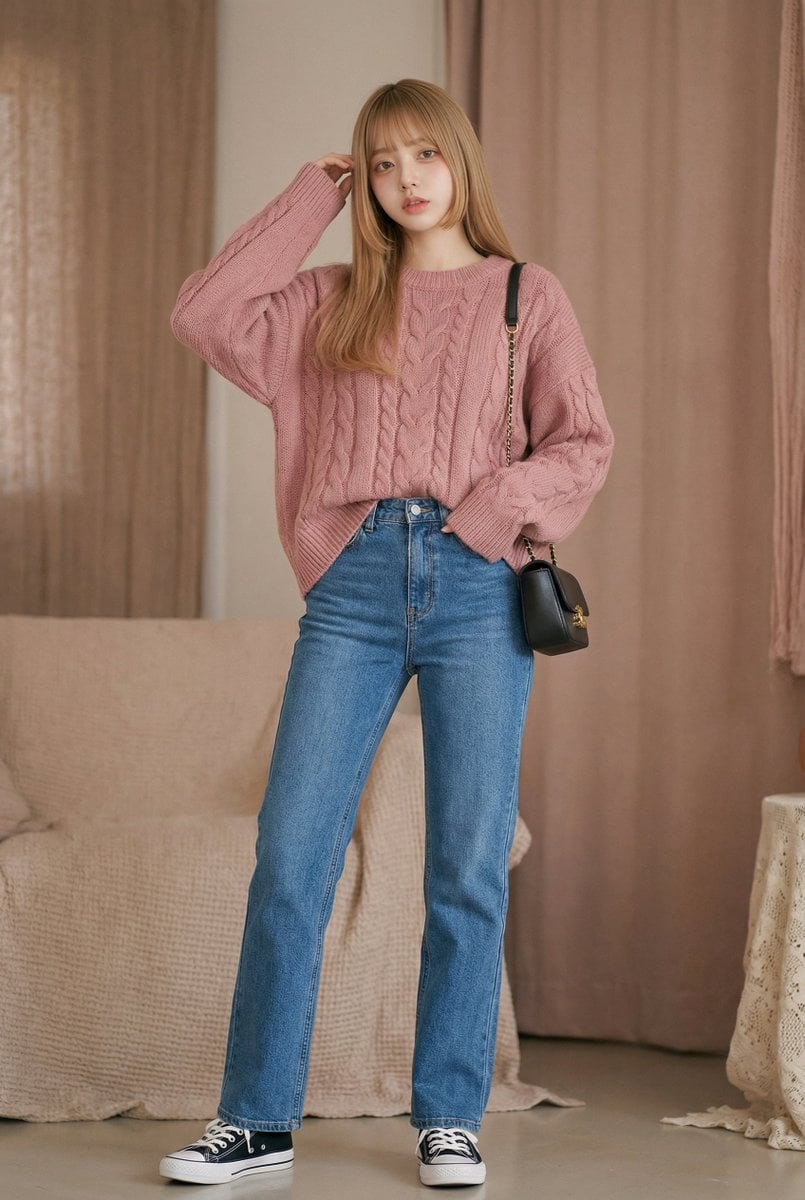
Vlog Style Video Generation from Nano Banana Pro Image using Google Veo 3.1
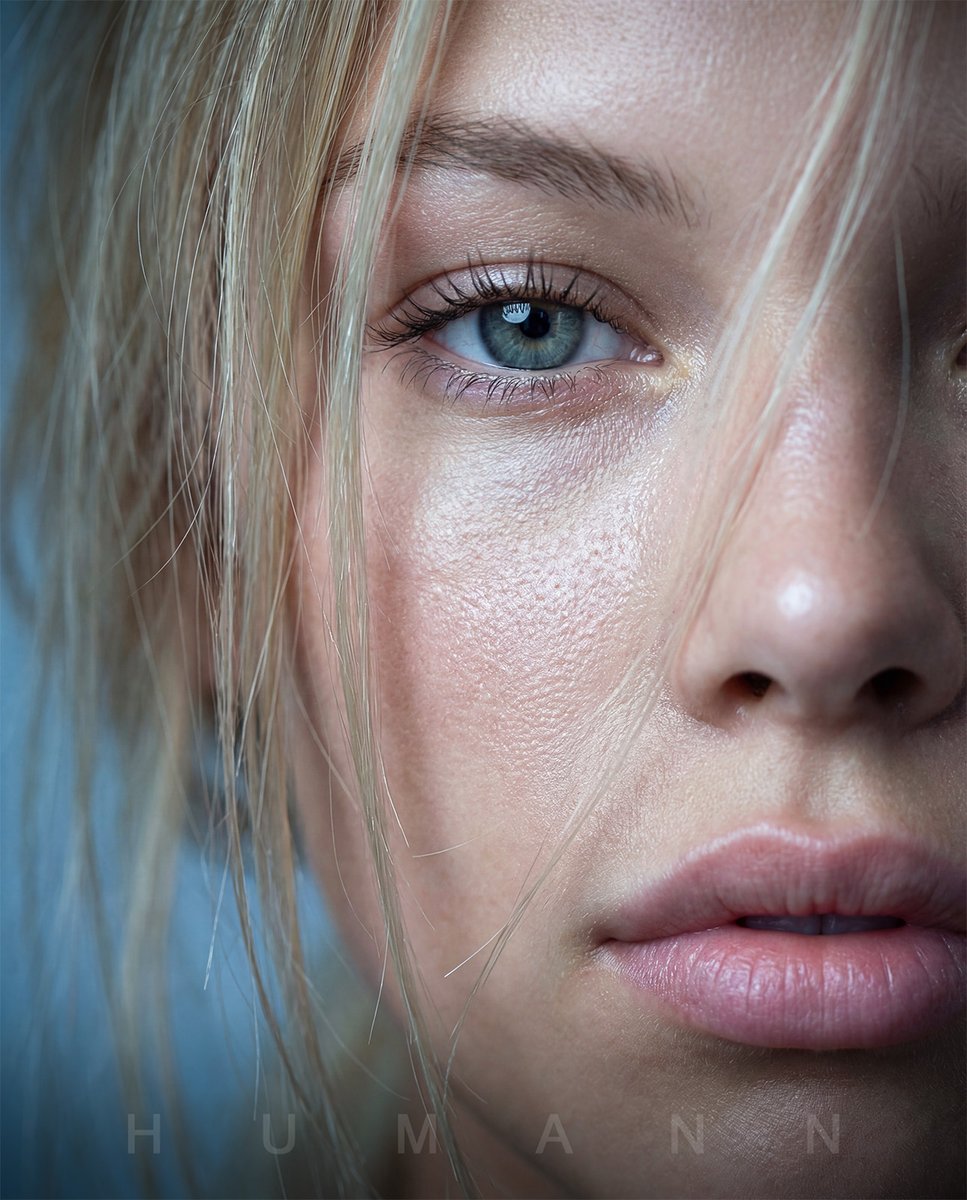
Extreme Macro Portrait with Hyper-realistic Skin Texture
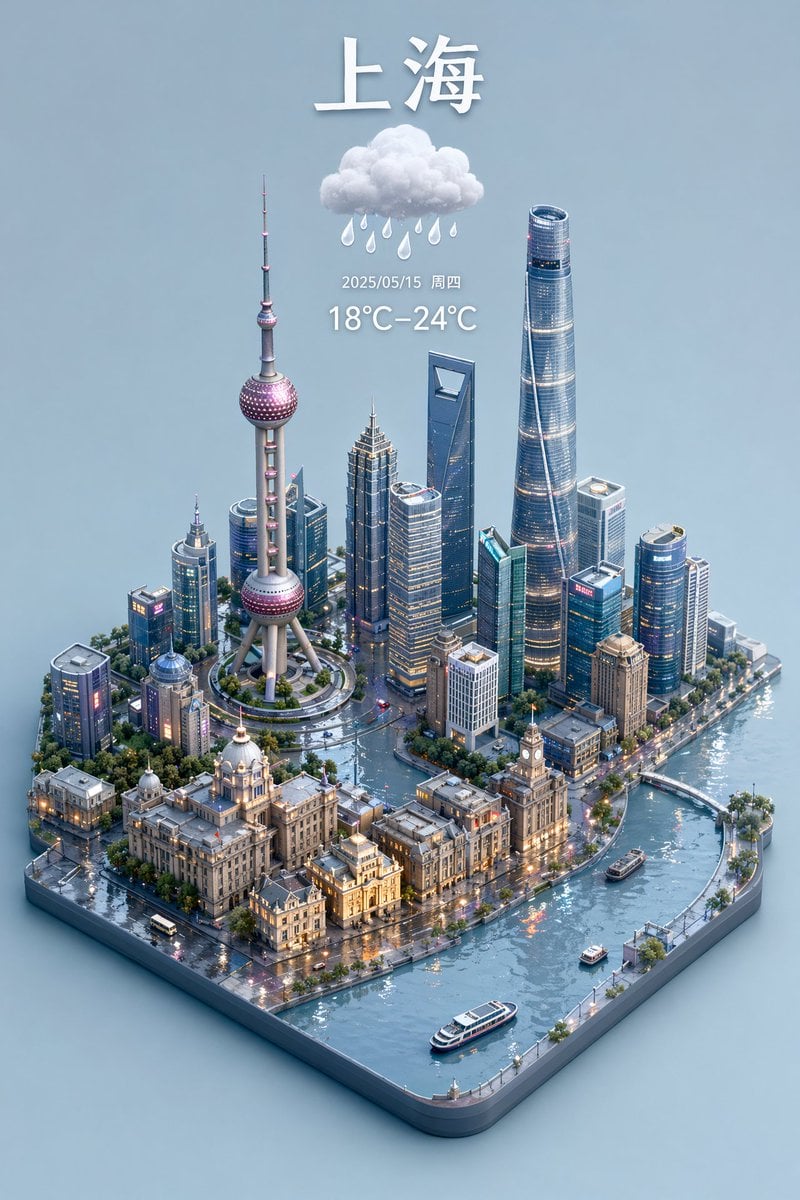
3D Isometric Miniature City Weather Map
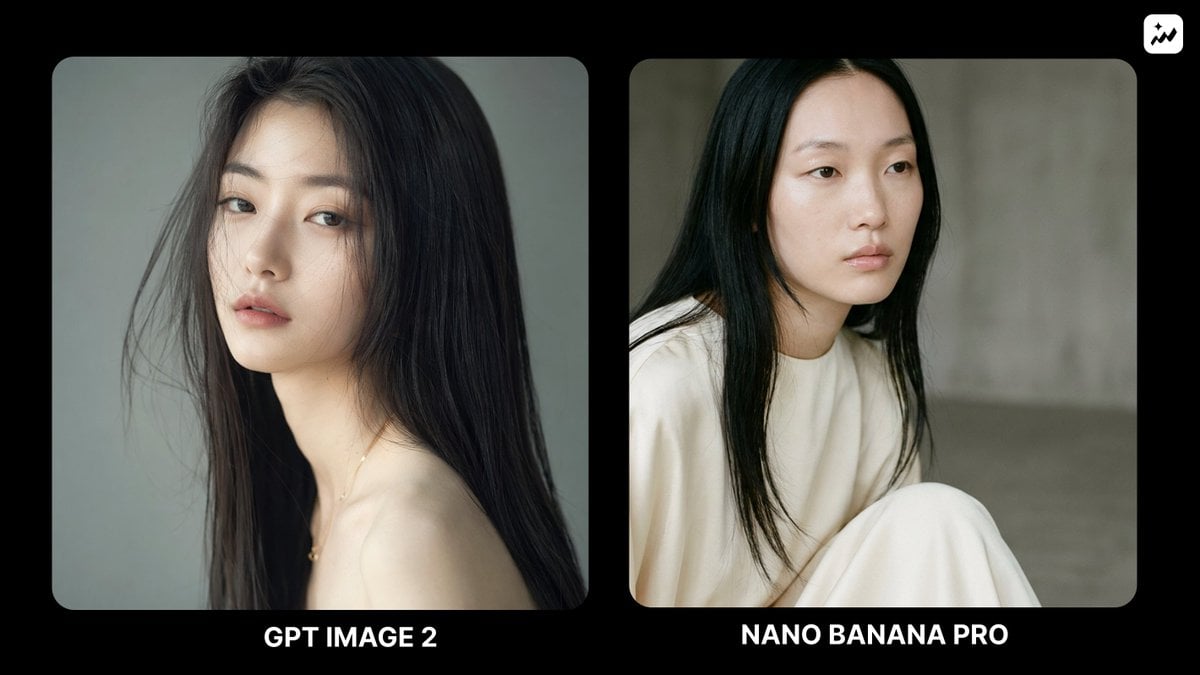
Ethereal Fashion Portrait
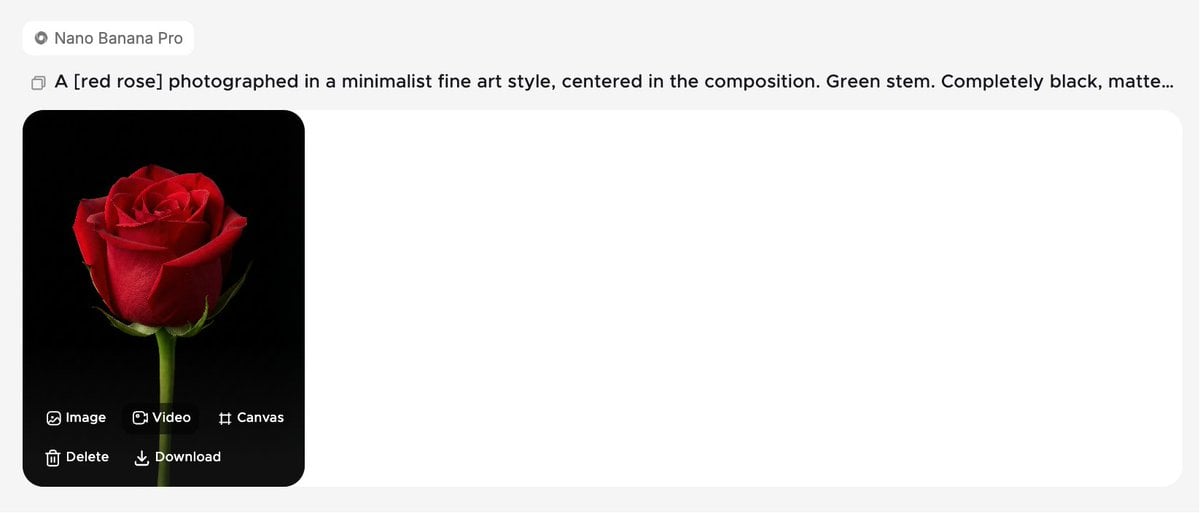
Minimalist Fine Art Flower Macro
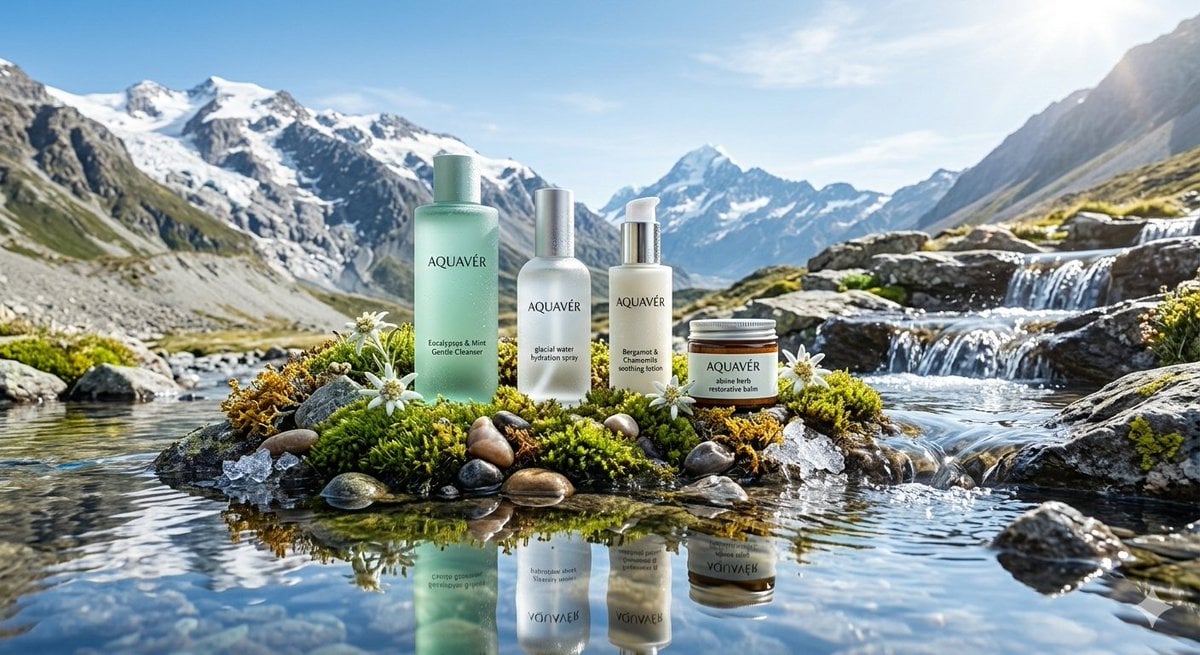
Ultra-Luxurious Skincare Product Photography in Alpine Setting
Browse template categories
Burgundy Gown Editorial on Black Chaise questions
How do I use the Burgundy Gown Editorial on Black Chaise template?
Add your photo if the template asks for one, edit the prompt if you like — the template's model and format are already selected — and press Generate. Your version opens in PicX Studio.
Can I customize the Burgundy Gown Editorial on Black Chaise template?
Yes. You can change the subject, setting, lighting, mood, format, and available model controls before creating your image.
Is the Burgundy Gown Editorial on Black Chaise template free?
Opening and editing this template is free. Generating uses credits, shown on the Generate button when you are signed in.
Which AI model should I use?
Start with GPT Image 2, which is the model associated with this template. You can compare another compatible model for a different finish.
Looking for something else? Browse all templates.

Your photo, any look
Thousands of ready templates for every top image and video model, from one credit balance.