
Luxury Black-and-White Fashion Contact Sheet
Luxury Black-and-White Fashion Contact Sheet

- Prompt included
- Model and format preset
- Free template
The prompt behind this image
Copy the exact prompt behind Luxury Black-and-White Fashion Contact Sheet, or open it in the studio and make it yours.
Ultra-viral black-and-white luxury fashion casting contact sheet portrait of a striking young woman with soft freckles, expressive eyes, and natural beauty, arranged in a perfectly balanced 2x2 film contact sheet grid. Wearing a fitted black turtleneck sweater and medium-sized silver hoop earrings, with messy dark hair styled in a loose textured updo and delicate face-framing strands. Each frame captures a different intimate portrait angle: direct eye contact over the shoulder, elegant side profile with lifted chin, playful candid smile with hand near lips, and thoughtful beauty portrait resting her face on her hand. Minimalist studio background with soft tonal gradients. Kodak 400TX black-and-white film, cinematic fine-art fashion photography, ultra-realistic skin texture, visible freckles, subtle film grain, soft diffused lighting, shallow depth of field, high contrast monochrome tones, editorial Vogue-style beauty photography, timeless elegance, luxury modeling portfolio aesthetic, analog photography look, Leica M6, 50mm lens, professional studio portraiture, highly detailed eyes, natural makeup, museum-quality fashion imagery, masterpiece, award-winning photography, ultra-sharp focus.
How to use Luxury Black-and-White Fashion Contact Sheet in 3 steps
- 1
Open
The prompt is already in the box next to the preview, with the template's model and format selected.
- 2…a portrait of your subject in softgolden-hour light, 85mm…
Personalize
Edit the subject and creative details for your destination.
- 3Generate
Generate
Press Generate — your image is created in PicX Studio, so you can compare it with the original and refine one variable at a time.
More like this
Templates with the same subject, style or setup. Open one to see its prompt.

Gpt Image 2 Fashion Portrait

Geometric Color-Block Beauty Editorial Portrait

untitled

Google Gemini Nano Banana Pro

Conceptual Fashion Portrait in Spider We

01 Skincare Split Portrait — Nano Banana 2

24 The Getty Center — California Series

21 Glass Floor Skyscraper — California Series

19 Luxury Helicopter Travel — California Series

08 Rodeo Drive Luxury Exit — California Series

03 Beverly Hills Convertible — California Series

Caution Tape Fashion — Industrial Editorial
Make it yours
Luxury Black-and-White Fashion Contact Sheet works as-is. These are the safest ways to change it without losing the look.
Change one field
Copy a single group, rewrite it, and generate again so you can see what that field is doing.
Keep the frame, change the subject
Hold the composition and light of Luxury Black-and-White Fashion Contact Sheet, then swap wardrobe, props or the person for a new take.
| If the result… | Why | Fix |
|---|---|---|
| The result drifts from the preview | Too many fields changed at once. | Reuse Luxury Black-and-White Fashion Contact Sheet as-is first, then change one group — subject, light, or setting. |
| The model over-stylizes the scene | The prose prompt leaves finish and camera underspecified. | Add one camera or lighting sentence and stay on PicX Studio. |
More image prompts
Fresh picks from across the catalog.
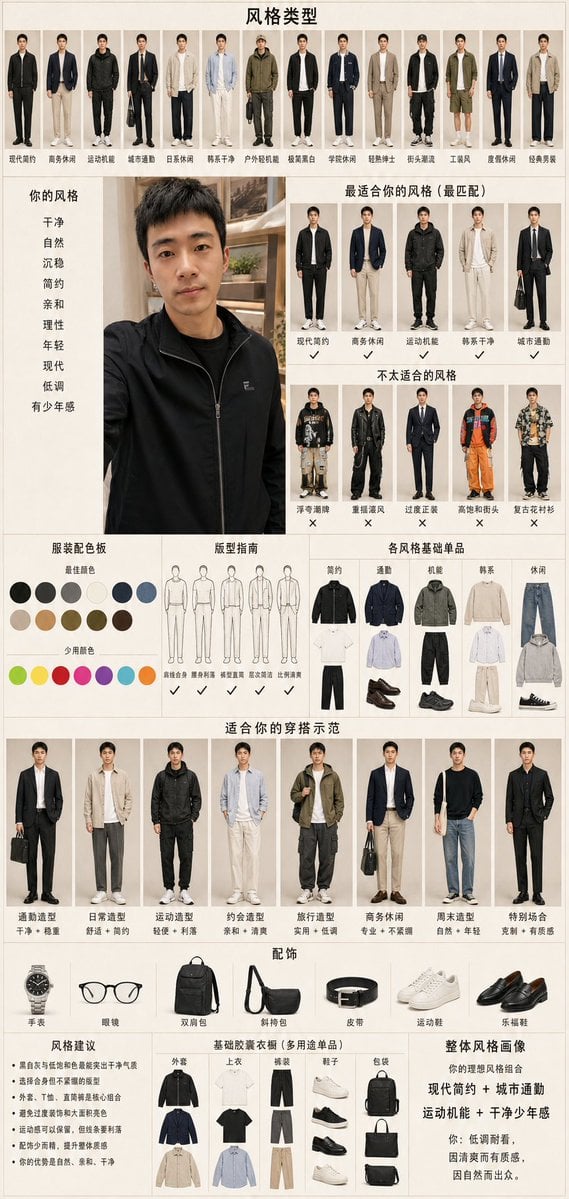
Men's Fashion Style Diagnosis Report
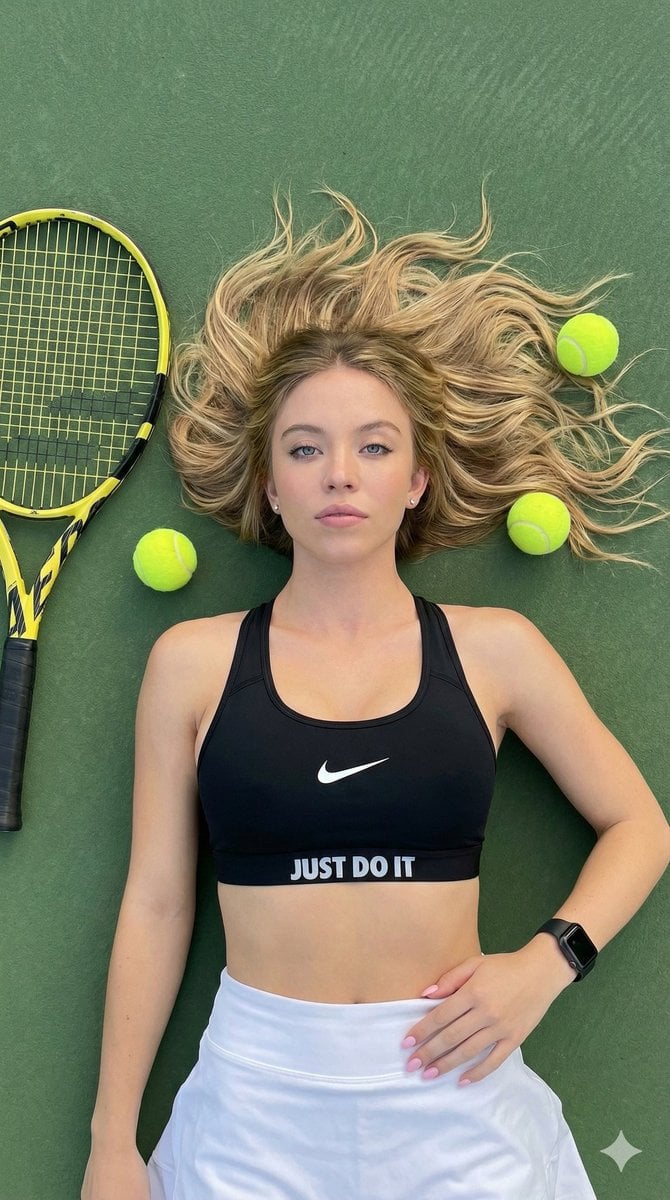
Top-Down Tennis Court Editorial Portrait

Visit Malaysia 2026 Travel Poster
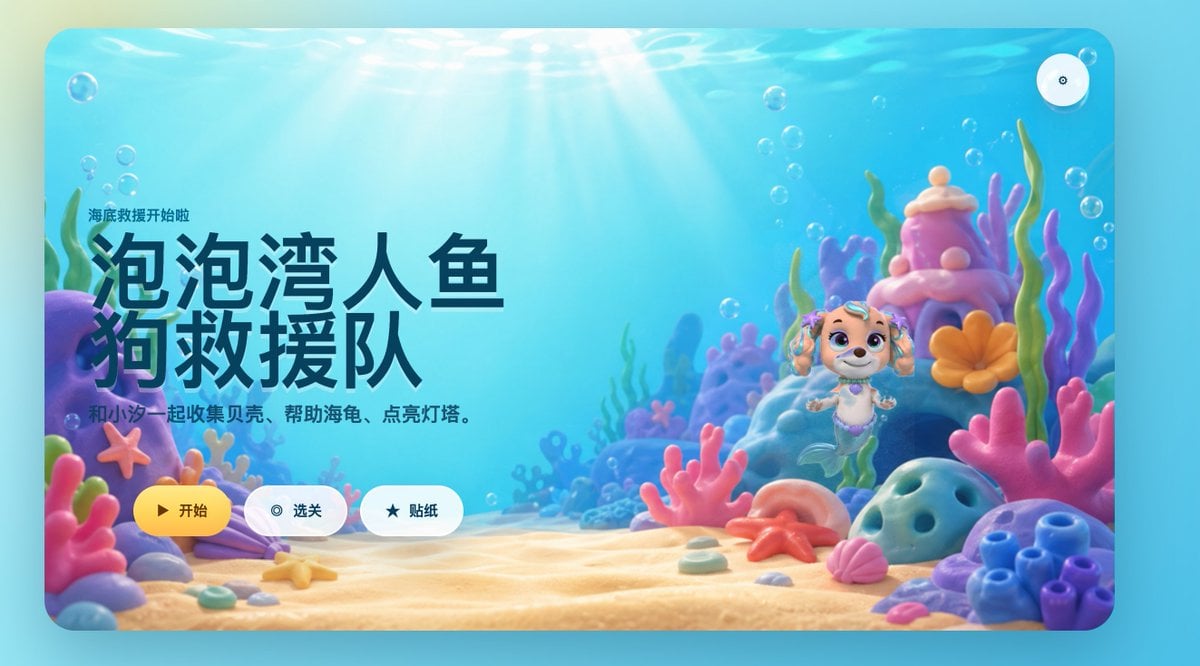
Cute Mermaid Puppy Undersea Game Start Screen
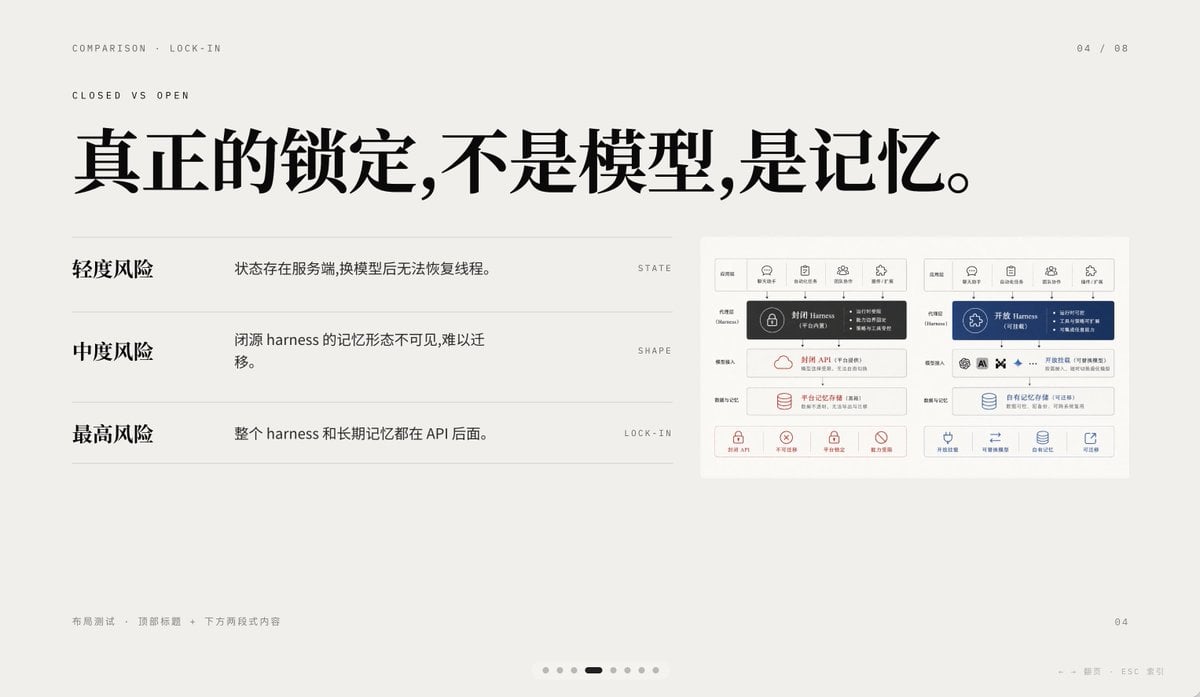
Minimal AI Lock-In Comparison Slide
Kawaii Character Snow Globes

Ultra-Realistic Cinematic Scene of Floating in Mid-Air
Professional Brand Identity Guidelines Poster
Sports Car and Airliner in Hangar
Surreal High Fashion Editorial Prompt with Living Insects
Browse template categories
Luxury Black-and-White Fashion Contact Sheet questions
How do I use the Luxury Black-and-White Fashion Contact Sheet template?
Add your photo if the template asks for one, edit the prompt if you like — the template's model and format are already selected — and press Generate. Your version opens in PicX Studio.
Can I customize the Luxury Black-and-White Fashion Contact Sheet template?
Yes. You can change the subject, setting, lighting, mood, format, and available model controls before creating your image.
Is the Luxury Black-and-White Fashion Contact Sheet template free?
Opening and editing this template is free. Generating uses credits, shown on the Generate button when you are signed in.
Which AI model should I use?
Choose a compatible model in PicX Studio based on the style, speed, and output controls your project needs.
Looking for something else? Browse all templates.

Your photo, any look
Thousands of ready templates for every top image and video model, from one credit balance.