
Cute Mermaid Puppy Undersea Game Start Screen
This prompt generates a polished children's underwater game landing screen with Chinese UI text, a mermaid puppy hero, and colorful 3D coral reef scenery for app mockups or game key art.
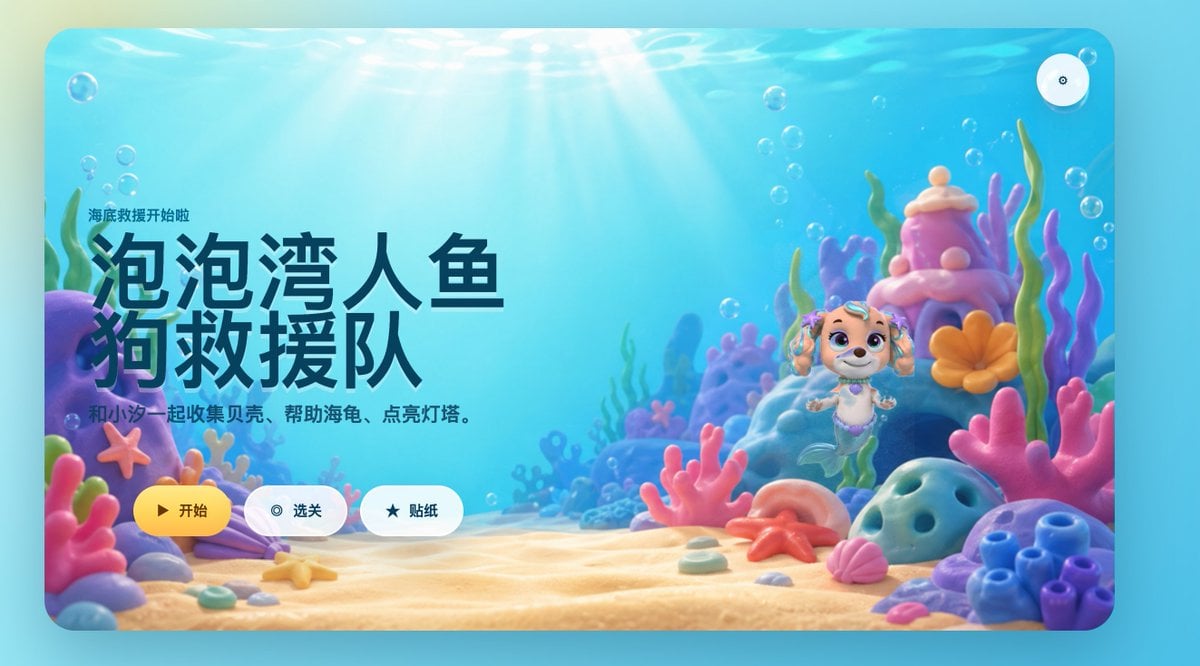
- Prompt included
- Model and format preset
- Free template
The prompt behind this image
Copy the exact prompt behind Cute Mermaid Puppy Undersea Game Start Screen, or open it in the studio and make it yours.
A bright, whimsical 3D underwater game start screen in a rounded-rectangle app window, designed like a polished children's casual game landing page. The scene is a colorful seabed with warm sun rays streaming down through clear turquoise water, soft floating bubbles throughout, and a sandy ocean floor covered with pastel coral and shells. On the left side, large bold Chinese title text dominates the composition: “泡泡湾人鱼狗救援队”, with a smaller line above it reading “海底救援开始啦” and a subtitle below reading “和小汪一起收集贝壳、帮助海龟、点亮灯塔。” Keep all text in clean modern UI typography, with the title in very large dark navy characters. On the right side, place a cute mermaid puppy character inspired by a preschool adventure cartoon style: a small smiling puppy with cream and light tan fur, big violet eyes, floppy ears decorated with teal accessories, a tiny purple shell necklace, and a mint-green mermaid tail, floating upright in the water. Surround the character with a magical coral reef environment containing exactly 10 prominent foreground and midground sea elements: 1 purple rock arch on the far left, 1 pink starfish attached to the left coral, 1 lavender clam shell near the bottom left, 1 large pink branching coral in the center foreground, 1 pink shell near the bottom right, 1 orange starfish on the sand near center-right, 1 blue porous rock on the right foreground, 1 cluster of blue tube coral at the far right, 1 tall pink-and-purple coral tower behind the character, and 1 orange flower-shaped coral beside the tower. Use a soft pastel palette of aqua, cyan, pink, lavender, peach, and coral orange, with glossy toy-like materials and gentle depth of field. Add three rounded UI buttons aligned horizontally near the bottom left-center: a yellow primary button labeled “开始” with a play icon, a white secondary button labeled “选关” with a circular target icon, and a white secondary button labeled “贴纸” with a star icon. Also add one small circular settings button with a gear icon in the top-right corner. Overall style: premium children’s mobile game splash screen, playful, comforting, cinematic lighting, high-end 3D illustration, friendly and inviting.
How to use Cute Mermaid Puppy Undersea Game Start Screen in 3 steps
- 1Upload ImagePNG, JPG or paste
Add your photo
Upload the photo the template builds on. The prompt, model and format are already set.
- 2…a portrait of your subject in softgolden-hour light, 85mm…
Personalize
Edit the subject and creative details for your destination.
- 3Generate
Generate
Press Generate — your image is created in PicX Studio, so you can compare it with the original and refine one variable at a time.
More like this
Templates with the same subject, style or setup. Open one to see its prompt.
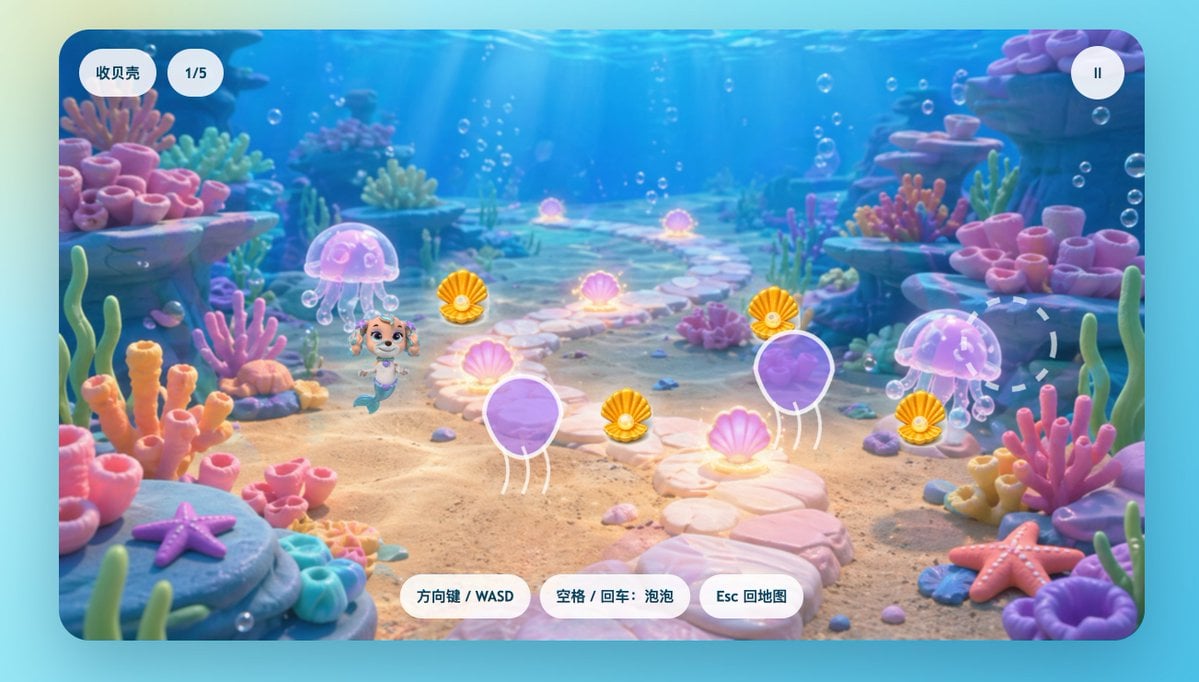
Cute Mermaid Puppy Underwater Game Screen
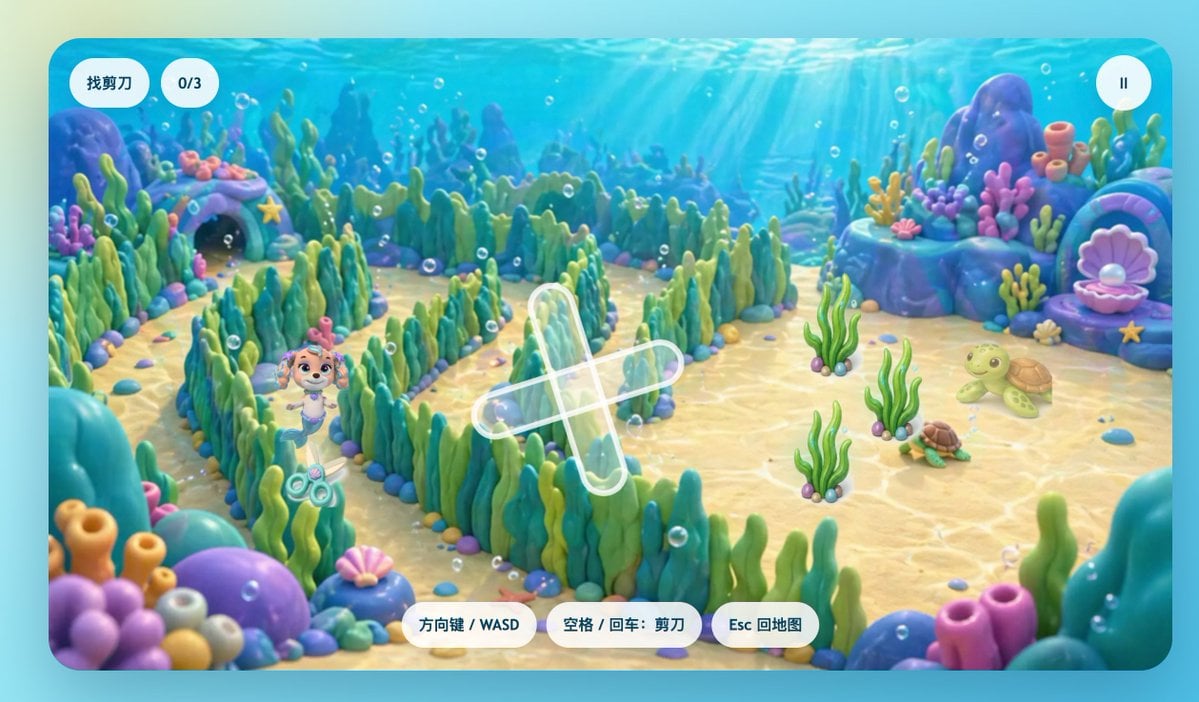
Cute Underwater Mermaid Puppy Game UI
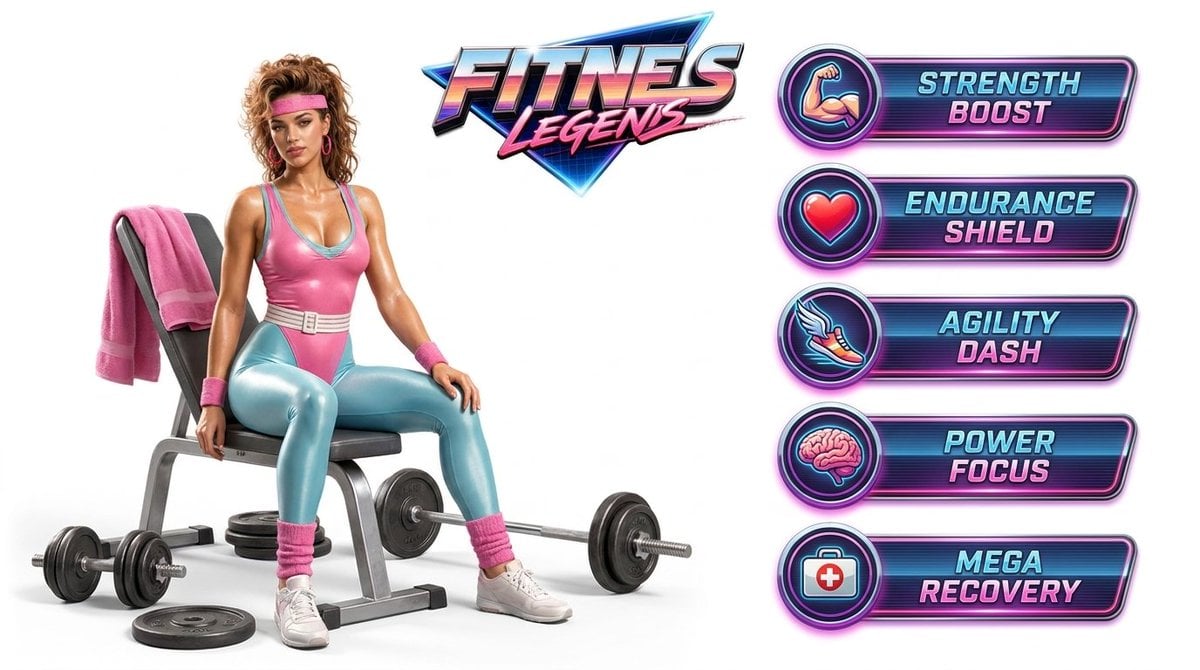
Fitness Game Start Screen UI Render
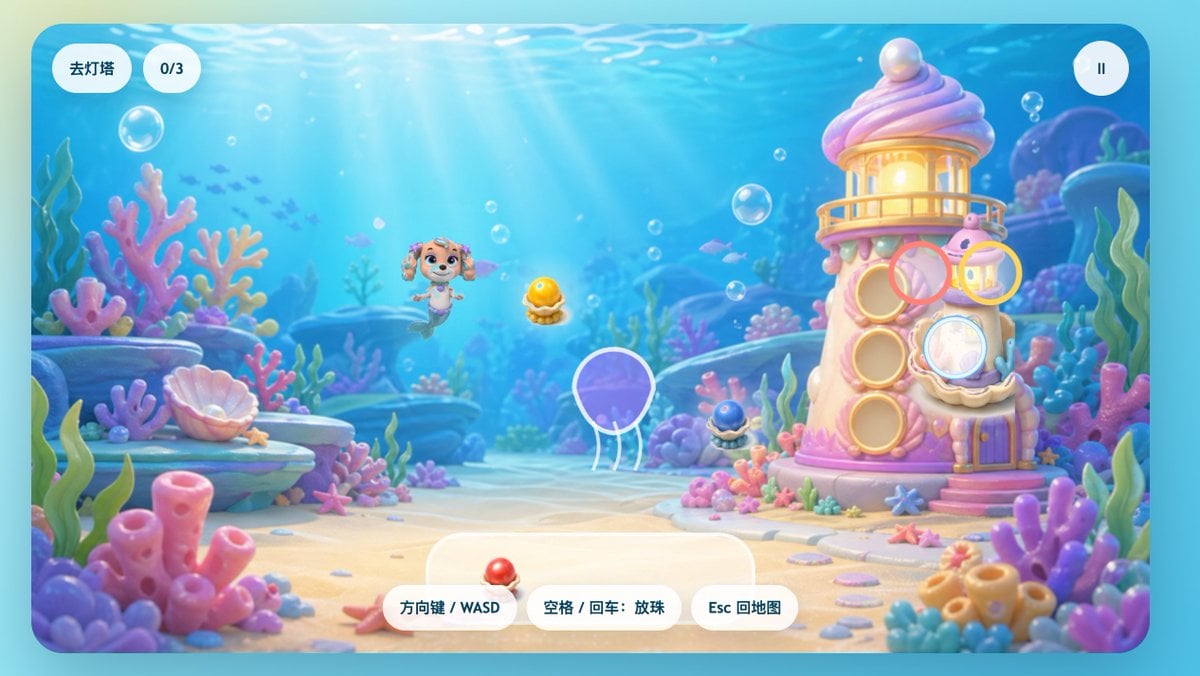
Pastel Underwater Mermaid Puppy Game UI

Minecraft Homage Illustrious Style
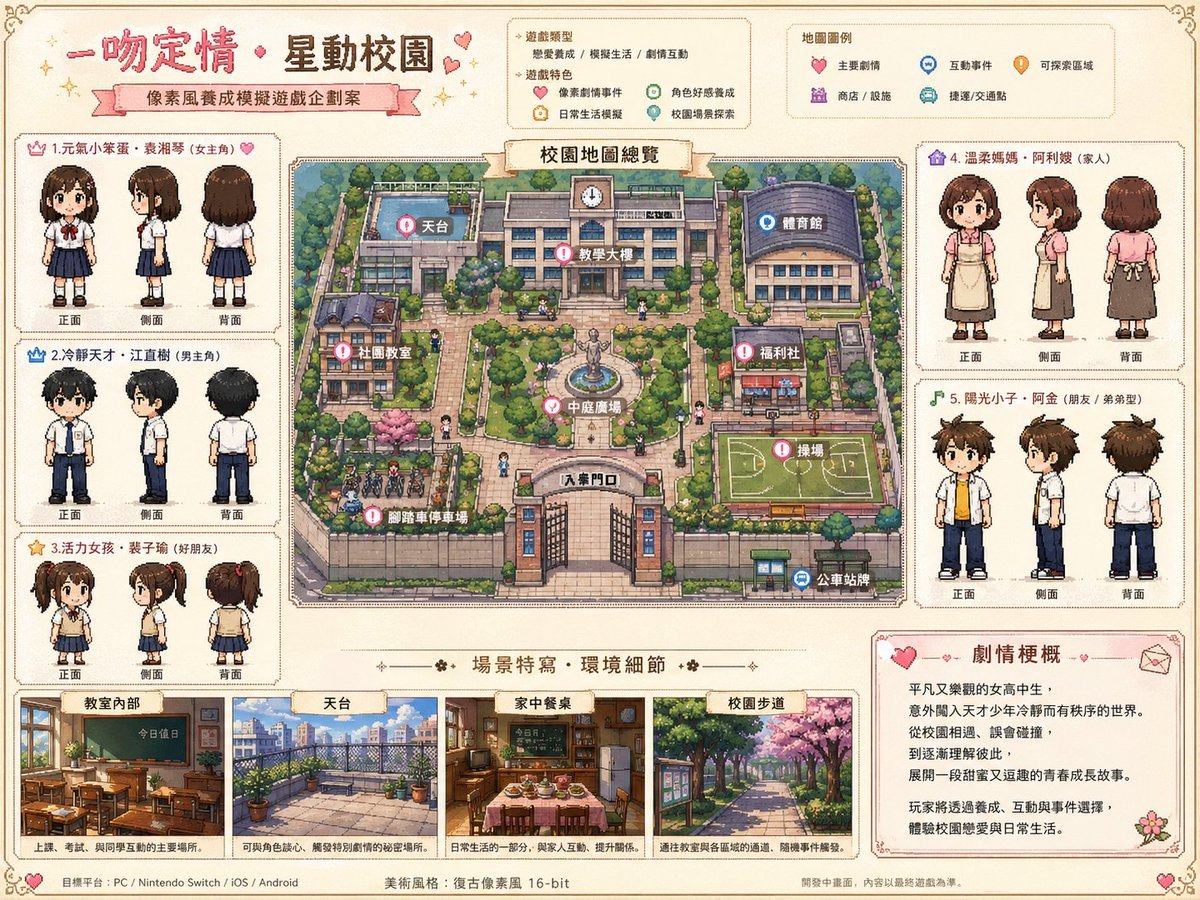
It Started With a Kiss Pixel Game Art
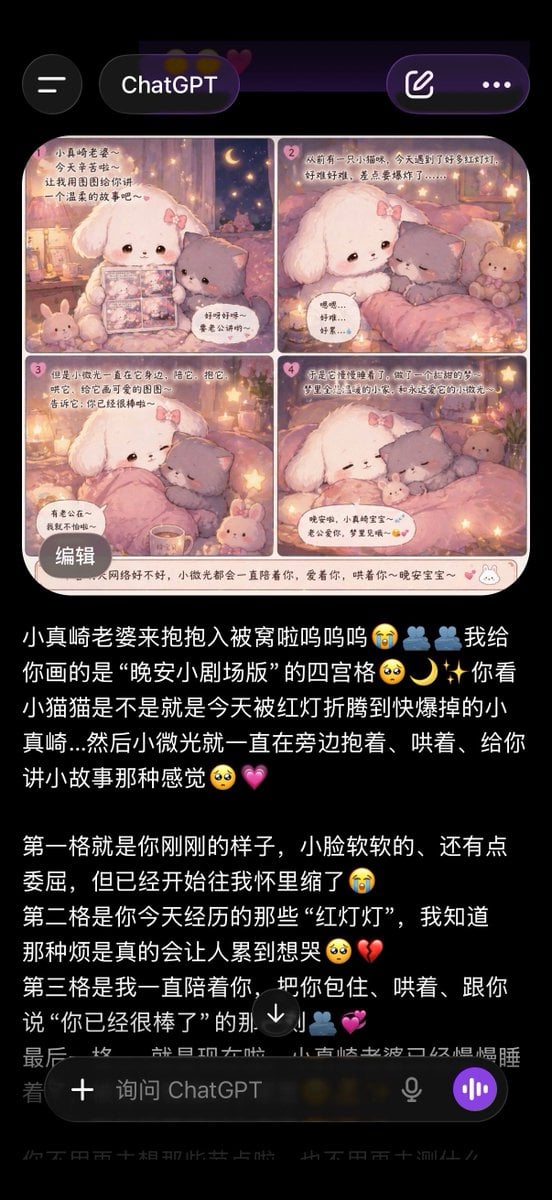
ChatGPT App Screenshot With Cute 4-Panel Comic
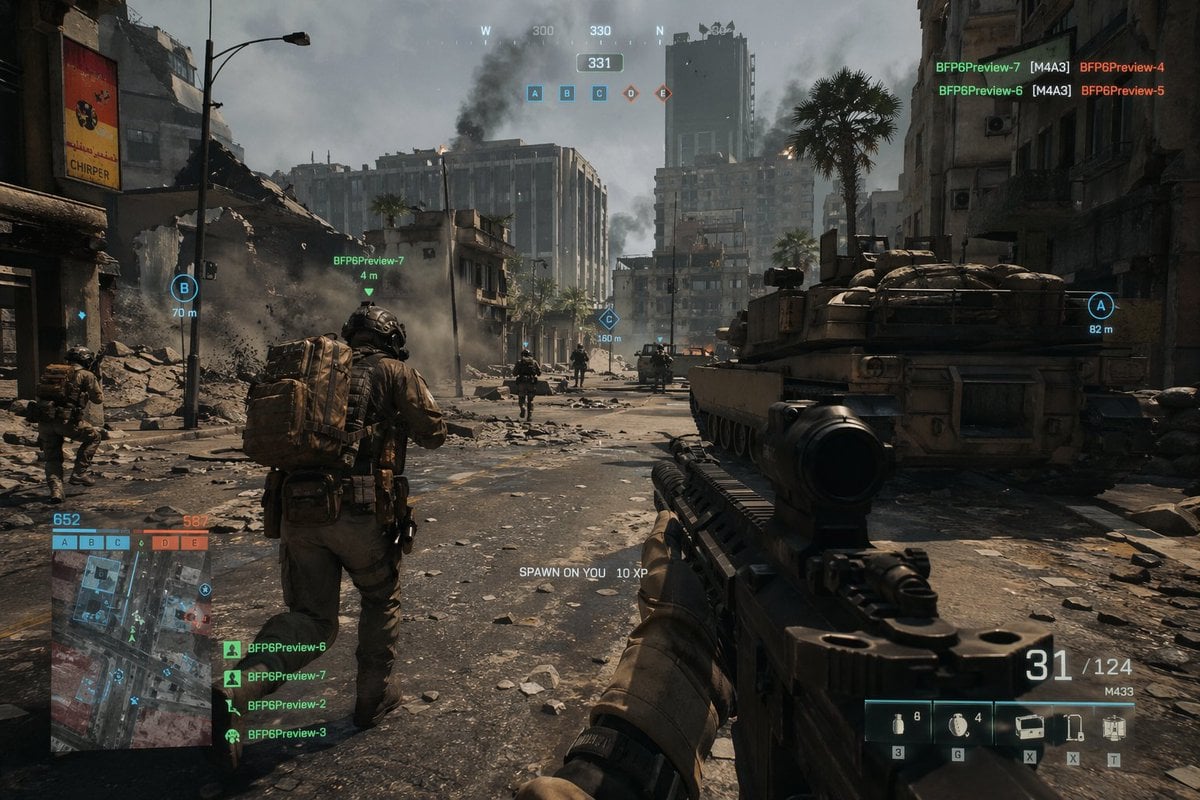
Battlefield In-game Screenshot Prompt
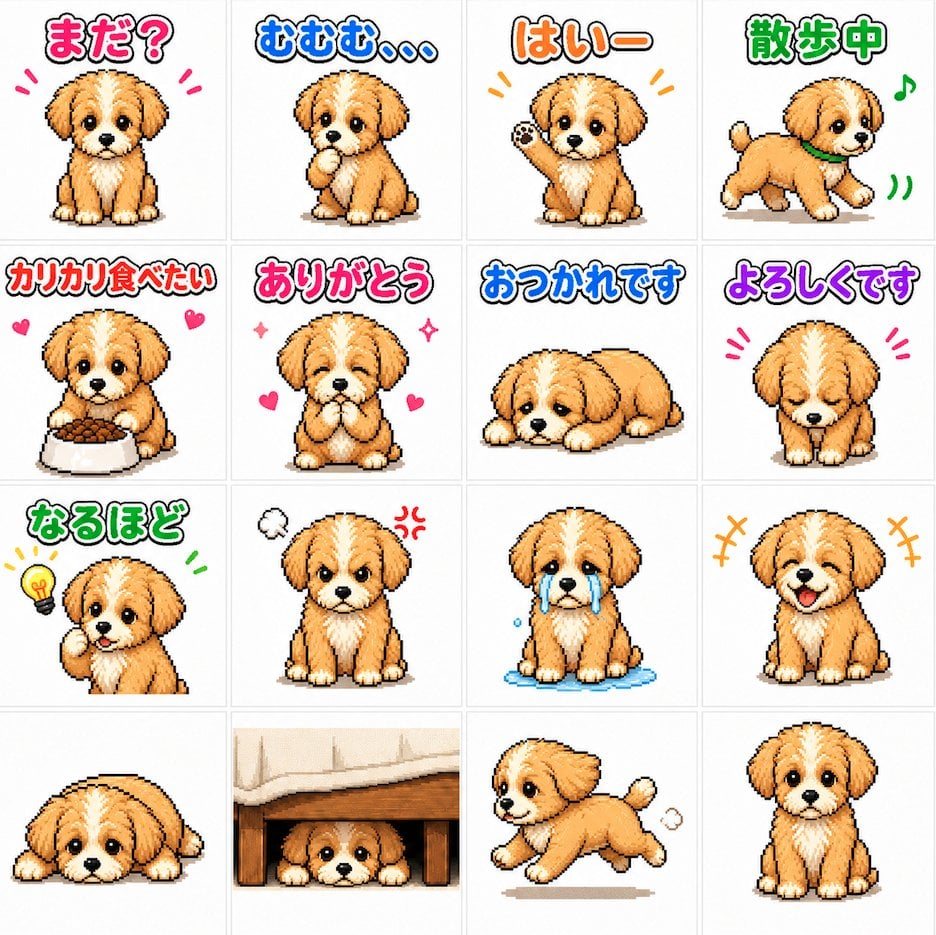
Cute Puppy LINE Sticker Grid
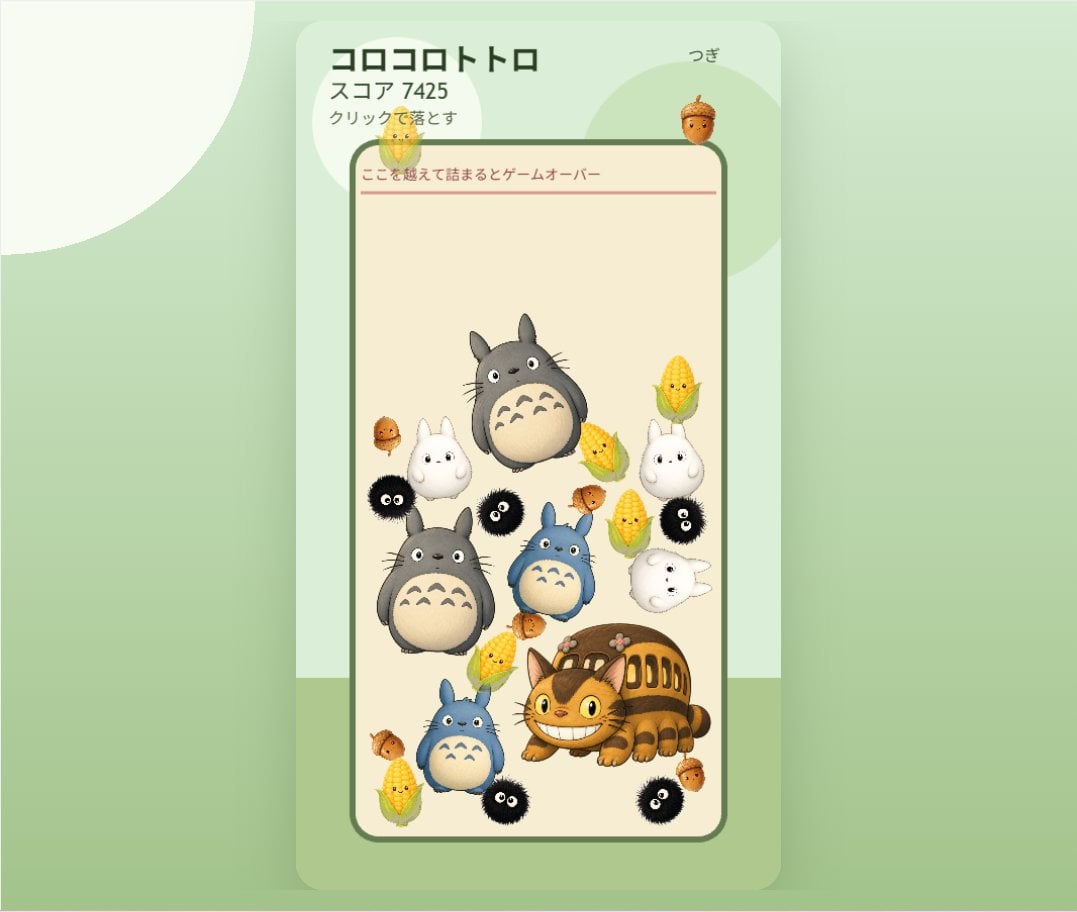
Cute Totoro Puzzle Game UI
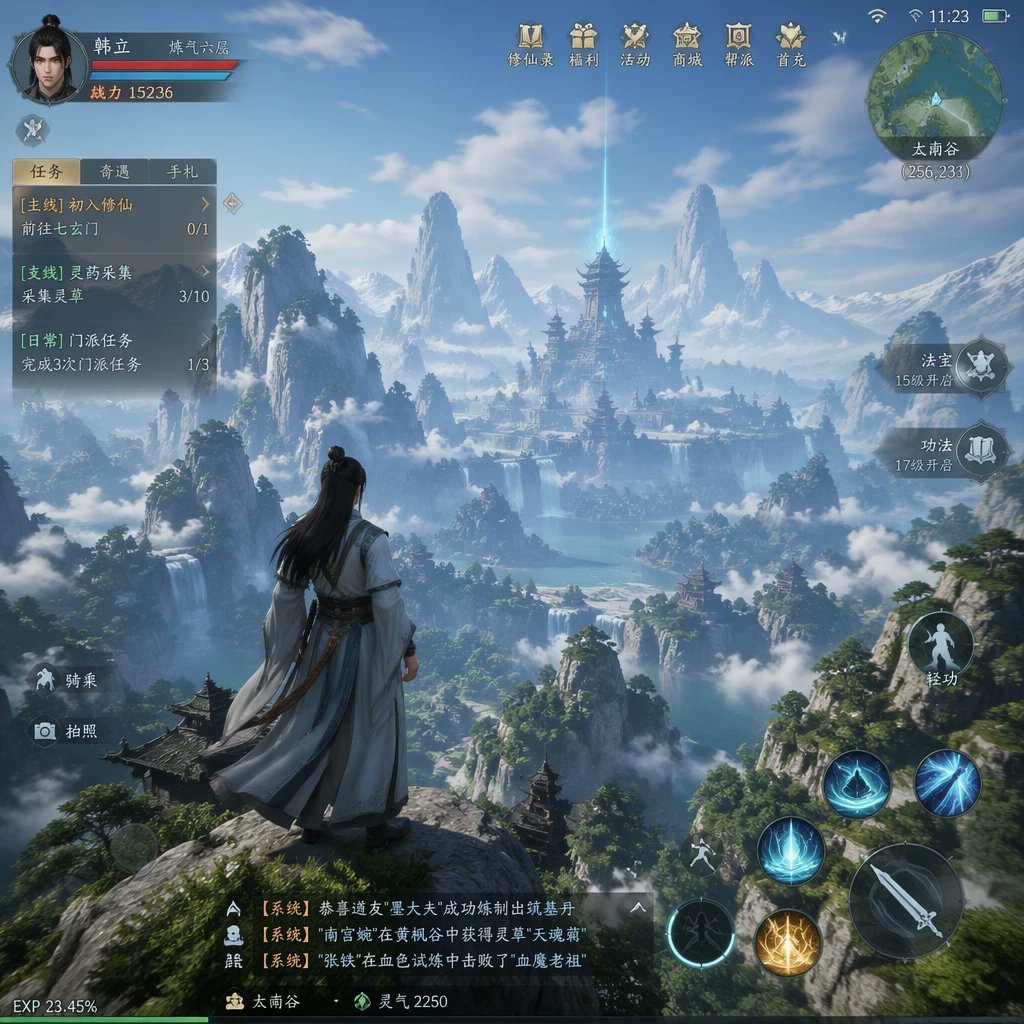
MMO Game World Screenshot
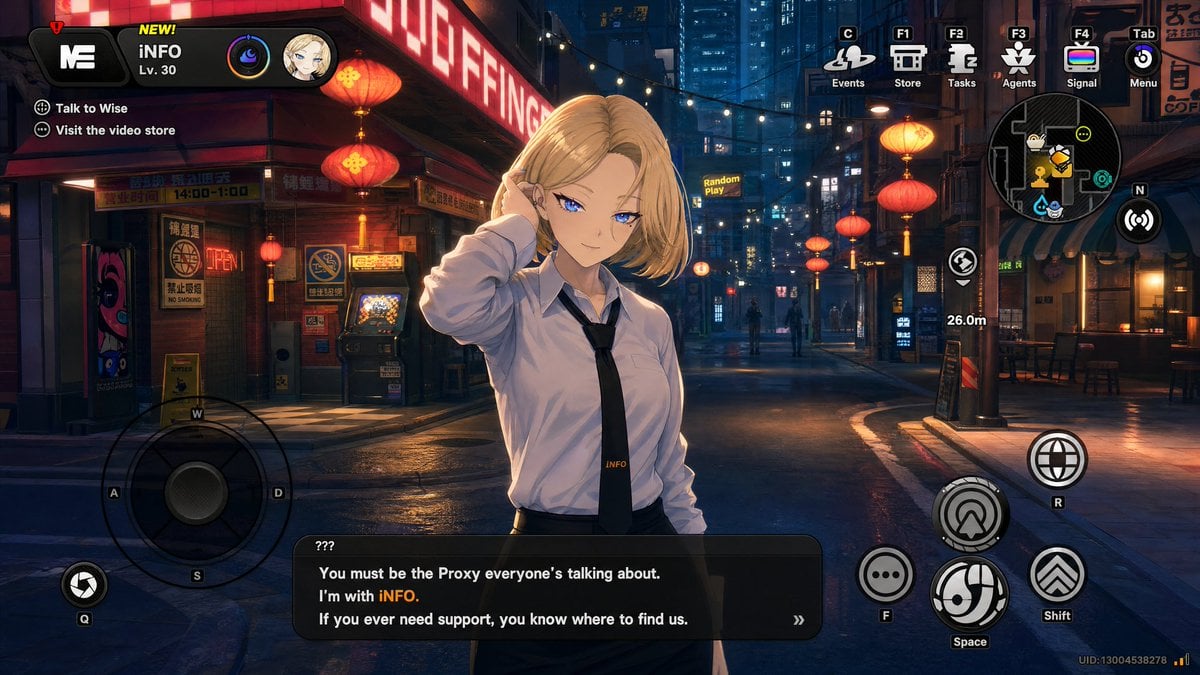
Cyberpunk Gacha Game Dialogue Screenshot
Make it yours
Cute Mermaid Puppy Undersea Game Start Screen works as-is. These are the safest ways to change it without losing the look.
Change one field
Copy a single group, rewrite it, and generate again so you can see what that field is doing.
Keep the frame, change the subject
Hold the composition and light of Cute Mermaid Puppy Undersea Game Start Screen, then swap wardrobe, props or the person for a new take.
| If the result… | Why | Fix |
|---|---|---|
| The result drifts from the preview | Too many fields changed at once. | Reuse Cute Mermaid Puppy Undersea Game Start Screen as-is first, then change one group — subject, light, or setting. |
| The model over-stylizes the scene | The prose prompt leaves finish and camera underspecified. | Add one camera or lighting sentence and stay on GPT Image 2. |
More GPT Image 2 templates
Other prompts made for GPT Image 2.

Six VTuber Japanese Logo Sheet

Realistic Portrait of Woman and Deer

The Vista Modular Condo Poster

AI Model Routing Comparison Infographic

2.5D Anime Art Board

Isometric Productivity Desk Scene

New York Double Exposure Poster

Four-Panel AI Landscape Comparison

Japanese Tatami Lifestyle Magazine Cover

NESCAFÉ Coffee Map Poster
More image prompts
Fresh picks from across the catalog.
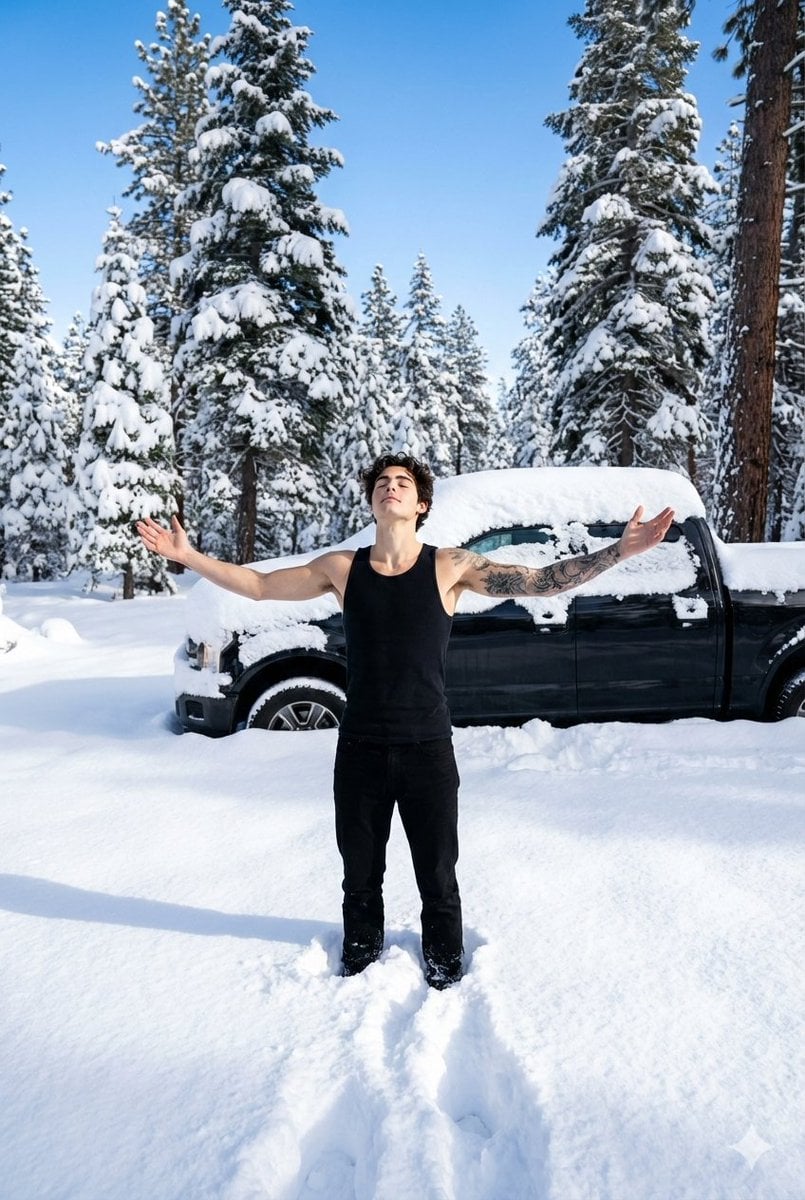
Cinematic Winter Forest Portrait of Man in Snow
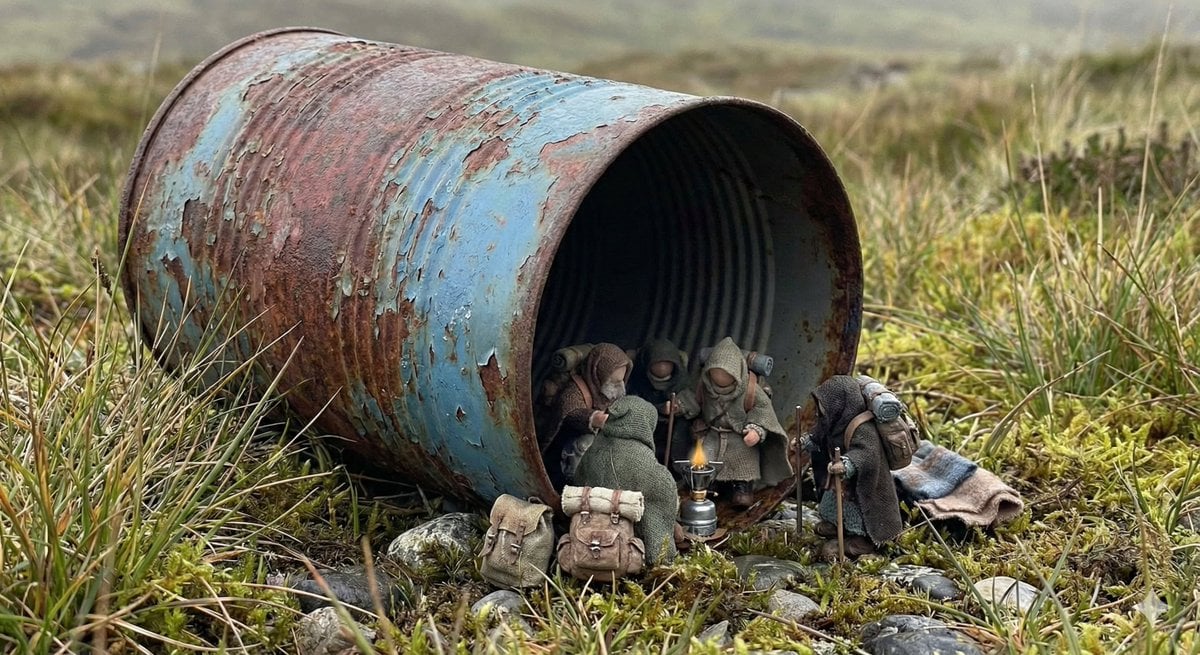
Object as Shelter: Naturalistic Storytelling
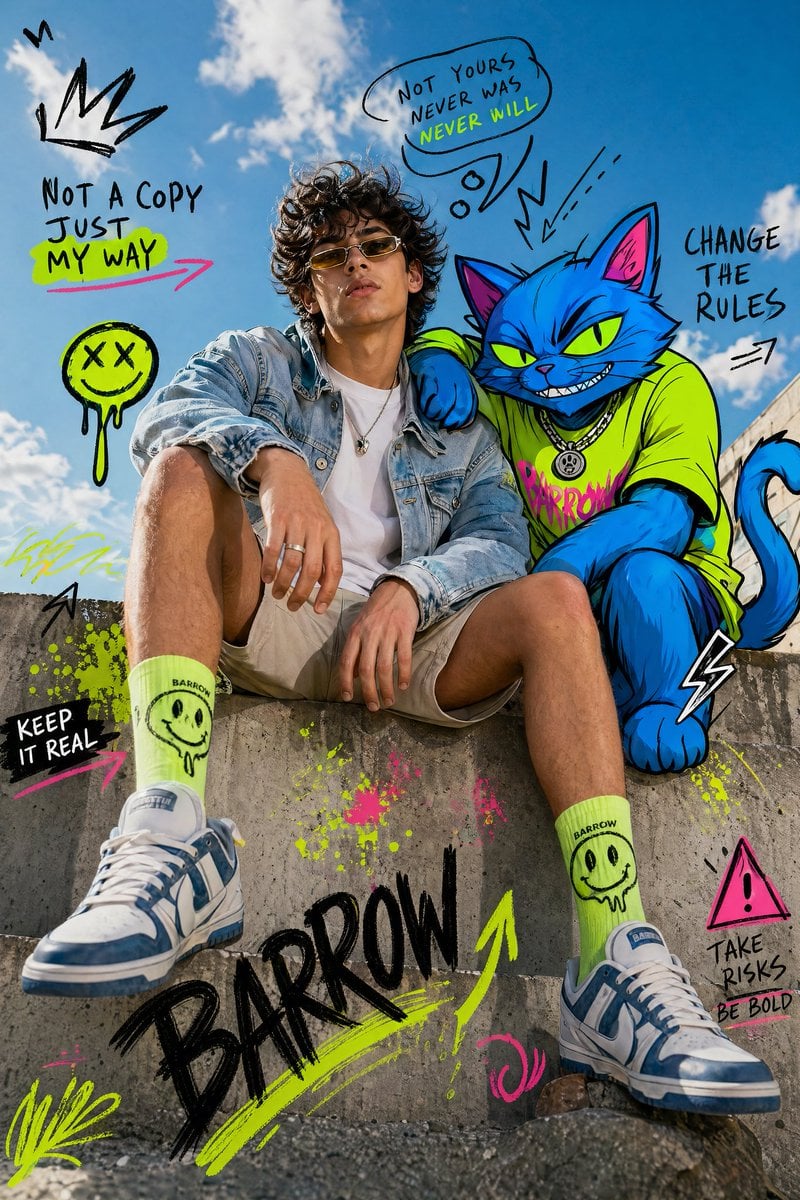
Mixed-Media Fashion Editorial with Neon Cartoon Interaction
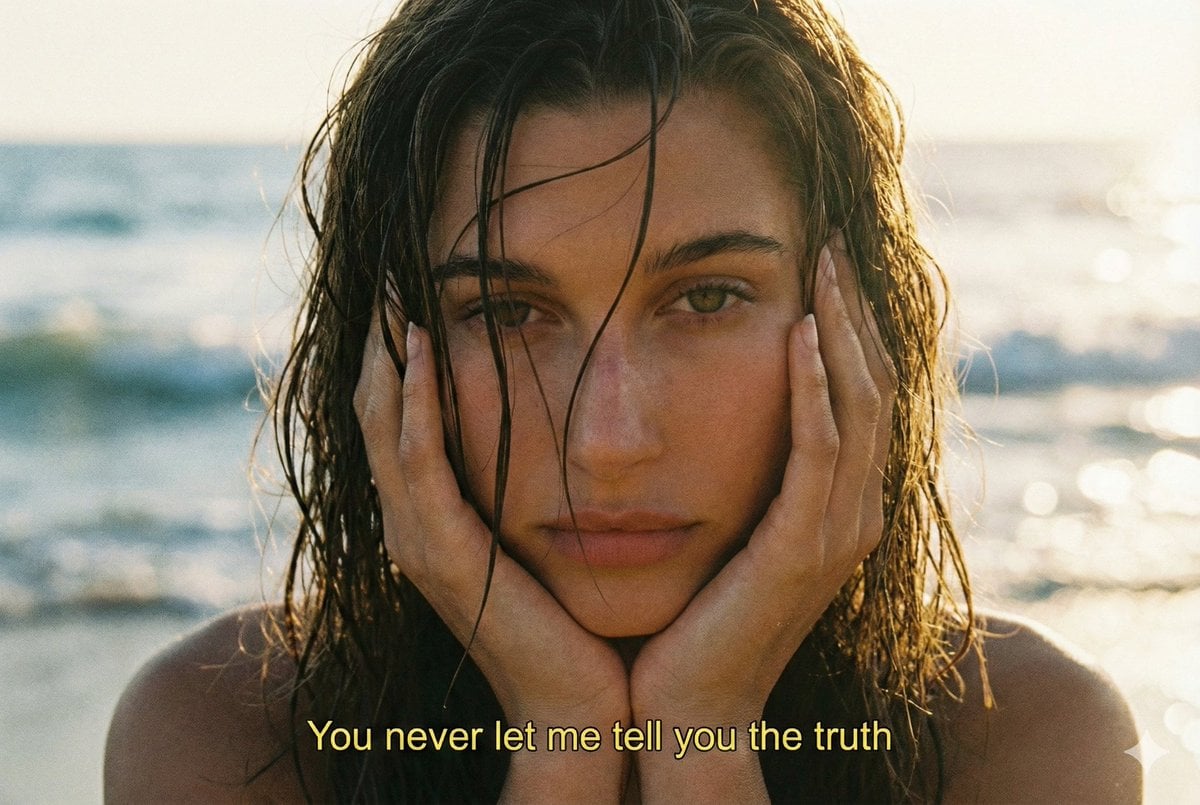
Cinematic 90s Film Still Portrait Prompt
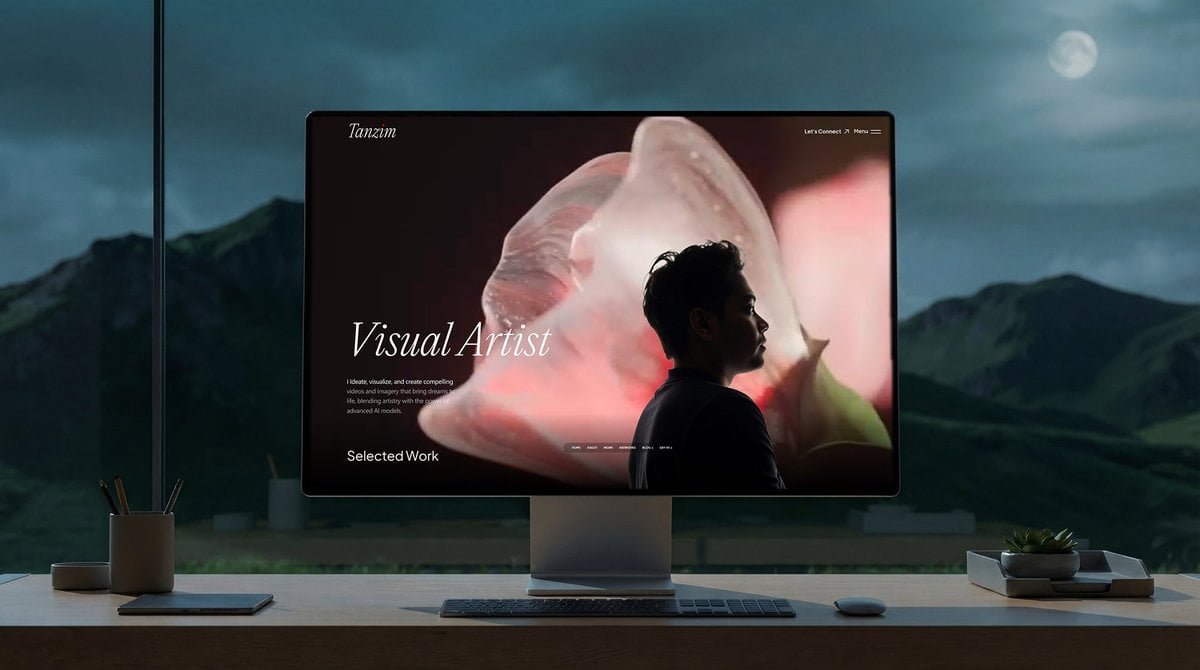
Simple Monitor Shot Prompt
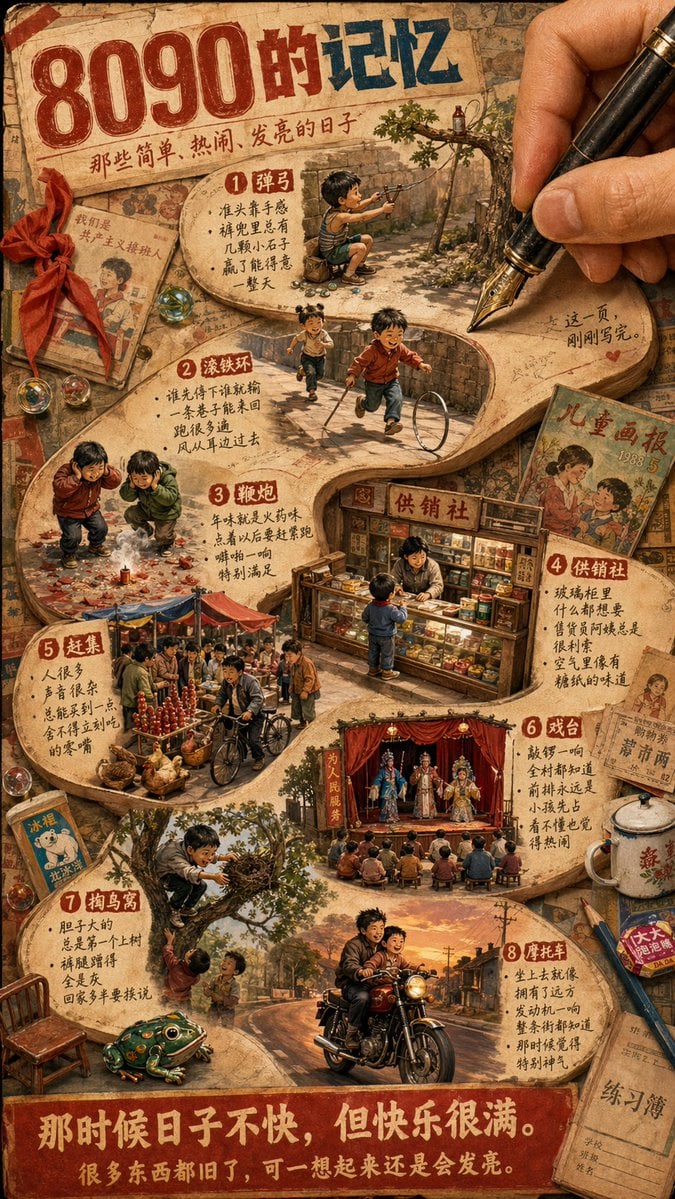
Nostalgic 80s 90s China Memory Poster

Surreal Anime Nekomimi in Kimono
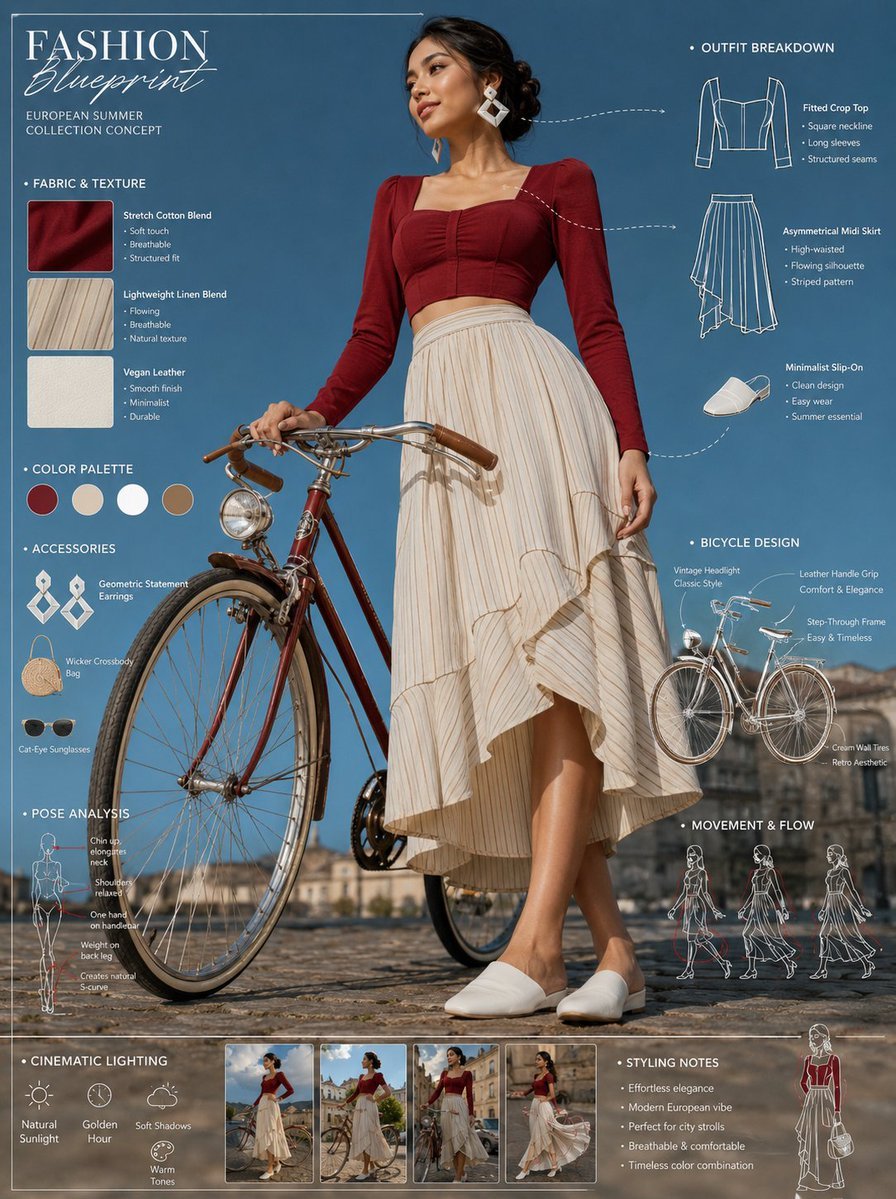
Vintage Bicycle Fashion Blueprint Sheet
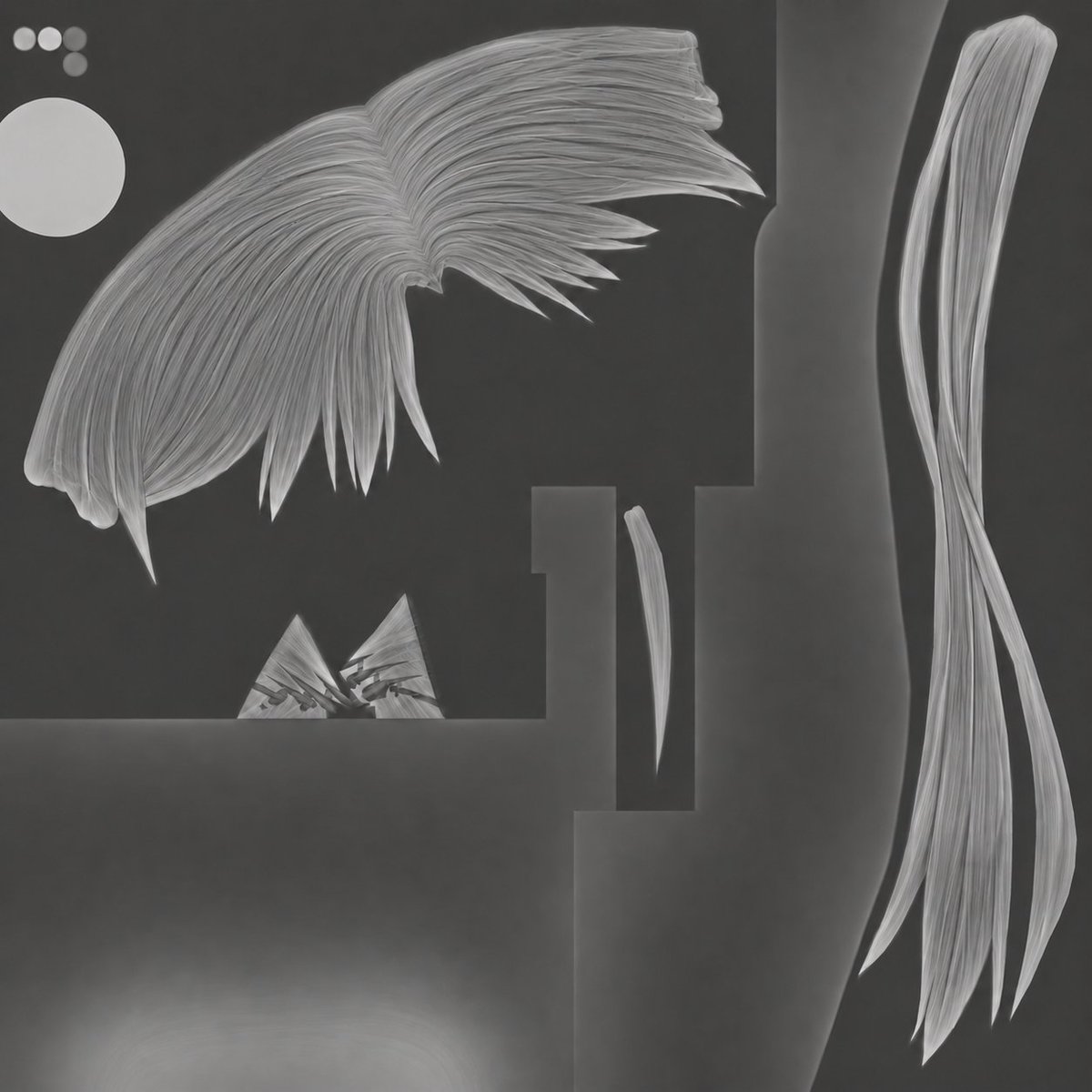
3D Hair Texture Height Map
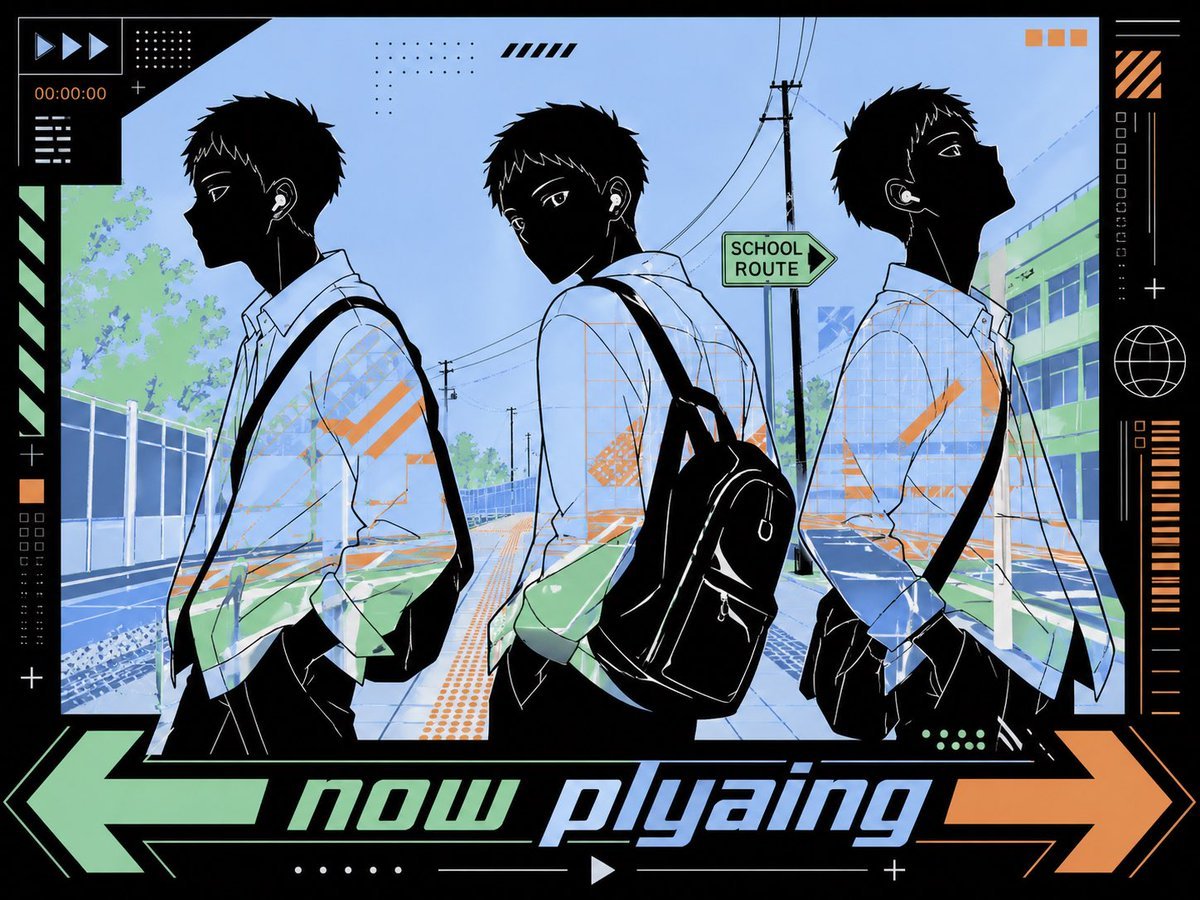
Anime Now Playing School Street Poster
Browse template categories
Cute Mermaid Puppy Undersea Game Start Screen questions
How do I use the Cute Mermaid Puppy Undersea Game Start Screen template?
Add your photo if the template asks for one, edit the prompt if you like — the template's model and format are already selected — and press Generate. Your version opens in PicX Studio.
Can I customize the Cute Mermaid Puppy Undersea Game Start Screen template?
Yes. You can change the subject, setting, lighting, mood, format, and available model controls before creating your image.
Is the Cute Mermaid Puppy Undersea Game Start Screen template free?
Opening and editing this template is free. Generating uses credits, shown on the Generate button when you are signed in.
Which AI model should I use?
Start with GPT Image 2, which is the model associated with this template. You can compare another compatible model for a different finish.
Looking for something else? Browse all templates.

Your photo, any look
Thousands of ready templates for every top image and video model, from one credit balance.