How do I use the ChatGPT App Screenshot With Cute 4-Panel Comic template?
Edit the prompt in the box under the preview — the template's model and format are already selected — and press Generate. Your version appears right on this page.
Generates a realistic mobile screenshot of the ChatGPT app displaying a soft pastel four-panel bedtime comic and a long Chinese chat caption, ideal for social media mockups and AI app showcase visuals.

This template uses your photo — add one with the + button.
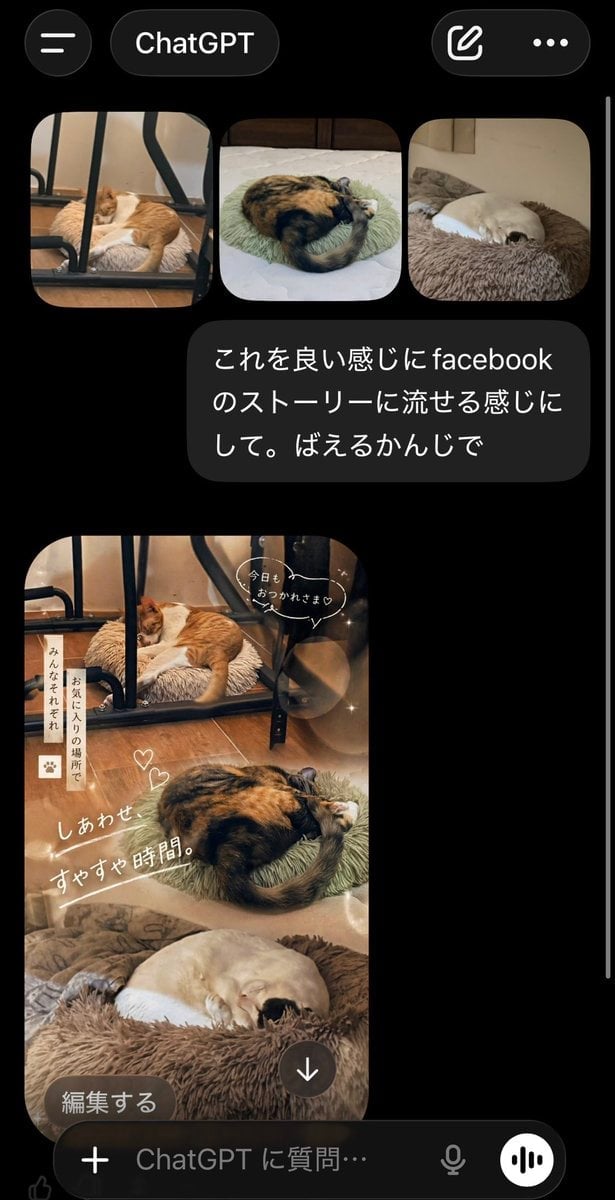
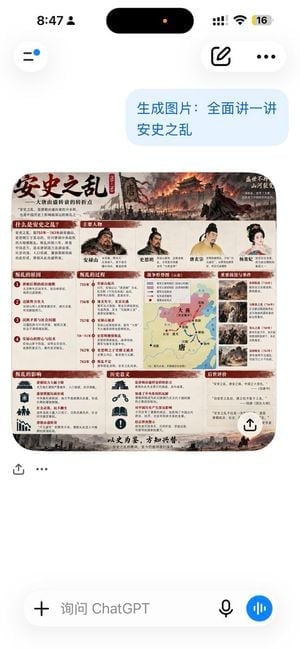
A smartphone screenshot of the ChatGPT mobile app in dark mode, showing a generated image embedded in a conversation. The top header is a black interface with a left menu icon, the word ChatGPT, a small pink heart decoration near the title, and two rounded buttons on the right for edit/share and more options, all with a subtle purple glow. The main generated image is a rounded-corner 2x2 comic grid with exactly 4 panels, numbered 1, 2, 3, and 4 in pink circles. The comic has a dreamy bedtime aesthetic in warm pastel pink, lavender, cream, and soft gold lighting. In every panel, a fluffy white puppy with long droopy ears, a tiny pink bow near one ear, and a gentle emotional face comforts a small gray kitten plush-like character on a pink bed. The room is cozy and childlike, filled with glowing fairy lights, star-shaped bokeh, plush toys, pillows, a crescent moon visible through the window, and soft blankets. Panel 1 shows the white puppy sitting upright beside the gray kitten and holding open a picture book or storybook, both tucked into bed, with several lines of Chinese dialogue text above and small speech bubbles. Panel 2 shows the puppy hugging the kitten more closely under the blanket while talking softly, with a teddy bear or bunny plush visible on the right and Chinese text at the top. Panel 3 shows the kitten looking sadder and more curled up while the puppy wraps around it protectively, with a cup on a bedside surface in the foreground and more Chinese dialogue text. Panel 4 shows both characters lying down sleepily under the blanket, cuddled together, with the puppy’s eyes half-closed and the kitten resting, surrounded by warm sparkles and bedtime glow; Chinese dialogue text appears at the top. Along the bottom edge of the comic is a pale caption strip with additional Chinese text and a small bunny icon; at the lower left corner of the image area is a large Chinese button-like label reading 编辑. Beneath the comic inside the chat, there is a long block of Chinese text in white on black background, written like an emotional social-media-style caption with crying-face, moon, sparkle, and heart emojis, spanning multiple short paragraphs. At the very bottom is the ChatGPT message input bar with a plus button on the left, the placeholder text 问问 ChatGPT, a microphone icon, and a purple circular voice button on the right. The overall image should feel like an authentic app screenshot, vertically framed, high-contrast black UI around a cute bedtime four-panel illustration, with Chinese interface text and a polished mobile-product-photo look.
A smartphone screenshot of the ChatGPT mobile app in dark mode, showing a generated image embedded in a conversation. The top header is a black interface with a left menu icon, the word ChatGPT, a small pink heart decoration near the title, and two rounded buttons on the right for edit/share and more options, all with a subtle purple glow. The main generated image is a rounded-corner 2x2 comic grid with exactly 4 panels, numbered 1, 2, 3, and 4 in pink circles. The comic has a dreamy bedtime aesthetic in warm pastel pink, lavender, cream, and soft gold lighting. In every panel, a fluffy white puppy with long droopy ears, a tiny pink bow near one ear, and a gentle emotional face comforts a small gray kitten plush-like character on a pink bed. The room is cozy and childlike, filled with glowing fairy lights, star-shaped bokeh, plush toys, pillows, a crescent moon visible through the window, and soft blankets. Panel 1 shows the white puppy sitting upright beside the gray kitten and holding open a picture book or storybook, both tucked into bed, with several lines of Chinese dialogue text above and small speech bubbles. Panel 2 shows the puppy hugging the kitten more closely under the blanket while talking softly, with a teddy bear or bunny plush visible on the right and Chinese text at the top. Panel 3 shows the kitten looking sadder and more curled up while the puppy wraps around it protectively, with a cup on a bedside surface in the foreground and more Chinese dialogue text. Panel 4 shows both characters lying down sleepily under the blanket, cuddled together, with the puppy’s eyes half-closed and the kitten resting, surrounded by warm sparkles and bedtime glow; Chinese dialogue text appears at the top. Along the bottom edge of the comic is a pale caption strip with additional Chinese text and a small bunny icon; at the lower left corner of the image area is a large Chinese button-like label reading 编辑. Beneath the comic inside the chat, there is a long block of Chinese text in white on black background, written like an emotional social-media-style caption with crying-face, moon, sparkle, and heart emojis, spanning multiple short paragraphs. At the very bottom is the ChatGPT message input bar with a plus button on the left, the placeholder text 问问 ChatGPT, a microphone icon, and a purple circular voice button on the right. The overall image should feel like an authentic app screenshot, vertically framed, high-contrast black UI around a cute bedtime four-panel illustration, with Chinese interface text and a polished mobile-product-photo look.
Edit the prompt in the box under the preview — the template's model and format are already selected — and press Generate. Your version appears right on this page.
Yes. You can change the subject, setting, lighting, mood, format, and available model controls before creating your image.
Opening and editing this template is free. Generating uses credits, shown on the Generate button when you are signed in.
Start with GPT Image 2, which is the model associated with this template. You can compare another compatible model for a different finish.
Follow a topic to a crawlable collection of related PicX Studio templates.