
ChatGPT Mobile Photo Carousel Screenshot
Generates a realistic ChatGPT iPhone screenshot featuring a Chinese image prompt and a candid portrait result with thumbnail variations.
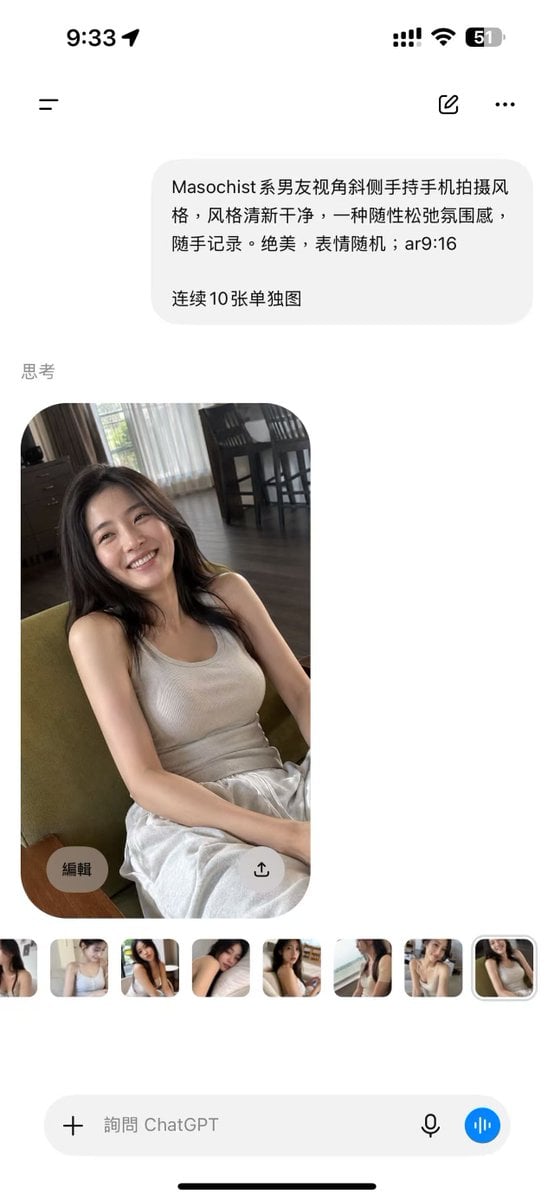
- Prompt included
- Model and format preset
- Premium template
The prompt behind this image
Copy the exact prompt behind ChatGPT Mobile Photo Carousel Screenshot, or open it in the studio and make it yours.
Goal: Create a realistic vertical smartphone screenshot of the ChatGPT mobile app showing an image-generation result, in a clean iOS interface. Canvas: Tall 9:16 phone screenshot, white background, rounded iPhone safe-area edges, black iOS home indicator at the bottom. Status bar at the top shows 9:33 on the left and exactly 4 right-side status items: cellular signal bars, Wi-Fi icon, battery percentage reading 51, and a battery shape. Layout: Top navigation row contains exactly 3 controls: a hamburger menu icon on the left, a small compose/edit icon near the upper right, and a three-dot more menu at the far right. Below it, place one light-gray rounded user message bubble aligned slightly right. Under the bubble, add a small gray section label reading “思考”. Below the label, show one large generated photo card with rounded corners, then a horizontal strip of exactly 8 small thumbnail images. At the bottom, show one rounded input bar with a plus icon, placeholder text, microphone icon, and a blue circular voice button. Text content: The user message bubble contains Chinese text: “{argument name="prompt text" default="Masochist系男友视角斜侧手持手机拍摄风格,风格清新干净,一种随性松弛氛围感,随手记录。绝美,表情随机;ar9:16\n\n连续10张单独图"}”. The bottom input placeholder reads “询问 ChatGPT”. Main photo subject: The large generated image is a casual handheld portrait of {argument name="character description" default="a young East Asian woman with long dark hair"} sitting indoors on a green upholstered chair, smiling warmly at the camera. She wears {argument name="outfit" default="a beige ribbed tank top and loose white pants"}. The pose feels relaxed and candid, shot from a slightly high, tilted boyfriend-perspective phone angle. Her hands rest casually near her lap, her expression is bright and natural, and the lighting is soft daytime window light. Environment inside the photo: A cozy apartment living/dining room with dark wood floor, sheer white curtains, darker side curtains, a window with greenery outside, and a dining table with tall dark chairs in the background. Keep the photo realistic, slightly imperfect, and spontaneous rather than studio-polished. Overlay controls: On the large photo card, include exactly 2 translucent circular overlay buttons near the bottom: one left button labeled “编辑” and one right button with an upload/share arrow icon. The thumbnail strip contains exactly 8 small rounded previews showing alternate similar portraits of the same woman; the final thumbnail is selected with a subtle light outline. Visual style: Photorealistic iOS screenshot, clean white margins, soft gray interface elements, accurate mobile app spacing, natural Chinese UI typography, no extra watermarks, no additional panels, no extra generated images beyond the 1 main image and 8 thumbnails.
How to use ChatGPT Mobile Photo Carousel Screenshot in 3 steps
- 1Upload ImagePNG, JPG or paste
Add your photo
Upload the photo the template builds on. The prompt, model and format are already set.
- 2…a portrait of your subject in softgolden-hour light, 85mm…
Personalize
Edit the subject and creative details for your destination.
- 3Generate
Generate
Press Generate — your image is created in PicX Studio, so you can compare it with the original and refine one variable at a time.
More like this
Templates with the same subject, style or setup. Open one to see its prompt.

Minecraft Next-Gen Voxel World Screenshot

ChatGPT Bonus Banner Screenshot
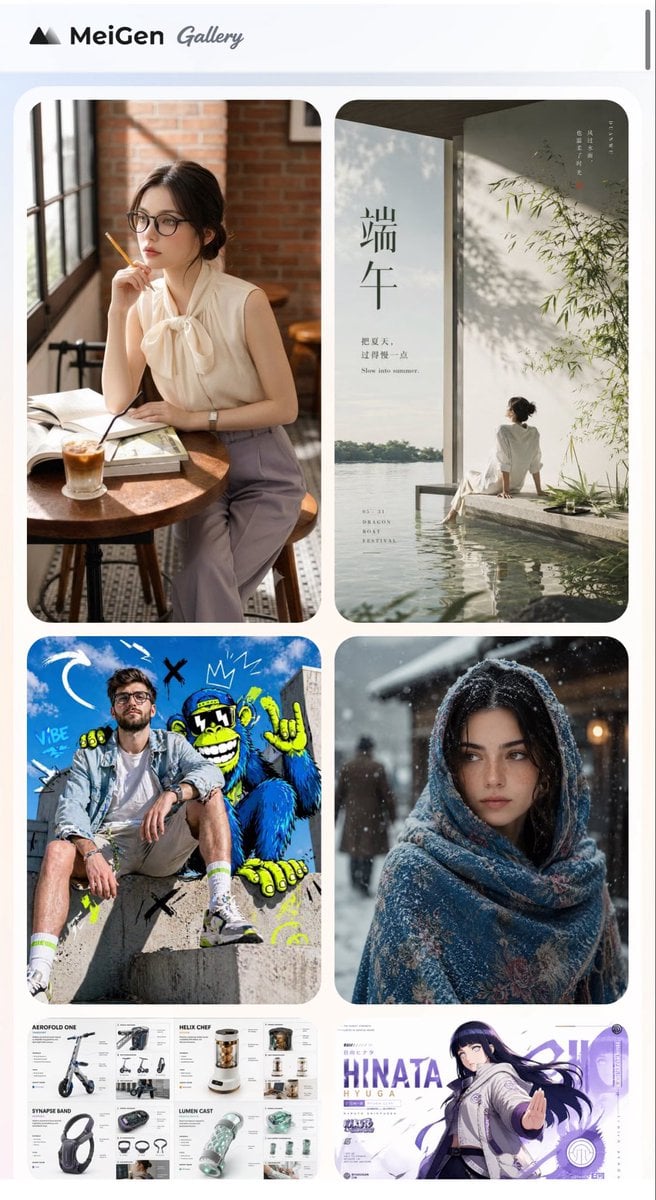
MeiGen AI Gallery Mobile Screenshot

Floraverse Botanical Fusion

FLORAVERSE BOTANICAL FUSION

Face-Locked Train Window Lifestyle Portrait
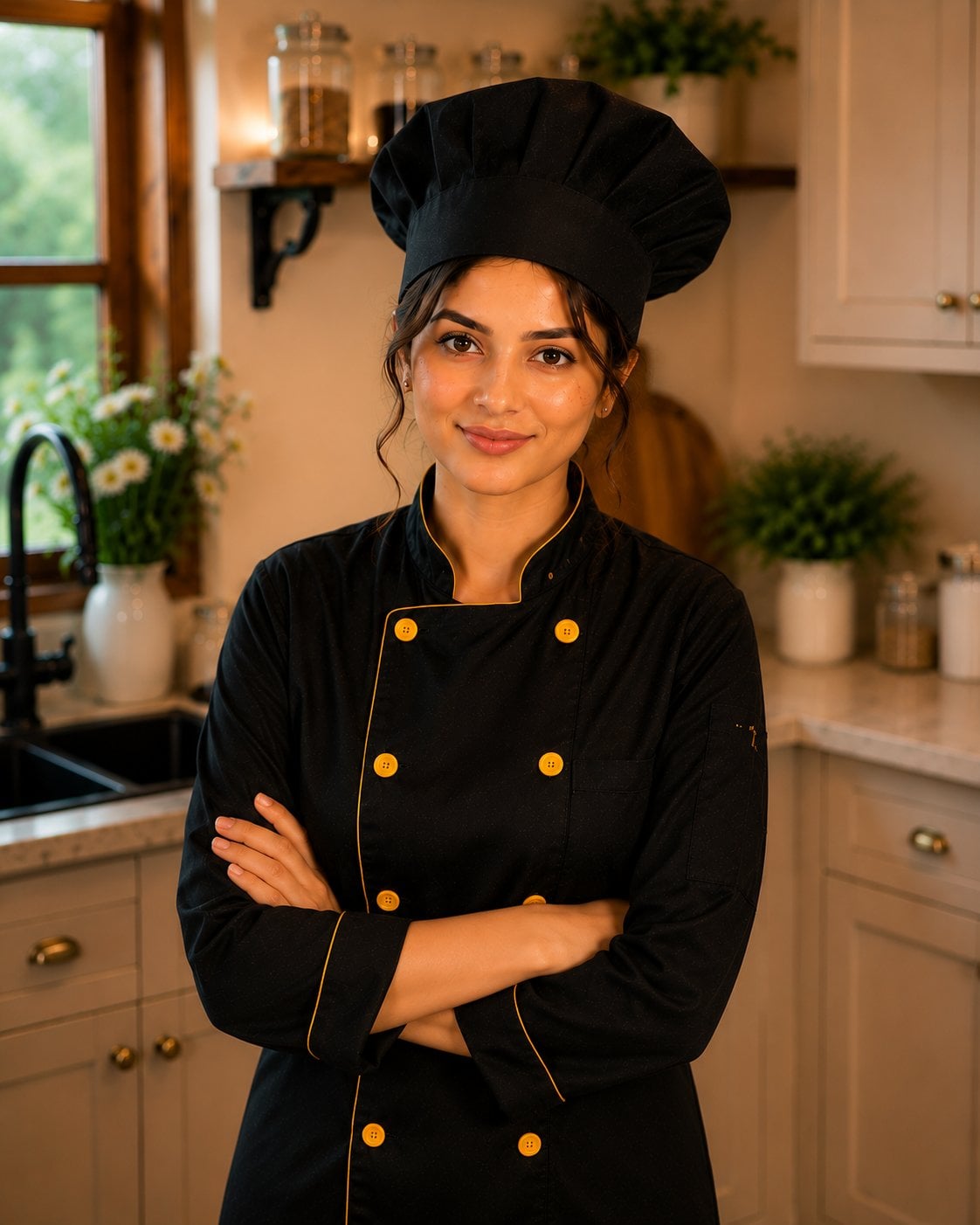
Female Chef Chicken Biryani Luxury Kitchen
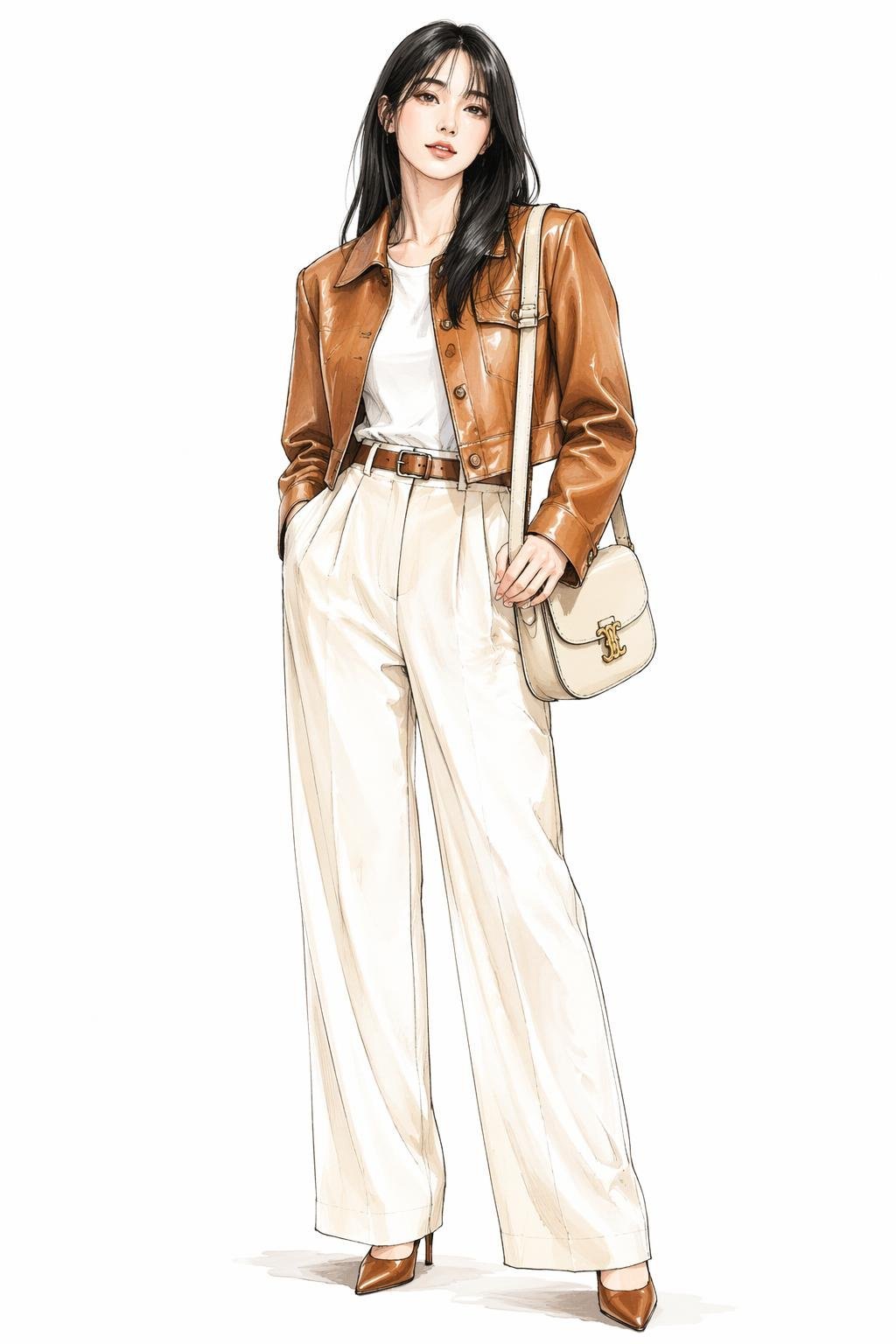
Leather Jacket Cream Trousers Fashion Sketch

Golden Hour Fedora Bar Doorway Street Style

Luxury Toothpaste Commercial Storyboard

Unfinished Sketch Comes Alive Portrait
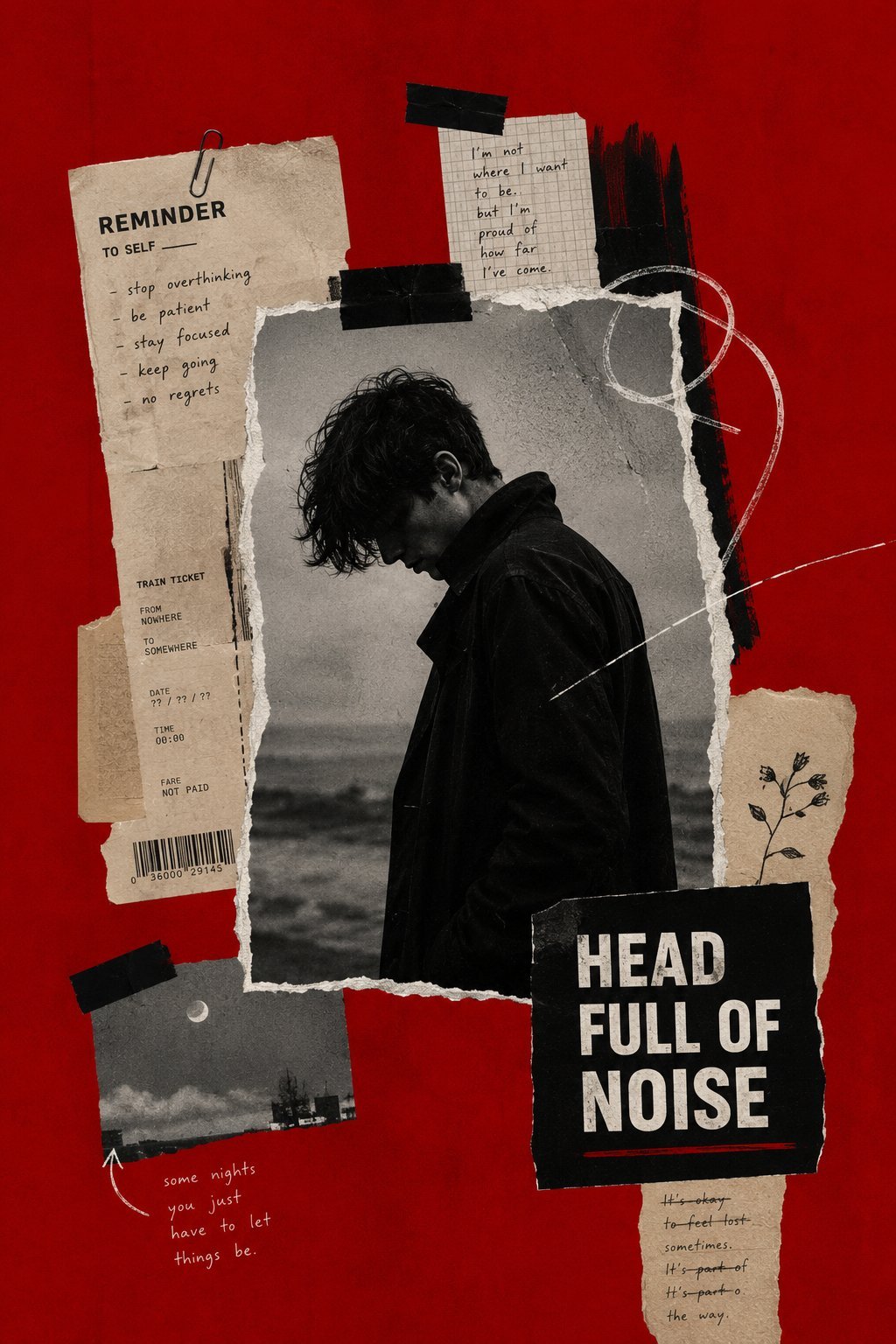
Surreal Minimalist Dark Collage Poster II
Make it yours
ChatGPT Mobile Photo Carousel Screenshot works as-is. These are the safest ways to change it without losing the look.
Change one field
Copy a single group, rewrite it, and generate again so you can see what that field is doing.
Keep the frame, change the subject
Hold the composition and light of ChatGPT Mobile Photo Carousel Screenshot, then swap wardrobe, props or the person for a new take.
| If the result… | Why | Fix |
|---|---|---|
| The result drifts from the preview | Too many fields changed at once. | Reuse ChatGPT Mobile Photo Carousel Screenshot as-is first, then change one group — subject, light, or setting. |
| The model over-stylizes the scene | The prose prompt leaves finish and camera underspecified. | Add one camera or lighting sentence and stay on GPT Image 2. |
More GPT Image 2 templates
Other prompts made for GPT Image 2.

Six VTuber Japanese Logo Sheet

Realistic Portrait of Woman and Deer

The Vista Modular Condo Poster

AI Model Routing Comparison Infographic

2.5D Anime Art Board

Isometric Productivity Desk Scene

New York Double Exposure Poster

Four-Panel AI Landscape Comparison

Japanese Tatami Lifestyle Magazine Cover

NESCAFÉ Coffee Map Poster
More image prompts
Fresh picks from across the catalog.
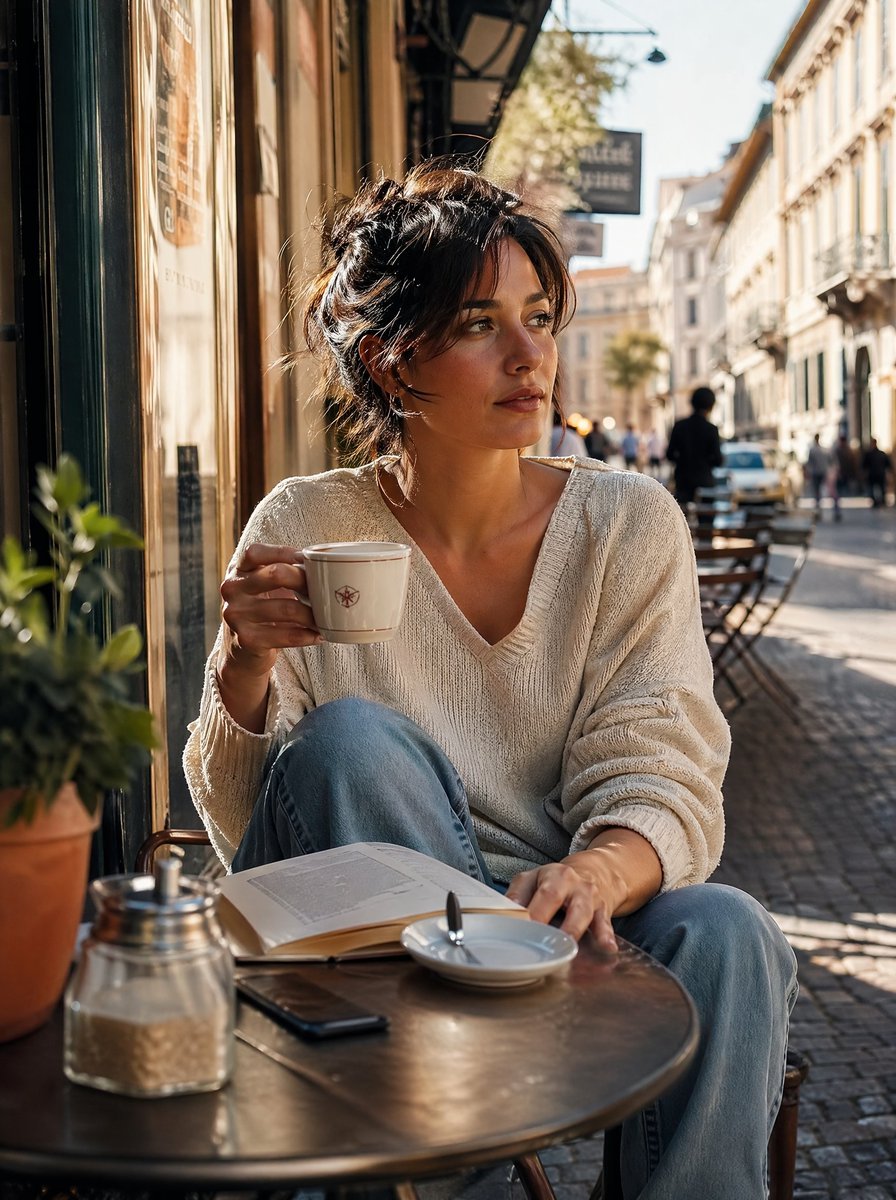
Golden Hour Café Portrait

Sunset Hanfu Willow Lakeside Portrait
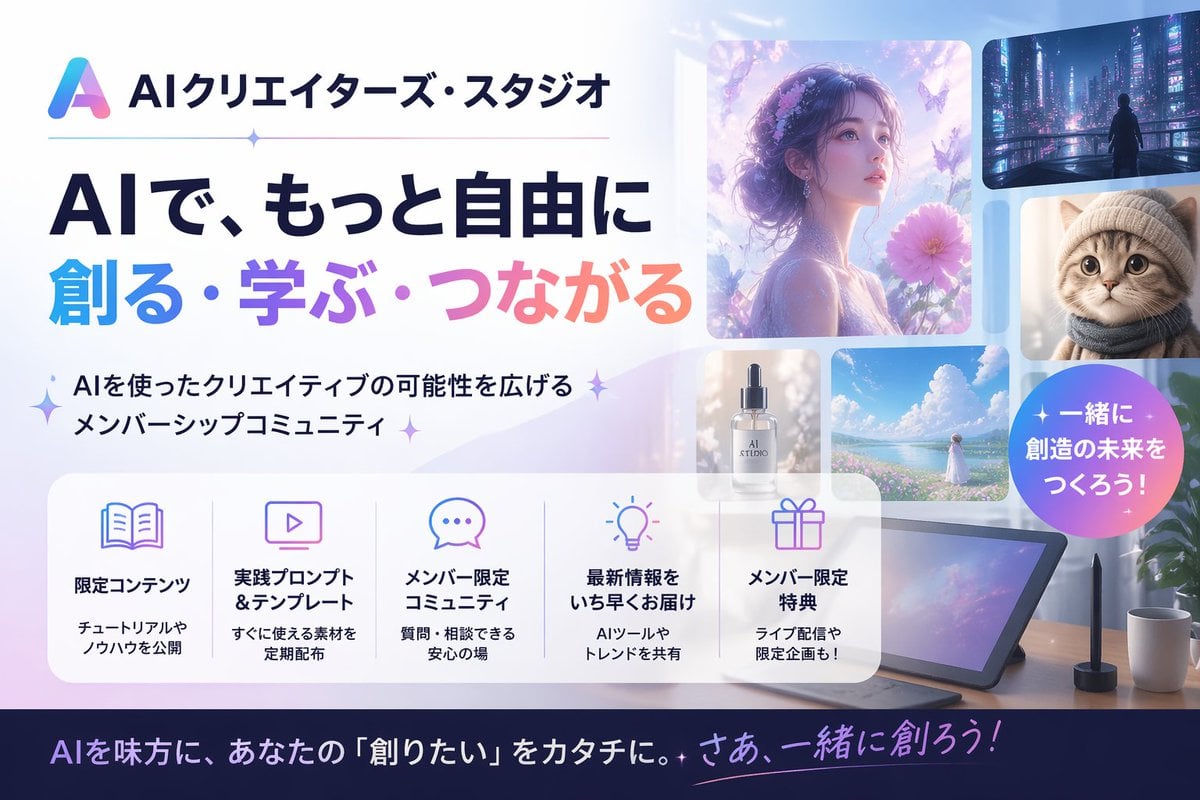
Japanese AI Creator Studio Banner
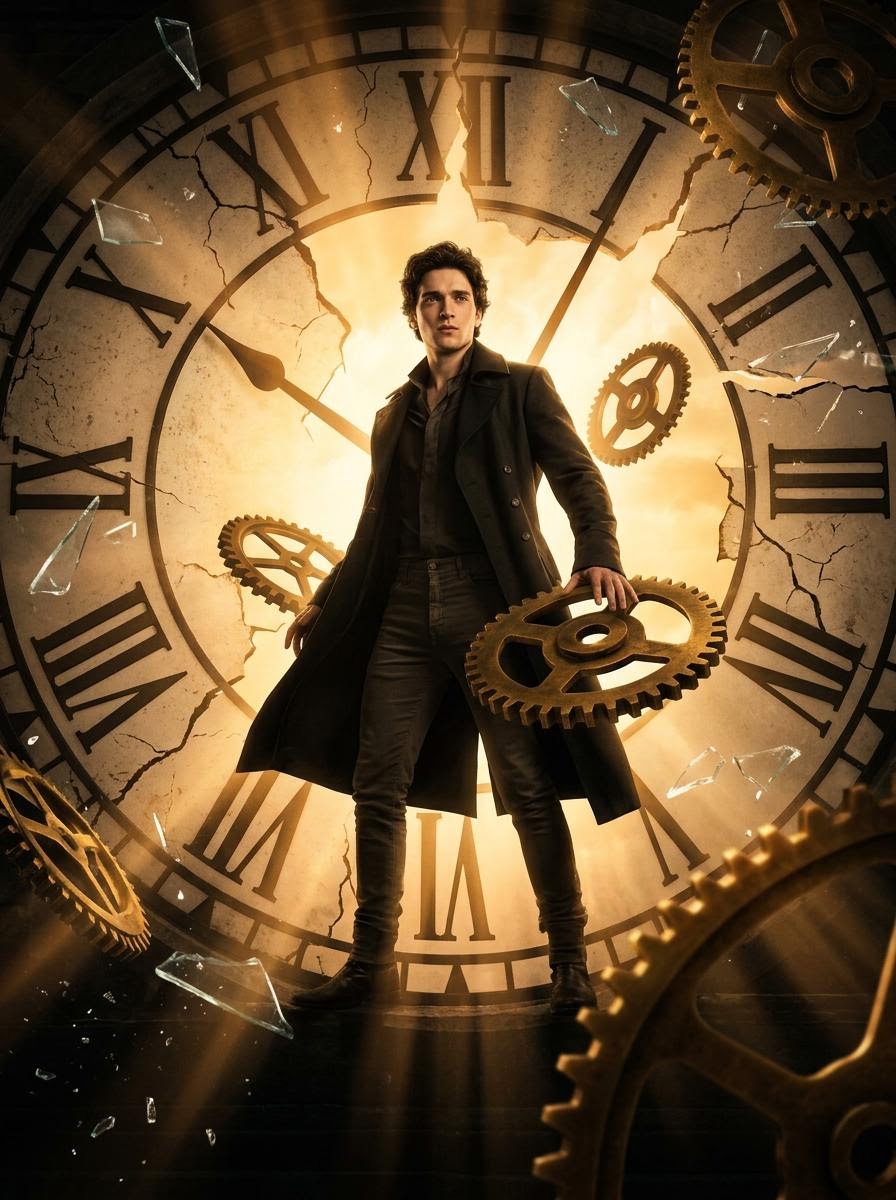
Cinematic Broken Clock Scene Portrait for Nano Banana 2
Late-2000s Digital Compact Camera Snapshot
Isometric Business People Set

Dynamic Energy Drink Ad
Fluid Chrome Distortion Product Render
Vermeer-Style Cinematic Portrait with Modern Twist

Sci-Fi Book Cover with Layered Text
Browse template categories
ChatGPT Mobile Photo Carousel Screenshot questions
How do I use the ChatGPT Mobile Photo Carousel Screenshot template?
Add your photo if the template asks for one, edit the prompt if you like — the template's model and format are already selected — and press Generate. Your version opens in PicX Studio.
Can I customize the ChatGPT Mobile Photo Carousel Screenshot template?
Yes. You can change the subject, setting, lighting, mood, format, and available model controls before creating your image.
Is the ChatGPT Mobile Photo Carousel Screenshot template free?
Opening and editing this template is free. Generating uses credits, shown on the Generate button when you are signed in.
Which AI model should I use?
Start with GPT Image 2, which is the model associated with this template. You can compare another compatible model for a different finish.
Looking for something else? Browse all templates.

Your photo, any look
Thousands of ready templates for every top image and video model, from one credit balance.