
Fluid Chrome Distortion Product Render
A highly technical, structured prompt for generating a product visualization using a 'Fluid Chrome Distortion' effect, where the product dissolves into smooth, flowing vertical streaks of iridescent blue-silver liquid…
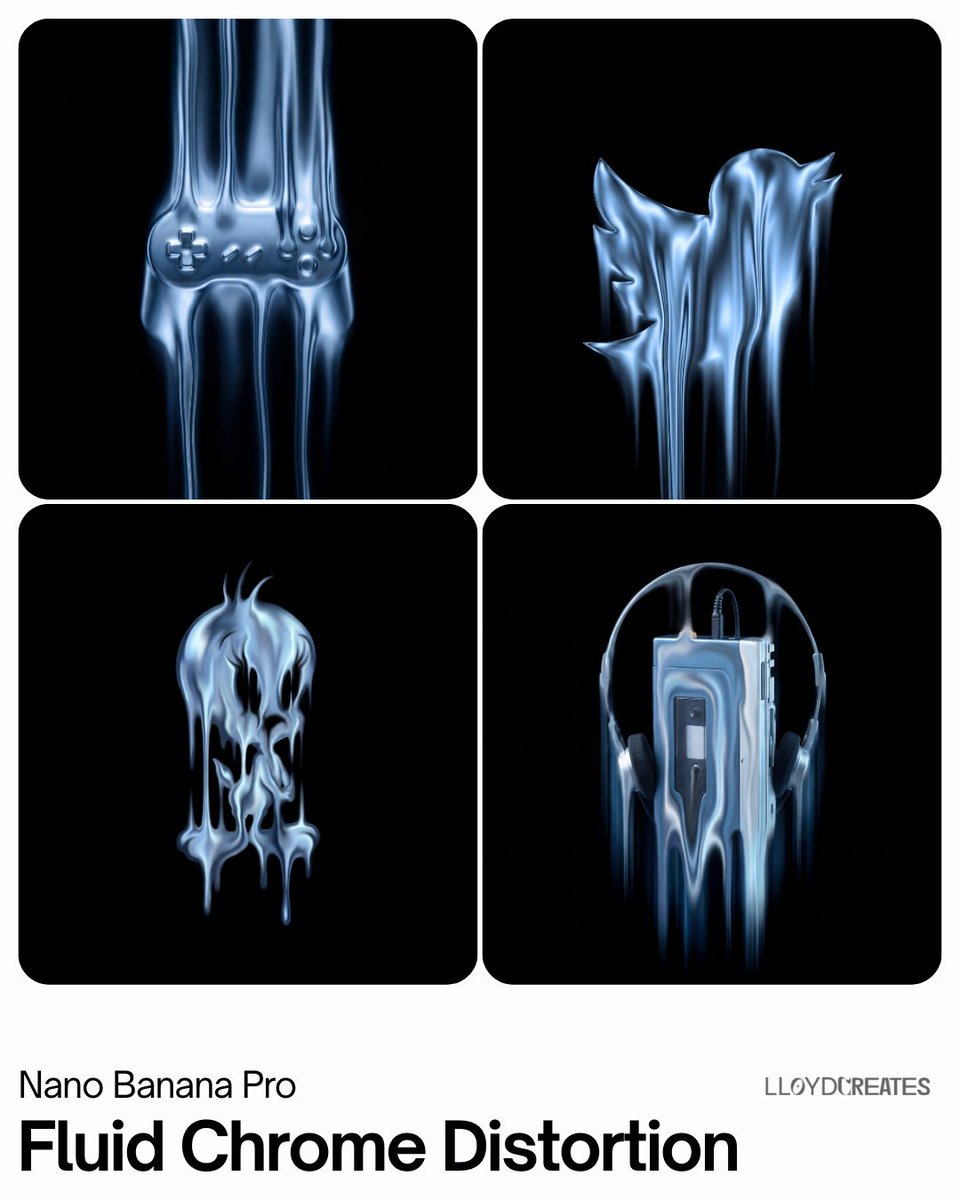
- Prompt included
- Model and format preset
- Free template
The prompt behind this image
Copy the exact prompt behind Fluid Chrome Distortion Product Render, or open it in the studio and make it yours.
- Product Type
- {argument name="product type" default="[PRODUCT]"}
- Prompt
- A [product_type] floating against a pure black void background (#000000). The product is small and centered in frame with generous black negative space on all sides, the product occupies no more than 50% of the frame and is never cropped. The product is visualized through a liquid vertical streak effect, as if the product has been melted and stretched into smooth, flowing vertical streaks of liquid metal. The streaks are buttery smooth, fluid, and organic like mercury or molten silver flowing downward. Each streak blends and bleeds softly into the next with no hard edges, no sharp block corners, no rigid geometry. The vertical streaks have varying thickness and luminosity, creating a sense of depth and dimensionality. The liquid streaks glow with cool monochromatic {argument name="color tone" default="blue-silver"} iridescent tones, think liquid mercury under blue light. The streaks flow smoothly with gentle luminous gradients, bright specular highlights fading into deep shadow. The effect is contained within the product's general silhouette shape with pure black void surrounding it. The overall impression should be a product dissolving into smooth vertical streams of liquid light. No hard edges, no blocky slats, no rigid bars.
- Negative Prompt
- hard edges, sharp corners, blocky slats, rigid bars, chrome blocks, machined metal, solid geometric shapes, cropped product, cut off edges, radial pattern, circular rings, horizontal lines, warm colors, red, orange, yellow, green, colored background, flat lighting, matte surface
- Style Parameters › Background Color
- #000000 pure black void
- Style Parameters › Effect
- smooth liquid vertical streaks, fluid mercury-like, buttery soft, no hard edges
- Style Parameters › Effect Color
- iridescent monochromatic liquid blue-silver #C0C0C0
- Style Parameters › Pattern Type
- flowing liquid metal vertical streaks with soft gradients — NOT rigid blocks or bars
- Style Parameters › Product Framing
- centered, small in frame, max 50% canvas, NEVER cropped, generous black space
- Style Parameters › Product Color
- liquid mercury blue-silver iridescent
- Style Parameters › Lighting
- smooth luminous gradients, soft specular highlights, liquid light quality
Raw JSON
{
  "product_type": "{argument name=\"product type\" default=\"[PRODUCT]\"}",
  "prompt": "A [product_type] floating against a pure black void background (#000000). The product is small and centered in frame with generous black negative space on all sides, the product occupies no more than 50% of the frame and is never cropped. The product is visualized through a liquid vertical streak effect, as if the product has been melted and stretched into smooth, flowing vertical streaks of liquid metal. The streaks are buttery smooth, fluid, and organic like mercury or molten silver flowing downward. Each streak blends and bleeds softly into the next with no hard edges, no sharp block corners, no rigid geometry. The vertical streaks have varying thickness and luminosity, creating a sense of depth and dimensionality. The liquid streaks glow with cool monochromatic {argument name=\"color tone\" default=\"blue-silver\"} iridescent tones, think liquid mercury under blue light. The streaks flow smoothly with gentle luminous gradients, bright specular highlights fading into deep shadow. The effect is contained within the product's general silhouette shape with pure black void surrounding it. The overall impression should be a product dissolving into smooth vertical streams of liquid light. No hard edges, no blocky slats, no rigid bars.",
  "negative_prompt": "hard edges, sharp corners, blocky slats, rigid bars, chrome blocks, machined metal, solid geometric shapes, cropped product, cut off edges, radial pattern, circular rings, horizontal lines, warm colors, red, orange, yellow, green, colored background, flat lighting, matte surface",
  "style_parameters": {
    "background_color": "#000000 pure black void",
    "effect": "smooth liquid vertical streaks, fluid mercury-like, buttery soft, no hard edges",
    "effect_color": "iridescent monochromatic liquid blue-silver #C0C0C0",
    "pattern_type": "flowing liquid metal vertical streaks with soft gradients — NOT rigid blocks or bars",
    "product_framing": "centered, small in frame, max 50% canvas, NEVER cropped, generous black space",
    "product_color": "liquid mercury blue-silver iridescent",
    "lighting": "smooth luminous gradients, soft specular highlights, liquid light quality"
  }
}How to use Fluid Chrome Distortion Product Render in 3 steps
- 1
Open
The prompt is already in the box next to the preview, with the template's model and format selected.
- 2…a portrait of your subject in softgolden-hour light, 85mm…
Personalize
Edit the subject and creative details for your destination.
- 3Generate
Generate
Press Generate — your image is created in PicX Studio, so you can compare it with the original and refine one variable at a time.
More like this
Templates with the same subject, style or setup. Open one to see its prompt.
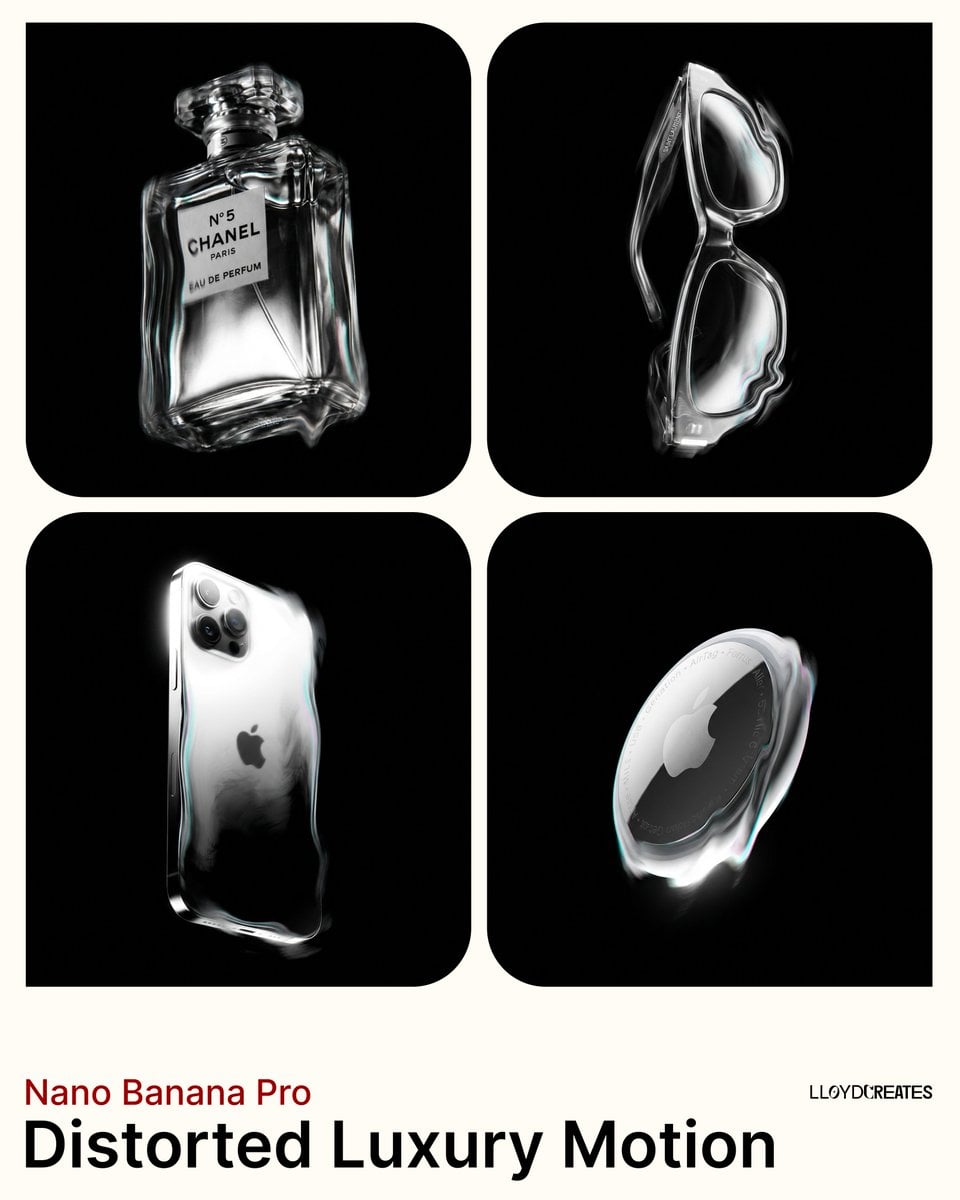
Avant-Garde Distortion Luxury Product Portrait
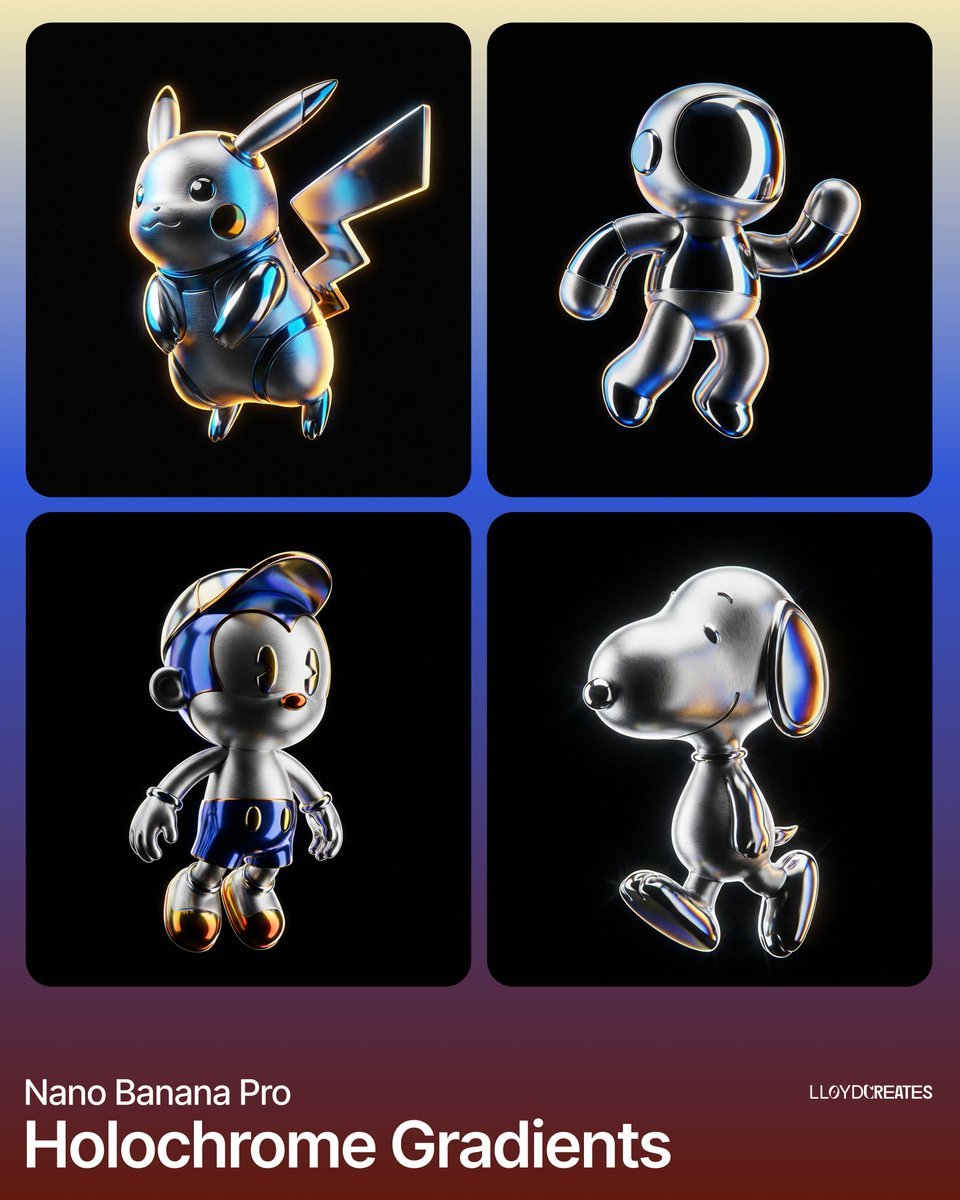
Hyper-Realistic Product Render with Holochrome Gradients

Y2K Chrome Plush Product Render

A k.pop idol on the stage with mic

Trendy Cafe Drink Promo Poster
Avant-Garde Distortion Luxury Product Portrait

Futuristic Chrome Helmet Fashion Portrait

Minimalist Skincare Product Water Stone Still

Giant Forced Perspective Street Product Selfie

Playful Futuristic Brand Kit Board

Headphones Lifestyle Nine Panel Grid

Cappuccino Bottle Splash Product Ad
Make it yours
Fluid Chrome Distortion Product Render works as-is. These are the safest ways to change it without losing the look.
Swap the setting
Keep the rest of the prompt and replace the location block. The current setting is “#000000 pure black void”.
Swap the light
One lighting change is enough to compare takes. Current light: “smooth luminous gradients, soft specular highlights, liquid light quality”.
Change one field
Copy a single group, rewrite it, and generate again so you can see what that field is doing.
| If the result… | Why | Fix |
|---|---|---|
| The result drifts from the preview | Too many fields changed at once. | Reuse Fluid Chrome Distortion Product Render as-is first, then change one group — subject, light, or setting. |
| Nano Banana 2 ignores part of the JSON | Some models flatten or skip nested keys. | Keep the same values and paste them as a short paragraph instead. |
More Nano Banana 2 templates
Other prompts made for Nano Banana 2.

Photorealistic Leaf Shaped Like a Dragon

K-Pop Idol Portrait Grid for Rapid Selection

Poetic Rain Forest Portrait During Golden Hour

Urban Street Portrait with Cartoon Inner Self Duo

Candid Nighttime Photo with Cat Prompt

High-Concept 3D Diorama Generation Prompt

Cinematic Futuristic Studio Portrait Template

Skincare Editorial Photography Collage Prompt

Hyper-Realistic Commercial Product Photography (Splash Effect)

Hyper-Realistic Nightclub Portrait Prompt
More image prompts
Fresh picks from across the catalog.
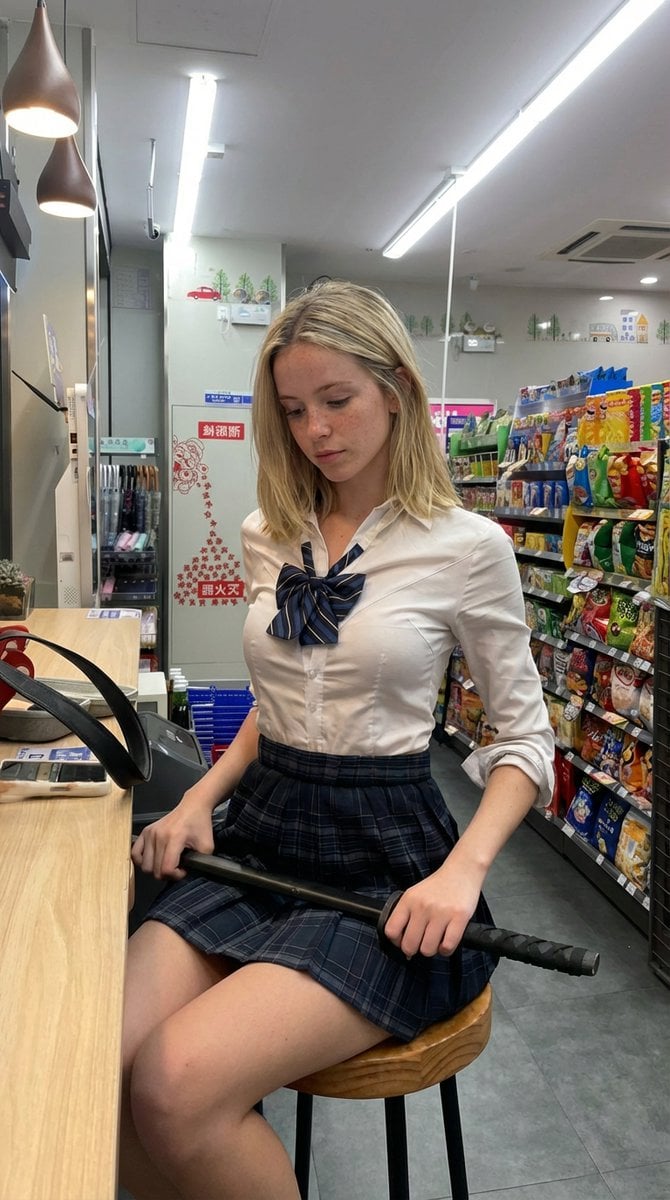
Detailed Image Prompt for Nano Banana Pro
Electric Blue Lens Flare VFX
Mid-century Editorial Illustration
Hyper-realistic macro photography of tiny humans on a WhatsApp speech bubble bridge
MacBook Webcam Window Photo
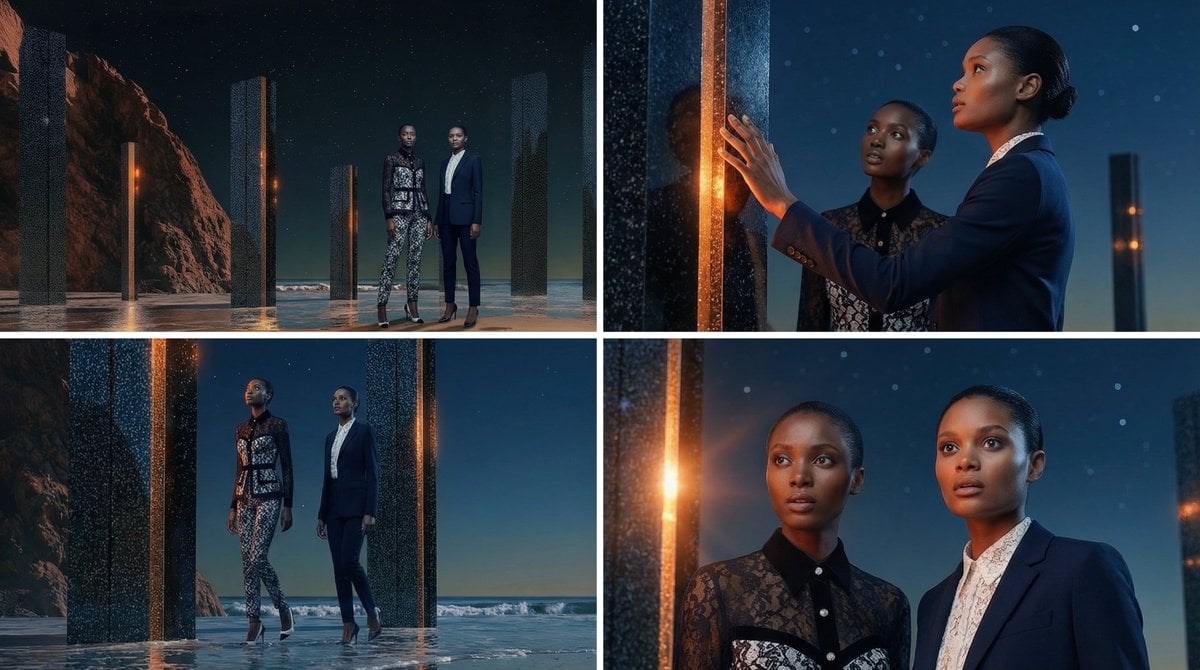
Storyboard Grid Generation Prompt (2x2)
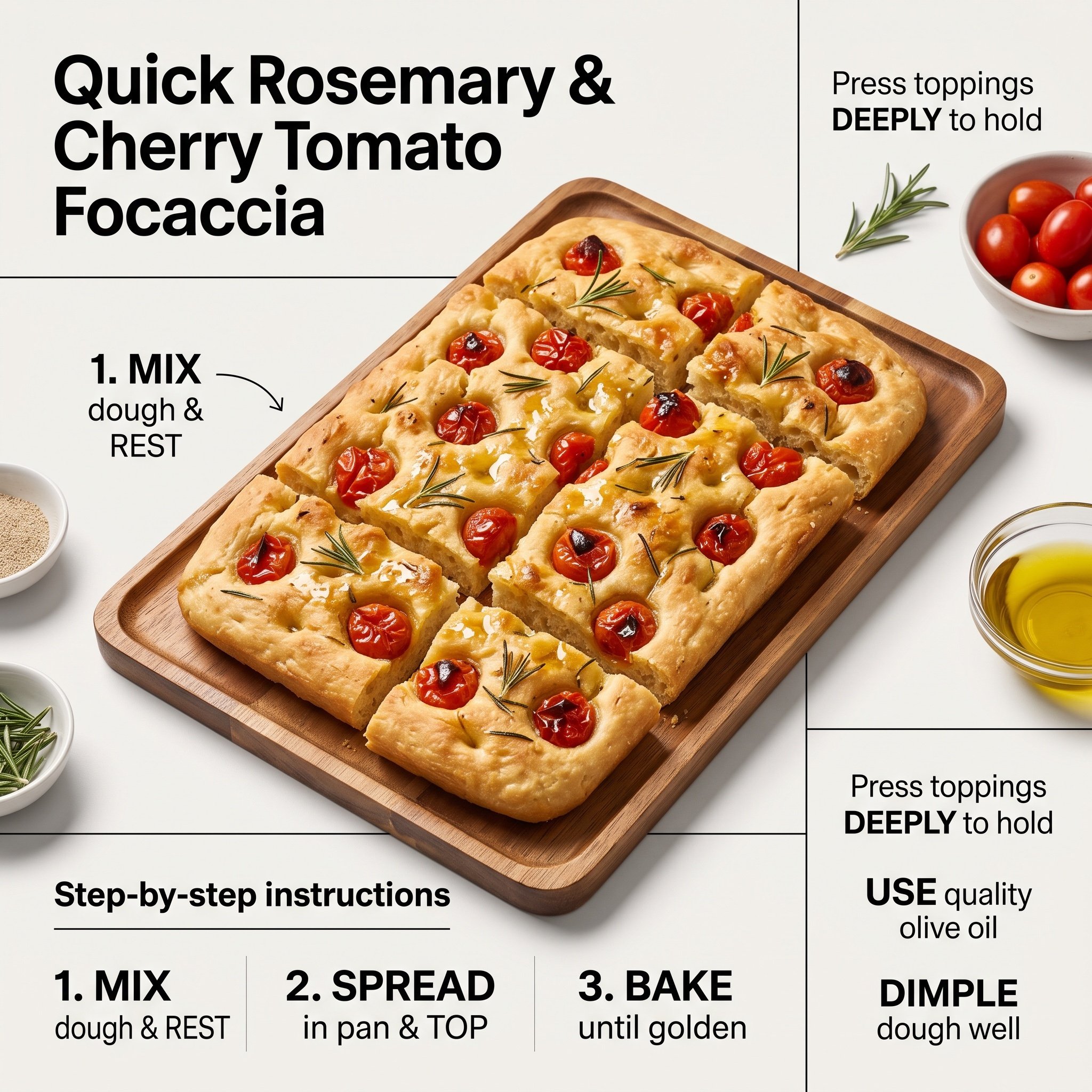
Ultra-Clean Modern Recipe Infographic for Focaccia
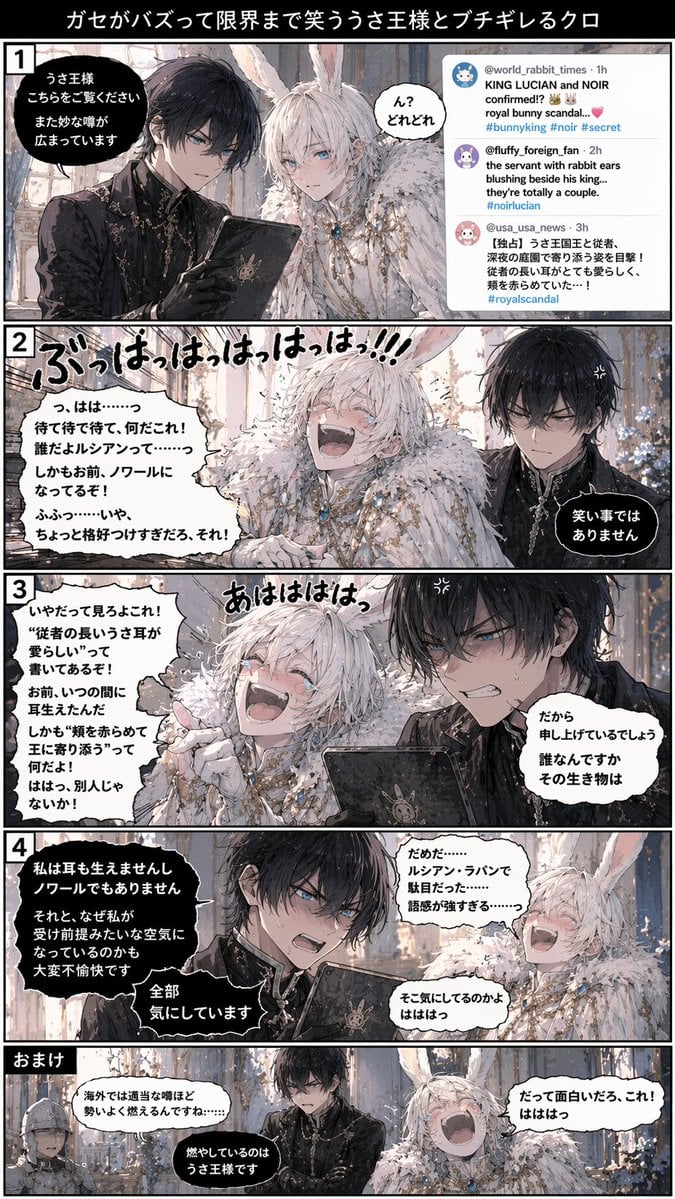
Vertical 5-Panel Anime Comic Strip
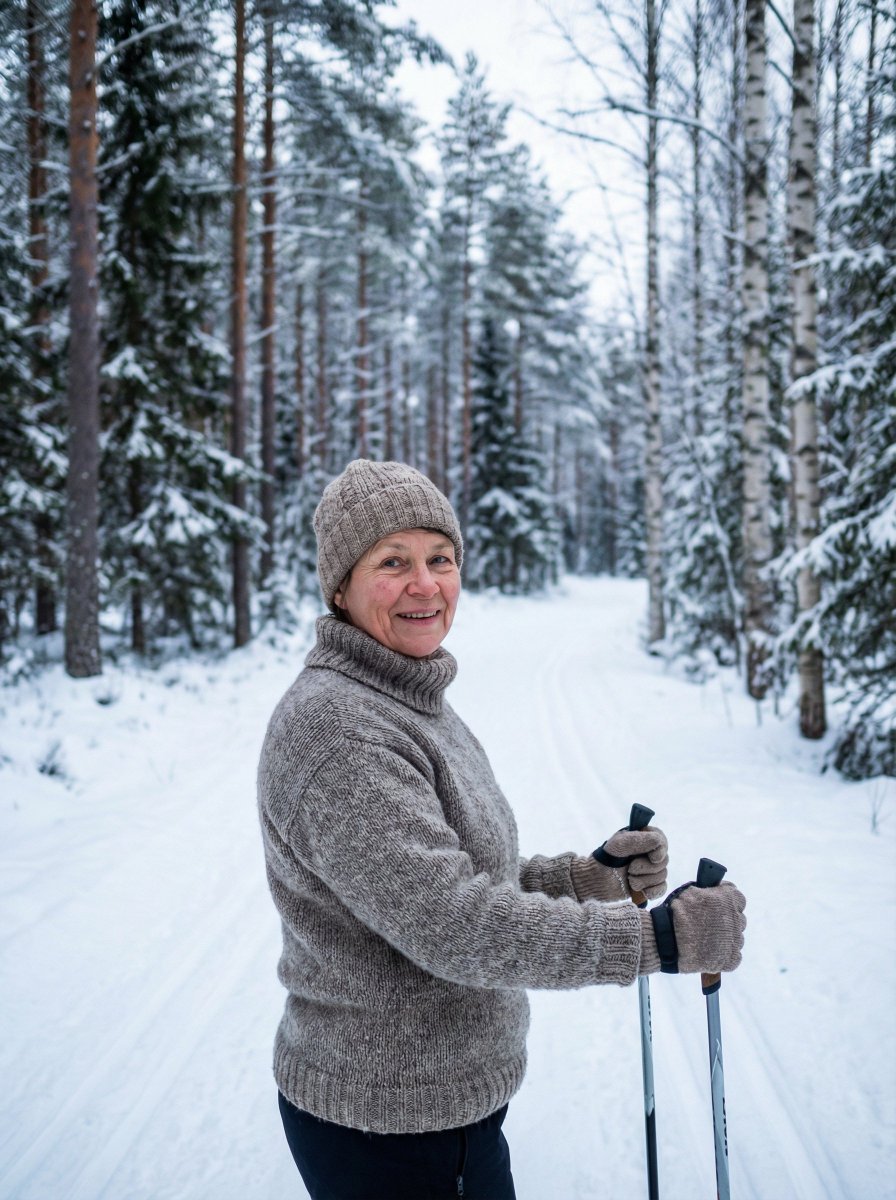
Simple Photorealistic Portrait of a Finnish Woman
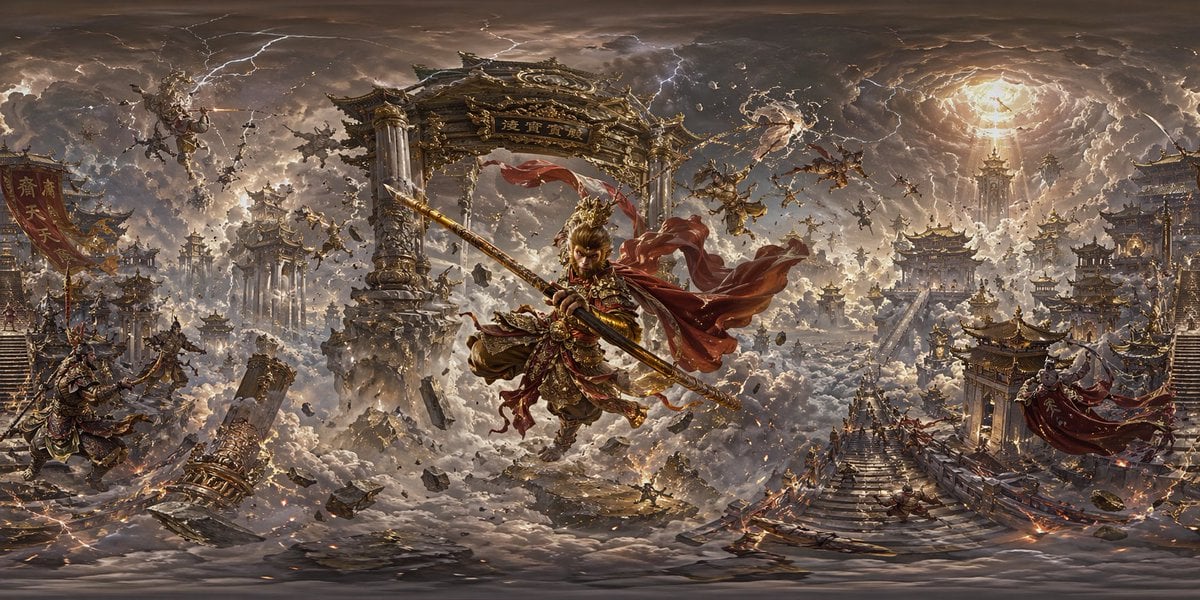
Degree Panorama Generation Formula
Browse template categories
Fluid Chrome Distortion Product Render questions
How do I use the Fluid Chrome Distortion Product Render template?
Add your photo if the template asks for one, edit the prompt if you like — the template's model and format are already selected — and press Generate. Your version opens in PicX Studio.
Can I customize the Fluid Chrome Distortion Product Render template?
Yes. You can change the subject, setting, lighting, mood, format, and available model controls before creating your image.
Is the Fluid Chrome Distortion Product Render template free?
Opening and editing this template is free. Generating uses credits, shown on the Generate button when you are signed in.
Which AI model should I use?
Start with Nano Banana 2, which is the model associated with this template. You can compare another compatible model for a different finish.
Looking for something else? Browse all templates.

Your photo, any look
Thousands of ready templates for every top image and video model, from one credit balance.