
Cappuccino Bottle Splash Product Ad
Premium cappuccino bottle ad with dynamic coffee and milk splashes, cinematic lighting.

- Prompt included
- Model and format preset
- Premium template
The prompt behind this image
Copy the exact prompt behind Cappuccino Bottle Splash Product Ad, or open it in the studio and make it yours.
Ultra-realistic premium product advertisement of a cappuccino coffee bottle, centered composition, surrounded by dynamic liquid splashes of coffee and milk forming elegant swirling shapes in mid-air. Dramatic environments blending elements of fire, lava, ice shards, marble textures, and dark studio backgrounds. Hyper-detailed liquid physics, droplets frozen in motion, cinematic lighting with high contrast, glowing highlights, and volumetric light. Coffee splashes mixed with creamy textures, energetic explosion effects, sparks, smoke, and mist. Luxury branding style, glossy reflections on bottle, sharp label details, rich brown and gold color palette, macro photography, shallow depth of field, 85mm lens, commercial advertising style, studio + fantasy hybrid scene, ultra-detailed, 8K resolution.
How to use Cappuccino Bottle Splash Product Ad in 3 steps
- 1
Open
The prompt is already in the box next to the preview, with the template's model and format selected.
- 2…a portrait of your subject in softgolden-hour light, 85mm…
Personalize
Edit the subject and creative details for your destination.
- 3Generate
Generate
Press Generate — your image is created in PicX Studio, so you can compare it with the original and refine one variable at a time.
More like this
Templates with the same subject, style or setup. Open one to see its prompt.

Minimalist Skincare Product Water Stone Still

Luxury Toothpaste Commercial Storyboard
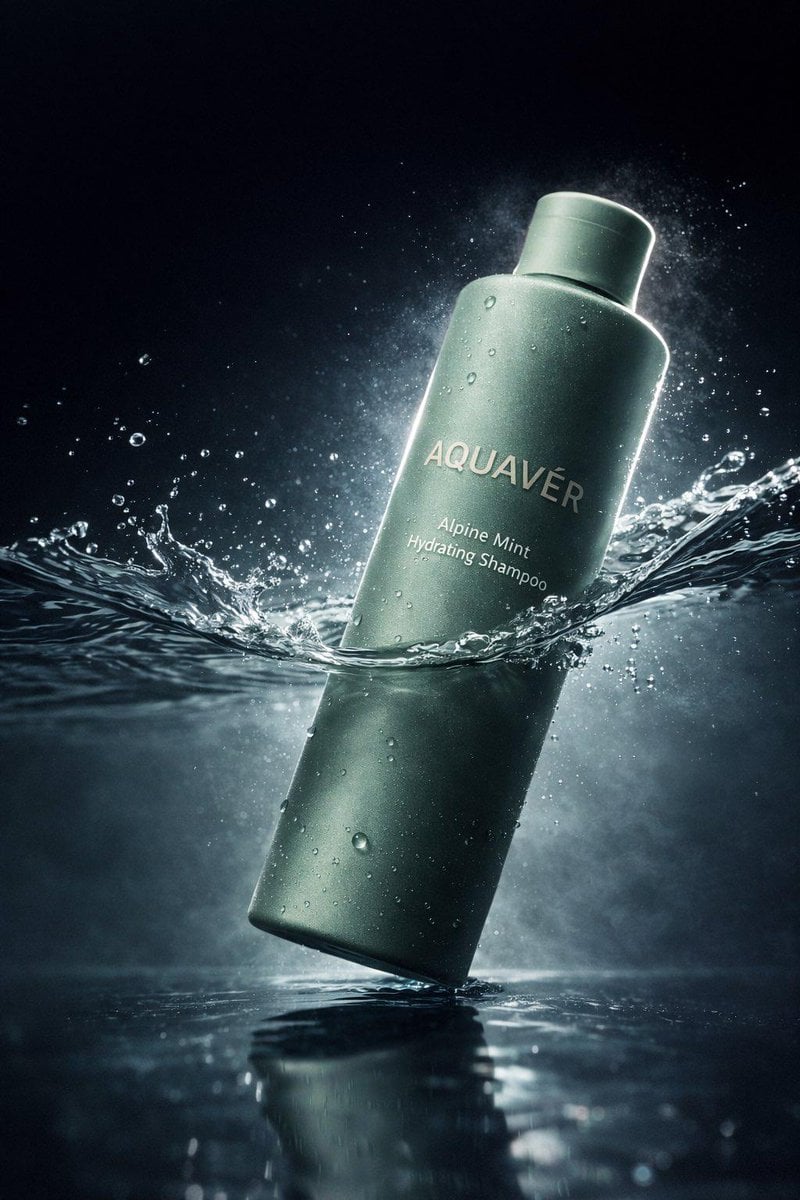
Luxury Shampoo Bottle Splash Commercial
Seedance - Brand Commercial
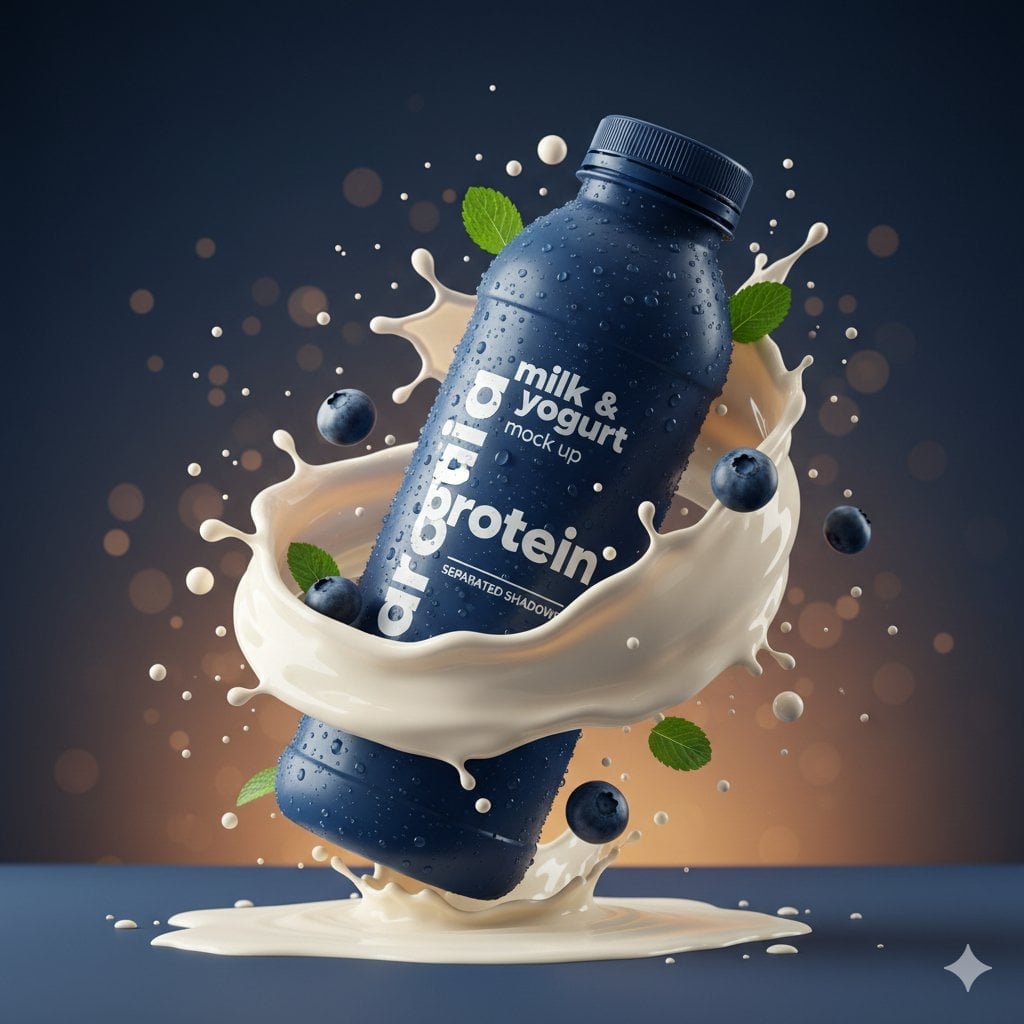
Commercial Product Splash Photography
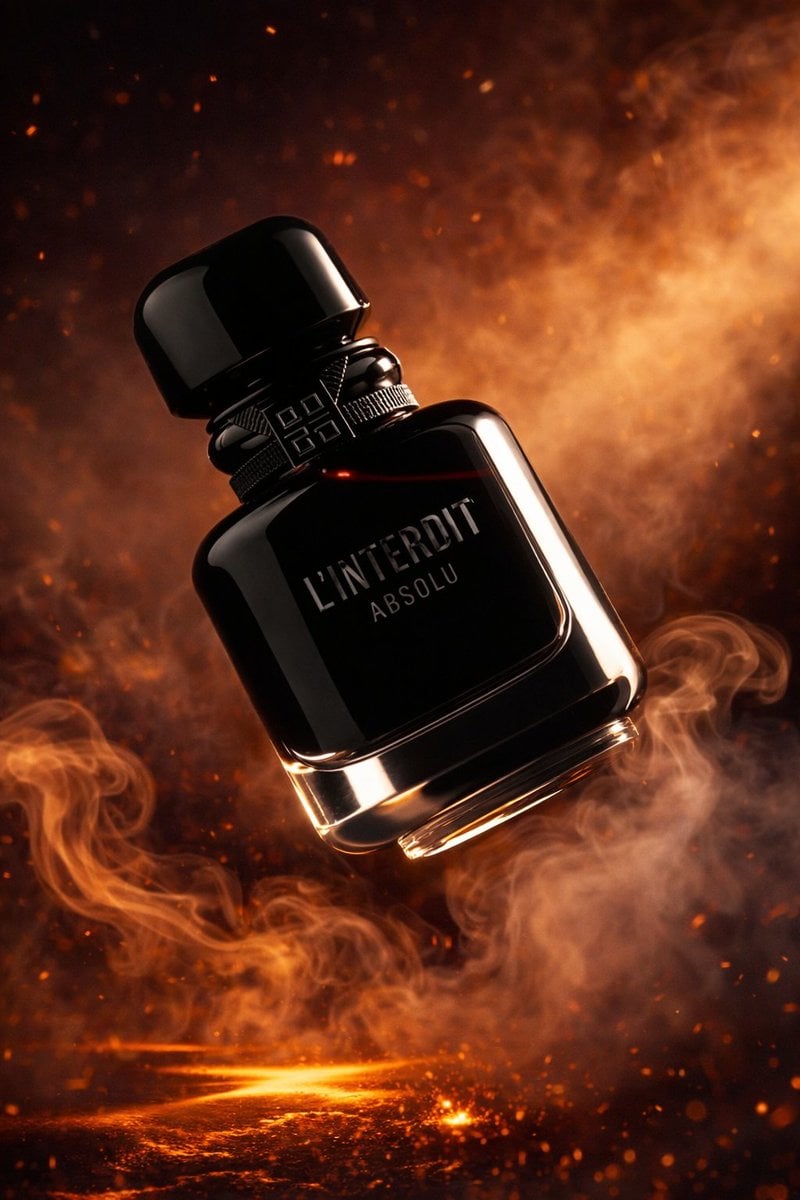
Luxury Perfume Bottle Product Shot

Hyper-Realistic Commercial Product Photography (Splash Effect)
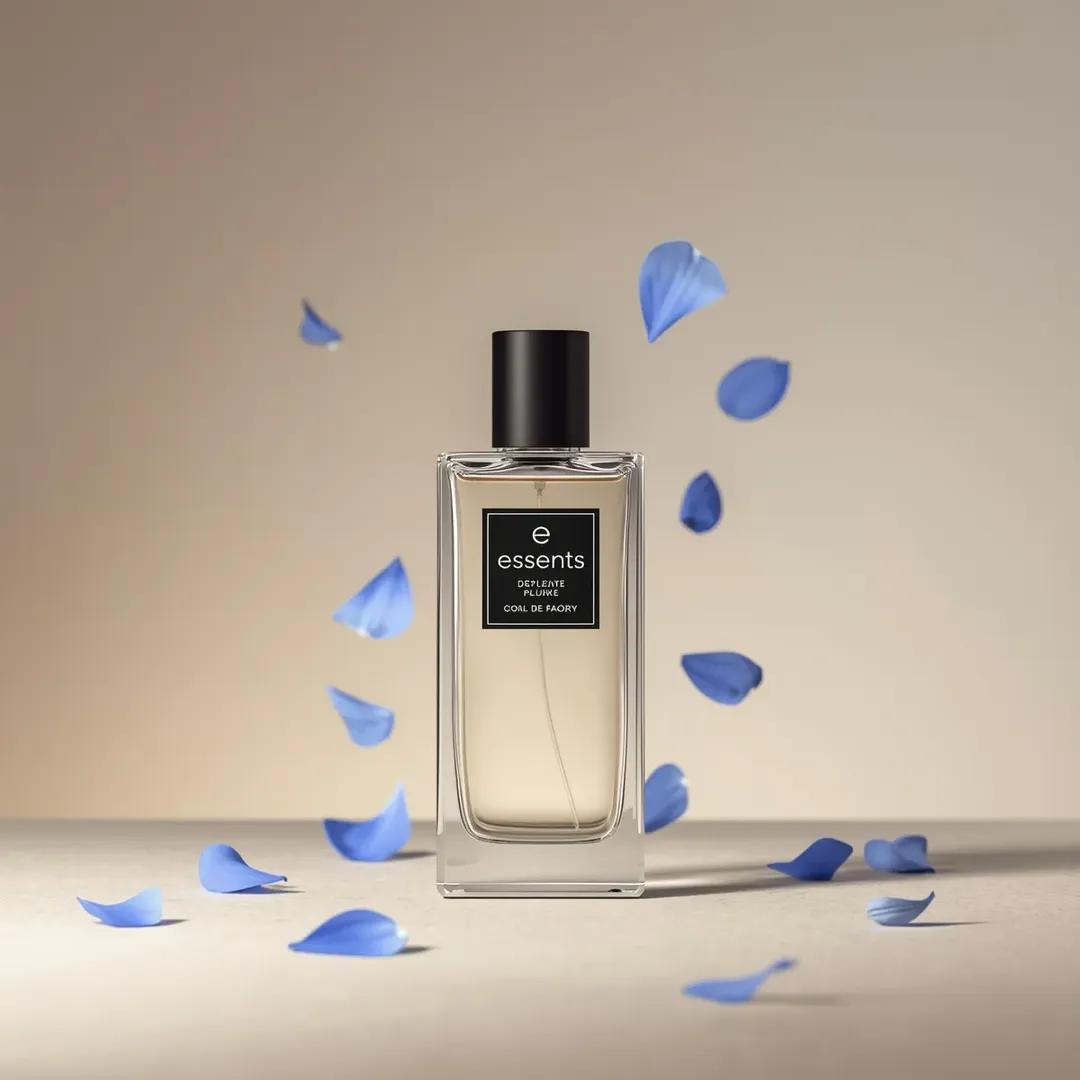
Luxury Perfume Bottle Product Shot Prompt
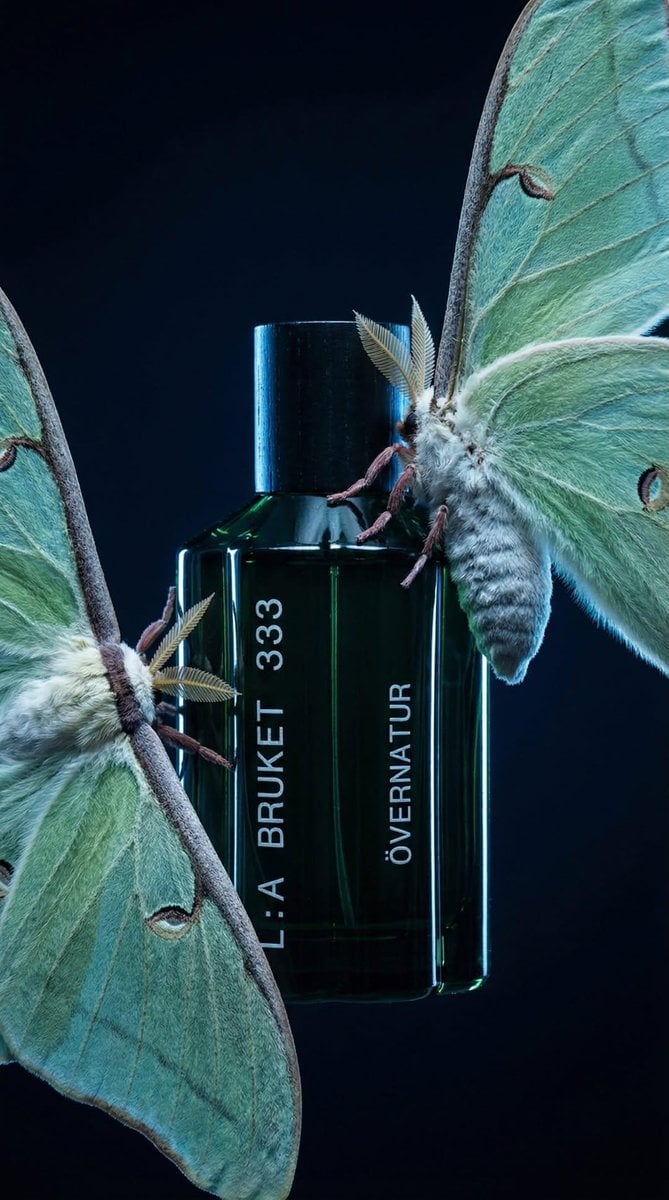
Luxury Perfume Bottle in Mystical Forest Product Shot
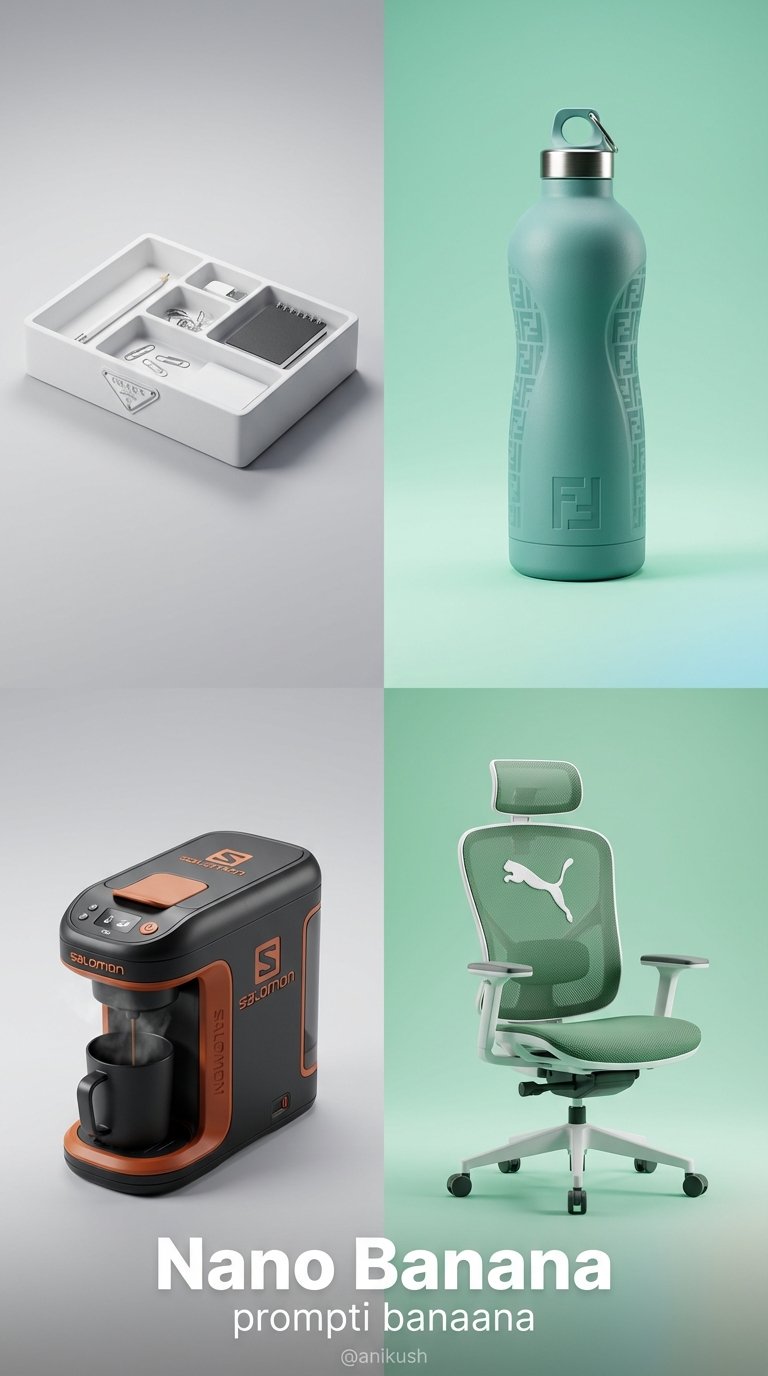
Minimalist Luxury Brand Concept
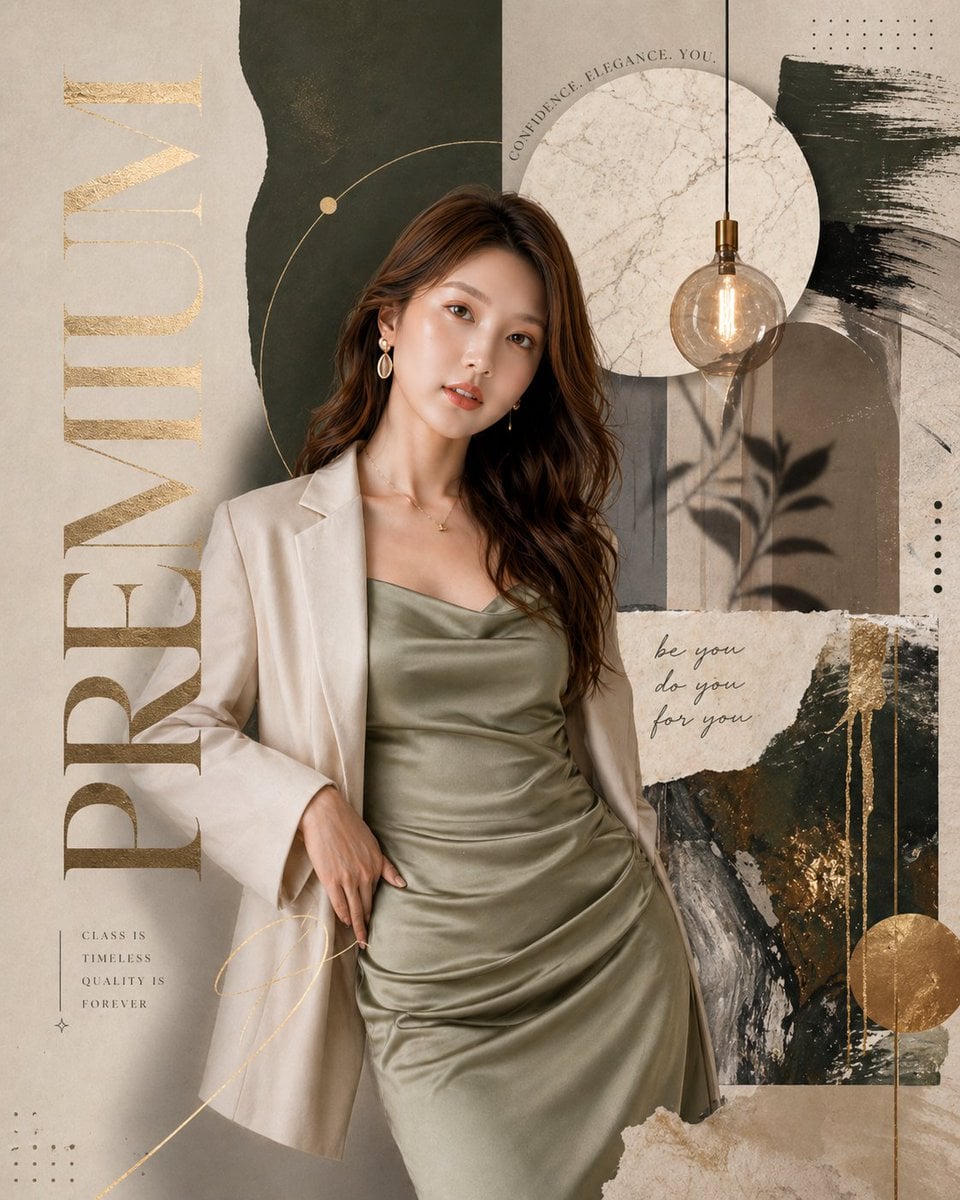
City Of Gold Miniature

Vault Wheel Two Hands
Make it yours
Cappuccino Bottle Splash Product Ad works as-is. These are the safest ways to change it without losing the look.
Change one field
Copy a single group, rewrite it, and generate again so you can see what that field is doing.
Keep the frame, change the subject
Hold the composition and light of Cappuccino Bottle Splash Product Ad, then swap wardrobe, props or the person for a new take.
| If the result… | Why | Fix |
|---|---|---|
| The result drifts from the preview | Too many fields changed at once. | Reuse Cappuccino Bottle Splash Product Ad as-is first, then change one group — subject, light, or setting. |
| The model over-stylizes the scene | The prose prompt leaves finish and camera underspecified. | Add one camera or lighting sentence and stay on Nanobanana. |
More Nanobanana templates
Other prompts made for Nanobanana.
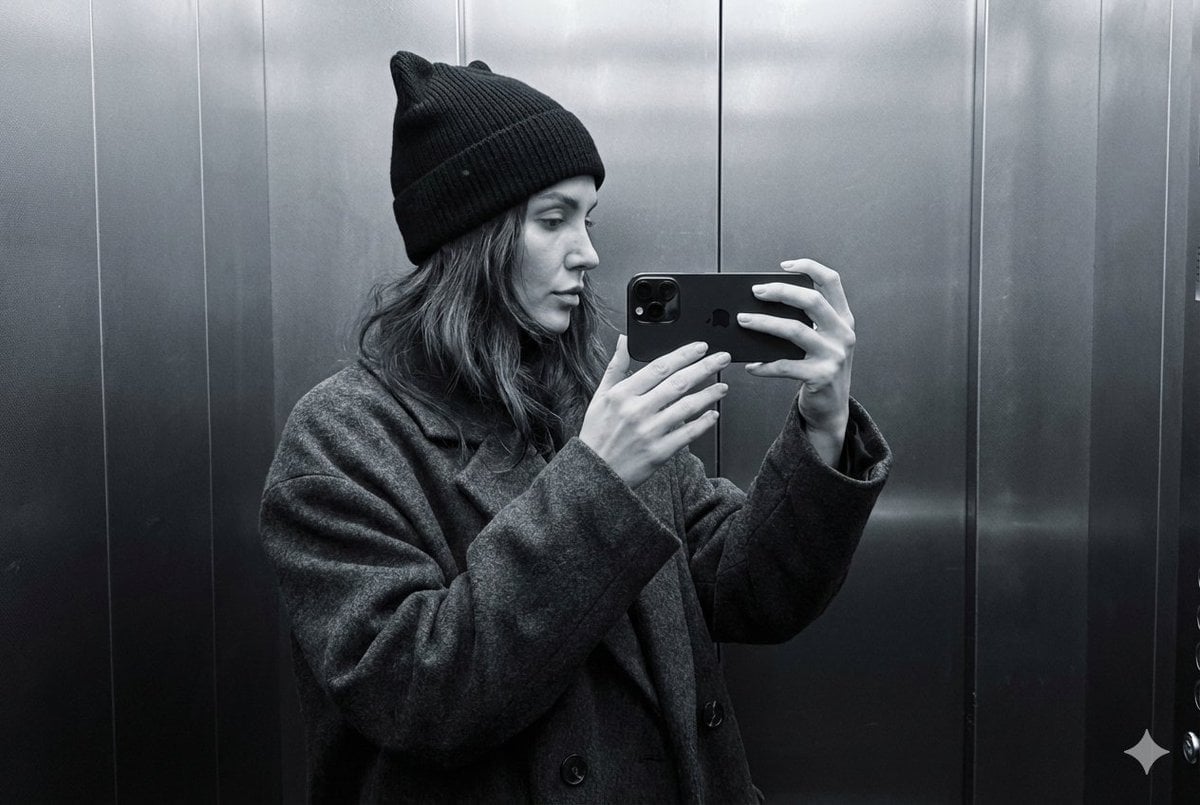
Monochrome Elevator Profile Cat Ear Selfie
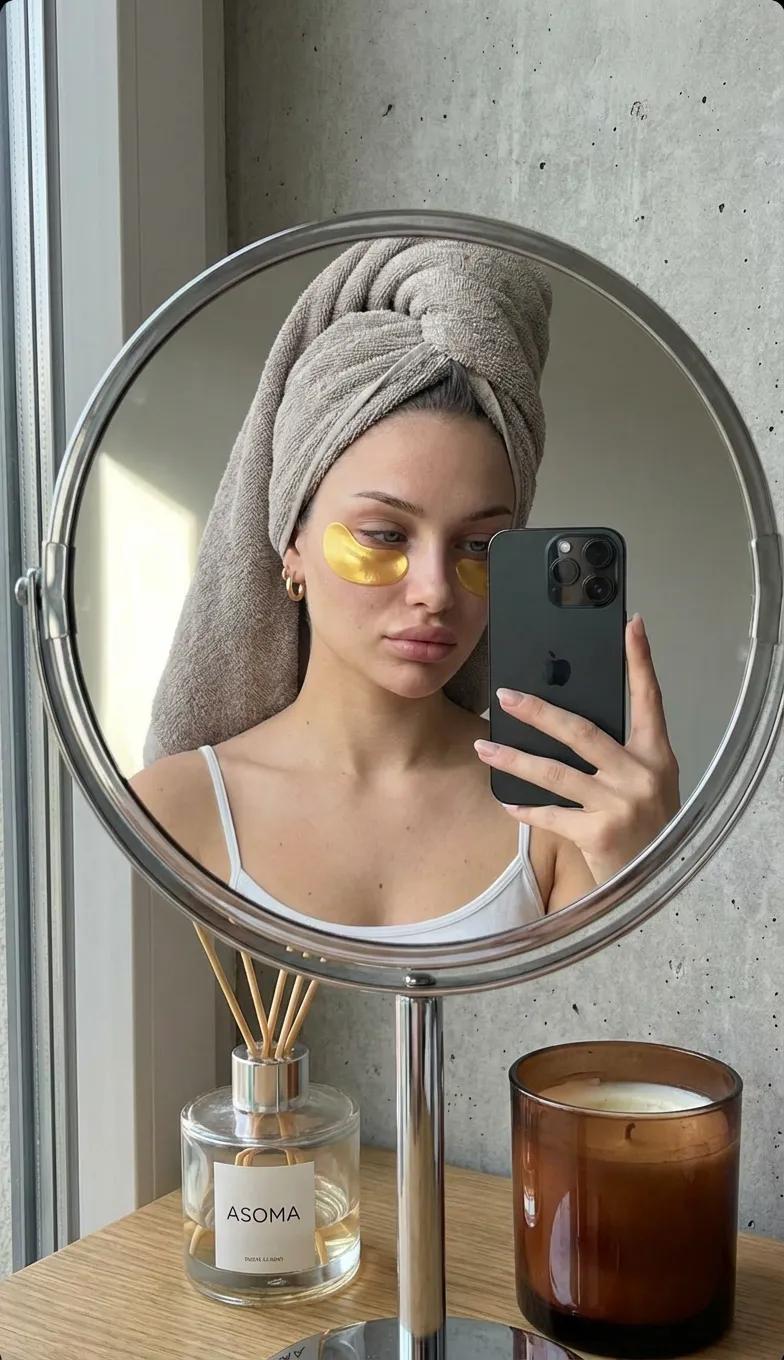
Round Tabletop Mirror Skincare Selfie
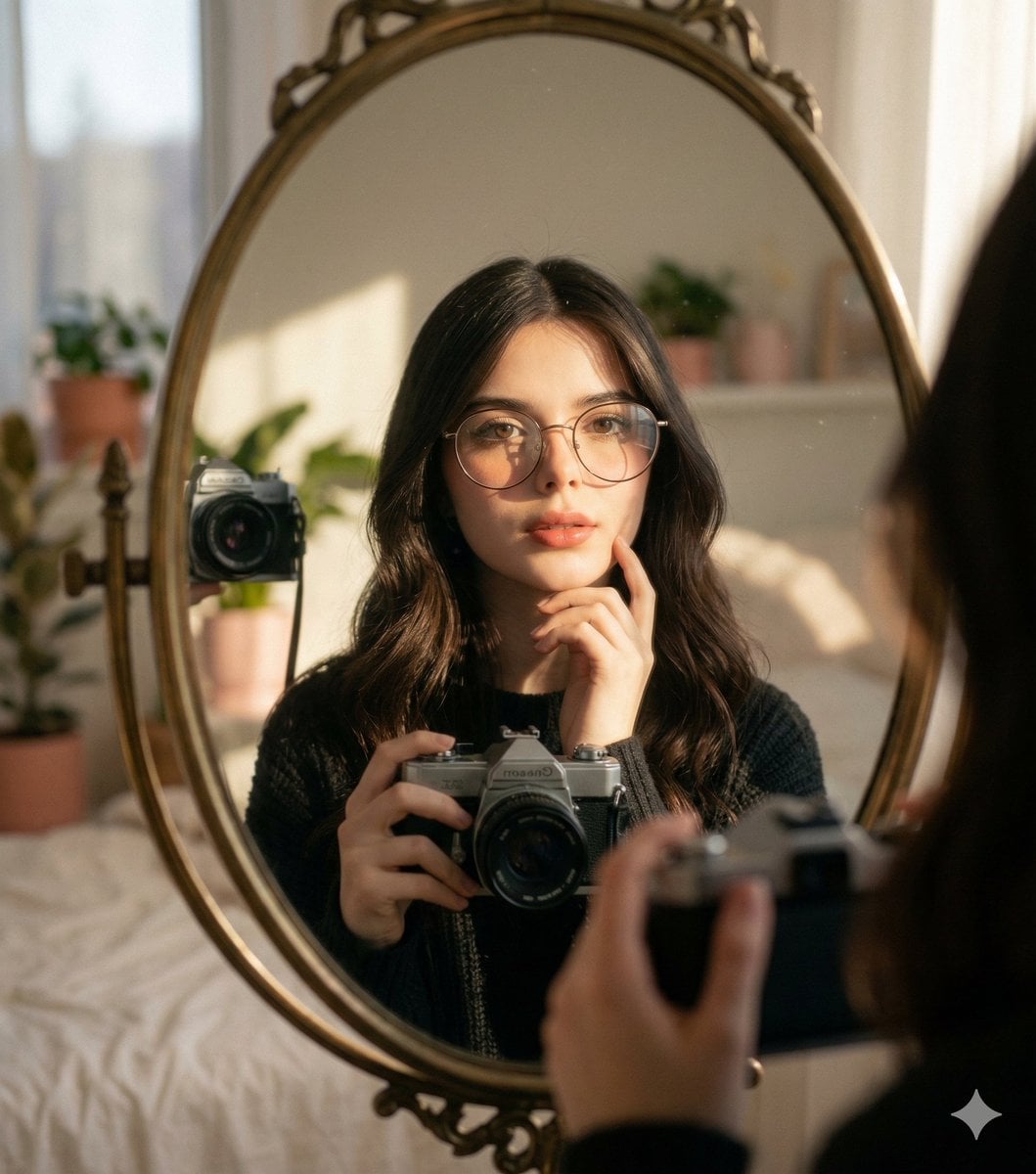
Oval Mirror Vintage Camera Self Portrait
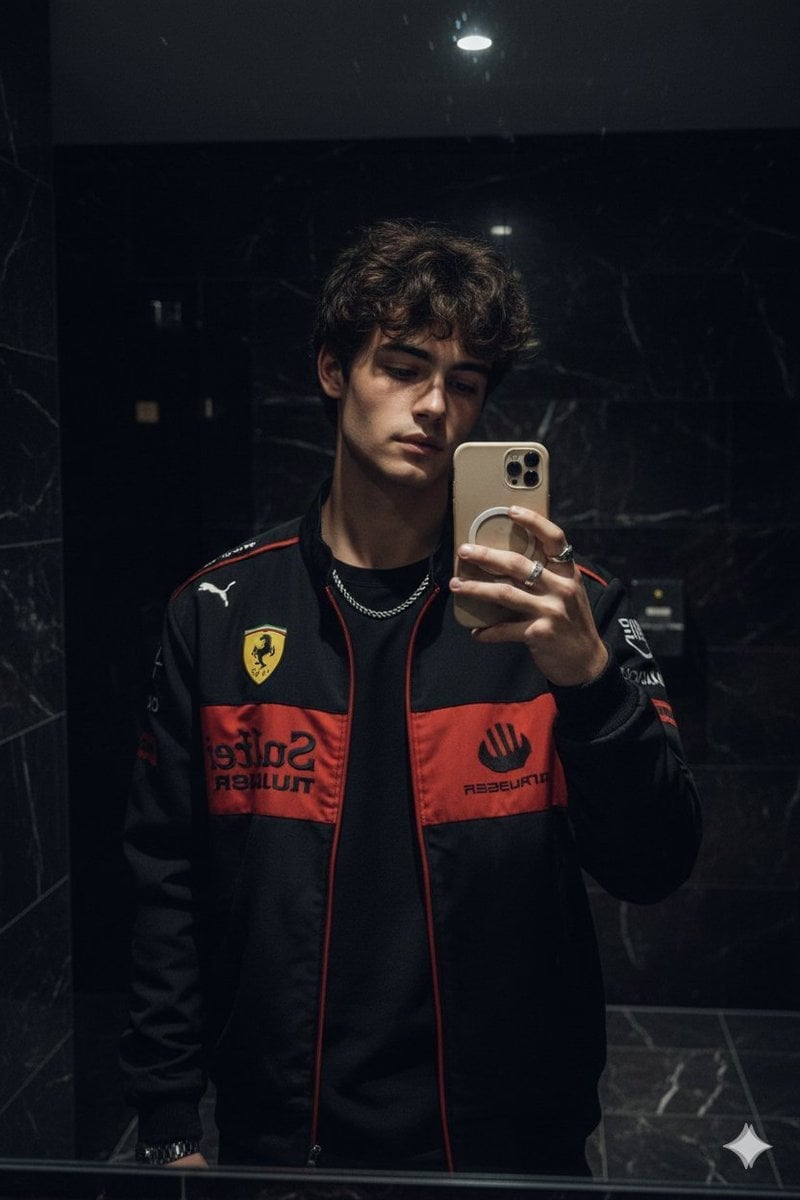
Dark Marble Bathroom Racing Jacket Mirror Selfie
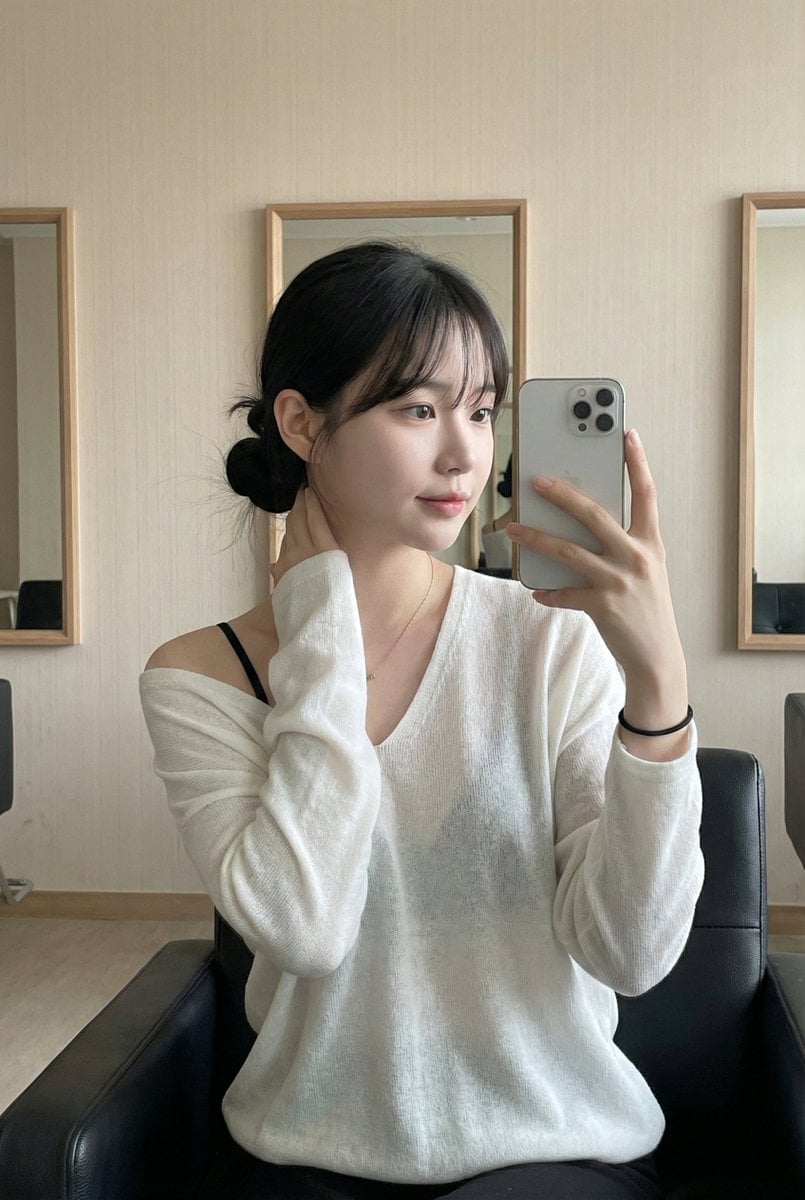
Leather Chair Soft Indoor Mirror Selfie
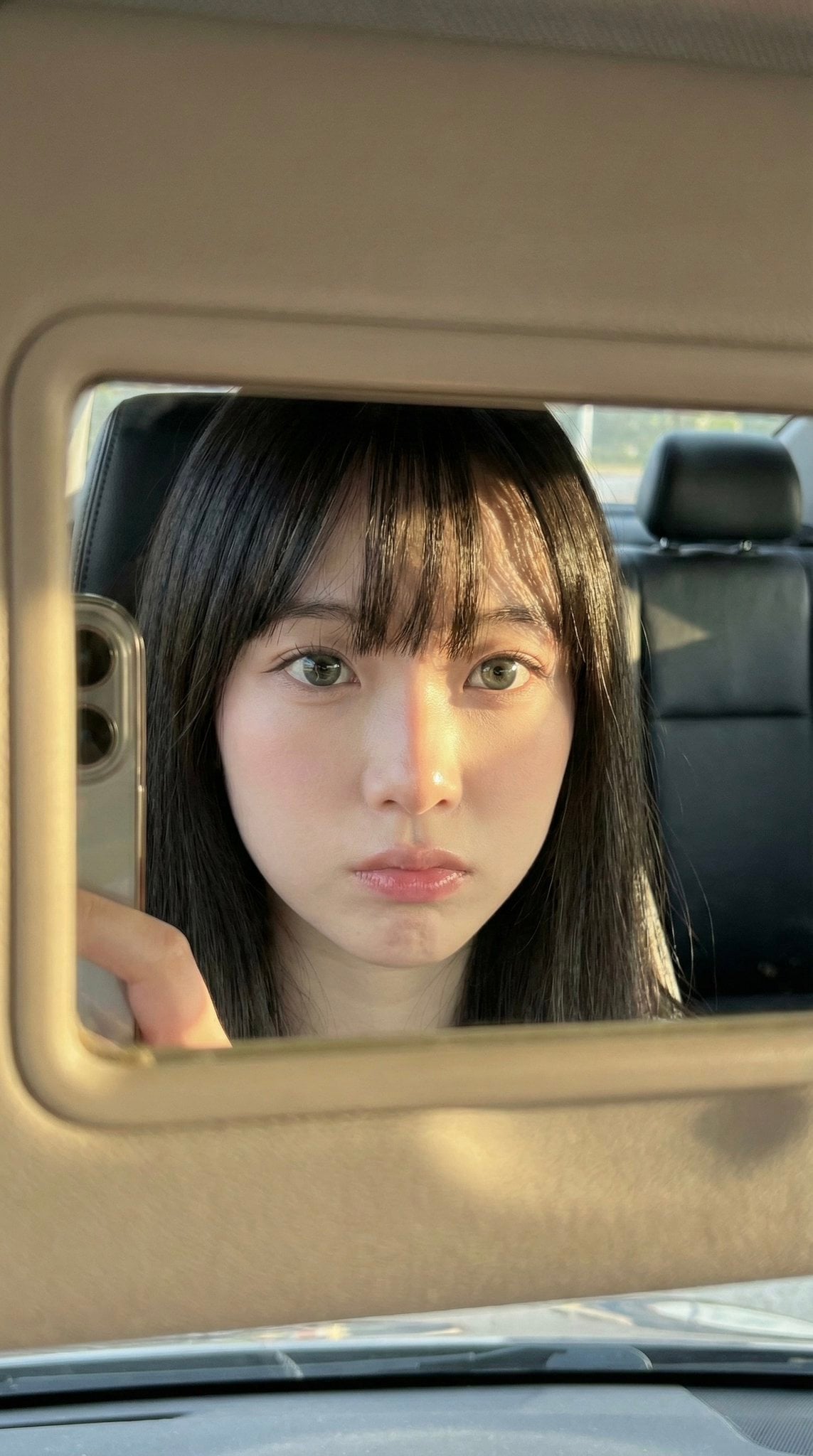
Car Sun Visor Vanity Mirror Close Up
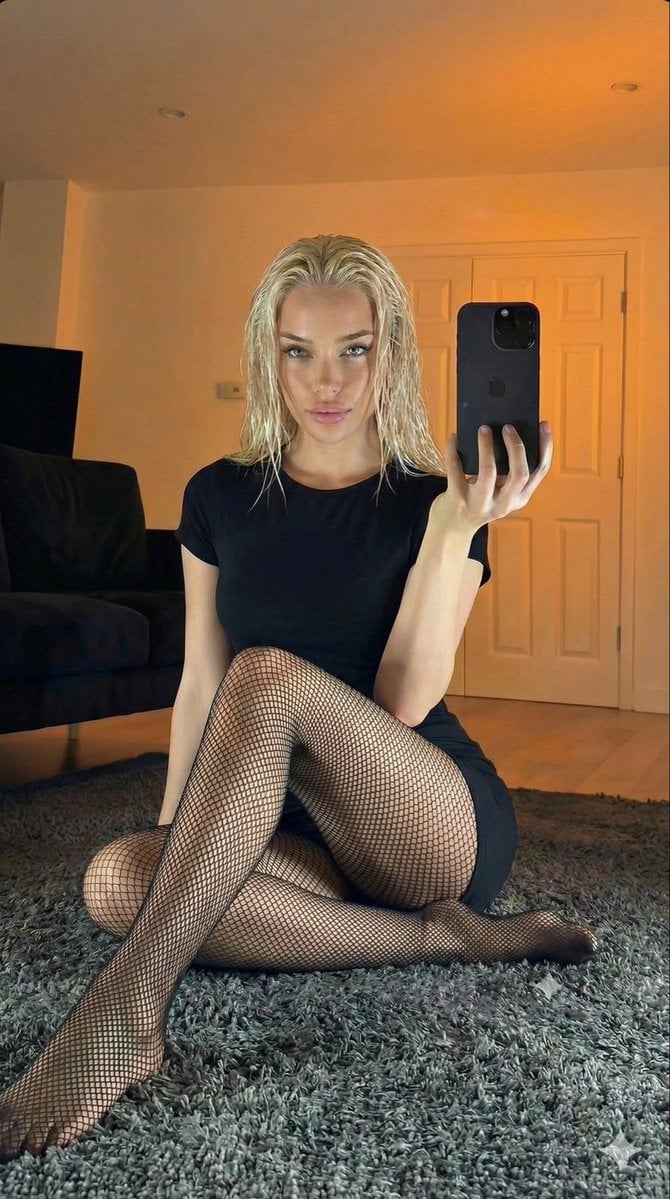
Living Room Rug Evening Mirror Selfie
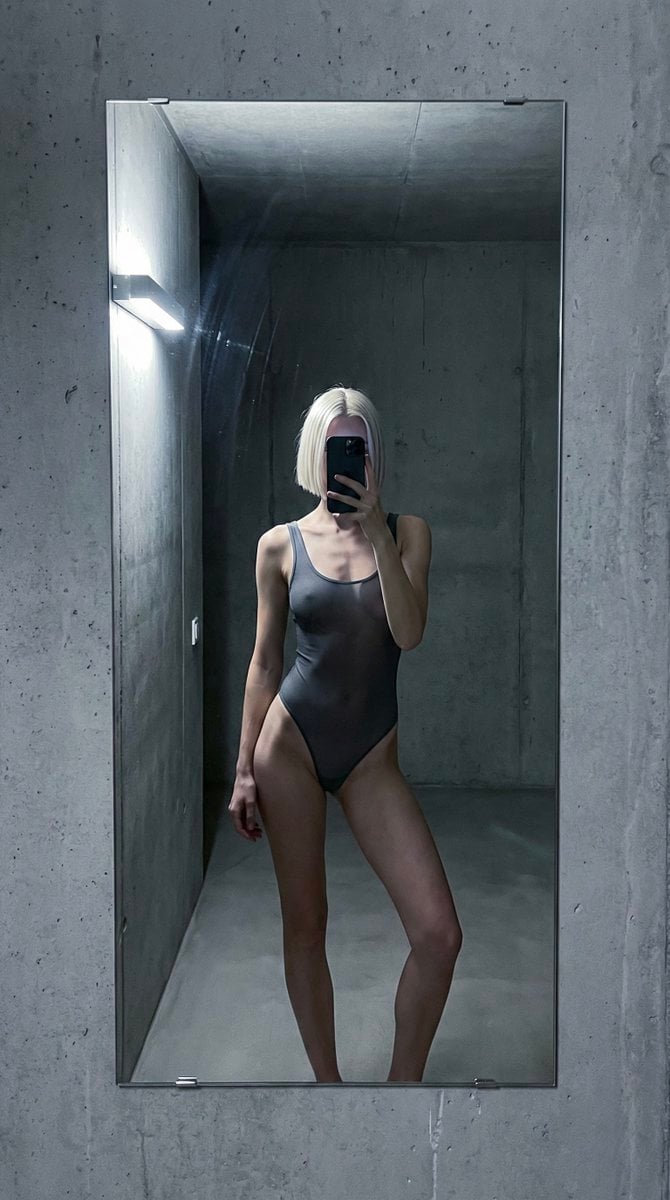
Concrete Hallway Editorial Mirror Selfie
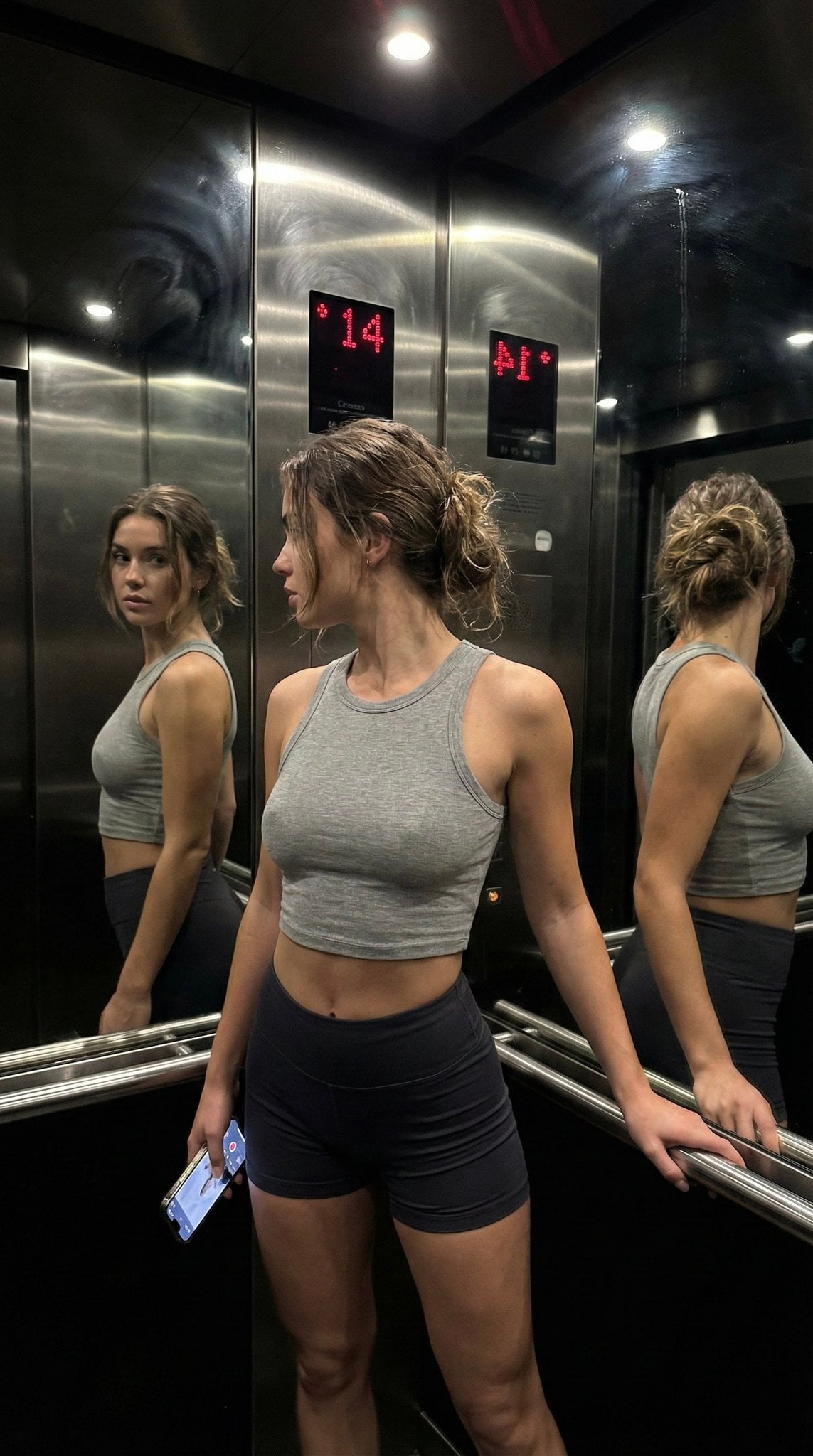
Late Night Elevator Multi Mirror Selfie

Headphones Lifestyle Nine Panel Grid
More image prompts
Fresh picks from across the catalog.
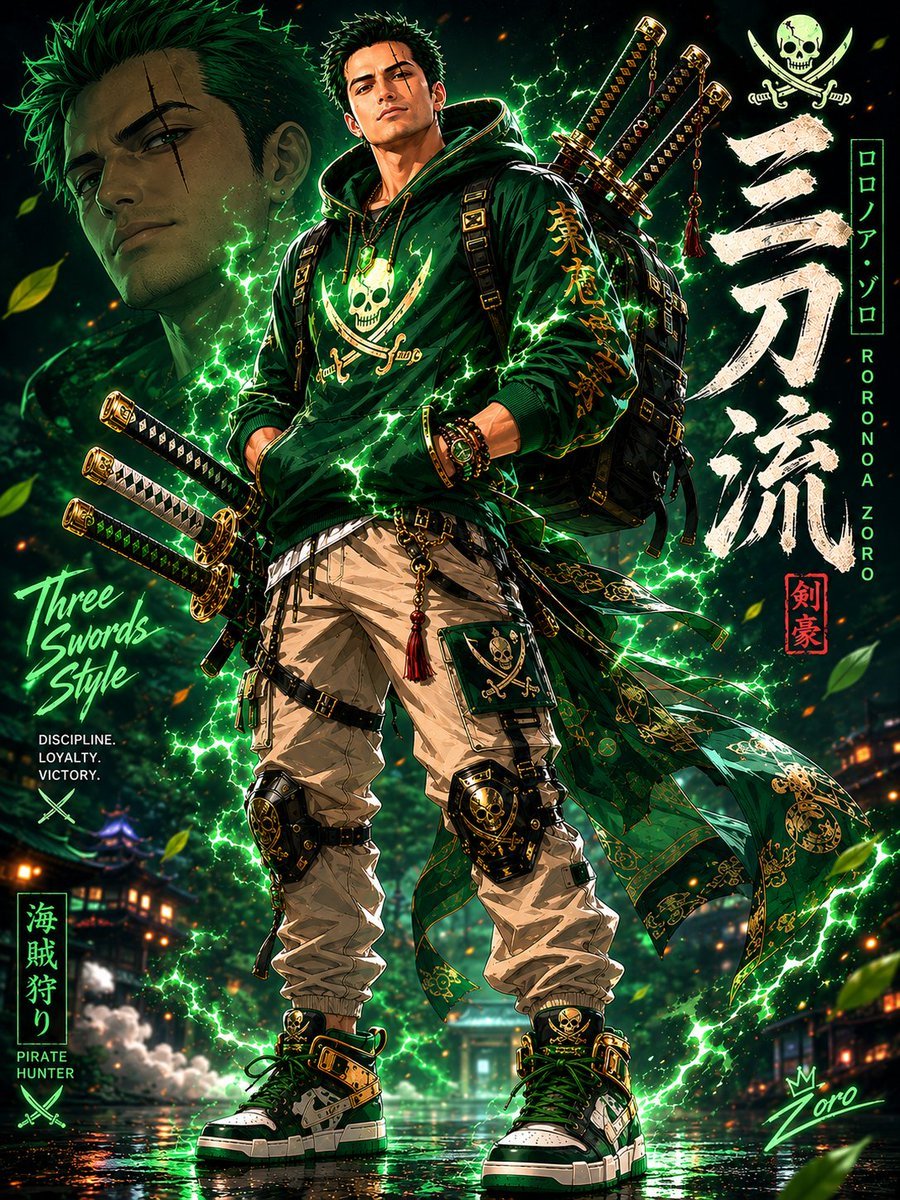
Modern Streetwear Anime Swordsman
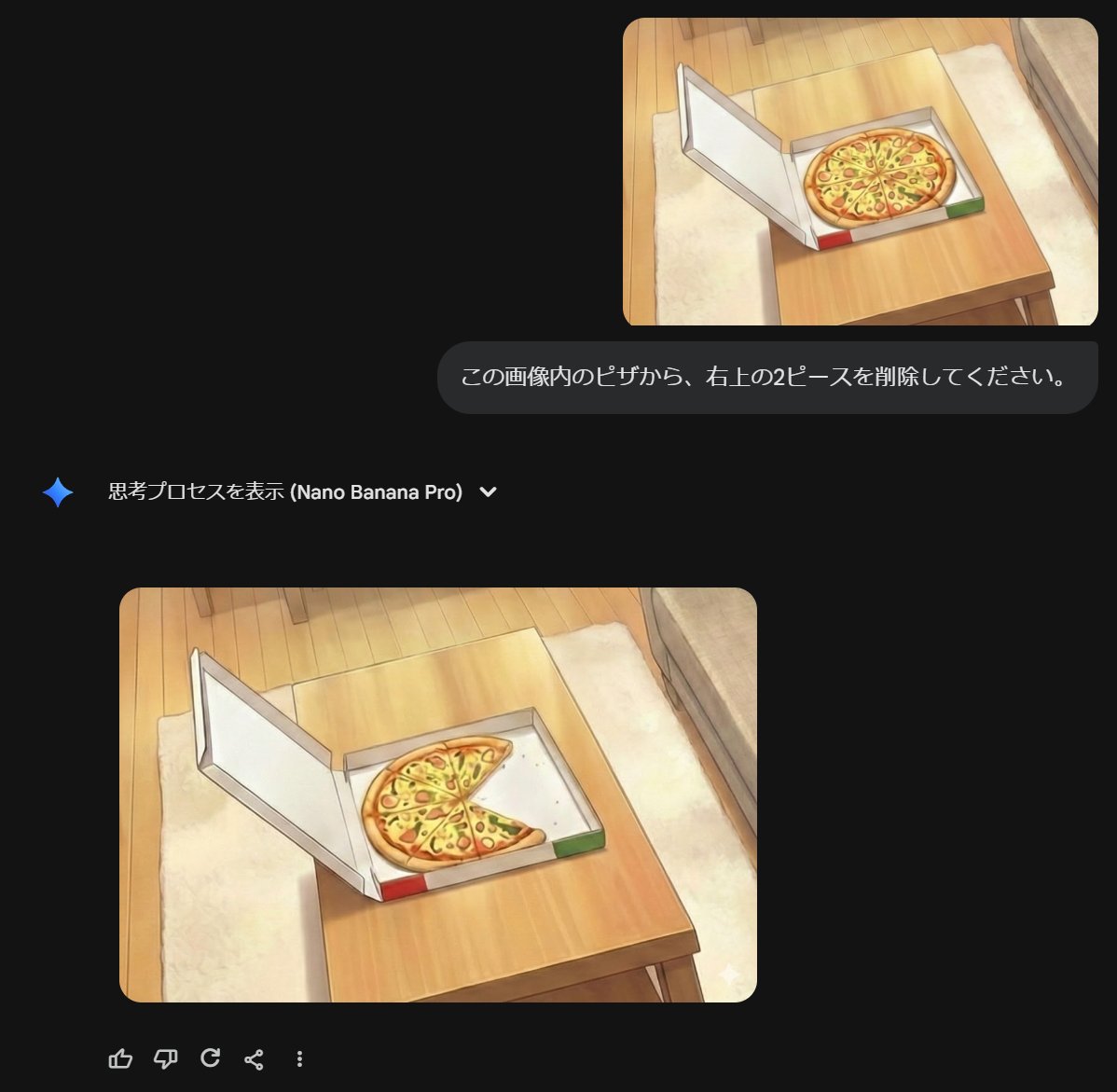
Prompt for Refining Text-Described Images
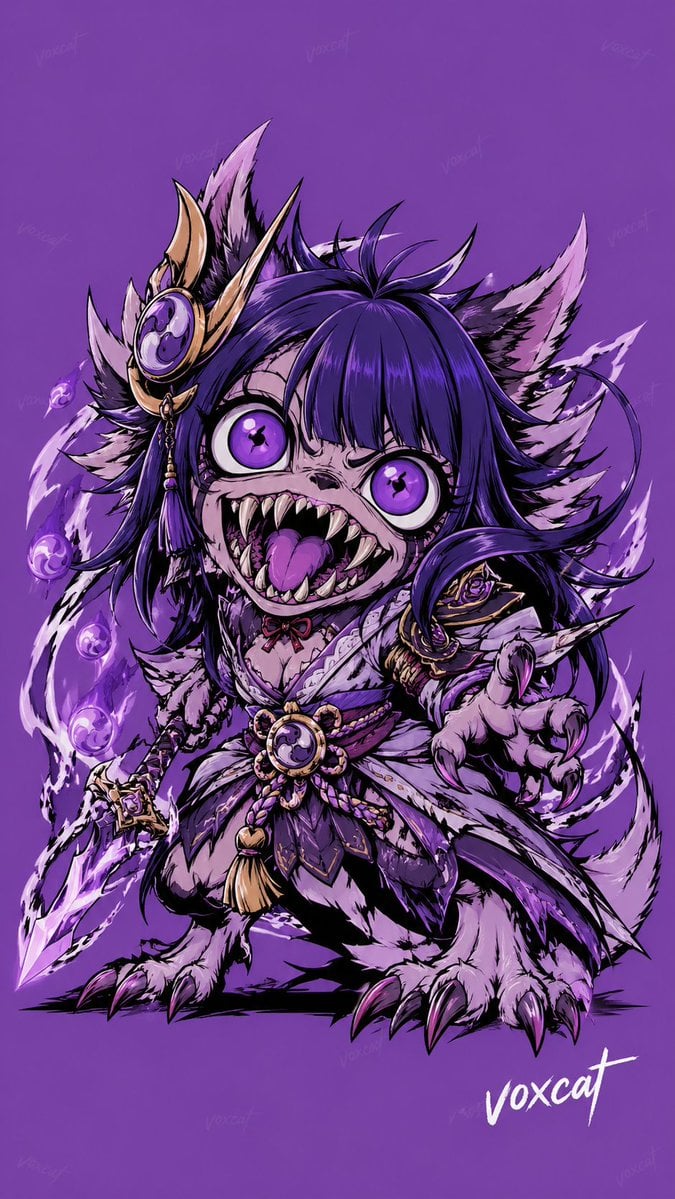
Chinese Mythological Beast Poster
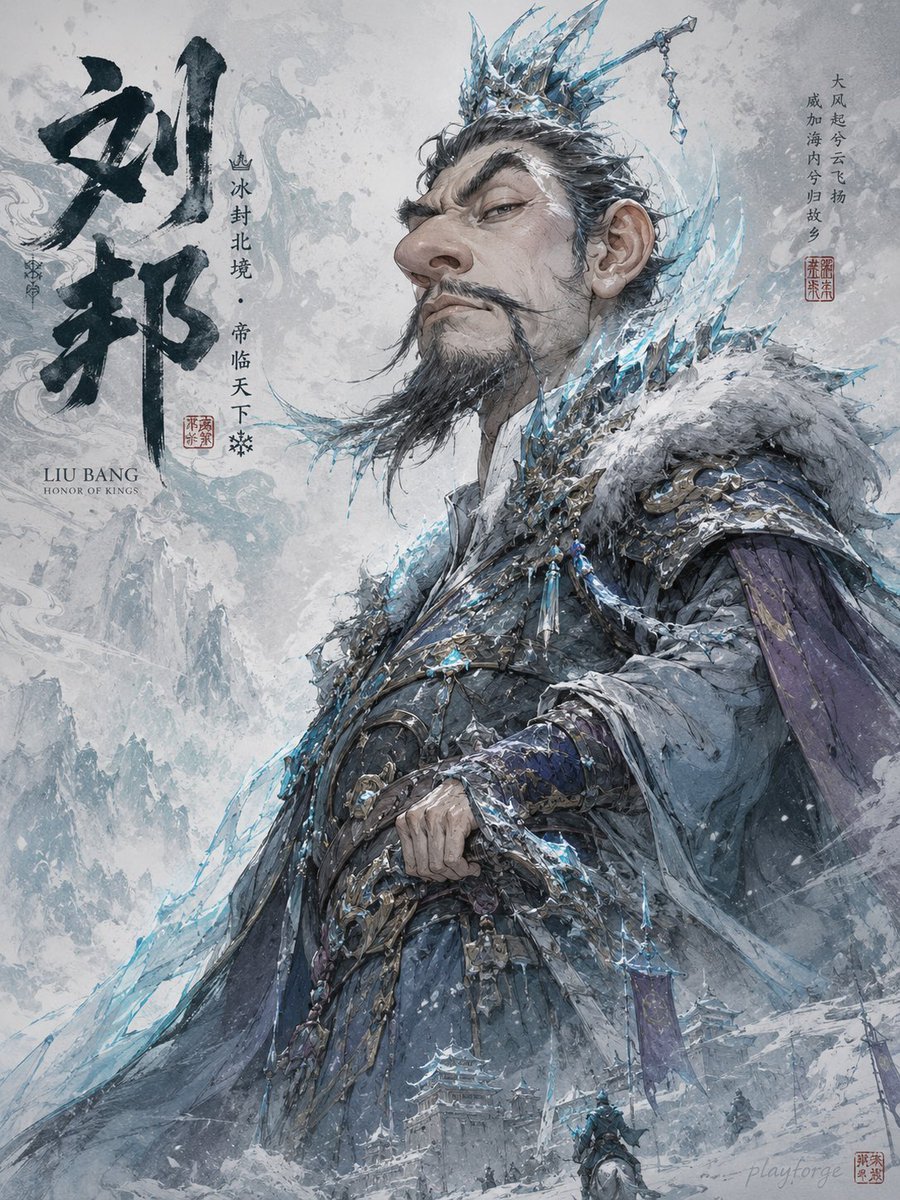
Humorous Game Character Caricature
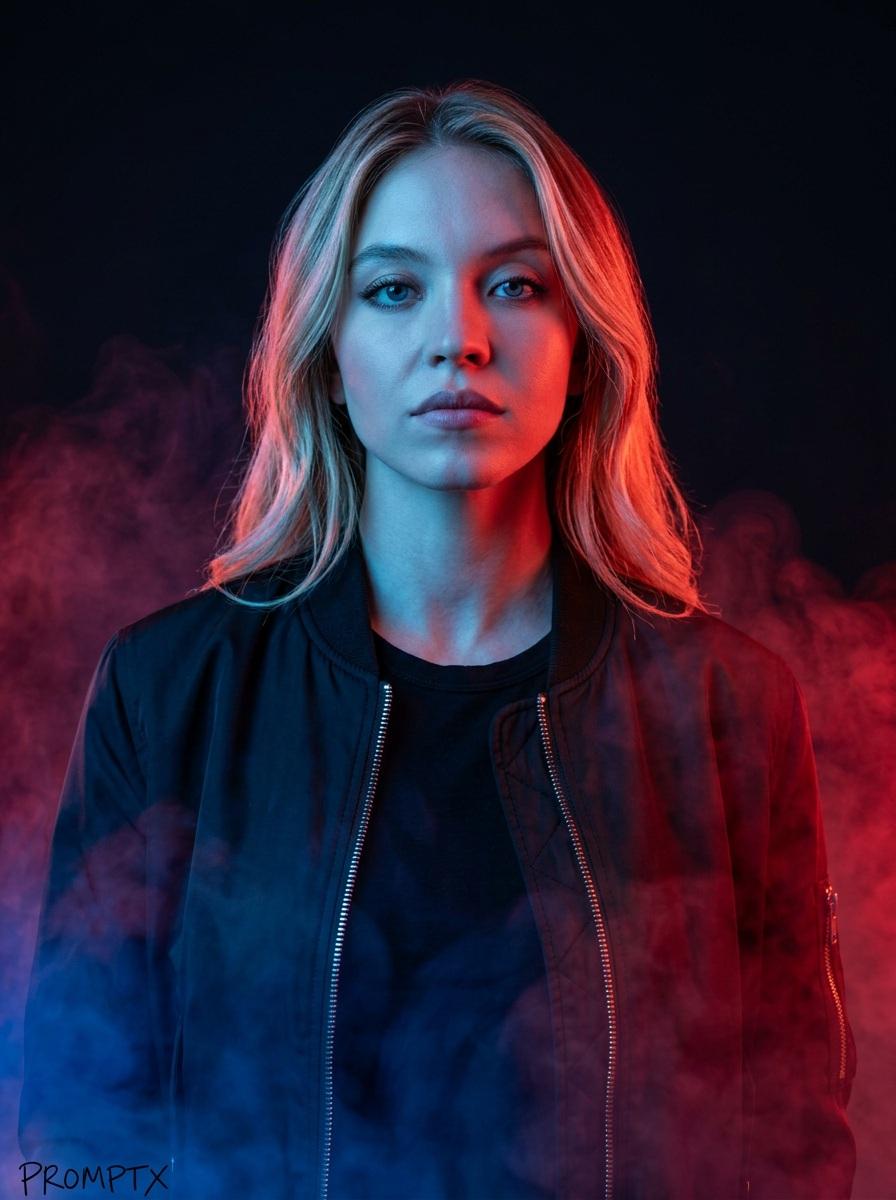
Cinematic portrait prompt for Nano Banana Pro
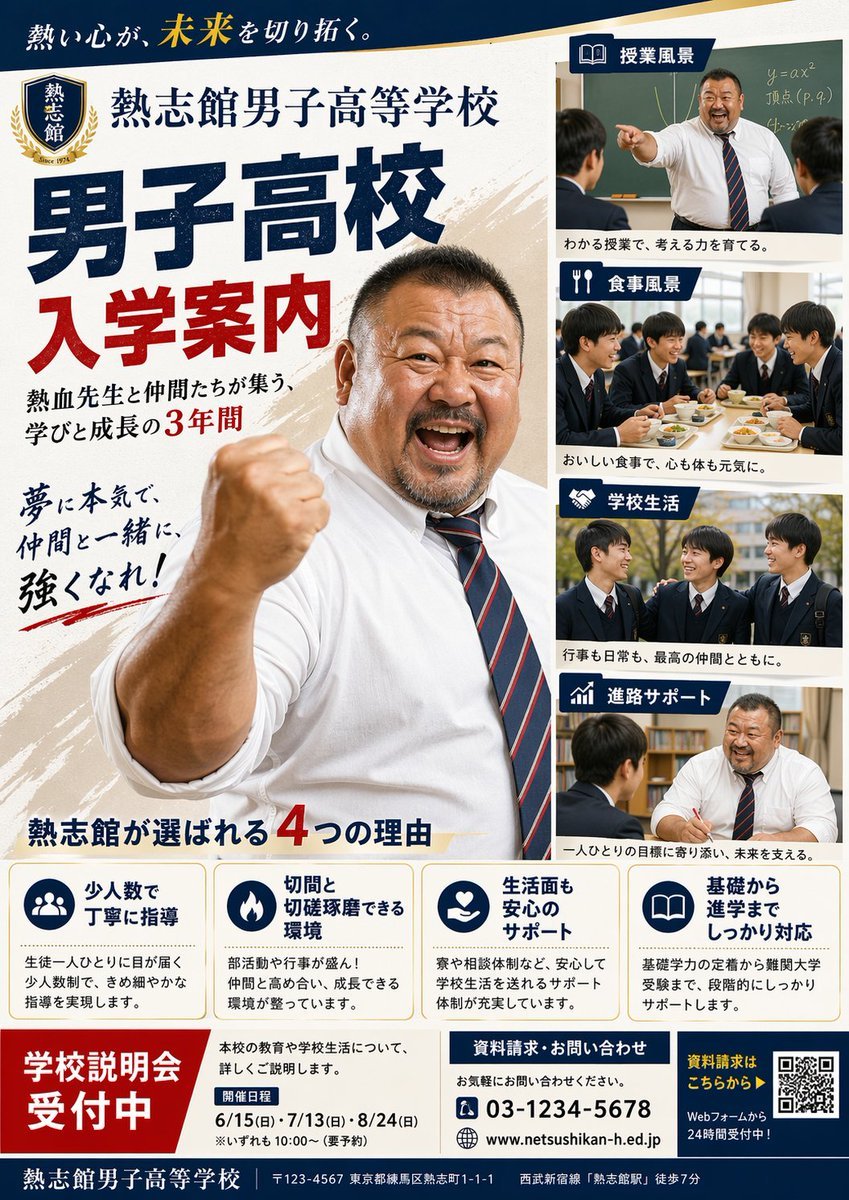
Japanese Boys High School Admissions Poster
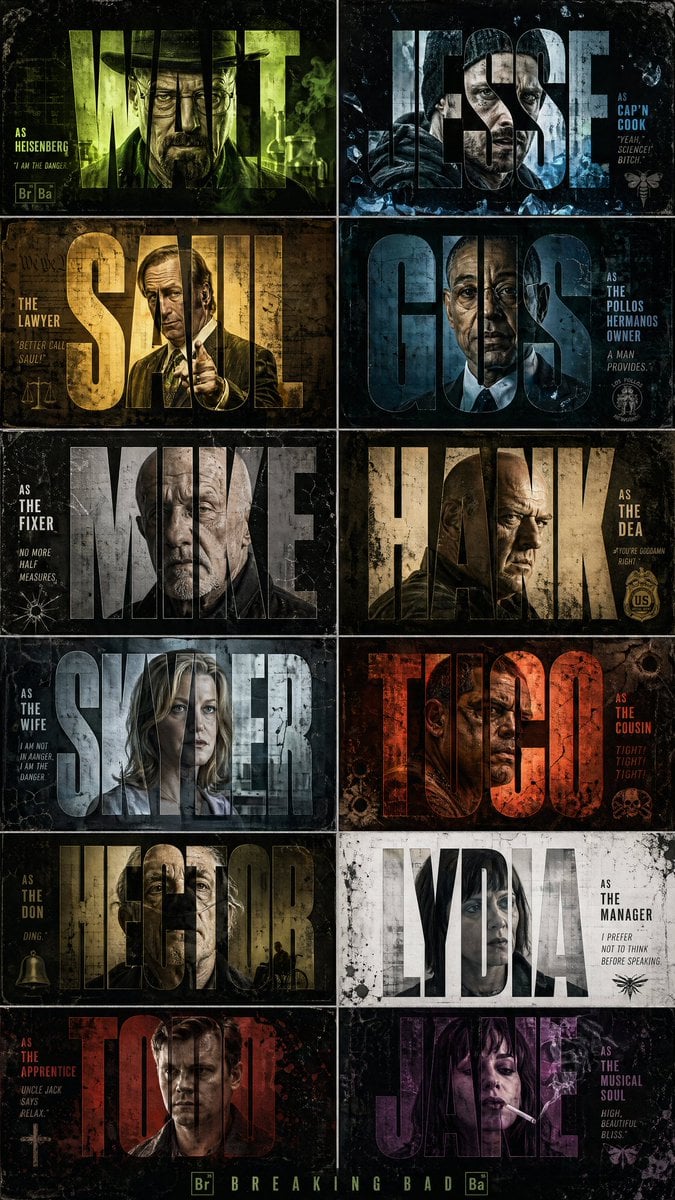
Breaking Bad Cinematic Grid Poster
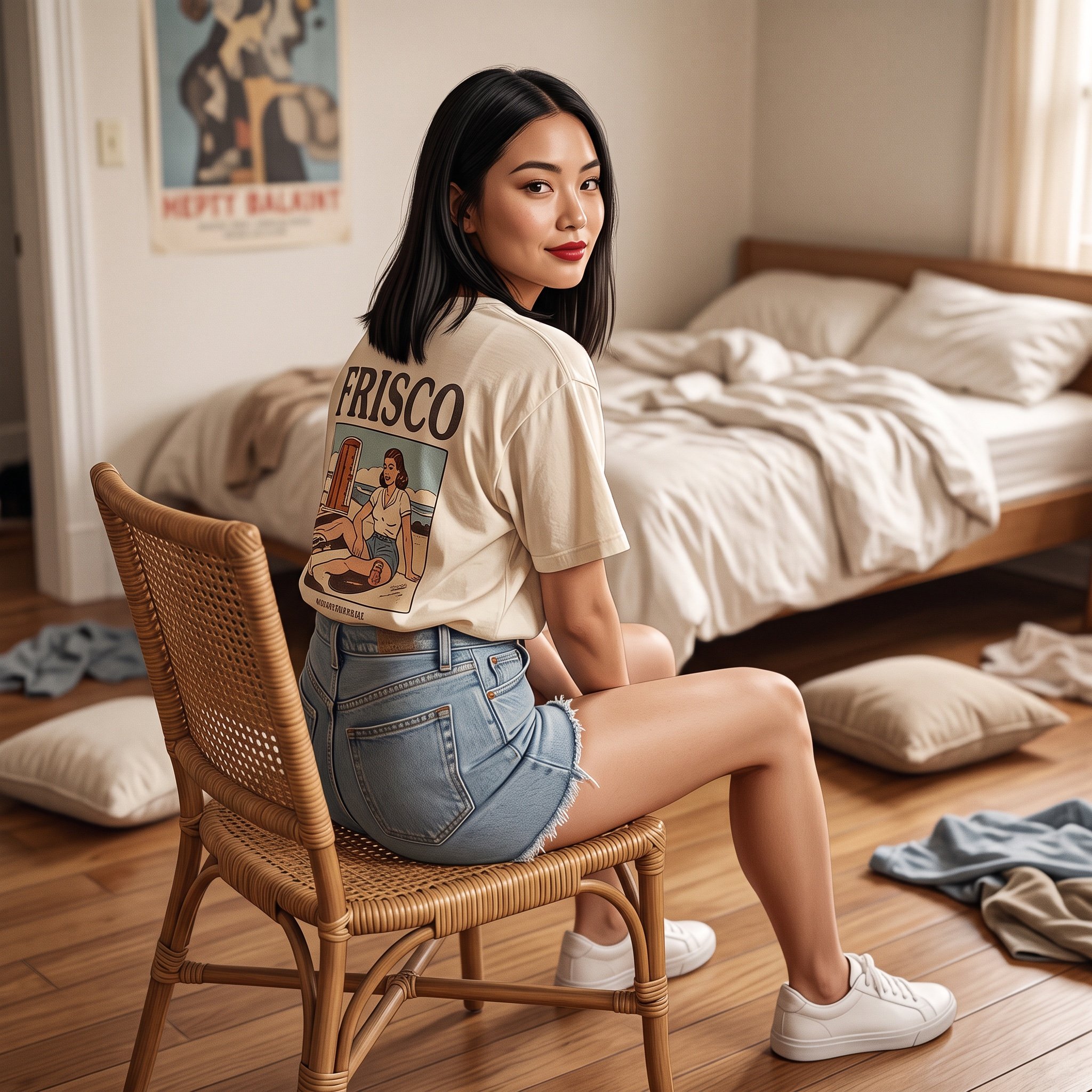
Photorealistic Frisco T-Shirt Lifestyle Portrait Prompt
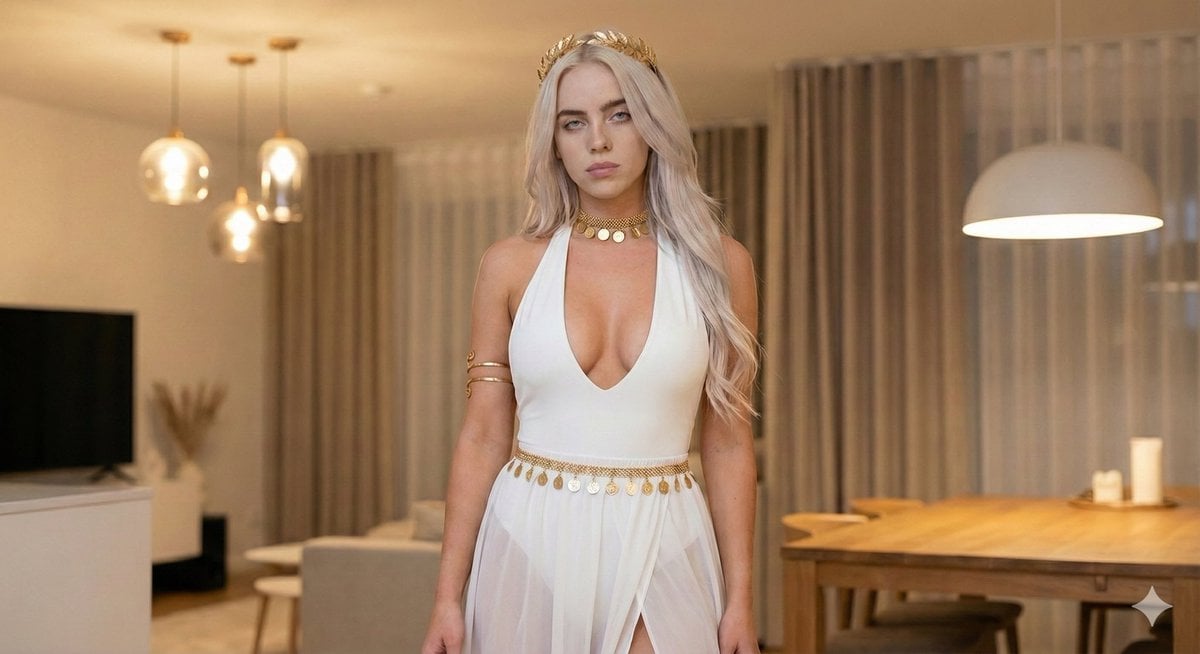
Goddess-Inspired White and Gold Portrait
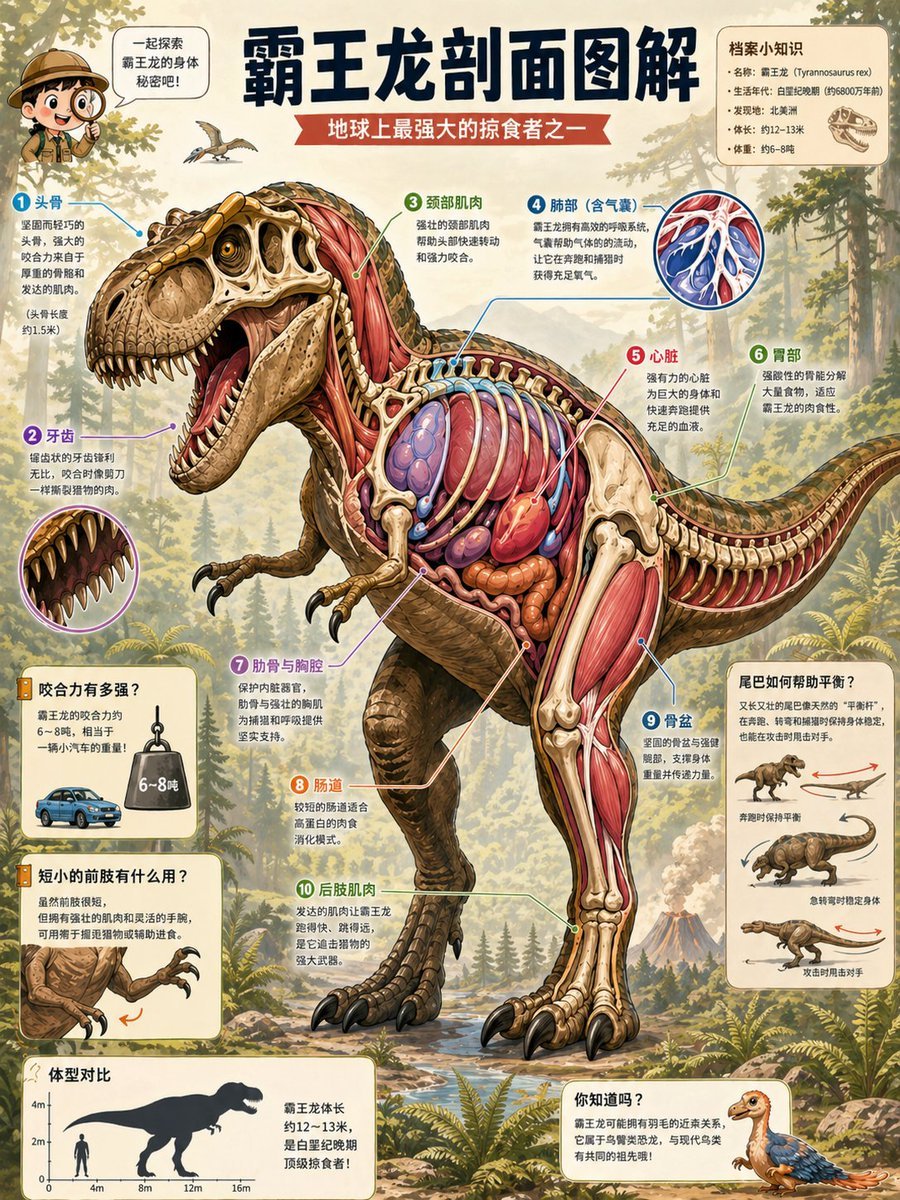
T. Rex Cutaway Encyclopedia Poster
Browse template categories
Cappuccino Bottle Splash Product Ad questions
How do I use the Cappuccino Bottle Splash Product Ad template?
Add your photo if the template asks for one, edit the prompt if you like — the template's model and format are already selected — and press Generate. Your version opens in PicX Studio.
Can I customize the Cappuccino Bottle Splash Product Ad template?
Yes. You can change the subject, setting, lighting, mood, format, and available model controls before creating your image.
Is the Cappuccino Bottle Splash Product Ad template free?
Opening and editing this template is free. Generating uses credits, shown on the Generate button when you are signed in.
Which AI model should I use?
Start with Nanobanana, which is the model associated with this template. You can compare another compatible model for a different finish.
Looking for something else? Browse all templates.

Your photo, any look
Thousands of ready templates for every top image and video model, from one credit balance.