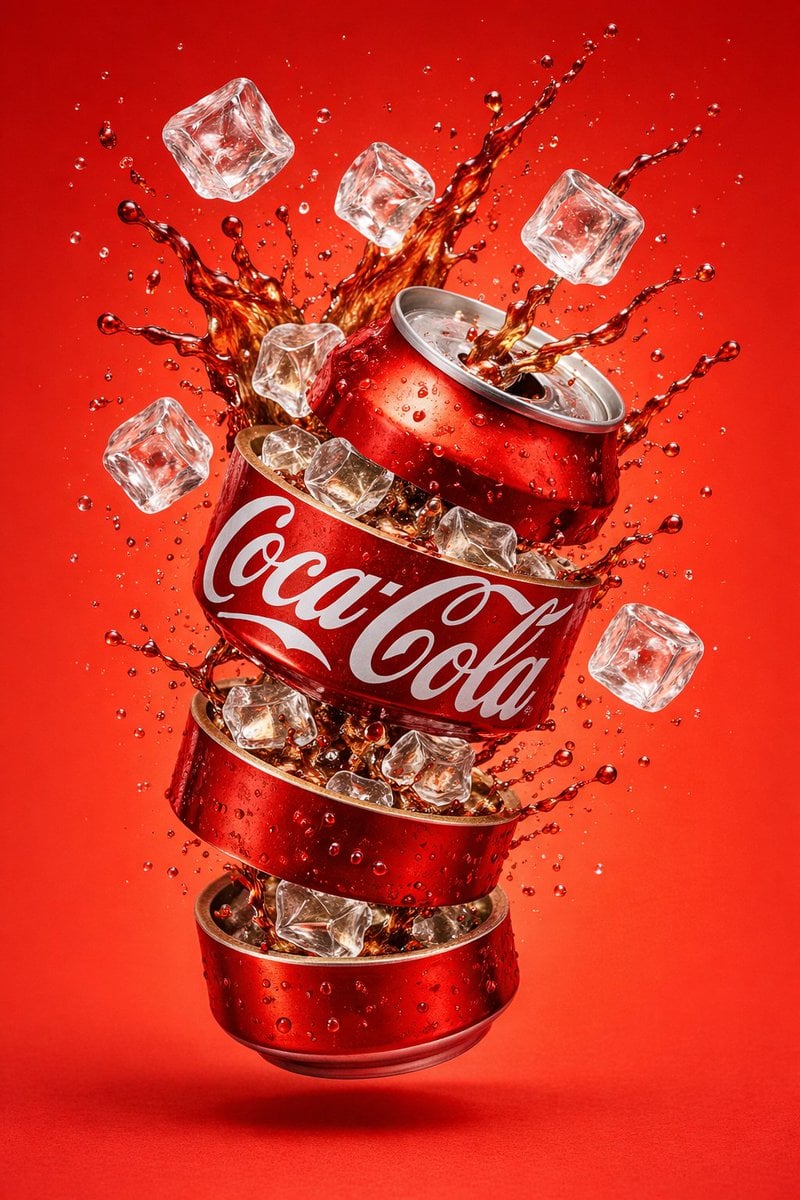
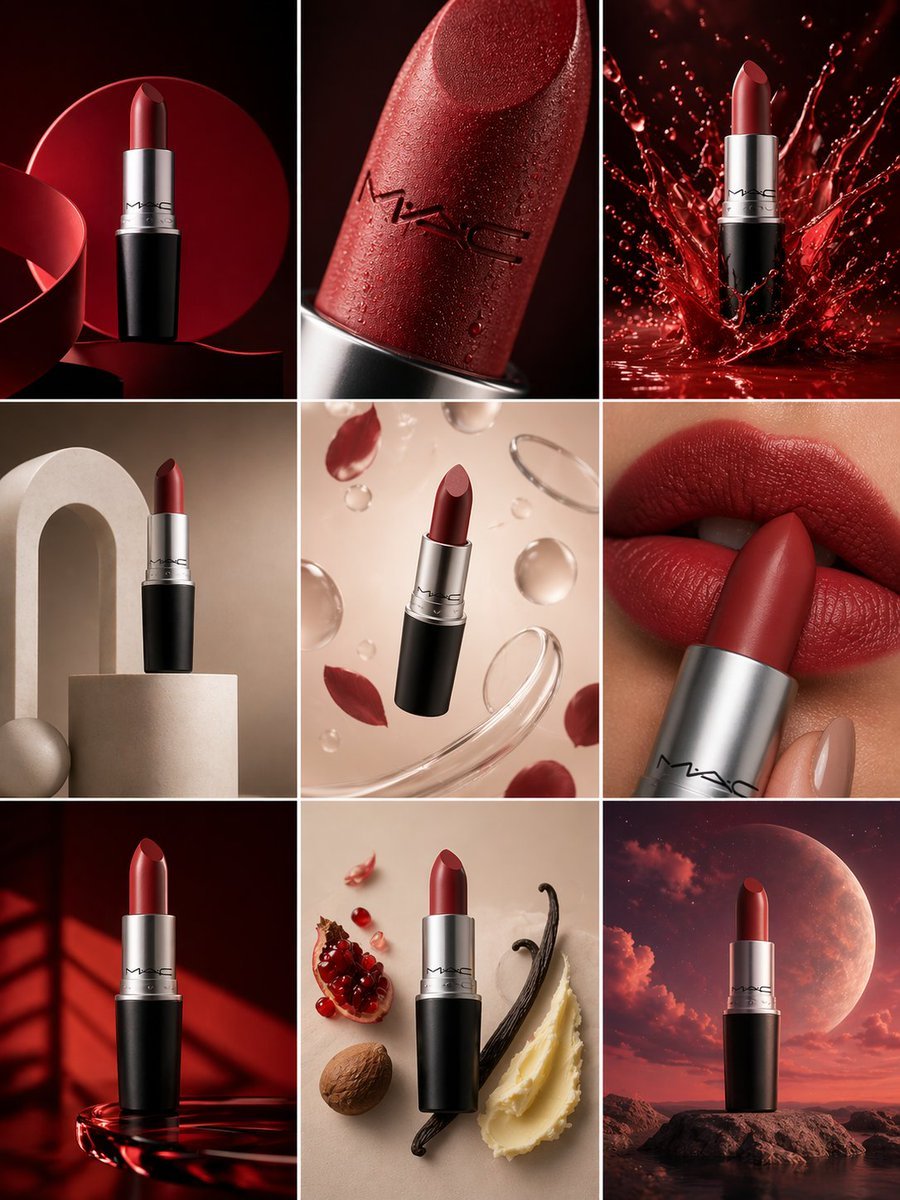
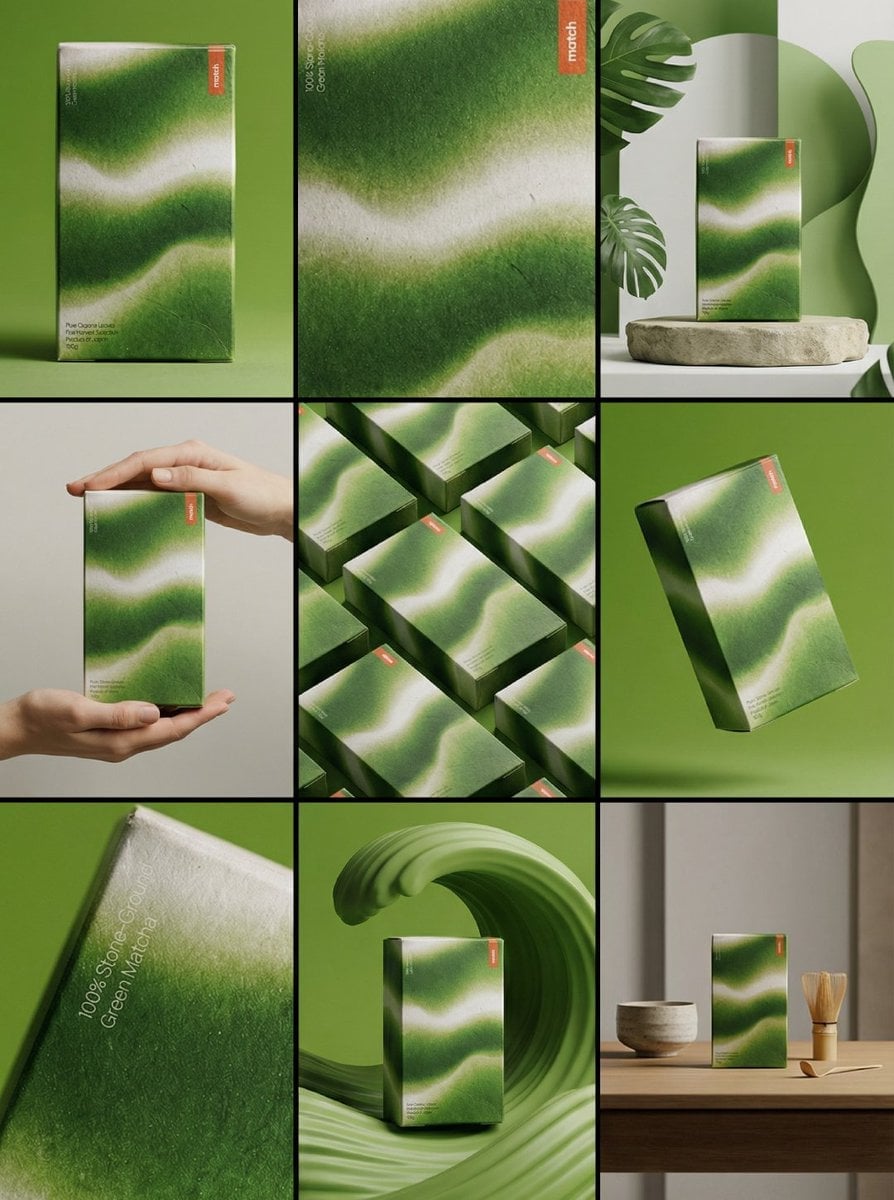
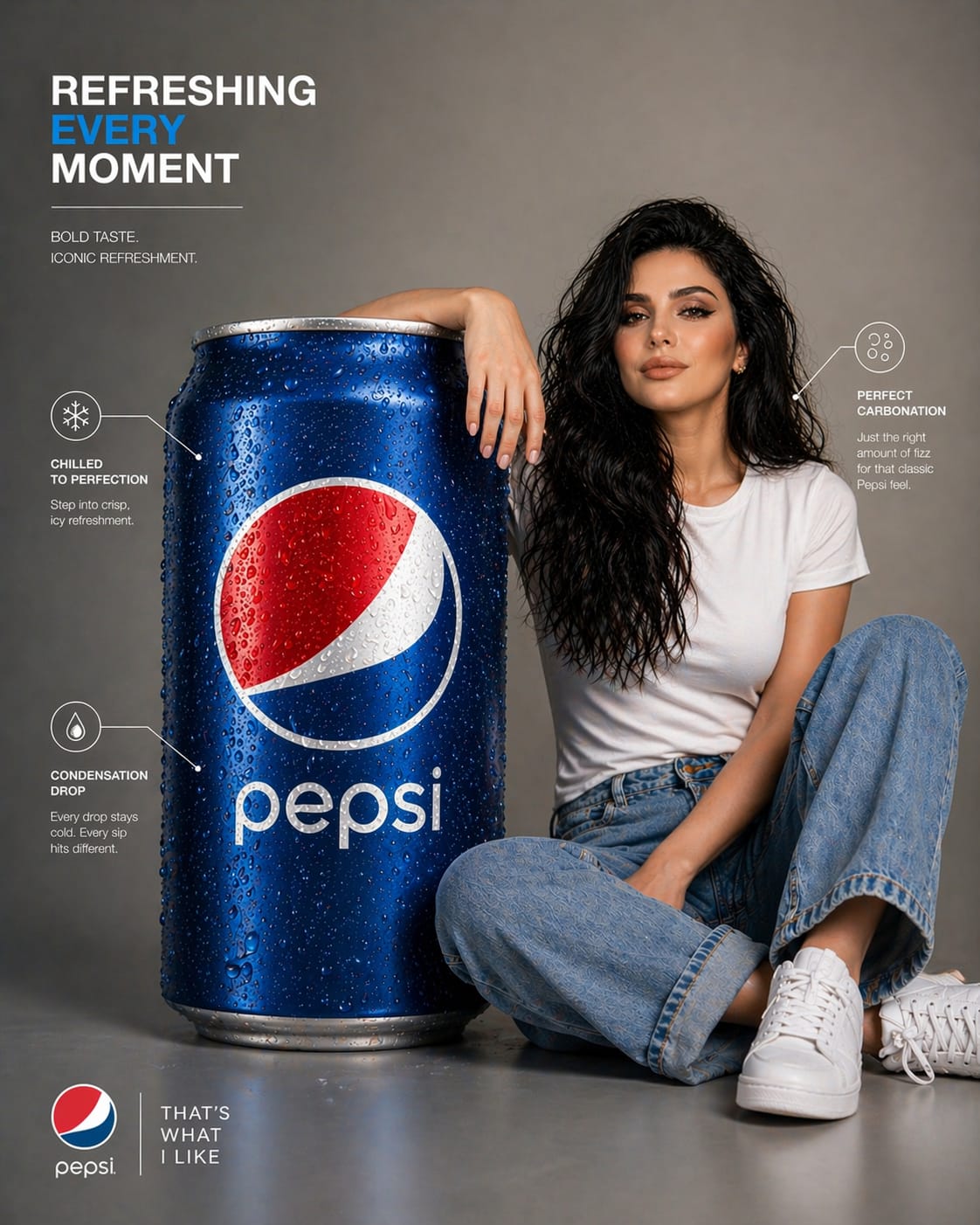
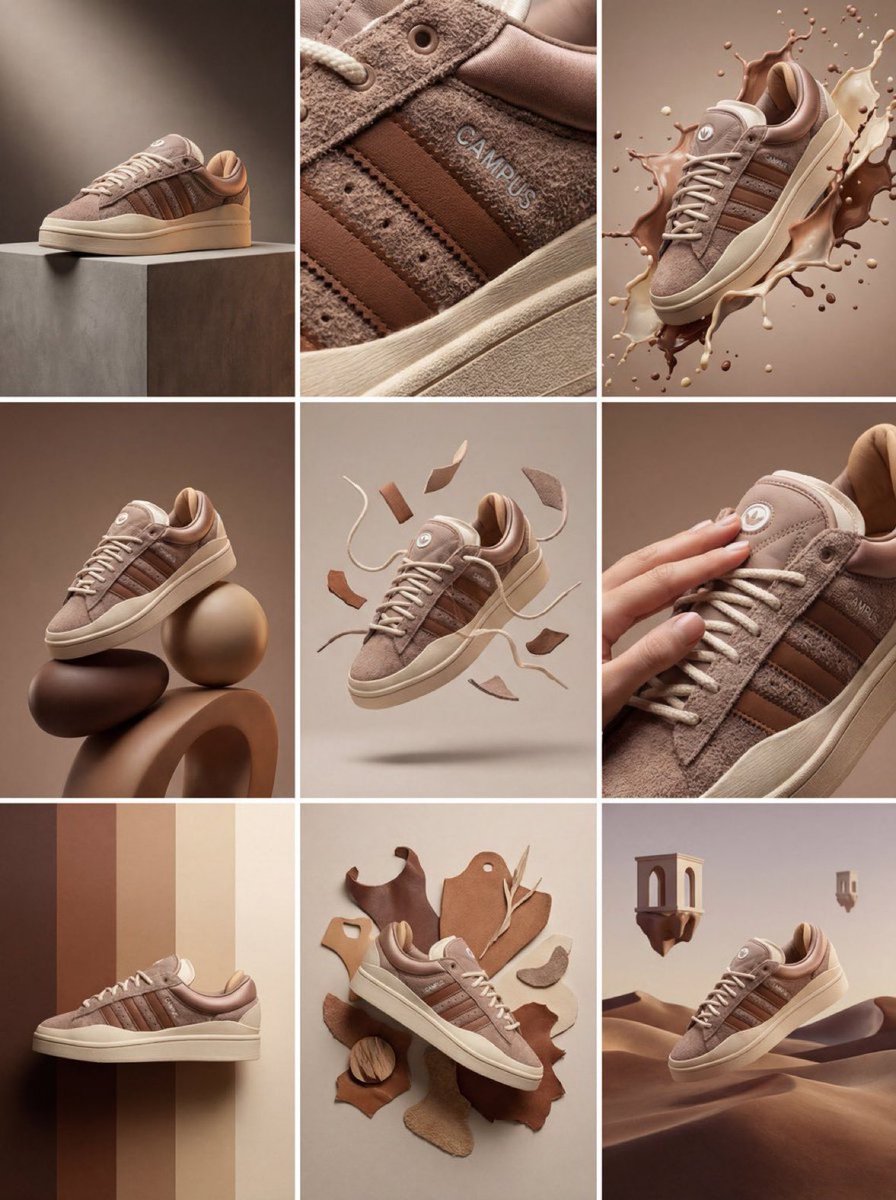
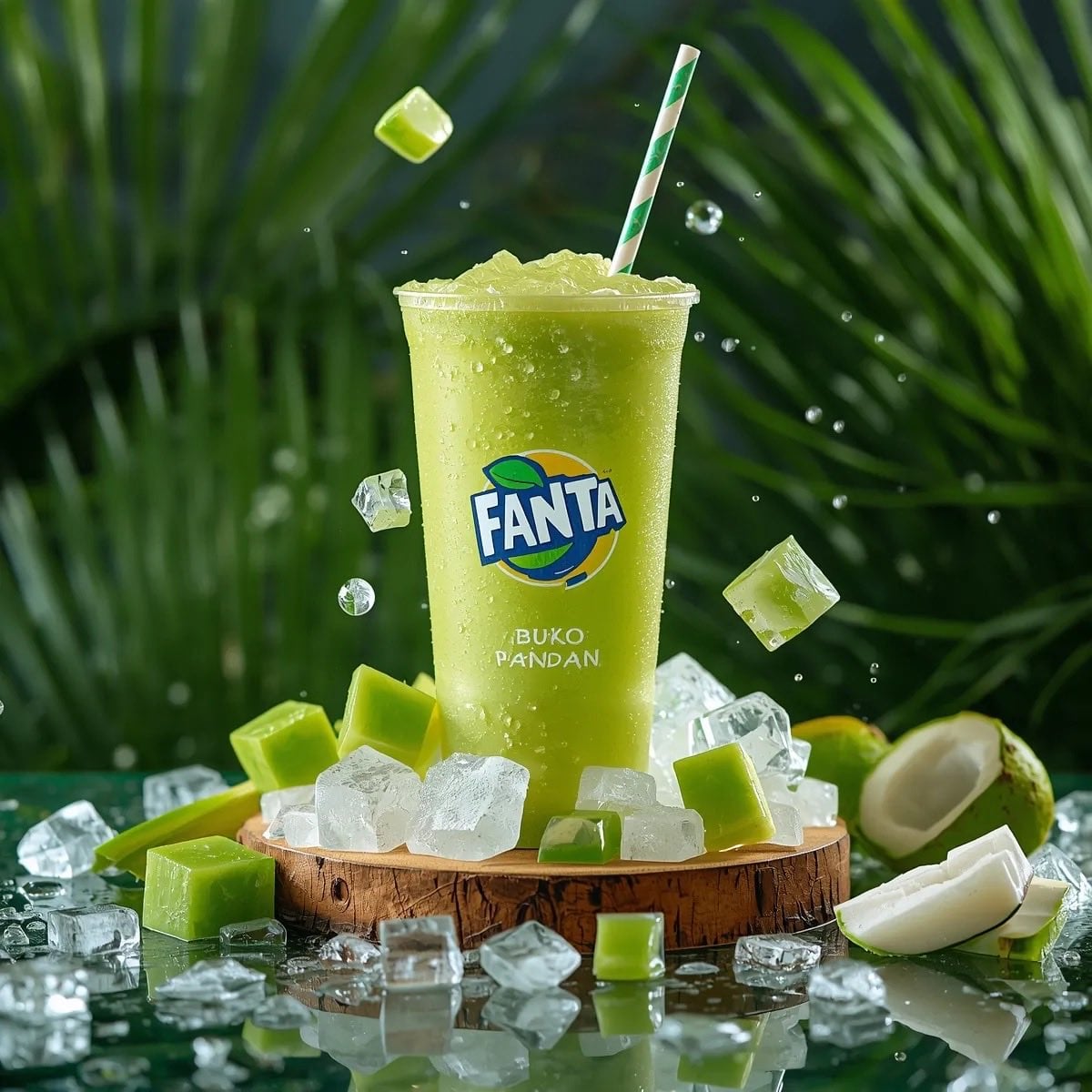
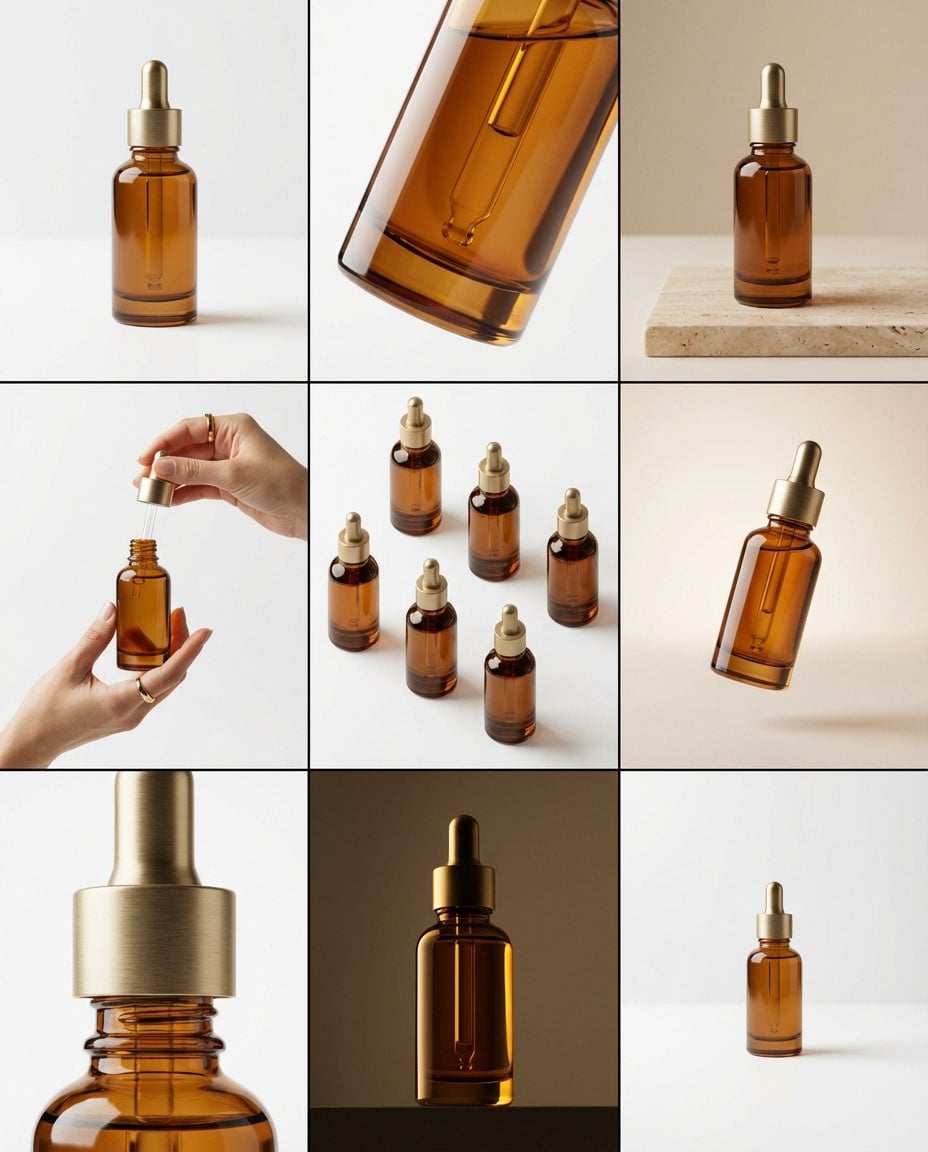
How do I use the Commercial Product Splash Photography template?
Edit the prompt in the box under the preview — the template's model and format are already selected — and press Generate. Your version appears right on this page.
Curated from MeiGen gallery (ID: 2017420332458774791) by Meem.

{ "master_prompt": { "global_settings": { "resolution": "8K ultra-high-definition", "aspect_ratio": "3:4 vertical", "style": "hyper-realistic AI-edited commercial product photography", "sharpness": "extreme clarity, micro-detail visibility", "lighting_quality": "cinematic studio lighting with controlled highlights and shadows", "motion_freeze": "high-speed capture, frozen splashes and particles", "noise": "none", "artifacts": "none" }, "module_1_image_1_style": { "subject": { "type": "plastic protein drink bottle", "color": "deep matte blue", "surface_details": "condensation droplets across entire bottle", "label_text_visible": [ "milk & yogurt", "mock up", "protein", "SEPARATED SHADOWS" ] }, "pose_and_orientation": { "position": "slightly tilted to the right", "angle": "three-quarter view", "motion_feel": "dynamic, leaning into splash" }, "liquid_and_motion": { "liquid_color": "white and light beige milk mixture", "texture": "smooth, creamy, fluid", "motion": "swirling splash rising around bottle base and sides" }, "floating_elements": { "blueberries": "whole and halved blueberries at different depths", "mint_leaves": "small green leaves with visible veins", "droplets": "milk droplets and spheres suspended mid-air" }, "background": { "color_gradient": "dark blue to warm amber", "bokeh": "soft circular light particles scattered throughout" }, "surface_and_reflection": { "base": "matte ground with light liquid pooling", "shadow_style": "soft separated shadow under bottle" } }, "module_2_image_2_style": { "subject": { "type": "metal coffee can", "color": "warm gold", "surface_details": "heavy condensation with visible droplets", "branding_text_visible": [ "NESCAFÉ", "Latte", "NEW LOOK", "ICED COFFEE WITH MILK", "SUGAR AND SWEETENER OPTIONAL" ] }, "pose_and_orientation": { "position": "upright, centered", "angle": "front-facing", "presence": "hero product stance" }, "liquid_and_motion": { "liquid_color": "coffee and milk blend", "motion": "splash erupting from base", "droplet_behavior": "fine droplets scattered outward" }, "floating_elements": { "coffee_beans": "whole roasted beans floating around can", "steam": "thick swirling steam rising upward", "embers": "tiny glowing particles in background" }, "background": { "color_palette": "deep brown, amber, gold", "atmosphere": "warm, smoky, intense" }, "surface_and_reflection": { "base": "wet surface with liquid splash crown", "reflection_quality": "subtle reflective highlights" } } } }
Edit the prompt in the box under the preview — the template's model and format are already selected — and press Generate. Your version appears right on this page.
Yes. You can change the subject, setting, lighting, mood, format, and available model controls before creating your image.
Opening and editing this template is free. Generating uses credits, shown on the Generate button when you are signed in.
Choose a compatible model in PicX Studio based on the style, speed, and output controls your project needs.
Follow a topic to a crawlable collection of related PicX Studio templates.