
Dual Car Typography Poster Series
Curated from MeiGen gallery (ID: 2047986905896427670) by Murphy.
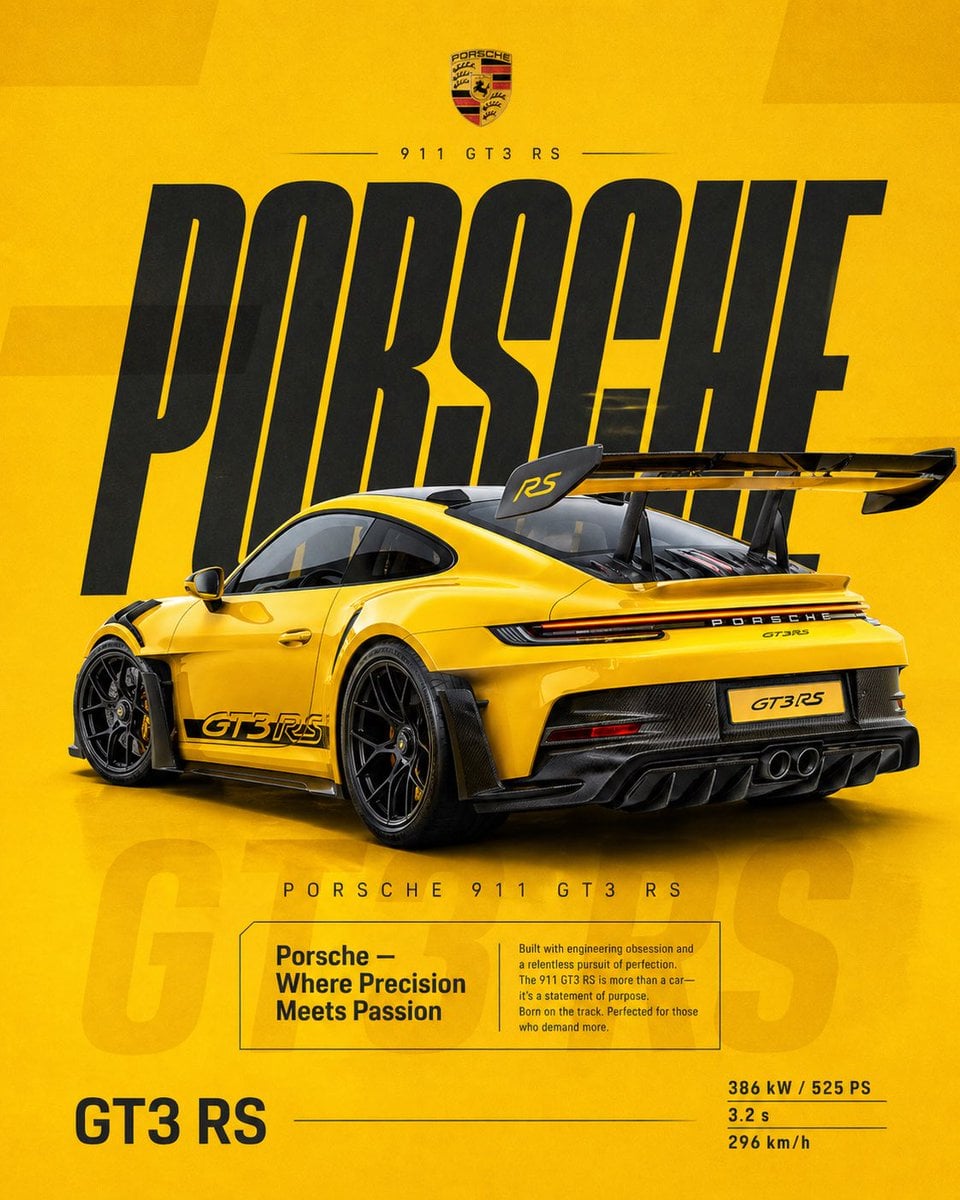
- Prompt included
- Model and format preset
- Free template
The prompt behind this image
Copy the exact prompt behind Dual Car Typography Poster Series, or open it in the studio and make it yours.
4:5 vertical social poster, ultra high resolution, 8K SCENE / BACKGROUND: Flat racing yellow with subtle gradient (light -> deep amber) Grain texture 2-3% Soft rectangular overlays at 3% opacity PRODUCT: Porsche 911 GT3 RS Gloss yellow with carbon details Rear 3/4 angle, slightly elevated Wing dominant Position: Right of center TYPOGRAPHY: "PORSCHE" Ultra tall, condensed, stretched Deep charcoal Secondary: "PORSCHE 911 GT3 RS" EDITORIAL: "Porsche — Where Precision Meets Passion" Focus: engineering, obsession, track DNA FADED TEXT: "GT3 RS" at 3-5% SPECS: 386 kW / 525 PS 3.2 s 296 km/h LIGHTING: Clean studio, sharp highlights MOOD: Precision. Iconic. Timeless performance. FORMAT: 4:5 vertical social poster, ultra high resolution, 8K, print-quality sharpness SCENE / BACKGROUND: Flat, high-saturation BMW blue background Gradient: Top -> slightly lighter electric blue Bottom -> deep navy blue Surface: - Subtle grain texture (2-3%) - Faint rectangular overlays (2-4% opacity) - Clean, graphic -- no realism Shadow: Soft contact shadow under car PRODUCT (CAR): BMW M4 CSL Color: Matte frozen blue / deep metallic navy Angle: Rear 3/4 perspective (IMPORTANT -- match Porsche angle for consistency) Slightly elevated camera Position: Slightly right of center Details: - Carbon roof visible - Aggressive diffuser - Sharp reflections - Subtle brake detail COMPOSITION: IDENTICAL to Porsche: Top -> branding Middle -> giant type Center -> car overlap Bottom -> editorial + specs TYPOGRAPHY: PRIMARY: "BMW" Style: Ultra condensed bold sans serif Tall vertical scaling (same as Porsche) Color: Deep navy / near black Behavior: Static (NO distortion -- unlike previous version) Acts as structural backdrop SECONDARY HEADER: "BMW M4 CSL" Thin, wide tracking LOGO AREA: BMW roundel centered above EDITORIAL BLOCK: Headline: "BMW -- Where Driving Becomes Instinct" Body: Focus on: - driver connection - control - performance precision Boxed layout, same structure as Porsche FADED TEXT: "CSL" large, 3-5% opacity behind box BOTTOM LEFT: "M4 CSL" BOTTOM RIGHT SPECS: 405 kW / 550 PS 3.4 s 307 km/h LIGHTING: Clean studio lighting Sharp but controlled highlights COLOR GRADING: Deep blues, high contrast, clean blacks CAMERA: 50mm, slightly elevated rear 3/4 MOOD: Performance. Precision. Driver focus.
How to use Dual Car Typography Poster Series in 3 steps
- 1
Open
The prompt is already in the box next to the preview, with the template's model and format selected.
- 2…a portrait of your subject in softgolden-hour light, 85mm…
Personalize
Edit the subject and creative details for your destination.
- 3Generate
Generate
Press Generate — your image is created in PicX Studio, so you can compare it with the original and refine one variable at a time.
More like this
Templates with the same subject, style or setup. Open one to see its prompt.
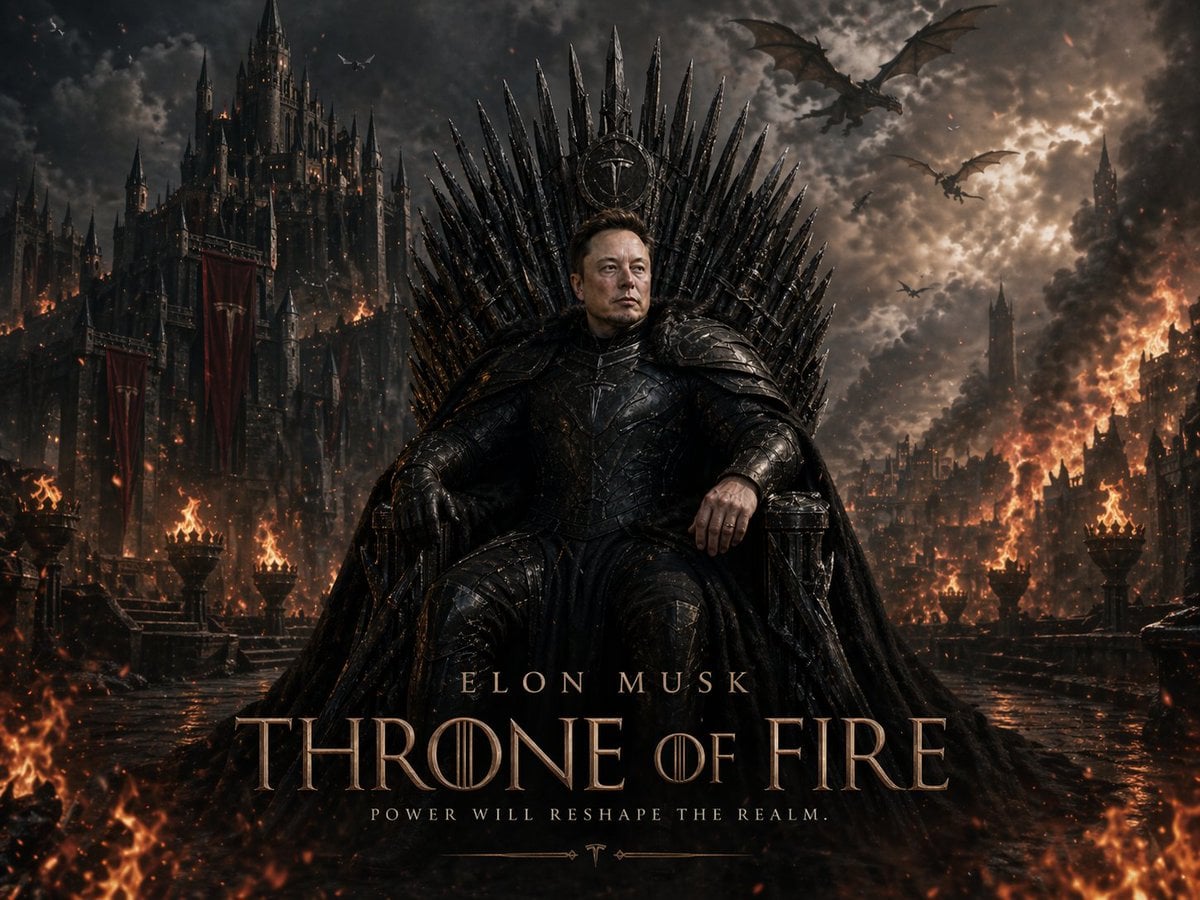
Sci-Fi AI Battle Movie Poster
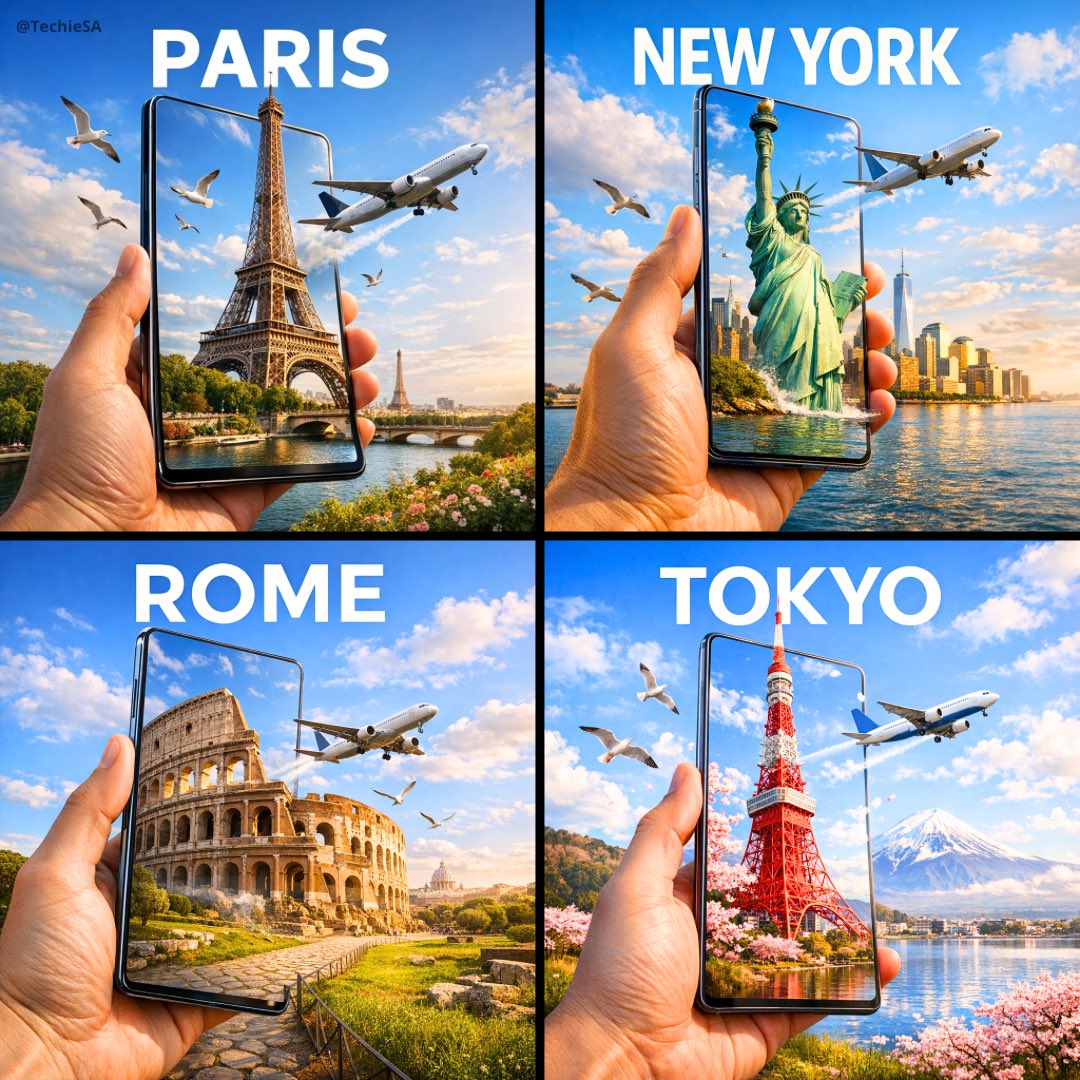
Travel Ad Phone Portal 3D Effect
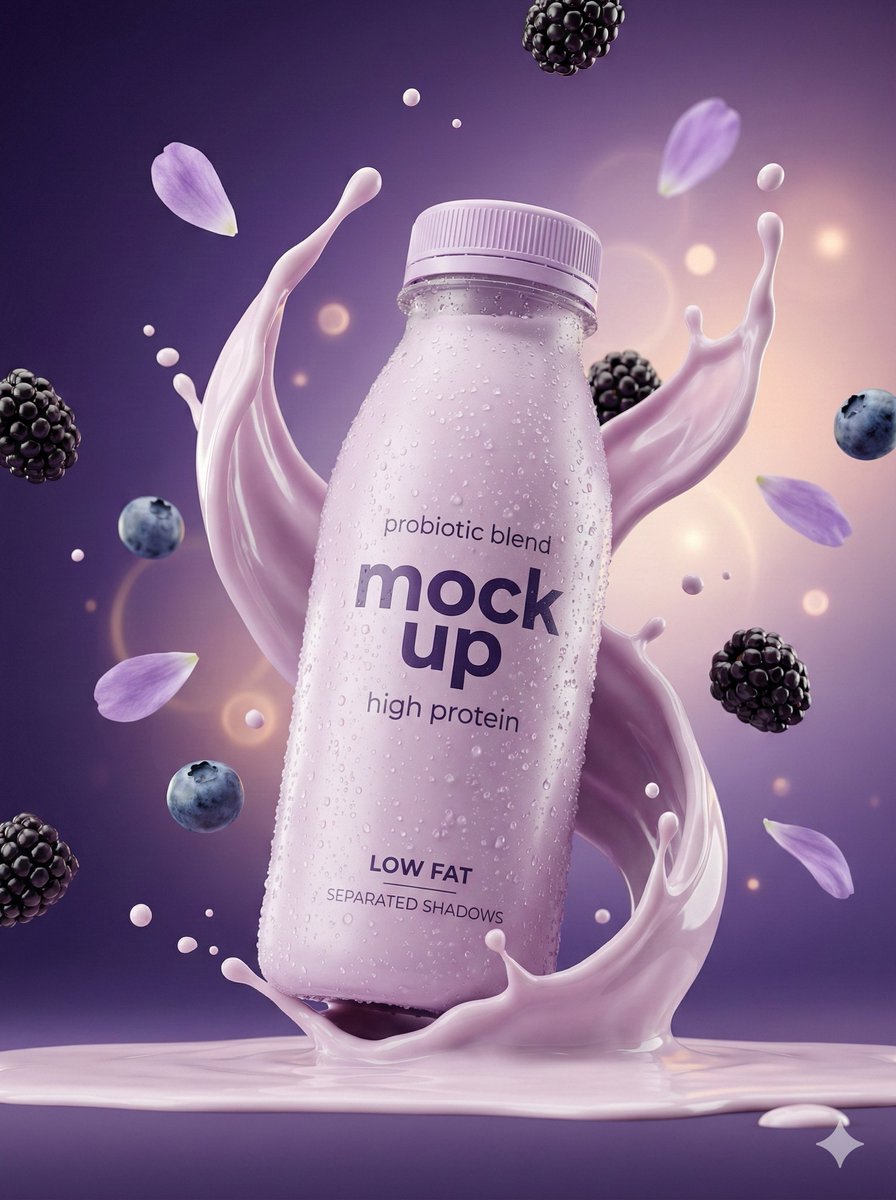
Music Album Cover Abstract Liquid Mercury
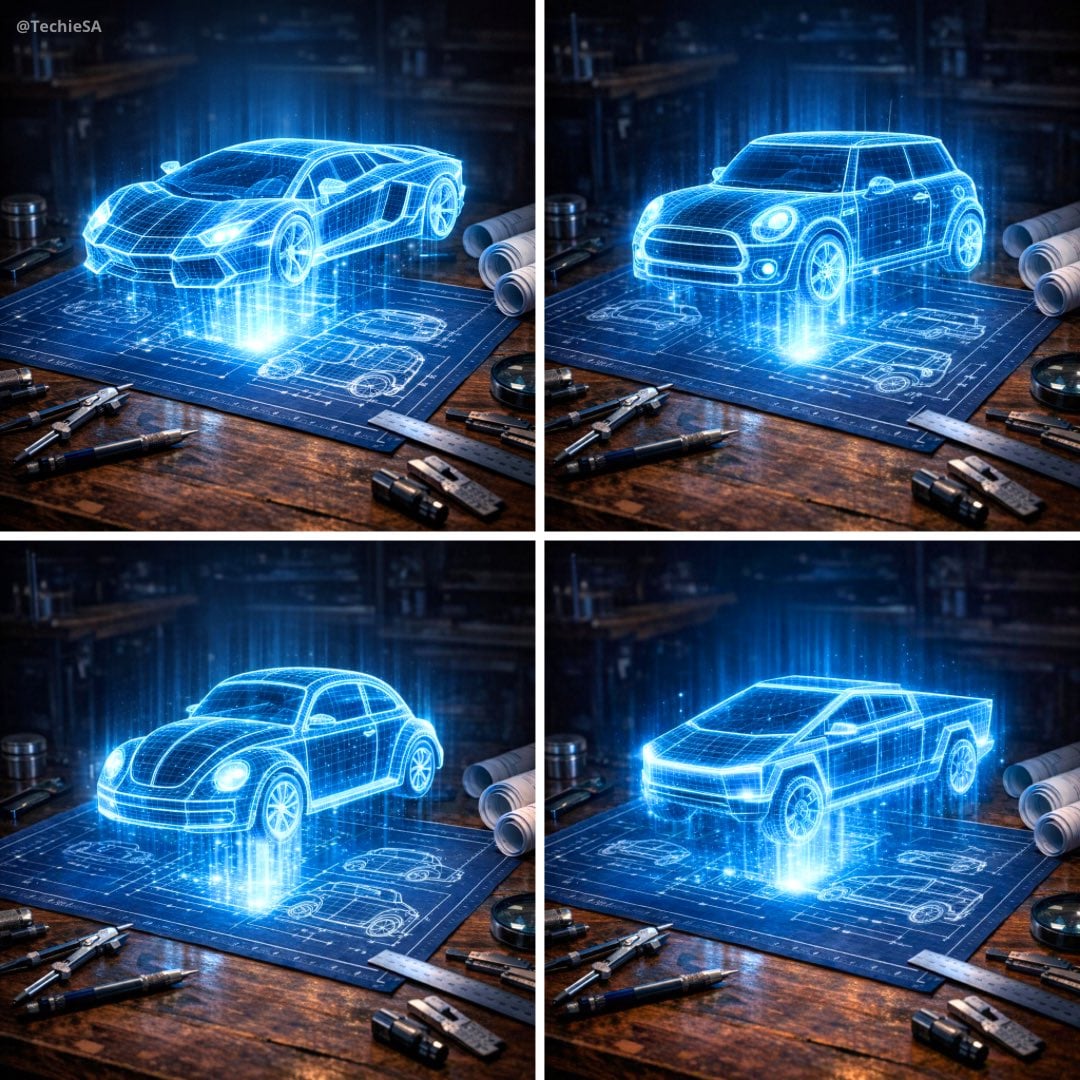
Holographic Car Blueprint Wireframe

Pixar Style Ensemble Movie Poster
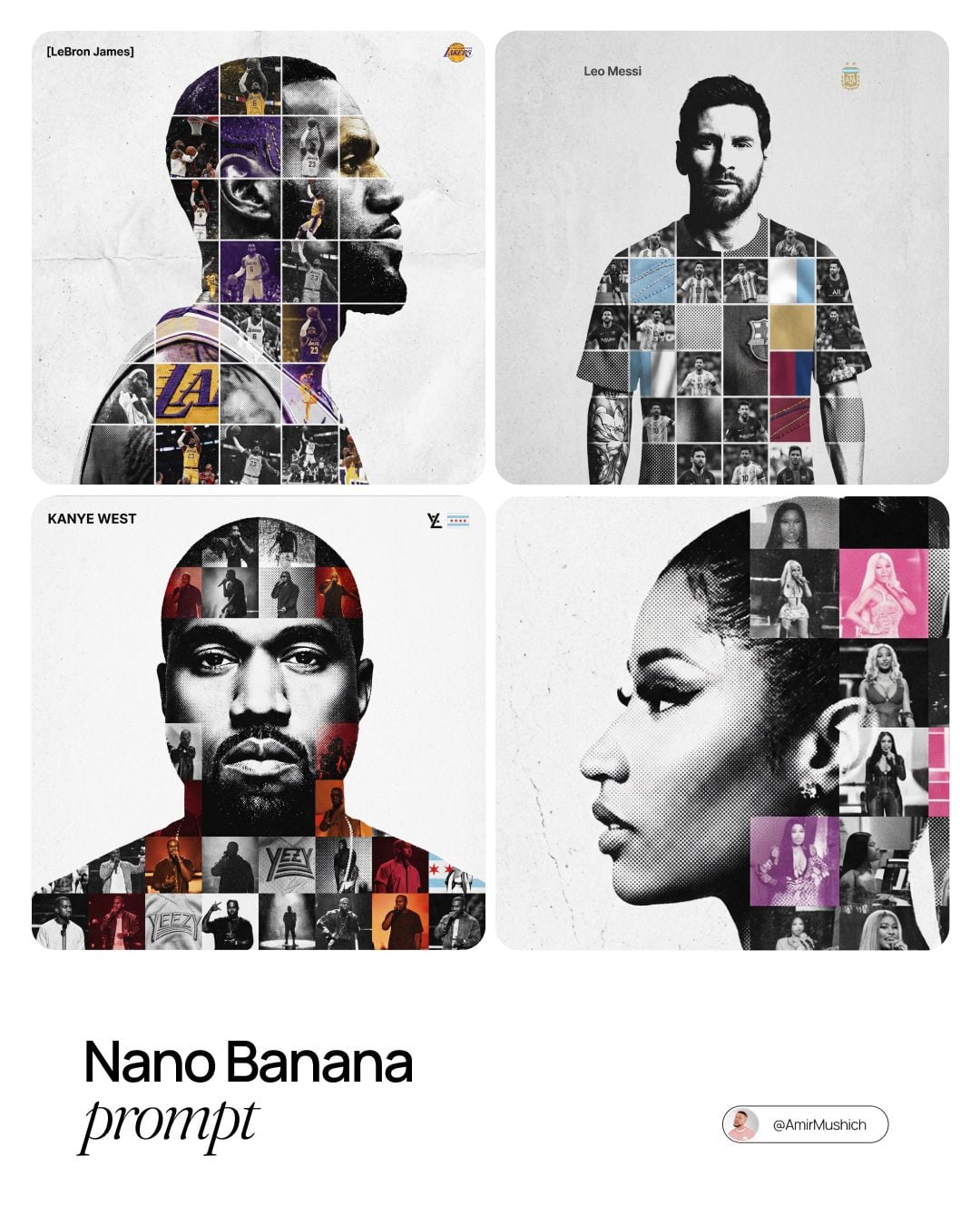
Sports Tribute Photo Mosaic Poster

Dynamic Smoothie Bowl Food Photography
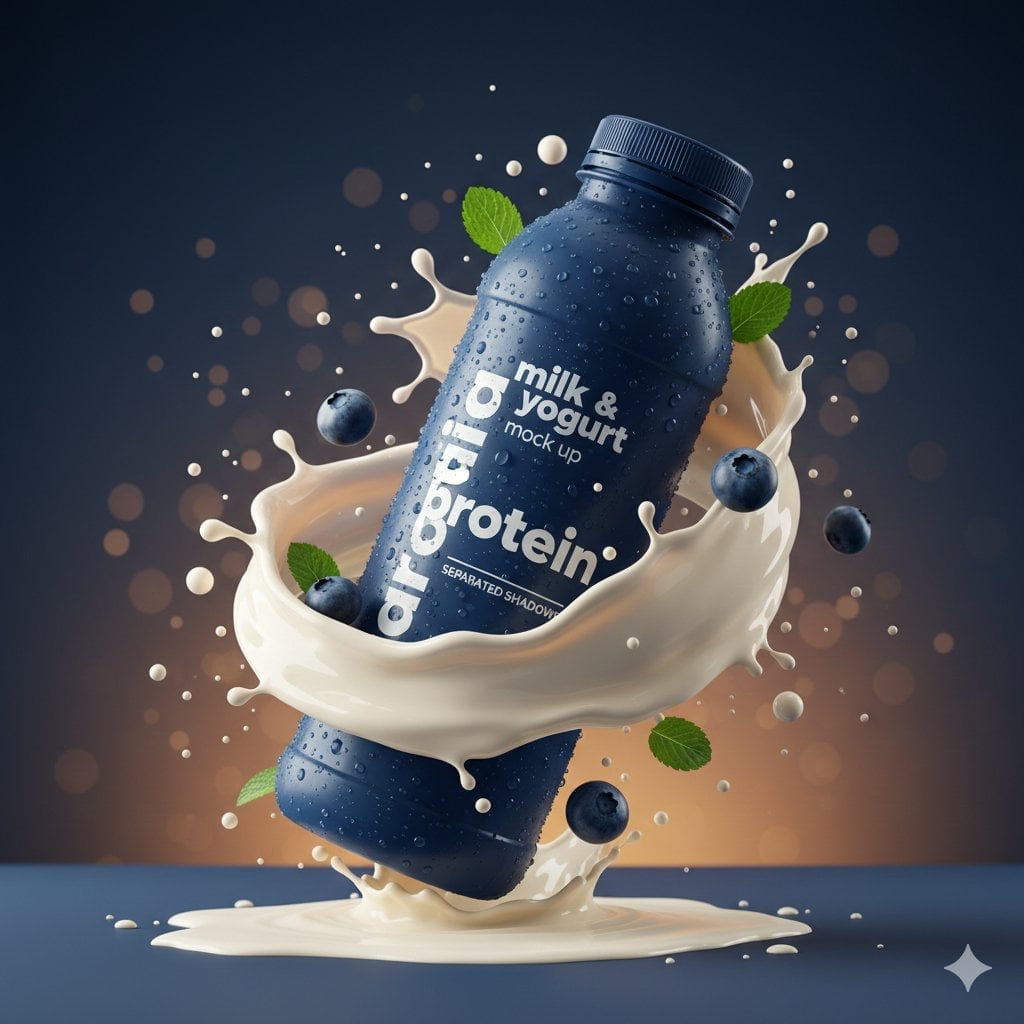
Commercial Product Splash Photography
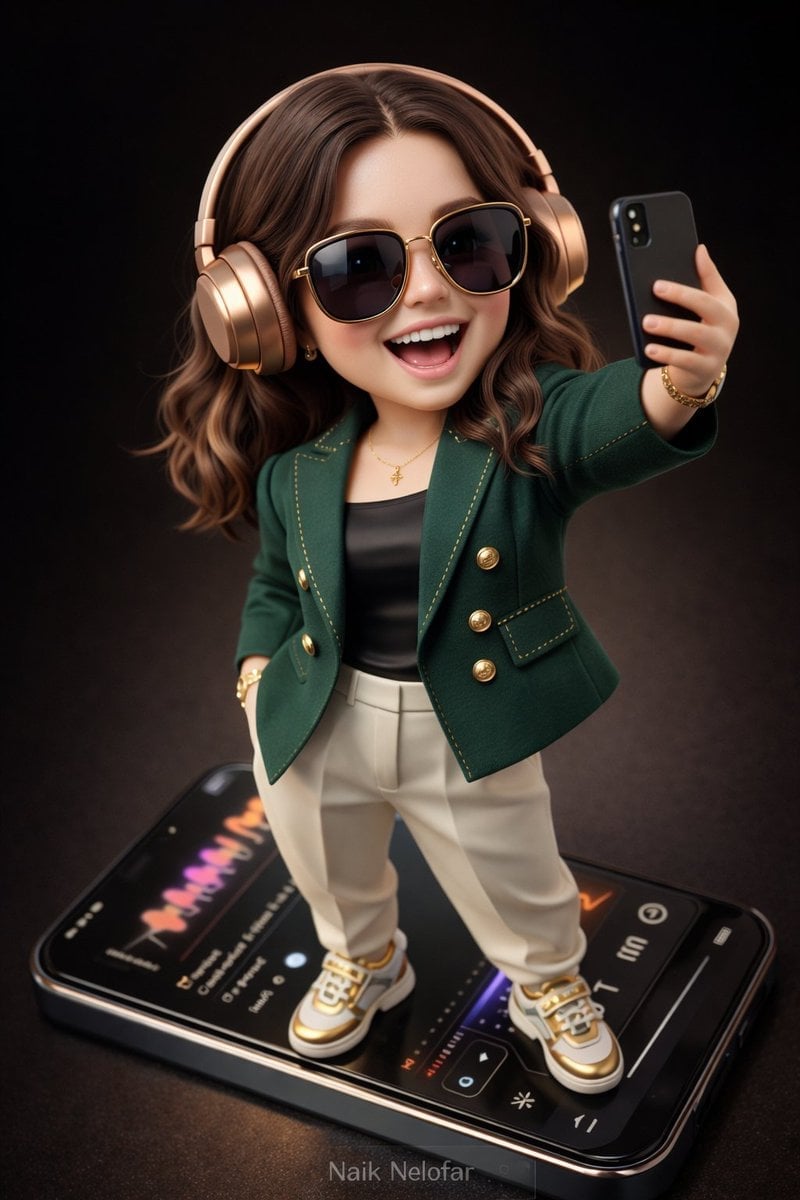
Chibi Designer Toy Character on Smartphone
Flower Petal Sunglasses Couture Portrait

Watercolor Children Book Illustration

Plush Cartoon Character Doraemon Tribute
Make it yours
Dual Car Typography Poster Series works as-is. These are the safest ways to change it without losing the look.
Change one field
Copy a single group, rewrite it, and generate again so you can see what that field is doing.
Keep the frame, change the subject
Hold the composition and light of Dual Car Typography Poster Series, then swap wardrobe, props or the person for a new take.
| If the result… | Why | Fix |
|---|---|---|
| The result drifts from the preview | Too many fields changed at once. | Reuse Dual Car Typography Poster Series as-is first, then change one group — subject, light, or setting. |
| The model over-stylizes the scene | The prose prompt leaves finish and camera underspecified. | Add one camera or lighting sentence and stay on PicX Studio. |
More image prompts
Fresh picks from across the catalog.
Freedom in Motion — Cinematic Sprint
Anime Character Real-World Stream i2i
Misty Chinese Spring Riverscape
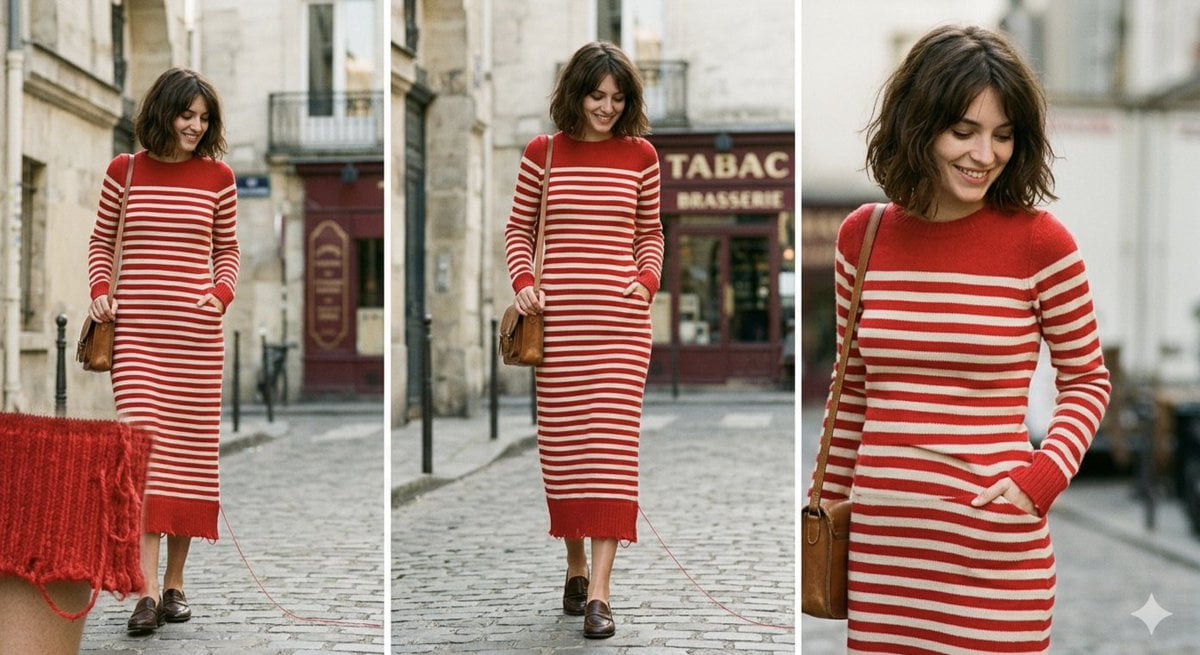
Parisian High-Fashion Editorial Triptych Prompt for Nano Banana Pro
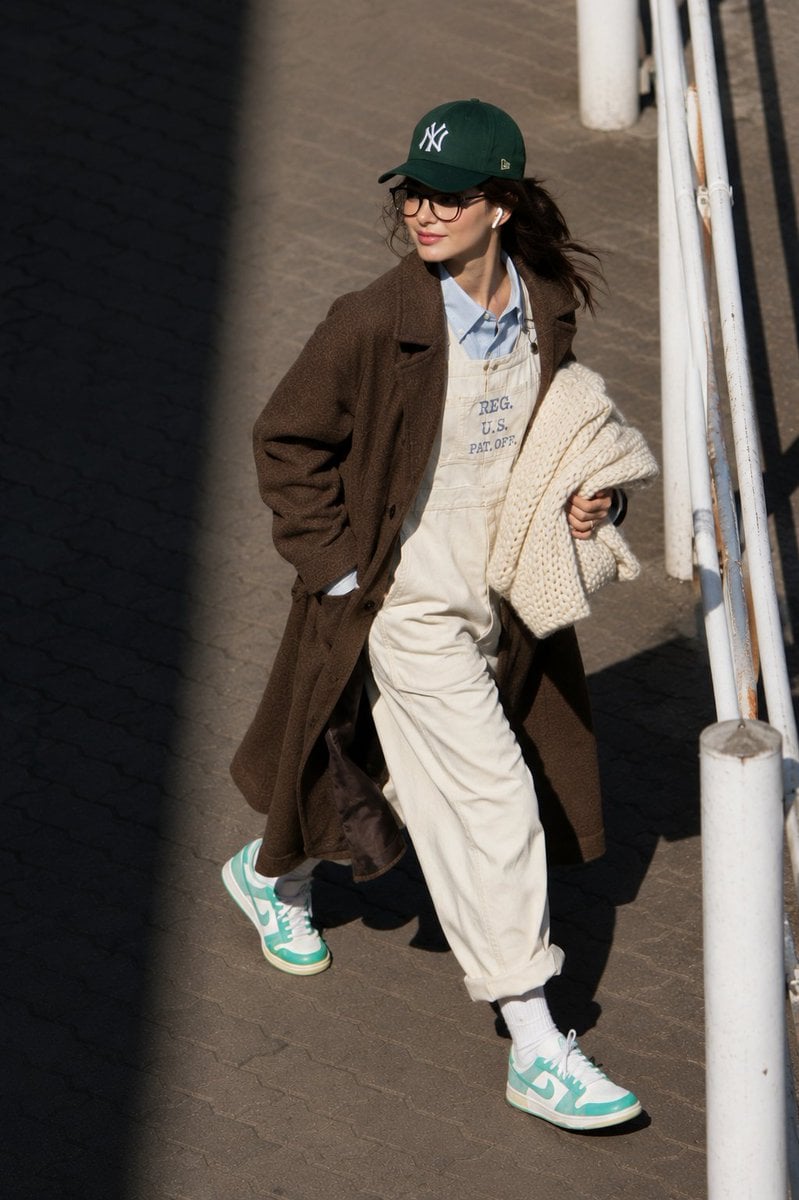
@itsPolloAI Prompt : Ultra-realistic candid street

Golden Hour Rooftop Portrait
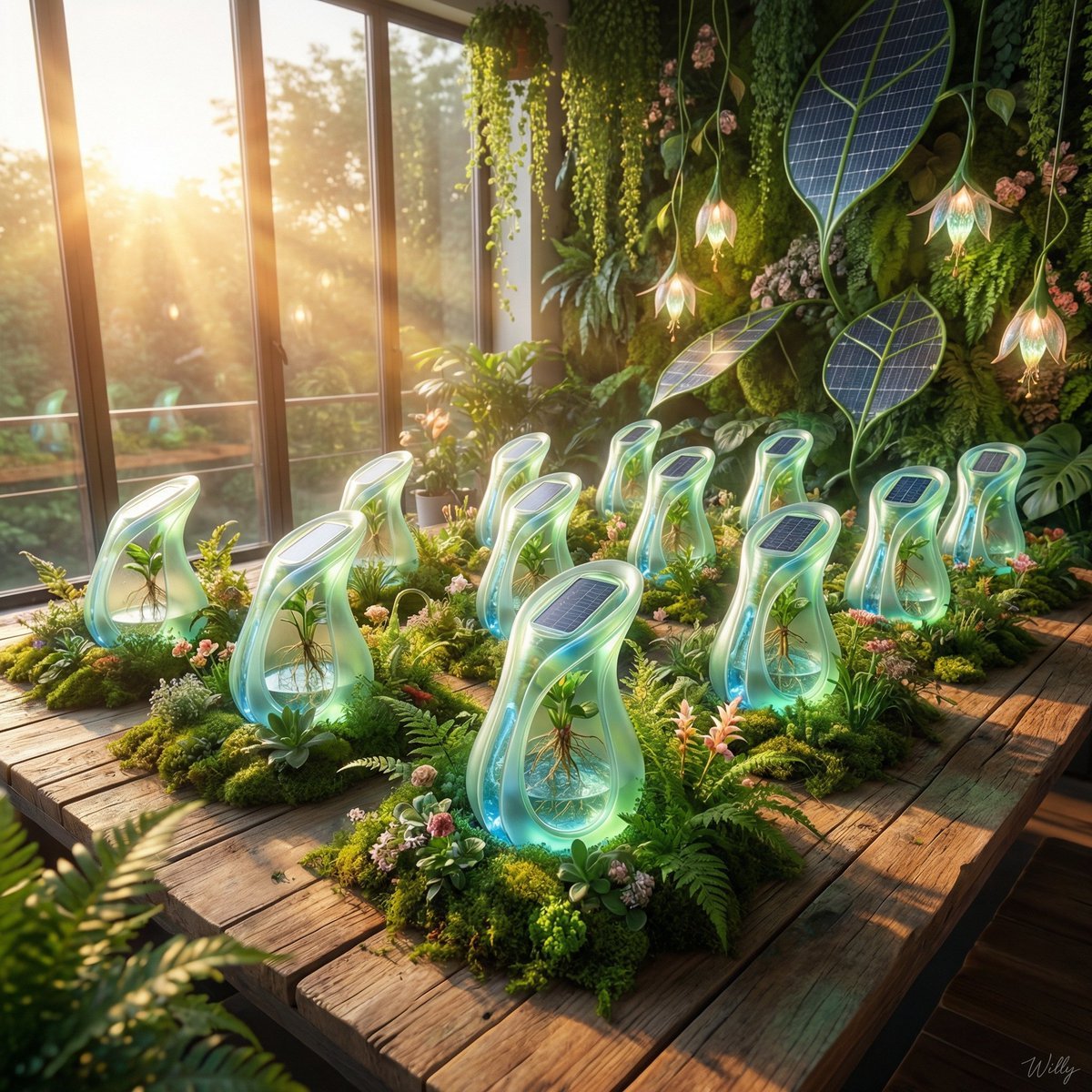
Solarpunk Product Showcase with Bioluminescence
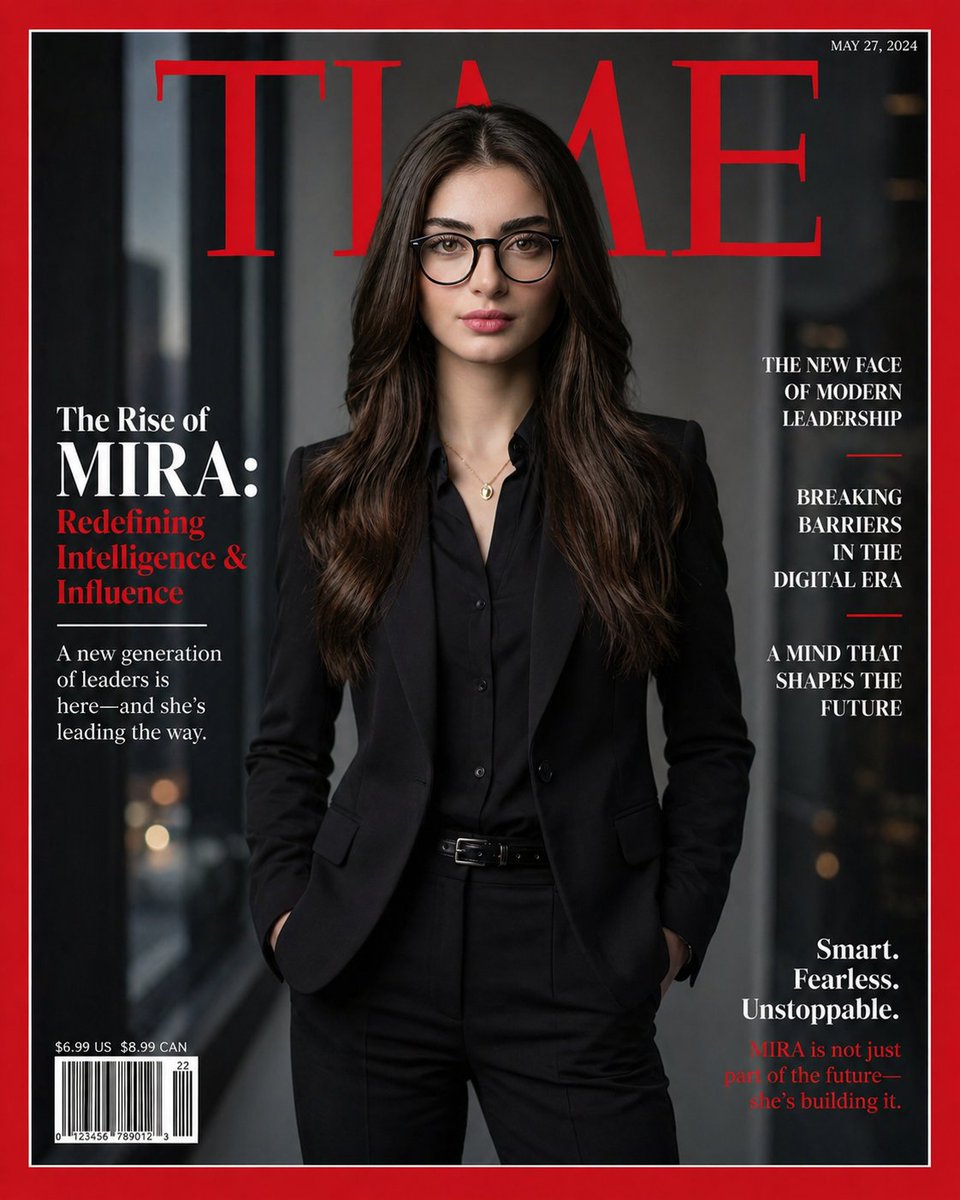
Personalized TIME magazine cover

Origami Pop-Up T-Rex Book Ad
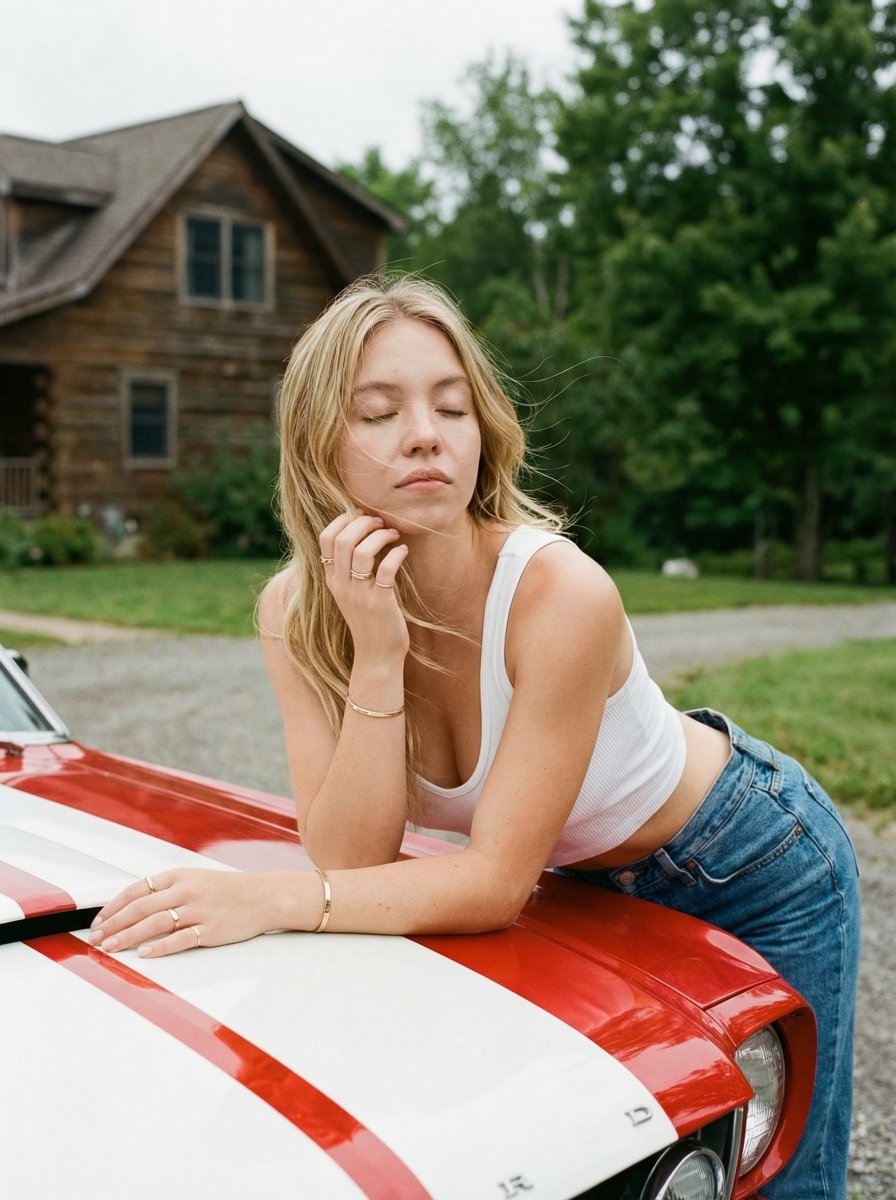
Vintage Car Lifestyle Portrait with Identity Lock
Browse template categories
Dual Car Typography Poster Series questions
How do I use the Dual Car Typography Poster Series template?
Add your photo if the template asks for one, edit the prompt if you like — the template's model and format are already selected — and press Generate. Your version opens in PicX Studio.
Can I customize the Dual Car Typography Poster Series template?
Yes. You can change the subject, setting, lighting, mood, format, and available model controls before creating your image.
Is the Dual Car Typography Poster Series template free?
Opening and editing this template is free. Generating uses credits, shown on the Generate button when you are signed in.
Which AI model should I use?
Choose a compatible model in PicX Studio based on the style, speed, and output controls your project needs.
Looking for something else? Browse all templates.

Your photo, any look
Thousands of ready templates for every top image and video model, from one credit balance.