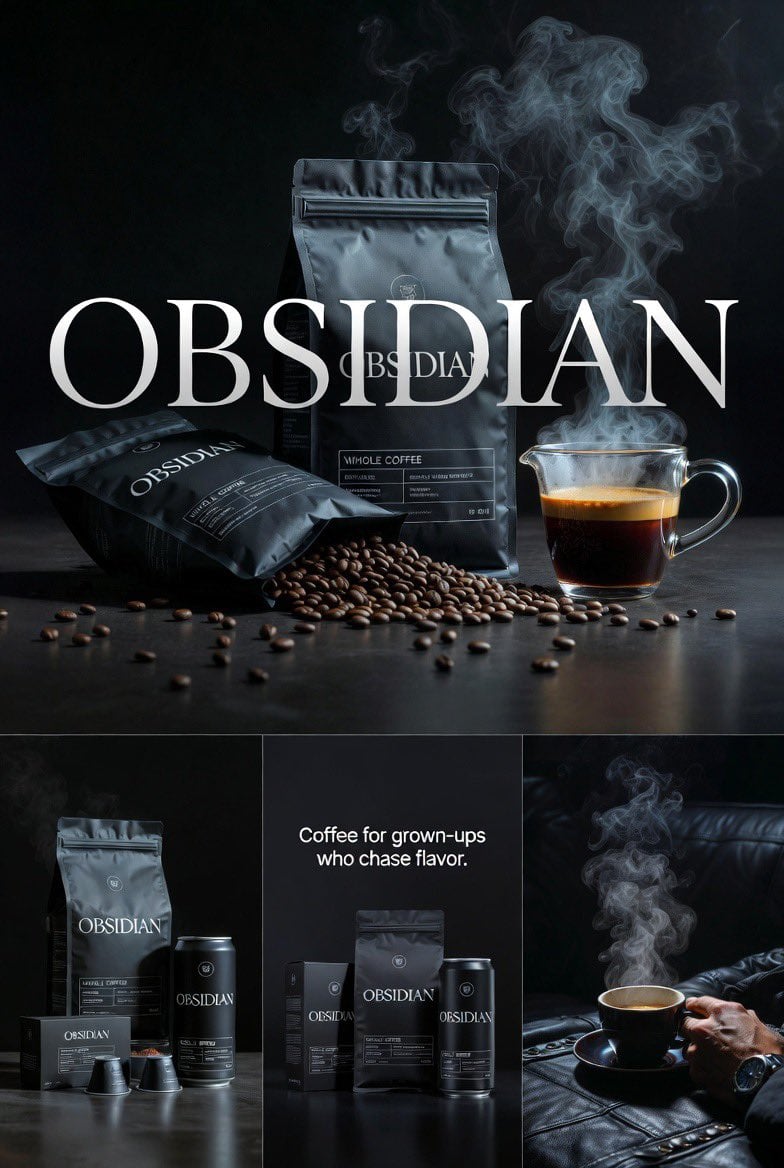
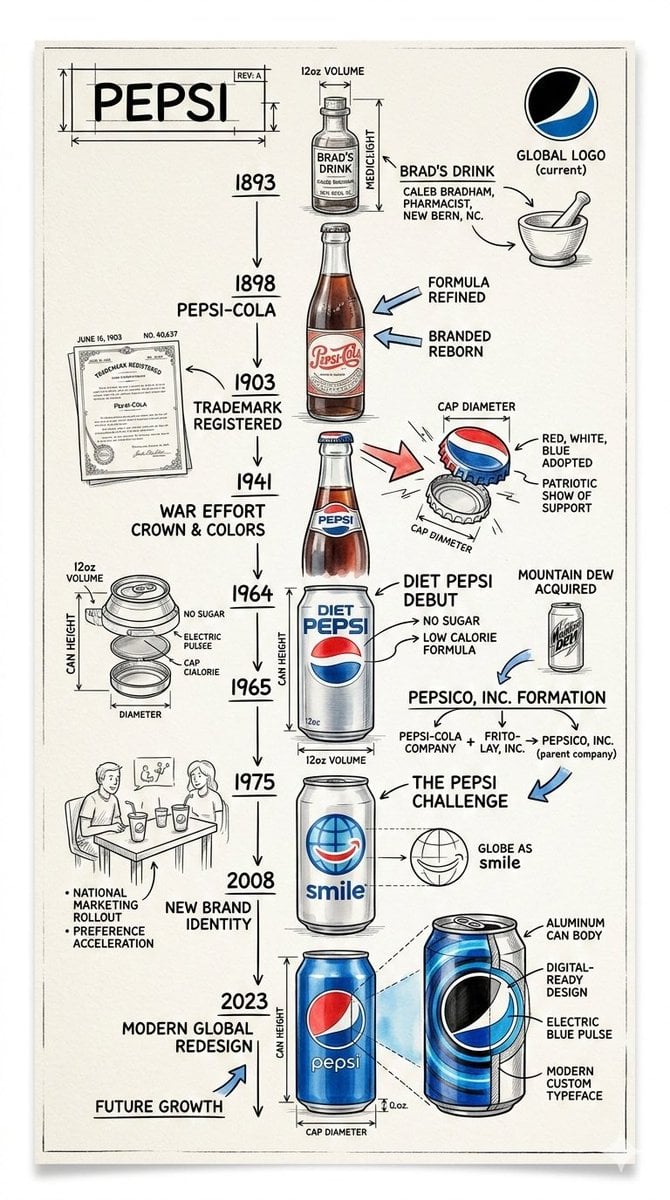
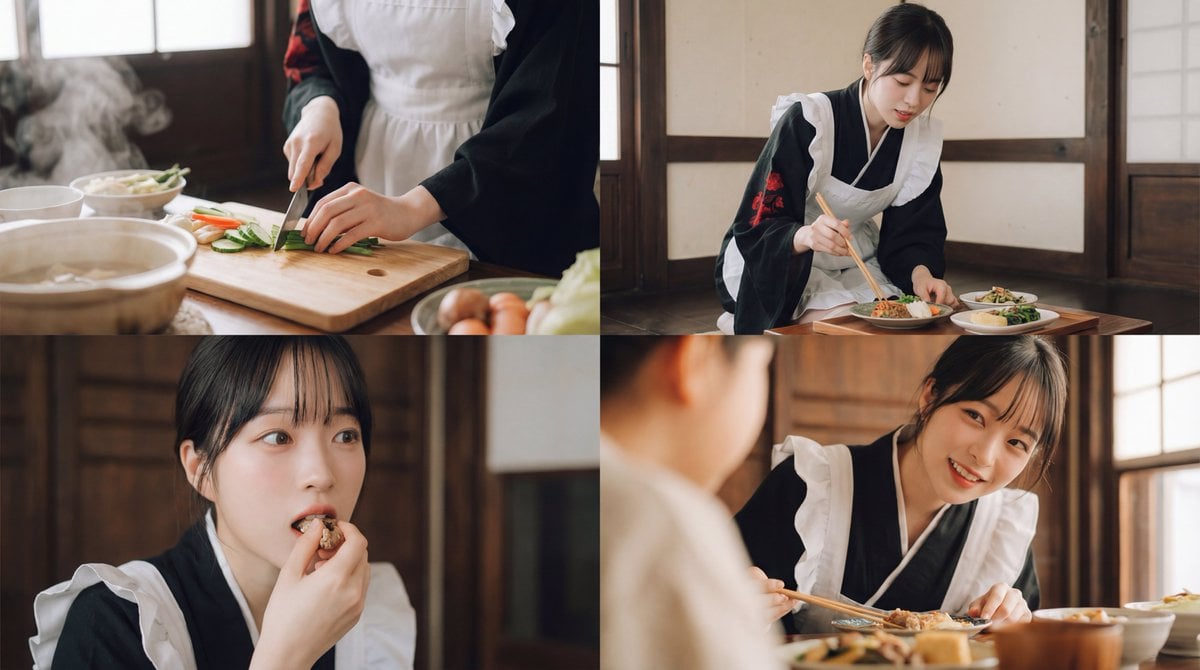
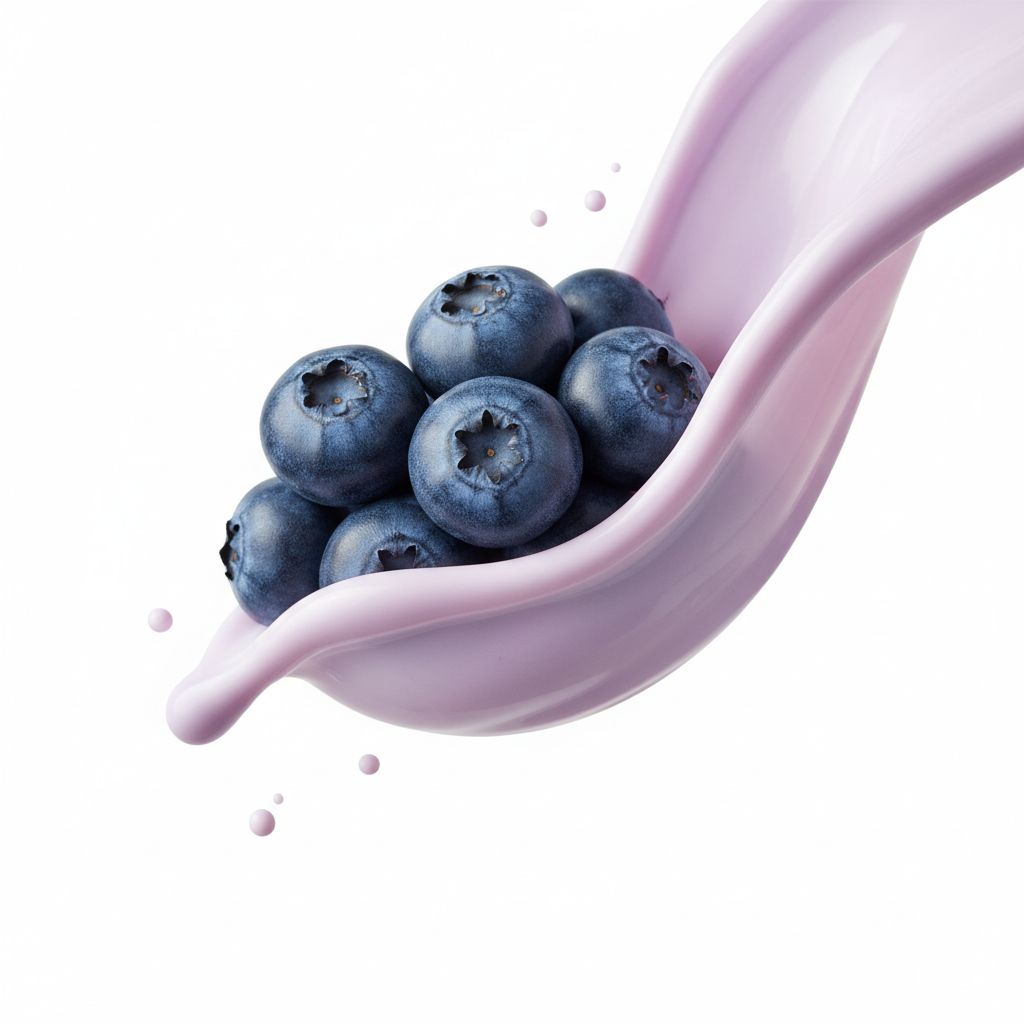
How do I use the Music Album Cover Abstract Liquid Mercury template?
Edit the prompt in the box under the preview — the template's model and format are already selected — and press Generate. Your version appears right on this page.
Curated from MeiGen gallery (ID: 2019069034365698163) by Johnn.

{ "master_prompt": { "global_settings": { "resolution": "8K ultra-high-definition", "aspect_ratio": "3:4 vertical", "style": "hyper-realistic AI-edited music album cover art", "sharpness": "extreme clarity, micro-detail visibility", "lighting_quality": "cinematic studio lighting with controlled highlights and shadows", "motion_freeze": "high-speed capture, frozen splashes and particles", "noise": "none", "artifacts": "none" }, "module_1_image_1_style": { "subject": { "type": "abstract music album cover", "color": "deep electric blue with cyan accents", "surface_details": "liquid mercury texture with organic fluid shapes", "label_text_visible": [ "SUBMERGED", "FREQUENCIES", "VOLUME 1" ] }, "pose_and_orientation": { "position": "centered floating composition", "angle": "direct frontal view", "motion_feel": "dynamic fluid suspension" }, "liquid_and_motion": { "liquid_color": "metallic mercury silver with cyan bioluminescence", "texture": "fluid, reflective, organic", "motion": "flowing mercury forms suspended in zero gravity" }, "floating_elements": { "sound_waves": "visualized audio waveforms as geometric ripples", "particles": "microscopic metallic particles suspended in fluid", "light_rays": "caustic light patterns through liquid forms" }, "background": { "color_gradient": "deep oceanic black to electric cyan", "bokeh": "soft circular light refractions" }, "surface_and_reflection": { "base": "liquid mercury surface with mirror reflections", "shadow_style": "soft separated shadow under floating forms" } }, "module_2_image_2_style": { "subject": { "type": "abstract album cover variant", "color": "molten gold with amber undertones", "surface_details": "liquid gold texture with organic molten forms", "label_text_visible": [ "ASCENDING", "HARMONICS", "VOLUME 2" ] }, "pose_and_orientation": { "position": "centered floating composition", "angle": "direct frontal view", "motion_feel": "dynamic fluid suspension" }, "liquid_and_motion": { "liquid_color": "rich liquid gold with copper undertones", "texture": "viscous, luminous, organic", "motion": "rising gold forms with thermal convection patterns" }, "floating_elements": { "frequency_bars": "visualized EQ bars as luminous pillars", "particles": "golden dust motes suspended in fluid", "energy_arcs": "electrical arc patterns through molten forms" }, "background": { "color_palette": "deep obsidian to warm amber gradient", "atmosphere": "smoky, intense, volcanic" }, "surface_and_reflection": { "base": "molten surface with liquid gold pooling", "reflection_quality": "subtle reflective highlights" } } } }
Edit the prompt in the box under the preview — the template's model and format are already selected — and press Generate. Your version appears right on this page.
Yes. You can change the subject, setting, lighting, mood, format, and available model controls before creating your image.
Opening and editing this template is free. Generating uses credits, shown on the Generate button when you are signed in.
Choose a compatible model in PicX Studio based on the style, speed, and output controls your project needs.
Follow a topic to a crawlable collection of related PicX Studio templates.