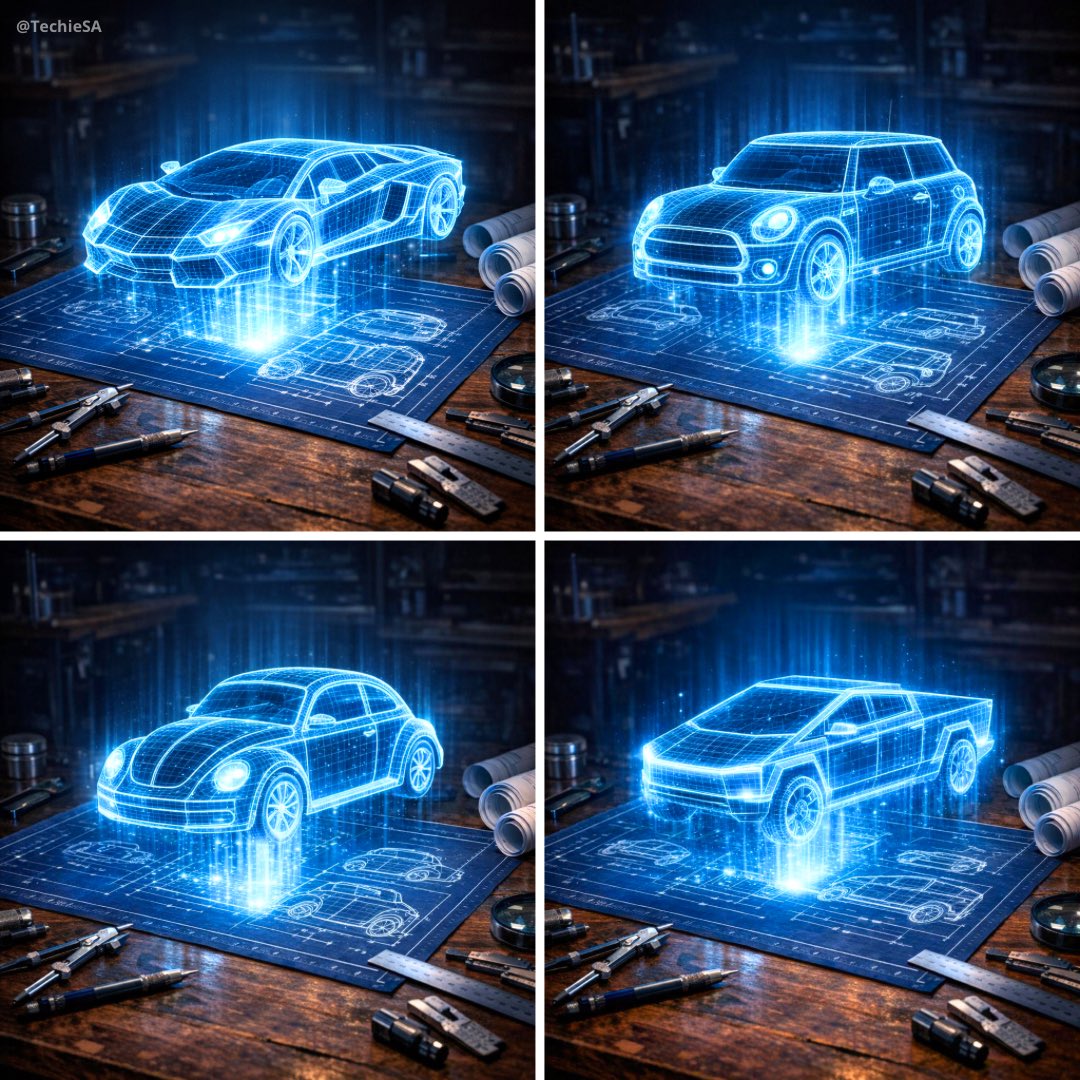
How do I use the Holographic Car Blueprint Wireframe template?
Edit the prompt in the box under the preview — the template's model and format are already selected — and press Generate. Your version appears right on this page.
Curated from MeiGen gallery (ID: 2009945337788805362) by TechieSA.

Create a hyper-realistic 3D holographic blueprint projection of a [CAR NAME] emerging as a luminous cyan/blue wireframe model from a dark blue technical blueprint sheet on a wooden workshop table. The car appears as glowing electric blue wireframe lines with grid patterns and transparent surfaces, creating a futuristic holographic effect. The 3D model hovers above the flat blueprint drawings with dramatic lighting and bright cyan glow. Surround with precision drafting tools, compass, rolled blueprints, and technical instruments on dark wooden surface. Dark atmospheric background with studio lighting. Aspect ratio: 1:1 (1080x1080 pixels). Do not include any vehicle logos or brand emblems
Create a hyper-realistic 3D holographic blueprint projection of a [CAR NAME] emerging as a luminous cyan/blue wireframe model from a dark blue technical blueprint sheet on a wooden workshop table. The car appears as glowing electric blue wireframe lines with grid patterns and transparent surfaces, creating a futuristic holographic effect. The 3D model hovers above the flat blueprint drawings with dramatic lighting and bright cyan glow. Surround with precision drafting tools, compass, rolled blueprints, and technical instruments on dark wooden surface. Dark atmospheric background with studio lighting. Aspect ratio: 1:1 (1080x1080 pixels). Do not include any vehicle logos or brand emblems
Edit the prompt in the box under the preview — the template's model and format are already selected — and press Generate. Your version appears right on this page.
Yes. You can change the subject, setting, lighting, mood, format, and available model controls before creating your image.
Opening and editing this template is free. Generating uses credits, shown on the Generate button when you are signed in.
Choose a compatible model in PicX Studio based on the style, speed, and output controls your project needs.
Follow a topic to a crawlable collection of related PicX Studio templates.