How do I use the Human with Miniature 3D Self Portrait template?
Edit the prompt in the box under the preview — the template's model and format are already selected — and press Generate. Your version appears right on this page.
Curated from MeiGen gallery (ID: 2008818683234361811) by Taaruk.

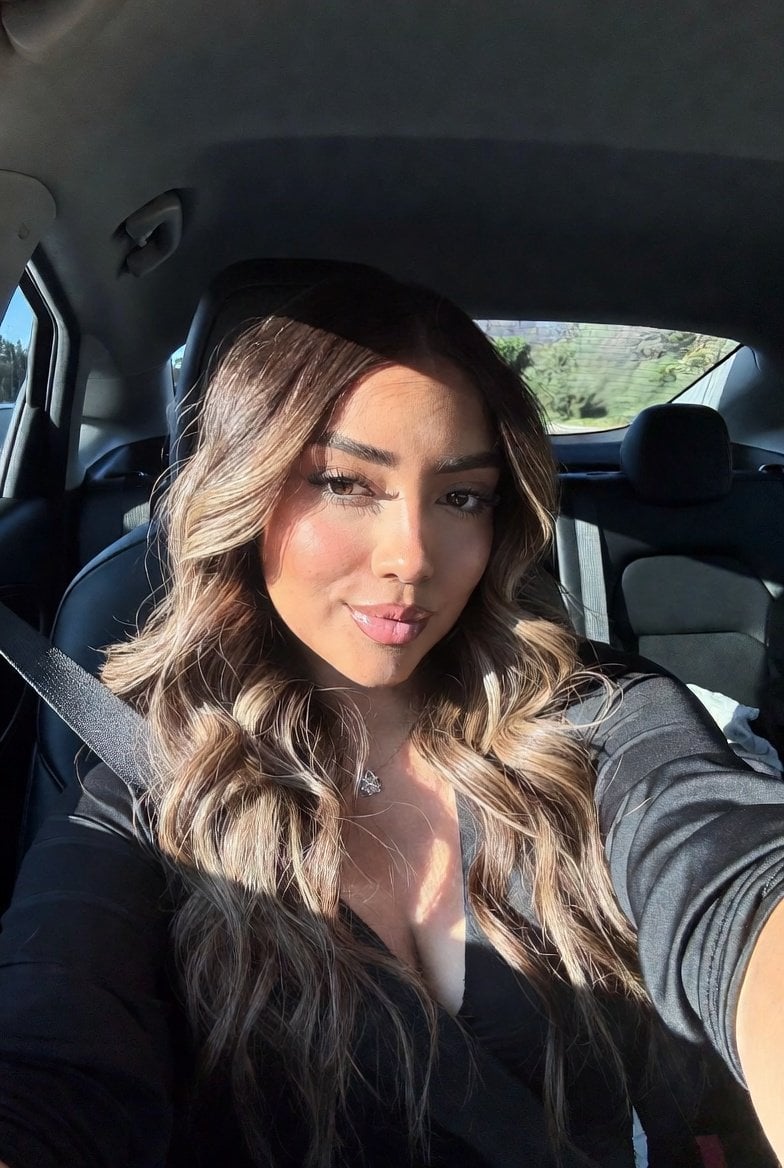
{ "Objective": "Create a hyper-realistic studio portrait blending photorealism with a whimsical 3D cartoon miniature character", "PersonaDetails": { "PrimarySubject": { "Type": "Young man", "Appearance": { "Hair": "Light brown hair, neatly styled", "FacialHair": "Neatly trimmed beard", "Skin": "Photorealistic, natural texture" }, "Expression": "Soft, warm smile", "Gaze": "Looking at the miniature character on his fingertips", "Wardrobe": "Blue t-shirt" }, "SecondarySubject": { "Type": "Tiny 3D cartoon version of the man", "Scale": "Miniature, resting on fingertips", "Style": "Pixar-style 3D character design", "Proportions": "Exaggerated cute proportions", "Features": { "Eyes": "Large, expressive", "Expression": "Friendly, playful pose" }, "Consistency": "Matching hairstyle and outfit of the main subject" } }, "Composition": { "Framing": "Close-up studio portrait", "Focus": "Ultra-sharp focus on both faces", "DepthOfField": "Shallow depth of field with soft background blur", "Balance": "Clean, centered composition emphasizing interaction" }, "LightingAndMood": { "LightingStyle": "Cinematic soft studio lighting", "Highlights": "Gentle highlights on skin and miniature character", "Background": "Dark neutral backdrop", "Mood": "Modern, whimsical, warm" }, "ArtDirection": { "StyleFusion": [ "Photorealistic human portrait", "Pixar-style 3D character rendering" ], "DetailLevel": "High detail with clean textures", "RealismBalance": "Realistic human combined with stylized miniature" }, "PhotographyStyle": { "Genre": "Professional studio portrait photography", "LensLook": "85mm lens perspective", "ImageQuality": "High resolution, ultra-sharp clarity" }, "ColorAndTone": { "ColorPalette": "Natural skin tones with soft, modern colors", "Contrast": "Balanced contrast, smooth tonal transitions" }, "NegativePrompt": [ "cartoon human", "uncanny valley", "harsh lighting", "oversaturated colors", "blurry faces", "low detail", "messy composition" ], "ResponseFormat": { "Type": "Single image", "Orientation": "Portrait", "AspectRatio": "2:3" } }
Edit the prompt in the box under the preview — the template's model and format are already selected — and press Generate. Your version appears right on this page.
Yes. You can change the subject, setting, lighting, mood, format, and available model controls before creating your image.
Opening and editing this template is free. Generating uses credits, shown on the Generate button when you are signed in.
Choose a compatible model in PicX Studio based on the style, speed, and output controls your project needs.
Follow a topic to a crawlable collection of related PicX Studio templates.