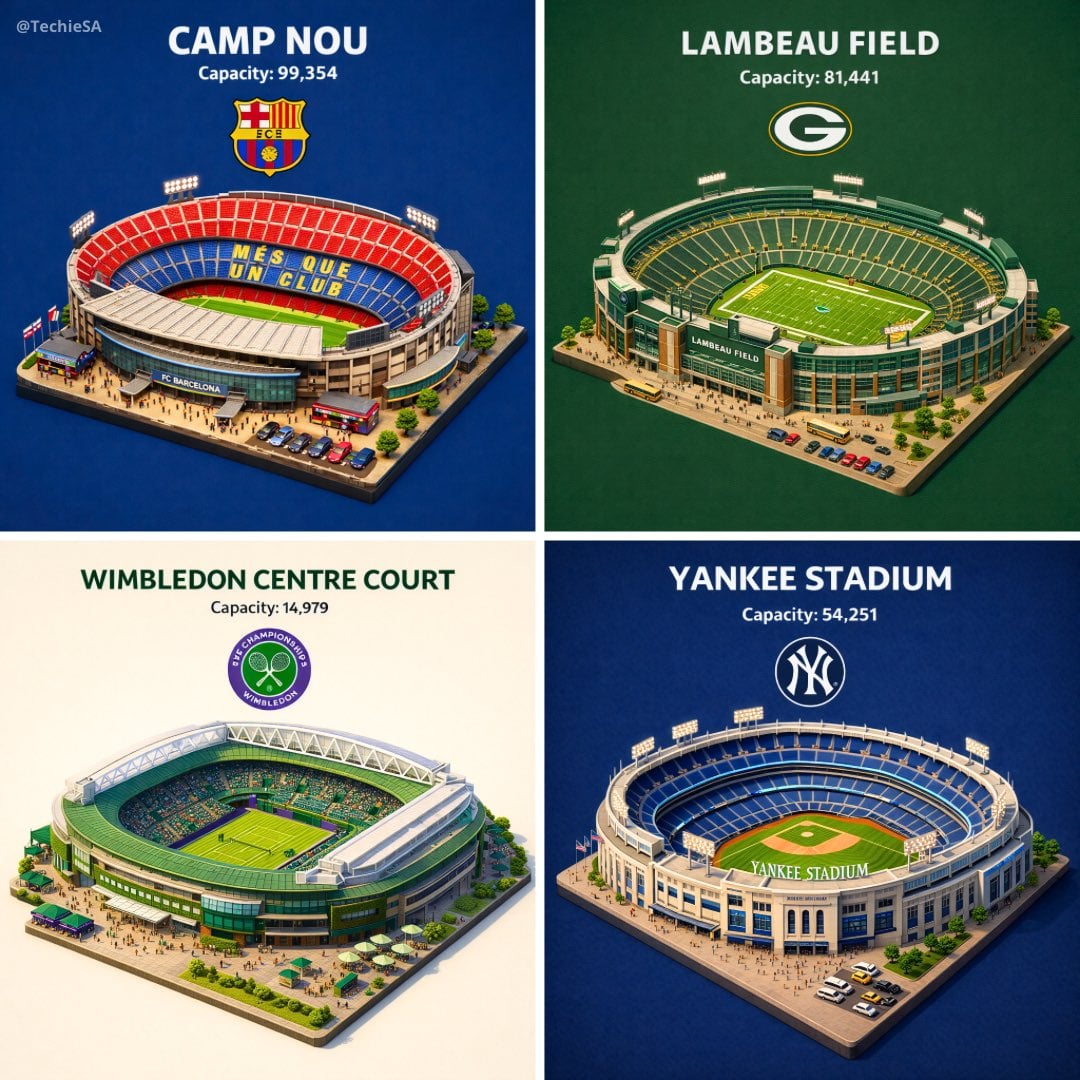
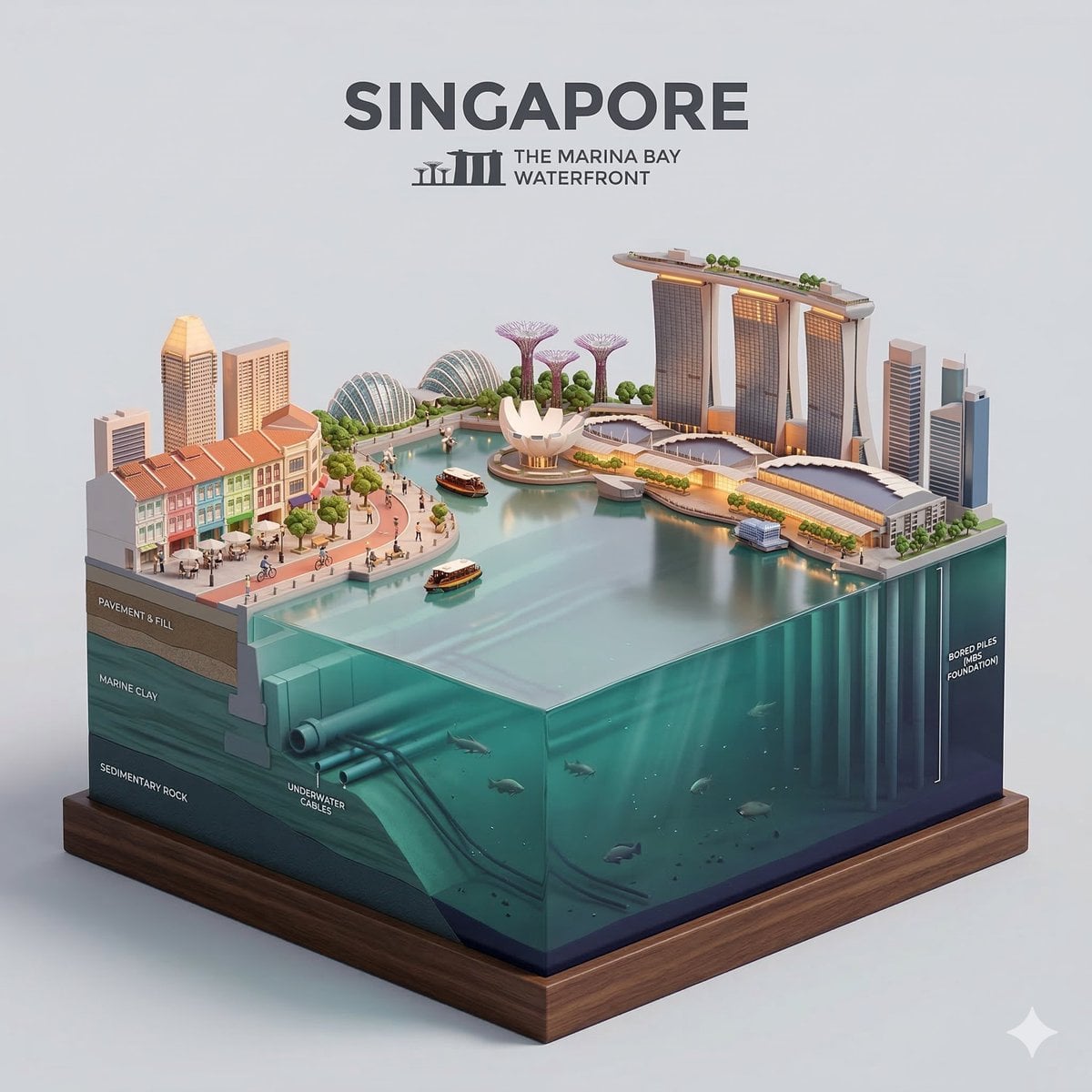
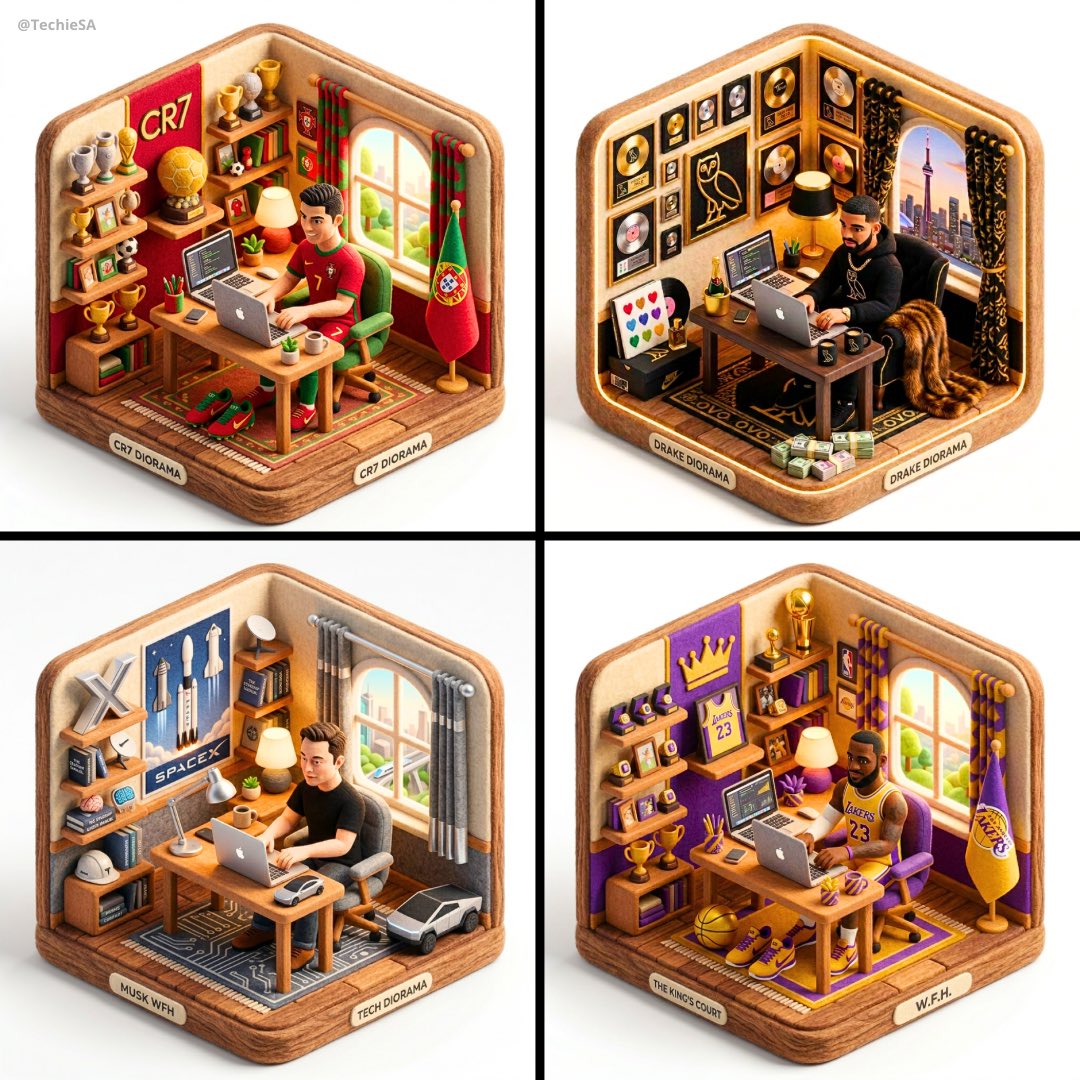
How do I use the Cozy Isometric Bathroom Miniature Diorama template?
Edit the prompt in the box under the preview — the template's model and format are already selected — and press Generate. Your version appears right on this page.
Curated from MeiGen gallery (ID: 2011801500541206983) by Sharon Riley.

{ "prompt": "cute cozy isometric 3D miniature bathroom diorama, warm cozy aesthetic, detailed tiny room corner view, warm terracotta and beige color palette, small japanese-style bathroom scene, cream ceramic subway tiles with warm wooden trim, vintage clawfoot bathtub filled with blue bubbly foam, wooden bath tray across tub with open laptop, green mug, soap, candles, small potted plant, golden brass curved shower rod with beige shower curtain, round wooden mirror, white porcelain sink with wooden vanity cabinet, brass faucet, toilet with wooden seat, small wooden stool with rolled white towels and books, green wine bottle, tiny bonsai plant, wall mounted gold sconces with warm glowing bulbs, light blue fluffy towel hanging on wall hook, laundry basket with pink and orange clothes, wicker laundry hamper full of colorful towels, round plush purple bath mat, checkered beige-white floor tiles, small potted plant in white pot, cozy warm lighting, soft shadows, extremely detailed miniature dollhouse style, warm inviting atmosphere, soft bokeh, ken follett miniature aesthetic, tilt-shift effect, 8k, hyperdetailed, trending on artstation", "negative_prompt": "blurry, low quality, realistic scale, huge objects, people, human figures, text, watermark, logo, overexposed, underexposed, modern chrome, cold blue lighting, hospital style, empty room, cartoon, anime, 2D, sketch, painting, drawing", "aspect_ratio": "4:3", "style": "miniature diorama, isometric, cozy interior, warm tones, detailed product photography", "lighting": "soft warm golden hour lighting, cozy ambient glow, practical light sources from sconces", "camera_angle": "isometric 45 degree corner view, looking down into the room corner, miniature photography style", "quality_tags": "masterpiece, best quality, ultra detailed, 8k, sharp focus, intricate details", "additional_weights": { "miniature": 1.3, "diorama": 1.4, "isometric": 1.35, "cozy": 1.25, "warm lighting": 1.2, "detailed textures": 1.3 } }
Edit the prompt in the box under the preview — the template's model and format are already selected — and press Generate. Your version appears right on this page.
Yes. You can change the subject, setting, lighting, mood, format, and available model controls before creating your image.
Opening and editing this template is free. Generating uses credits, shown on the Generate button when you are signed in.
Choose a compatible model in PicX Studio based on the style, speed, and output controls your project needs.
Follow a topic to a crawlable collection of related PicX Studio templates.