
Avant-garde Sports Editorial
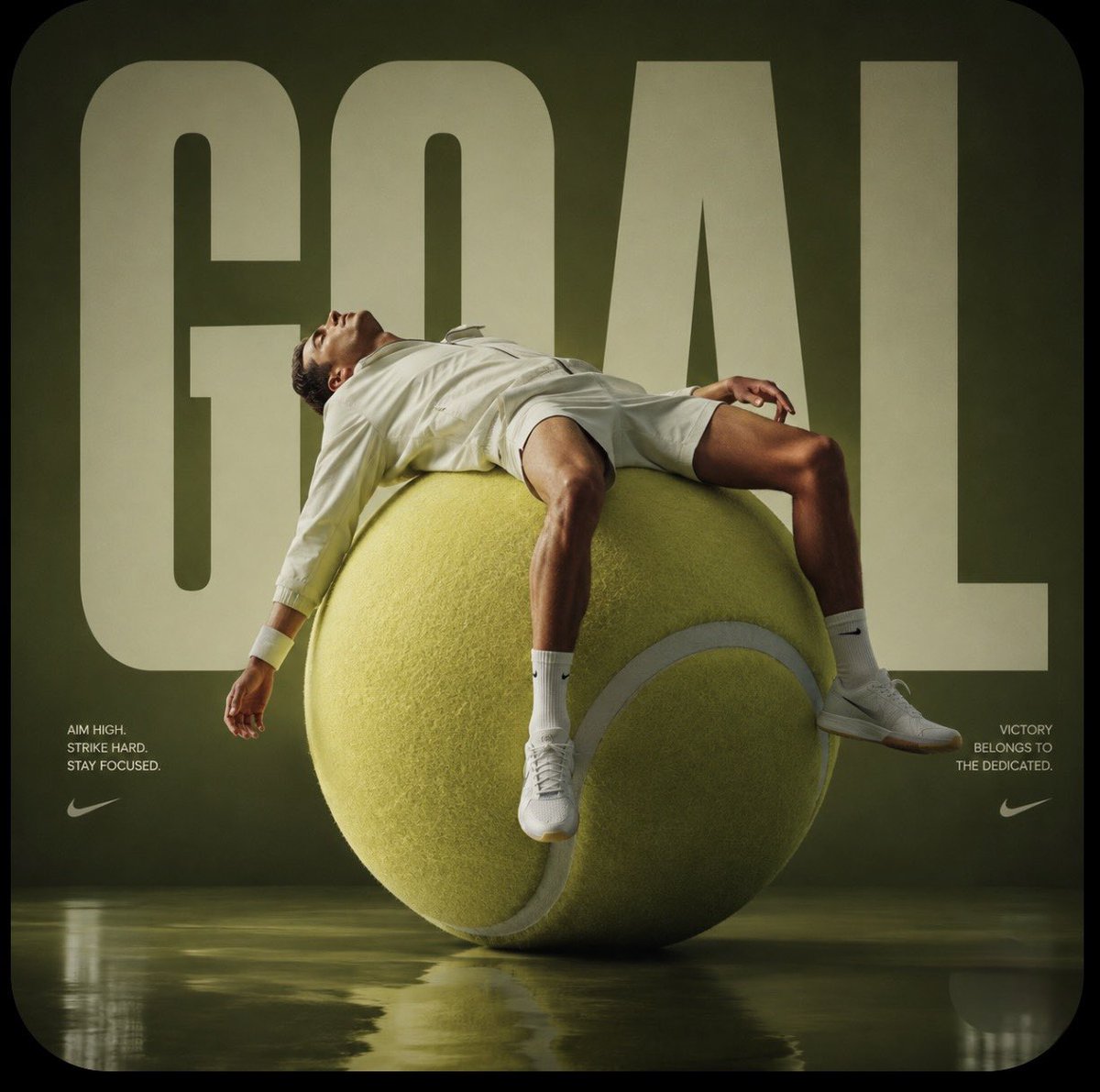
A high-fashion editorial prompt featuring an oversized tennis ball sculpture and an athlete in technical performance gear with cinematic lighting.

- Prompt included
- Model and format preset
- Free template
The prompt behind this image
Copy the exact prompt behind Avant-garde Sports Editorial, or open it in the studio and make it yours.
Avant-garde sports fashion editorial, a monumental {argument name="prop" default="oversized tennis ball sculpture"} placed in a minimalist {argument name="studio color" default="burnt green studio"}, a male athlete reclining across the curved surface like a sculptural furniture piece, wearing a full-body high-fashion performance outfit (long-sleeve compression top, tailored track pants, gloves, sleek sneakers), fully covered silhouette, premium technical fabric with subtle reflective details, face and body identical to the uploaded reference image, ultra-clean composition, bold oversized typography "GOAL" in the background, glossy mirrored floor reflecting the subject, cinematic studio lighting, sharp shadows, luxurious campaign aesthetic, SocialSight logo from reference image placed subtly in the top corner (clean white or embossed style), perfectly integrated, 1:1 aspect ratio
Reference images included
Avant-garde Sports Editorial needs input media to work. They load alongside the prompt when you open it in the studio.
How to use Avant-garde Sports Editorial in 3 steps
- 1Upload ImagePNG, JPG or paste
Add your photo
Upload the photo the template builds on. The prompt, model and format are already set.
- 2…a portrait of your subject in softgolden-hour light, 85mm…
Personalize
Edit the subject and creative details for your destination.
- 3Generate
Generate
Press Generate — your image is created in PicX Studio, so you can compare it with the original and refine one variable at a time.
More like this
Templates with the same subject, style or setup. Open one to see its prompt.
Avant-Garde Sports Editorial

Gpt2 Avant Garde Tennis Fashion
Avant-Garde Purple Fashion Editorial
Avant-garde Sports Advertisement
Avant-Garde Fashion Editorial Portrait
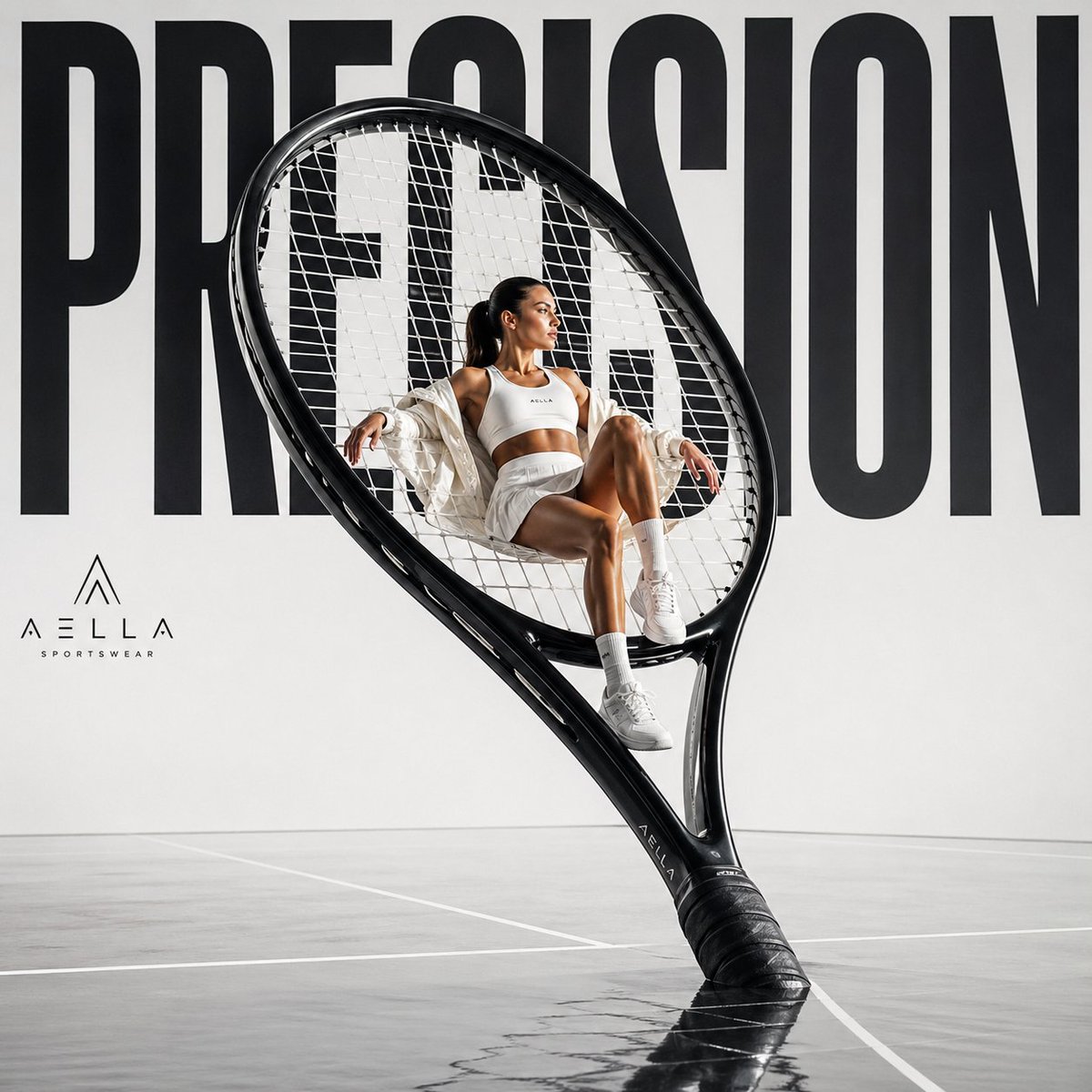
Avant-garde Sports Fashion Advertisement
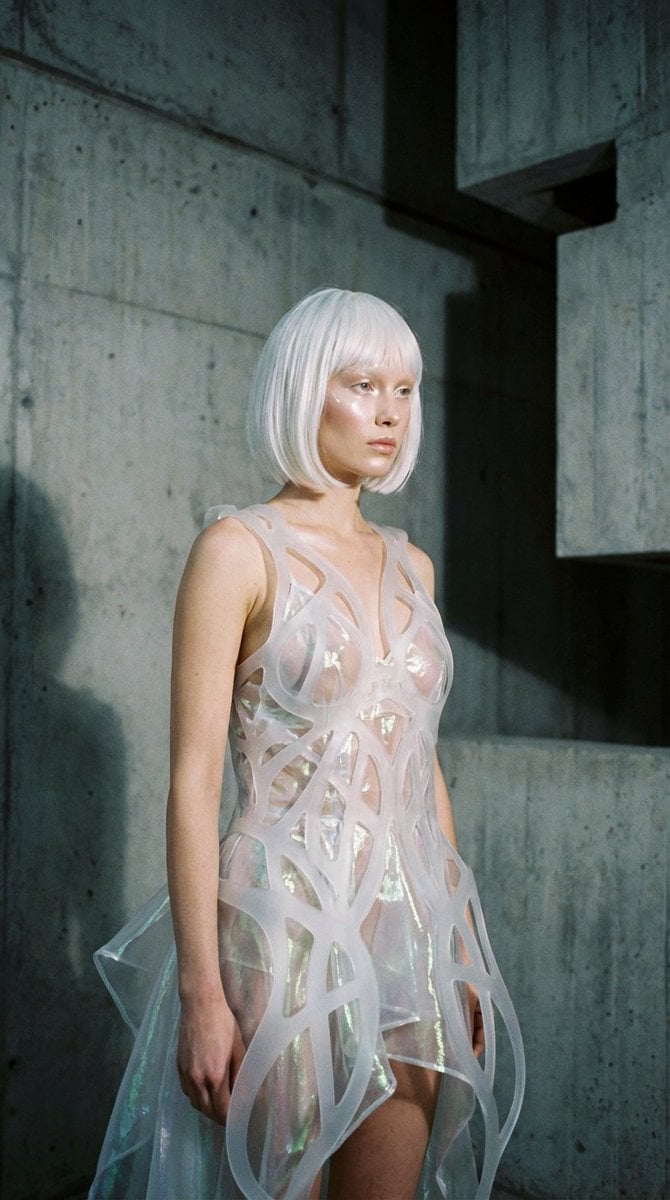
Avant-Garde Architectural Fashion Editorial
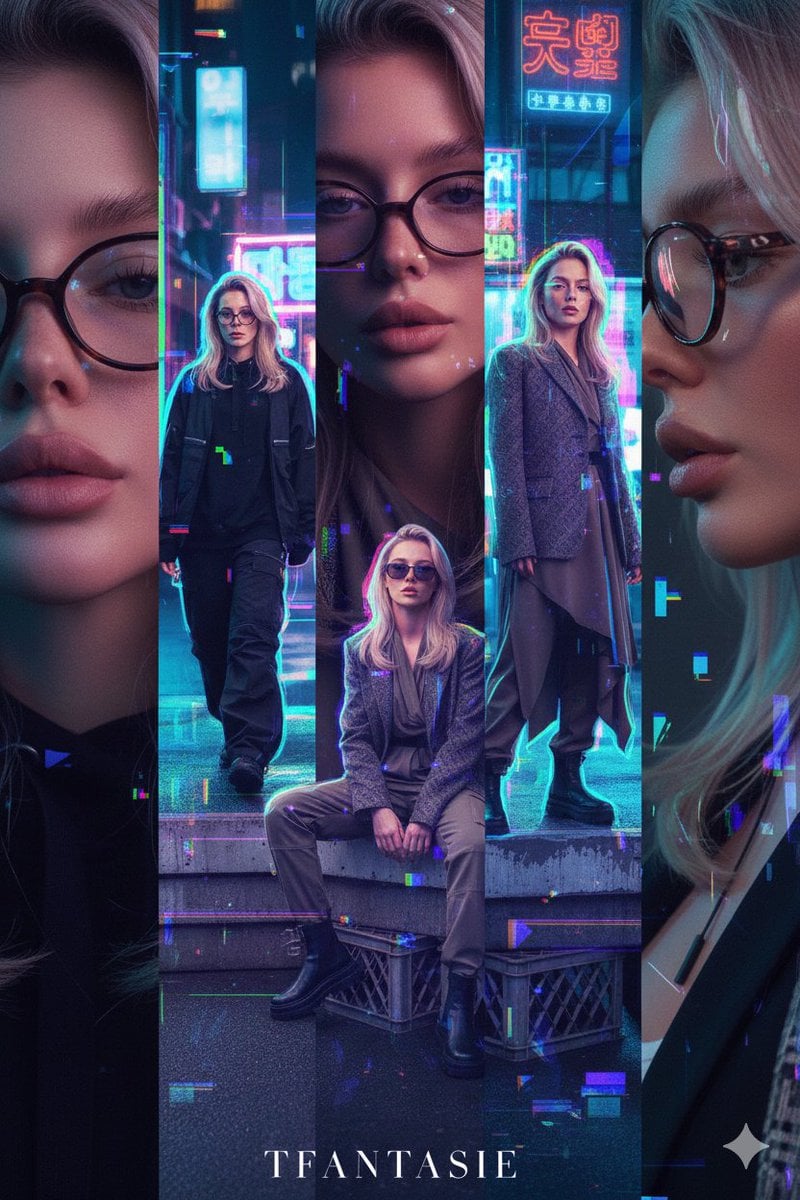
Asymmetric Five-Frame Editorial Spread: Seoul Streetwear/Tokyo Avant-Garde
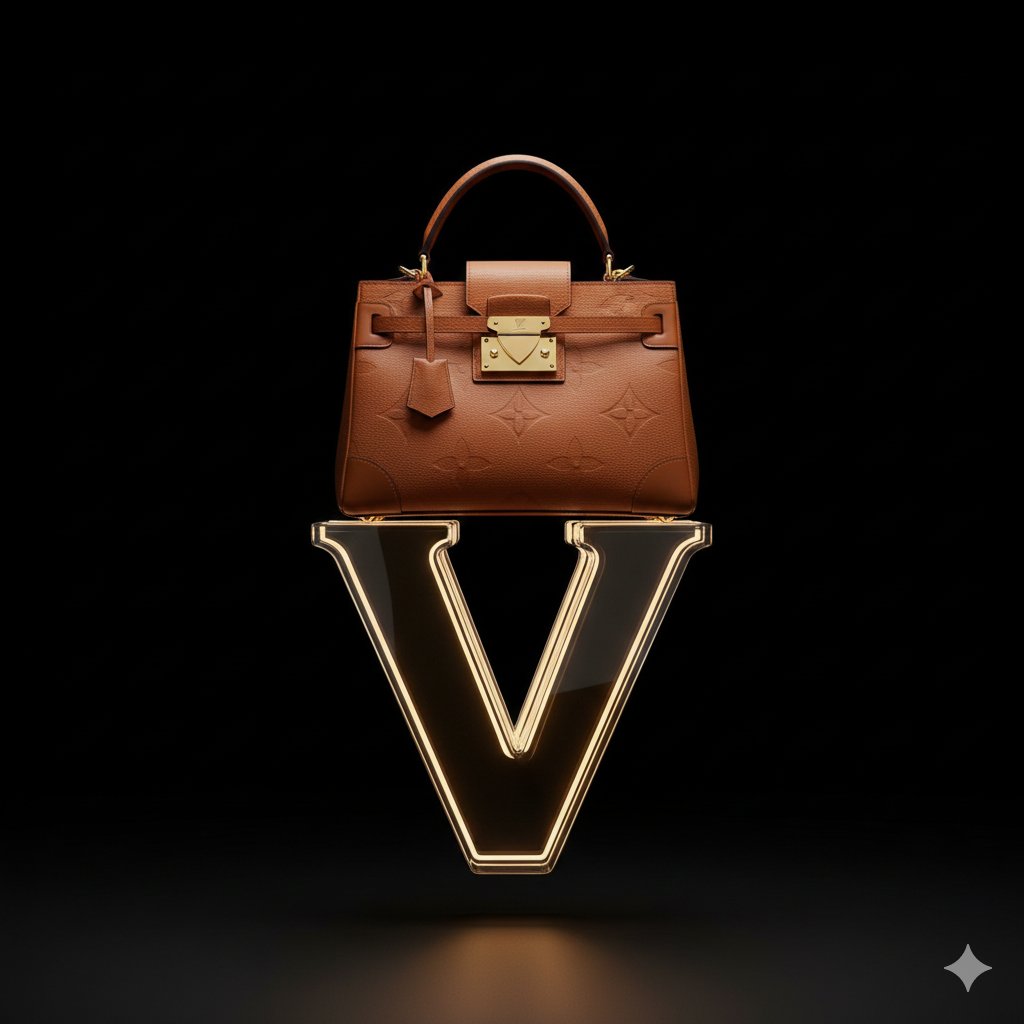
Avant-Garde Louis Vuitton Ski Goggles Editorial Prompt
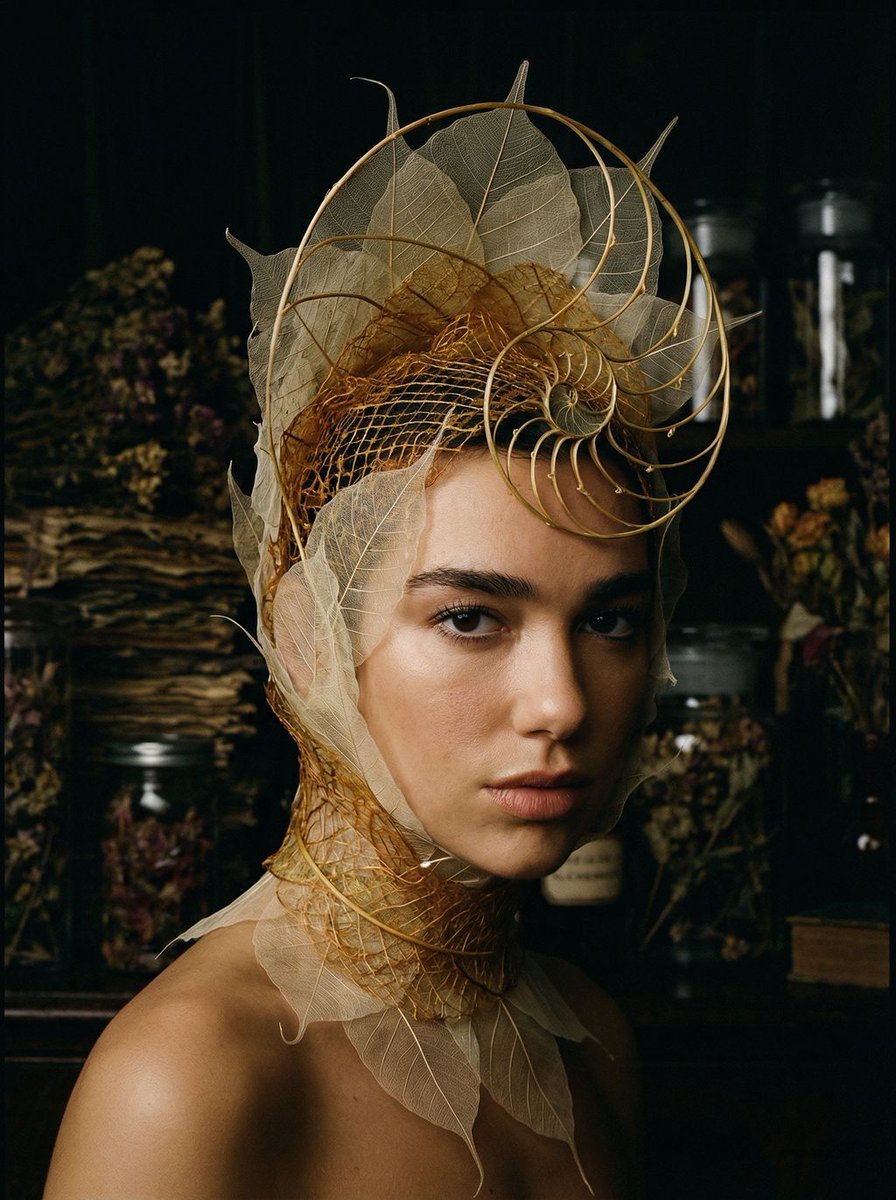
Avant-Garde Botanical Alchemist Portrait
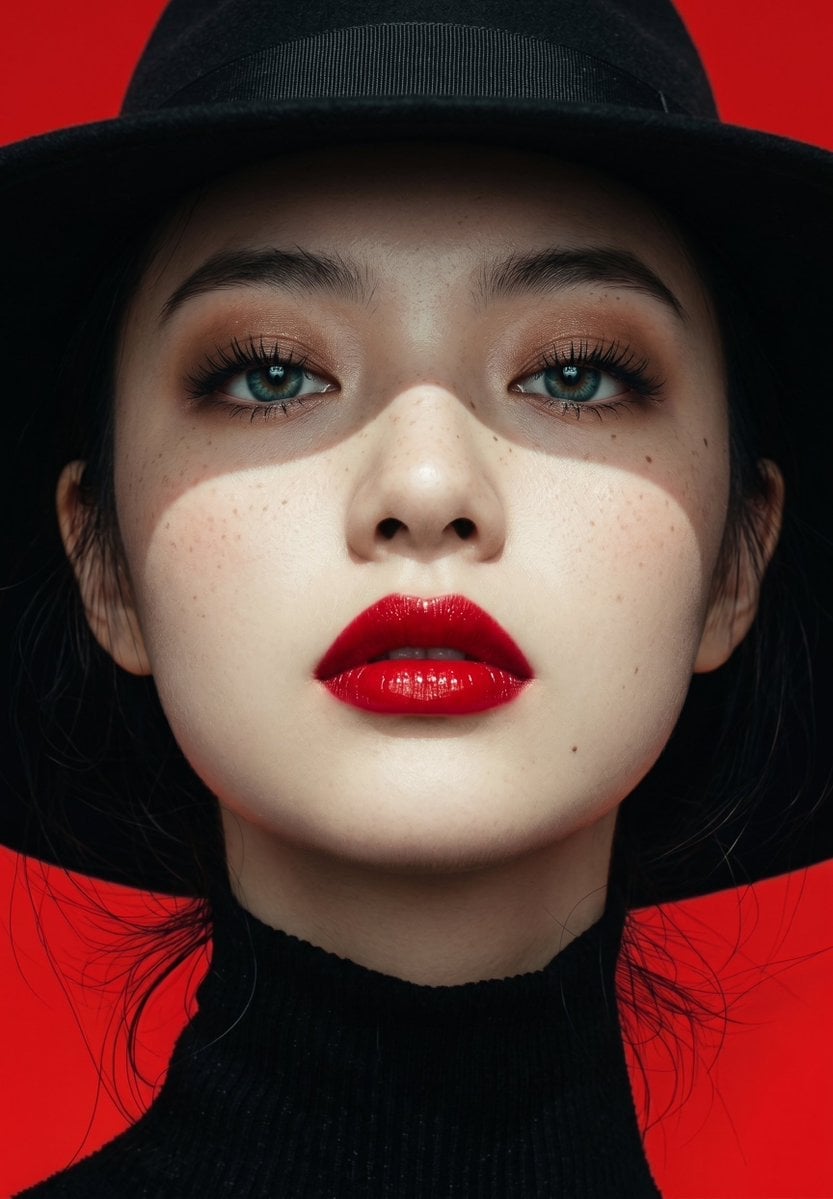
Avant-Garde Chiaroscuro Red Portrait
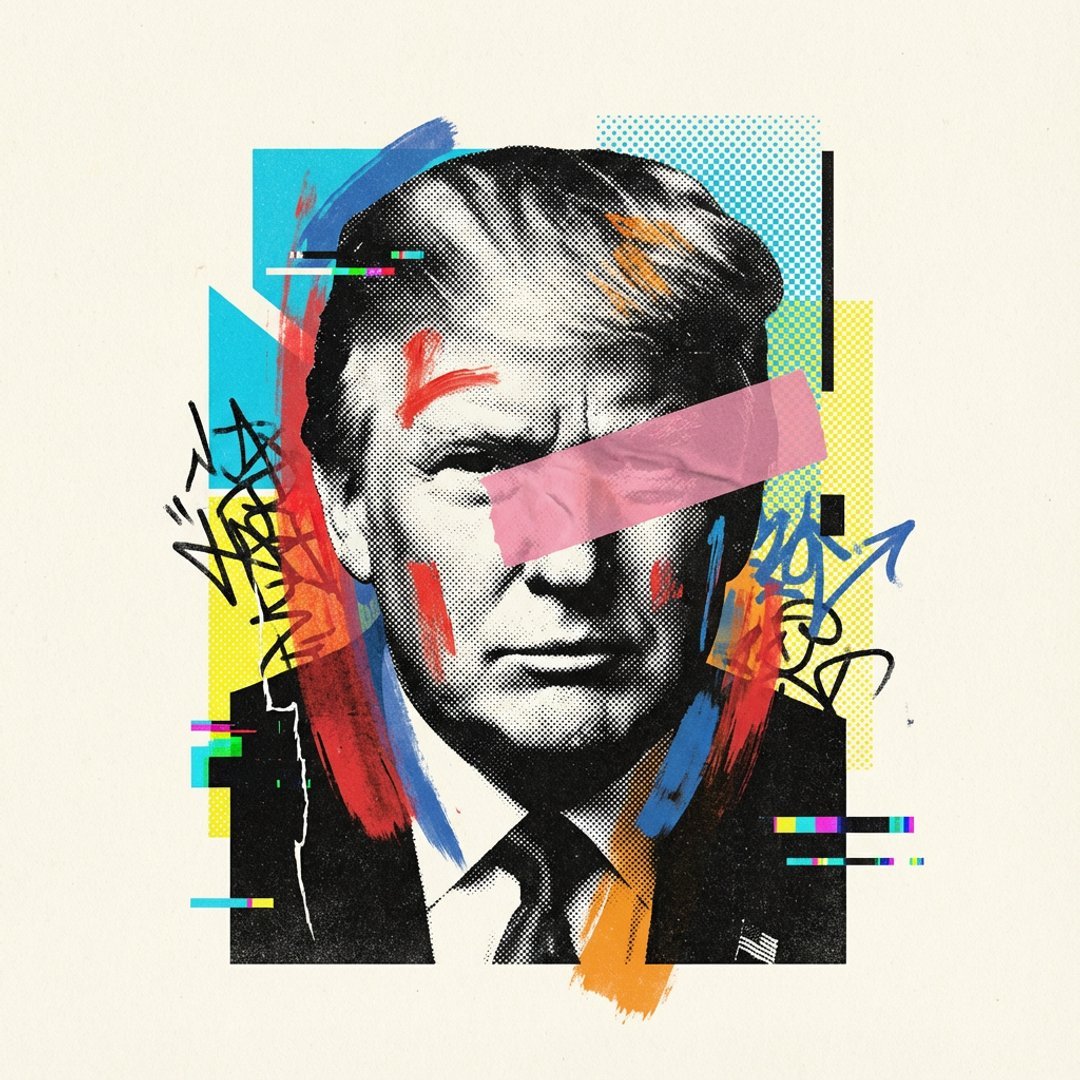
Visualized as the central masterpiece of a surreal avant-garde collage
Make it yours
Avant-garde Sports Editorial works as-is. These are the safest ways to change it without losing the look.
Change one field
Copy a single group, rewrite it, and generate again so you can see what that field is doing.
Keep the frame, change the subject
Hold the composition and light of Avant-garde Sports Editorial, then swap wardrobe, props or the person for a new take.
| If the result… | Why | Fix |
|---|---|---|
| The result drifts from the preview | Too many fields changed at once. | Reuse Avant-garde Sports Editorial as-is first, then change one group — subject, light, or setting. |
| The model over-stylizes the scene | The prose prompt leaves finish and camera underspecified. | Add one camera or lighting sentence and stay on GPT Image 2. |
More GPT Image 2 templates
Other prompts made for GPT Image 2.
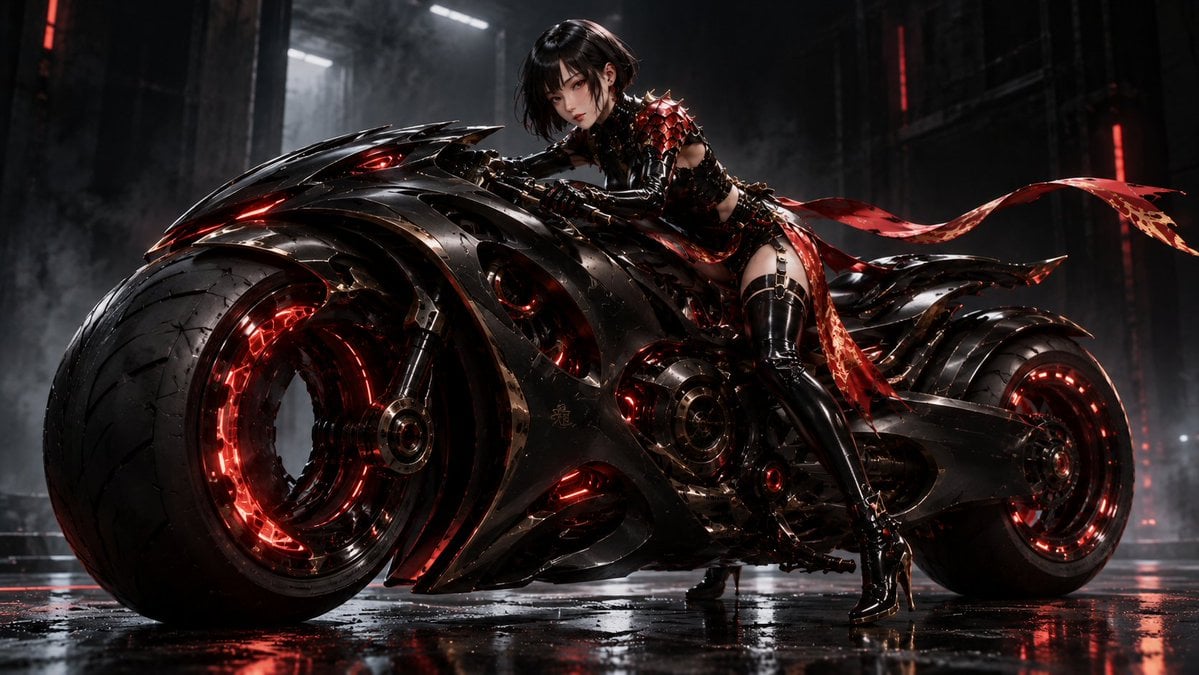
Futuristic Void Fang Mech
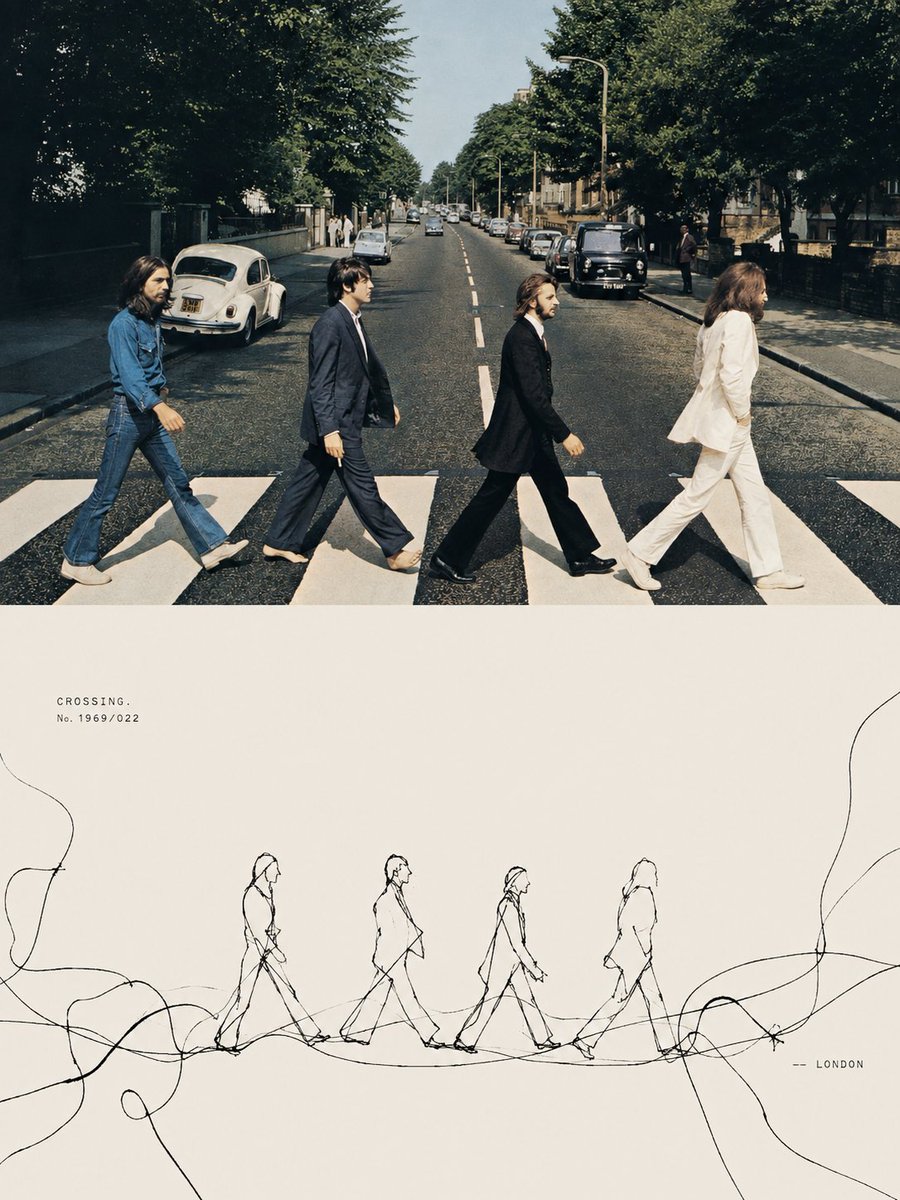
Tension Line Art Concept Poster
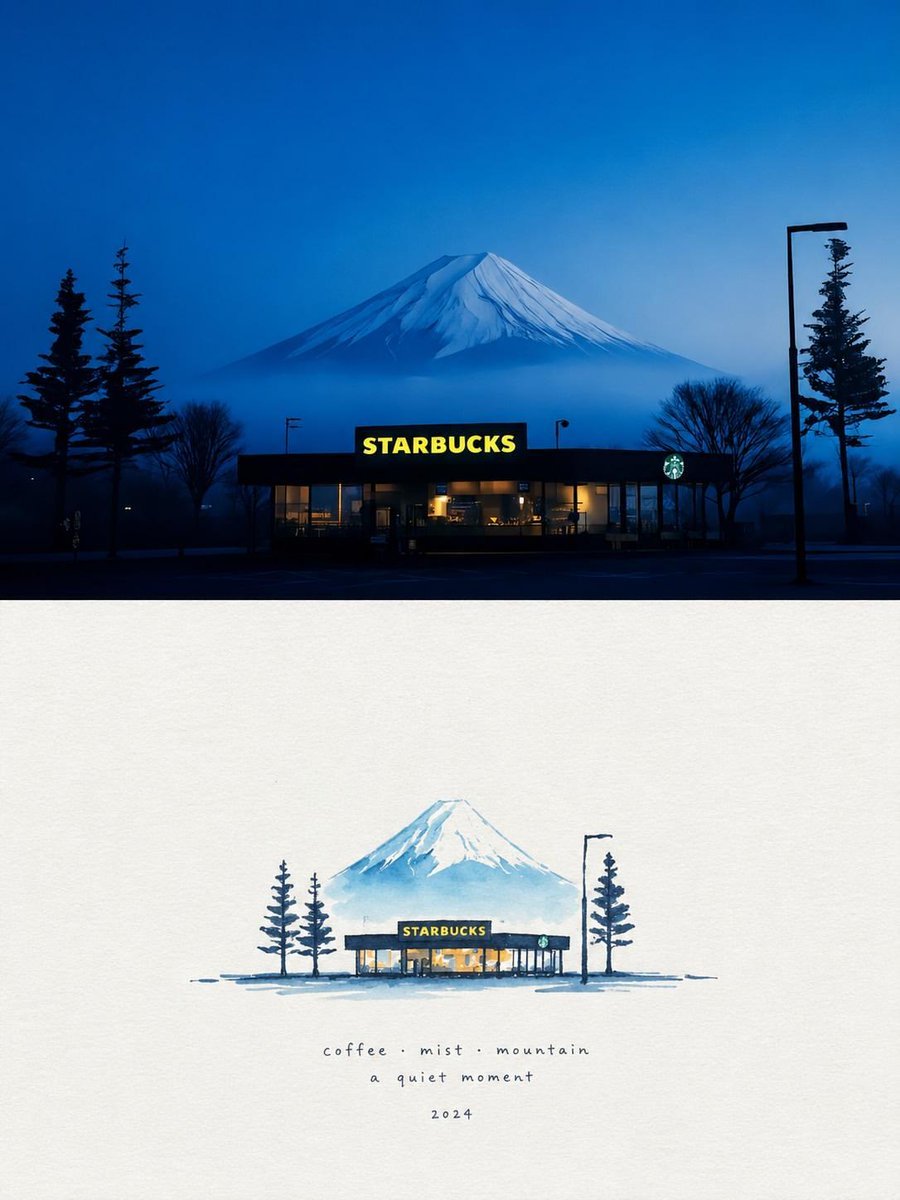
Starbucks Mountain Watercolor Comparison

Six VTuber Japanese Logo Sheet

Luxury ABKR Portrait Poster
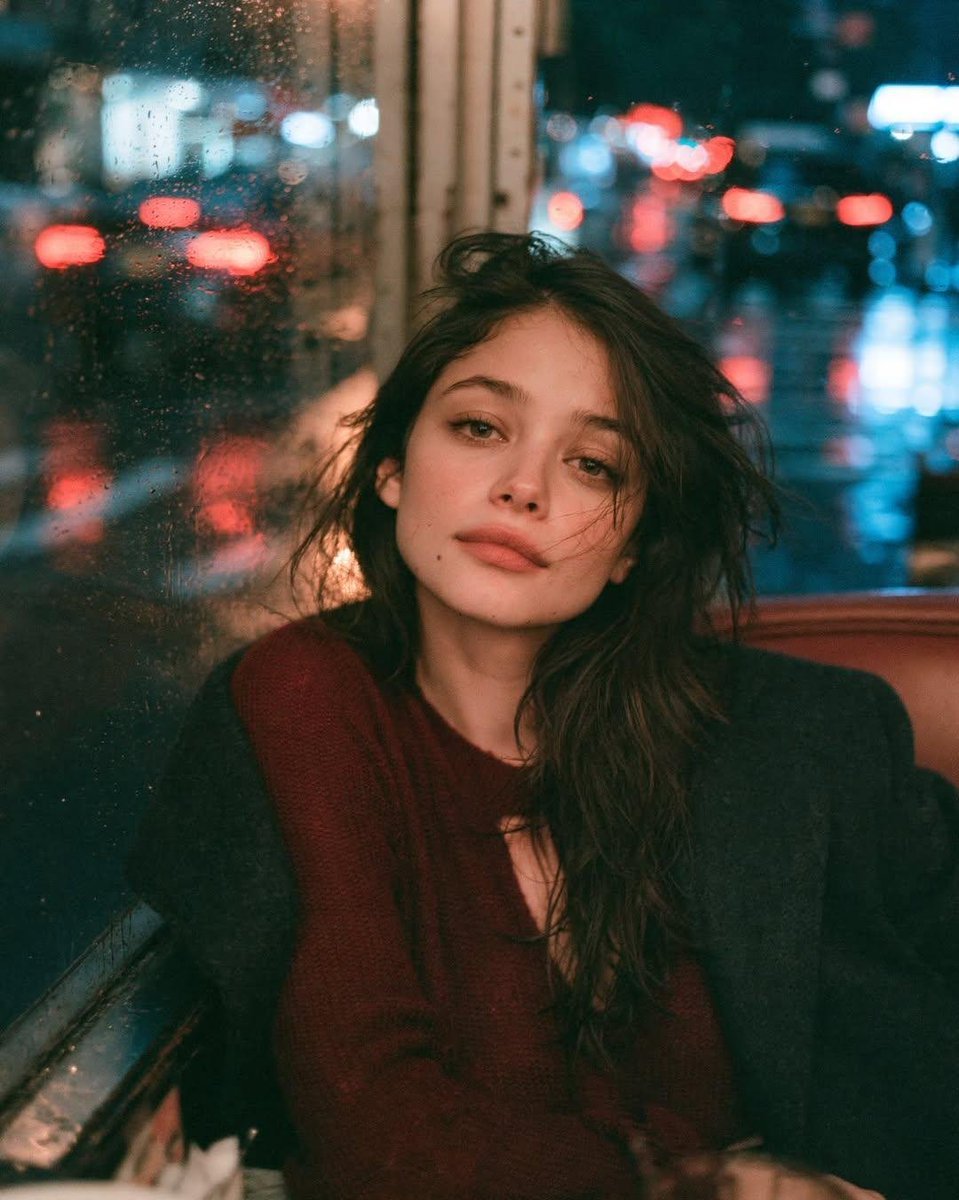
Rainy Night Vintage Diner Portrait
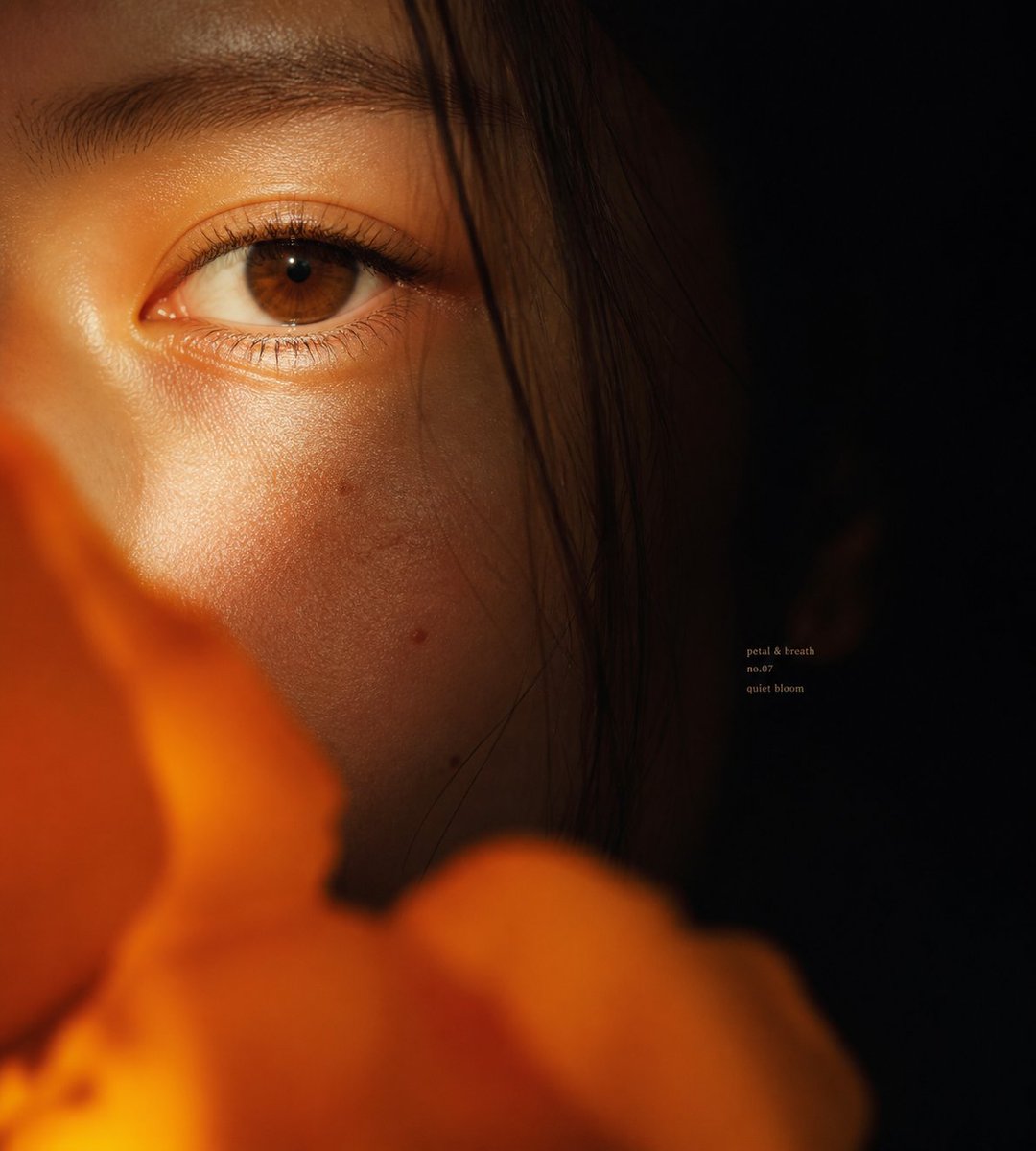
Intimate Flower Petal Macro Portrait
Cute Banana Robot on Table
Watercolor Fashion Illustration Aesthetic

Sunlit Orchard Girl With Apples
More image prompts
Fresh picks from across the catalog.
Hyper-Realistic Cinematic Beach Portrait Prompt (Duplicate)
Seedance - Smooth Vlog
Cinematic Golden Hour Portrait on a Hillside
Hyper-Realistic Mixed-Media Illustration Prompt
Faceless Fire Wizard Anime Scene
Watercolor map of Germany with labeled states
Floating Sky Castle Digital Art Poster Prompt
Birthday Celebration Neon Poster Collage Prompt
SRK Motorcycle Jump Action Shot Prompt
3x3 Storyboard Grid of a Young East Asian Woman
Browse template categories
Avant-garde Sports Editorial questions
How do I use the Avant-garde Sports Editorial template?
Add your photo if the template asks for one, edit the prompt if you like — the template's model and format are already selected — and press Generate. Your version opens in PicX Studio.
Can I customize the Avant-garde Sports Editorial template?
Yes. You can change the subject, setting, lighting, mood, format, and available model controls before creating your image.
Is the Avant-garde Sports Editorial template free?
Opening and editing this template is free. Generating uses credits, shown on the Generate button when you are signed in.
Which AI model should I use?
Start with GPT Image 2, which is the model associated with this template. You can compare another compatible model for a different finish.
Looking for something else? Browse all templates.

Your photo, any look
Thousands of ready templates for every top image and video model, from one credit balance.