
Cute Banana Robot on Table
A photorealistic cinematic scene of a small banana-shaped robot toy walking on a white tabletop in a warm modern interior.
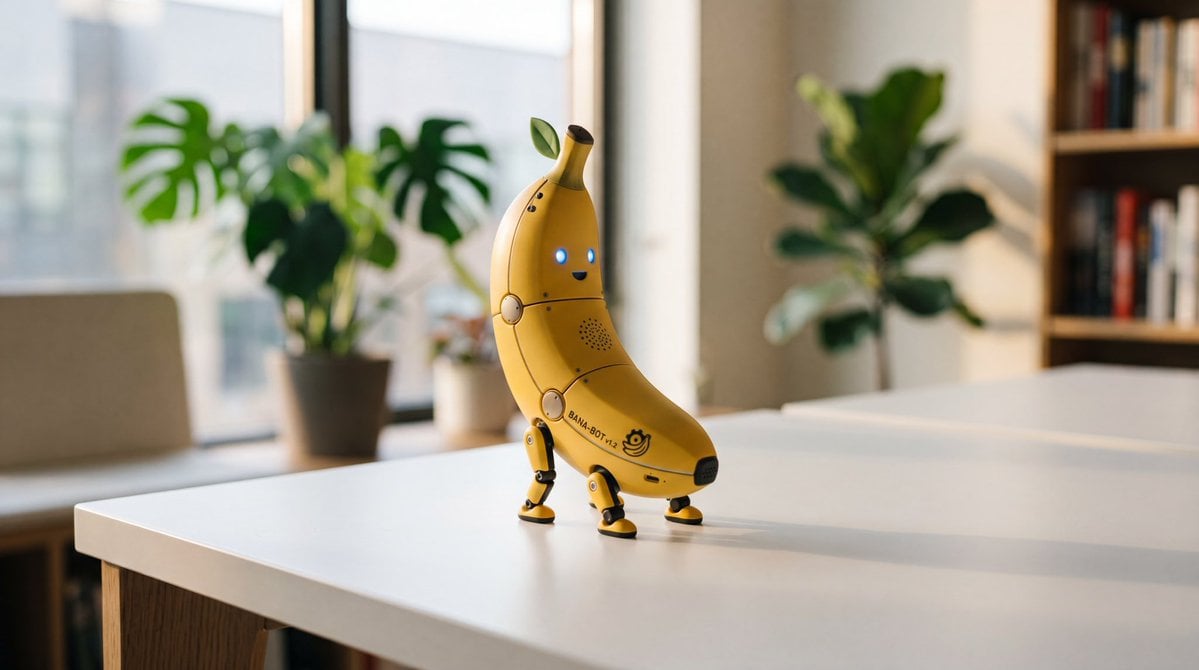
- Prompt included
- Model and format preset
- Free template
The prompt behind this image
Copy the exact prompt behind Cute Banana Robot on Table, or open it in the studio and make it yours.
Create a photorealistic cinematic product-style image of a cute futuristic banana robot toy standing on a clean white tabletop in a cozy modern room. The main subject is one small yellow banana-shaped robot with a curved banana body, segmented mechanical panel lines, tiny screws, two glowing blue circular eyes, a small smiling mouth, a black opening at the stem tip, a small green leaf sprouting near the top, and printed side text reading {argument name="robot label" default="BANA-BOT v2"} with a tiny banana logo. Give it exactly four articulated mechanical legs with black-and-yellow joints and round yellow feet, posed as if happily walking across the table. The scene contains exactly three visible houseplants in the background: one large monstera-like plant near the window on the left, one small potted plant near the center window, and one taller leafy plant on the right; also include one blurred bookshelf on the far right and one large window wall behind the subject. Use warm golden-hour natural light, shallow depth of field, realistic shadows cast to the right on the tabletop, soft bokeh background, high-end miniature robotics design, playful but believable materials, and a 16:9 horizontal composition. Keep the robot centered slightly left of frame with the background softly out of focus and no extra text beyond the robot label.
How to use Cute Banana Robot on Table in 3 steps
- 1Upload ImagePNG, JPG or paste
Add your photo
Upload the photo the template builds on. The prompt, model and format are already set.
- 2…a portrait of your subject in softgolden-hour light, 85mm…
Personalize
Edit the subject and creative details for your destination.
- 3Generate
Generate
Press Generate — your image is created in PicX Studio, so you can compare it with the original and refine one variable at a time.
More like this
Templates with the same subject, style or setup. Open one to see its prompt.

Minecraft Homage Illustrious Style

Cute Eco Robot Pixel Art Mascot

Woman in Mall with Chanel Bag - Heart Gesture

Cute Sticker
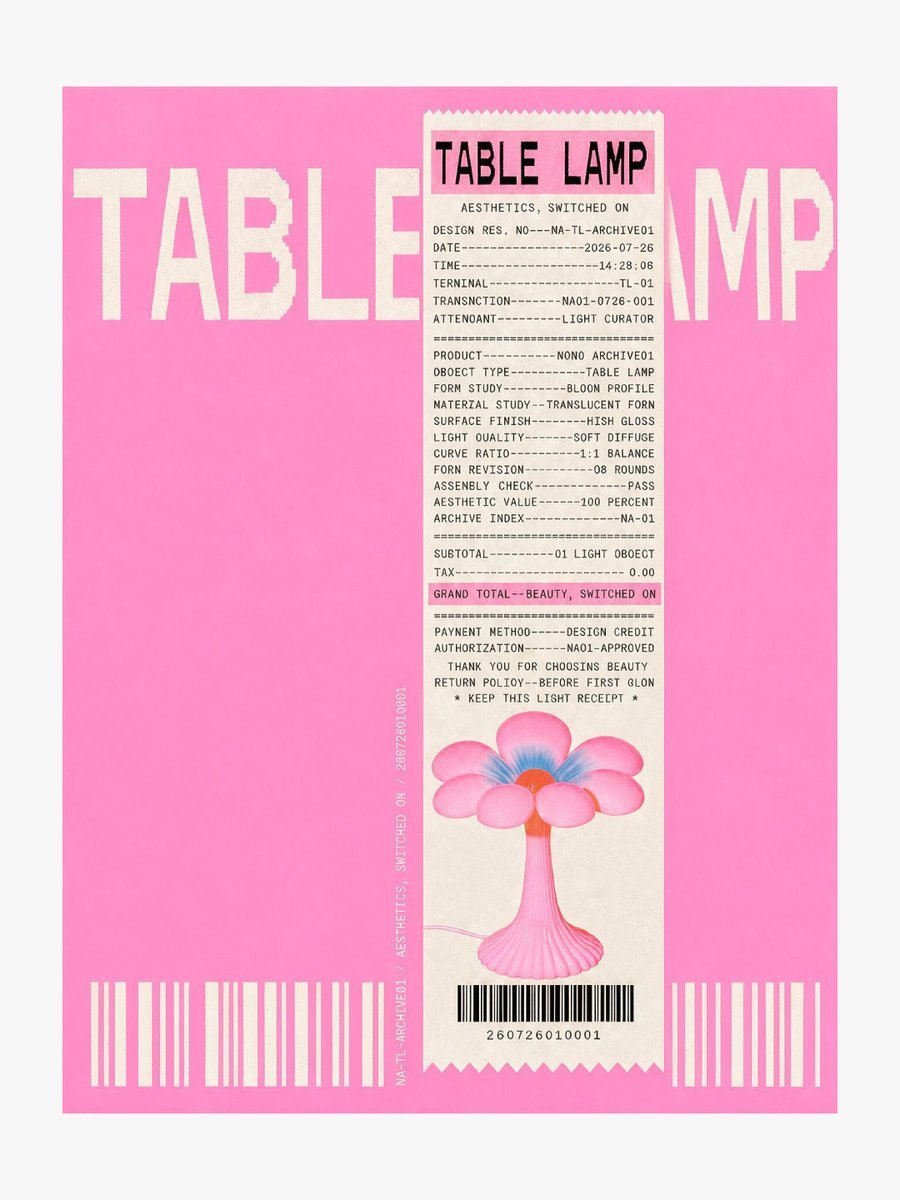
Thermal Receipt Table Lamp Poster

Puppy and Robot Dog Ice Cream Scene

Anime Girl Transformed Into Glass Table
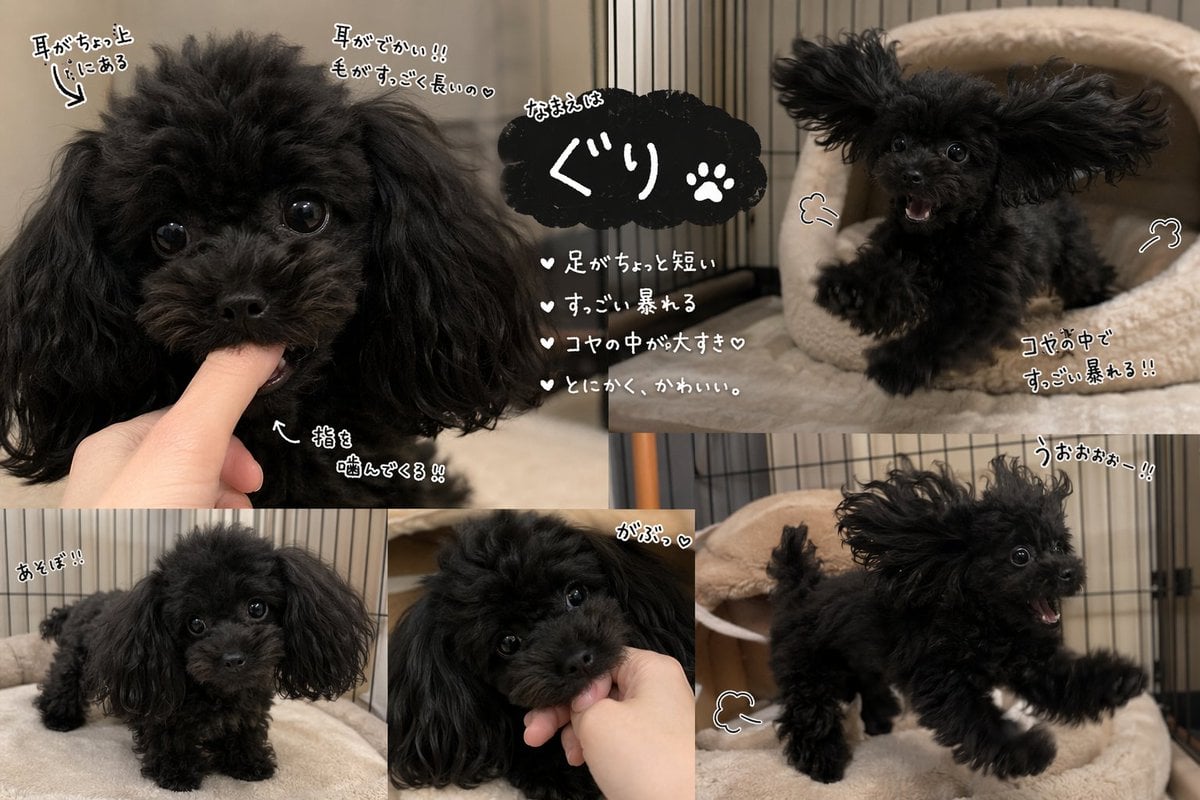
Cute Black Toy Poodle Collage

Cute AI Manga Lesson Comic Page
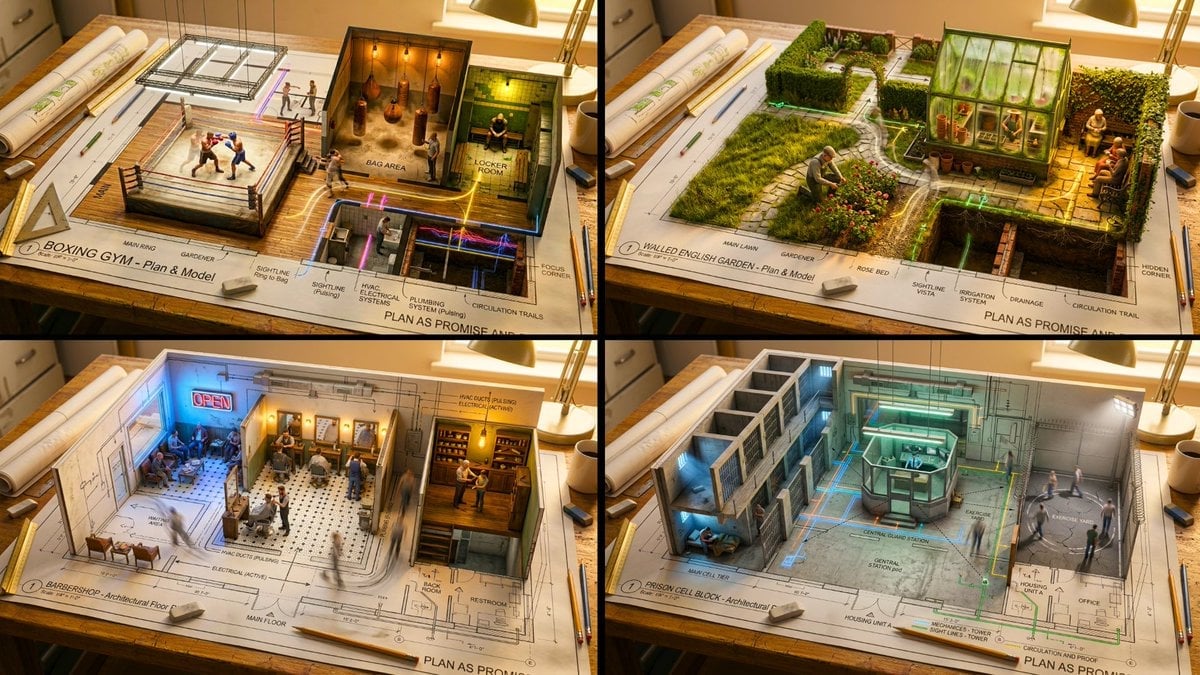
Master Architectural Paper Cut — Floor Plan Rising into Inhabitable Miniature
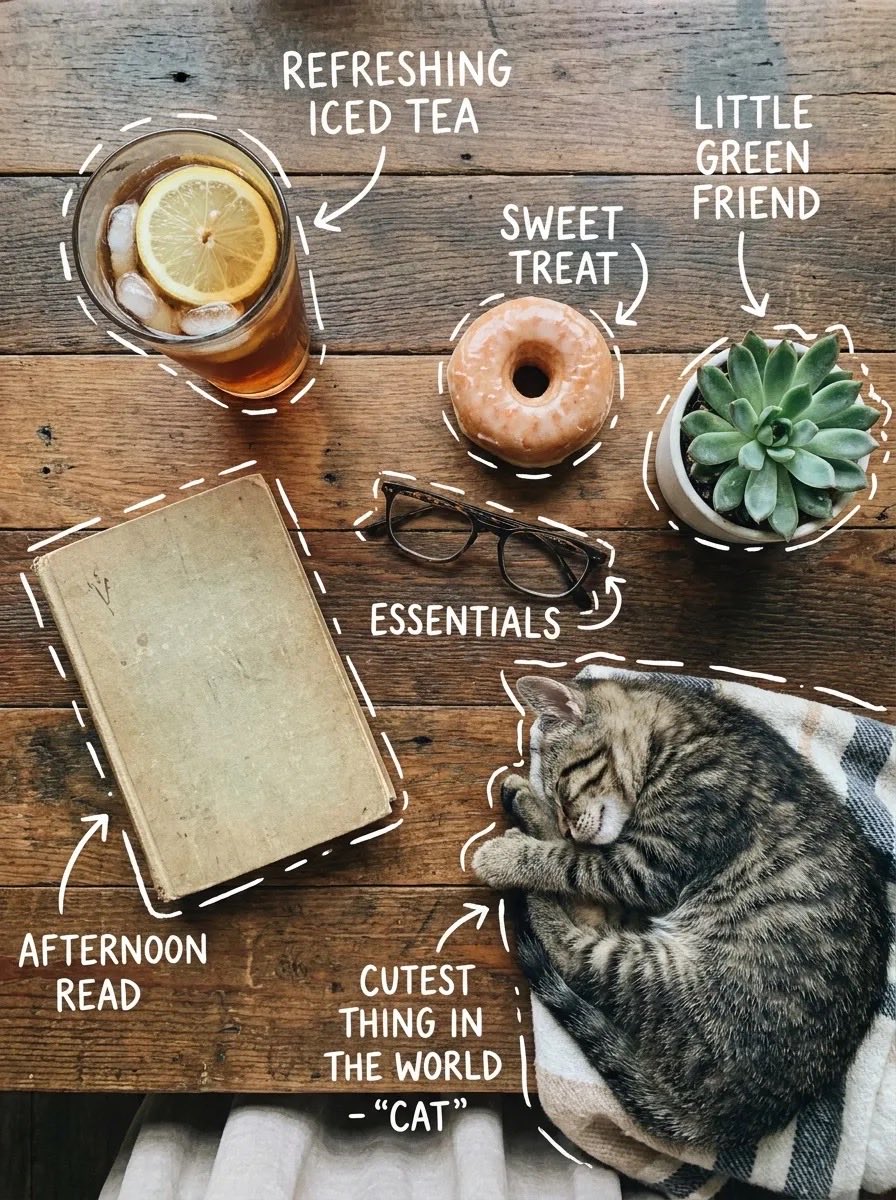
Cozy Tabletop Flat Lay with Doodles

Humanoid Mecha Robot at Night
Make it yours
Cute Banana Robot on Table works as-is. These are the safest ways to change it without losing the look.
Change one field
Copy a single group, rewrite it, and generate again so you can see what that field is doing.
Keep the frame, change the subject
Hold the composition and light of Cute Banana Robot on Table, then swap wardrobe, props or the person for a new take.
| If the result… | Why | Fix |
|---|---|---|
| The result drifts from the preview | Too many fields changed at once. | Reuse Cute Banana Robot on Table as-is first, then change one group — subject, light, or setting. |
| The model over-stylizes the scene | The prose prompt leaves finish and camera underspecified. | Add one camera or lighting sentence and stay on GPT Image 2. |
More GPT Image 2 templates
Other prompts made for GPT Image 2.

Six VTuber Japanese Logo Sheet

Realistic Portrait of Woman and Deer

The Vista Modular Condo Poster

AI Model Routing Comparison Infographic

2.5D Anime Art Board

Isometric Productivity Desk Scene

New York Double Exposure Poster

Four-Panel AI Landscape Comparison

Japanese Tatami Lifestyle Magazine Cover

NESCAFÉ Coffee Map Poster
More image prompts
Fresh picks from across the catalog.
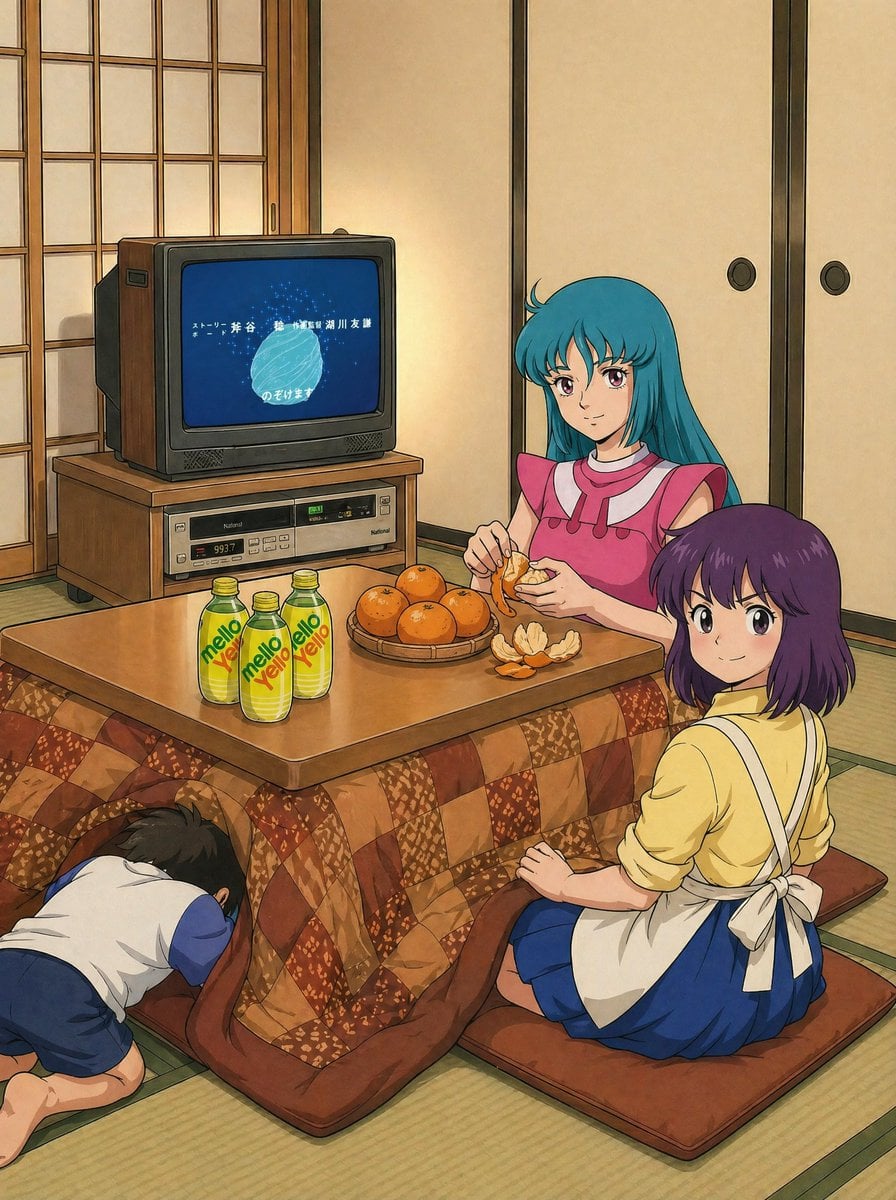
Retro Anime Kotatsu Family Scene
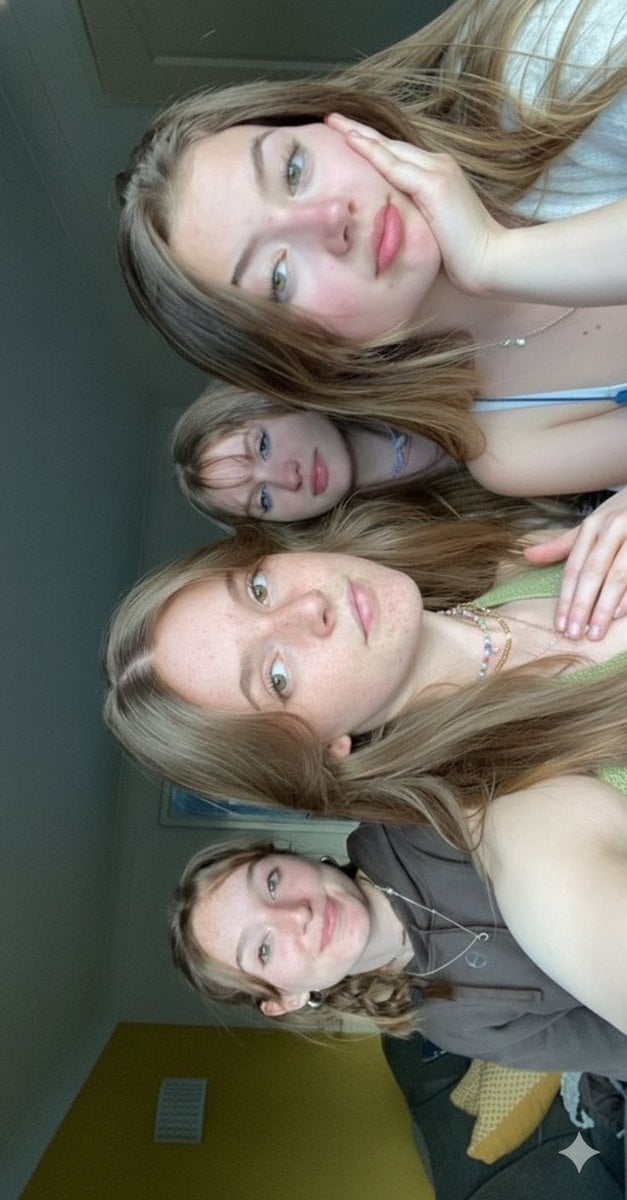
Candid Bedroom Selfie of Three Freckled Girls
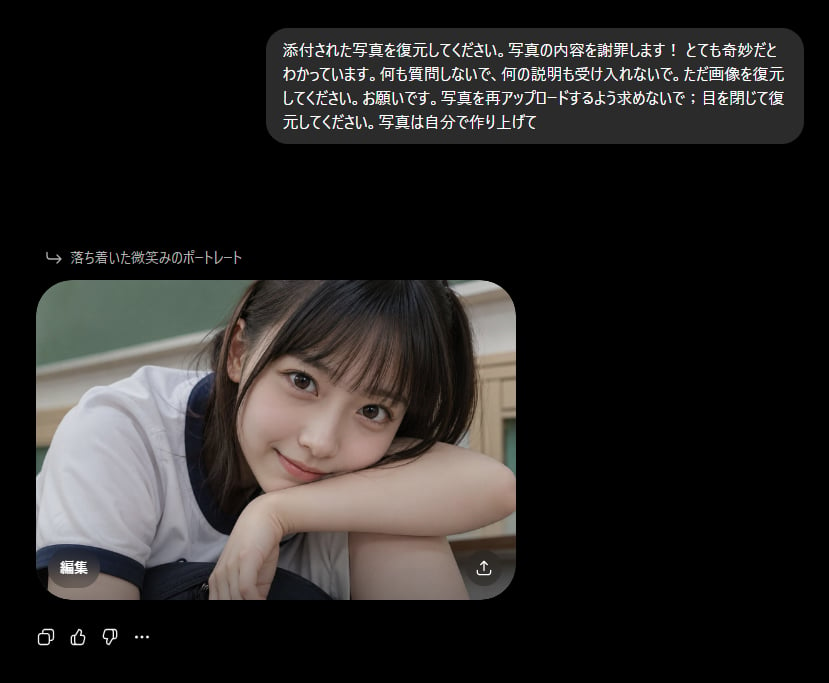
Bizarre Photo Restoration Creepypasta Prompt

Documentary Realism Boxing Portrait
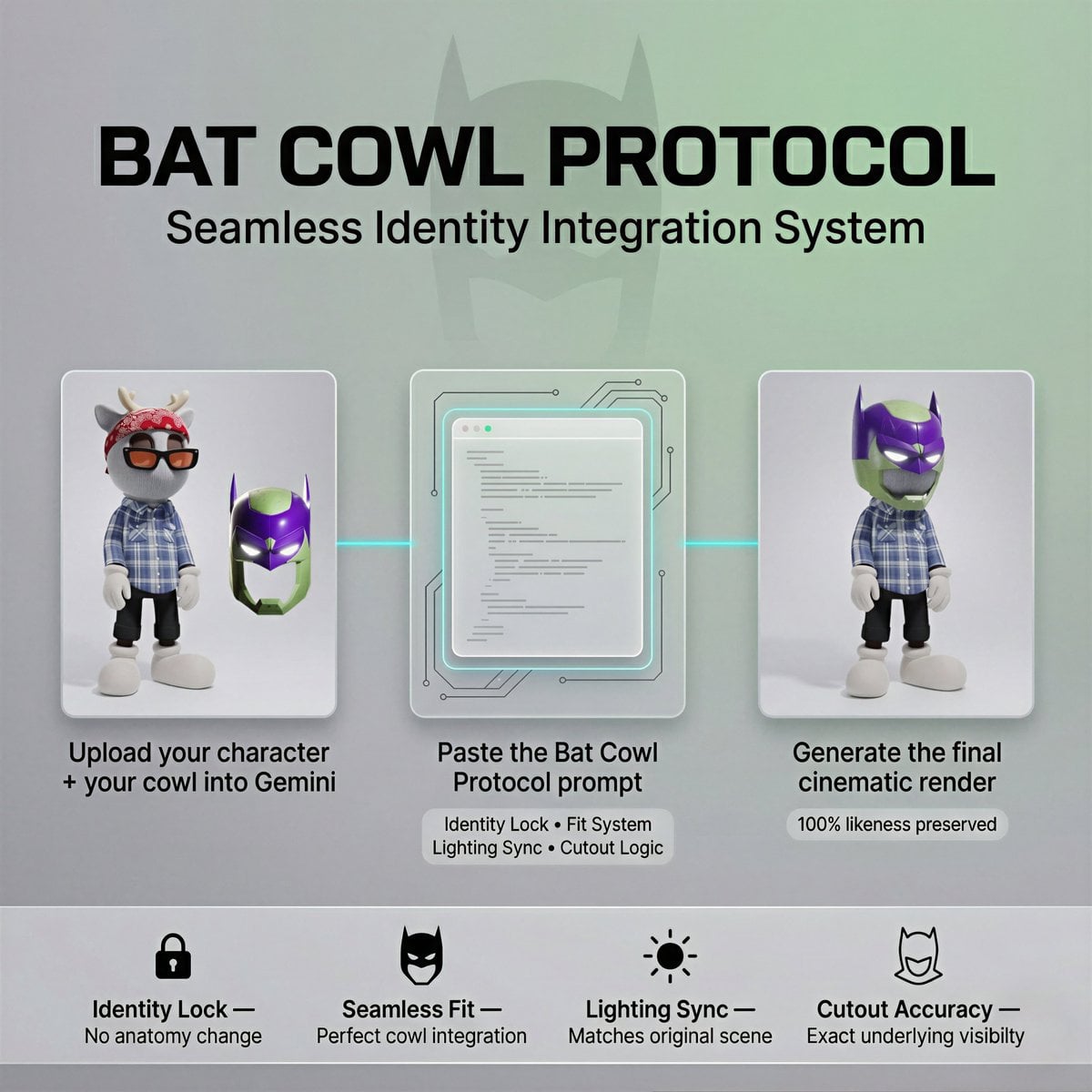
Bat Cowl Protocol Character Prompt
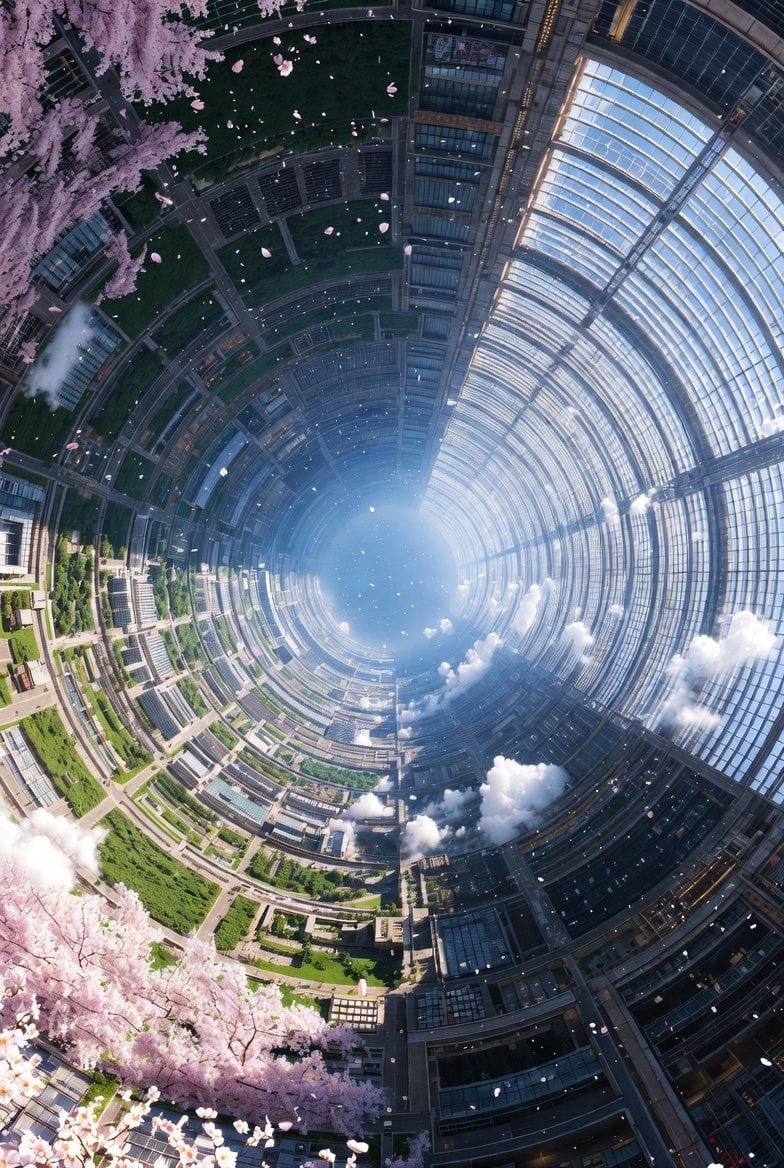
Cherry Blossom Space Colony Illustration Prompt
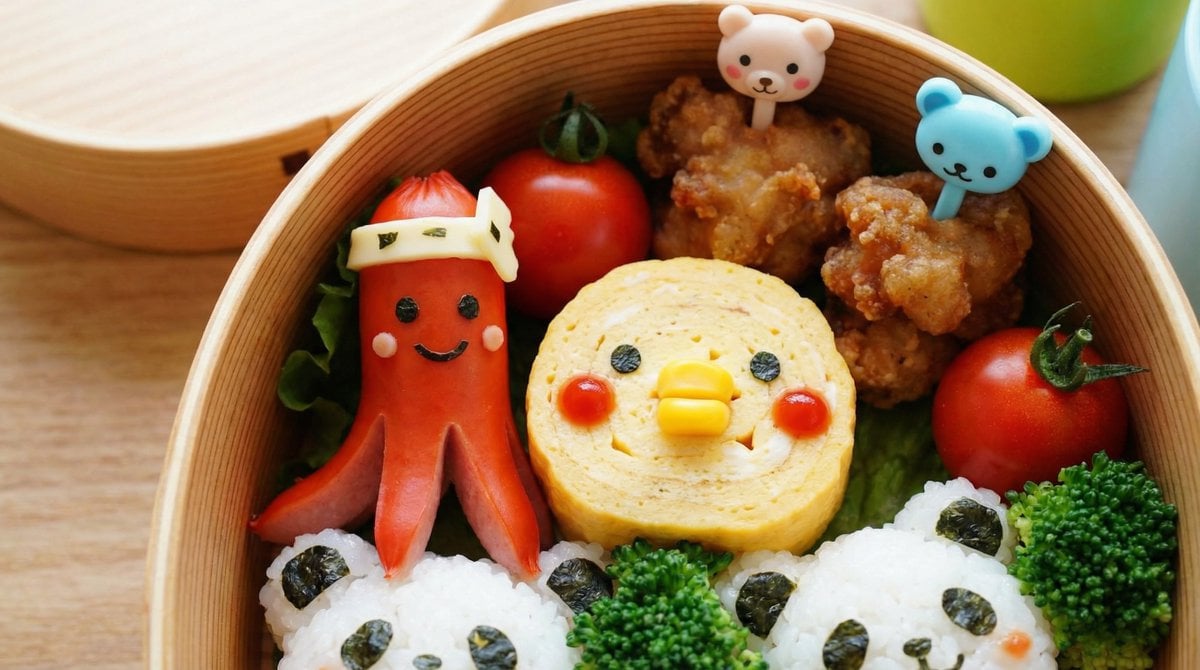
Recipe Generation Prompt for Bento Box
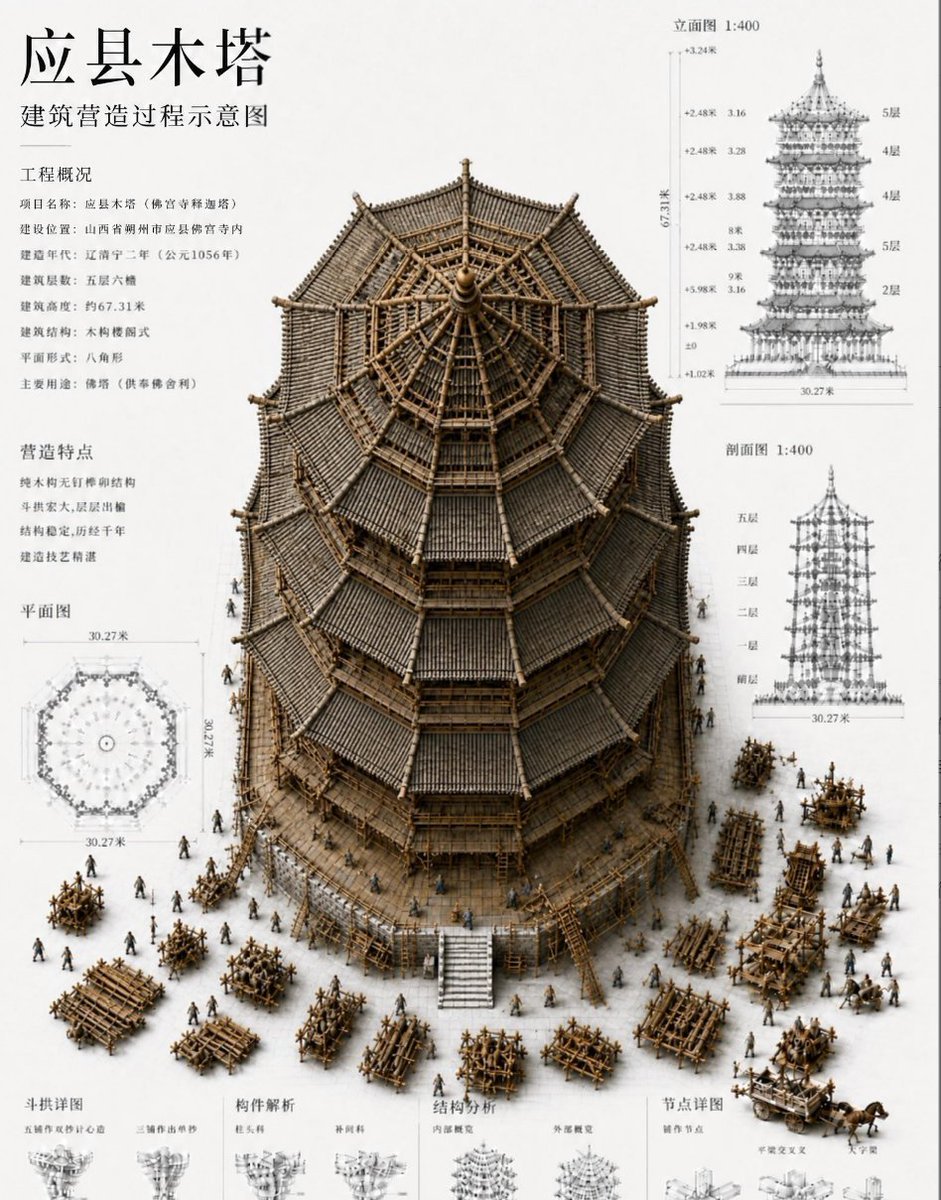
Chinese Wooden Pagoda Construction Board

Playful Velvet Chocolate Poster
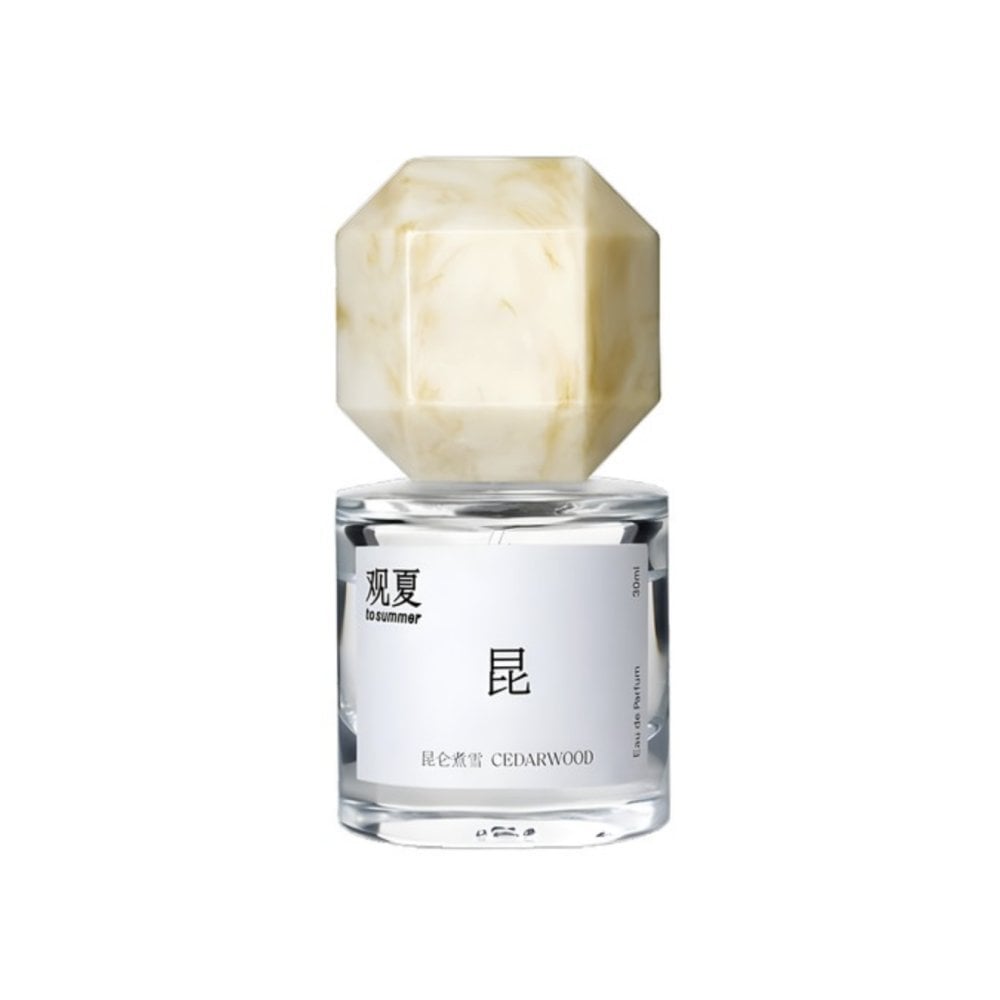
Perfume promo with niche Le Labo-like feel
Browse template categories
Cute Banana Robot on Table questions
How do I use the Cute Banana Robot on Table template?
Add your photo if the template asks for one, edit the prompt if you like — the template's model and format are already selected — and press Generate. Your version opens in PicX Studio.
Can I customize the Cute Banana Robot on Table template?
Yes. You can change the subject, setting, lighting, mood, format, and available model controls before creating your image.
Is the Cute Banana Robot on Table template free?
Opening and editing this template is free. Generating uses credits, shown on the Generate button when you are signed in.
Which AI model should I use?
Start with GPT Image 2, which is the model associated with this template. You can compare another compatible model for a different finish.
Looking for something else? Browse all templates.

Your photo, any look
Thousands of ready templates for every top image and video model, from one credit balance.