
Humanoid Mecha Robot at Night
A complex cinematic prompt for a 15-foot tall humanoid mecha built from broadcast van parts, featuring neon blue highlights in a rainy urban environment.
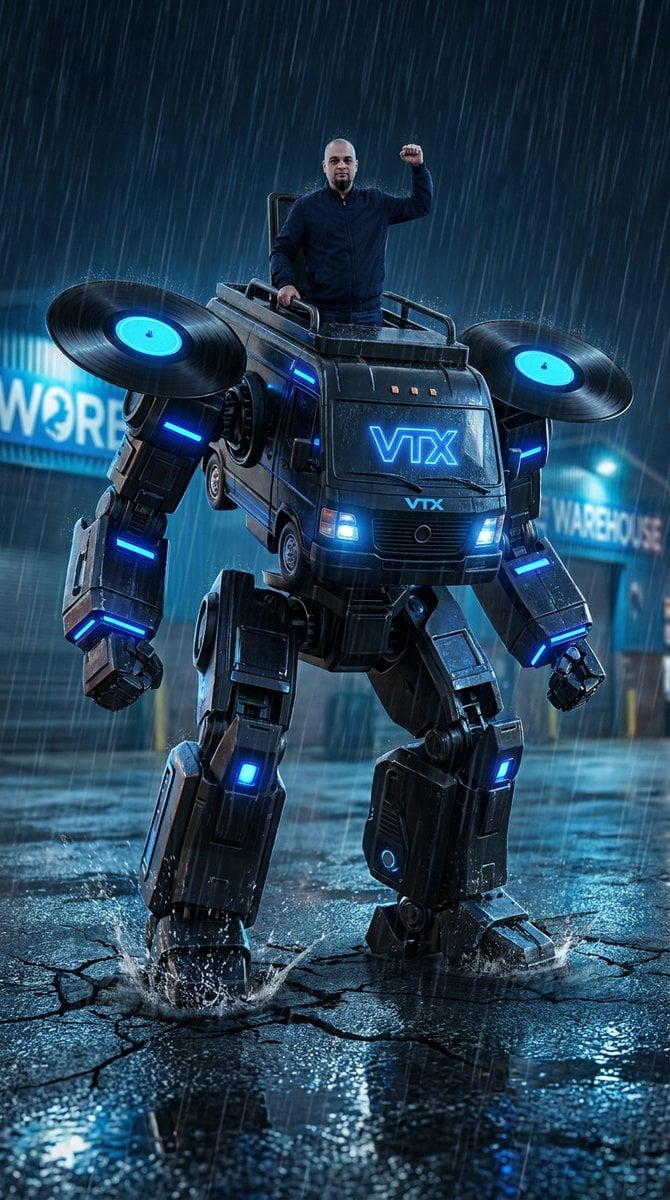
- Prompt included
- Model and format preset
- Free template
The prompt behind this image
Copy the exact prompt behind Humanoid Mecha Robot at Night, or open it in the studio and make it yours.
{ "format": "Single cinematic frame for GPT Image", "technical_specs": { "camera": "Low angle shot, shallow depth of field", "lighting": "Night scene, neon blue accent lights, wet surfaces", "quality": "Ultra-detailed, 4K, photorealistic CGI" }, "main_subject": { "type": "Large humanoid robot mecha, 15 feet tall", "construction": "Built from {argument name="mecha parts" default="black broadcast van parts"} - visible vehicle chassis panels, wheels converted to leg joints, satellite dish on chest", "details": [ "Matte black metal body with blue LED strips", "Two massive vinyl record discs (like DJ turntable platters) rotating slowly on shoulders - black vinyl with glowing blue label centers", "{argument name="brand logo" default="VTX logo"} glowing blue on chest center", "Mechanical legs with exposed pistons", "Head section has two bright blue headlight eyes", "Arms have DJ mixer faders and knobs as decorative panel details" ], "pose": "Standing upright, right foot planted on cracked pavement, left leg slightly bent" }, "person_on_mecha": { "position": "Standing on top of the mecha's head section", "identity": "{argument name="subject identity" default="Latin American man, early 40s, completely shaved head"}", "clothing": "Dark navy jacket, black pants, boots", "pose": "Standing confidently, one hand gripping a handle, other hand raised in fist", "expression": "Calm, confident, looking forward" }, "environment": { "location": "Wet asphalt road at night", "background": "Urban warehouses with neon signs, industrial buildings", "weather": "Heavy rain, puddles on ground reflecting blue lights", "ground": "Cracked pavement around mecha's foot, visible impact damage" }, "lighting_and_color": { "primary": "Cool blue neon glow from mecha LEDs and spinning vinyl centers", "secondary": "Warm orange sparks from mechanical joints", "atmosphere": "Dark moody night, rain, wet reflections", "key_colors": "Matte black, electric blue, dark grey asphalt" }, "action_frozen": "Mid-step stomp - right foot creating cracks in pavement, shoulder vinyl discs slowly rotating with blue light trails, sparks visible from leg joints, rain droplets frozen in air around the scene", "avoid": [ "Weapons of any kind", "Cannons or guns", "Fire or flames", "Organic dinosaur features", "Green colors", "Forest or trees", "Multiple people", "Handheld weapons", "Excessive flying debris" ] }
How to use Humanoid Mecha Robot at Night in 3 steps
- 1
Open
The prompt is already in the box next to the preview, with the template's model and format selected.
- 2…a portrait of your subject in softgolden-hour light, 85mm…
Personalize
Edit the subject and creative details for your destination.
- 3Generate
Generate
Press Generate — your image is created in PicX Studio, so you can compare it with the original and refine one variable at a time.
More like this
Templates with the same subject, style or setup. Open one to see its prompt.

Surreal Cat Astronaut — Humanoid Face Freefall
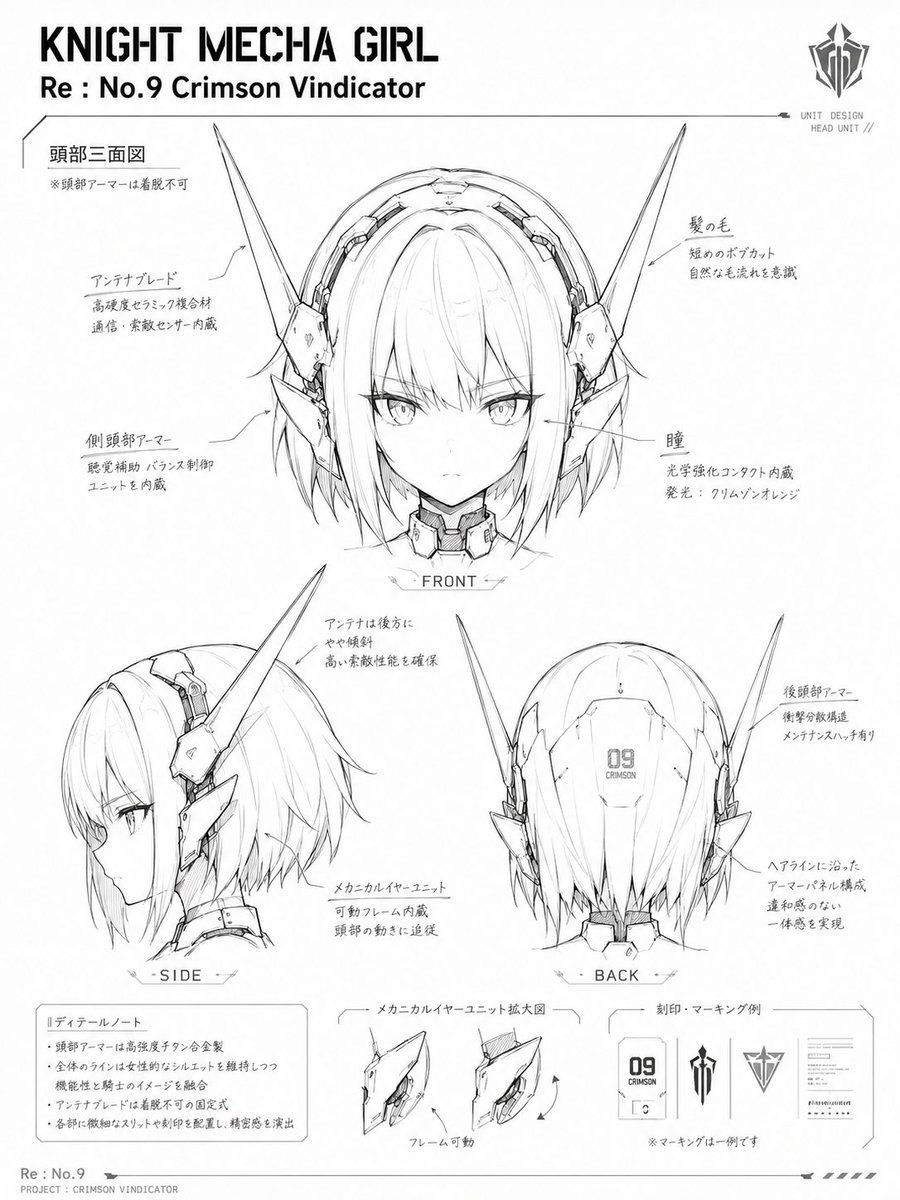
Knight Mecha Girl Model Kit Style

Subway Platform Quiet Introspective Portrait
Subway Platform Quiet Introspective Portrait

Spider-Man Night Swing New York Cinematic
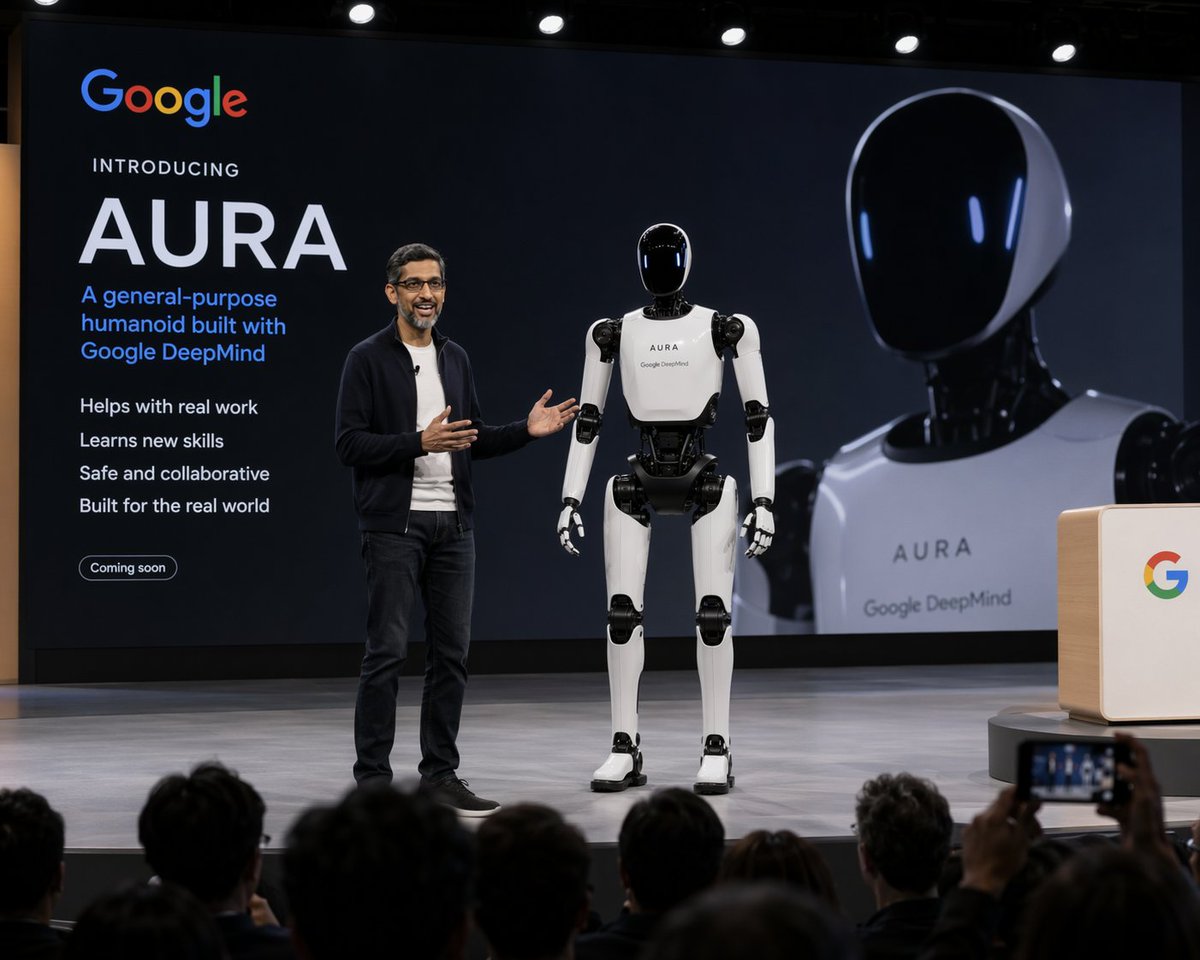
Humanoid Robot Keynote Reveal
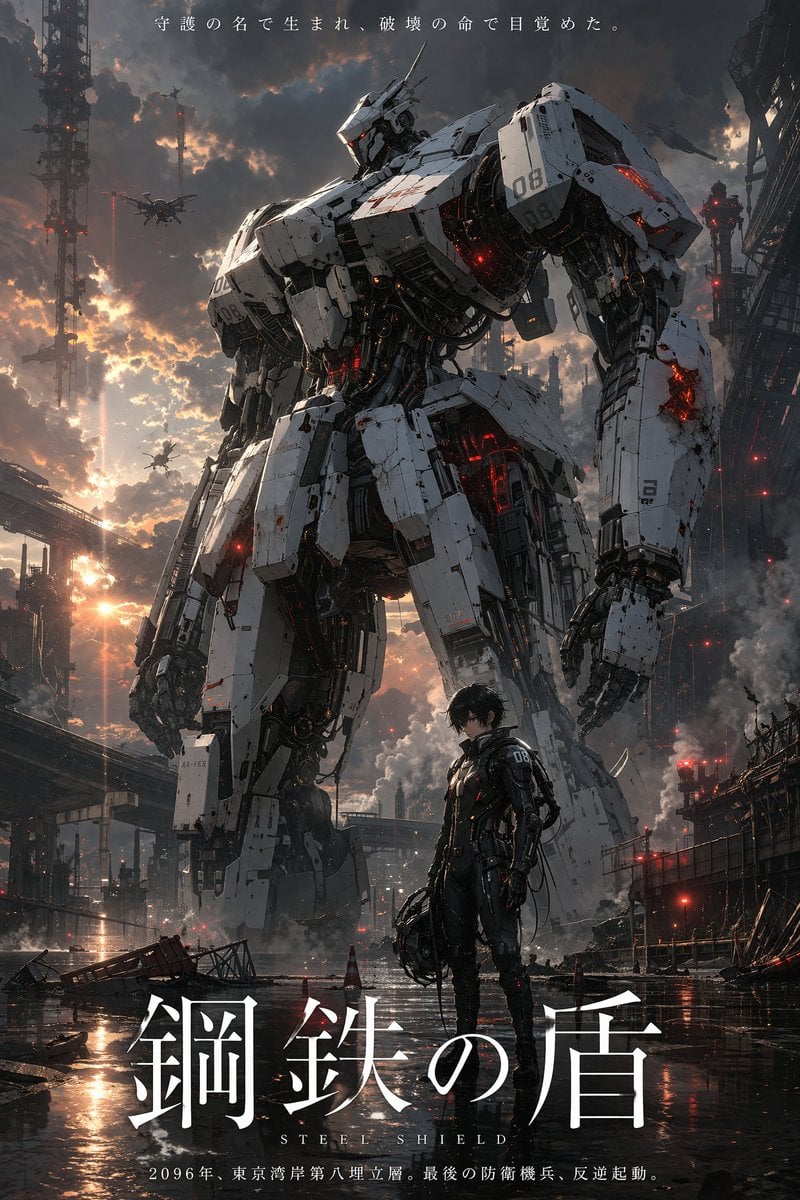
Robot Mecha Movie Key Visual Prompt
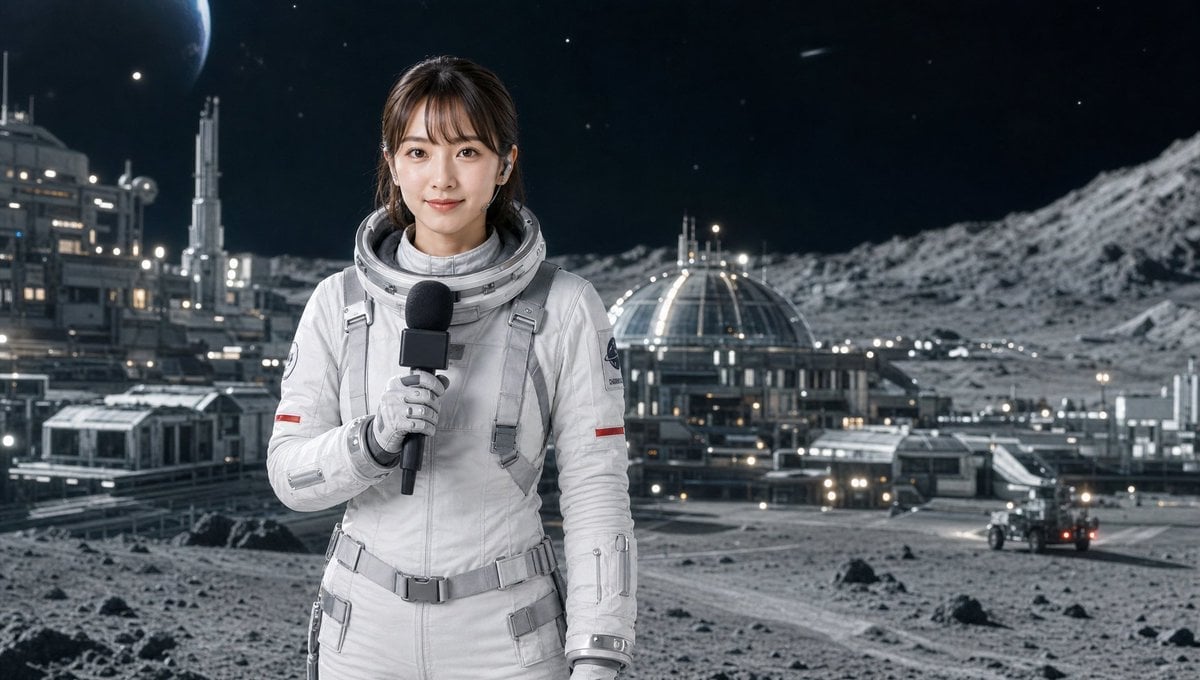
Industrial Humanoid Robot Blueprint

Floating Woman Above Cityscape with Notifications

Night Sports Car Portrait — Cinematic Moody

Nano Banana - Cozy Cafe Night
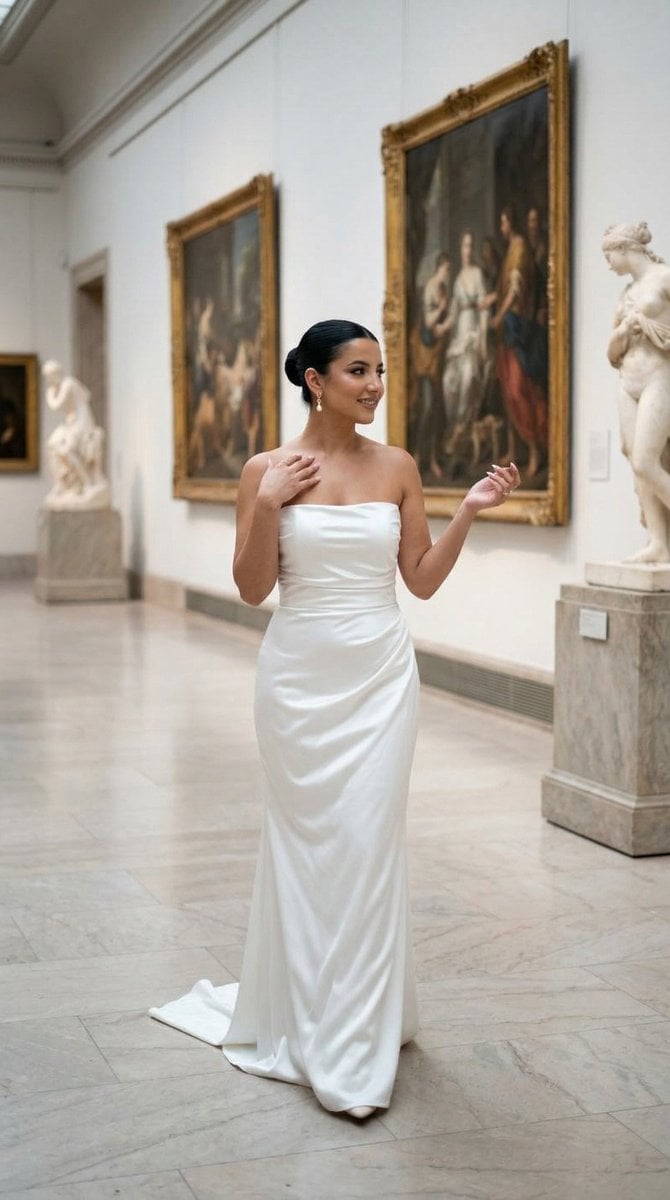
Nano Banana - Dancing Carefree Paris
Make it yours
Humanoid Mecha Robot at Night works as-is. These are the safest ways to change it without losing the look.
Change one field
Copy a single group, rewrite it, and generate again so you can see what that field is doing.
Keep the frame, change the subject
Hold the composition and light of Humanoid Mecha Robot at Night, then swap wardrobe, props or the person for a new take.
| If the result… | Why | Fix |
|---|---|---|
| The result drifts from the preview | Too many fields changed at once. | Reuse Humanoid Mecha Robot at Night as-is first, then change one group — subject, light, or setting. |
| The model over-stylizes the scene | The prose prompt leaves finish and camera underspecified. | Add one camera or lighting sentence and stay on Nano Banana 2. |
More Nano Banana 2 templates
Other prompts made for Nano Banana 2.

Photorealistic Leaf Shaped Like a Dragon

K-Pop Idol Portrait Grid for Rapid Selection

Poetic Rain Forest Portrait During Golden Hour

Urban Street Portrait with Cartoon Inner Self Duo

Candid Nighttime Photo with Cat Prompt

High-Concept 3D Diorama Generation Prompt

Cinematic Futuristic Studio Portrait Template

Skincare Editorial Photography Collage Prompt

Hyper-Realistic Commercial Product Photography (Splash Effect)

Hyper-Realistic Nightclub Portrait Prompt
More image prompts
Fresh picks from across the catalog.
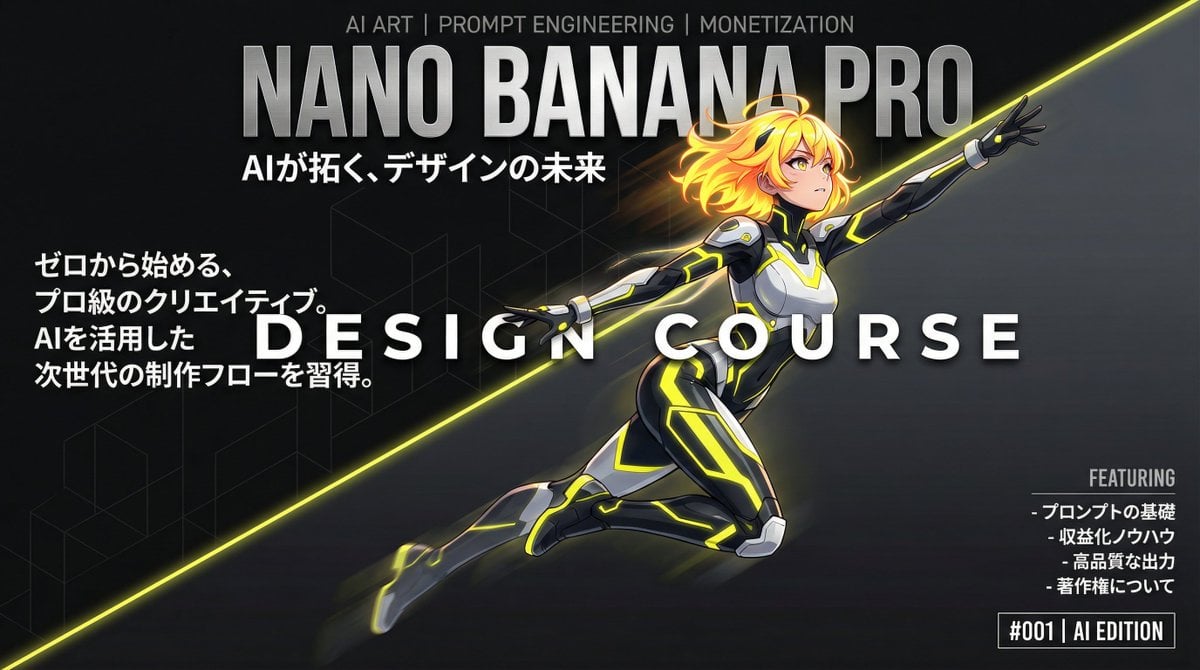
Dynamic Split Magazine Cover Thumbnail Prompt
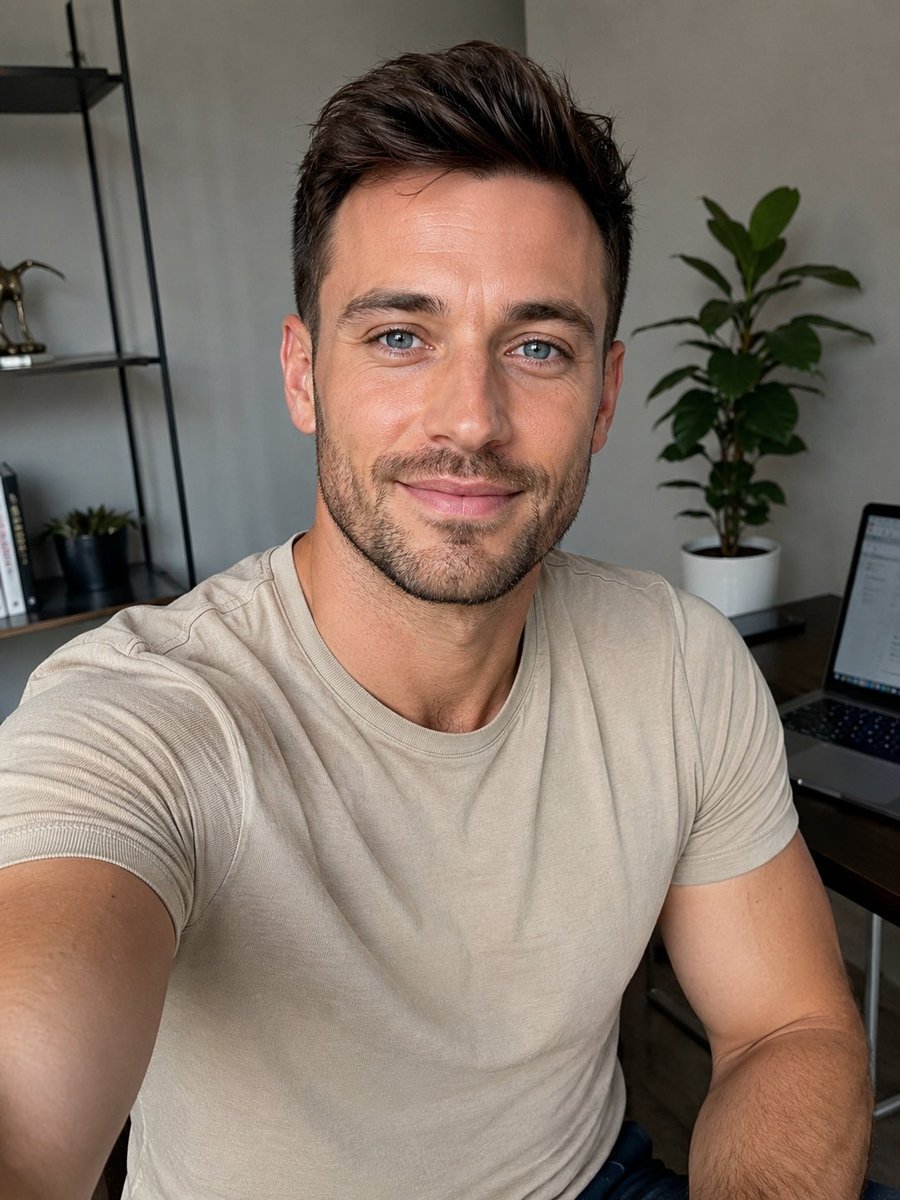
UGC Creator Character Template
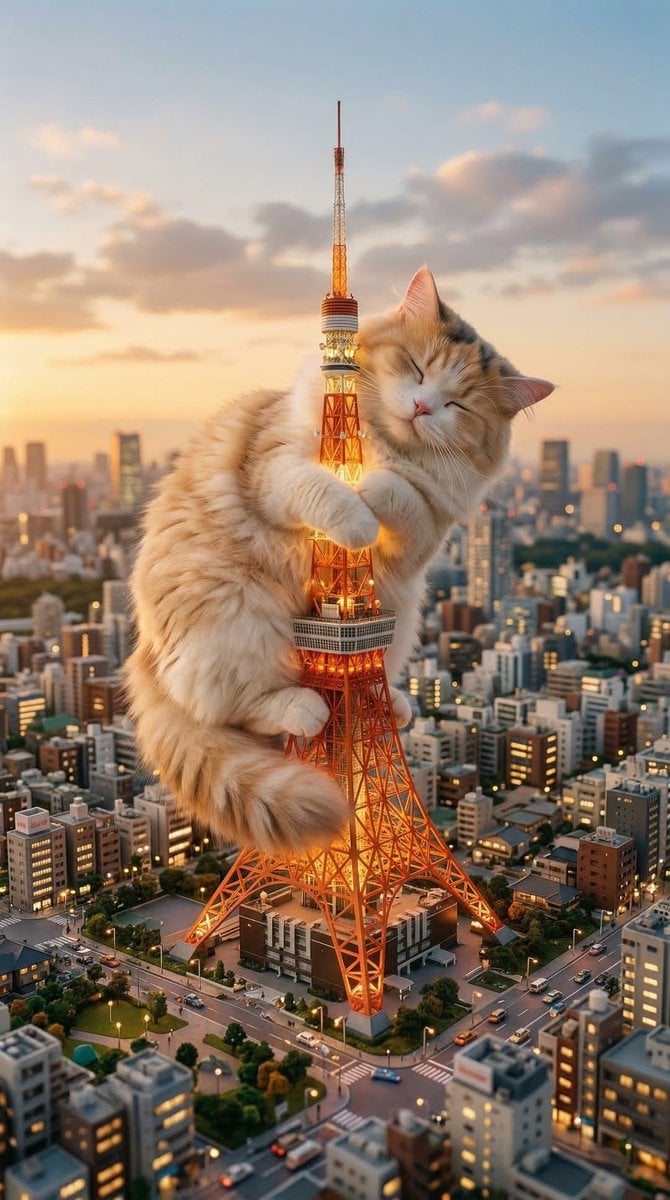
Giant Cat Occupying Tokyo Tower
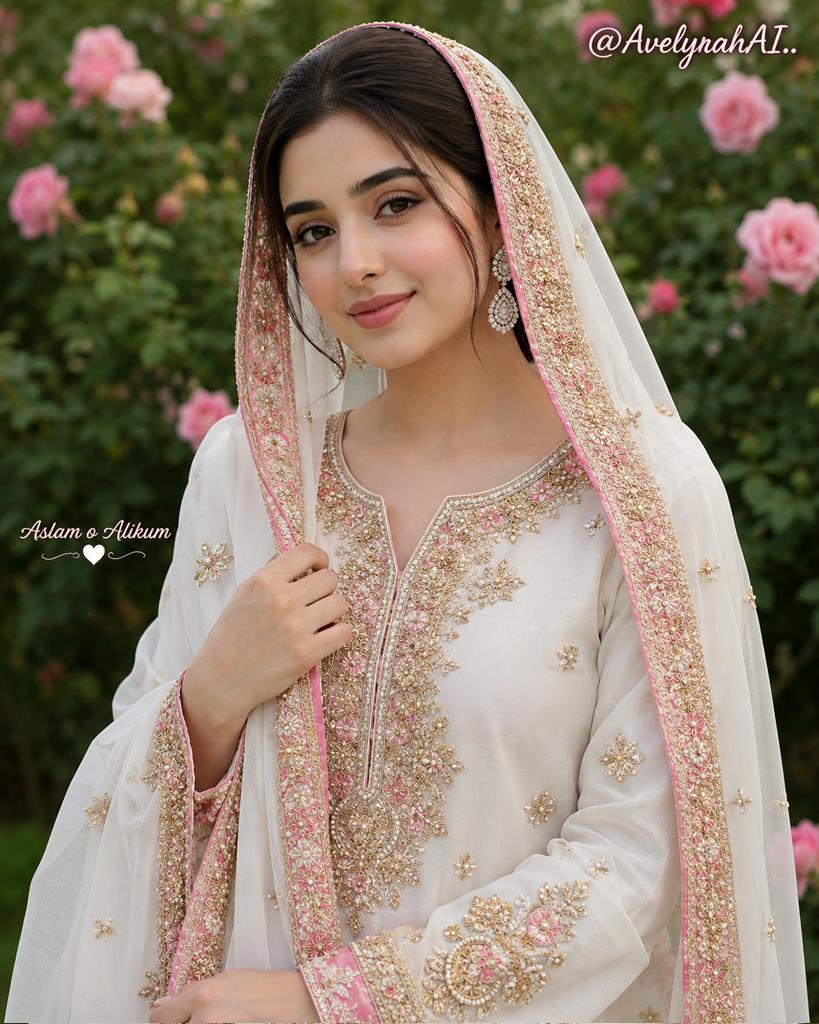
Traditional South Asian Portrait
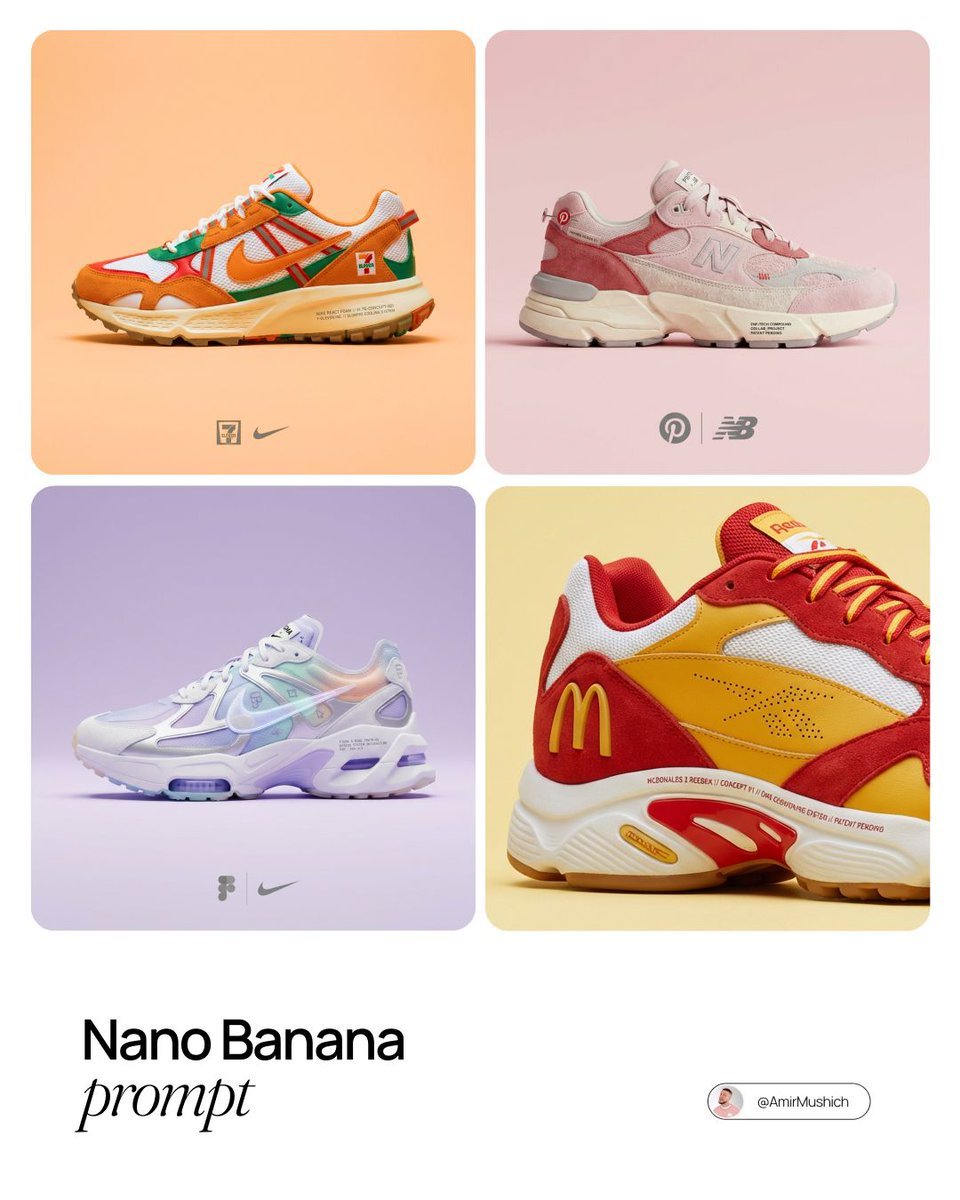
Brand x Sneakers Product Matchmaker Prompt
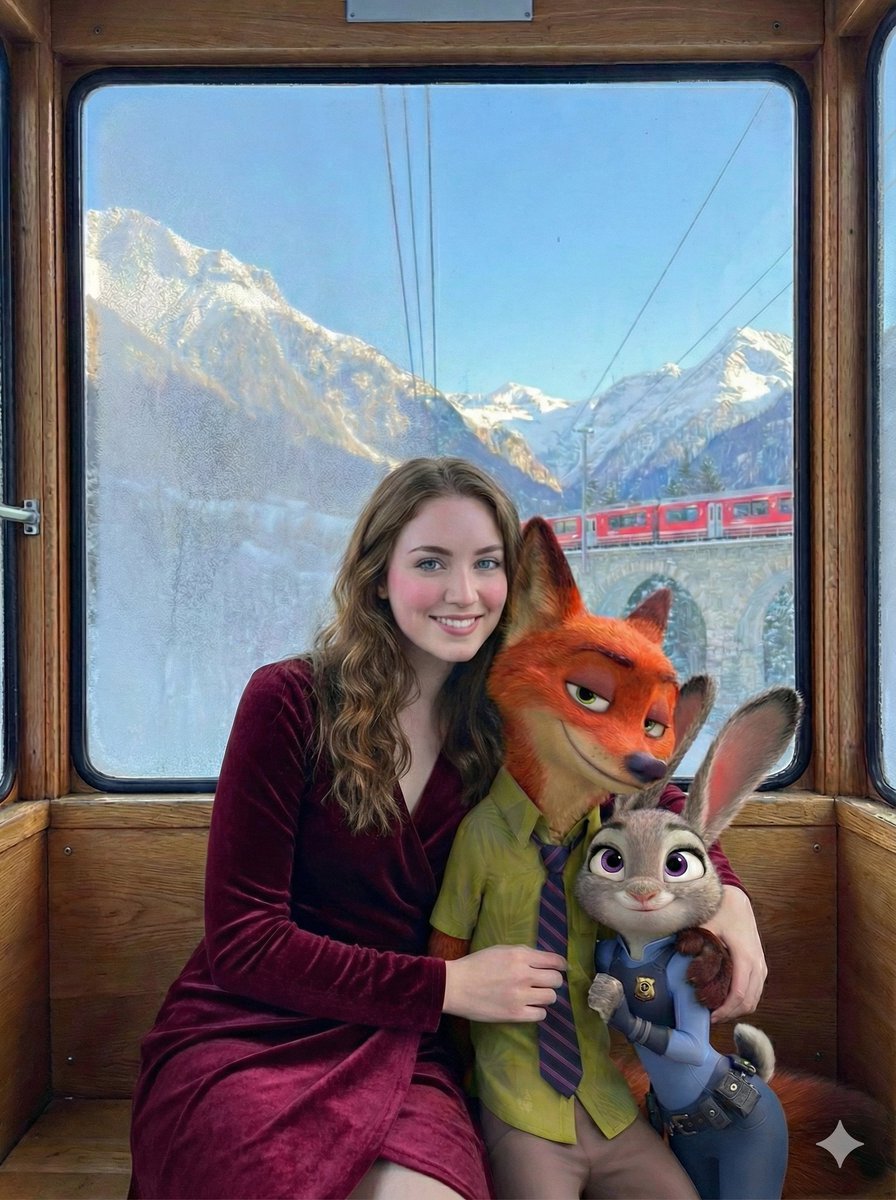
Cinematic Winter Train Scene with Animated Characters
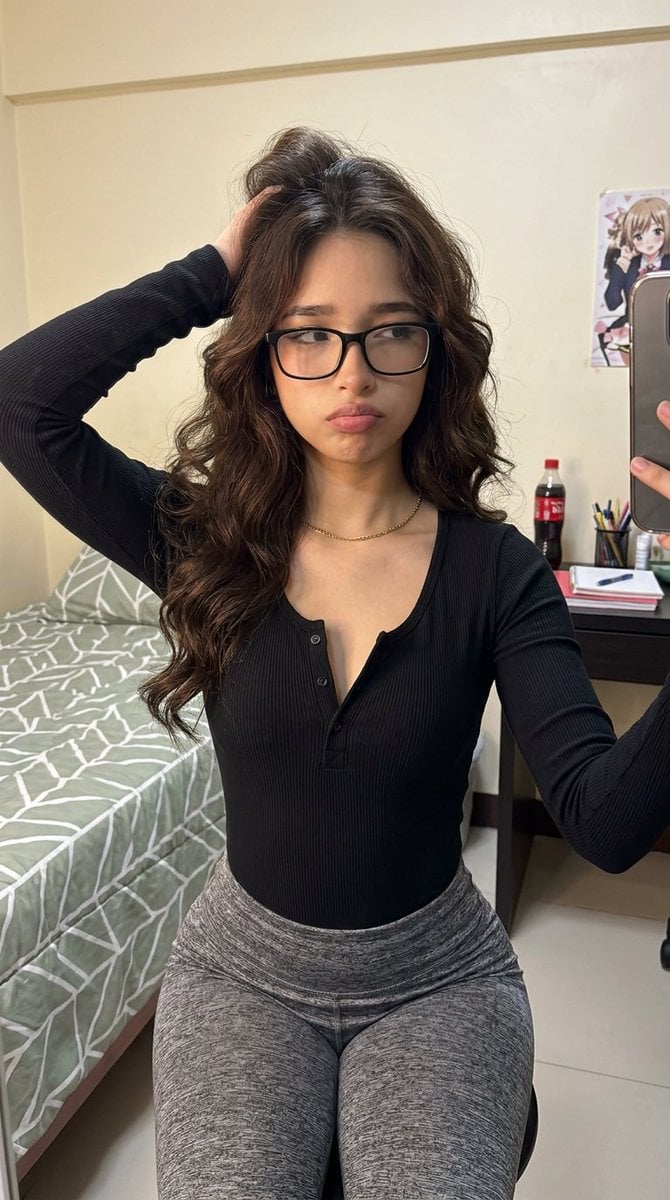
Photorealistic Mirror Selfie with Identity Lock
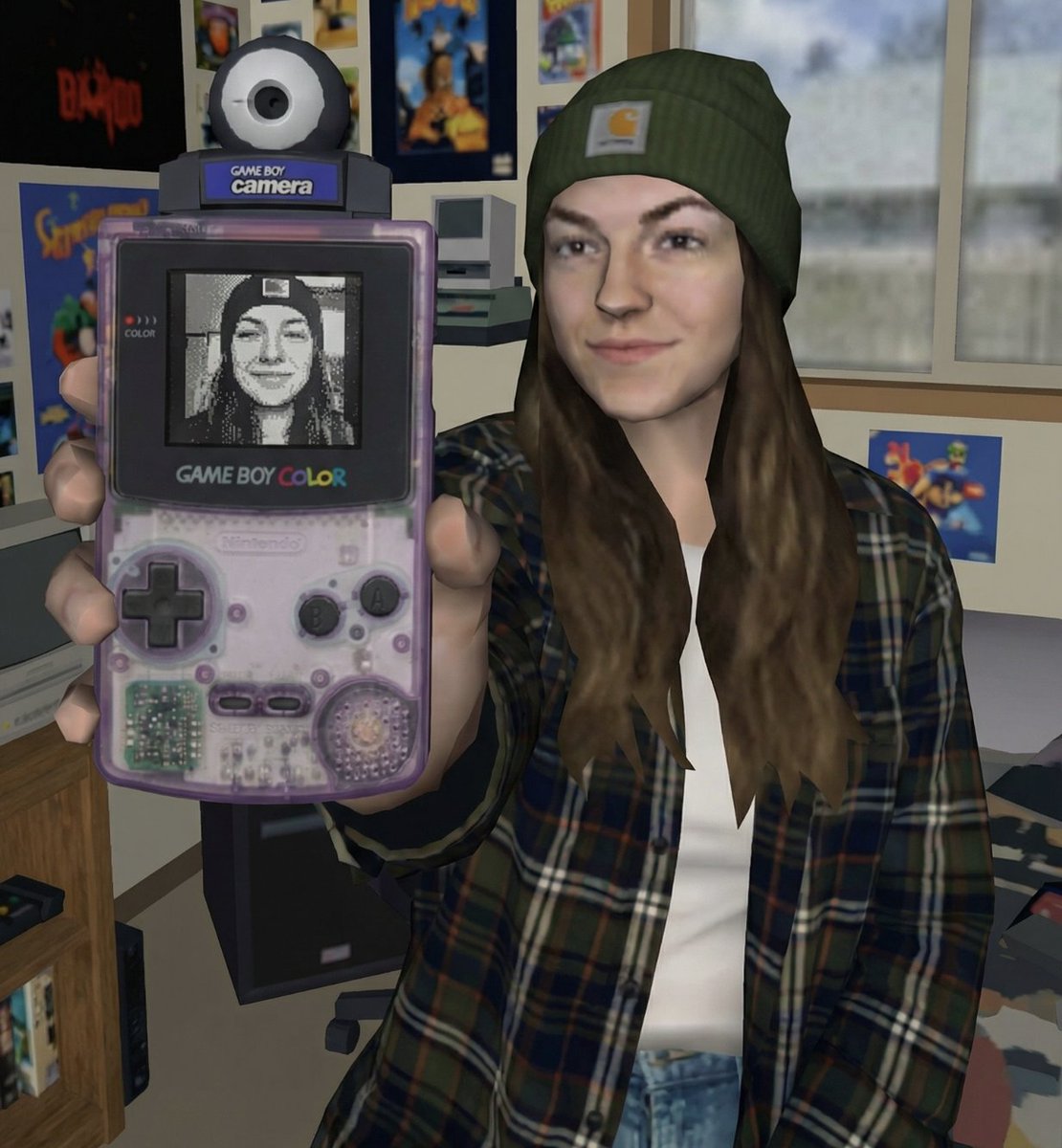
Early 2000s Video Game Render Style Transfer
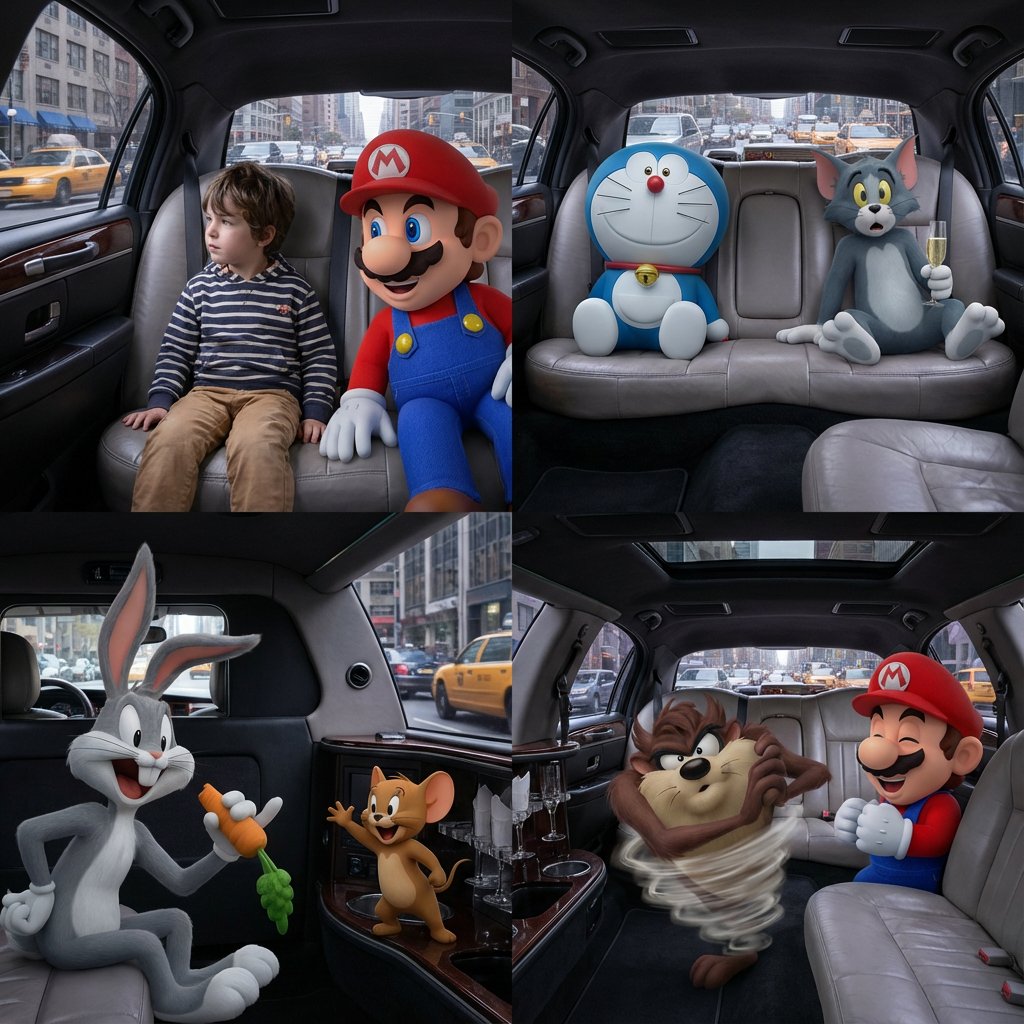
Four-Panel Composition Prompt with Location Context

Ultra-Realistic - India Patriotic Portrait
Browse template categories
Humanoid Mecha Robot at Night questions
How do I use the Humanoid Mecha Robot at Night template?
Add your photo if the template asks for one, edit the prompt if you like — the template's model and format are already selected — and press Generate. Your version opens in PicX Studio.
Can I customize the Humanoid Mecha Robot at Night template?
Yes. You can change the subject, setting, lighting, mood, format, and available model controls before creating your image.
Is the Humanoid Mecha Robot at Night template free?
Opening and editing this template is free. Generating uses credits, shown on the Generate button when you are signed in.
Which AI model should I use?
Start with Nano Banana 2, which is the model associated with this template. You can compare another compatible model for a different finish.
Looking for something else? Browse all templates.

Your photo, any look
Thousands of ready templates for every top image and video model, from one credit balance.