
Industrial Humanoid Robot Blueprint
A technical prompt for creating a clean, three-view blueprint of a humanoid robot designed for lunar base operations, focusing on realistic mecha aesthetics.
- Prompt included
- Model and format preset
- Free template
The prompt behind this image
Copy the exact prompt behind Industrial Humanoid Robot Blueprint, or open it in the studio and make it yours.
Please create a three-view (orthographic) drawing of a {argument name="robot type" default="humanoid robot"} operated at a lunar base. Arrange the front, side, and back views side by side at the same scale and with the same design. Make the background white or a very light gray, for a clean, reference-style three-view drawing. The design should be {argument name="design taste" default="sharp, detail-dense Japanese real-robot-style mecha design"}. Not too slim, convincingly practical-looking, with a feel somewhere between a military machine and a work machine. Do not make it look like Gundam. Keep it a purely original robot designed for a lunar base. Robot features: ・A bipedal humanoid robot ・A relatively small head with a precision-machine-like sensor visor or a monocular-style sensor ・A face that isn't too human — inorganic and intelligent-looking ・Panel lines and segmented structure on the shoulders, chest, waist, and legs, giving a sense of precision ・Solid, well-articulated joint structure in the legs, with stability suited for moving on the lunar surface ・Slightly long arms, with five-fingered manipulator hands ・Equipped with a backpack or rear unit, with a structure that looks like it could house communication, power, and attitude-control functions ・No need for excessive weaponry ・Don't give it any weapons ・A practical robot used for patrolling, security, support work, and assisting extravehicular activity at the lunar base Design taste: ・{argument name="color scheme" default="based on white, light gray, and dark gray"} ・A subtle red or orange as an accent color, with just a touch of blue ・A clean color scheme that harmonizes with spacesuits and lunar equipment ・Convincing as an industrial product ・A sharp, edgy silhouette ・Include some fine details, precise mechanisms, panel lines, and warning labels ・Futuristic-feeling, but grounded and realistic mecha design Requirements for the three-view drawing: ・Clearly separate the front, side, and back views ・Fit the entire body in frame without cropping ・Use a standing, neutral pose ・Make the shape differences clear in each view ・Prioritize its usefulness as reference material ・No need for unnecessary background staging ・No explosions, action, smoke, etc. ・Present it like design/reference documentation, not like a character
How to use Industrial Humanoid Robot Blueprint in 3 steps
- 1
Open
The prompt is already in the box next to the preview, with the template's model and format selected.
- 2…a portrait of your subject in softgolden-hour light, 85mm…
Personalize
Edit the subject and creative details for your destination.
- 3Generate
Generate
Press Generate — your image is created in PicX Studio, so you can compare it with the original and refine one variable at a time.
More like this
Templates with the same subject, style or setup. Open one to see its prompt.

Surreal Cat Astronaut — Humanoid Face Freefall

Paper Tunnel Book Architecture
Humanoid Mecha Robot at Night

Automotive Blueprint Split Composition

Blueprint Split Reality Archetype Prompt
Automotive Blueprint Split Composition
Blueprint Split Reality Archetype Prompt
FIFA 2026 England — Blueprint Heritage
FIFA 2026 USA — Blueprint Host Nation
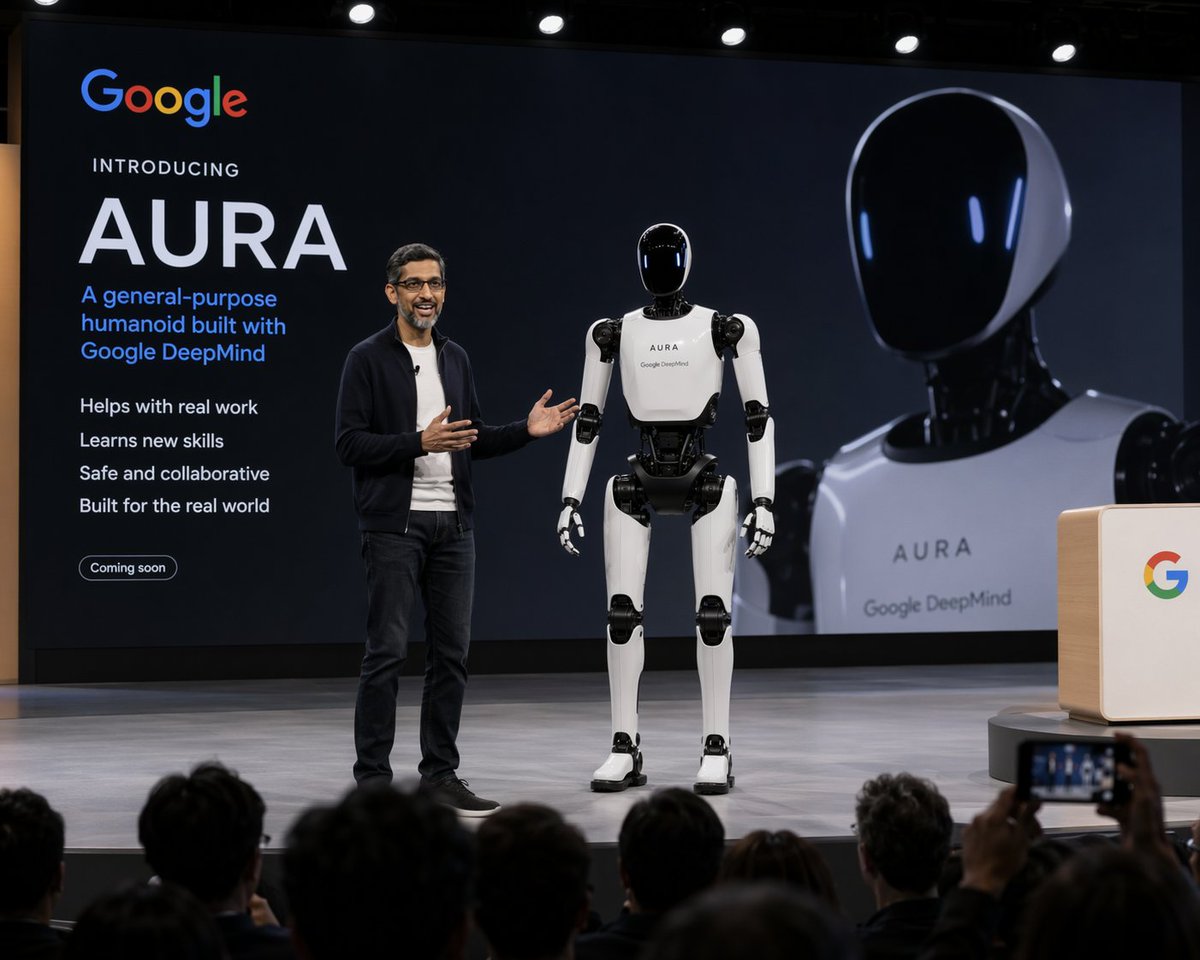
Humanoid Robot Keynote Reveal

Character Archive — Blueprint Concept Sheet

Caution Tape Fashion — Industrial Editorial
Make it yours
Industrial Humanoid Robot Blueprint works as-is. These are the safest ways to change it without losing the look.
Change one field
Copy a single group, rewrite it, and generate again so you can see what that field is doing.
Keep the frame, change the subject
Hold the composition and light of Industrial Humanoid Robot Blueprint, then swap wardrobe, props or the person for a new take.
| If the result… | Why | Fix |
|---|---|---|
| The result drifts from the preview | Too many fields changed at once. | Reuse Industrial Humanoid Robot Blueprint as-is first, then change one group — subject, light, or setting. |
| The model over-stylizes the scene | The prose prompt leaves finish and camera underspecified. | Add one camera or lighting sentence and stay on GPT Image 2. |
More GPT Image 2 templates
Other prompts made for GPT Image 2.

Six VTuber Japanese Logo Sheet

Realistic Portrait of Woman and Deer

The Vista Modular Condo Poster

AI Model Routing Comparison Infographic

2.5D Anime Art Board

Isometric Productivity Desk Scene

New York Double Exposure Poster

Four-Panel AI Landscape Comparison

Japanese Tatami Lifestyle Magazine Cover

NESCAFÉ Coffee Map Poster
More image prompts
Fresh picks from across the catalog.
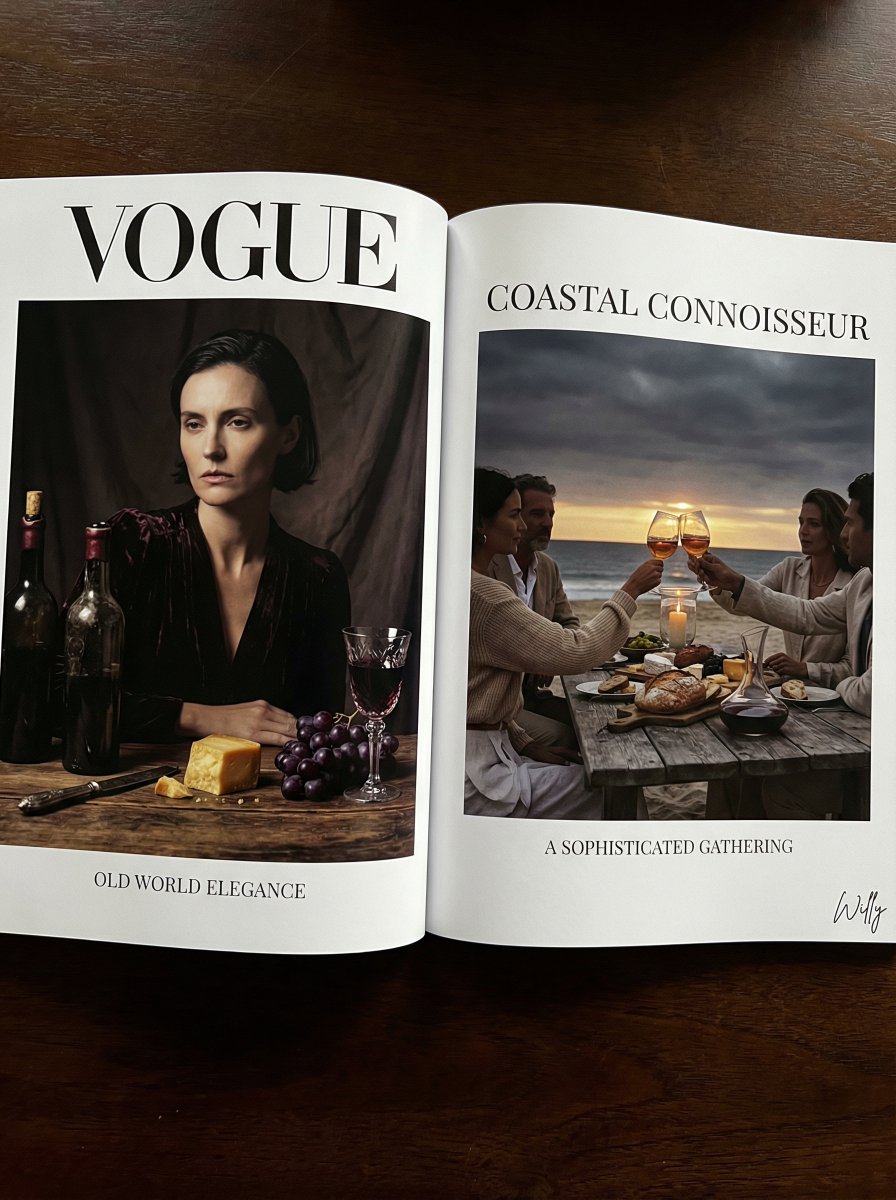
Vogue Editorial Dutch Master Still Life
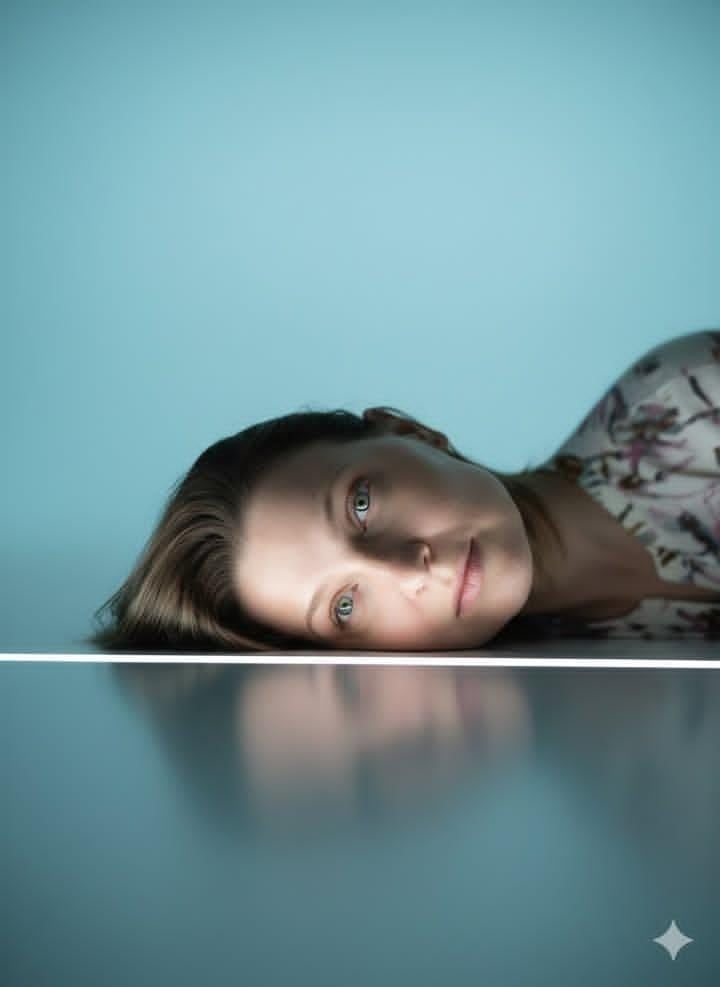
Identity-Locked Surreal Minimalist Editorial Portrait

Double Exposure Portrait of an AI Engineer
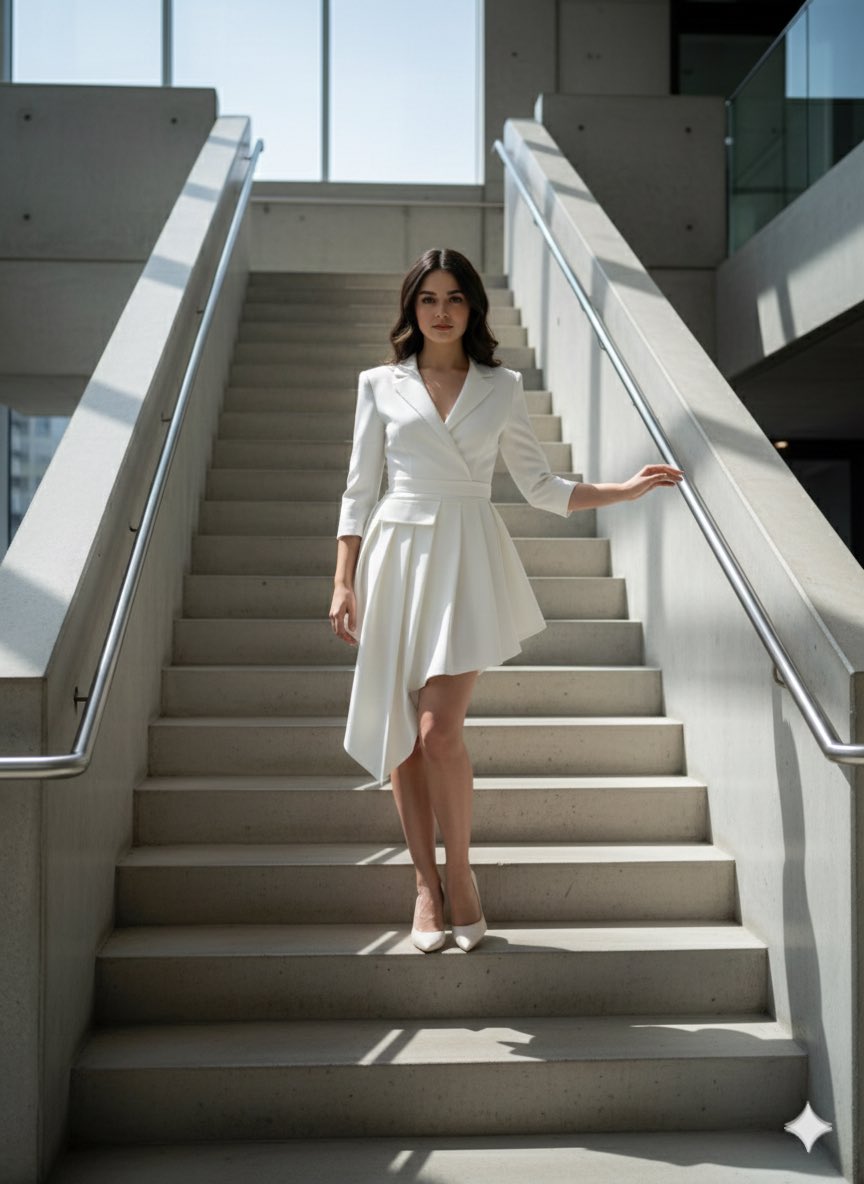
Narrative Cinematic Fashion Portrait Prompt
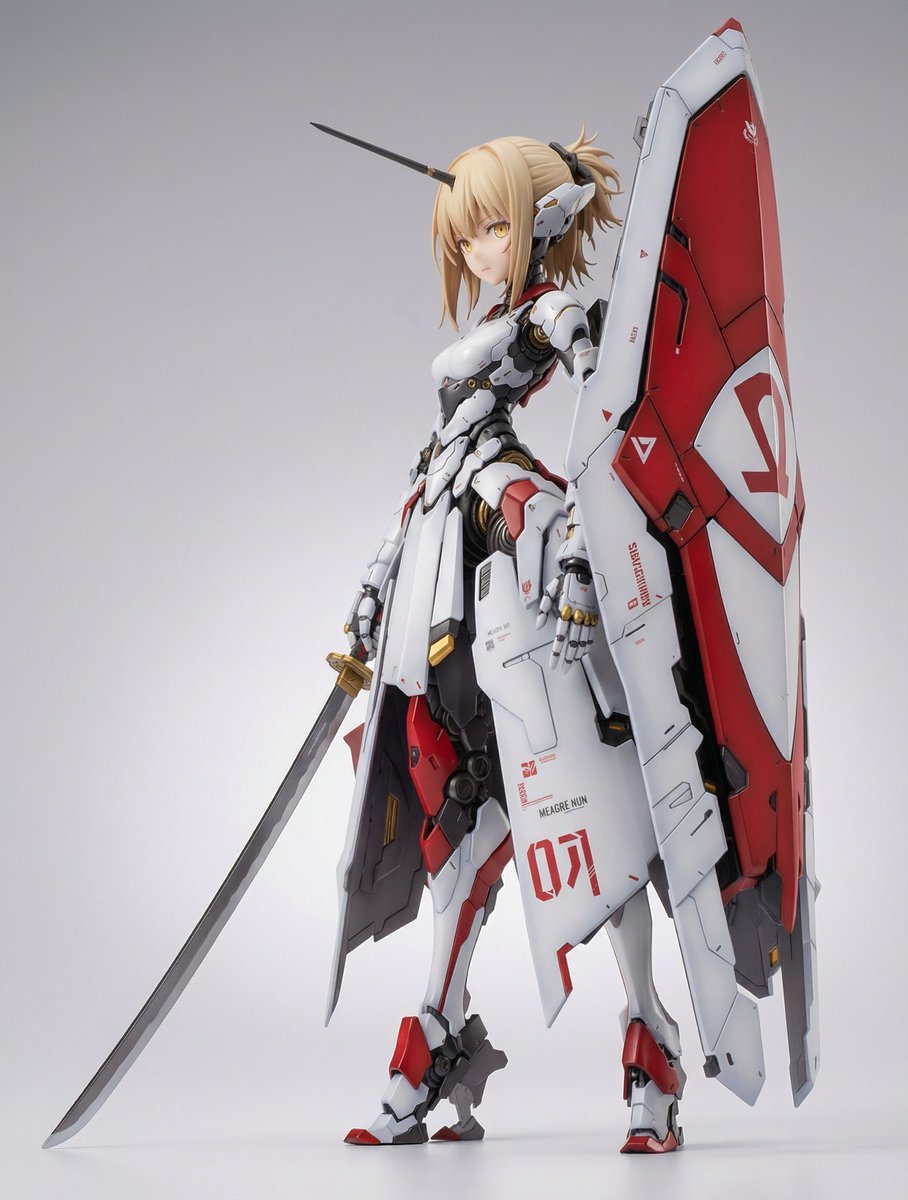
Mecha Girl Figure Concept Prompt
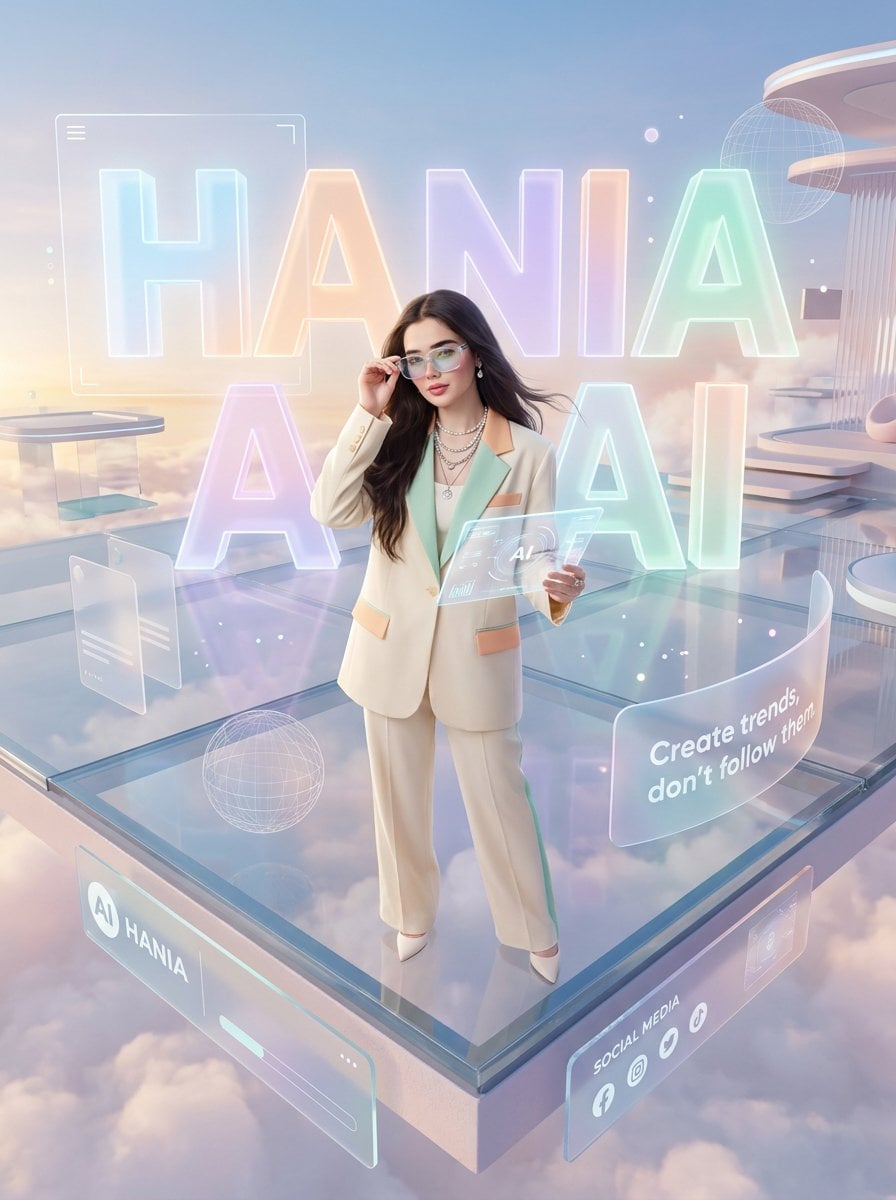
Pastel Luxury AI Branding Poster
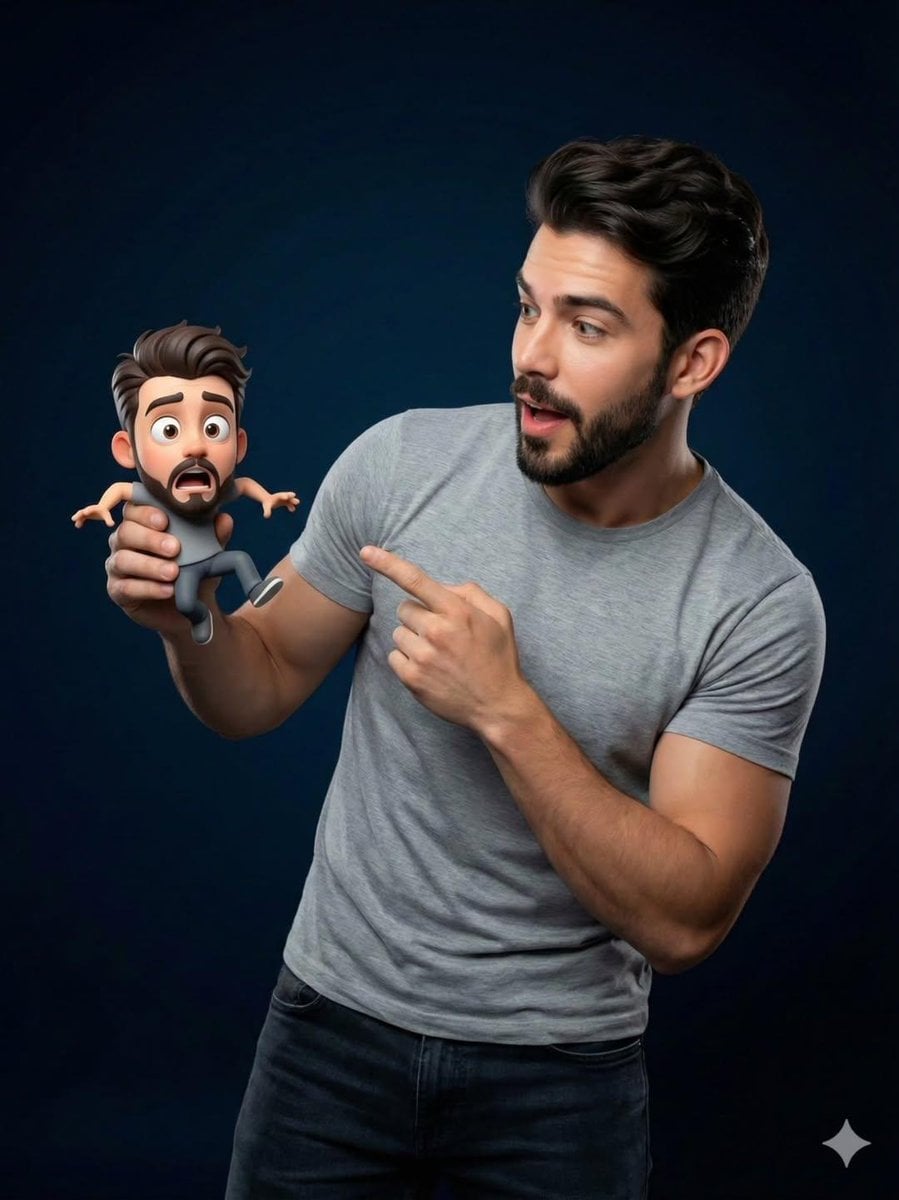
Pixar-Style Miniature Interaction Portrait
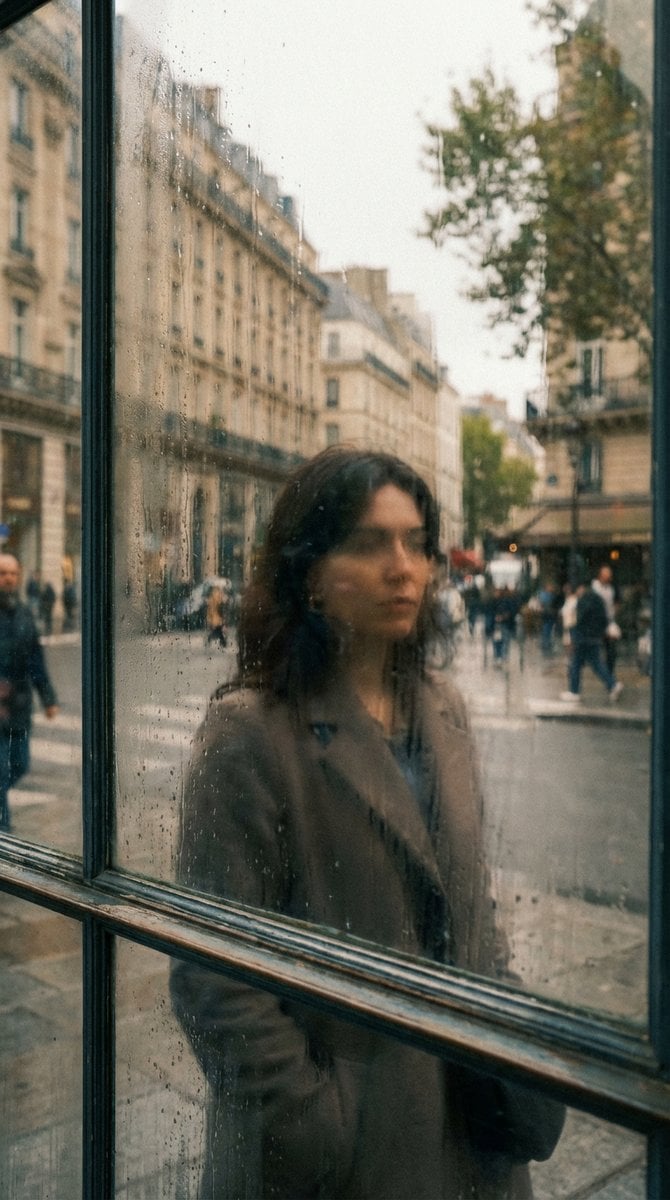
Layered Reflection in Glass Window
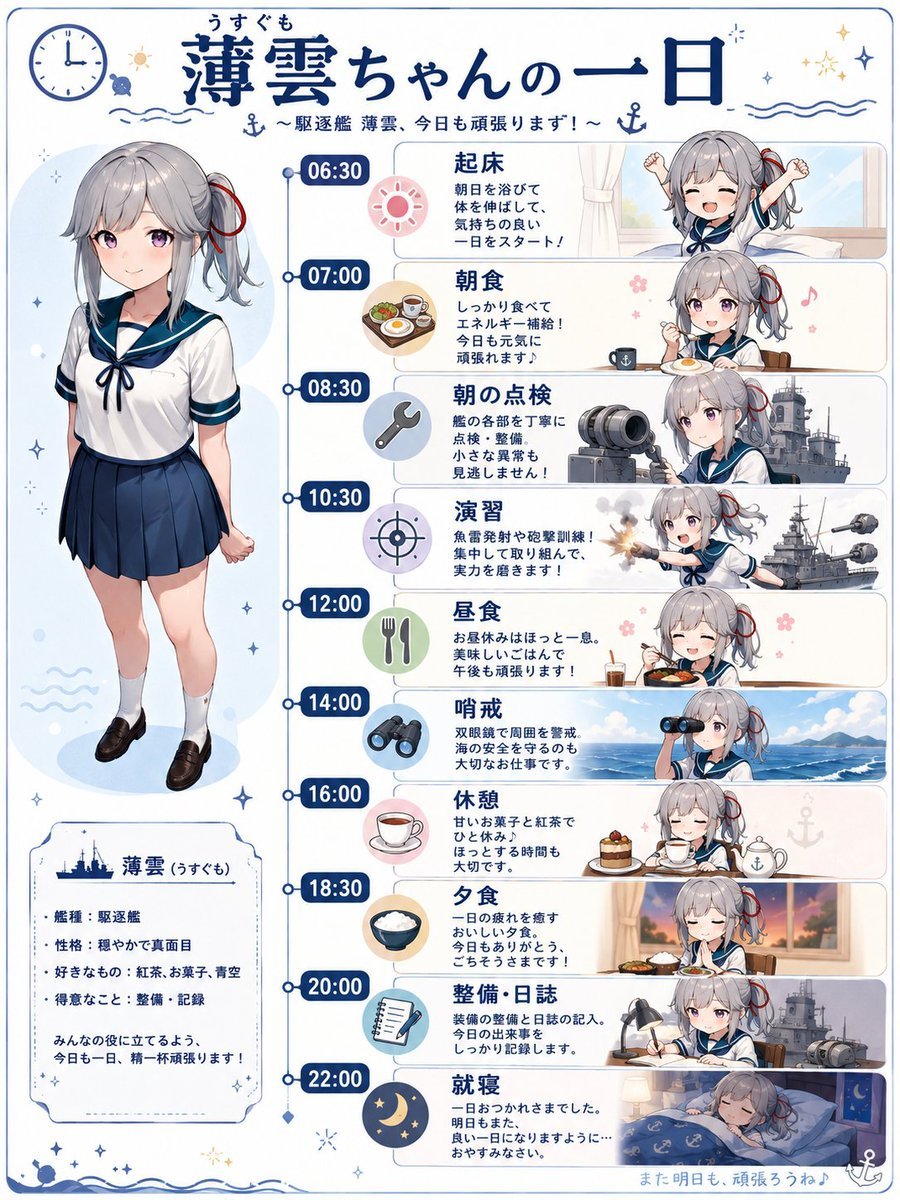
Ship Girl Daily Schedule Poster
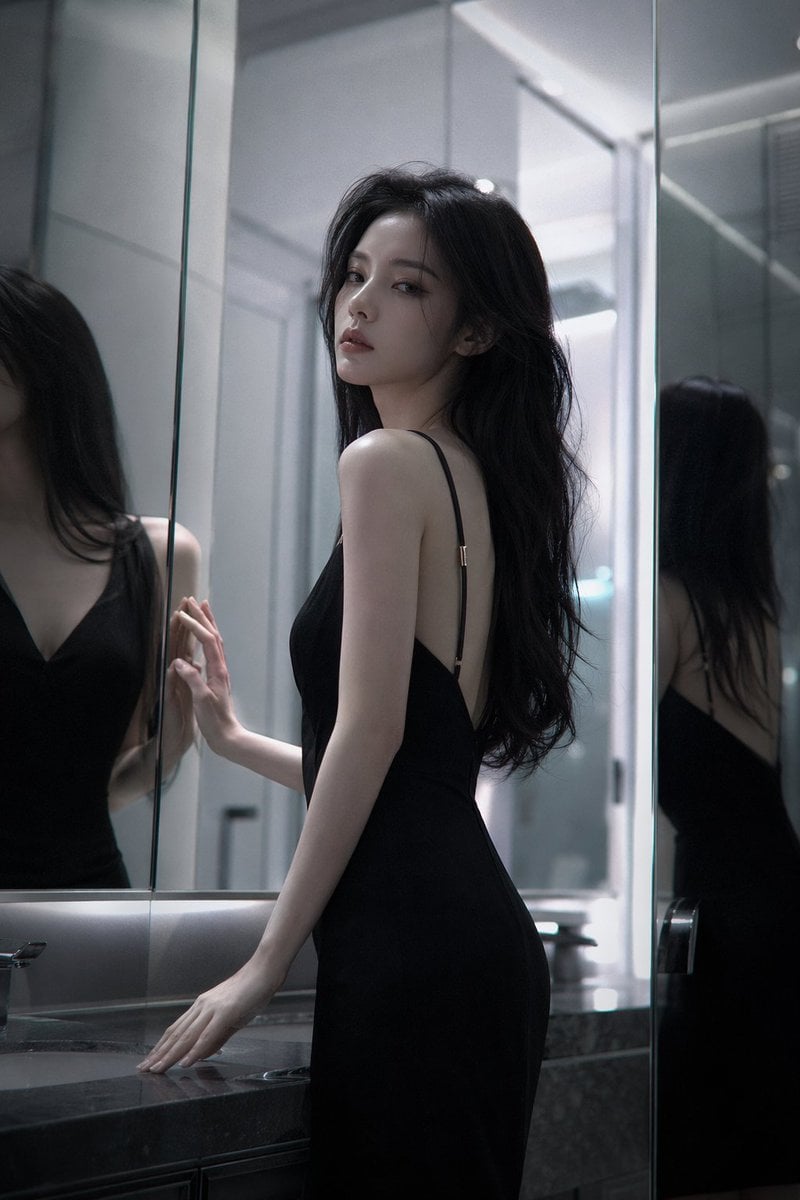
Atmospheric cold glamor mirror portrait
Browse template categories
Industrial Humanoid Robot Blueprint questions
How do I use the Industrial Humanoid Robot Blueprint template?
Add your photo if the template asks for one, edit the prompt if you like — the template's model and format are already selected — and press Generate. Your version opens in PicX Studio.
Can I customize the Industrial Humanoid Robot Blueprint template?
Yes. You can change the subject, setting, lighting, mood, format, and available model controls before creating your image.
Is the Industrial Humanoid Robot Blueprint template free?
Opening and editing this template is free. Generating uses credits, shown on the Generate button when you are signed in.
Which AI model should I use?
Start with GPT Image 2, which is the model associated with this template. You can compare another compatible model for a different finish.
Looking for something else? Browse all templates.

Your photo, any look
Thousands of ready templates for every top image and video model, from one credit balance.