
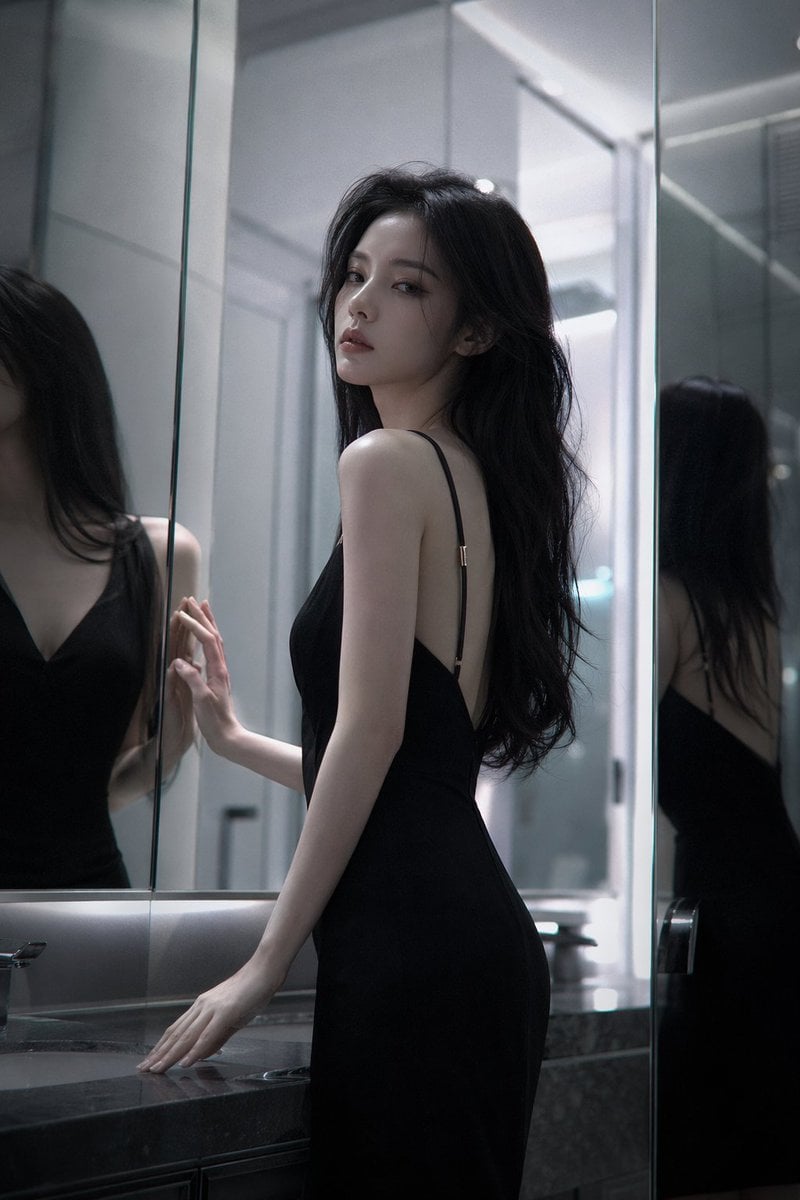
Atmospheric cold glamor mirror portrait
A highly detailed fashion editorial prompt for a woman's portrait in a mirrored space with complex lighting and reflections.
- Prompt included
- Model and format preset
- Free template
The prompt behind this image
Copy the exact prompt behind Atmospheric cold glamor mirror portrait, or open it in the studio and make it yours.
Stunningly beautiful {argument name="subject" default="woman"} with a {argument name="vibe" default="cool, aloof atmospheric vibe"}, exquisite and refined facial features, cold and glamorous high-end face, long flowing hair, graceful and alluring figure, (character features completely locked and consistent) Scene: Indoor space with mirrors (bathroom or mirrored wall), multiple reflections, layered depth in the space Pose: Standing in front of the mirror, one hand lightly touching the mirror surface or resting on the countertop, body slightly angled, head gently turned toward the camera Expression: Calm and emotionless, with a hint of cold indifference and detachment Camera angle: Low angle or slight side angle shot, with the mirror reflection clearly visible in the frame Lighting: Cool white light as the main source, with localized shadows, emphasizing structural contours and three-dimensionality Style: High-end fashion editorial, subtle film grain, low contrast Details: Delicately realistic skin texture, clear yet softly layered and slightly blurred mirror reflections Atmosphere: Restrained, rational, distant, with a touch of surreal unreality Quality: Ultra-sharp 8K, extreme details, cinematic lighting and shadows, beautiful depth-of-field bokeh
How to use Atmospheric cold glamor mirror portrait in 3 steps
- 1
Open
The prompt is already in the box next to the preview, with the template's model and format selected.
- 2…a portrait of your subject in softgolden-hour light, 85mm…
Personalize
Edit the subject and creative details for your destination.
- 3Generate
Generate
Press Generate — your image is created in PicX Studio, so you can compare it with the original and refine one variable at a time.
More like this
Templates with the same subject, style or setup. Open one to see its prompt.

Rooftop Fisheye — Cat-Ear Balaclava at Golden Hour

Found Photograph: Us, 1970

80s Couple Studio Portrait

80s Bollywood Star

80s Golden Hour Cinema

Me in 1985

1985 Studio Portrait

Hyper-Realistic Minecraft POV Portrait

Minecraft Japanese Research Lab Exploration
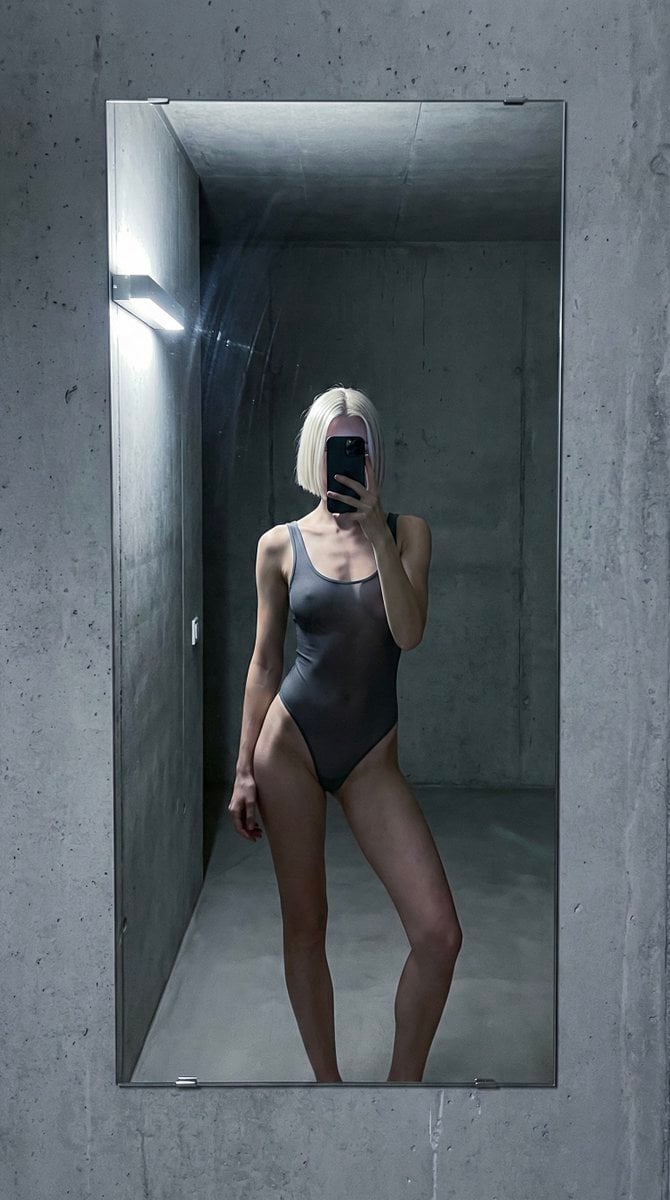
Cold editorial mirror reflection, raw iphone realism, natural skin

Felt & Knit 3D Character — Photo-Exact Face, Pixar-Quality Plush Figurine

Surreal Cat Astronaut — Humanoid Face Freefall
Make it yours
Atmospheric cold glamor mirror portrait works as-is. These are the safest ways to change it without losing the look.
Change one field
Copy a single group, rewrite it, and generate again so you can see what that field is doing.
Keep the frame, change the subject
Hold the composition and light of Atmospheric cold glamor mirror portrait, then swap wardrobe, props or the person for a new take.
| If the result… | Why | Fix |
|---|---|---|
| The result drifts from the preview | Too many fields changed at once. | Reuse Atmospheric cold glamor mirror portrait as-is first, then change one group — subject, light, or setting. |
| The model over-stylizes the scene | The prose prompt leaves finish and camera underspecified. | Add one camera or lighting sentence and stay on GPT Image 2. |
More GPT Image 2 templates
Other prompts made for GPT Image 2.

Six VTuber Japanese Logo Sheet

Realistic Portrait of Woman and Deer

The Vista Modular Condo Poster

AI Model Routing Comparison Infographic

2.5D Anime Art Board

Isometric Productivity Desk Scene

New York Double Exposure Poster

Four-Panel AI Landscape Comparison

Japanese Tatami Lifestyle Magazine Cover

NESCAFÉ Coffee Map Poster
More image prompts
Fresh picks from across the catalog.
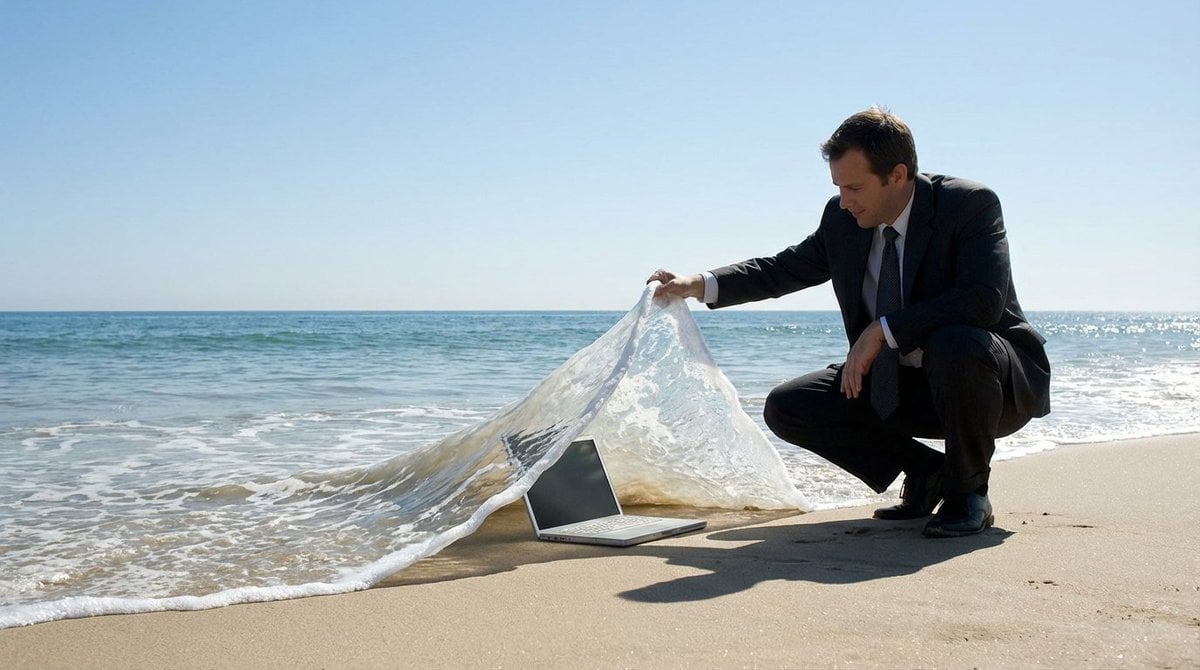
Surreal deep sea storage illusion prompt
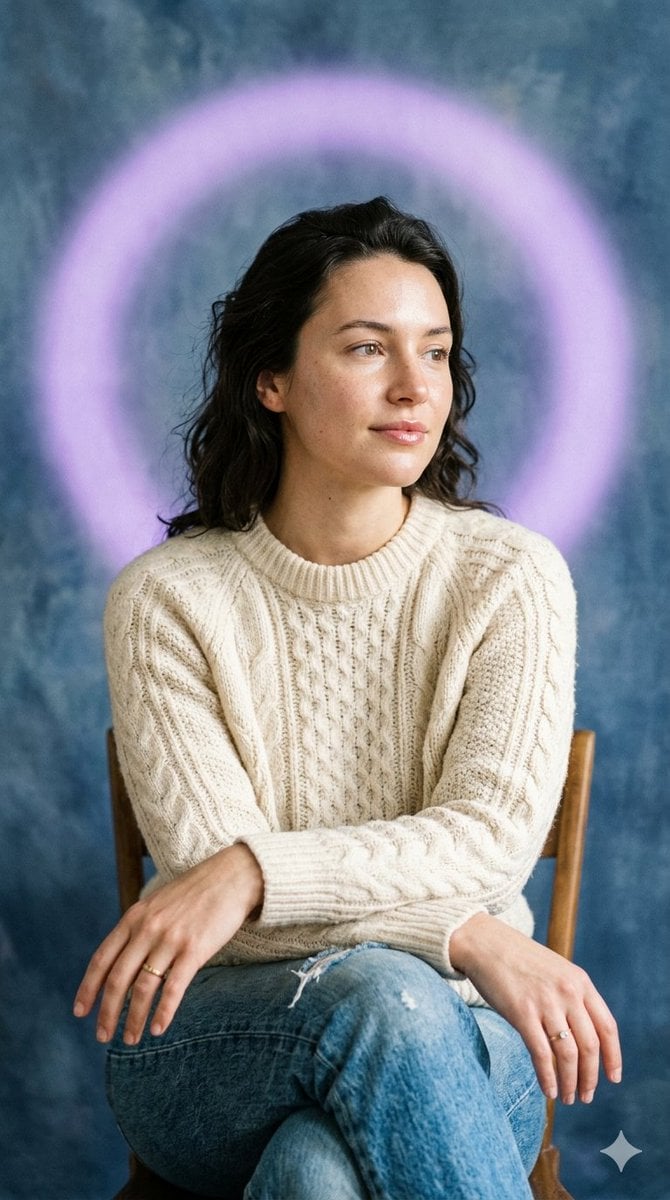
Editorial Introspective Studio Portrait
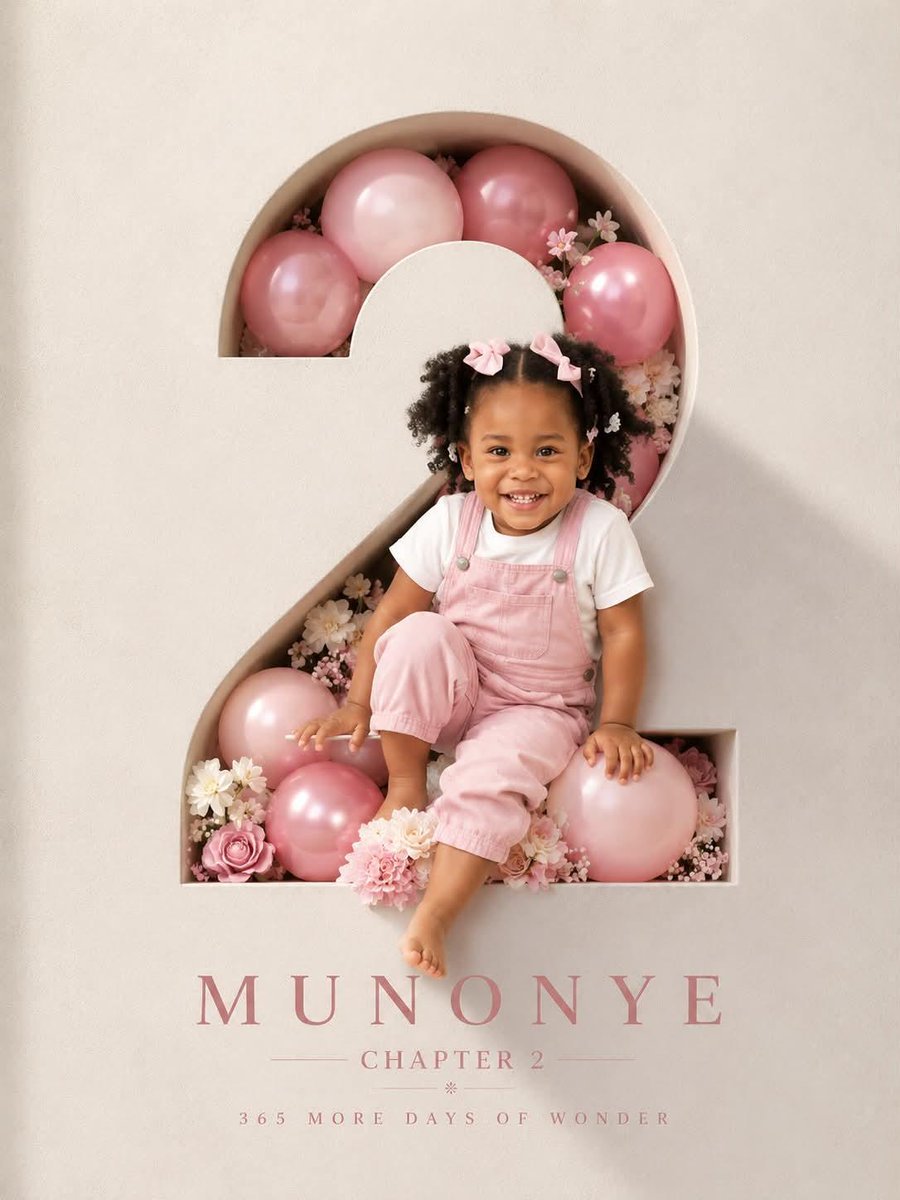
3D Luxury Birthday Poster
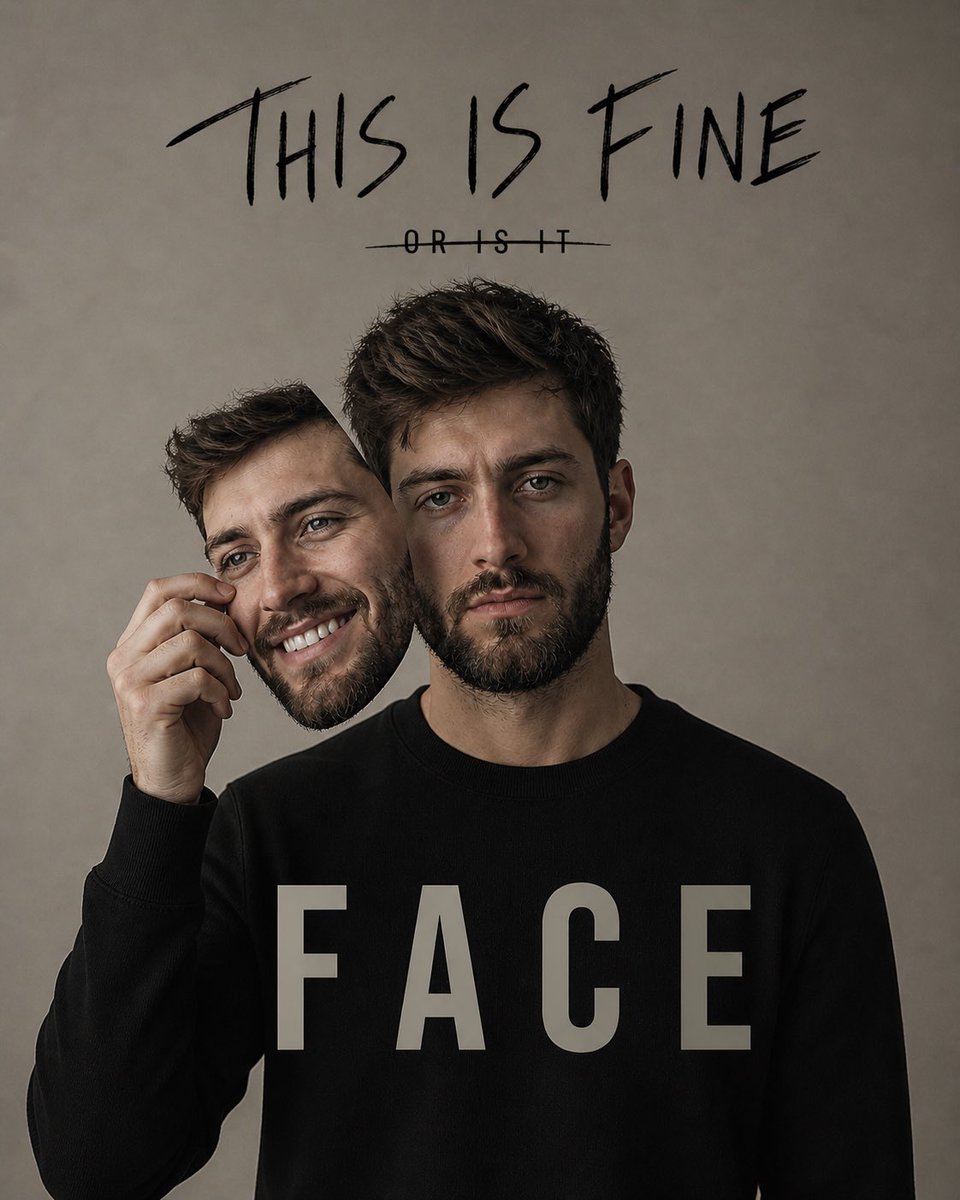
Dual Identity Surreal Portrait

Hyper-Realistic Go-Kart Race Video Prompt (Grok Imagine)
untitled
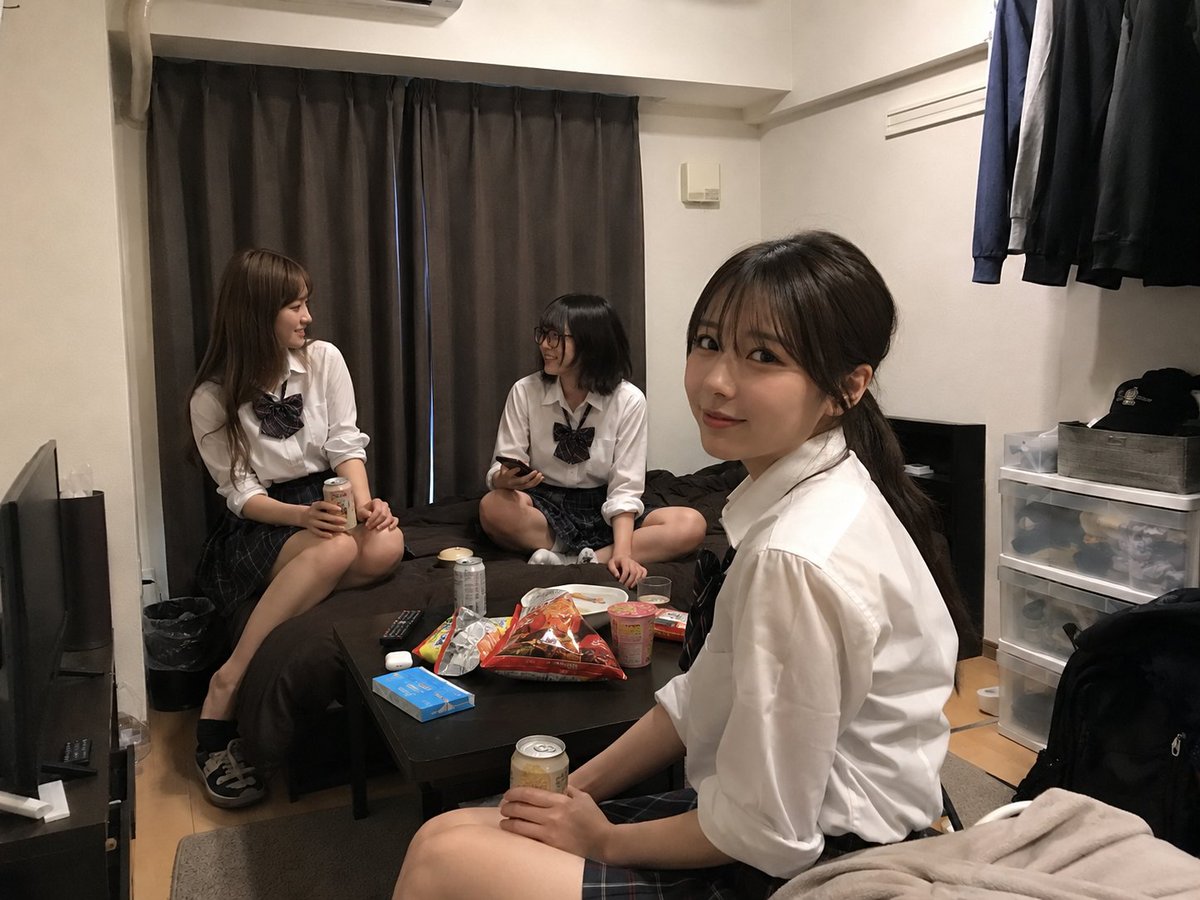
Student Hangout Room Transformation
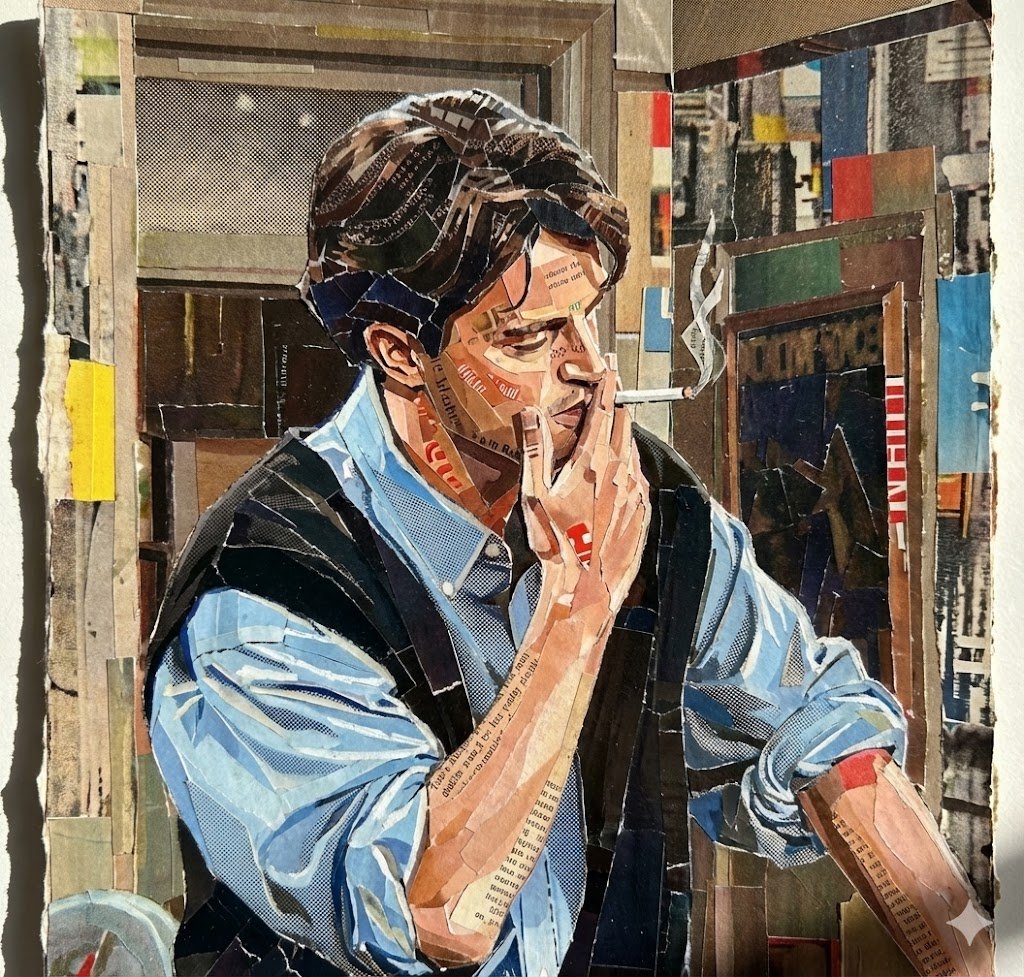
Prompt for Torn Magazine Collage Line Art
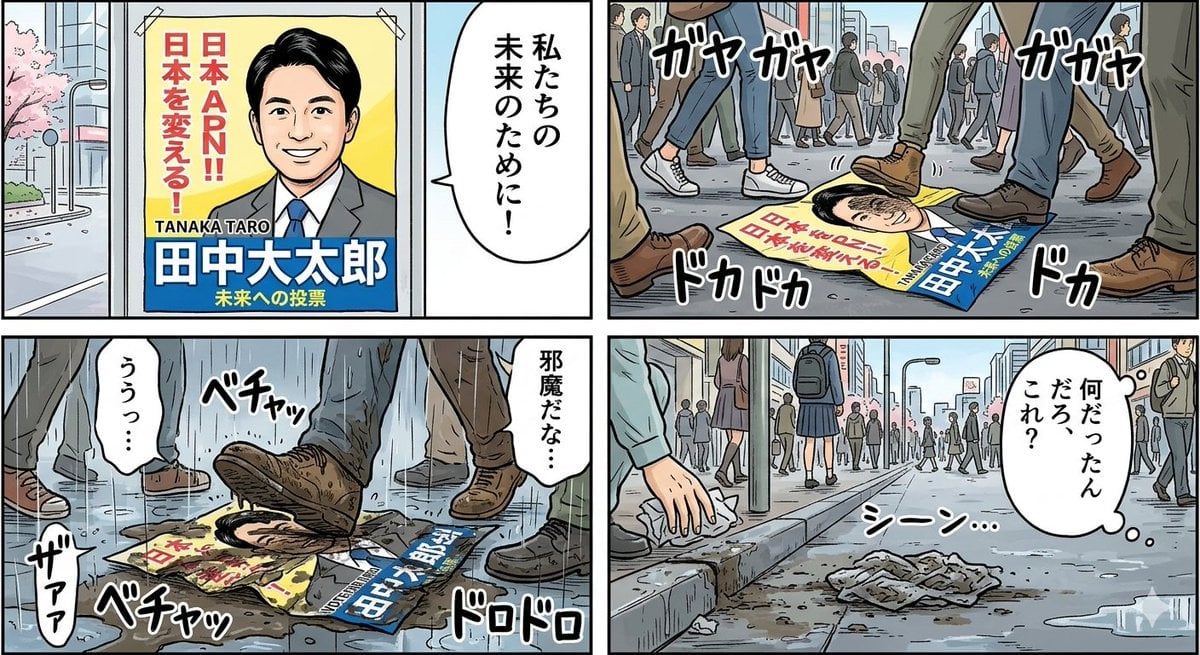
Four-Panel Manga: Poster Covered in Mud
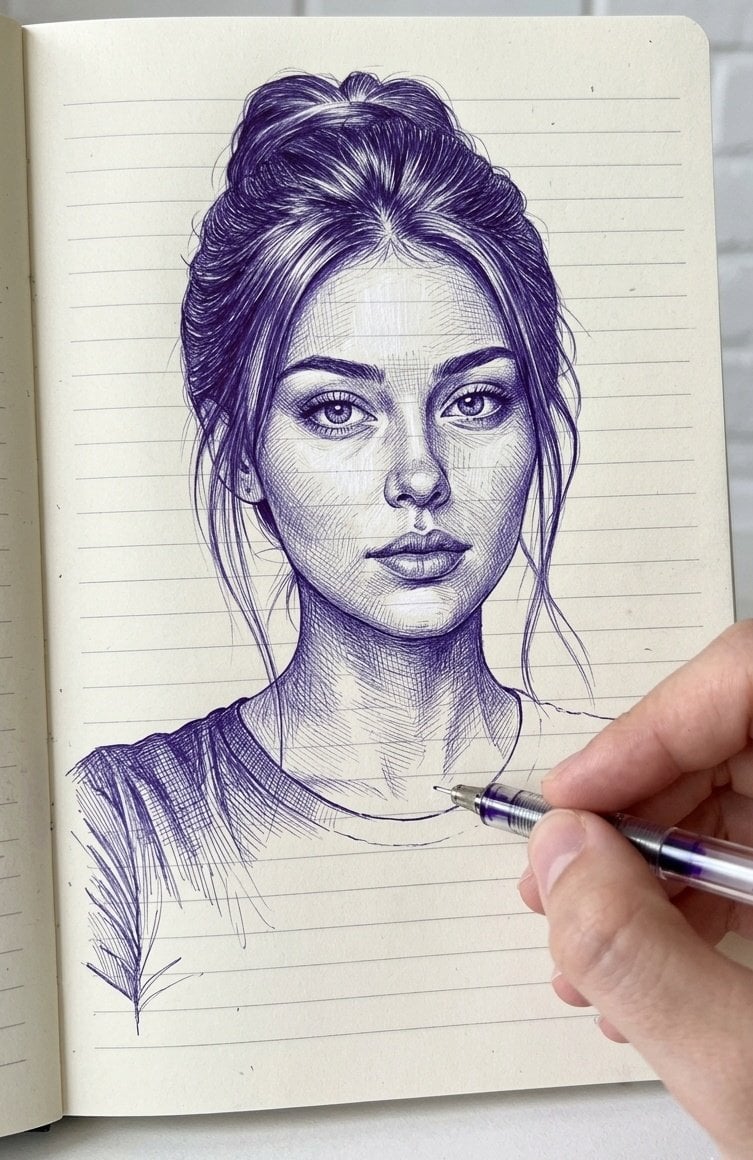
Notebook Ink Sketch Transformation
Browse template categories
Atmospheric cold glamor mirror portrait questions
How do I use the Atmospheric cold glamor mirror portrait template?
Add your photo if the template asks for one, edit the prompt if you like — the template's model and format are already selected — and press Generate. Your version opens in PicX Studio.
Can I customize the Atmospheric cold glamor mirror portrait template?
Yes. You can change the subject, setting, lighting, mood, format, and available model controls before creating your image.
Is the Atmospheric cold glamor mirror portrait template free?
Opening and editing this template is free. Generating uses credits, shown on the Generate button when you are signed in.
Which AI model should I use?
Start with GPT Image 2, which is the model associated with this template. You can compare another compatible model for a different finish.
Looking for something else? Browse all templates.

Your photo, any look
Thousands of ready templates for every top image and video model, from one credit balance.