
untitled
untitled is a ready photo look for Seedance 2.0 Standard.
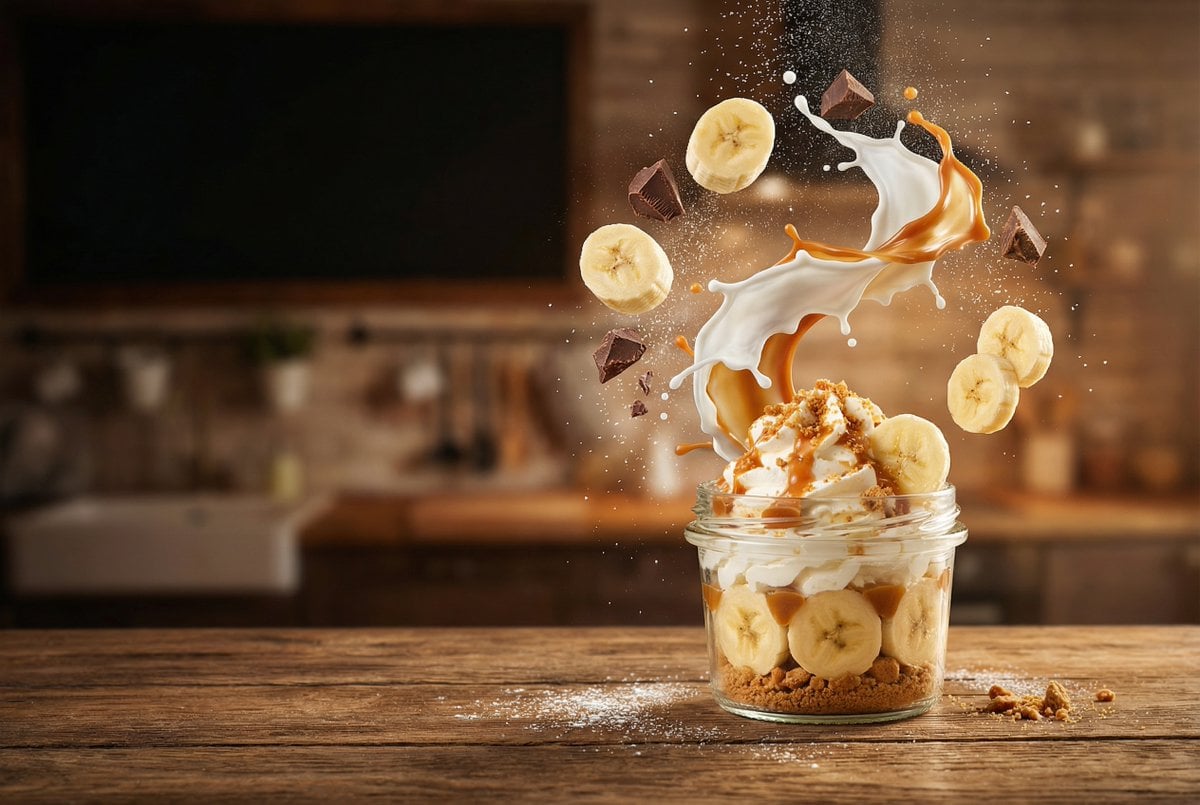
- Prompt included
- Model and format preset
- Free template
The prompt behind this image
Copy the exact prompt behind untitled, or open it in the studio and make it yours.
"scene": "A terrified girl sprinting through a burning modern city highway at night", "subject": "young woman, messy hair, torn clothes, intense fear turning into rage", "action": "she runs at superhuman speed, energy begins glowing from her body, each step cracks the road, cars flip into the air as shockwaves burst outward", "transformation": "mid-run she evolves into a glowing celestial warrior, eyes blazing white, body surrounded by golden energy flames", "dragon": "massive ancient dragon descending from the sky, wingspan covering entire skyline, breathing fire that melts cars", "interaction": "she jumps into the air at insane speed, punches through dragon's fire, grabs its neck and slams it into skyscrapers", "camera": "cinematic tracking shot → slow motion mid-air → extreme close-up → wide IMAX destruction shot", "lighting": "orange fire glow mixed with electric blue aura, high contrast cinematic lighting", "style": "ultra realistic, Hollywood VFX, Avengers-level destruction, dramatic motion blur", "mood": "epic, powerful, rage, transformation, unstoppable energy", "quality": "8K, hyper-detailed, volumetric lighting, dynamic particles"
How to use untitled in 3 steps
- 1
Open
The prompt is already in the box next to the preview, with the template's model and format selected.
- 2…a portrait of your subject in softgolden-hour light, 85mm…
Personalize
Edit the subject and creative details for your destination.
- 3Generate
Generate
Press Generate — your image is created in PicX Studio, so you can compare it with the original and refine one variable at a time.
More like this
Templates with the same subject, style or setup. Open one to see its prompt.












Make it yours
untitled works as-is. These are the safest ways to change it without losing the look.
Change one field
Copy a single group, rewrite it, and generate again so you can see what that field is doing.
Keep the frame, change the subject
Hold the composition and light of 42-untitled, then swap wardrobe, props or the person for a new take.
| If the result… | Why | Fix |
|---|---|---|
| The result drifts from the preview | Too many fields changed at once. | Reuse 42-untitled as-is first, then change one group — subject, light, or setting. |
| The model over-stylizes the scene | The prose prompt leaves finish and camera underspecified. | Add one camera or lighting sentence and stay on Seedance 2.0 Standard. |
More Seedance 2.0 Standard templates
Other prompts made for Seedance 2.0 Standard.







More image prompts
Fresh picks from across the catalog.
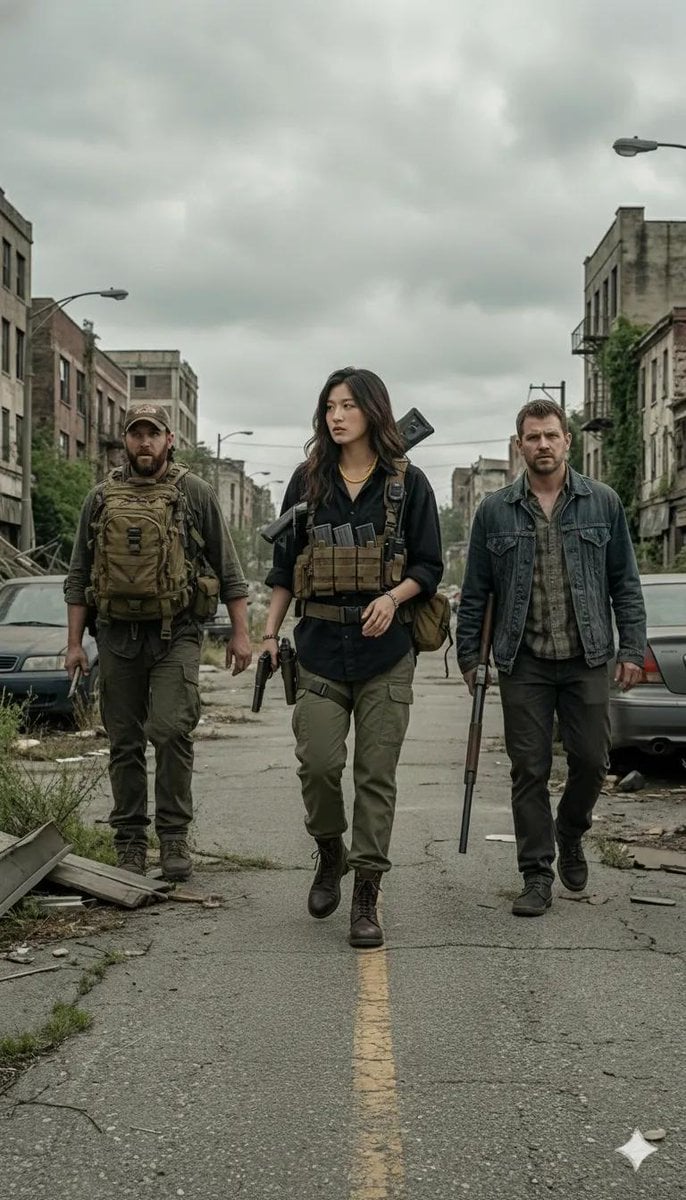
Gritty Post-Apocalyptic Survivor Scene

Luxury Watch Fashion Ad
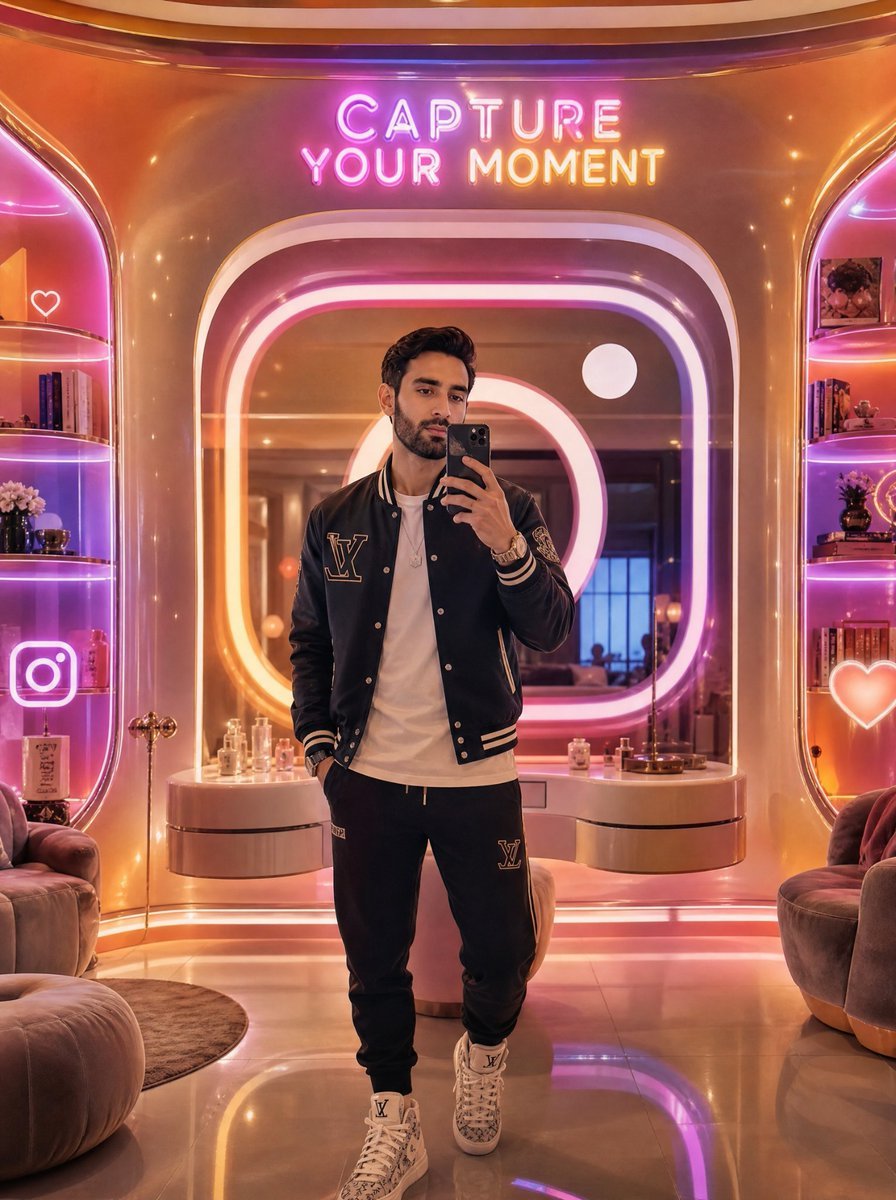
Neon Luxury Mirror Selfie
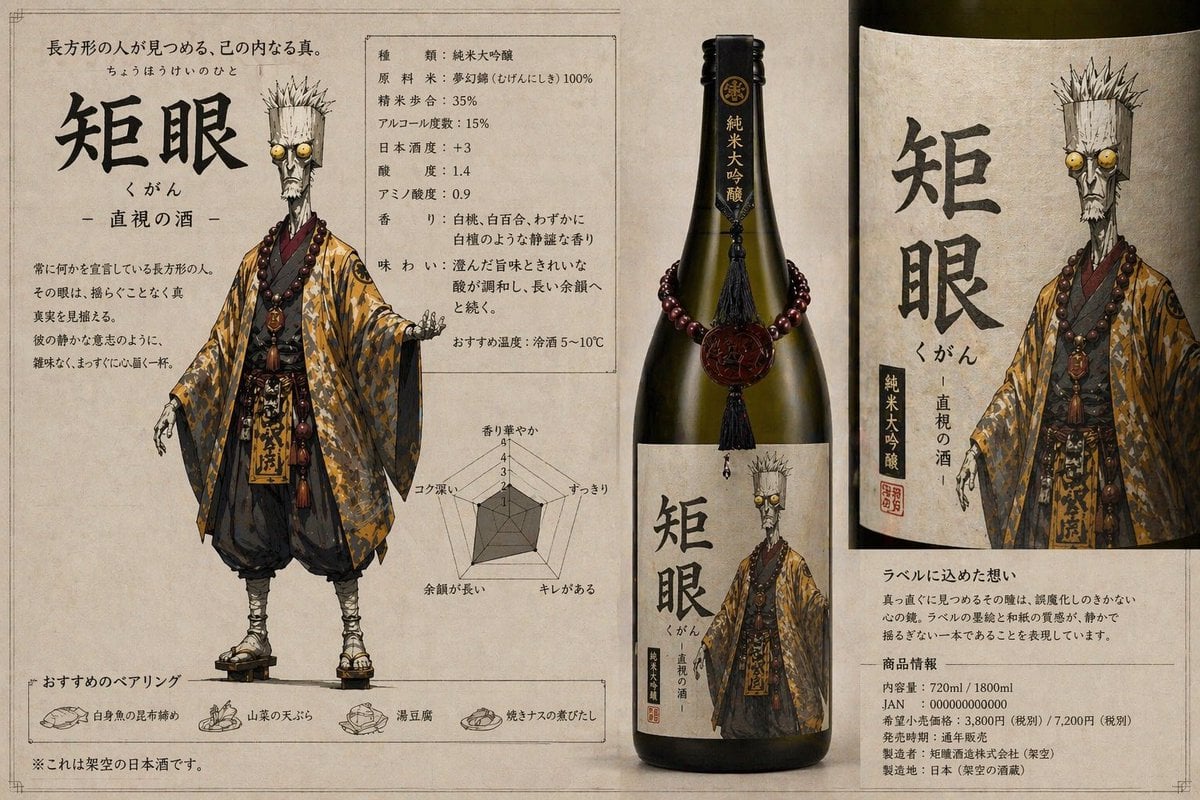
Character-Based Brand Identity Design
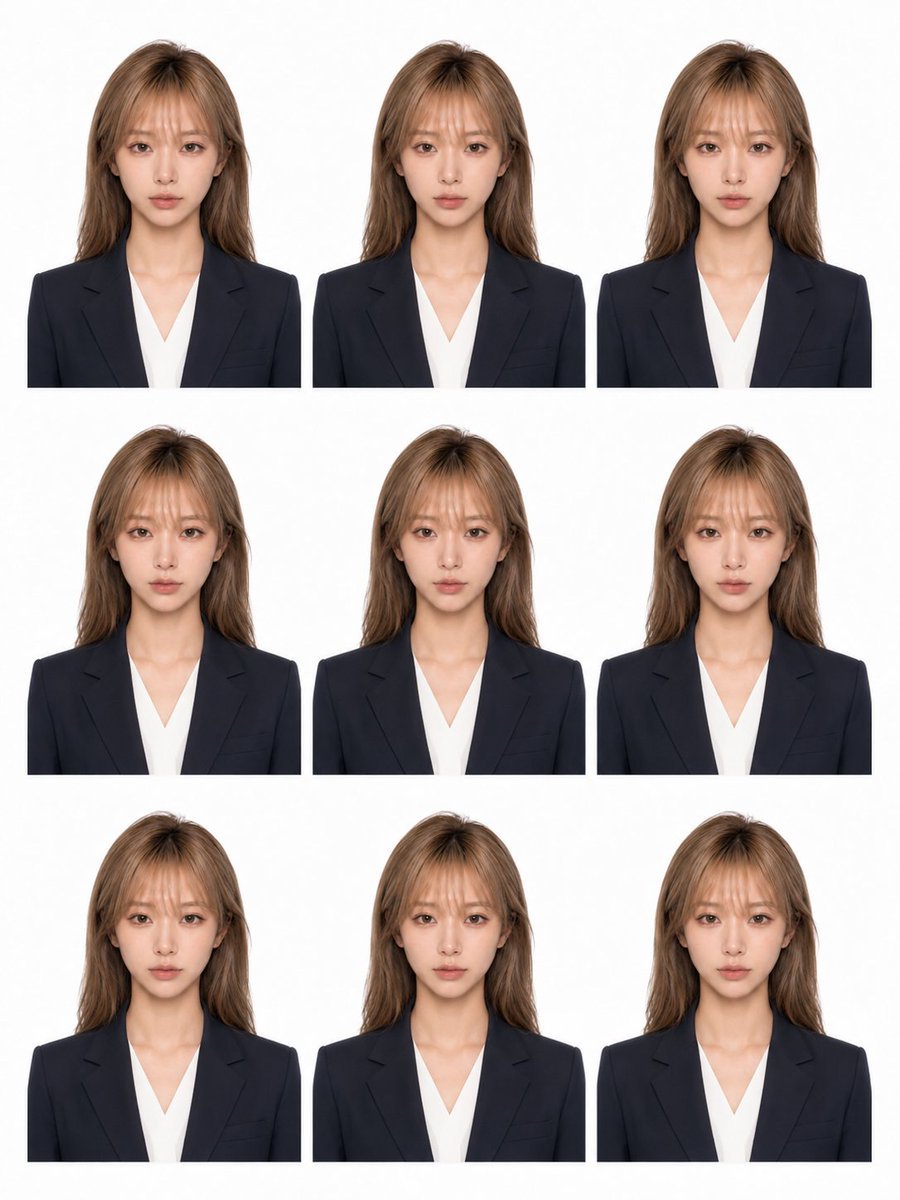
Nine-Photo ID Portrait Sheet
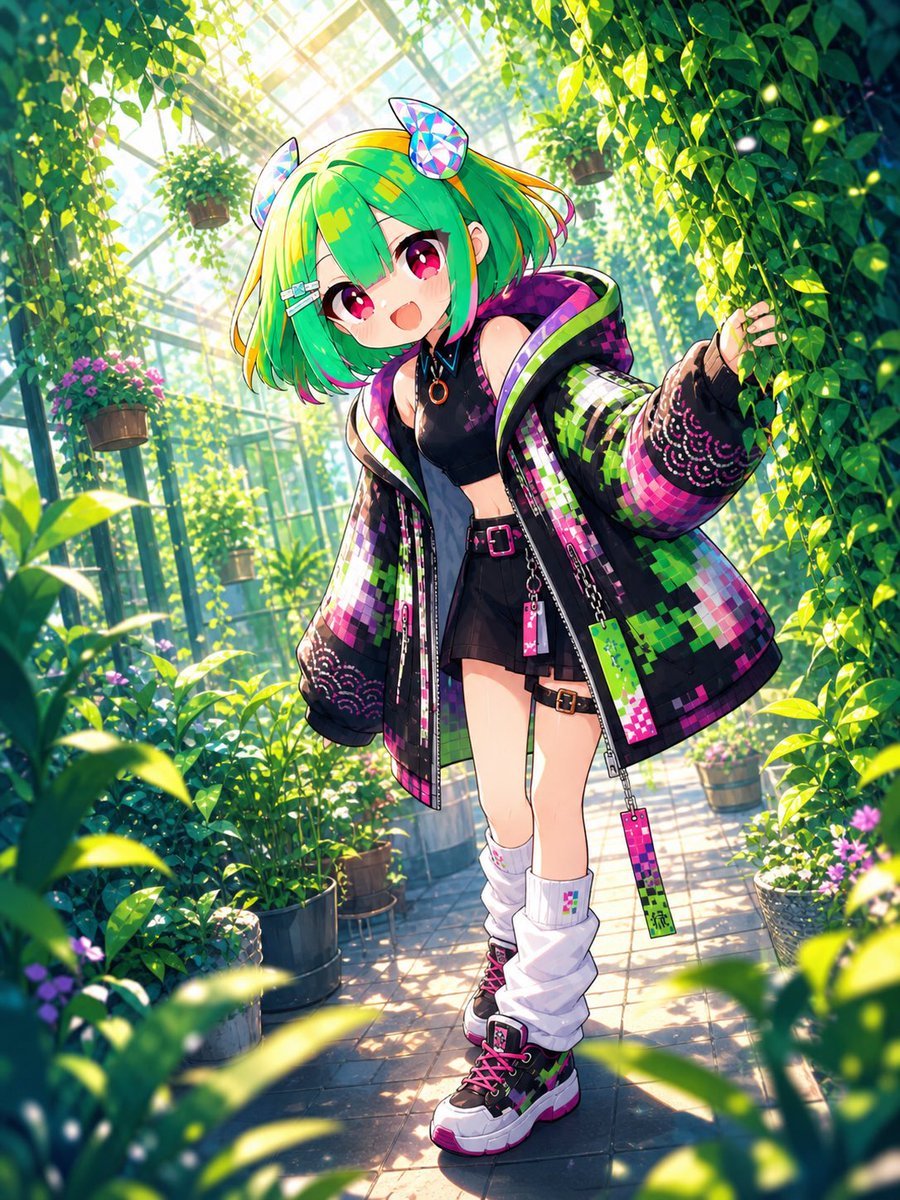
Greenhouse Cyber Streetwear Anime Girl
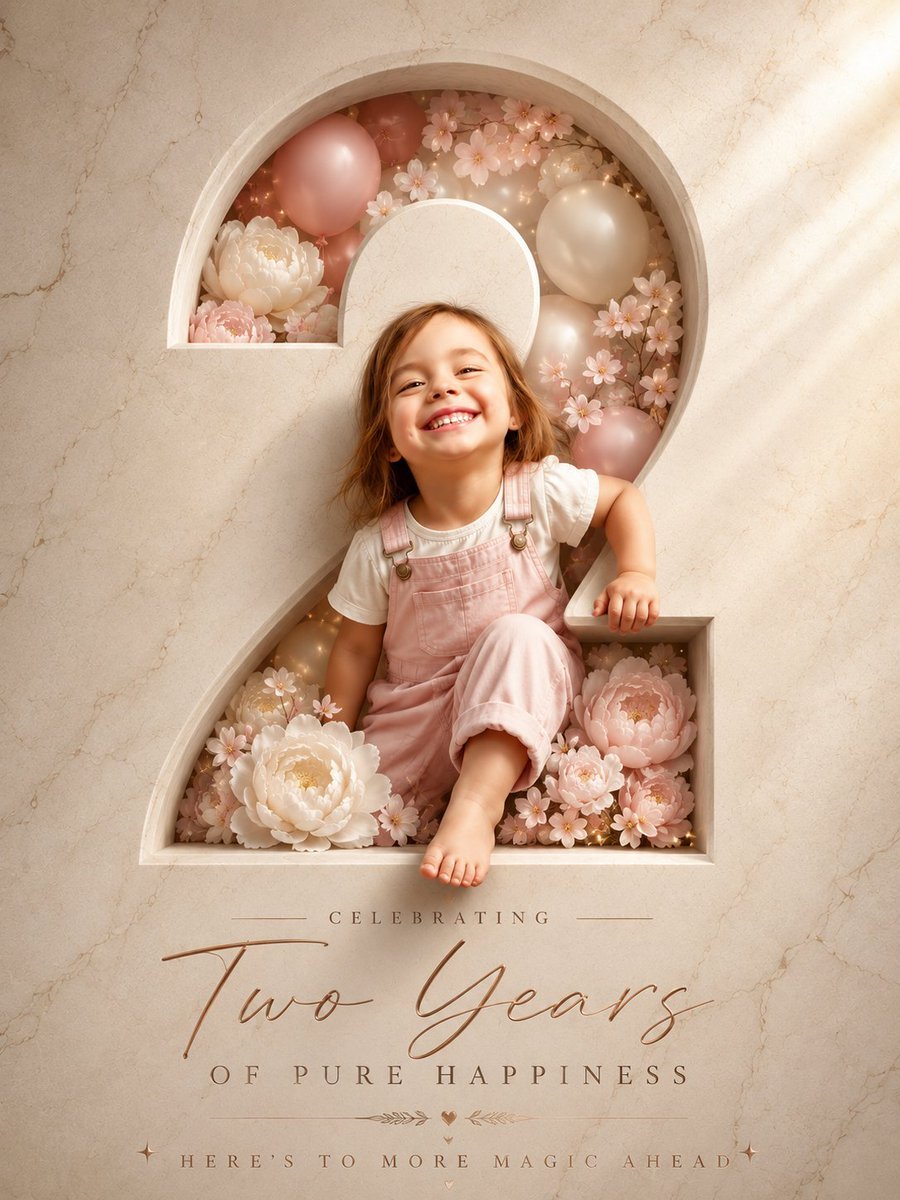
Two Years Birthday Portrait
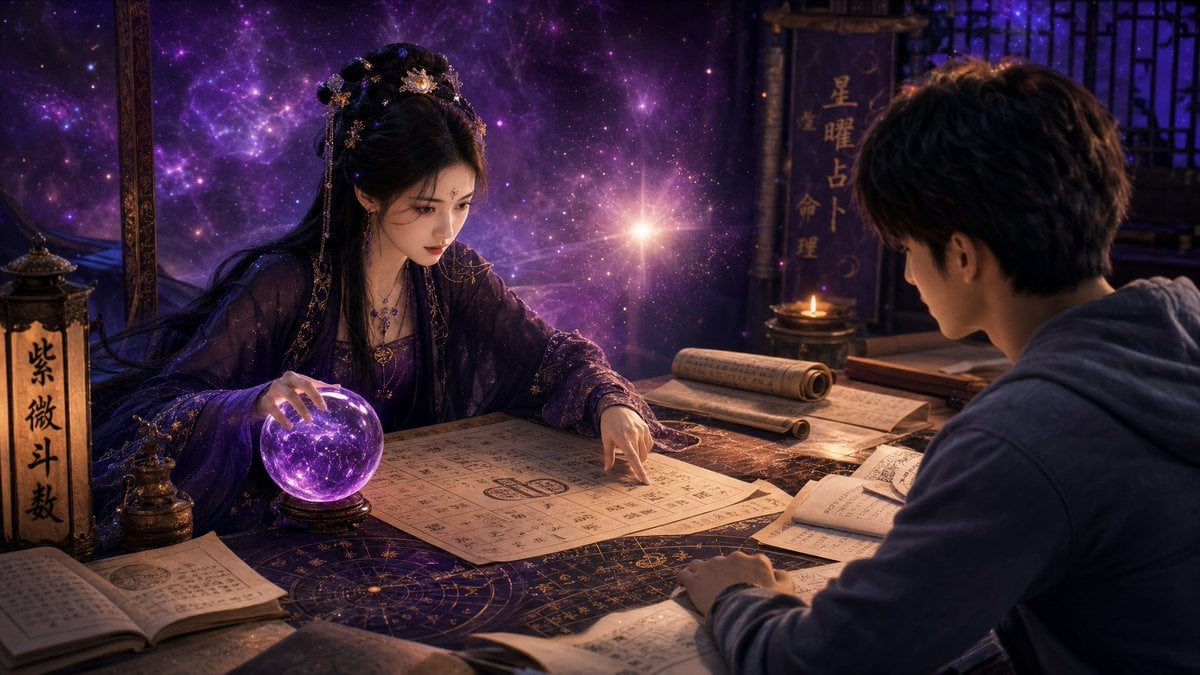
Mystic Fortune Telling Duo Scene
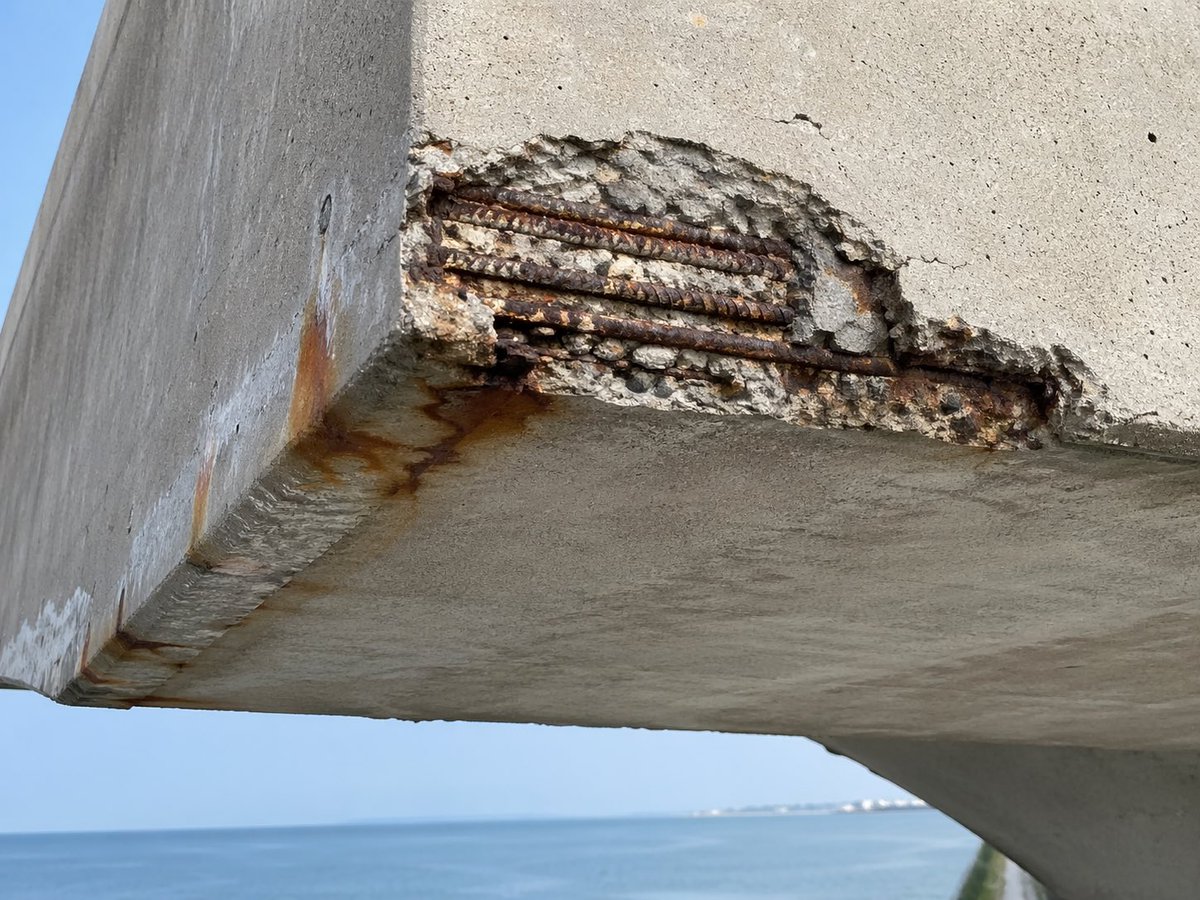
Coastal Reinforced Concrete Salt Damage
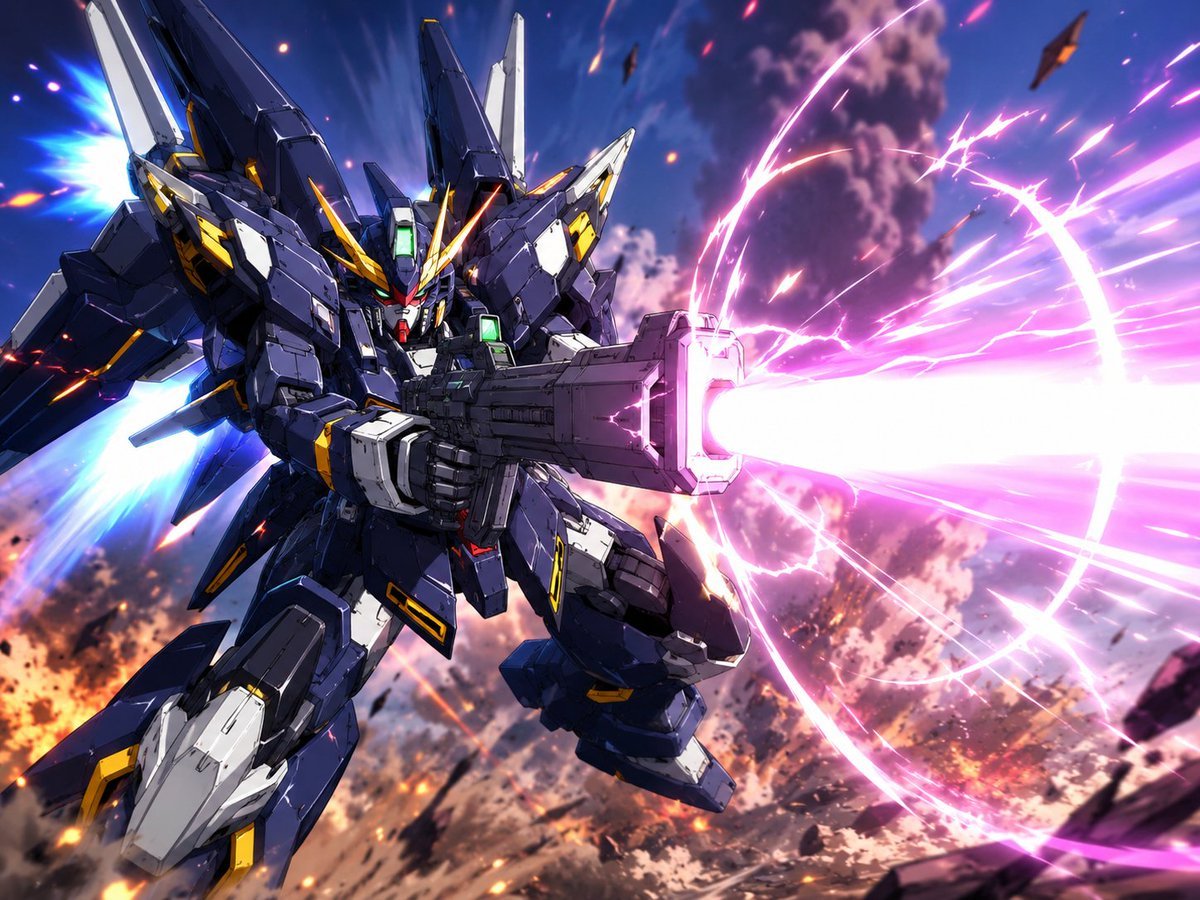
Winged Mecha Beam Cannon Battle
Browse template categories
untitled questions
How do I use the 42-untitled template?
Add your photo if the template asks for one, edit the prompt if you like — the template's model and format are already selected — and press Generate. Your version opens in PicX Studio.
Can I customize the 42-untitled template?
Yes. You can change the subject, setting, lighting, mood, format, and available model controls before creating your image.
Is the 42-untitled template free?
Opening and editing this template is free. Generating uses credits, shown on the Generate button when you are signed in.
Which AI model should I use?
Start with Seedance 2.0 Standard, which is the model associated with this template. You can compare another compatible model for a different finish.
Looking for something else? Browse all templates.

Your photo, any look
Thousands of ready templates for every top image and video model, from one credit balance.