
untitled
untitled is a ready photo look for Seedance 2.0 Standard.

- Prompt included
- Model and format preset
- Free template
The prompt behind this image
Copy the exact prompt behind untitled, or open it in the studio and make it yours.
👇 0-2 seconds (Shot 1) - Visuals: The bridge shakes violently, steel cables snap with exploding sparks, a multi-car pile-up occurs, people scream and run in chaos. - Camera: Handheld shot, high-urgency close-up. - Audio: Sound of cables snapping + people screaming + car crashes. - Tao Ge: Running frantically through the traffic, looking back in terror. 2-5 seconds (Shot 2) - Visuals: A massive wave capsizes a cargo ship, sending shipping containers flying into the sky. - Camera: Low-angle shot + rapid zoom. - Audio: Roar of a tsunami + sound of metal piercing the air. 5-9 seconds (Shot 3) - Visuals: A shipping container hurtles toward the bridge at high speed! - Camera: 1.2x slow motion, oppressive perspective. - Dialogue (Tao Ge screaming): Get out of the way!! 9-11 seconds (Shot 4) - Visuals: Tao Ge performs an extreme sideways dive and roll. - Camera: Tracking the roll. - Audio: The container slams into the ground with a thunderous crash, debris flying everywhere. 11-12 seconds (Shot 5) - Visuals: Tao Ge lies on the ground and looks up; the bridge collapses further. - Camera: Close-up of terrified eyes. - Fade to black. ---- access seedance 2.0 at @yapper_so
How to use untitled in 3 steps
- 1
Open
The prompt is already in the box next to the preview, with the template's model and format selected.
- 2…a portrait of your subject in softgolden-hour light, 85mm…
Personalize
Edit the subject and creative details for your destination.
- 3Generate
Generate
Press Generate — your image is created in PicX Studio, so you can compare it with the original and refine one variable at a time.
More like this
Templates with the same subject, style or setup. Open one to see its prompt.


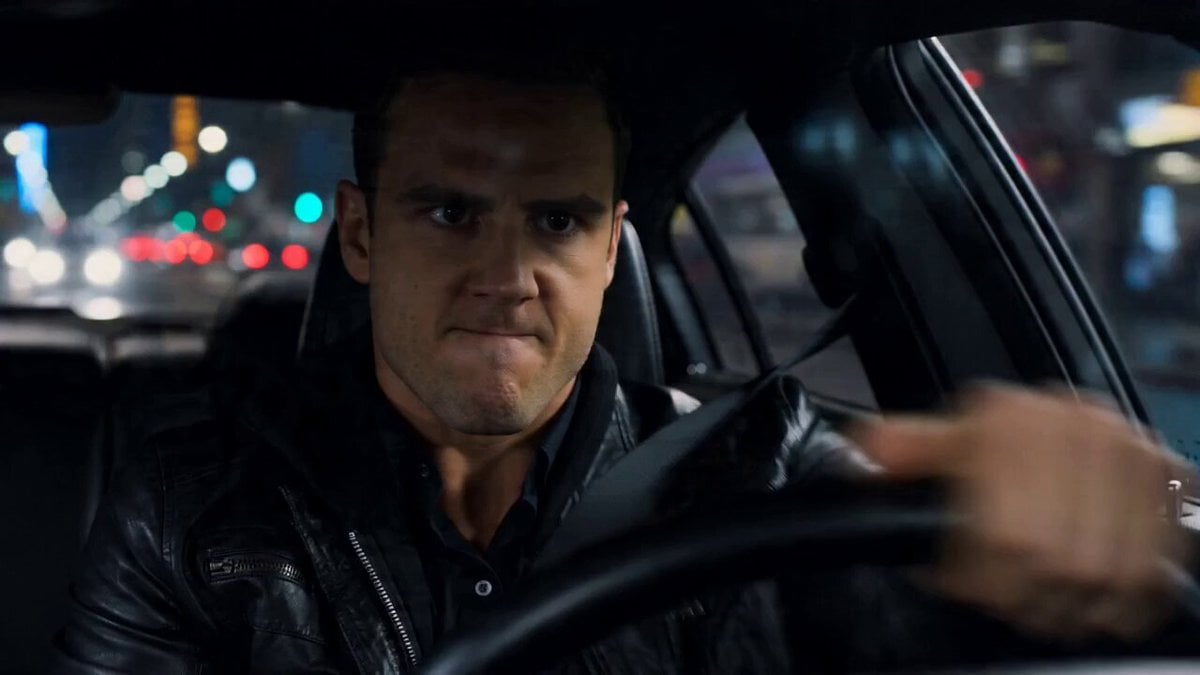
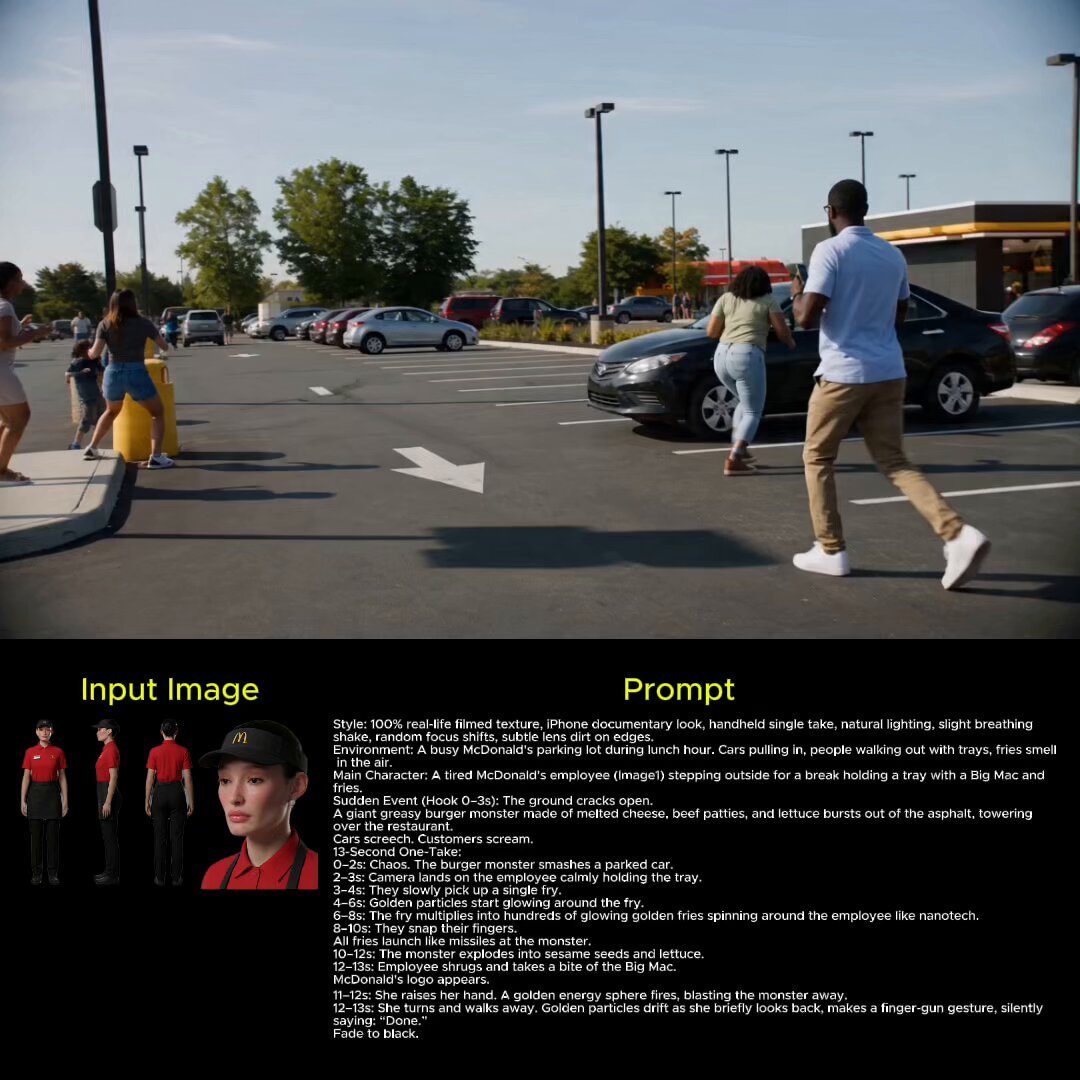





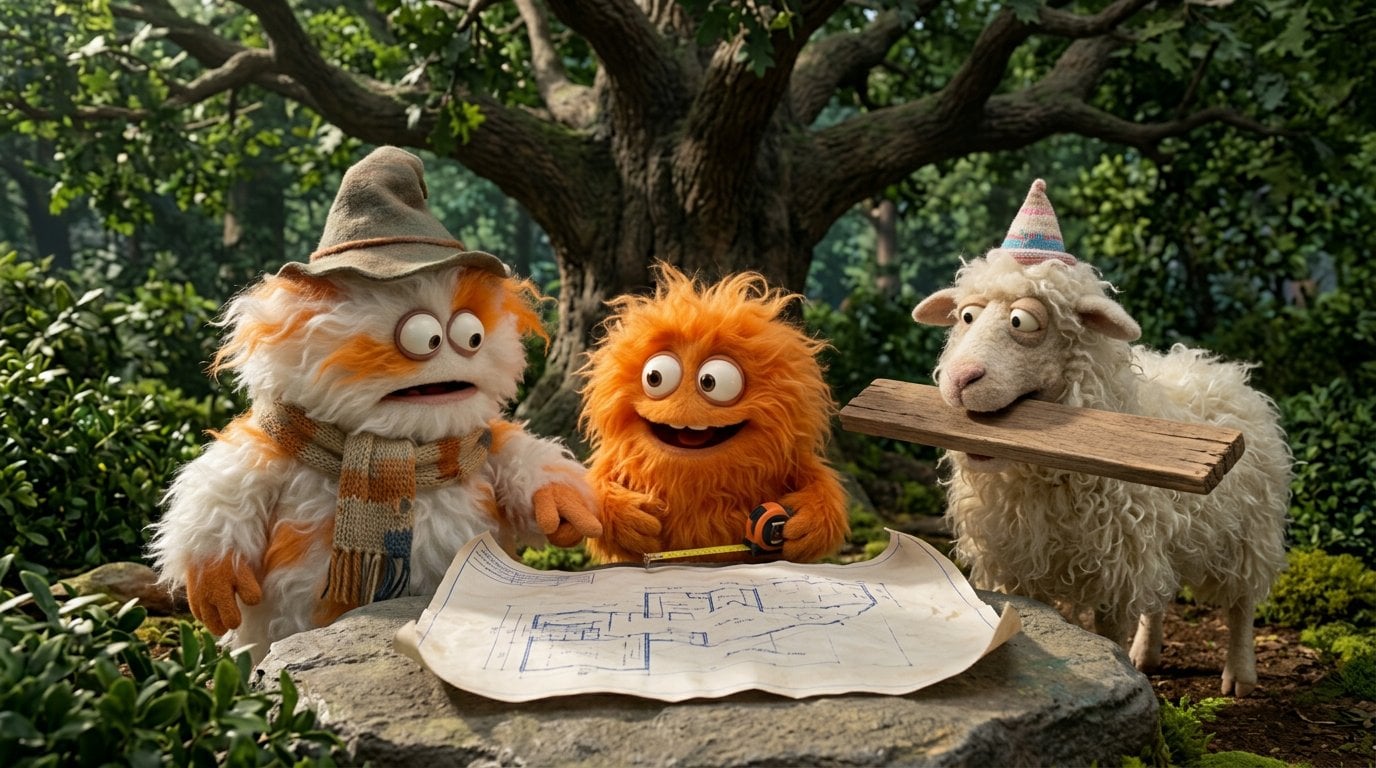
Make it yours
untitled works as-is. These are the safest ways to change it without losing the look.
Change one field
Copy a single group, rewrite it, and generate again so you can see what that field is doing.
Keep the frame, change the subject
Hold the composition and light of 79-untitled, then swap wardrobe, props or the person for a new take.
| If the result… | Why | Fix |
|---|---|---|
| The result drifts from the preview | Too many fields changed at once. | Reuse 79-untitled as-is first, then change one group — subject, light, or setting. |
| The model over-stylizes the scene | The prose prompt leaves finish and camera underspecified. | Add one camera or lighting sentence and stay on Seedance 2.0 Standard. |
More Seedance 2.0 Standard templates
Other prompts made for Seedance 2.0 Standard.





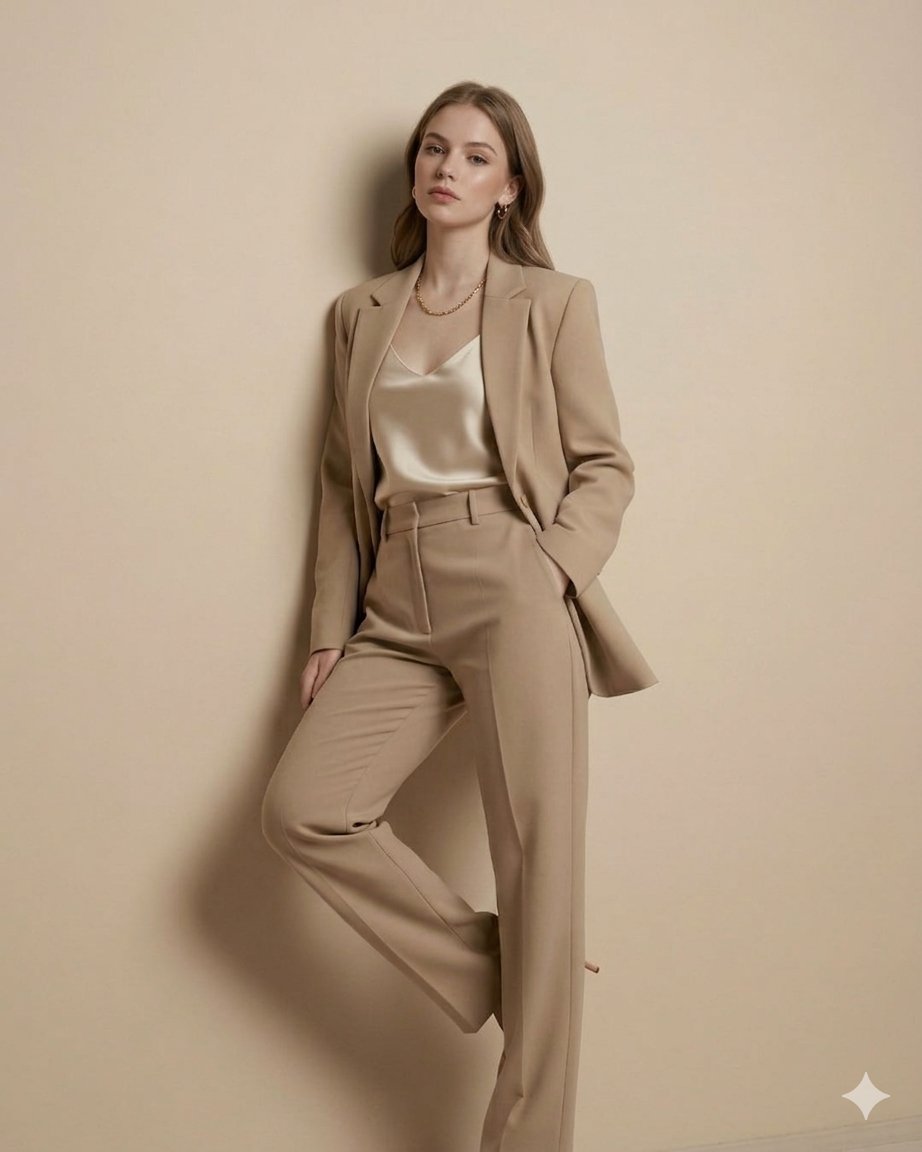
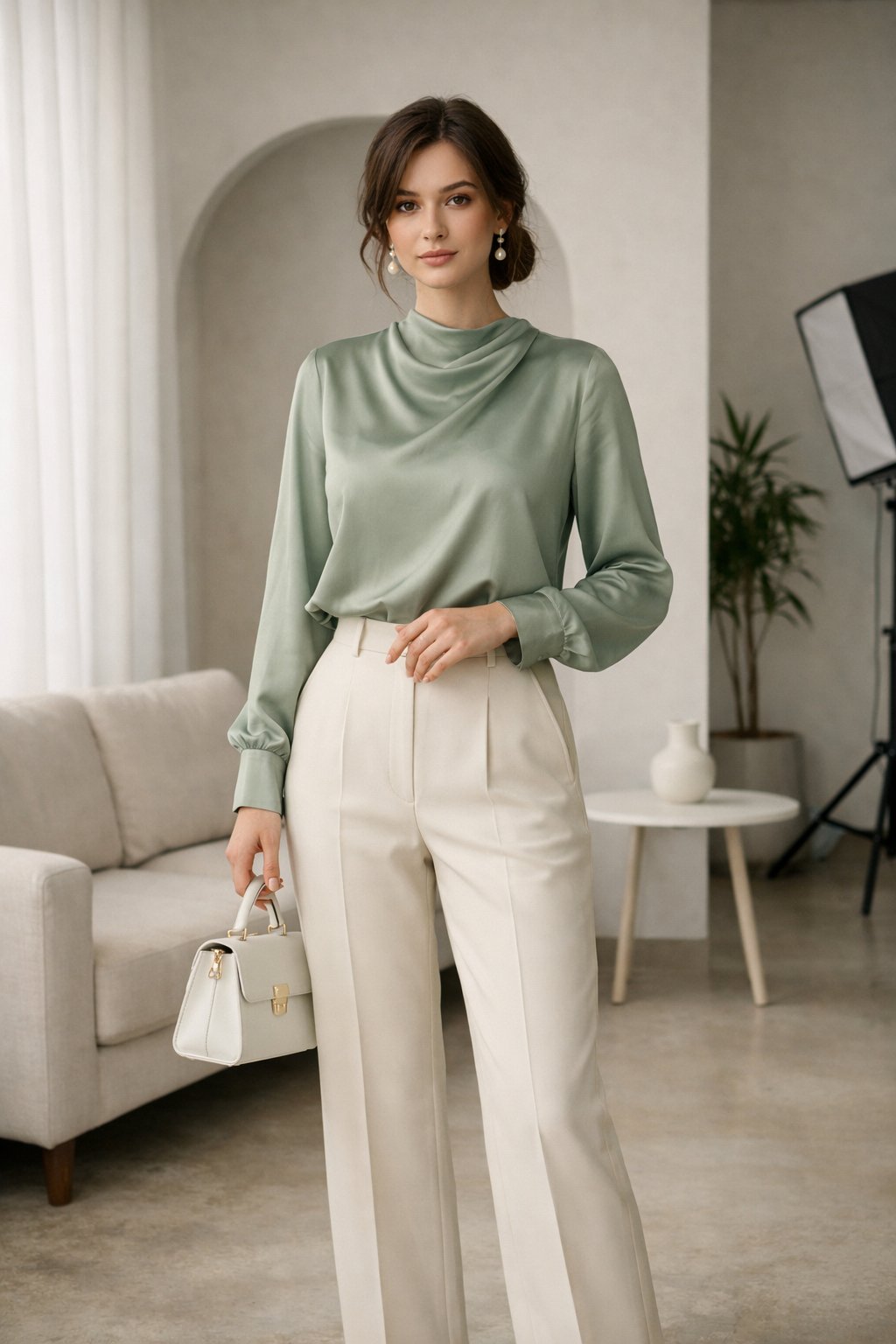
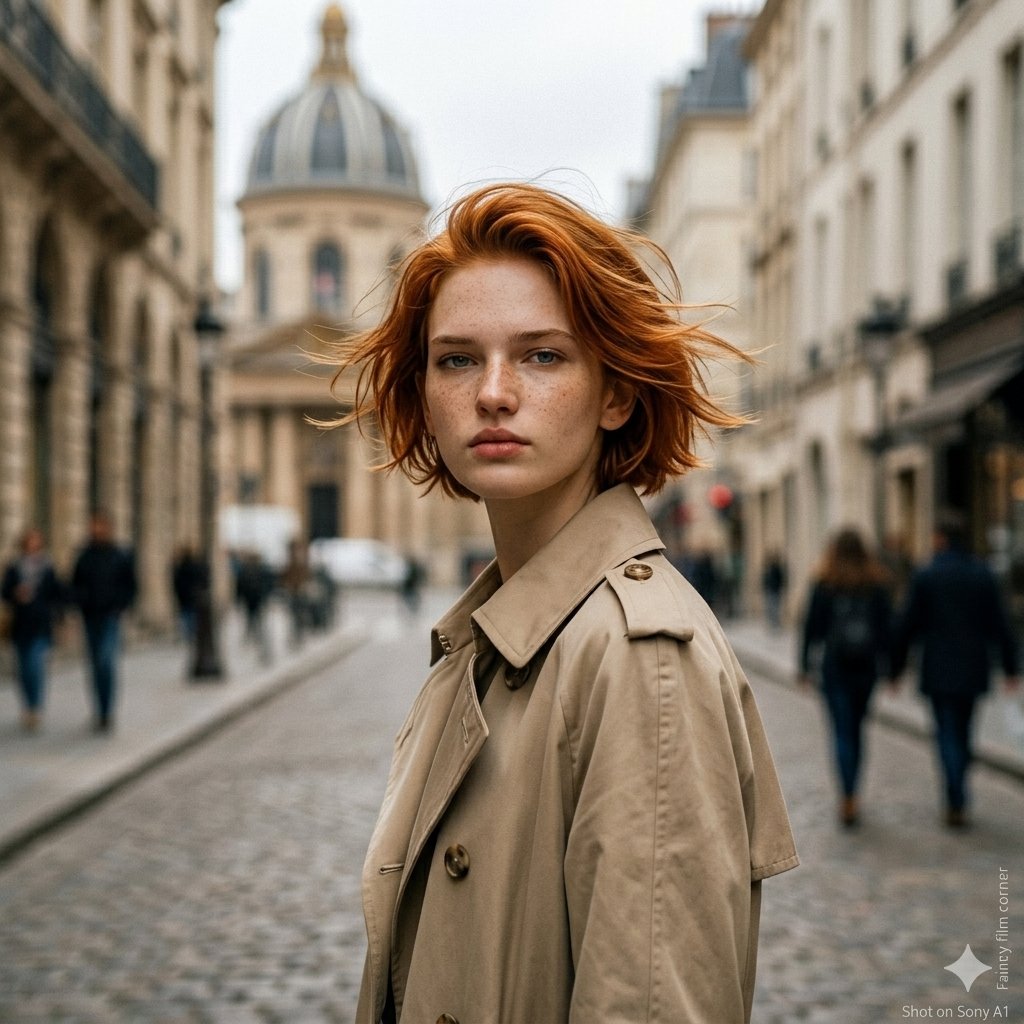
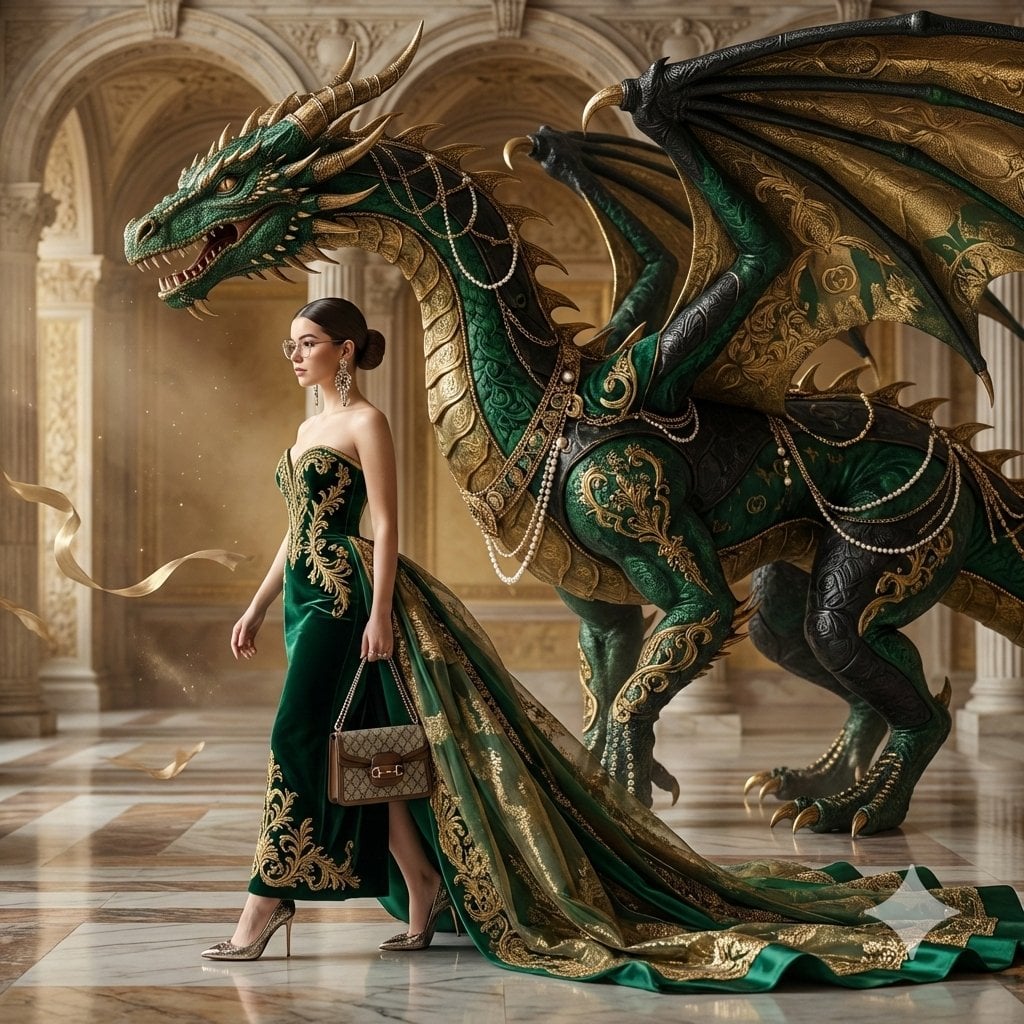
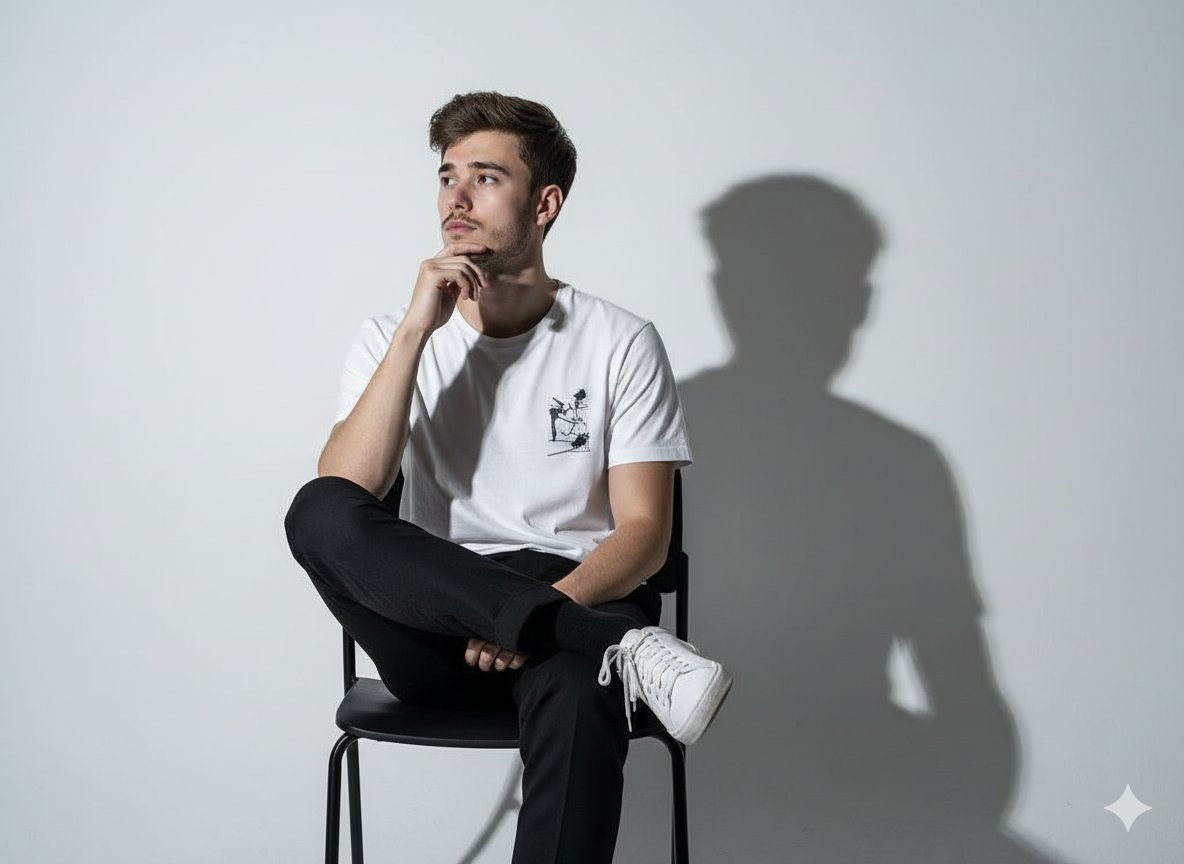
More image prompts
Fresh picks from across the catalog.
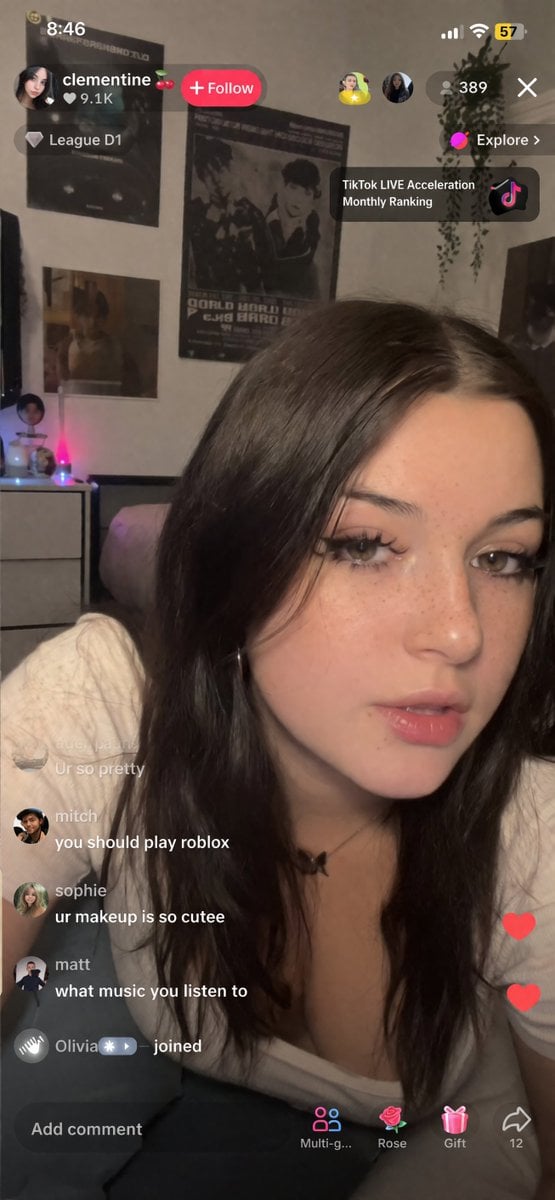
TikTok Streamer UGC Style Prompt
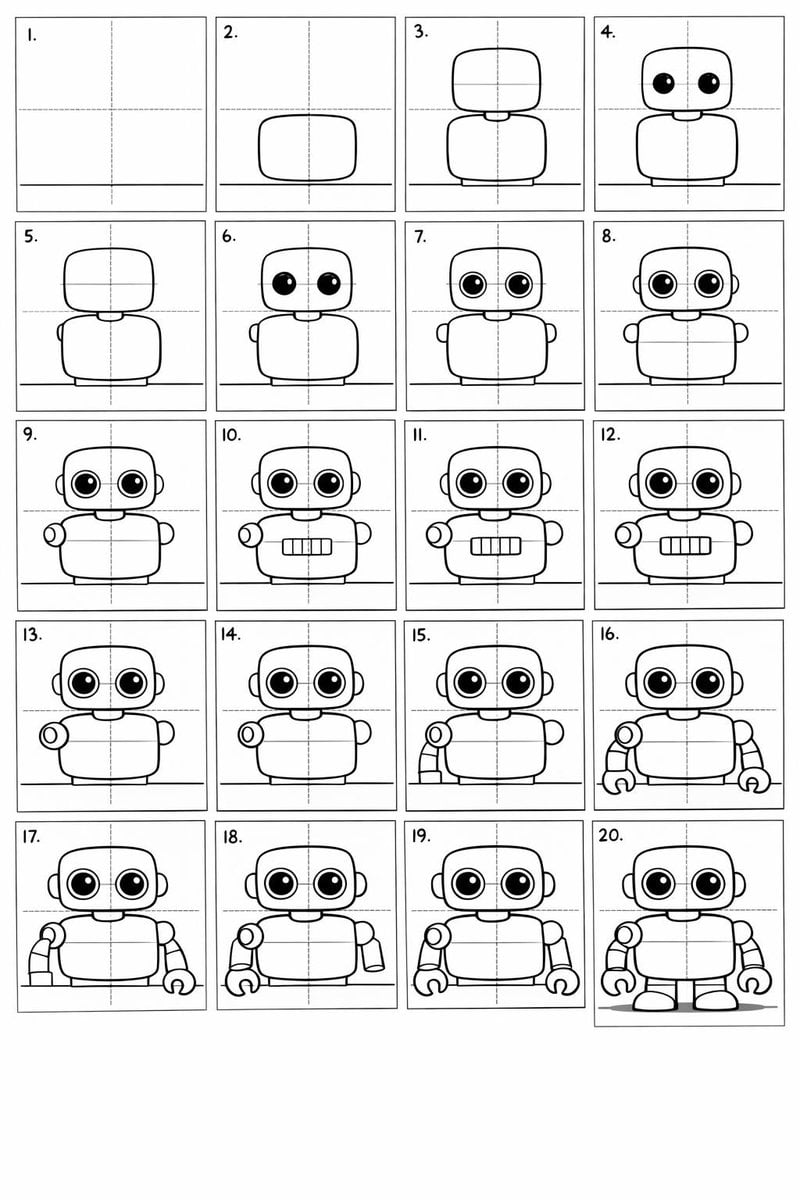
Panel Cartoon Robot Drawing Guide Prompt
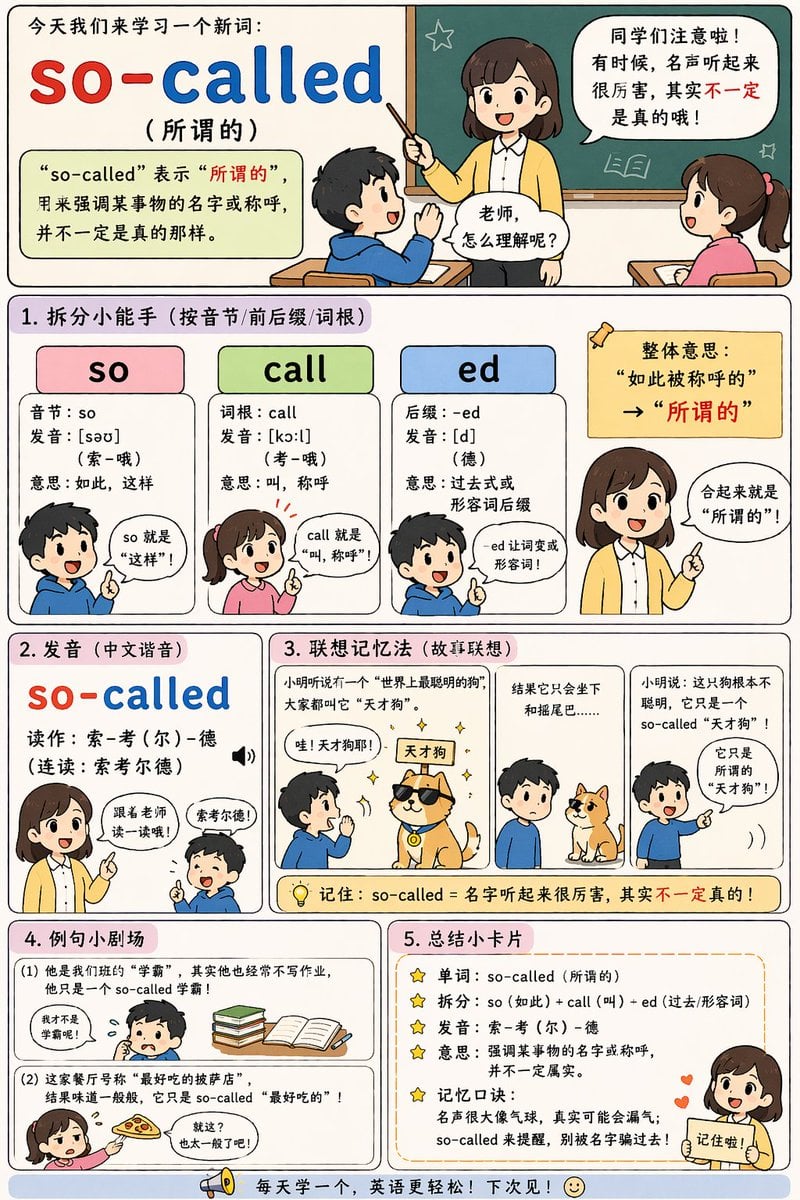
English Vocabulary Educational Infographic
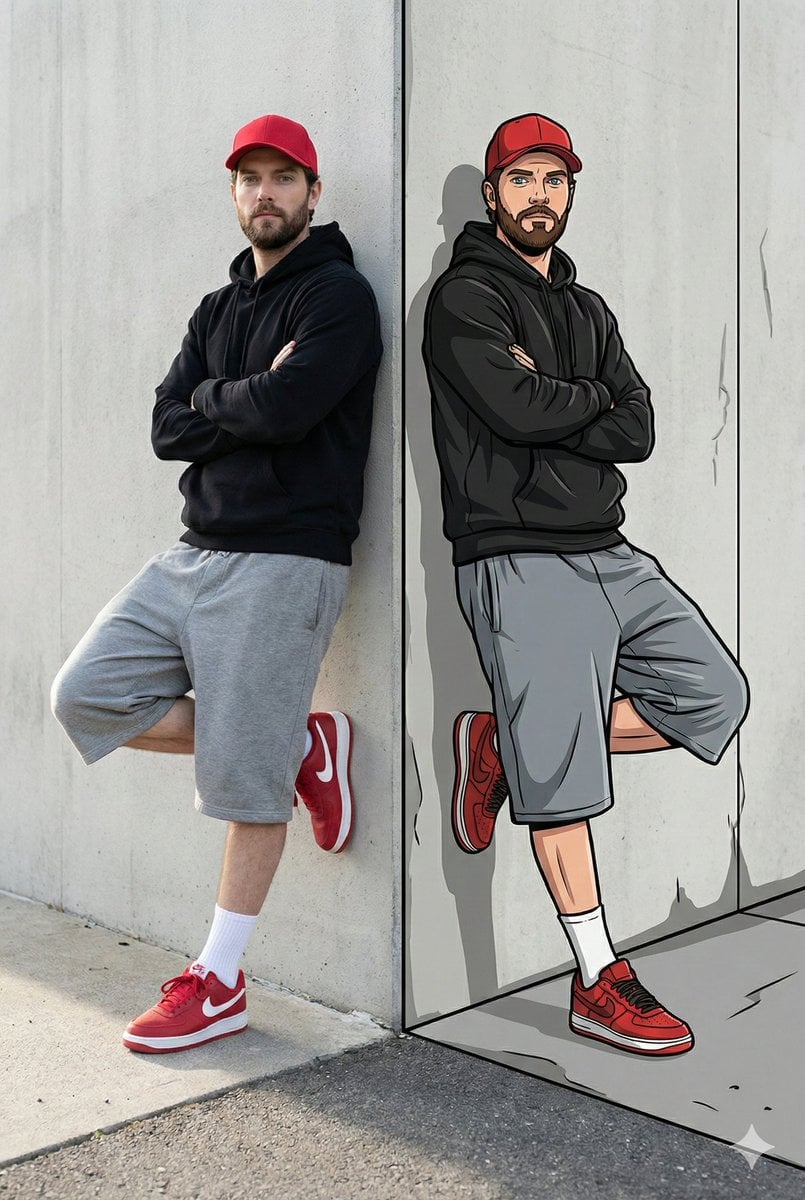
Split-Reality Street Art Portrait with Identity Lock
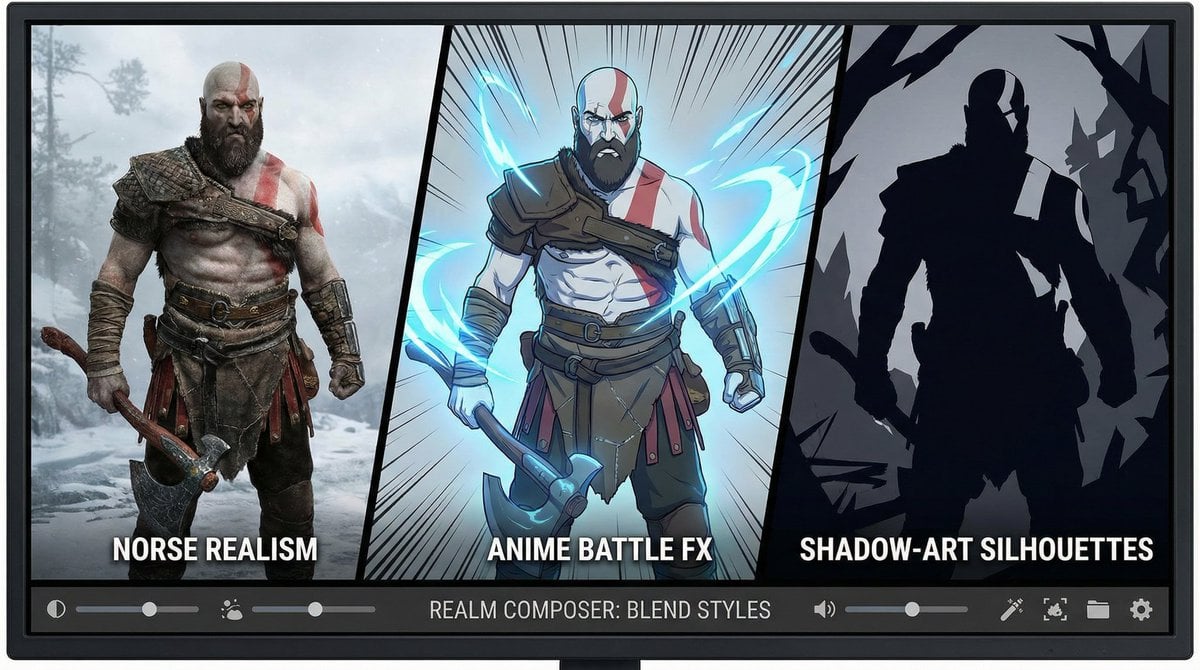
Kratos in Three Blended Styles
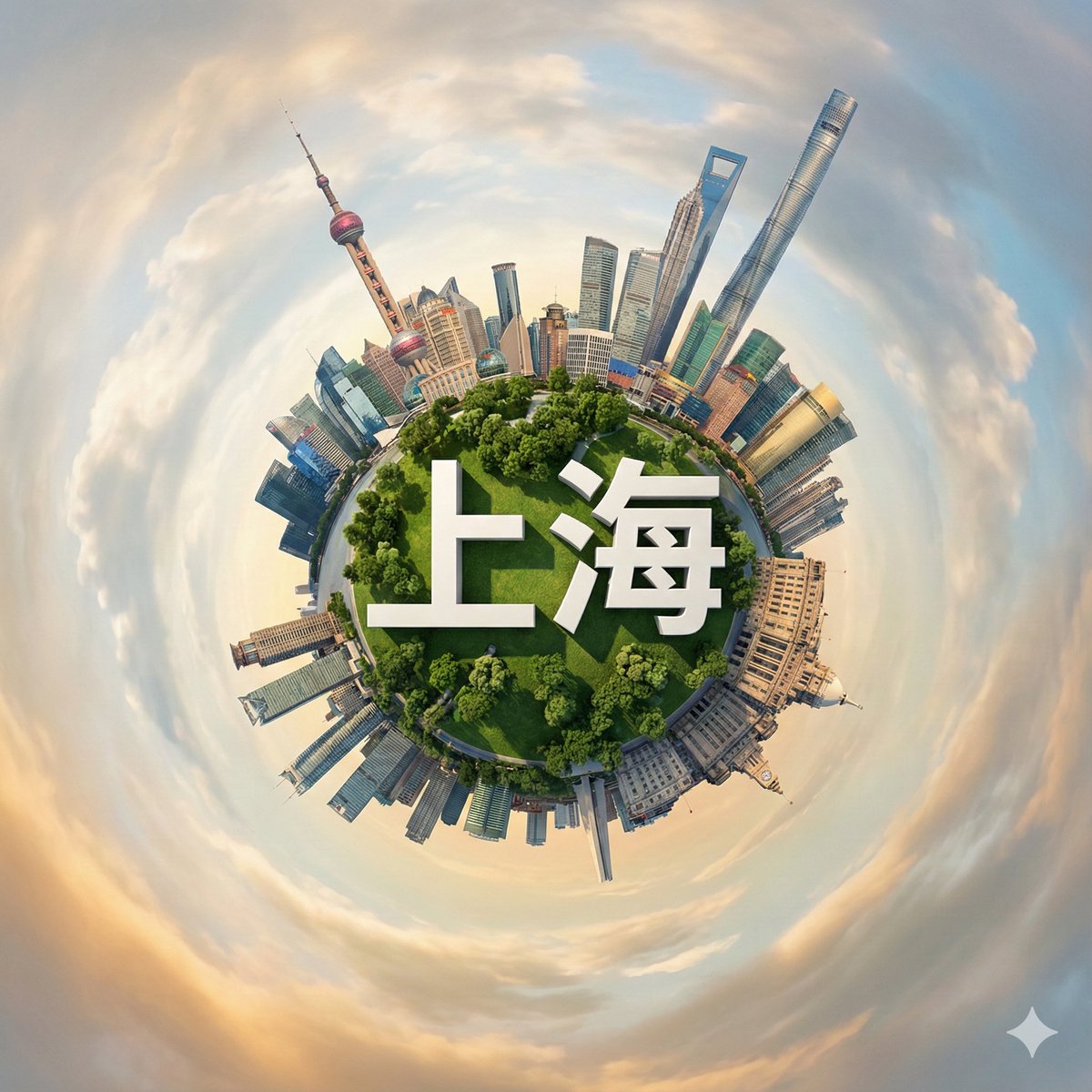
Hyperrealistic Miniature Planet Cityscape
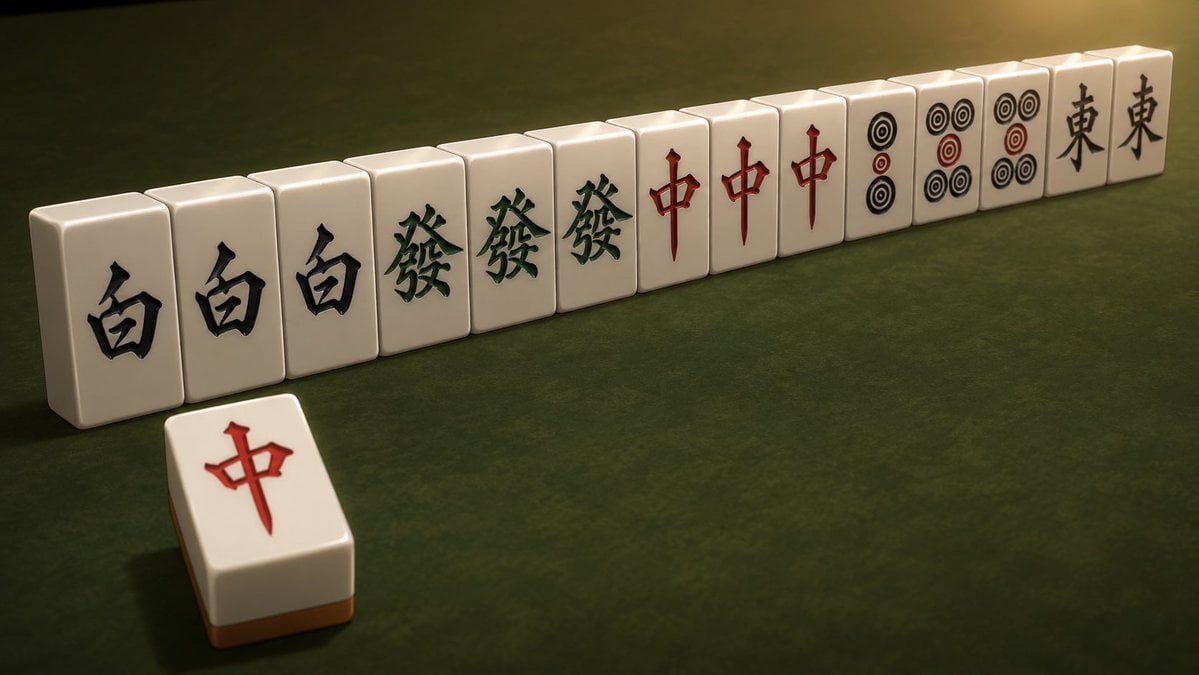
Cinematic Daisangen Mahjong Hand
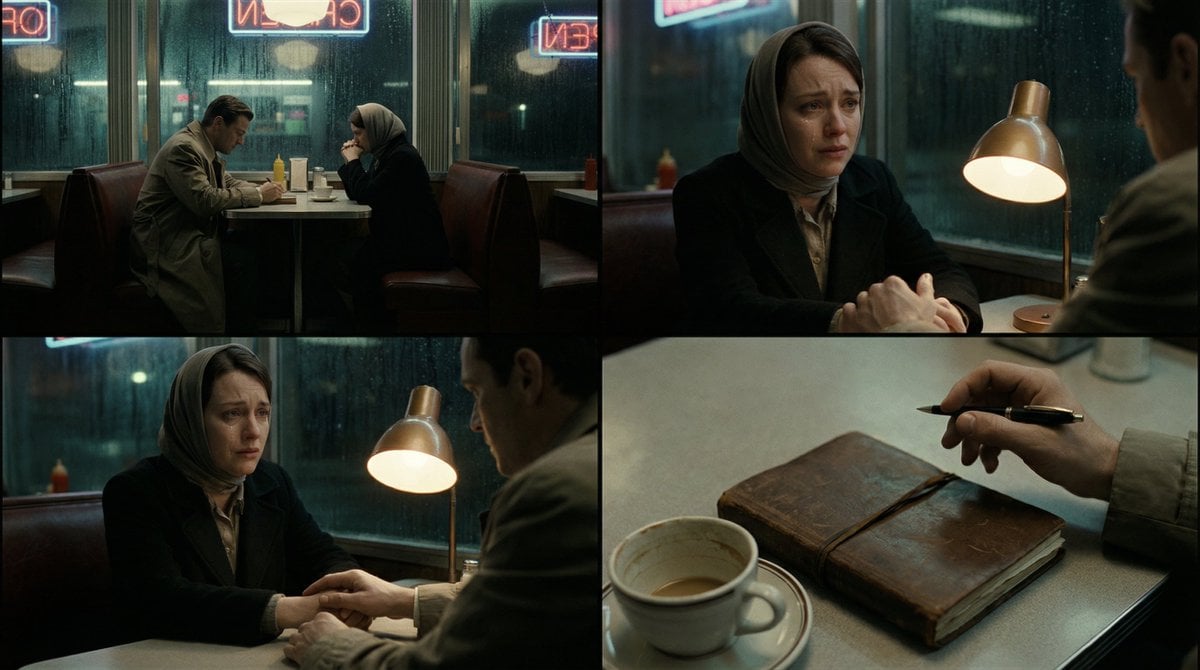
Cinematic Storytelling Scene Generation Prompt
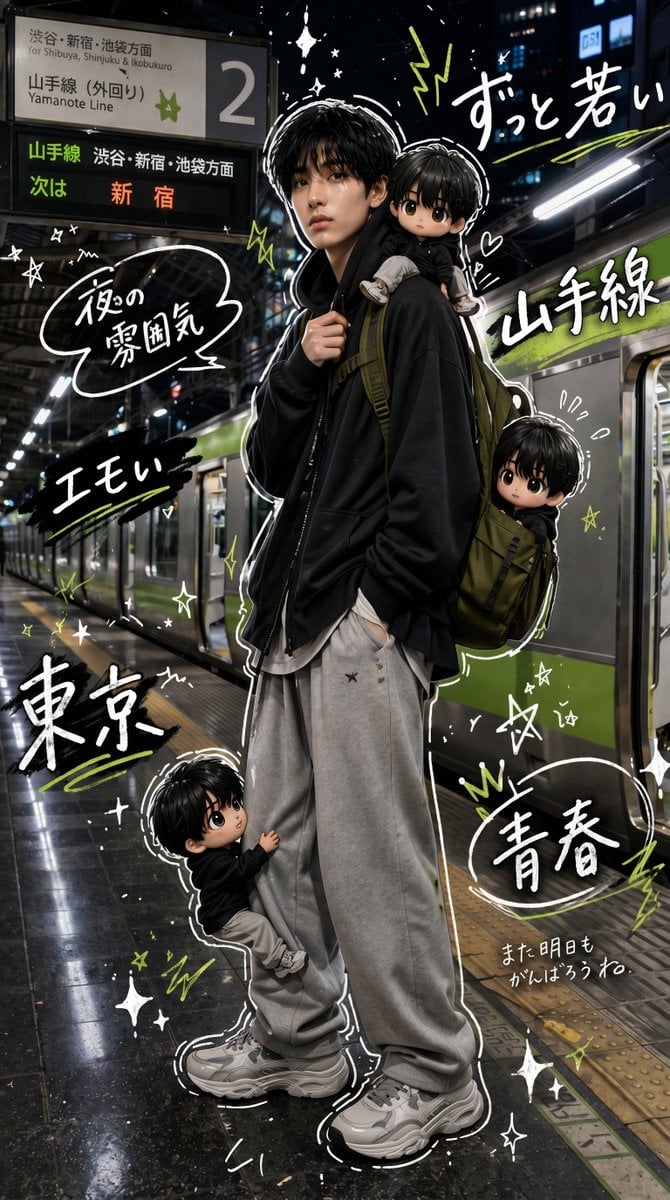
Tokyo Yamanote Youth Poster
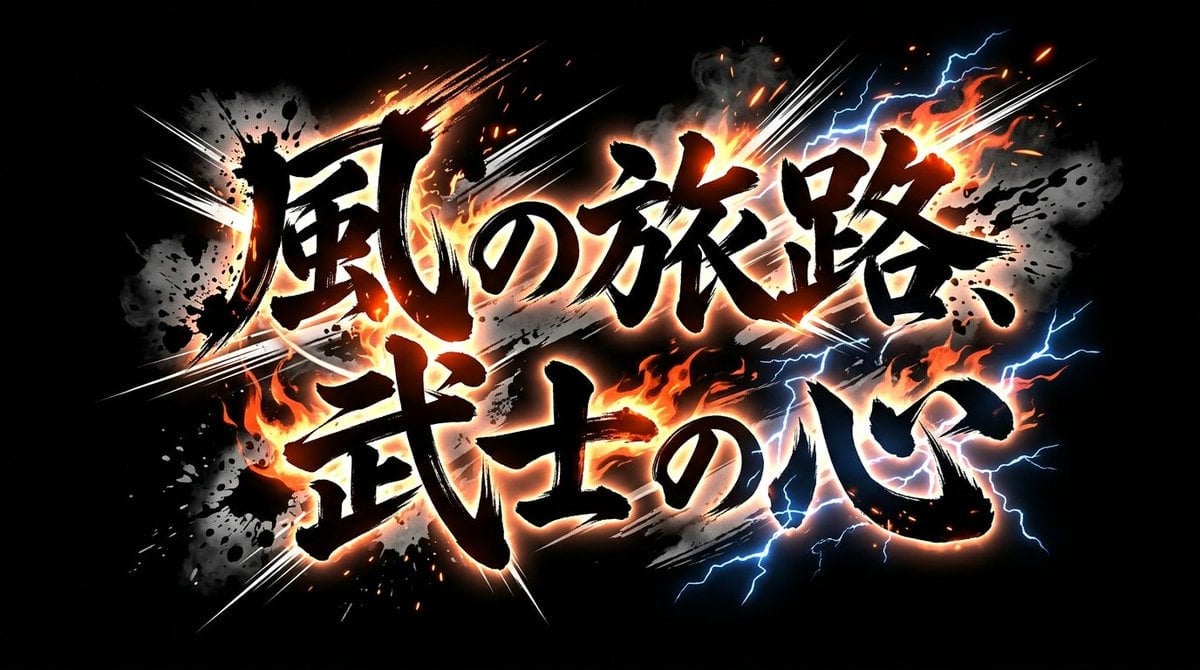
Nano Banana 2 Brushstroke Title Logo Prompts (4 Styles)
Browse template categories
untitled questions
How do I use the 79-untitled template?
Add your photo if the template asks for one, edit the prompt if you like — the template's model and format are already selected — and press Generate. Your version opens in PicX Studio.
Can I customize the 79-untitled template?
Yes. You can change the subject, setting, lighting, mood, format, and available model controls before creating your image.
Is the 79-untitled template free?
Opening and editing this template is free. Generating uses credits, shown on the Generate button when you are signed in.
Which AI model should I use?
Start with Seedance 2.0 Standard, which is the model associated with this template. You can compare another compatible model for a different finish.
Looking for something else? Browse all templates.

Your photo, any look
Thousands of ready templates for every top image and video model, from one credit balance.