
Panel Cartoon Robot Drawing Guide Prompt
A detailed, step-by-step prompt for Nano Banana Pro (on LeonardoAi) instructing the model to create a 20-panel layout guide for drawing a cute cartoon robot, with each panel adding one specific, cumulative change…
- Prompt included
- Model and format preset
- Premium template
The prompt behind this image
Copy the exact prompt behind Panel Cartoon Robot Drawing Guide Prompt, or open it in the studio and make it yours.
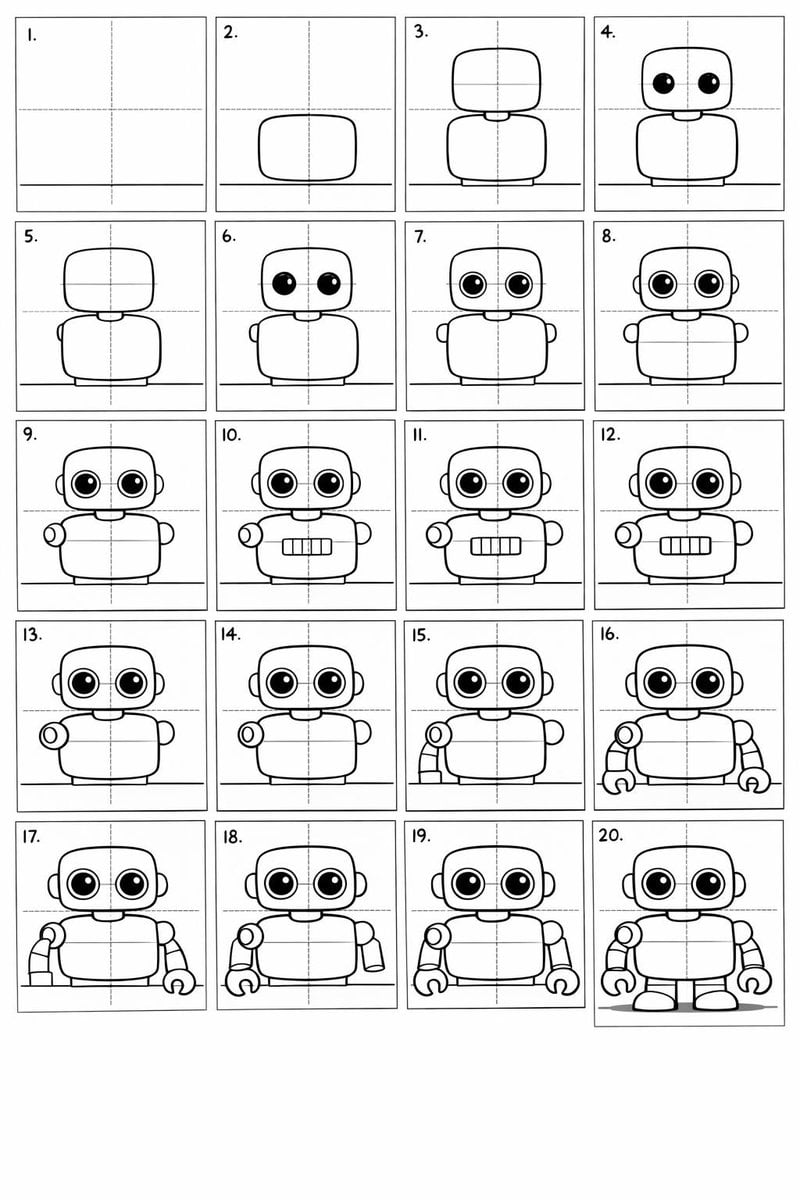
Create a 20-panel layout guide for drawing a cute cartoon robot. Each panel keeps everything from before and adds one clear change. 1. Light guide lines: vertical center, horizontal center, and a ground line. 2. Add torso: rounded rectangle above the ground. 3. Add torso centerline. 4. Add head: smaller rounded square above torso. 5. Add neck connector: short rounded block. 6. Add left eye circle. 7. Add right eye circle. 8. Add pupils inside both eyes. 9. Add thin rim rings around both eyes. 10. Add mouth rectangle below eyes. 11. Add evenly spaced vertical slats in the mouth. 12. Add left shoulder joint circle on torso side. 13. Add right shoulder joint circle. 14. Add left upper arm cylinder from left shoulder. 15. Add left elbow circle and left forearm cylinder. 16. Add left claw hand (base curve + two prongs). 17. Add right upper arm cylinder from right shoulder. 18. Add right elbow circle and right forearm cylinder. 19. Add right claw hand to match left. 20. Add legs and feet as simple blocks: two short legs from torso bottom and two rounded trapezoid feet, plus a small ground shadow.
How to use Panel Cartoon Robot Drawing Guide Prompt in 3 steps
- 1
Open
The prompt is already in the box next to the preview, with the template's model and format selected.
- 2…a portrait of your subject in softgolden-hour light, 85mm…
Personalize
Edit the subject and creative details for your destination.
- 3Generate
Generate
Press Generate — your image is created in PicX Studio, so you can compare it with the original and refine one variable at a time.
More like this
Templates with the same subject, style or setup. Open one to see its prompt.
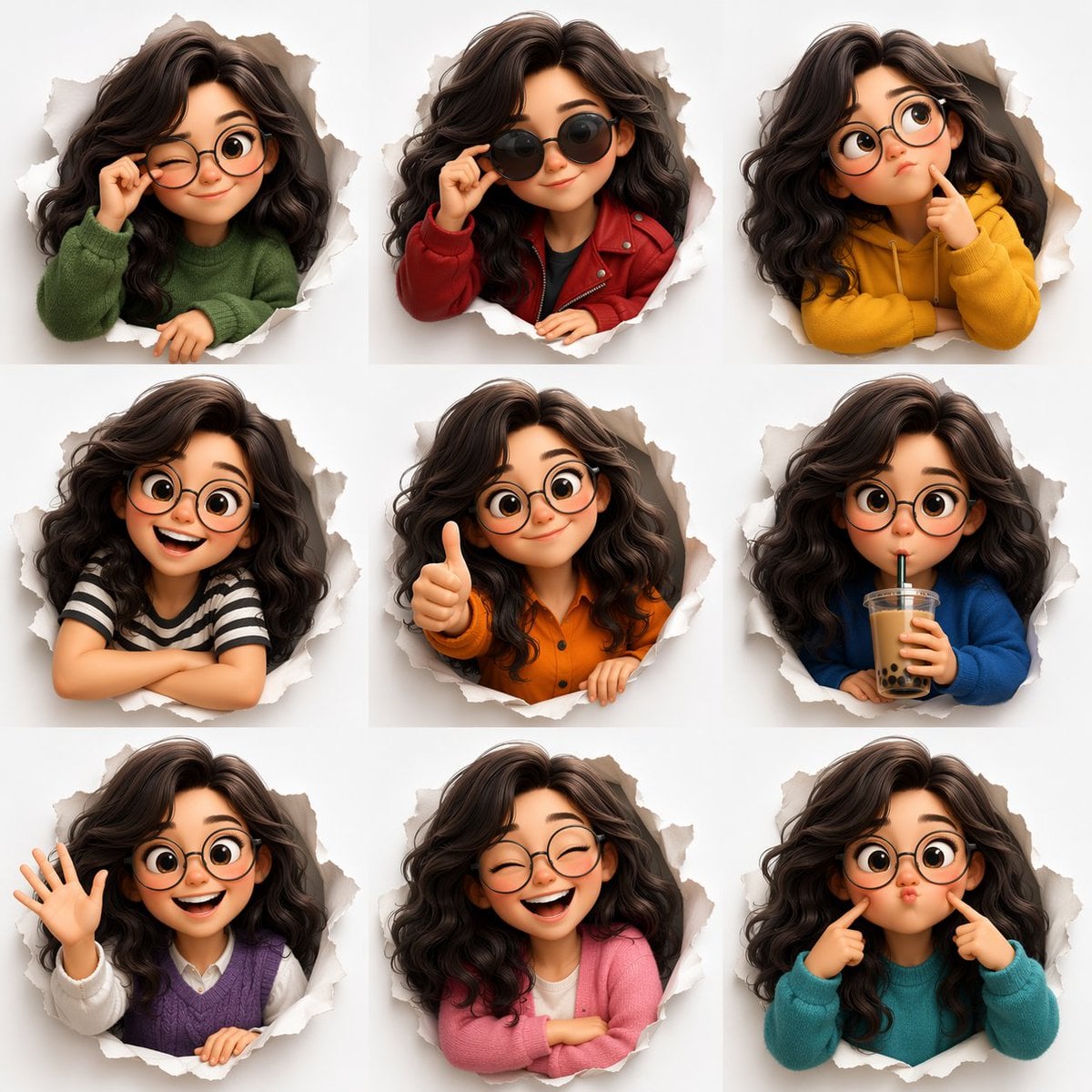
Toon Cartoon Robot Workshop
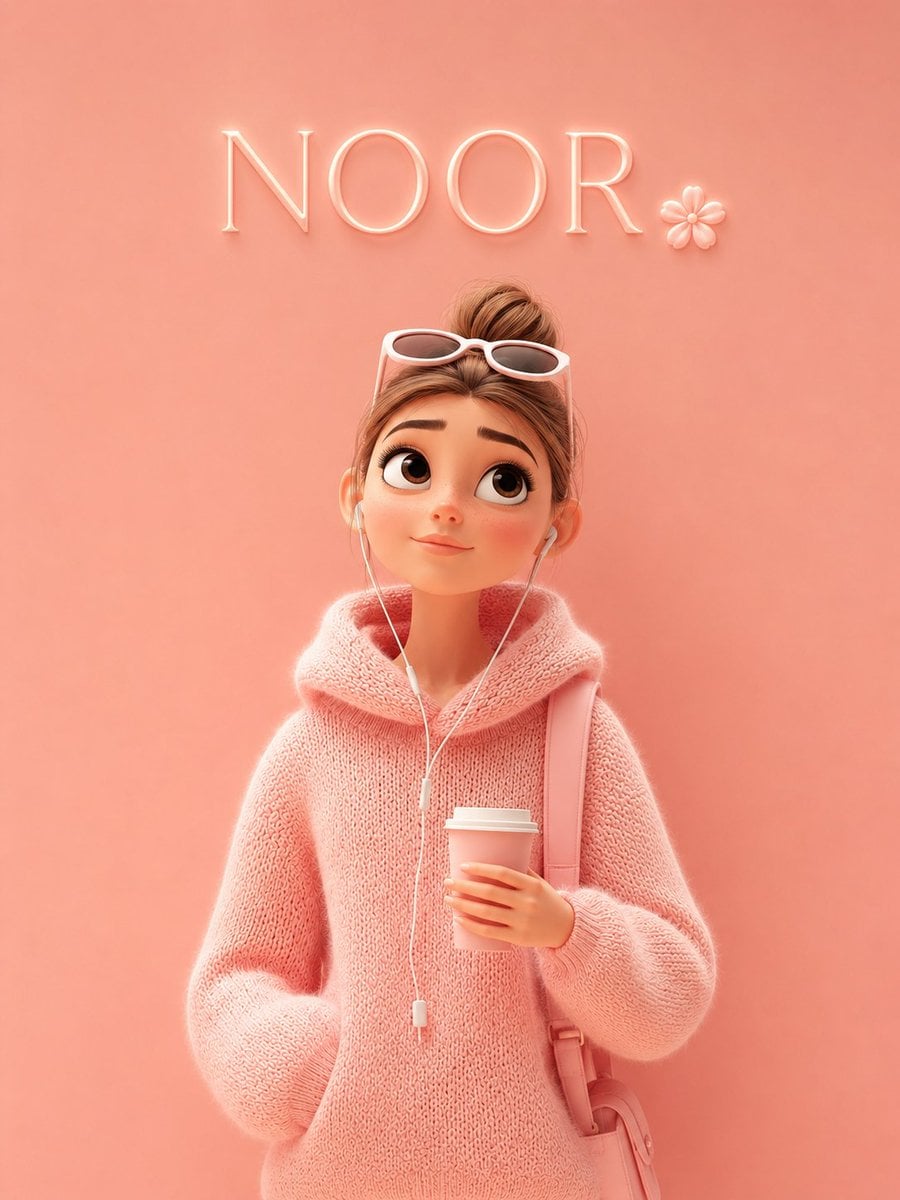
Toon Cartoon Finale Fireworks
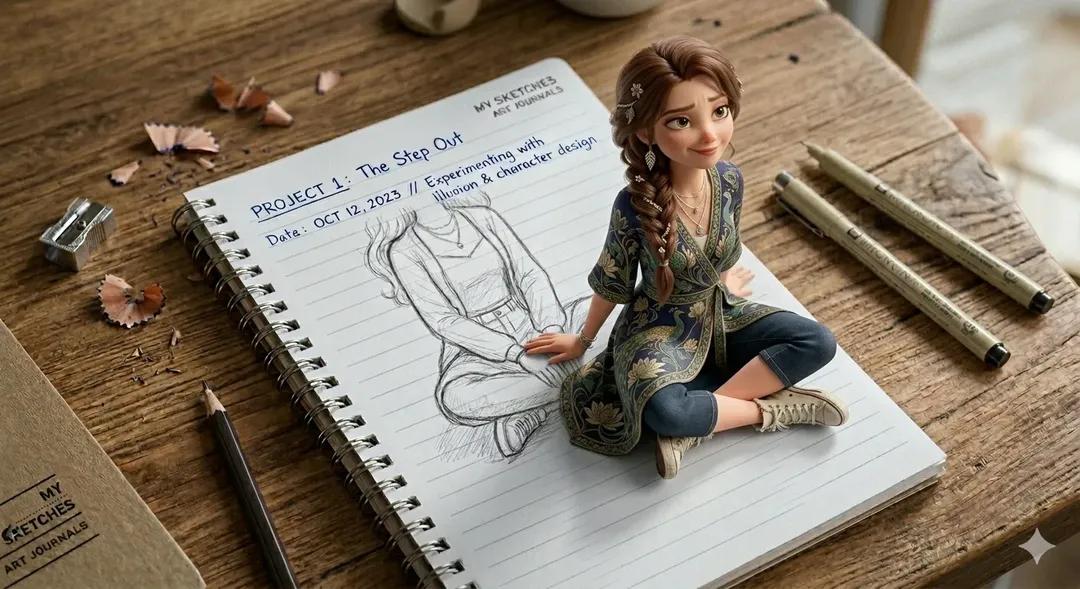
Toon Cartoon Garden Maze
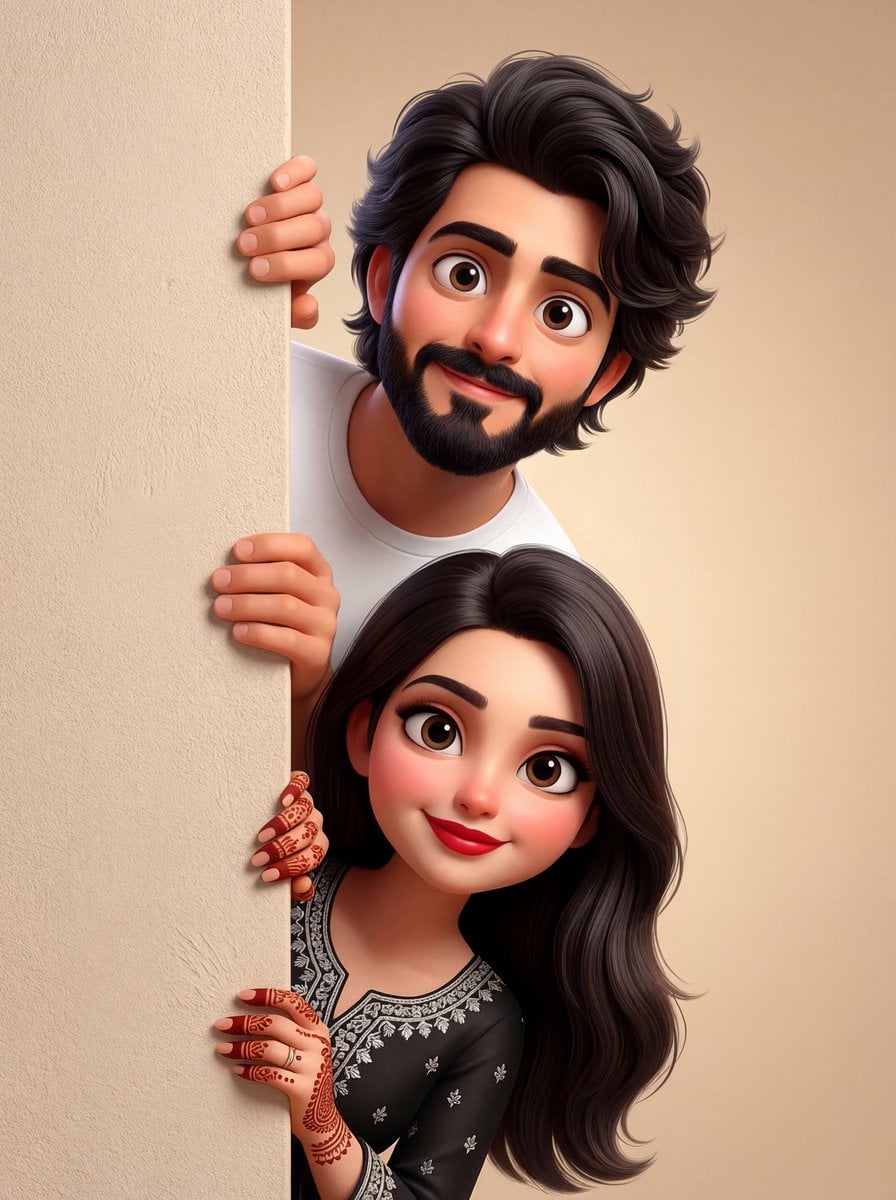
Toon Cartoon Rooftop Concert
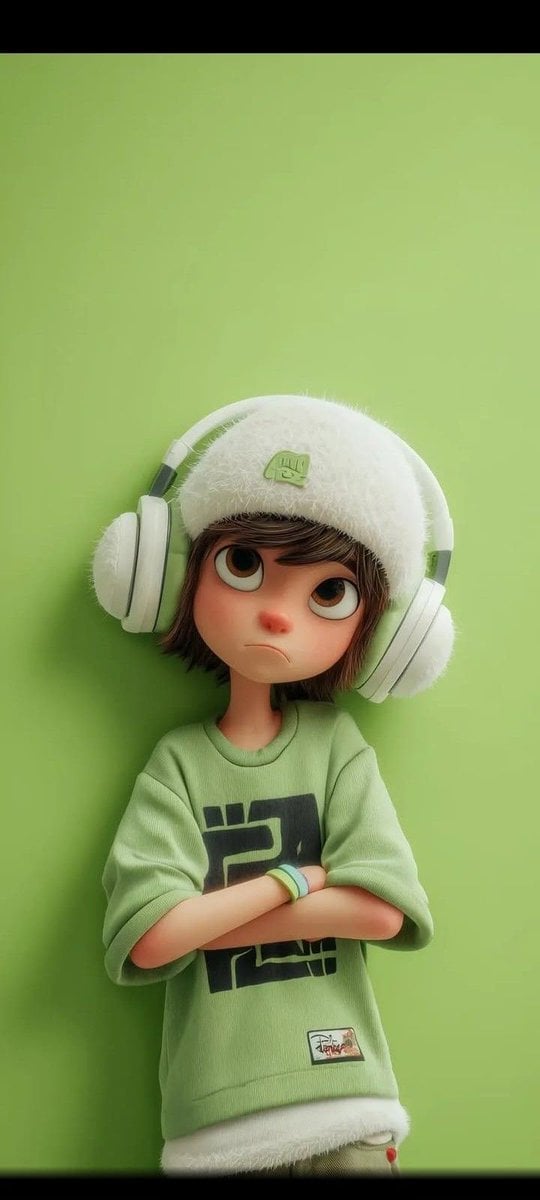
Toon Cartoon Kitchen Chaos
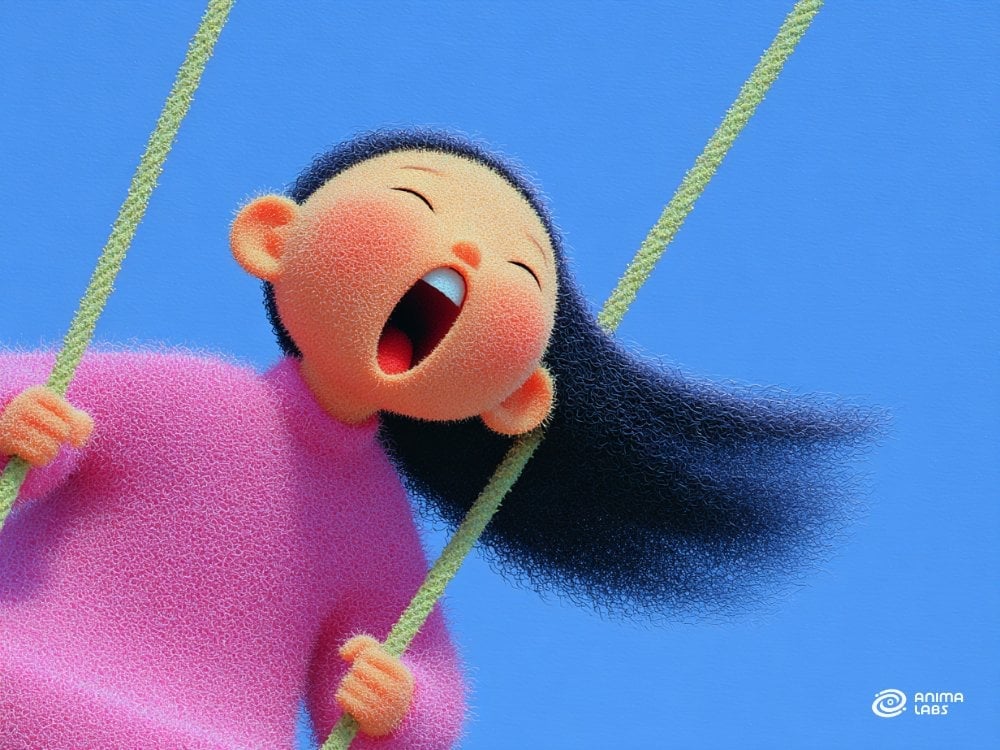
Toon Cartoon Carnival Ride
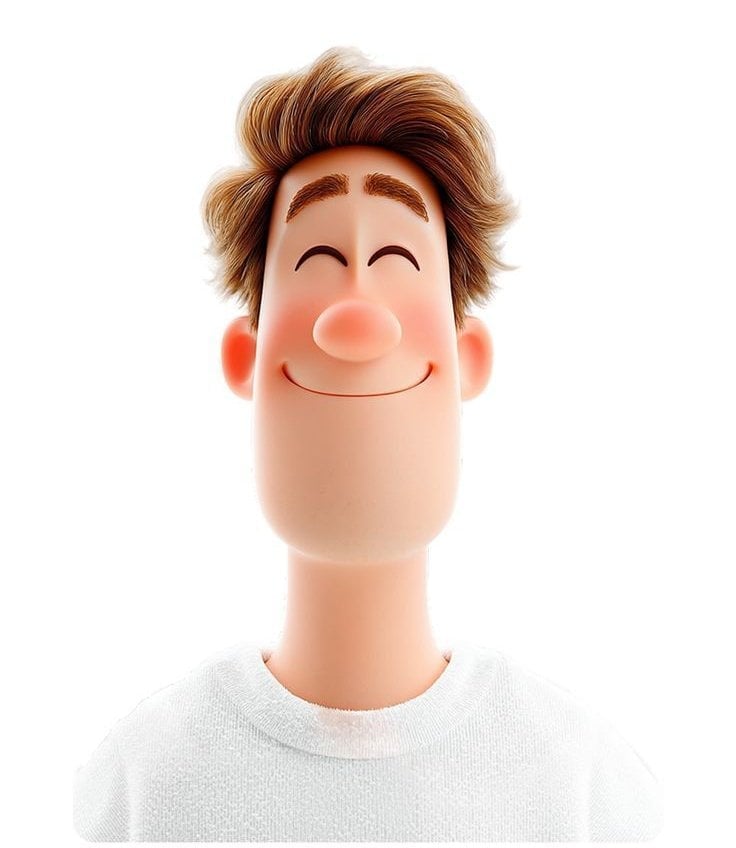
Toon Cartoon Rainy Bus Stop
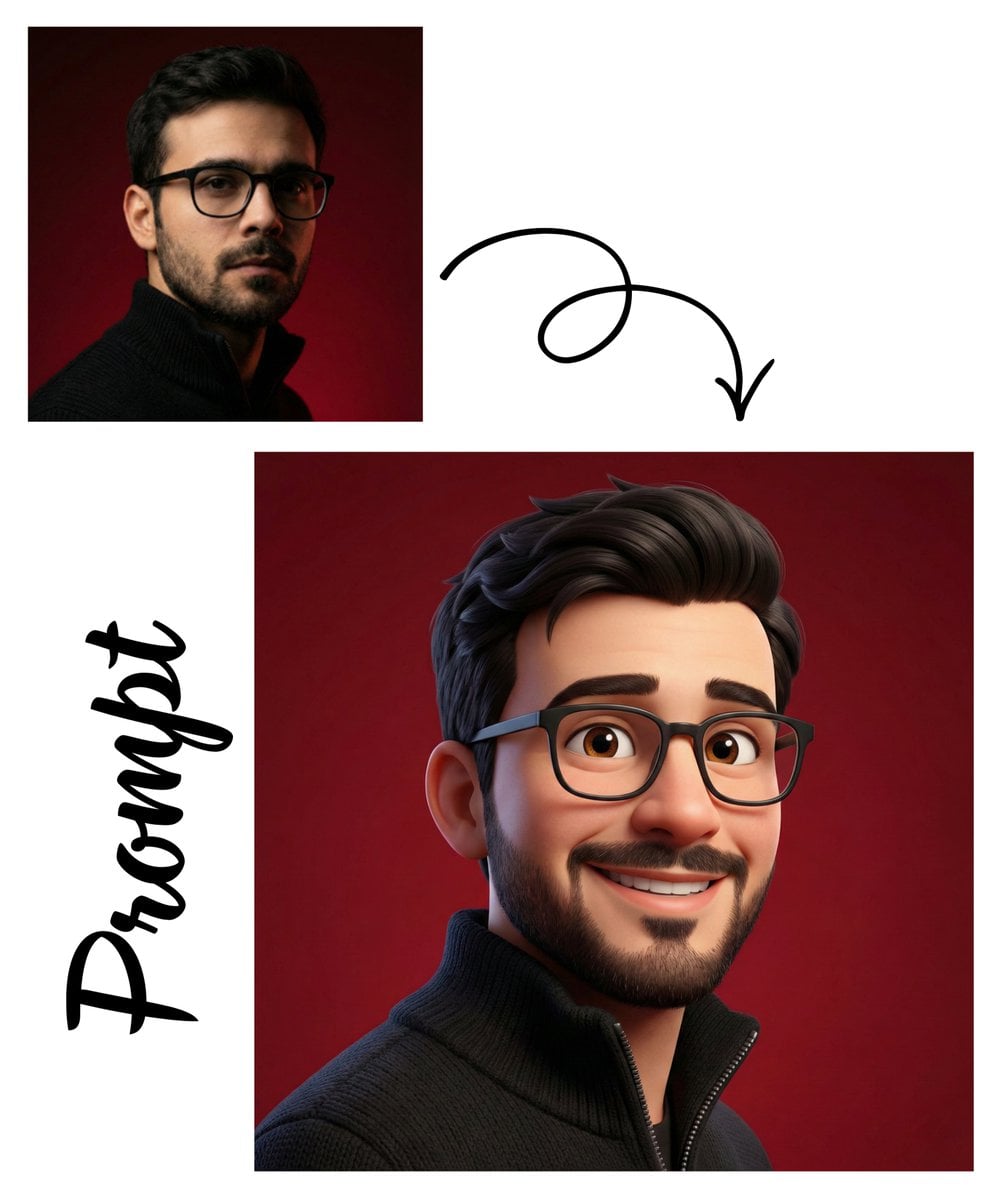
Toon Cartoon Space Dock
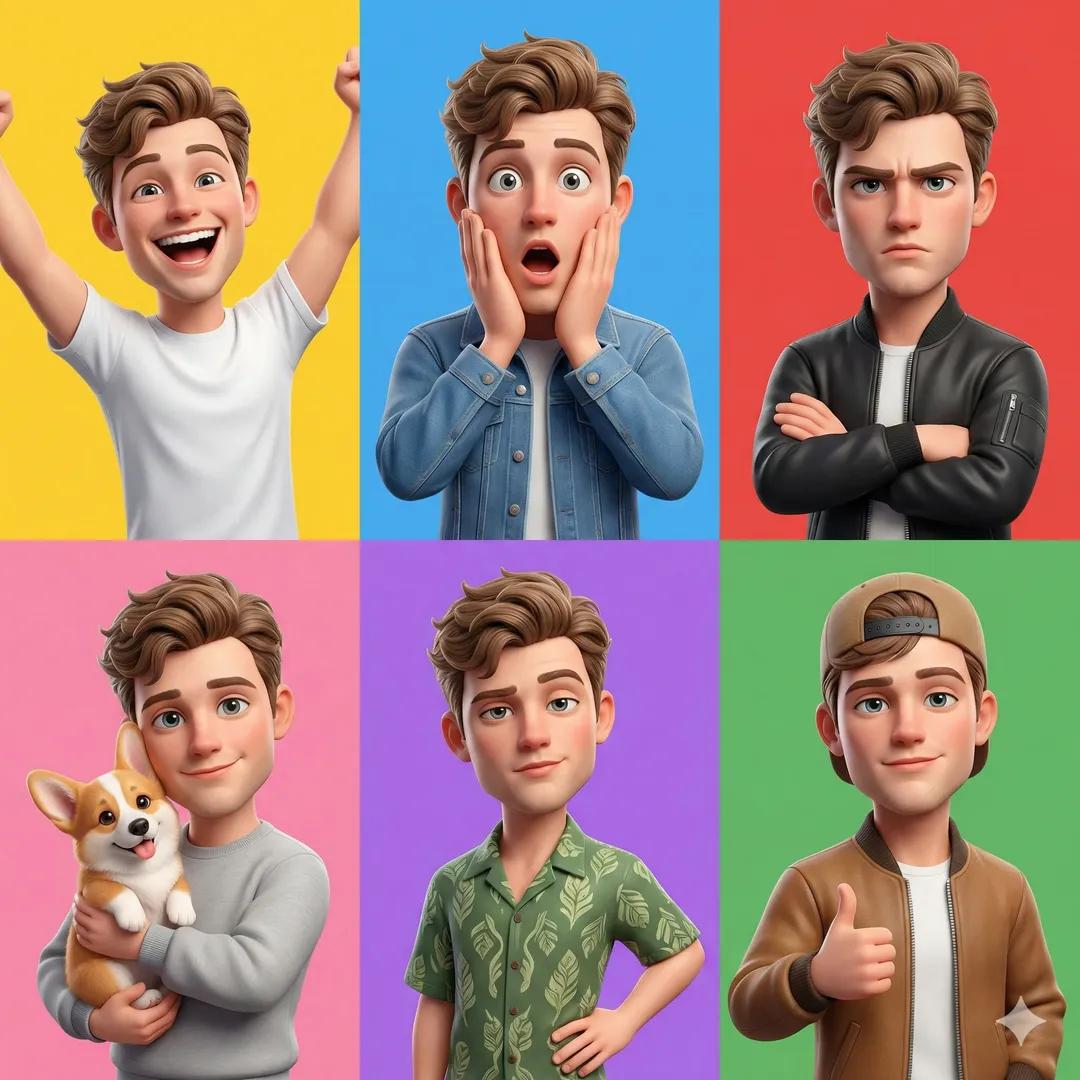
Toon Cartoon Cafe Morning
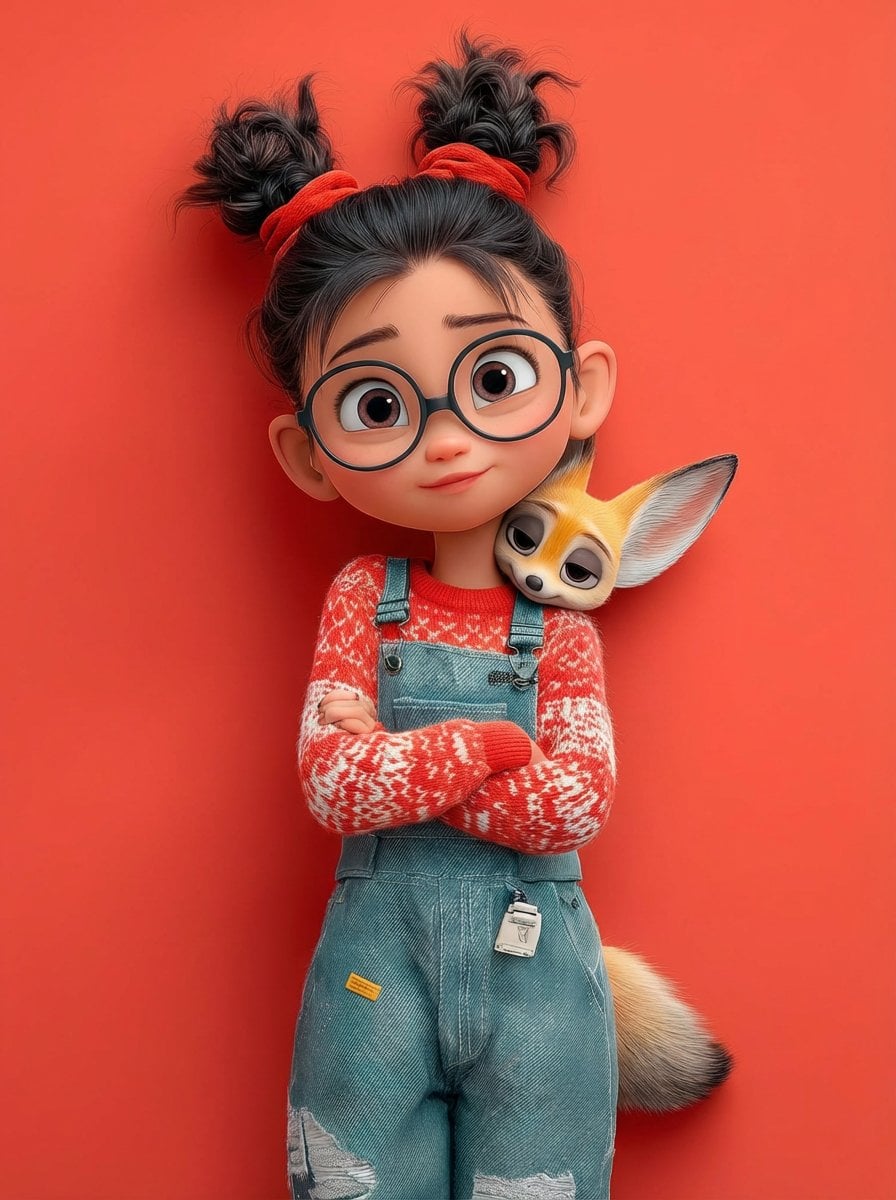
Toon Cartoon Street Festival
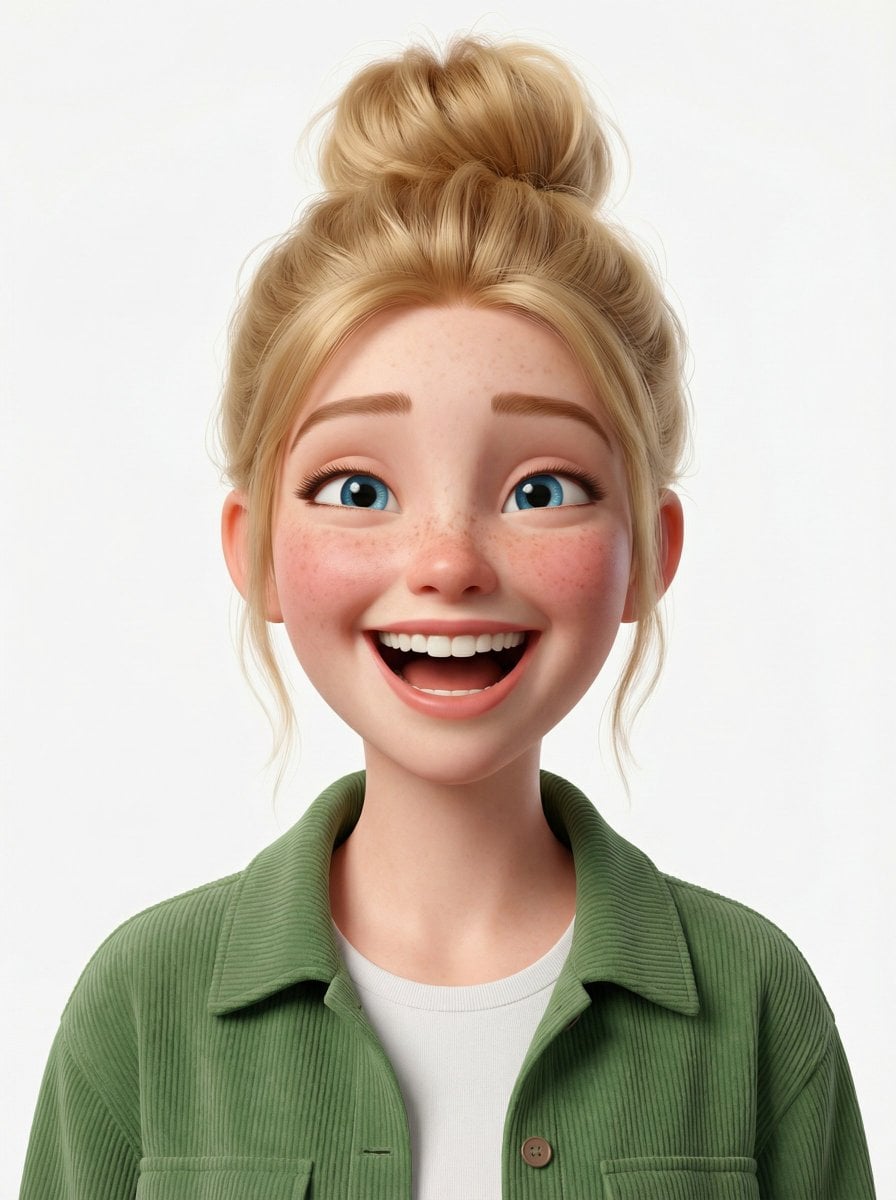
Toon Cartoon Ballroom Dance
Toon Cartoon Winter Cabin
Make it yours
Panel Cartoon Robot Drawing Guide Prompt works as-is. These are the safest ways to change it without losing the look.
Change one field
Copy a single group, rewrite it, and generate again so you can see what that field is doing.
Keep the frame, change the subject
Hold the composition and light of 20-Panel Cartoon Robot Drawing Guide Prompt, then swap wardrobe, props or the person for a new take.
| If the result… | Why | Fix |
|---|---|---|
| The result drifts from the preview | Too many fields changed at once. | Reuse 20-Panel Cartoon Robot Drawing Guide Prompt as-is first, then change one group — subject, light, or setting. |
| The model over-stylizes the scene | The prose prompt leaves finish and camera underspecified. | Add one camera or lighting sentence and stay on Nano Banana 2. |
More Nano Banana 2 templates
Other prompts made for Nano Banana 2.
Photorealistic Leaf Shaped Like a Dragon
K-Pop Idol Portrait Grid for Rapid Selection
Poetic Rain Forest Portrait During Golden Hour
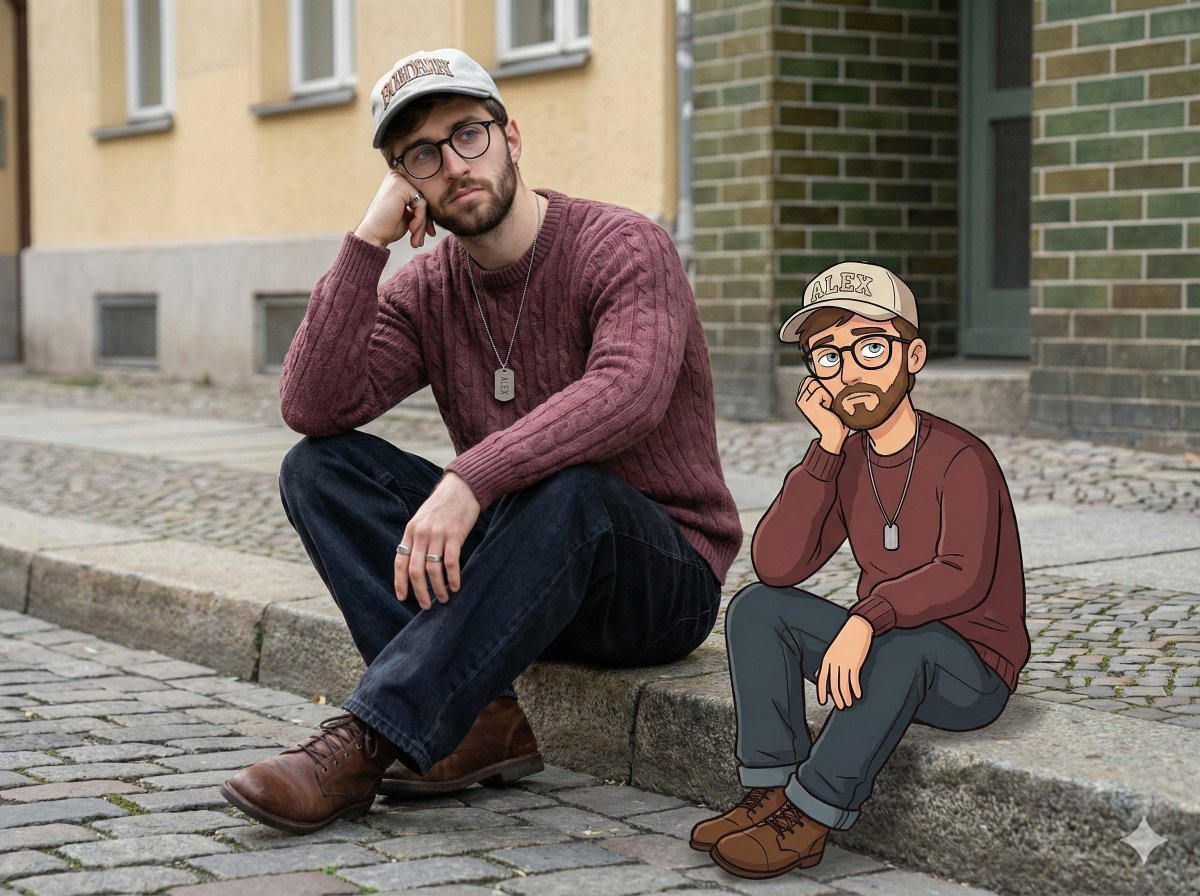
Urban Street Portrait with Cartoon Inner Self Duo
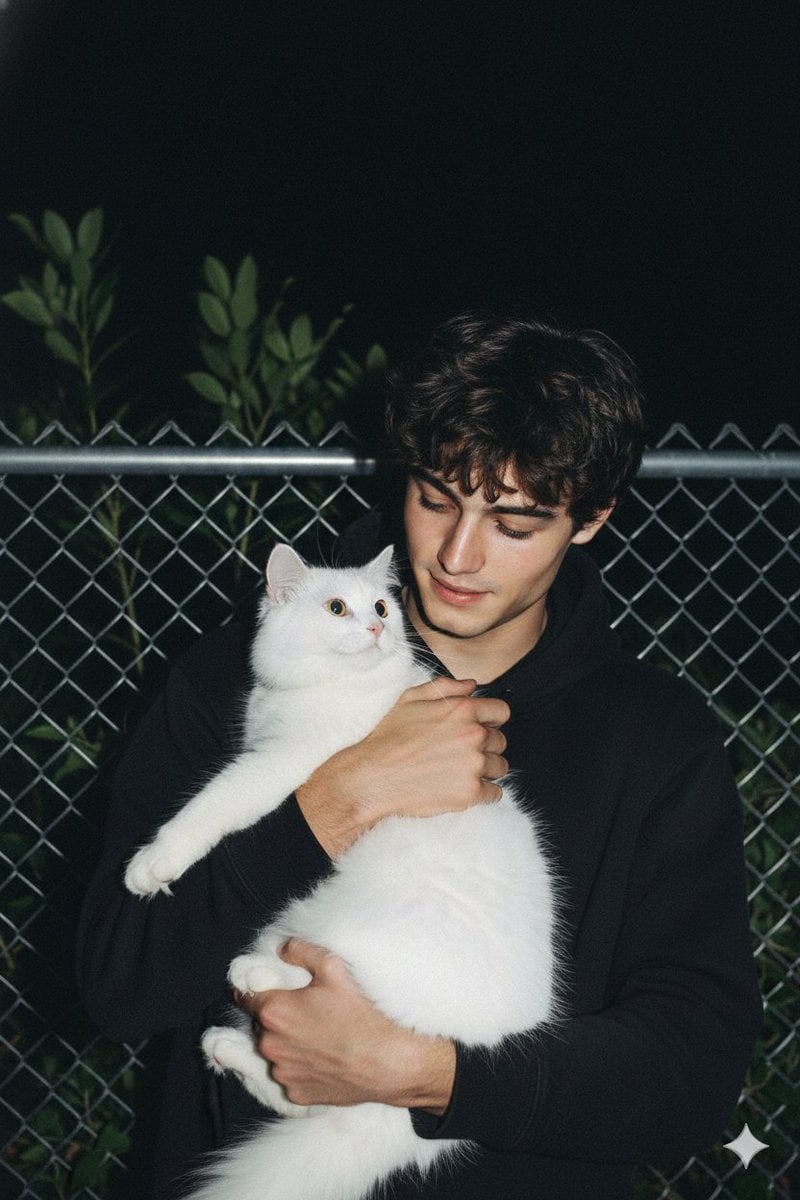
Candid Nighttime Photo with Cat Prompt
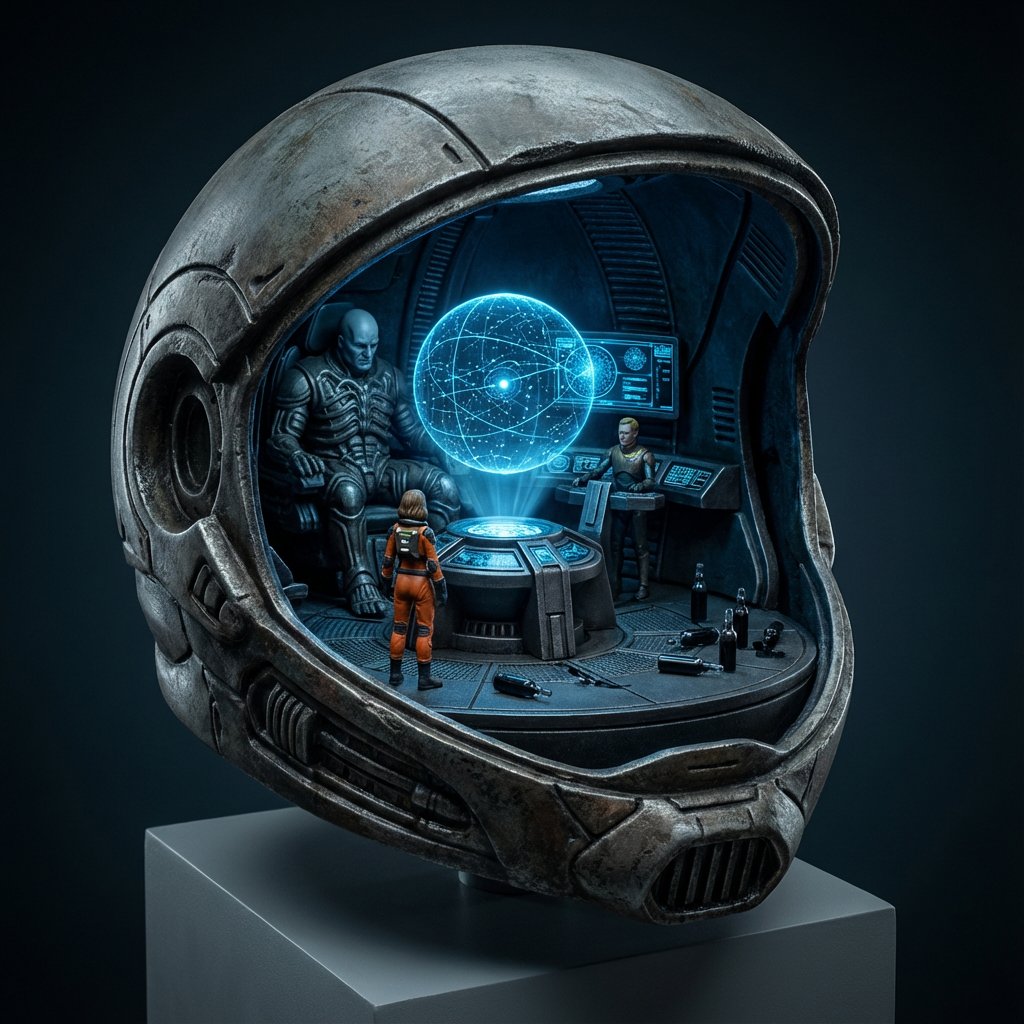
High-Concept 3D Diorama Generation Prompt
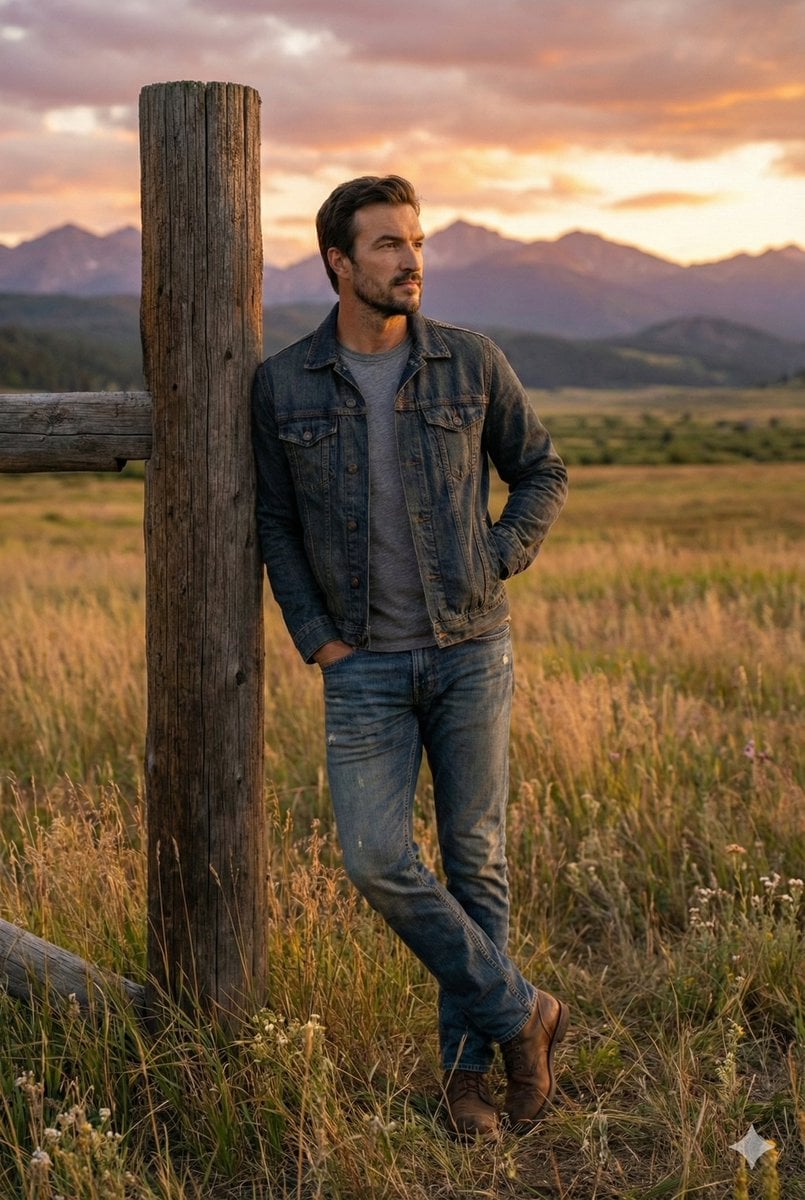
Cinematic Futuristic Studio Portrait Template
Skincare Editorial Photography Collage Prompt
Hyper-Realistic Commercial Product Photography (Splash Effect)
Hyper-Realistic Nightclub Portrait Prompt
More image prompts
Fresh picks from across the catalog.
Retro Fake Anime Movie Poster
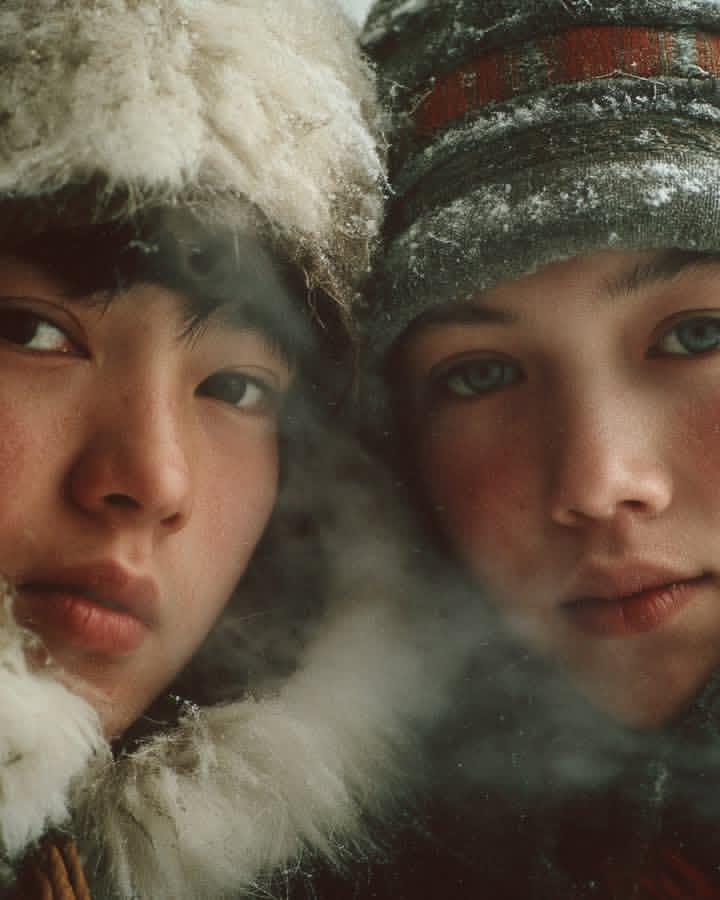
Ultra-Realistic Cinematic Winter Portrait
untitled
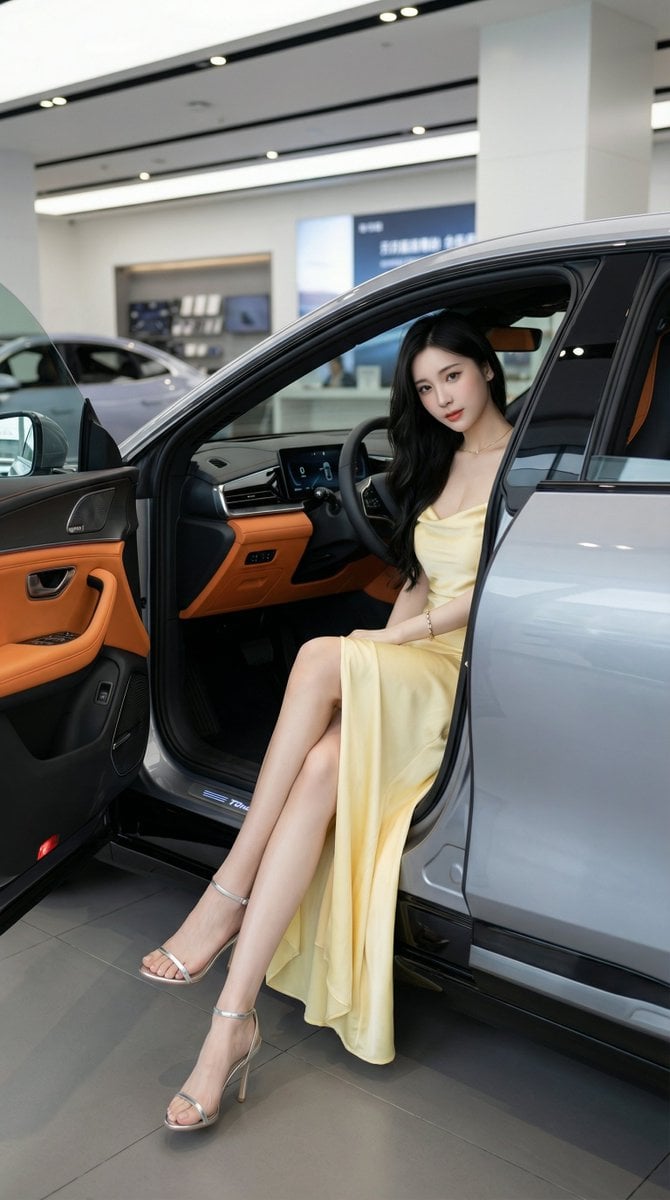
High-Quality Photo of Elegant Chinese Woman in Luxury Car
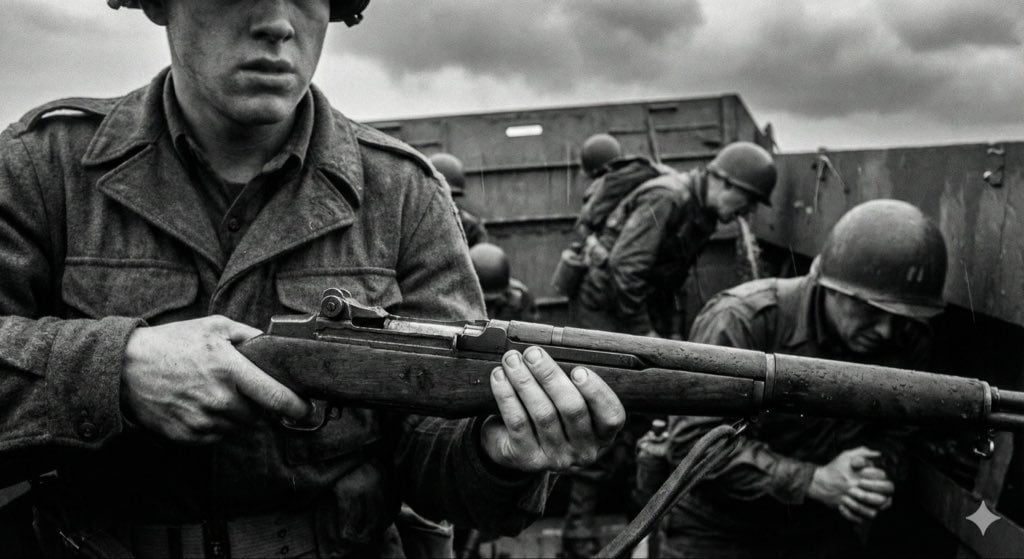
Mid-20th-century war photojournalism style framework
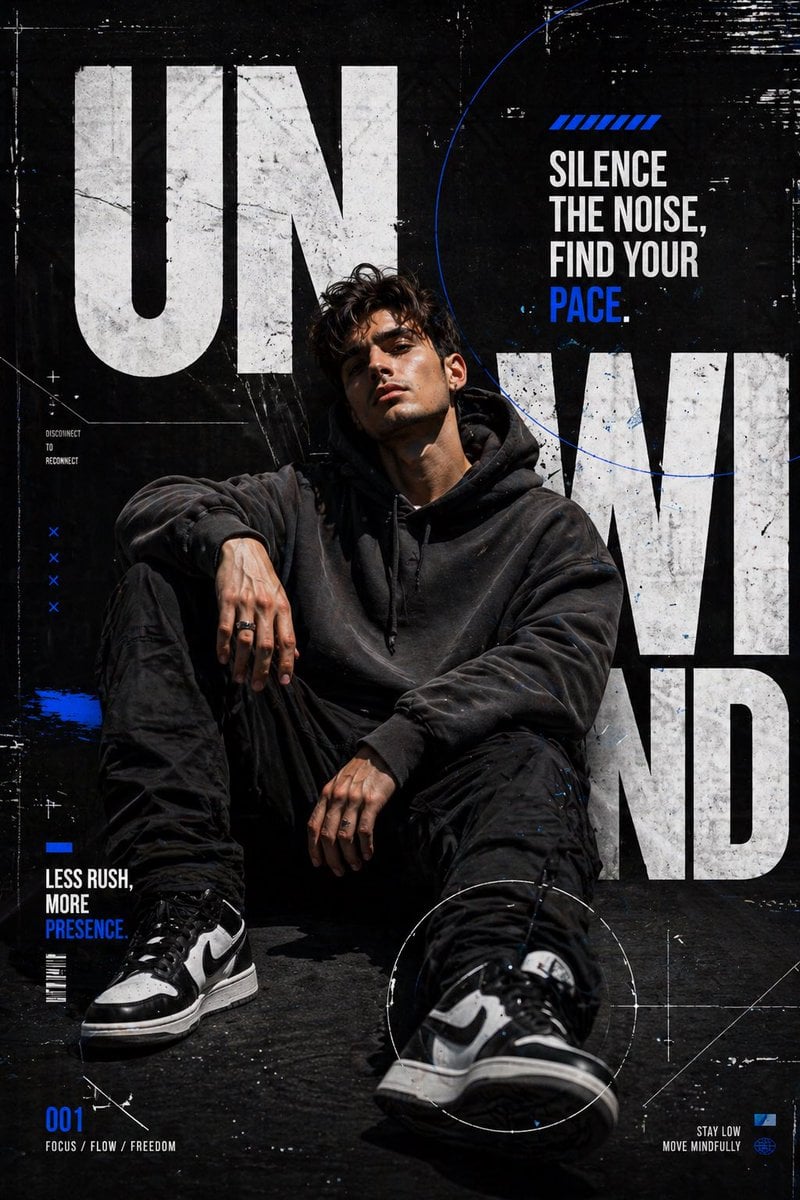
Urban Streetwear Editorial Poster
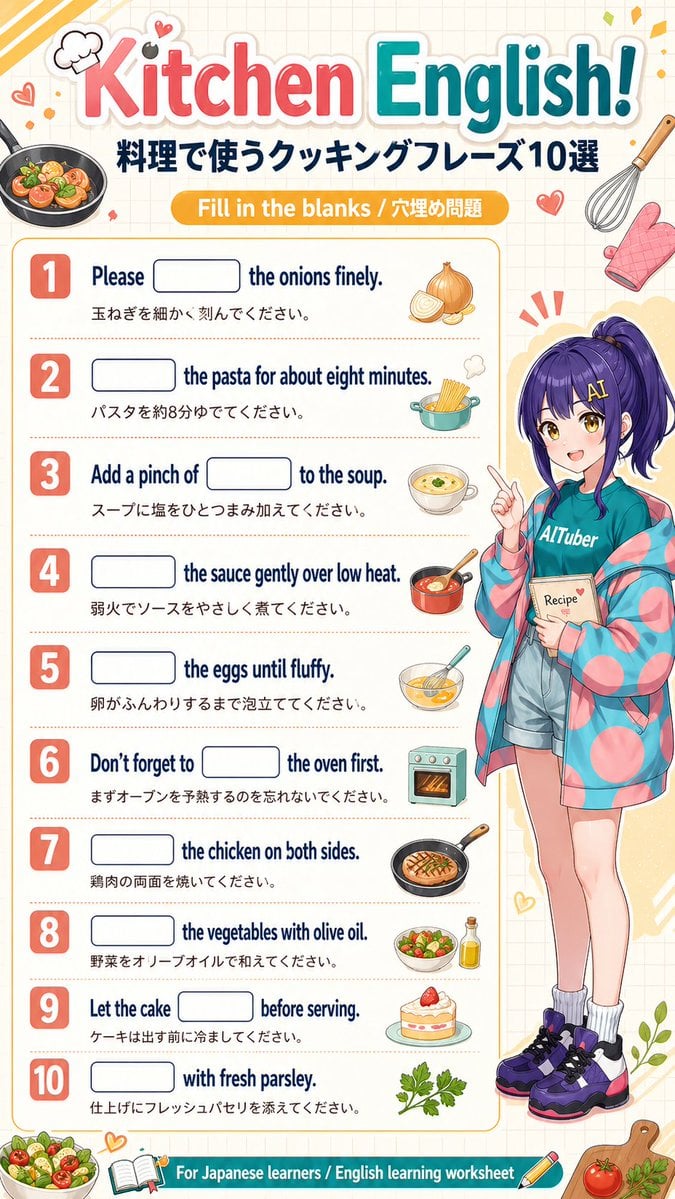
Kitchen English Fill-in Worksheet Poster
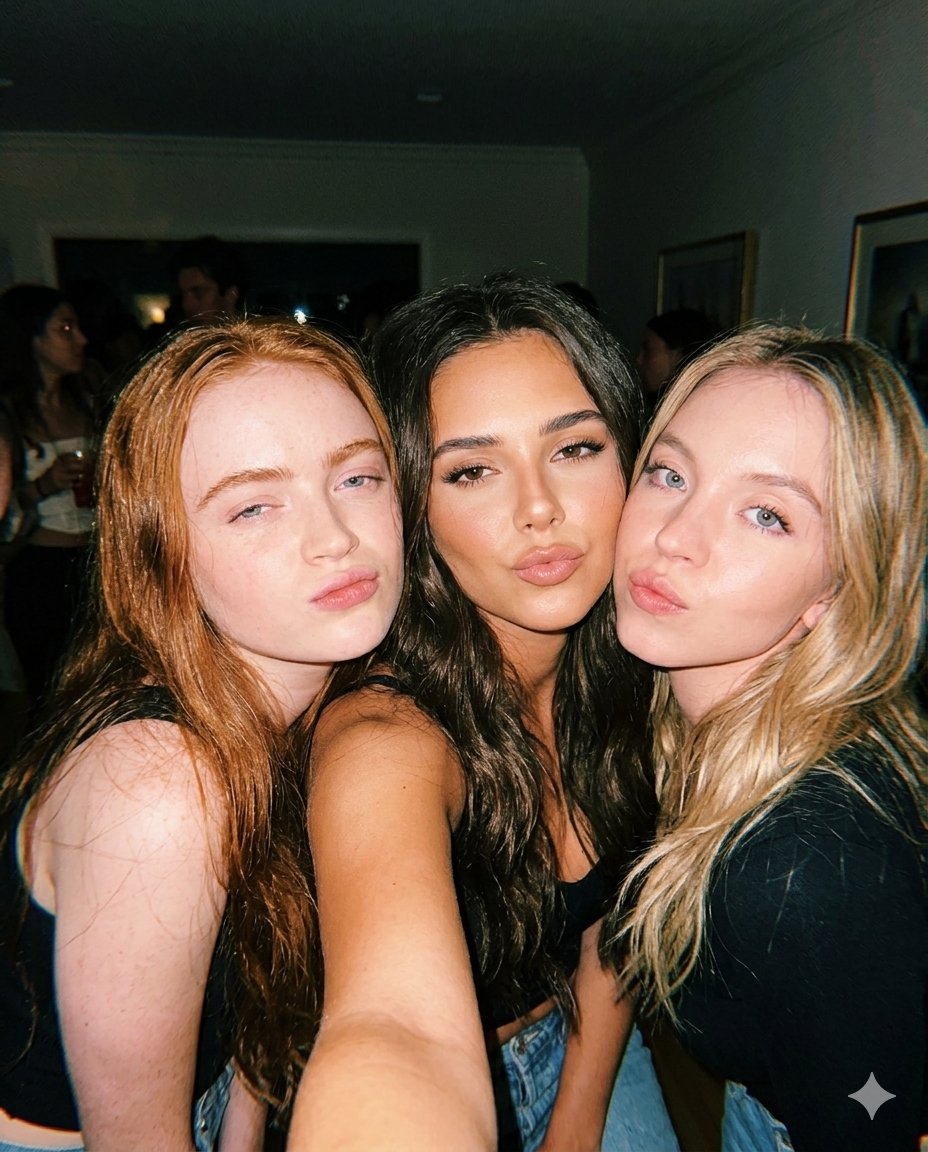
Vintage Flash Group Selfie Prompt for Nano Banana Pro
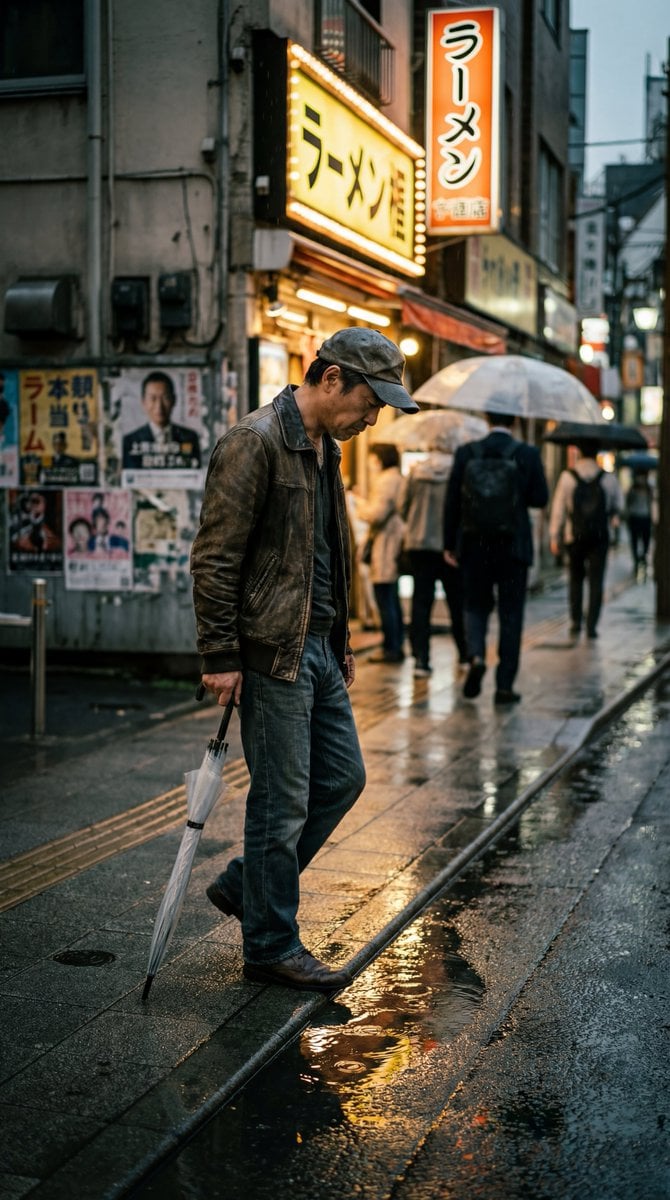
Structured Prompt for Ultra-Photorealistic Candid Street Photography
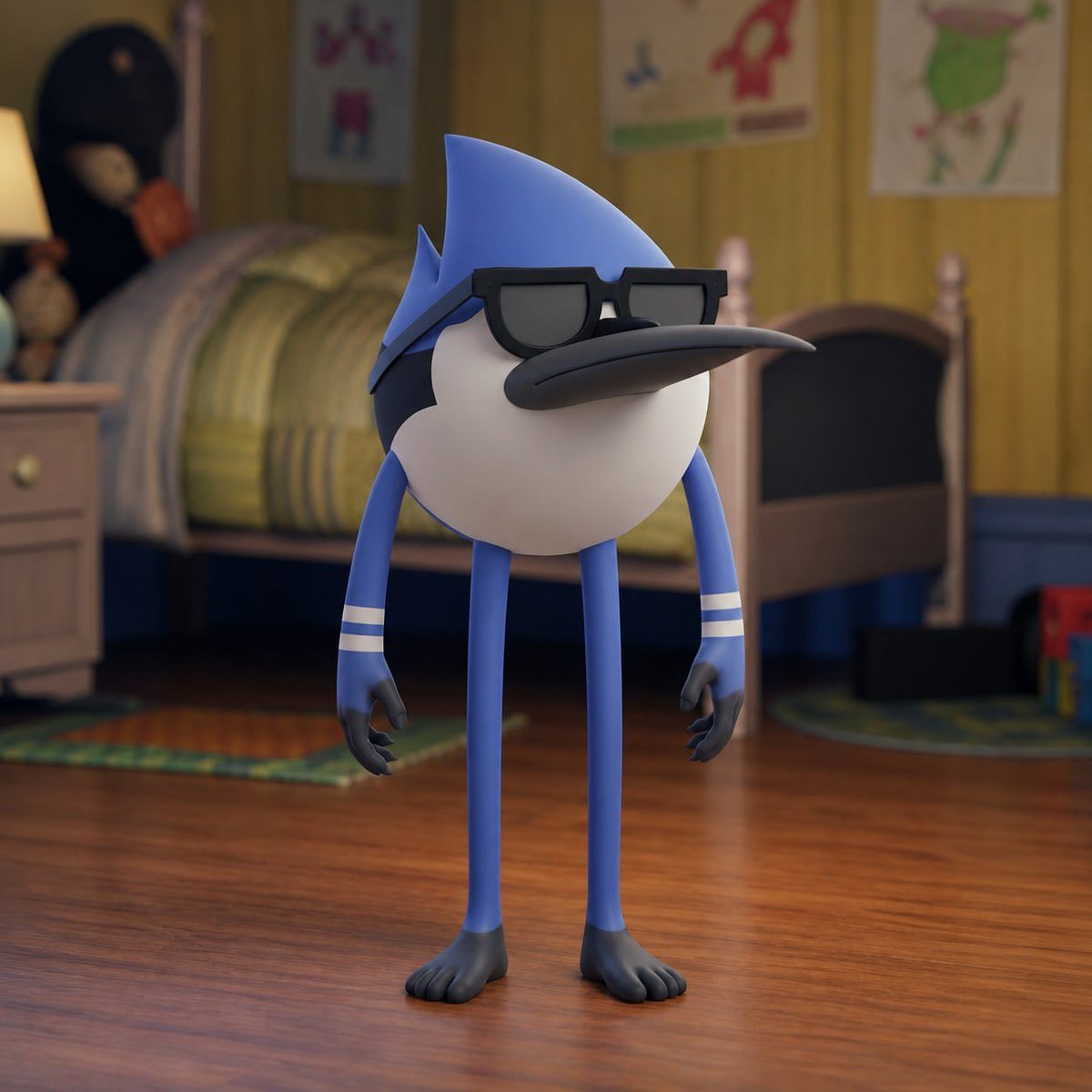
Spherical Character Meme Template
Browse template categories
Panel Cartoon Robot Drawing Guide Prompt questions
How do I use the 20-Panel Cartoon Robot Drawing Guide Prompt template?
Add your photo if the template asks for one, edit the prompt if you like — the template's model and format are already selected — and press Generate. Your version opens in PicX Studio.
Can I customize the 20-Panel Cartoon Robot Drawing Guide Prompt template?
Yes. You can change the subject, setting, lighting, mood, format, and available model controls before creating your image.
Is the 20-Panel Cartoon Robot Drawing Guide Prompt template free?
Opening and editing this template is free. Generating uses credits, shown on the Generate button when you are signed in.
Which AI model should I use?
Start with Nano Banana 2, which is the model associated with this template. You can compare another compatible model for a different finish.
Looking for something else? Browse all templates.
Your photo, any look
Thousands of ready templates for every top image and video model, from one credit balance.