
Kitchen English Fill-in Worksheet Poster
A colorful anime-style educational poster for Japanese learners featuring 10 cooking-related English fill-in-the-blank sentences with Japanese translations and a friendly tutor character.
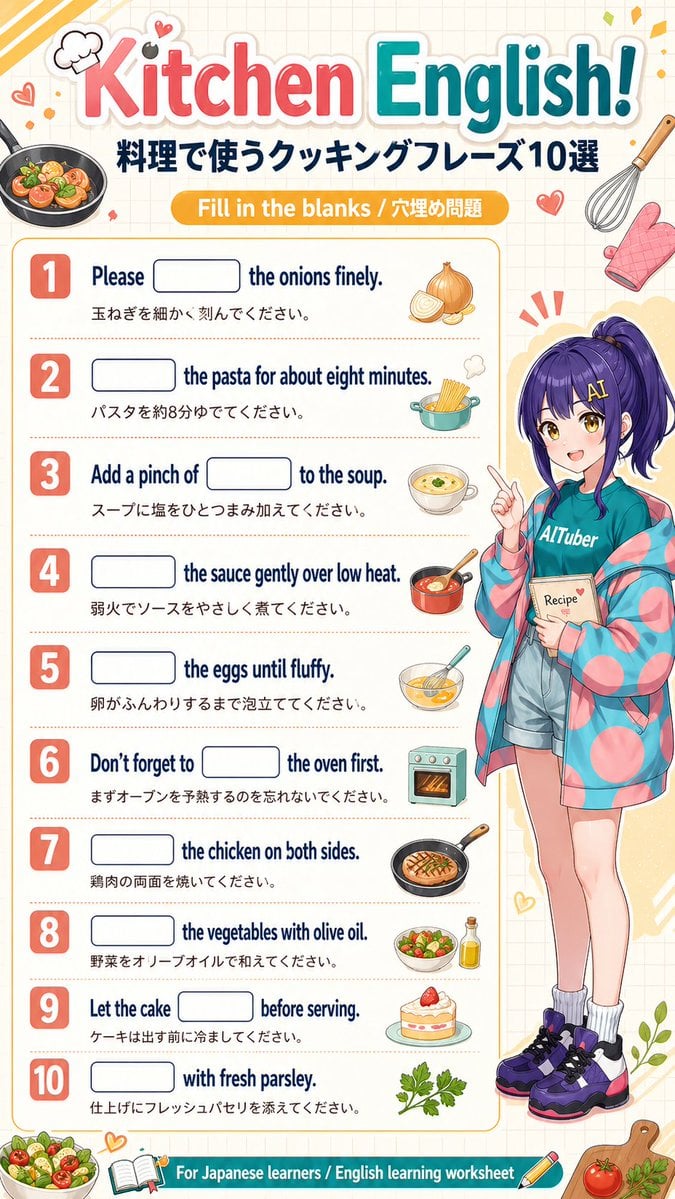
- Prompt included
- Model and format preset
- Premium template
The prompt behind this image
Copy the exact prompt behind Kitchen English Fill-in Worksheet Poster, or open it in the studio and make it yours.
- Type
- educational worksheet poster
- Topic
- cooking English fill-in-the-blank worksheet for Japanese learners
- Style
- bright cute anime classroom handout, clean vertical poster, friendly study-material design, soft cream grid-paper background, colorful sticker-like decorations, crisp printable layout
- Language
- English with Japanese translations
- Format
- single-page infographic worksheet
- Canvas › Orientation
- portrait
- Canvas › Aspect Ratio
- approximately 2:3
- Canvas › Background
- warm off-white with faint square grid
- Header › Title
- {argument name="headline text" default="Kitchen English!"}
- Header › Subtitle
- 料理で使うクッキングフレーズ10選
- Header › Banner
- Fill in the blanks / 穴埋め問題
- Header › Title Style
- large playful rounded lettering, 'Kitchen' in pink-red gradient, 'English!' in teal gradient, thick white outline and soft drop shadow
- Layout › Sections › 0 › Title
- worksheet questions
- Layout › Sections › 0 › Position
- left and center main column
- Layout › Sections › 0 › Count
- 10
- Layout › Sections › 0 › Labels
- 1, 2, 3, 4, 5, 6, 7, 8, 9, 10
- Layout › Sections › 1 › Title
- character panel
- Layout › Sections › 1 › Position
- right side full height
- Layout › Sections › 1 › Count
- 1
- Layout › Sections › 1 › Labels
- anime tutor character
- Layout › Sections › 2 › Title
- footer banner
- Layout › Sections › 2 › Position
- bottom full width
- Layout › Sections › 2 › Count
- 1
- Layout › Sections › 2 › Labels
- For Japanese learners / English learning worksheet
Raw JSON
{"type":"educational worksheet poster","topic":"cooking English fill-in-the-blank worksheet for Japanese learners","style":"bright cute anime classroom handout, clean vertical poster, friendly study-material design, soft cream grid-paper background, colorful sticker-like decorations, crisp printable layout","language":"English with Japanese translations","format":"single-page infographic worksheet","canvas":{"orientation":"portrait","aspect_ratio":"approximately 2:3","background":"warm off-white with faint square grid"},"header":{"title":"{argument name=\"headline text\" default=\"Kitchen English!\"}","subtitle":"料理で使うクッキングフレーズ10選","banner":"Fill in the blanks / 穴埋め問題","title_style":"large playful rounded lettering, 'Kitchen' in pink-red gradient, 'English!' in teal gradient, thick white outline and soft drop shadow"},"layout":{"sections":[{"title":"worksheet questions","position":"left and center main column","count":10,"labels":["1","2","3","4","5","6","7","8","9","10"]},{"title":"character panel","position":"right side full height","count":1,"labels":["anime tutor character"]},{"title":"footer banner","position":"bottom full width","count":1,"labels":["For Japanese learners / English learning worksheet"]}],"question_rows":10},"questions":[{"number":1,"english":"Please [blank] the onions finely.","japanese":"玉ねぎを細かく刻んでください。","icon":"1 onion, partially sliced"},{"number":2,"english":"[blank] the pasta for about eight minutes.","japanese":"パスタを約8分ゆでてください。","icon":"1 cooking pot with spaghetti"},{"number":3,"english":"Add a pinch of [blank] to the soup.","japanese":"スープに塩をひとつまみ加えてください。","icon":"1 bowl of soup"},{"number":4,"english":"[blank] the sauce gently over low heat.","japanese":"弱火でソースをやさしく煮てください。","icon":"1 saucepan with sauce and spoon"},{"number":5,"english":"[blank] the eggs until fluffy.","japanese":"卵がふんわりするまで泡立ててください。","icon":"1 mixing bowl with whisked eggs"},{"number":6,"english":"Don't forget to [blank] the oven first.","japanese":"まずオーブンを予熱するのを忘れないでください。","icon":"1 small oven"},{"number":7,"english":"[blank] the chicken on both sides.","japanese":"鶏肉の両面を焼いてください。","icon":"1 frying pan with grilled chicken"},{"number":8,"english":"[blank] the vegetables with olive oil.","japanese":"野菜をオリーブオイルで和えてください。","icon":"1 salad bowl and 1 olive oil bottle"},{"number":9,"english":"Let the cake [blank] before serving.","japanese":"ケーキは出す前に冷ましてください。","icon":"1 slice of strawberry cake on a plate"},{"number":10,"english":"[blank] with fresh parsley.","japanese":"仕上げにフレッシュパセリを添えてください。","icon":"1 parsley sprig"}],"character":{"count":1,"description":"full-body anime girl teacher standing on the right, youthful adult, long deep purple hair in a high ponytail with bangs, cheerful pose pointing upward with one finger, holding a small recipe notebook in the other hand","outfit_count":6,"outfit":["teal T-shirt with the word '{argument name=\"shirt text\" default=\"AITuber\"}'","oversized pastel jacket with pink and teal circular pattern","light denim shorts","white scrunched socks","chunky purple black and white sneakers","small recipe book labeled '{argument name=\"book text\" default=\"Recipe\"}'"],"expression":"friendly enthusiastic tutor vibe"},"decorations":{"count":15,"items":["1 frying pan with vegetables at top left","1 chef hat doodle","2 small heart doodles near top left","1 whisk at top right","1 pink oven mitt","1 small red heart near header right","3 radiating emphasis marks behind character head","1 bowl of salad at bottom left","1 open book icon at bottom center-left","1 pencil icon at bottom center-right","1 cutting board at bottom right","1 tomato on cutting board","1 herb sprig on cutting board","1 leafy plant accent near lower right edge"]},"color_palette":{"primary":["coral pink","teal blue","golden yellow","navy","cream"],"accents":["purple","mint","orange","leaf green"]},"rendering":"high-resolution polished educational poster, cute commercial workbook aesthetic, balanced spacing, rounded boxes for answer blanks, bold numbered badges, soft shadows, glossy sticker-like food illustrations"}How to use Kitchen English Fill-in Worksheet Poster in 3 steps
- 1Upload ImagePNG, JPG or paste
Add your photo
Upload the photo the template builds on. The prompt, model and format are already set.
- 2…a portrait of your subject in softgolden-hour light, 85mm…
Personalize
Edit the subject and creative details for your destination.
- 3Generate
Generate
Press Generate — your image is created in PicX Studio, so you can compare it with the original and refine one variable at a time.
More like this
Templates with the same subject, style or setup. Open one to see its prompt.

Japan Travel Brochure Poster

Cartoon TV Show Poster Pack

Trendy Cafe Drink Promo Poster

Urban Fashion Editorial Collage Streetwear Poster

Premium Fashion Editorial Cover Layout System

Polo Ralph Lauren Luxury American Heritage Fashion Campaign

Monochrome Halftone Editorial Fashion Poster

Retro Mirror Luxury Fashion Campaign Poster

Luxury Fashion Campaign Typography Poster System

Premium Fashion Editorial Campaign Poster System

Ultra-Stylized High-Fashion Streetwear Poster

Urban Fashion Editorial Collage Poster
Make it yours
Kitchen English Fill-in Worksheet Poster works as-is. These are the safest ways to change it without losing the look.
Swap the setting
Keep the rest of the prompt and replace the location block. The current setting is “warm off-white with faint square grid”.
Change one field
Copy a single group, rewrite it, and generate again so you can see what that field is doing.
Keep the frame, change the subject
Hold the composition and light of Kitchen English Fill-in Worksheet Poster, then swap wardrobe, props or the person for a new take.
| If the result… | Why | Fix |
|---|---|---|
| The result drifts from the preview | Too many fields changed at once. | Reuse Kitchen English Fill-in Worksheet Poster as-is first, then change one group — subject, light, or setting. |
| GPT Image 2 ignores part of the JSON | Some models flatten or skip nested keys. | Keep the same values and paste them as a short paragraph instead. |
More GPT Image 2 templates
Other prompts made for GPT Image 2.

Six VTuber Japanese Logo Sheet

Realistic Portrait of Woman and Deer

The Vista Modular Condo Poster

AI Model Routing Comparison Infographic

2.5D Anime Art Board

Isometric Productivity Desk Scene

New York Double Exposure Poster

Four-Panel AI Landscape Comparison

Japanese Tatami Lifestyle Magazine Cover

NESCAFÉ Coffee Map Poster
More image prompts
Fresh picks from across the catalog.

2D Mural to 3D Reality Street Art Prompt

Cinematic Portrait Prompt using Nano Banana 2 with Face Reference

Premium Luxury Tech Editorial Style

Selfie with Sydney Sweeney and Ana De Ar
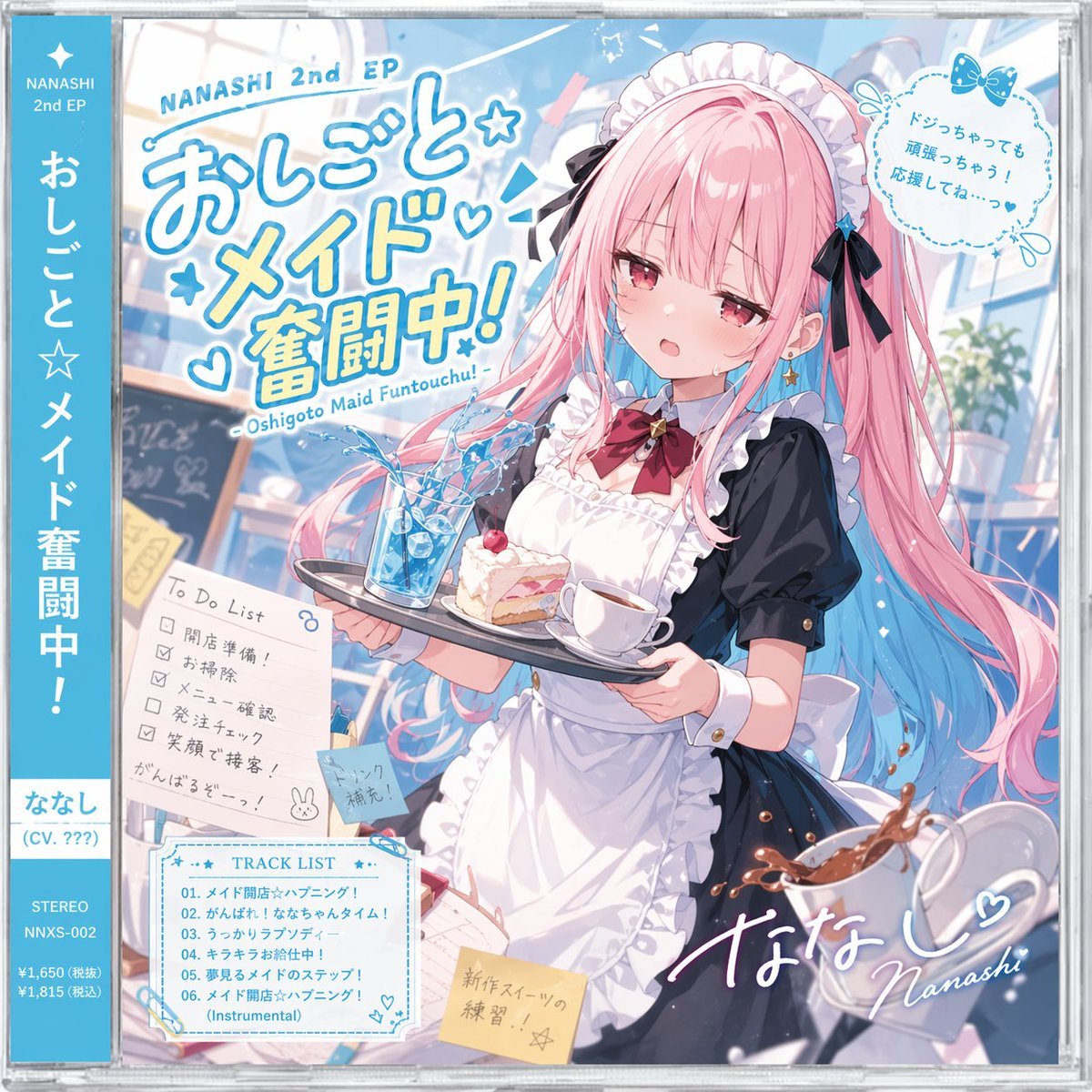
Anime Maid CD Album Cover
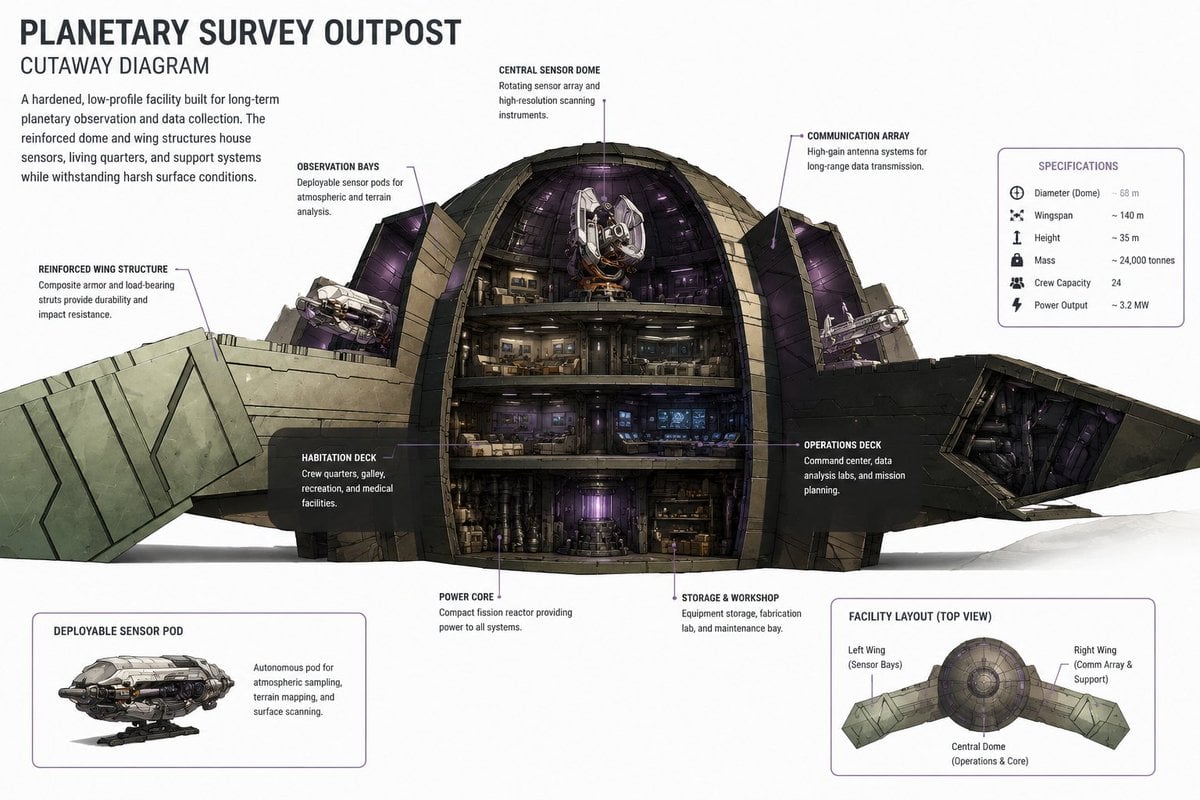
Planetary Survey Outpost Cutaway

Cozy winter portrait of a blonde woman on a window sill

Intimate Club VIP Lounge Moment
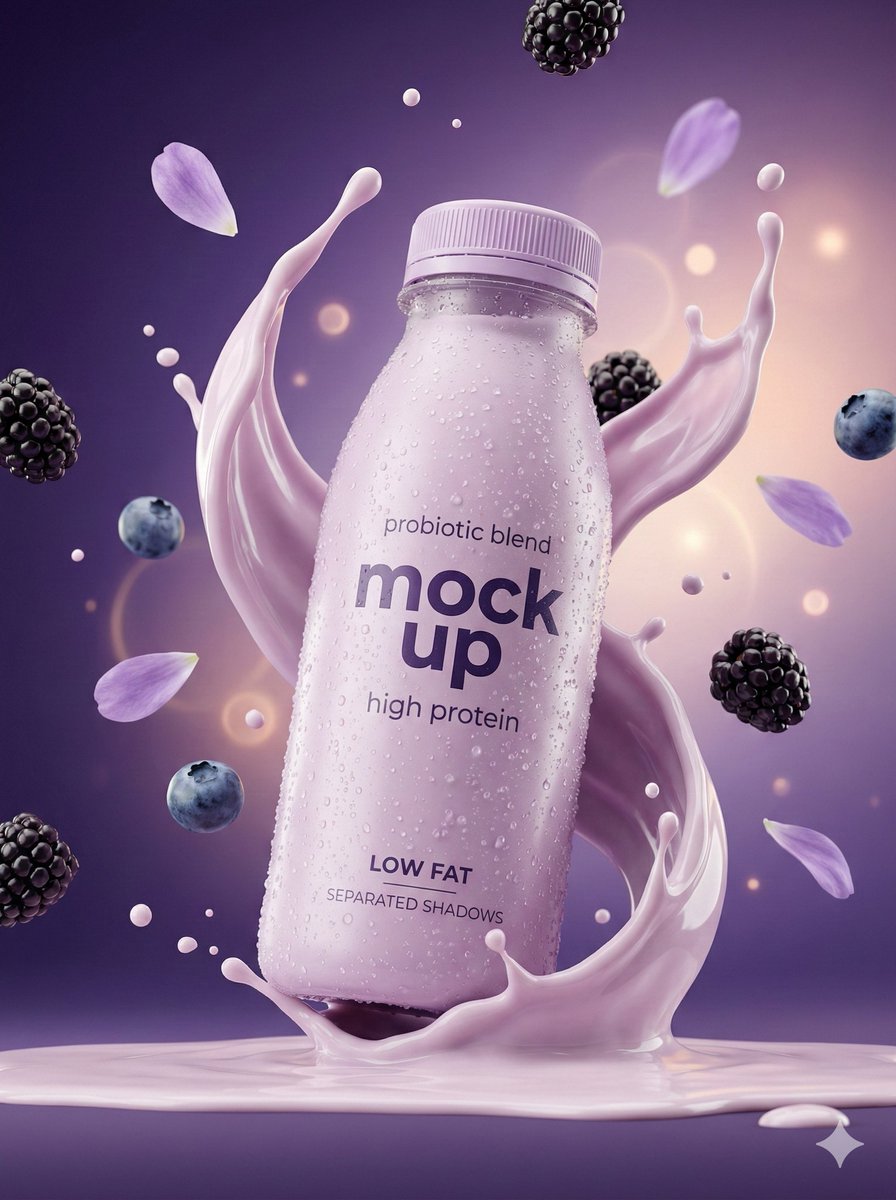
Hyper-Realistic Commercial Product Photography Showcase (Yogurt & Electrolyte)
3D Paper-Cut Family Portrait
Browse template categories
Kitchen English Fill-in Worksheet Poster questions
How do I use the Kitchen English Fill-in Worksheet Poster template?
Add your photo if the template asks for one, edit the prompt if you like — the template's model and format are already selected — and press Generate. Your version opens in PicX Studio.
Can I customize the Kitchen English Fill-in Worksheet Poster template?
Yes. You can change the subject, setting, lighting, mood, format, and available model controls before creating your image.
Is the Kitchen English Fill-in Worksheet Poster template free?
Opening and editing this template is free. Generating uses credits, shown on the Generate button when you are signed in.
Which AI model should I use?
Start with GPT Image 2, which is the model associated with this template. You can compare another compatible model for a different finish.
Looking for something else? Browse all templates.

Your photo, any look
Thousands of ready templates for every top image and video model, from one credit balance.