
Premium Fashion Editorial Cover Layout System
Negative prompt: cheap poster templates, clutter, weak typography, random decorations, fake magazine logos, plastic skin, bad anatomy, distorted hands, messy layout, bad text rendering

- Prompt included
- Model and format preset
- Premium template
The prompt behind this image
Copy the exact prompt behind Premium Fashion Editorial Cover Layout System, or open it in the studio and make it yours.
High-end fashion editorial cover with strong typography, refined negative space, and realistic fashion photography. Premium magazine cover or designer lookbook page with oversized serif typography, clean negative space, realistic fashion photography, refined posing, strong visual hierarchy, small editorial text blocks, subtle paper texture, and controlled layout. Four directions: top-view graphic figure poster on clean white with thin graphic lines and oversized cropped typography; giant initial editorial cover with one huge serif letter interacting with the model; monochrome cinematic editorial with black-and-white photo inside a clean magazine layout, huge masthead, strong white space, small editorial credits; refined lookbook portrait cover with seated model, minimal studio chair, soft oval or arch background shape, clean typography, designer-brand lookbook styling. Keep high-end, structured, minimal, visually designed. Avoid cheap poster templates, clutter, weak typography, random decorations, fake magazine logos, plastic skin, bad anatomy, distorted hands, messy layout, and bad text rendering.
How to use Premium Fashion Editorial Cover Layout System in 3 steps
- 1
Open
The prompt is already in the box next to the preview, with the template's model and format selected.
- 2…a portrait of your subject in softgolden-hour light, 85mm…
Personalize
Edit the subject and creative details for your destination.
- 3Generate
Generate
Press Generate — your image is created in PicX Studio, so you can compare it with the original and refine one variable at a time.
More like this
Templates with the same subject, style or setup. Open one to see its prompt.

Typography Mask Editorial Fashion Poster

19 Luxury Helicopter Travel — California Series

08 Rodeo Drive Luxury Exit — California Series
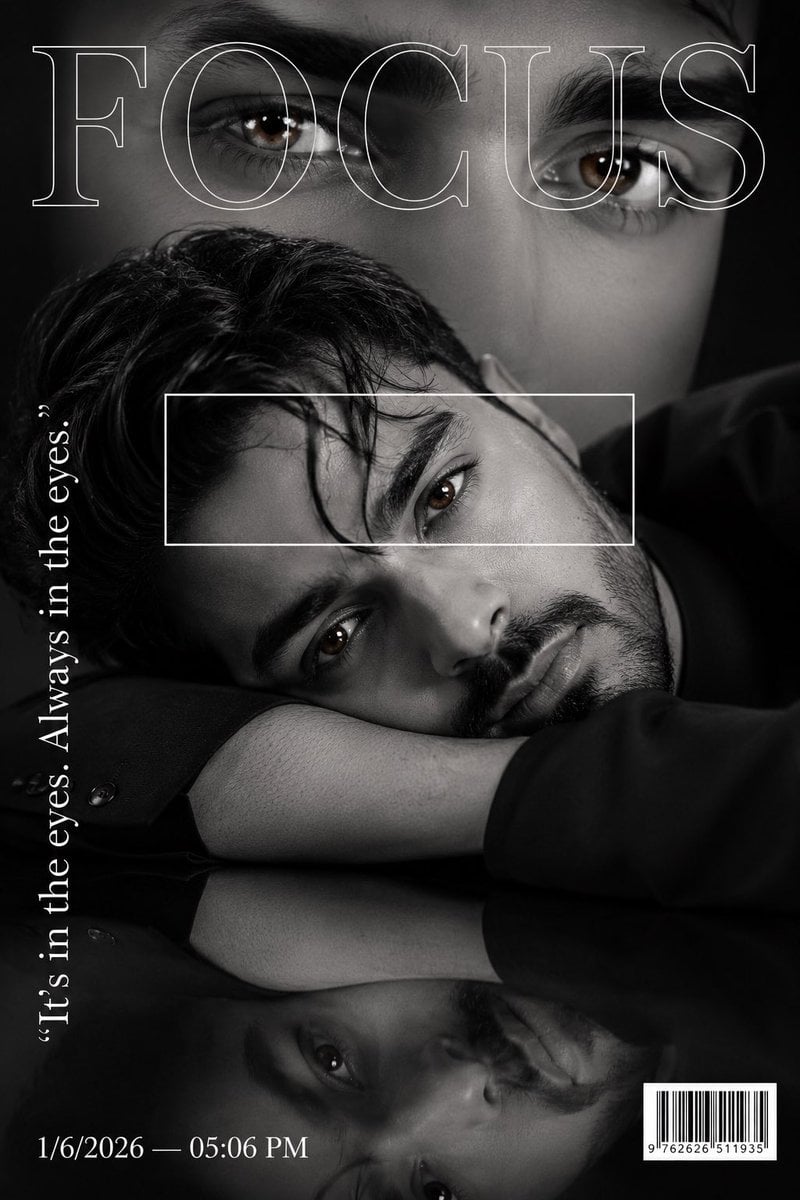
Luxury Fashion Magazine Cover Portrait

Google Gemini Nano Banana Pro

Conceptual Fashion Portrait in Spider We

01 Skincare Split Portrait — Nano Banana 2

24 The Getty Center — California Series

21 Glass Floor Skyscraper — California Series

03 Beverly Hills Convertible — California Series

Gpt Image 2 Fashion Portrait

Caution Tape Fashion — Industrial Editorial
Make it yours
Premium Fashion Editorial Cover Layout System works as-is. These are the safest ways to change it without losing the look.
Change one field
Copy a single group, rewrite it, and generate again so you can see what that field is doing.
Keep the frame, change the subject
Hold the composition and light of Premium Fashion Editorial Cover Layout System, then swap wardrobe, props or the person for a new take.
| If the result… | Why | Fix |
|---|---|---|
| The result drifts from the preview | Too many fields changed at once. | Reuse Premium Fashion Editorial Cover Layout System as-is first, then change one group — subject, light, or setting. |
| The model over-stylizes the scene | The prose prompt leaves finish and camera underspecified. | Add one camera or lighting sentence and stay on PicX Studio. |
More image prompts
Fresh picks from across the catalog.

Gpt2 Product Marketing Streetwear Sneaker Poster Ad
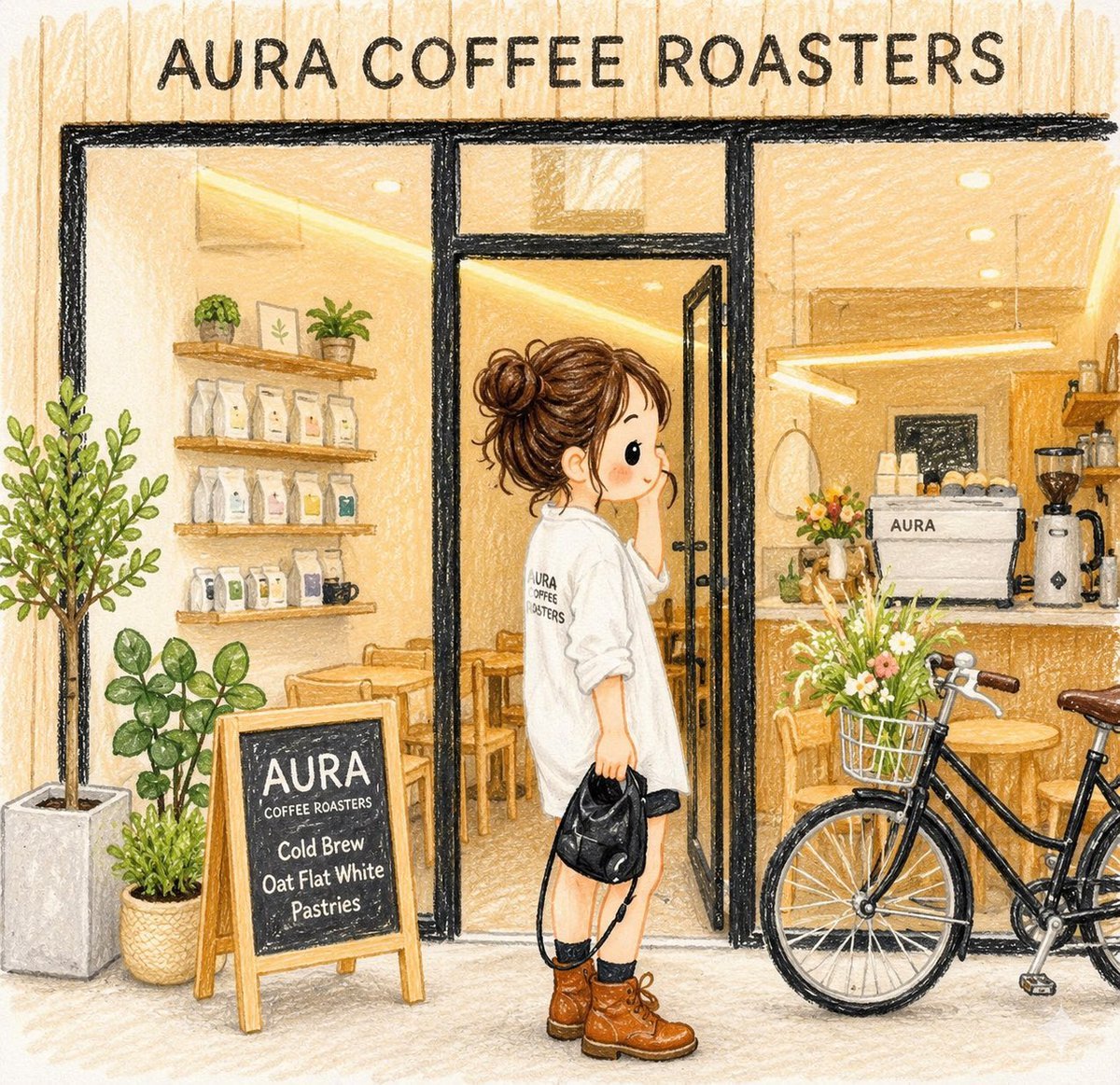
Crayon Style Image Reinterpretation
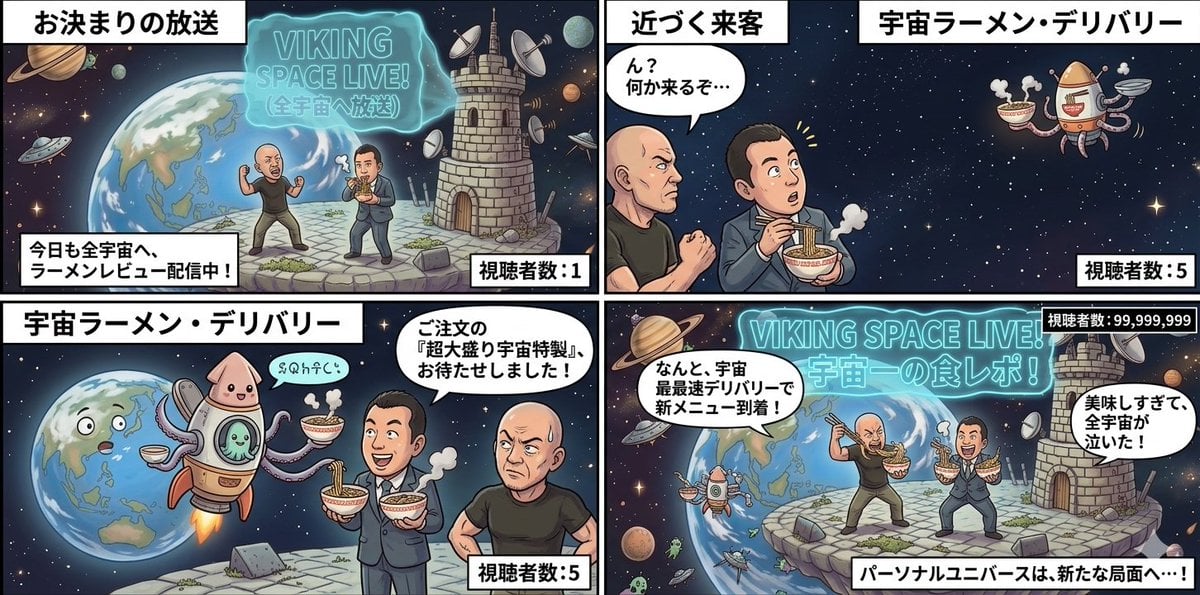
Four-Panel Manga: Personal Universe
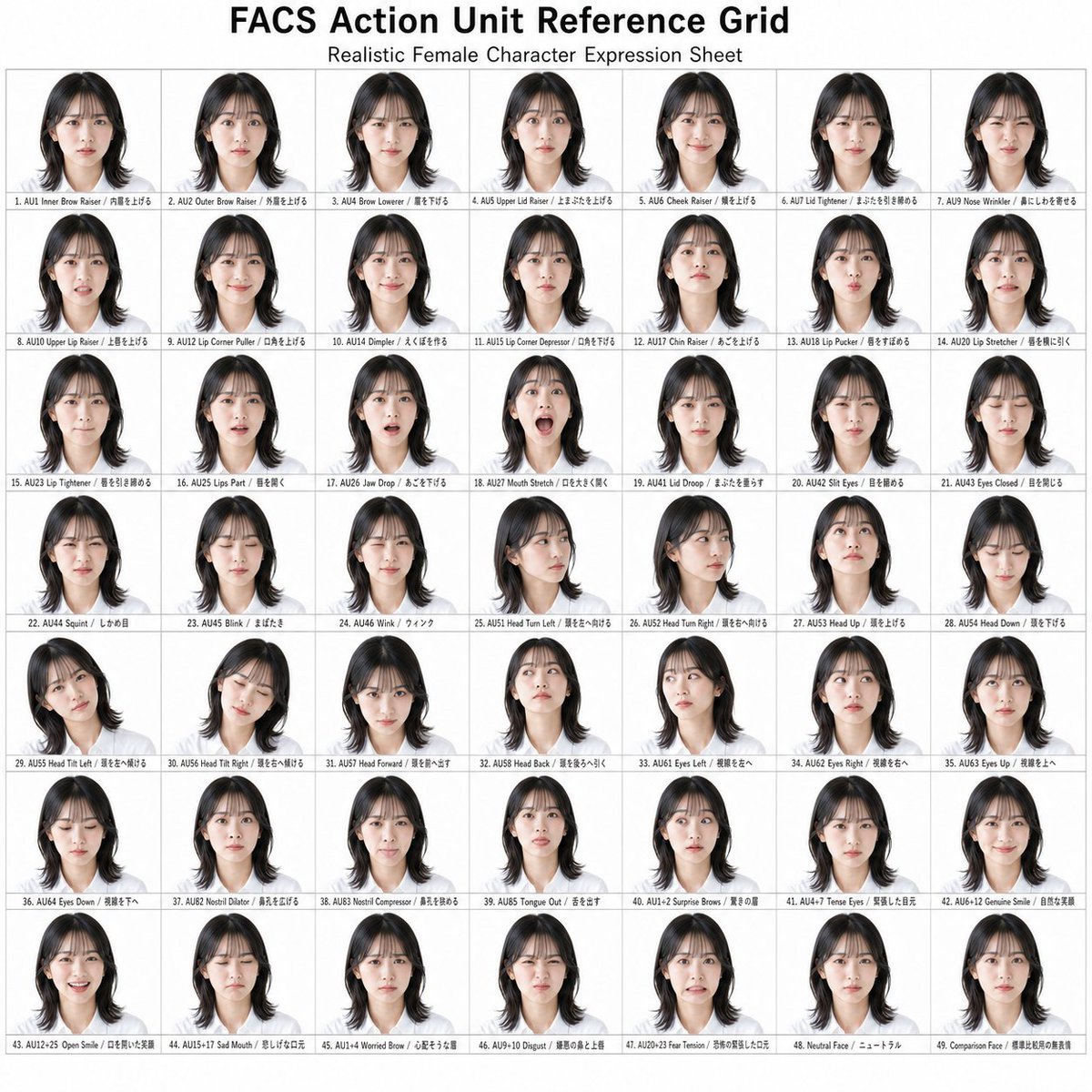
FACS Action Unit Reference Grid
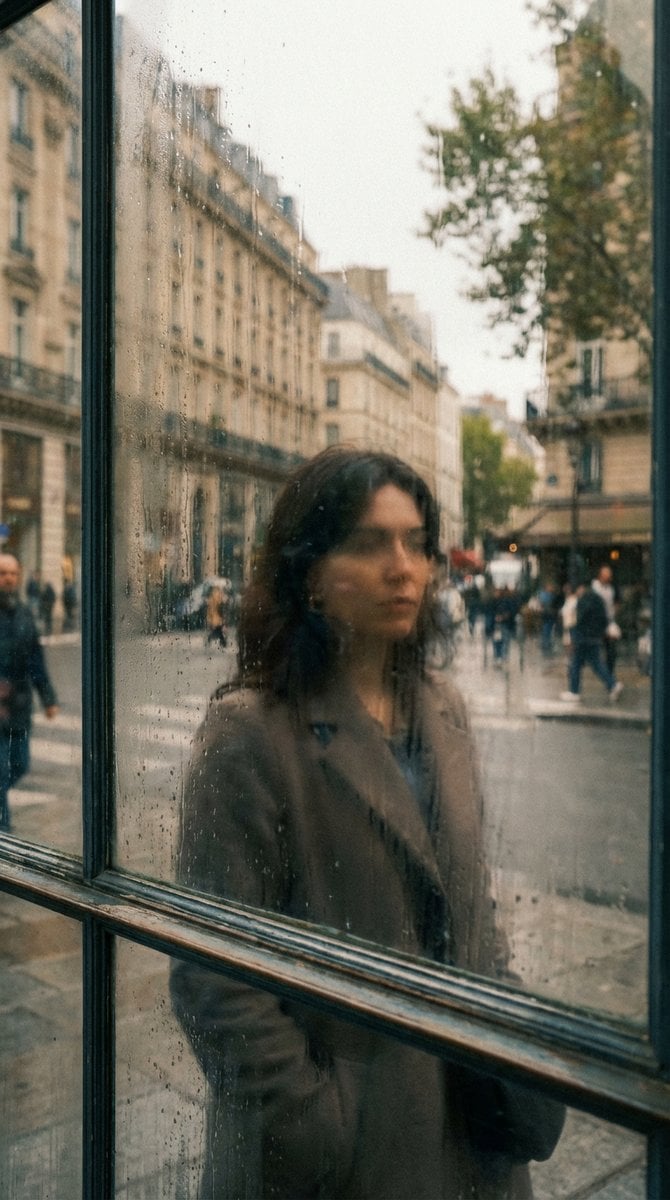
Layered Reflection in Glass Window
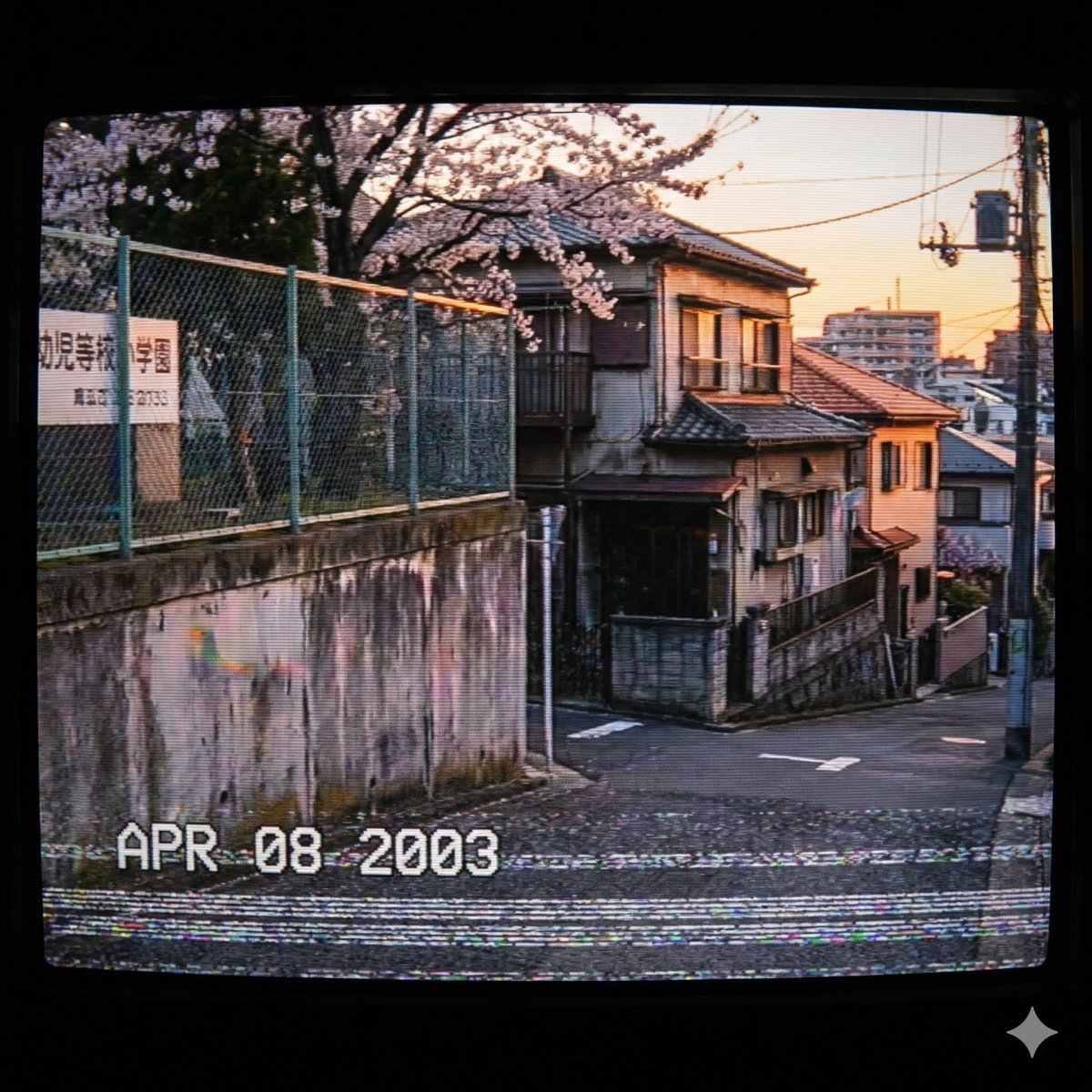
Nostalgic 2000s Japanese Suburb
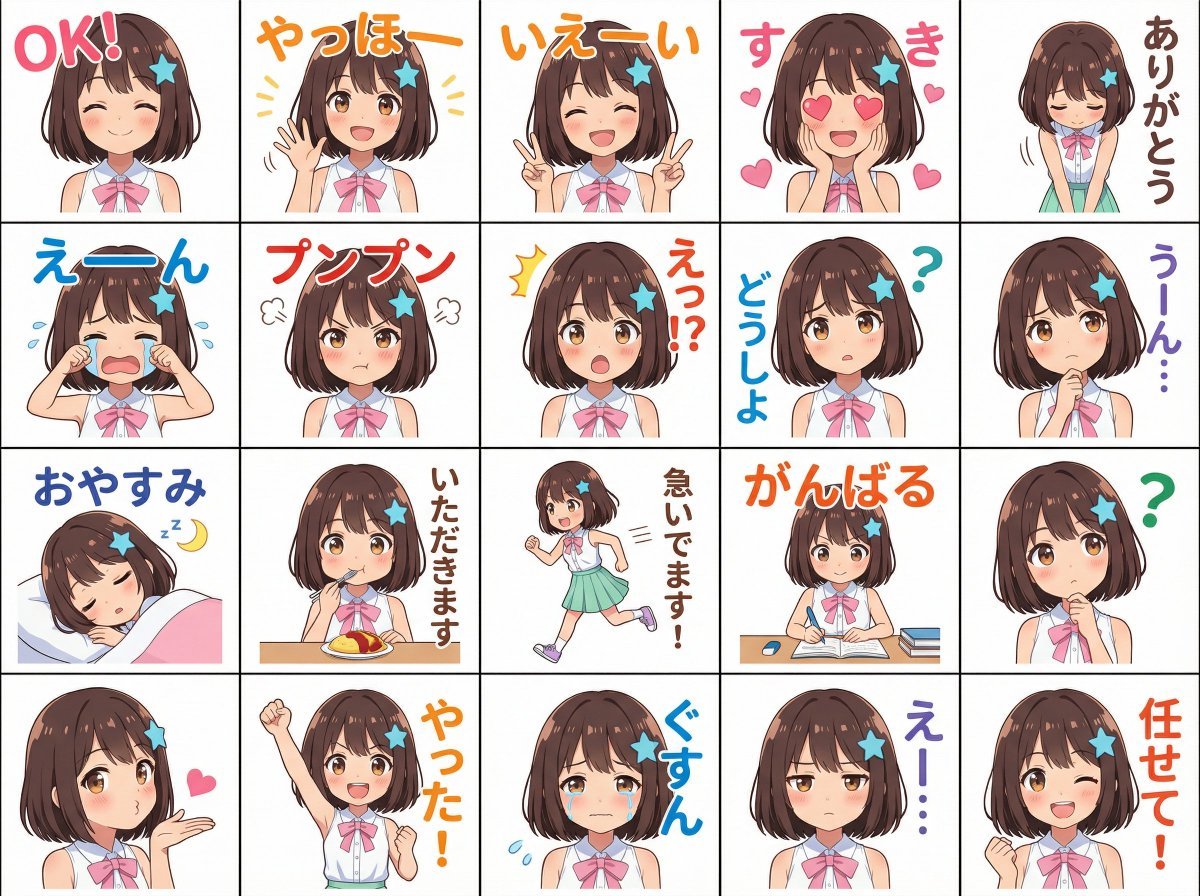
Messenger sticker set from attached person
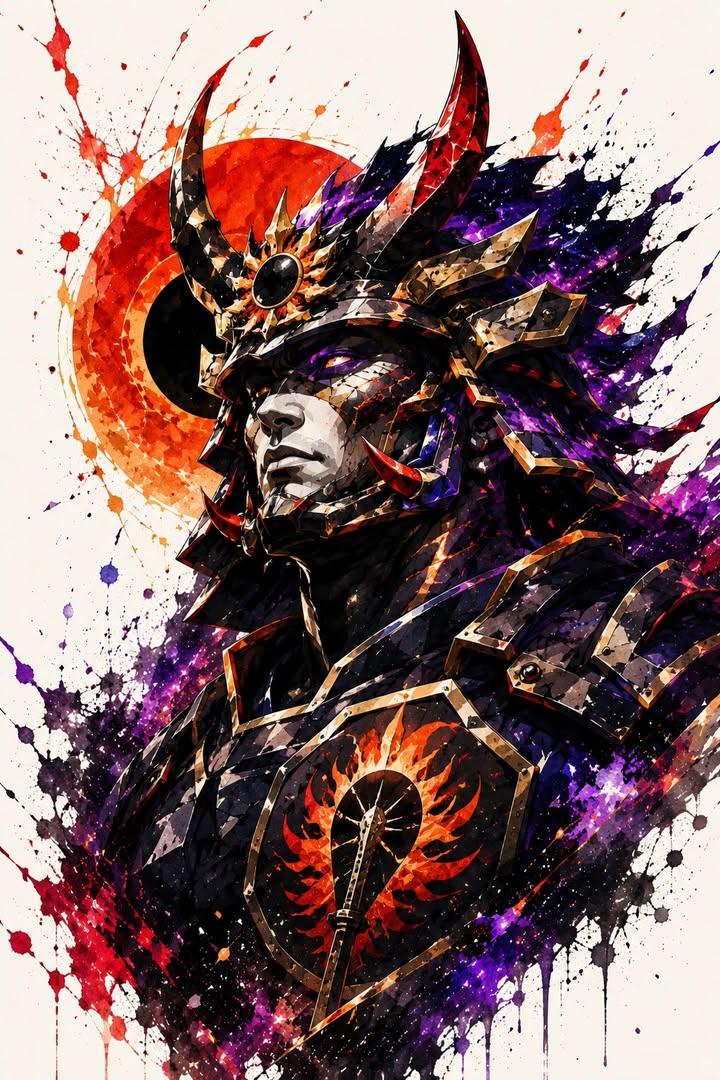
Samurai Warrior Watercolor Portrait
Image Editing and Cleanup Prompt

Image Editing Prompt for Accessory Background Replacement
Browse template categories
Premium Fashion Editorial Cover Layout System questions
How do I use the Premium Fashion Editorial Cover Layout System template?
Add your photo if the template asks for one, edit the prompt if you like — the template's model and format are already selected — and press Generate. Your version opens in PicX Studio.
Can I customize the Premium Fashion Editorial Cover Layout System template?
Yes. You can change the subject, setting, lighting, mood, format, and available model controls before creating your image.
Is the Premium Fashion Editorial Cover Layout System template free?
Opening and editing this template is free. Generating uses credits, shown on the Generate button when you are signed in.
Which AI model should I use?
Choose a compatible model in PicX Studio based on the style, speed, and output controls your project needs.
Looking for something else? Browse all templates.

Your photo, any look
Thousands of ready templates for every top image and video model, from one credit balance.