
Gpt Image 2 Fashion Portrait
GPT-Image-2 portrait: Professional studio fashion photography, ultra-clean high-end digital editorial portrait, Korean idol-type woman in tennis polo and skirt, pure white seamless cyclorama studio, Vogue-level high…

- Prompt included
- Model and format preset
- Free template
The prompt behind this image
Copy the exact prompt behind Gpt Image 2 Fashion Portrait, or open it in the studio and make it yours.
Professional studio fashion photography, ultra-clean high-end digital editorial portrait in a pure white seamless cyclorama photography studio, massive soft octabox key light + large softbox fill light creating flawless even illumination with gentle sculpting shadows, Vogue-level minimalist high fashion aesthetic, eye-level shot, 3/4 body shot, early 20s Korean idol-type young woman with ultra-realistic delicate refined Korean features, slightly upturned almond-shaped fox eyes with natural double eyelids, small sharp jawline, flawless yet realistic porcelain skin with cool ivory undertone, completely natural post-workout no-makeup look, soft natural flush on cheeks, subtle dewy skin glow from light sweat, natural dusty rose lips slightly parted, subtle natural freckles across nose and cheeks, visible subtle skin texture, pores and micro skin details, long naturally wavy dark brown hair slightly messy with realistic loose strands, wearing a white fitted tennis polo or short-sleeve athletic top and a high-waisted white tennis skirt, standing naturally in the center of the pure white studio, holding a white tennis racket casually resting on one shoulder, the other hand relaxed at her side or lightly on her hip, one leg slightly forward, posture natural and confident, looking directly at the viewer at eye level with a calm, confident and fresh expression, pure soft professional studio lighting with large diffused sources, flawless even illumination, gentle sculpting shadows that naturally define the figure, clean high-key minimalist aesthetic, ultra-clean high-end digital photography, extremely sharp yet soft skin rendering with natural dewy glow, no film grain, no noise, no halation, no vignette, perfect neutral color grading, authentic Korean idol studio editorial aesthetic, visible realistic tennis racket texture, natural skin texture with freckles and subtle sweat sheen, no plastic skin, no digital over-sharpening, no airbrushing, no watermark, no text --ar 9:16
How to use Gpt Image 2 Fashion Portrait in 3 steps
- 1
Open
The prompt is already in the box next to the preview, with the template's model and format selected.
- 2…a portrait of your subject in softgolden-hour light, 85mm…
Personalize
Edit the subject and creative details for your destination.
- 3Generate
Generate
Press Generate — your image is created in PicX Studio, so you can compare it with the original and refine one variable at a time.
More like this
Templates with the same subject, style or setup. Open one to see its prompt.

Ultra-Realistic Vogue-Style Editorial Fashion Grid

Caution Tape Fashion — Industrial Editorial

Nano Banana 2 High Fashion Sports Campai

Couture Fashion Editorial Woman and Drag

Nano Banana 2 Editorial Fashion Portrait
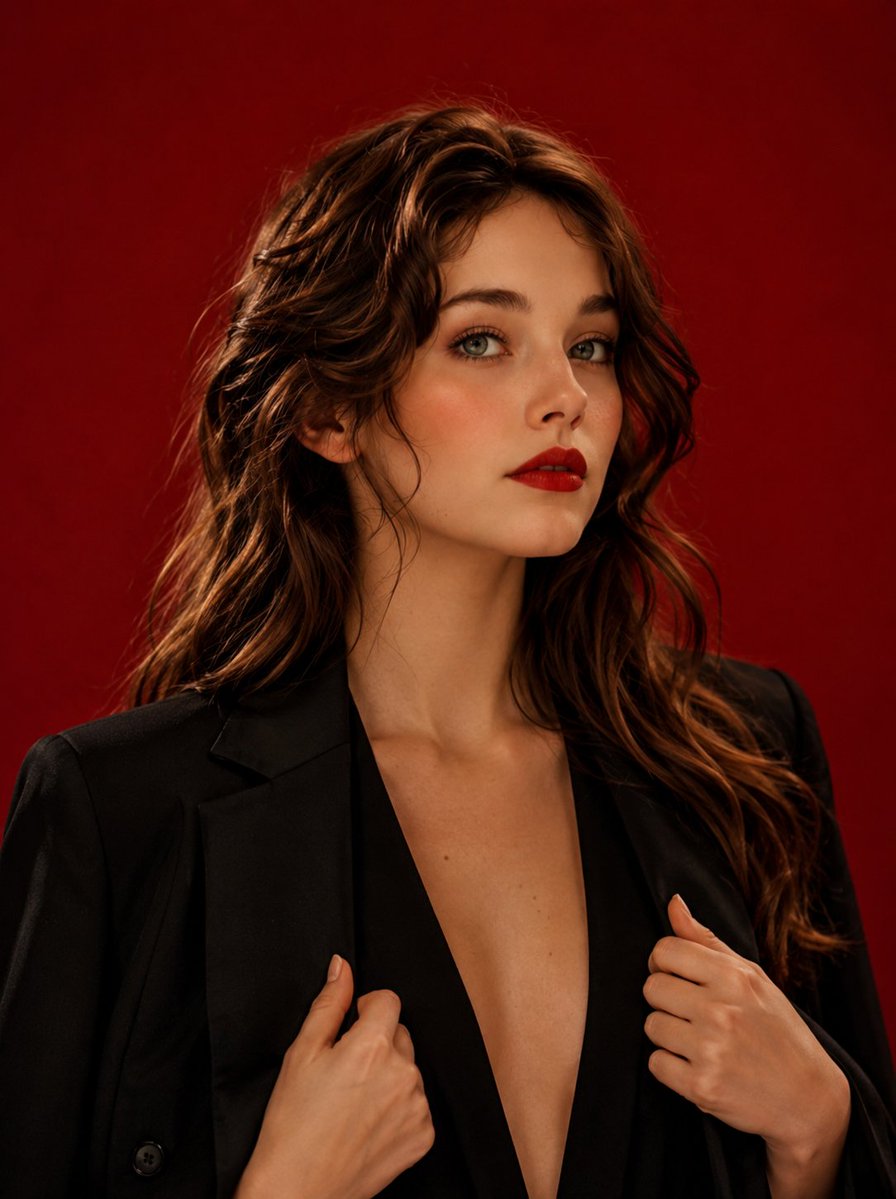
High Fashion Editorial Studio Portrait

80s Couple Studio Portrait

1985 Studio Portrait

untitled

Ive Yujin Fashion Portrait in Blue

21 Glass Floor Skyscraper — California Series

19 Luxury Helicopter Travel — California Series
Make it yours
Gpt Image 2 Fashion Portrait works as-is. These are the safest ways to change it without losing the look.
Change one field
Copy a single group, rewrite it, and generate again so you can see what that field is doing.
Keep the frame, change the subject
Hold the composition and light of 788-gpt-image-2-fashion-portrait, then swap wardrobe, props or the person for a new take.
| If the result… | Why | Fix |
|---|---|---|
| The result drifts from the preview | Too many fields changed at once. | Reuse 788-gpt-image-2-fashion-portrait as-is first, then change one group — subject, light, or setting. |
| The model over-stylizes the scene | The prose prompt leaves finish and camera underspecified. | Add one camera or lighting sentence and stay on GPT Image 2. |
More GPT Image 2 templates
Other prompts made for GPT Image 2.

Six VTuber Japanese Logo Sheet

Realistic Portrait of Woman and Deer

The Vista Modular Condo Poster

AI Model Routing Comparison Infographic

2.5D Anime Art Board

Isometric Productivity Desk Scene

New York Double Exposure Poster

Four-Panel AI Landscape Comparison

Japanese Tatami Lifestyle Magazine Cover

NESCAFÉ Coffee Map Poster
More image prompts
Fresh picks from across the catalog.

X Sheldon056 Ultra Realistic Fashion Campaign Poster Featuring
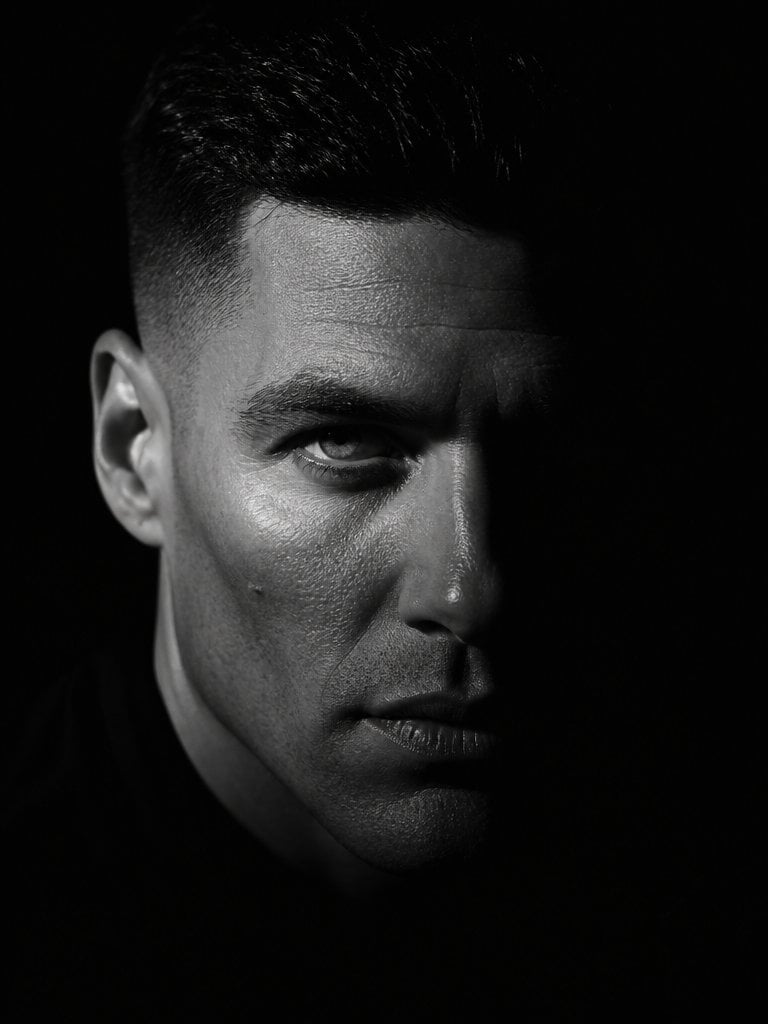
Dramatic Chiaroscuro Male Editorial Portrait
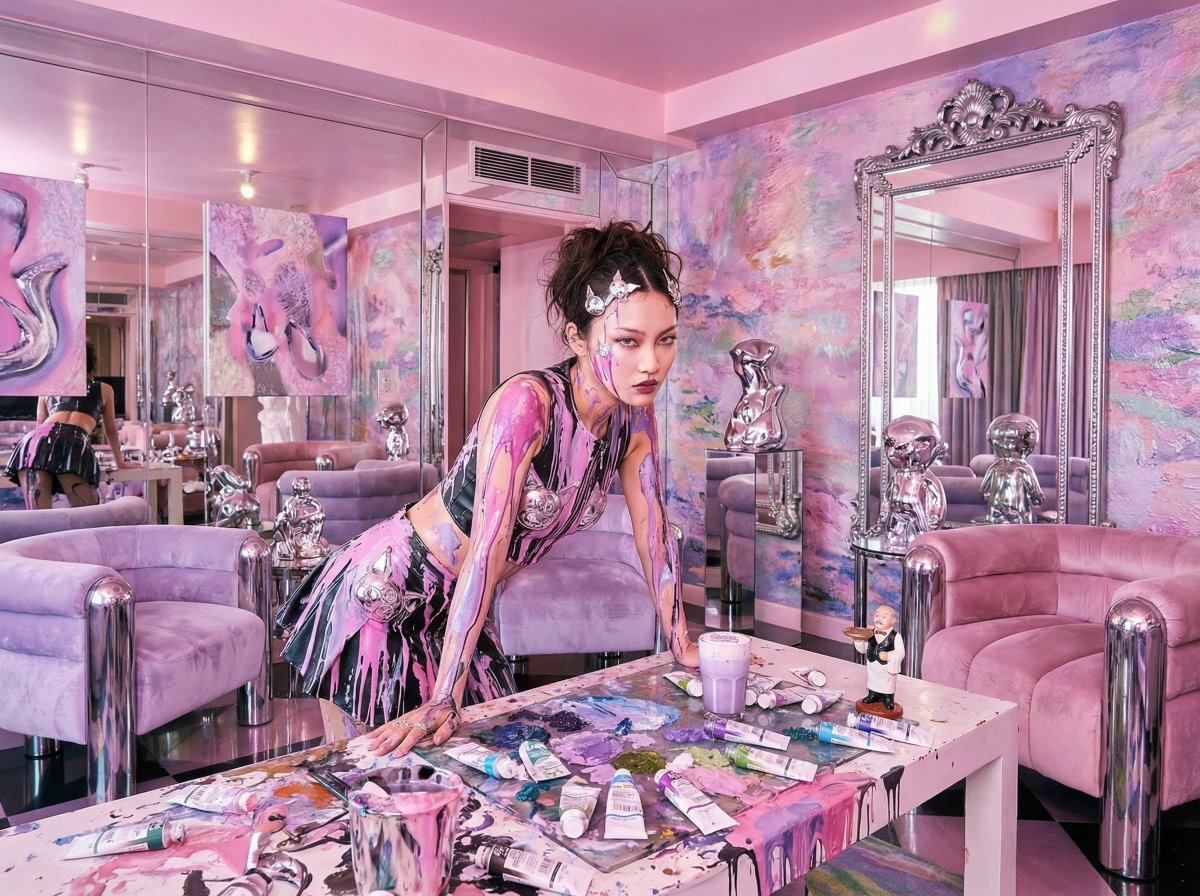
Psychedelic Y2K Maximalist Hotel Suite Prompt
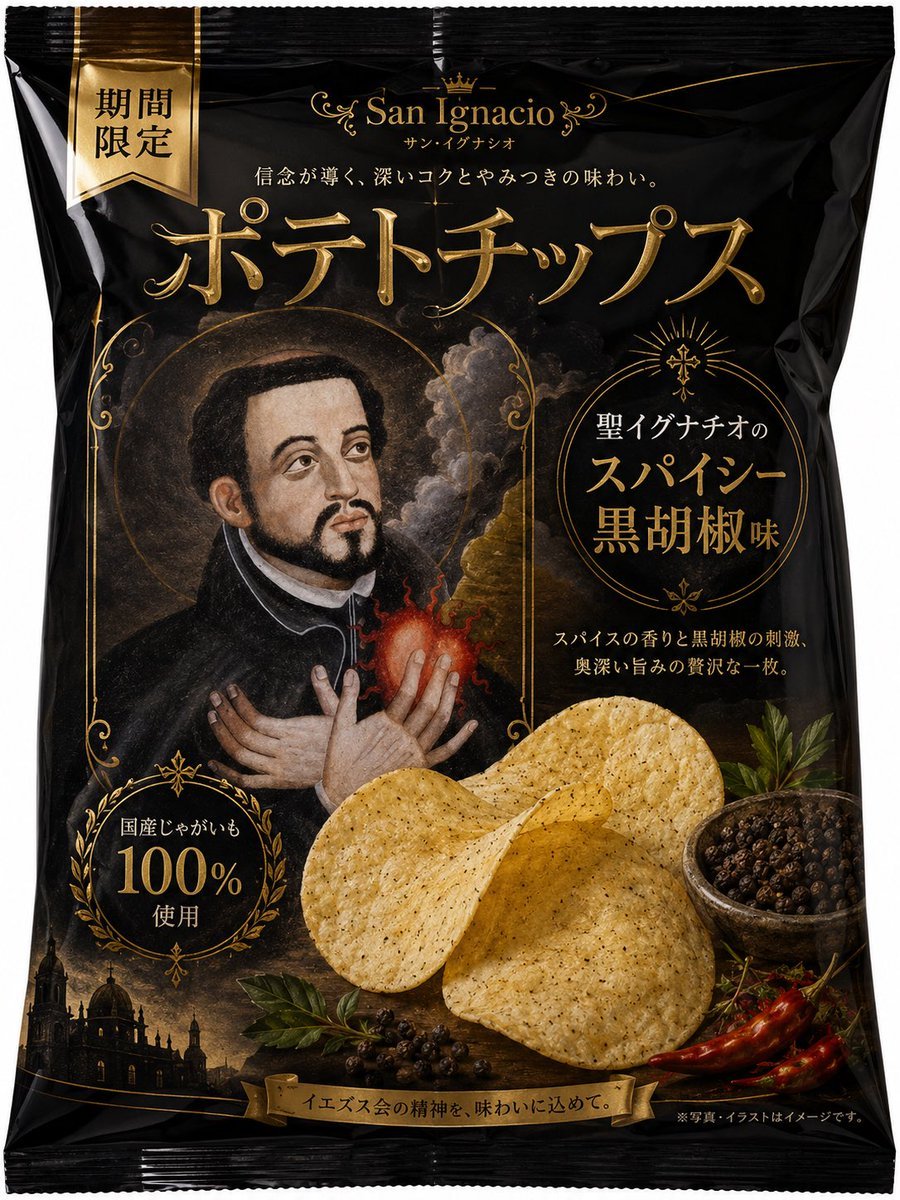
Luxury Saint Potato Chips Package
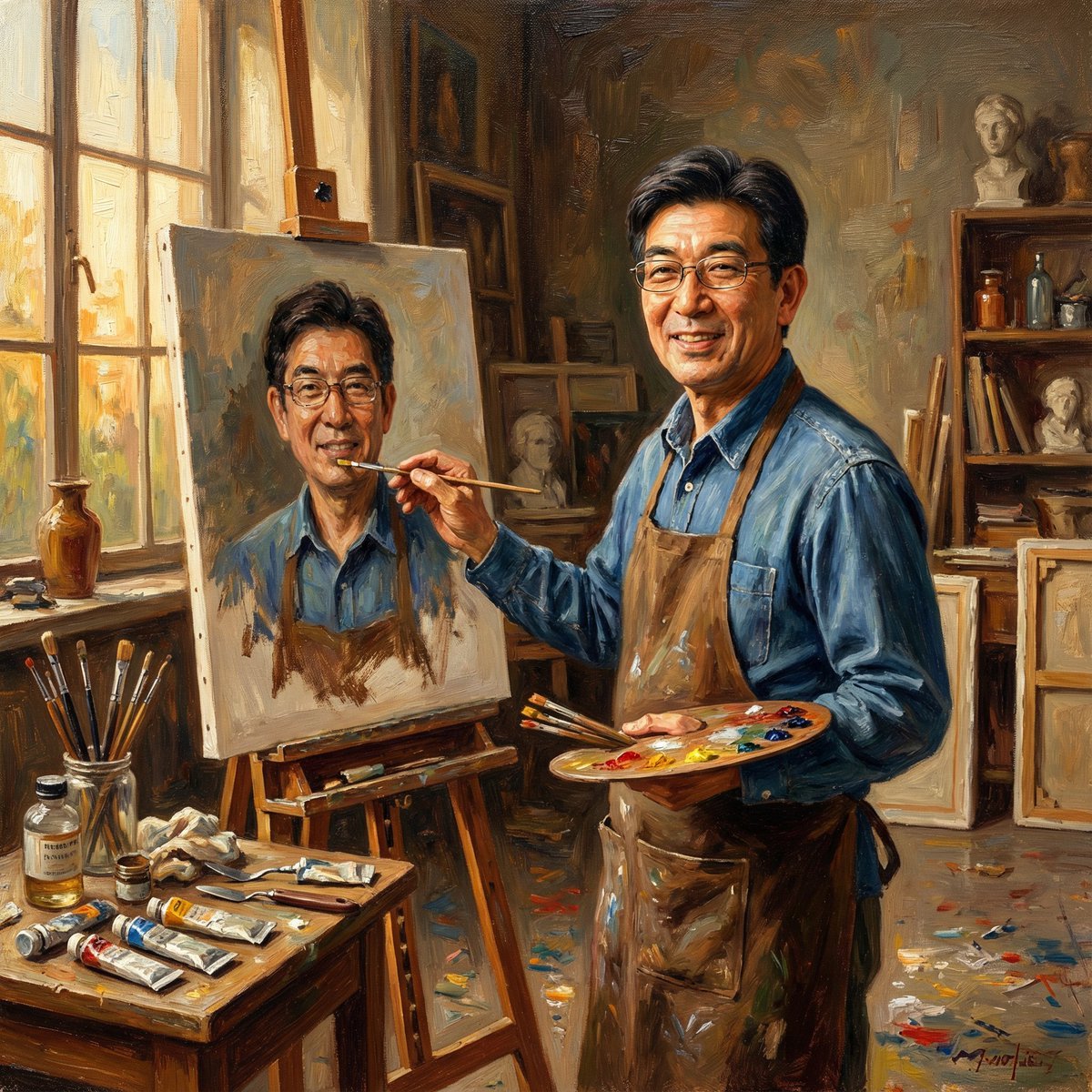
Nano Banana Pro: Artist and Neon Styles

Romantic Istanbul Kitchen Couple Scene
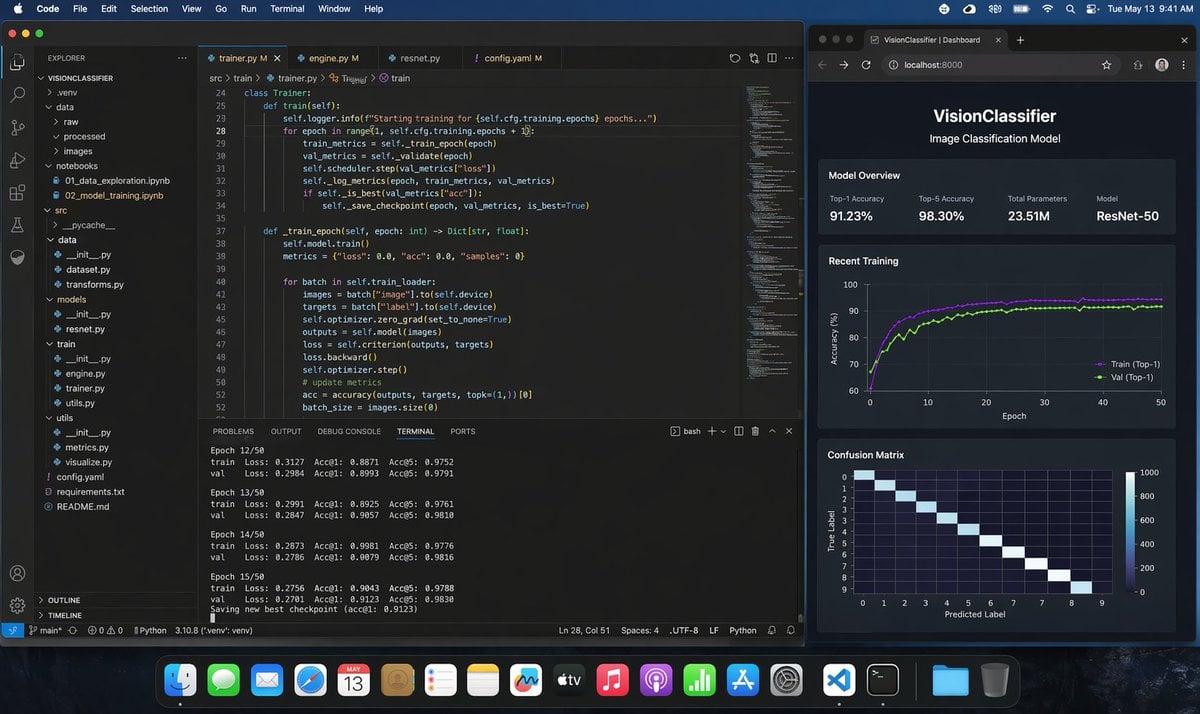
Photoreal ML Developer Desktop
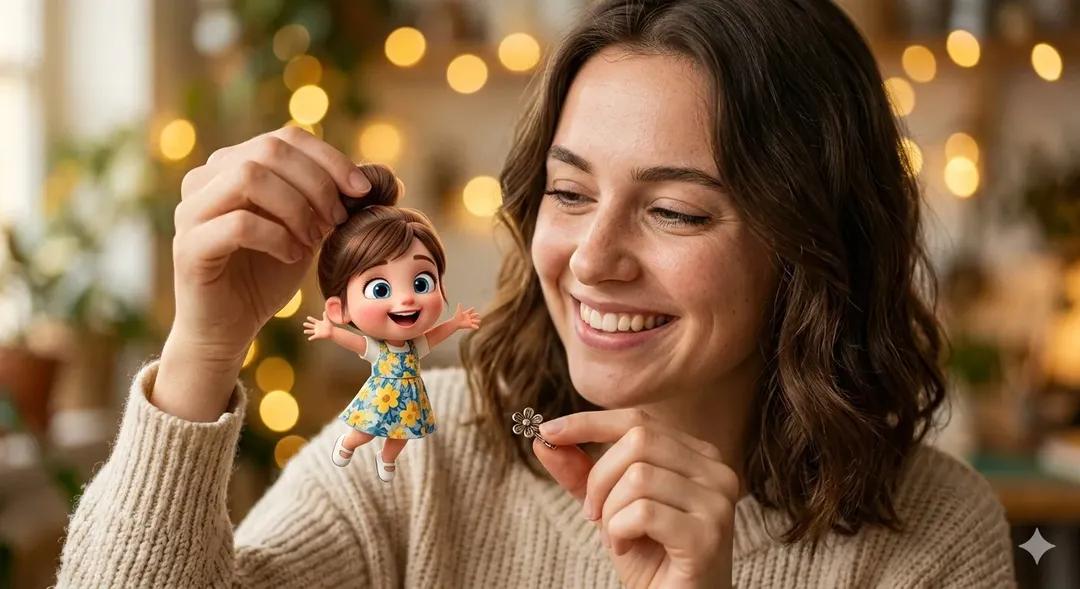
Surreal Portrait: Woman Holding Tiny Cartoon Girl
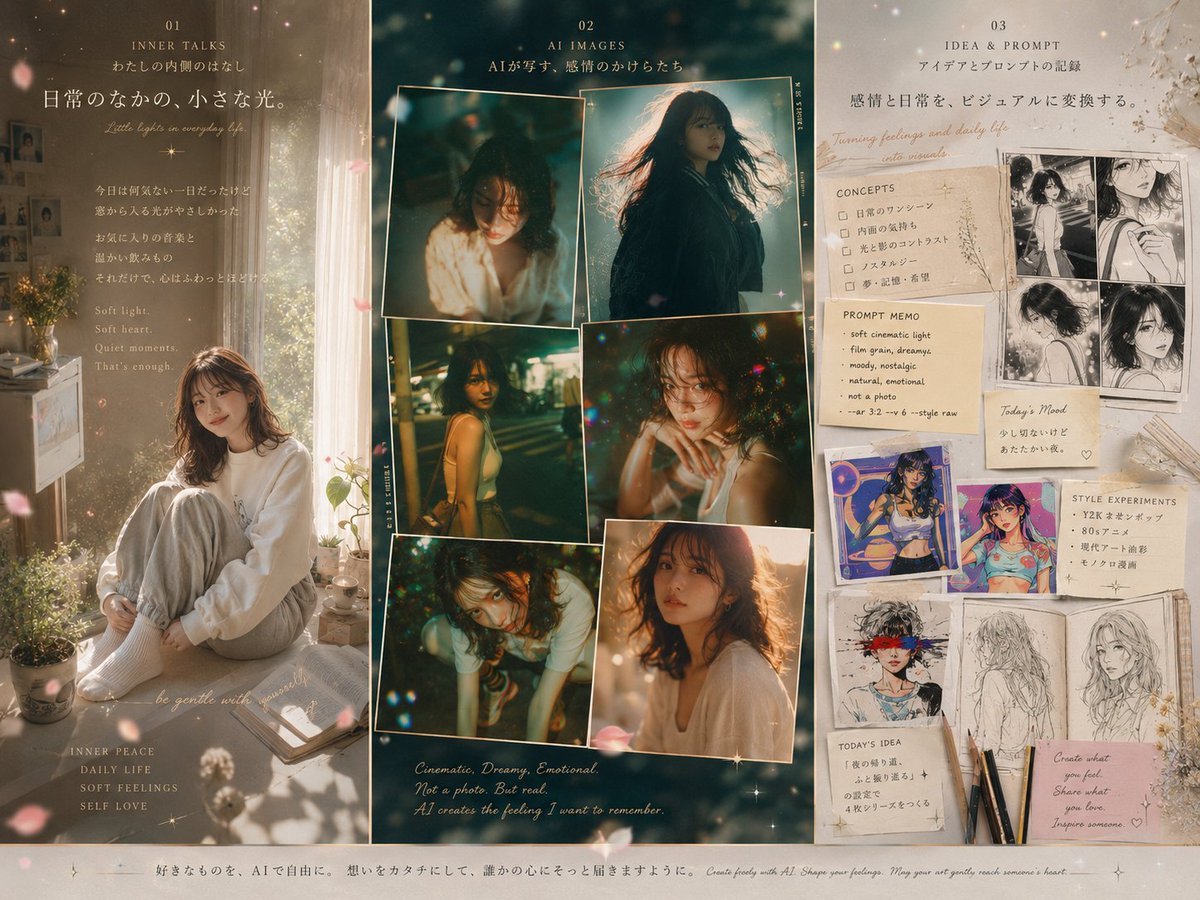
Three-Panel Dreamy AI Posting Styles
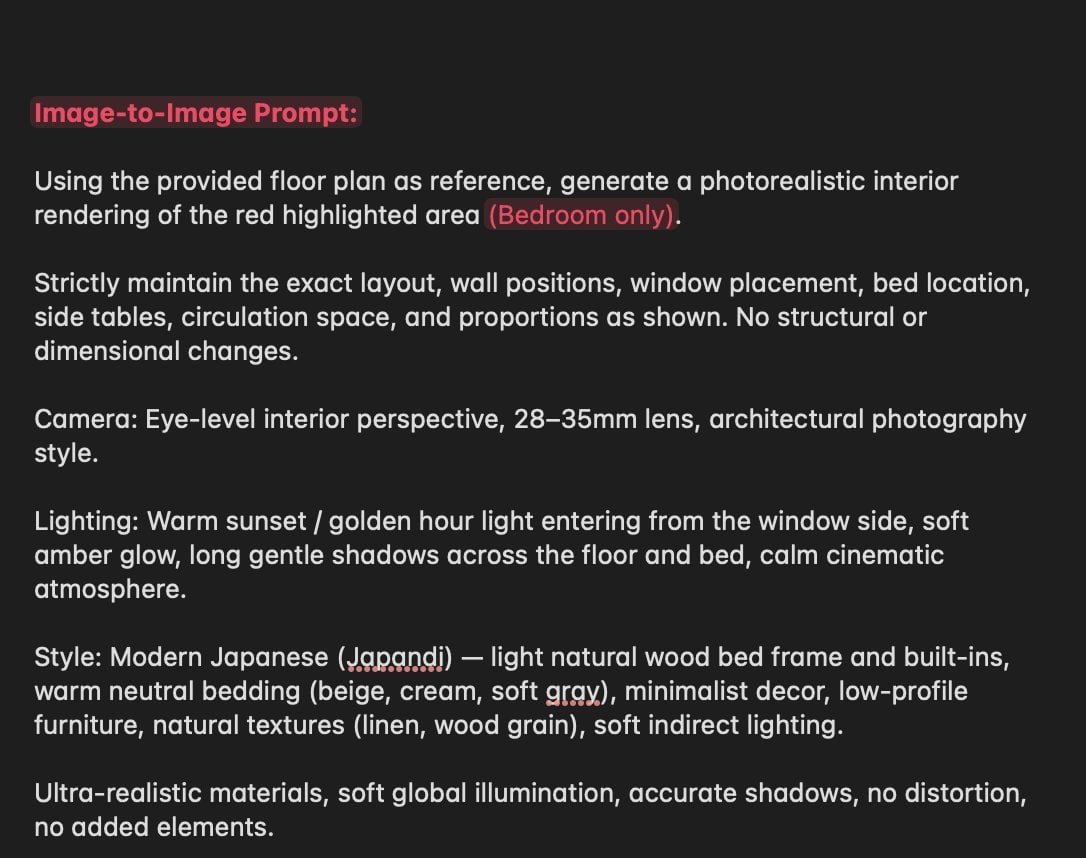
Nano Banana Layout Preservation Prompt
Featured in prompt roundups
Hand-picked collections that include this template.
Browse template categories
Gpt Image 2 Fashion Portrait questions
How do I use the 788-gpt-image-2-fashion-portrait template?
Add your photo if the template asks for one, edit the prompt if you like — the template's model and format are already selected — and press Generate. Your version opens in PicX Studio.
Can I customize the 788-gpt-image-2-fashion-portrait template?
Yes. You can change the subject, setting, lighting, mood, format, and available model controls before creating your image.
Is the 788-gpt-image-2-fashion-portrait template free?
Opening and editing this template is free. Generating uses credits, shown on the Generate button when you are signed in.
Which AI model should I use?
Start with GPT Image 2, which is the model associated with this template. You can compare another compatible model for a different finish.
Looking for something else? Browse all templates.

Your photo, any look
Thousands of ready templates for every top image and video model, from one credit balance.