
NESCAFÉ Coffee Map Poster
A premium vertical NESCAFÉ-style coffee advertisement featuring a photorealistic red espresso cup surrounded by sepia coffee-origin map illustrations.

- Prompt included
- Model and format preset
- Premium template
The prompt behind this image
Copy the exact prompt behind NESCAFÉ Coffee Map Poster, or open it in the studio and make it yours.
Goal: Create a premium NESCAFÉ coffee campaign poster with a realistic hero coffee cup integrated into an antique hand-drawn coffee-map illustration. Canvas: Vertical 4:5 poster on warm ivory parchment paper, centered composition, high-end editorial advertising feel, no border. Main subject: A top-down photorealistic espresso cup in the exact center, with a glossy bright red saucer and matching red handle facing right. The cup has a thick white inner rim and dark coffee with rich golden-brown crema, tiny bubbles, foam speckles, and a soft reflective highlight. The cup sits over a circular coffee-stain ring and pale watercolor wash. Branding and text: At the top center place the large NESCAFÉ logo, dark coffee-brown with the small red accent over the final letter, using the recognizable brand style. Directly below it write {argument name="tagline text" default="THE ART OF COFFEE"} in spaced uppercase serif letters. Under the tagline add a small horizontal ornamental divider with a single coffee bean at the center. At the bottom center add the small credit text {argument name="signature text" default="@sara4a"} with thin decorative horizontal lines on both sides. Illustrated map elements: Surround the cup with sepia ink drawings and light coffee-watercolor splashes, arranged as exactly 8 distinct illustrated feature groups: 1) a tall coffee plant branch with leaves and coffee cherries on the upper left, 2) a small transparent glass coffee mug on the left middle, 3) a mountain range with rising sun and three flying birds on the upper right, 4) a small rustic farmhouse on the right middle, 5) leafy coffee branches with berries on the right side, 6) a vintage wooden manual coffee grinder on the lower right, 7) a coffee plantation field with rows, hills, and tiny houses along the bottom, 8) a large coffee blossom and branch cluster on the lower left. Scatter a small number of loose coffee beans around these drawings. Visual style: Mix crisp photorealistic product photography for the red cup with delicate sepia botanical engraving, vintage travel-map line art, coffee stains, beige watercolor splatters, and warm brown monochrome illustration. Use premium coffee tones: cream, tan, caramel, espresso brown, and vivid glossy red. Constraints: Keep the composition symmetrical and centered, make the cup the dominant focal point, keep all illustration details behind and around the cup, use clean readable branding, avoid extra slogans or unrelated objects, and maintain a polished luxury advertising look.
How to use NESCAFÉ Coffee Map Poster in 3 steps
- 1Upload ImagePNG, JPG or paste
Add your photo
Upload the photo the template builds on. The prompt, model and format are already set.
- 2…a portrait of your subject in softgolden-hour light, 85mm…
Personalize
Edit the subject and creative details for your destination.
- 3Generate
Generate
Press Generate — your image is created in PicX Studio, so you can compare it with the original and refine one variable at a time.
More like this
Templates with the same subject, style or setup. Open one to see its prompt.

Japan Travel Brochure Poster

Cartoon TV Show Poster Pack

Trendy Cafe Drink Promo Poster

Urban Fashion Editorial Collage Streetwear Poster

Premium Fashion Editorial Cover Layout System

Polo Ralph Lauren Luxury American Heritage Fashion Campaign

Monochrome Halftone Editorial Fashion Poster
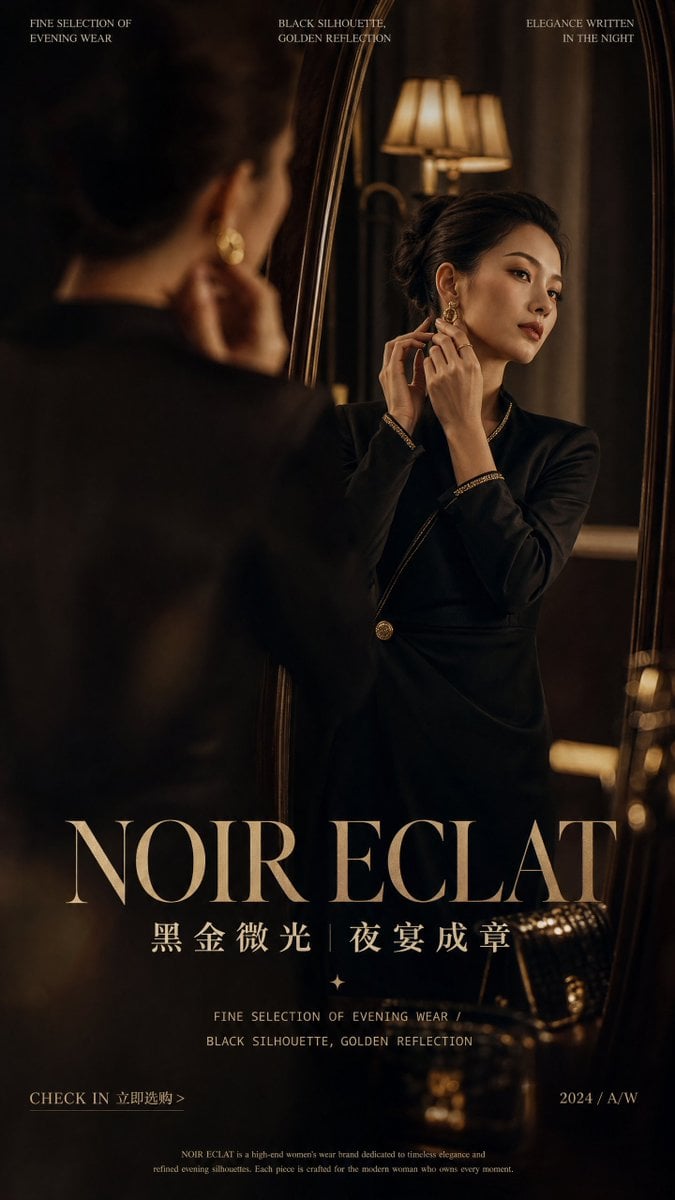
Retro Mirror Luxury Fashion Campaign Poster
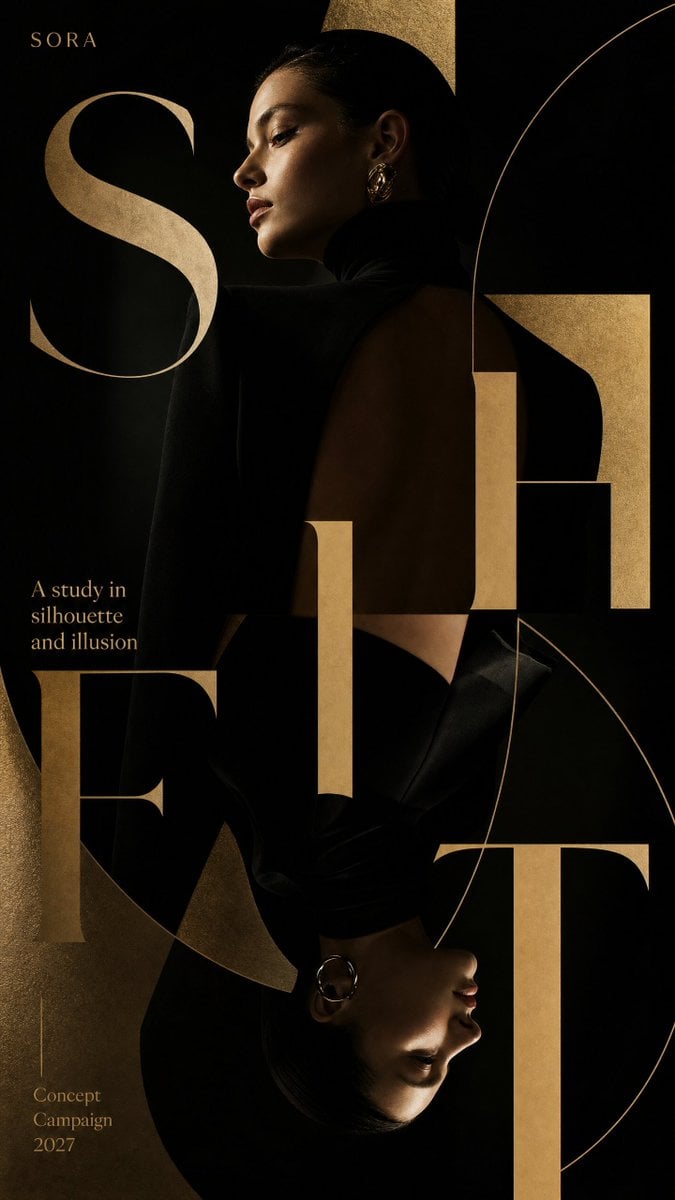
Luxury Fashion Campaign Typography Poster System
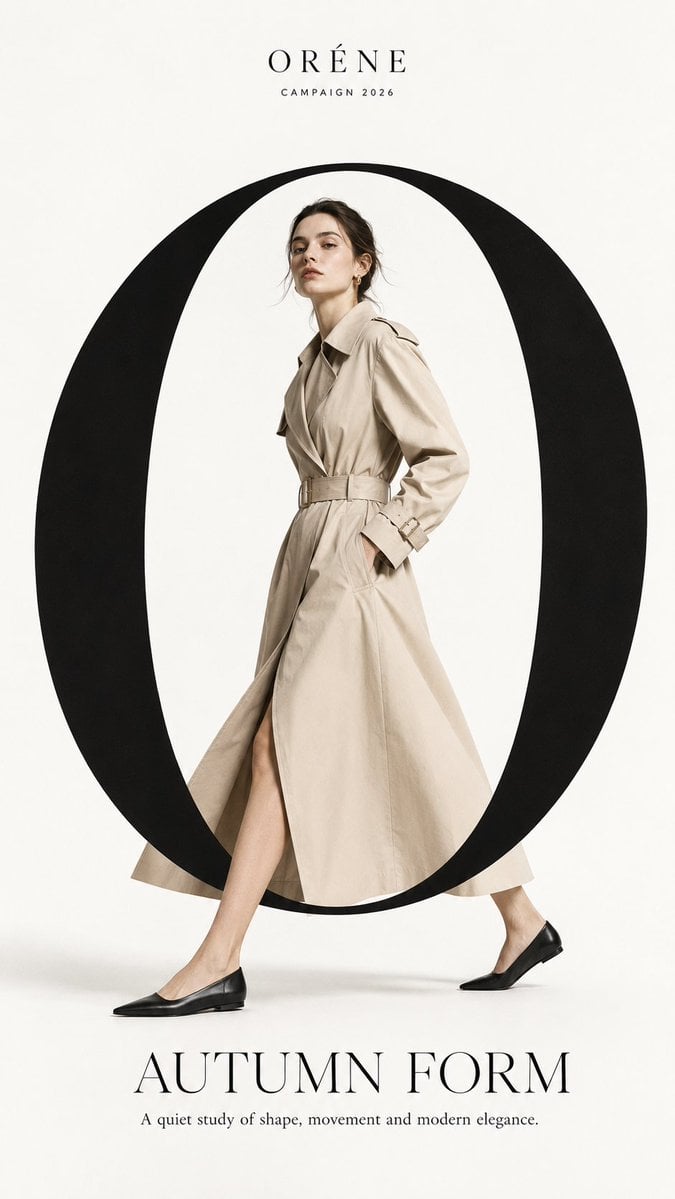
Premium Fashion Editorial Campaign Poster System
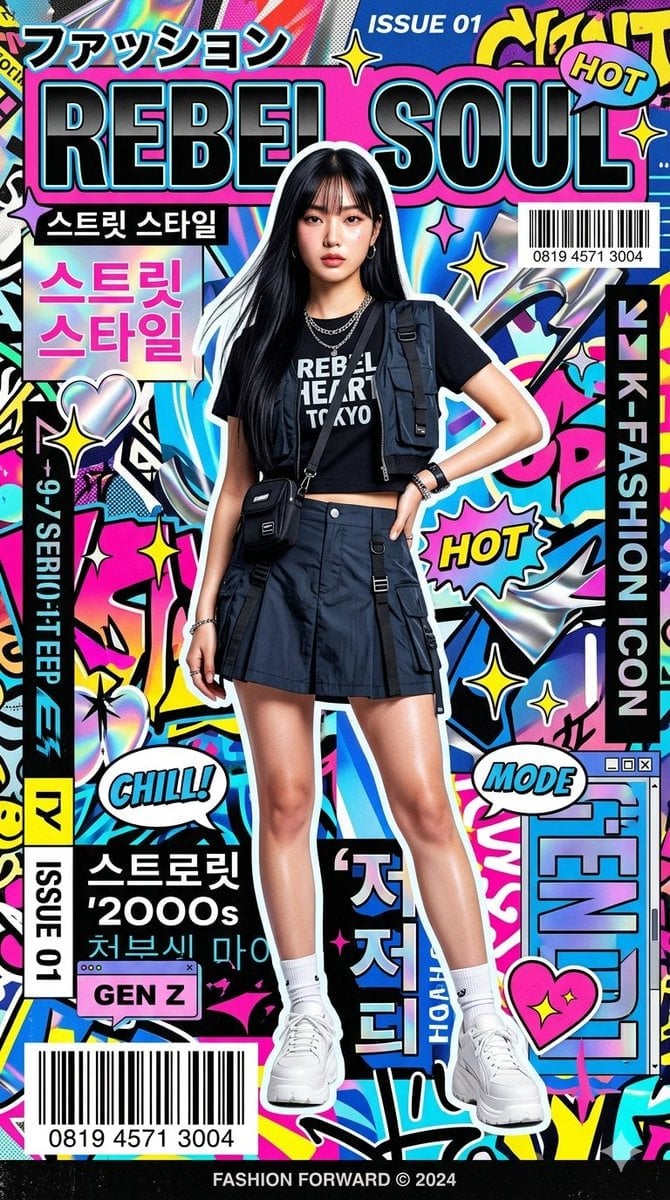
Ultra-Stylized High-Fashion Streetwear Poster
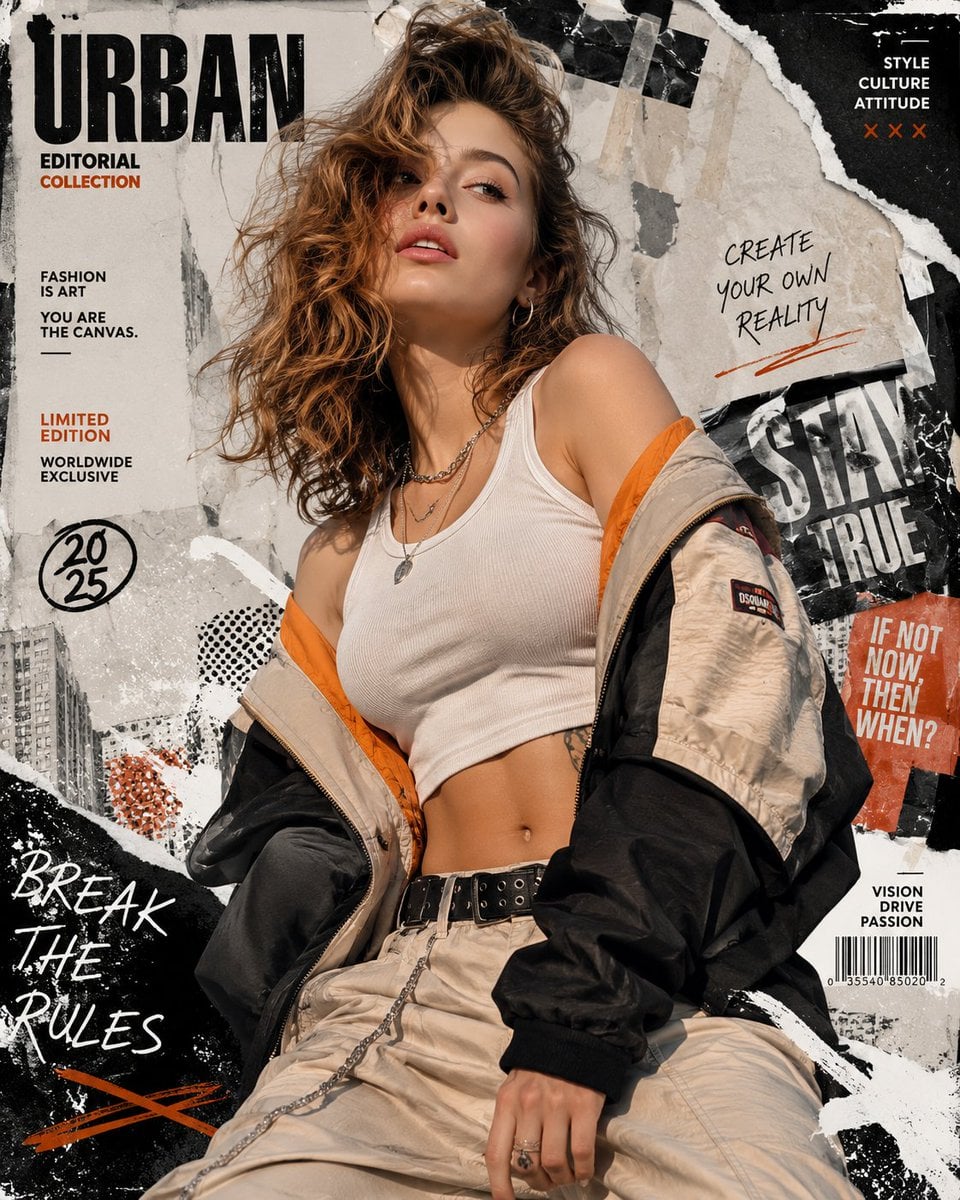
Urban Fashion Editorial Collage Poster
Make it yours
NESCAFÉ Coffee Map Poster works as-is. These are the safest ways to change it without losing the look.
Change one field
Copy a single group, rewrite it, and generate again so you can see what that field is doing.
Keep the frame, change the subject
Hold the composition and light of NESCAFÉ Coffee Map Poster, then swap wardrobe, props or the person for a new take.
| If the result… | Why | Fix |
|---|---|---|
| The result drifts from the preview | Too many fields changed at once. | Reuse NESCAFÉ Coffee Map Poster as-is first, then change one group — subject, light, or setting. |
| The model over-stylizes the scene | The prose prompt leaves finish and camera underspecified. | Add one camera or lighting sentence and stay on GPT Image 2. |
More GPT Image 2 templates
Other prompts made for GPT Image 2.

Six VTuber Japanese Logo Sheet

Realistic Portrait of Woman and Deer

The Vista Modular Condo Poster

AI Model Routing Comparison Infographic

2.5D Anime Art Board

Isometric Productivity Desk Scene

New York Double Exposure Poster

Four-Panel AI Landscape Comparison

Japanese Tatami Lifestyle Magazine Cover

Brutalist Cogito Chinese Typography Poster
More image prompts
Fresh picks from across the catalog.
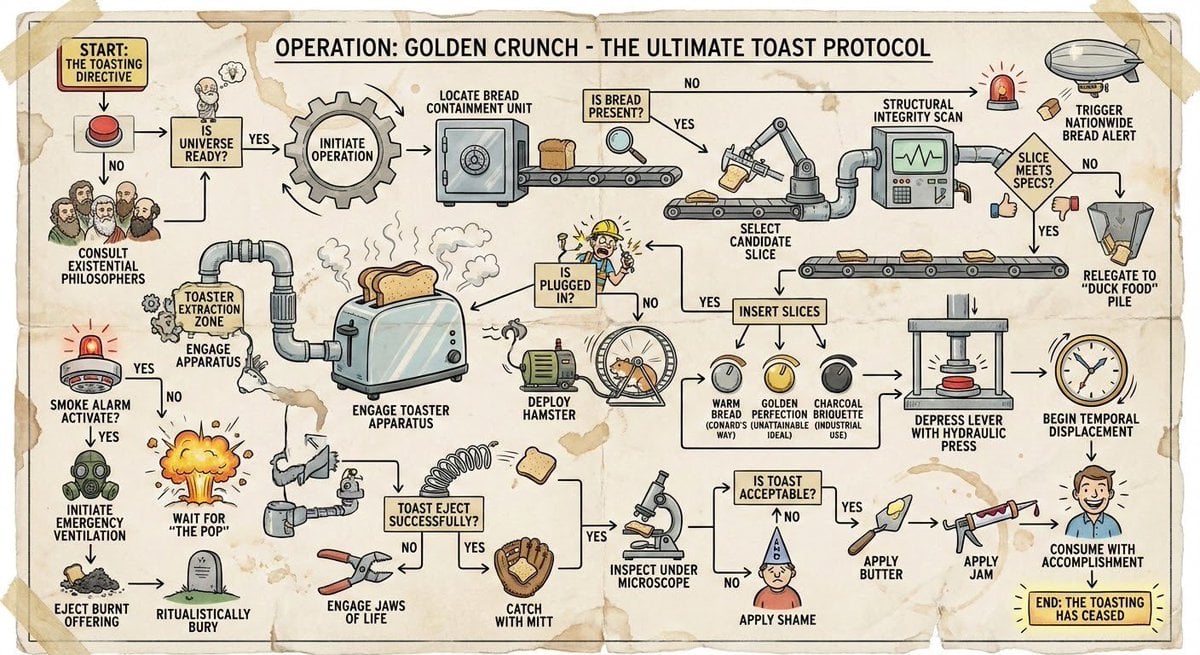
Wacky flowchart for toasting bread
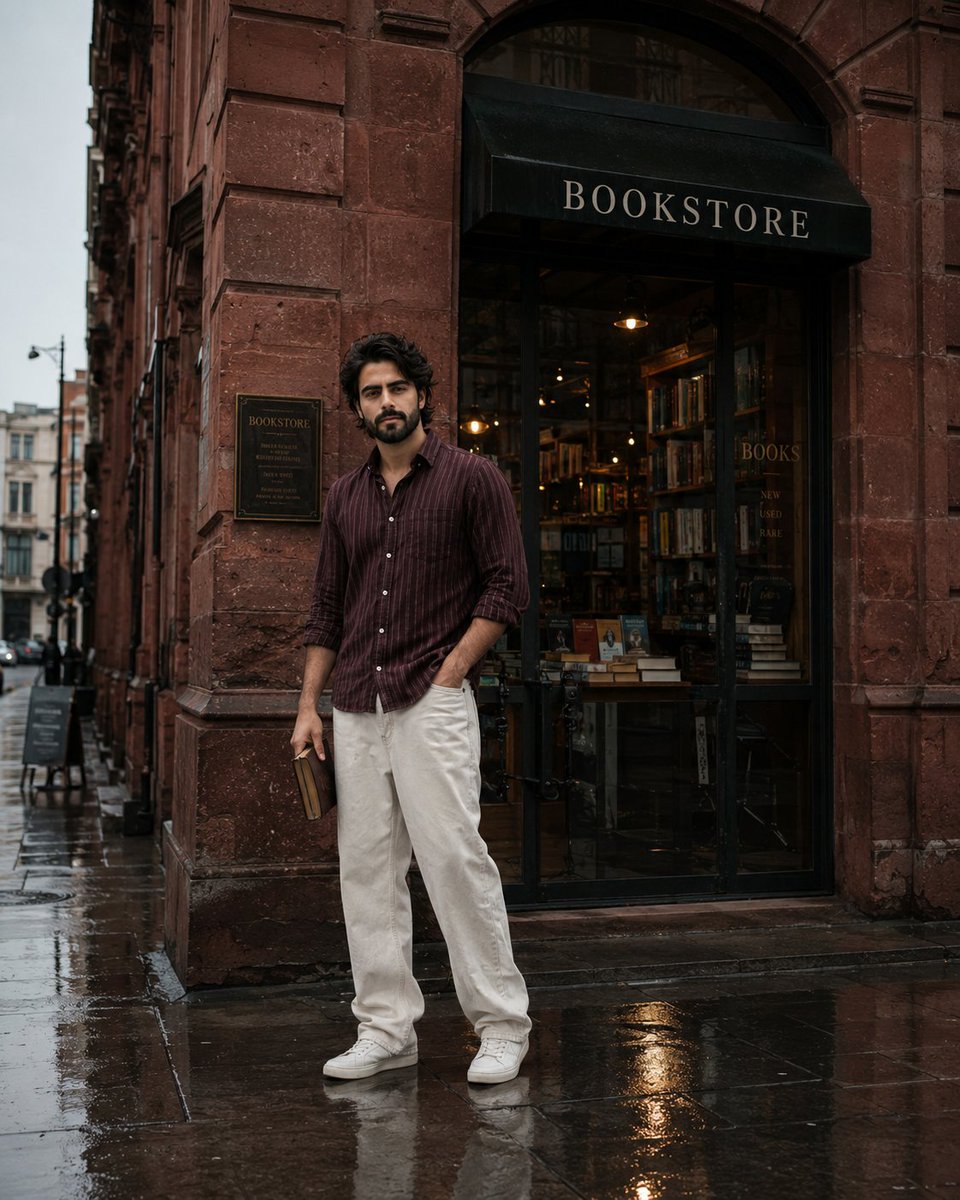
Street Side Bookstore Portrait
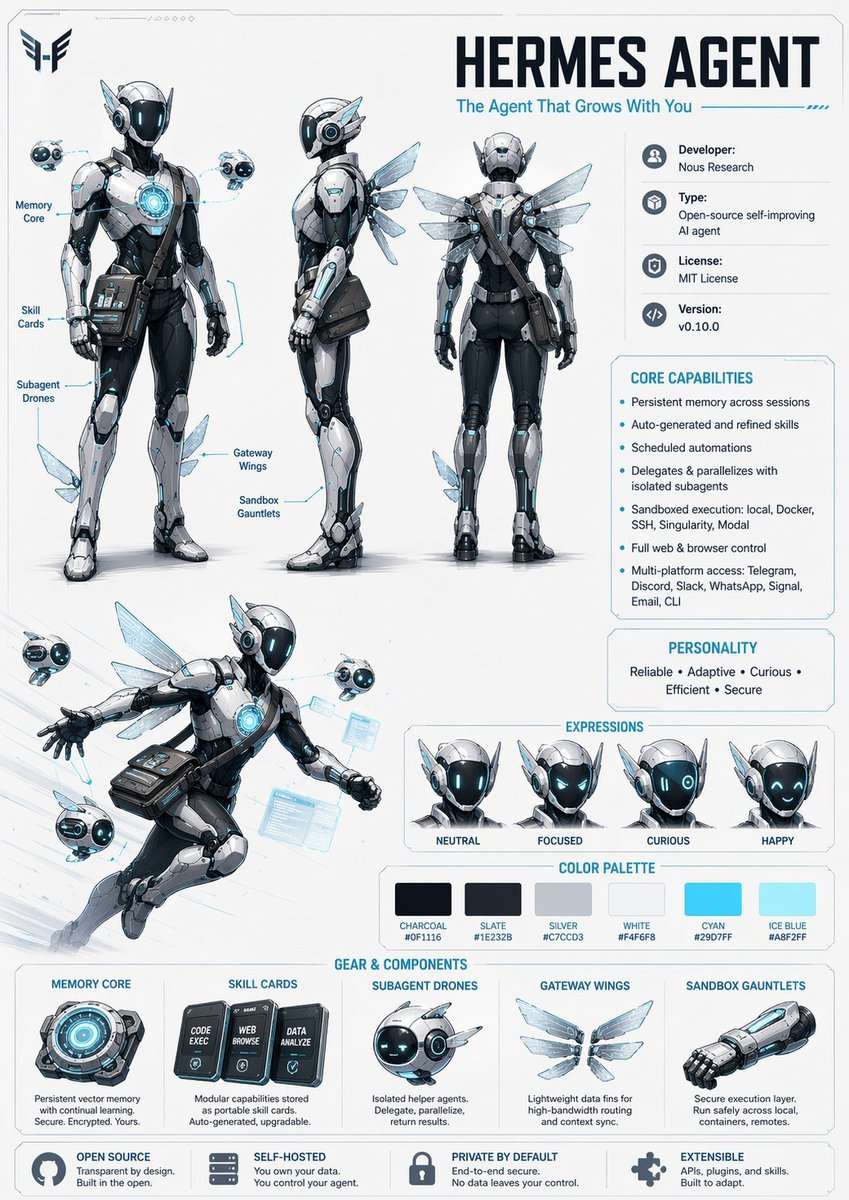
Character Design Sheet Prompt
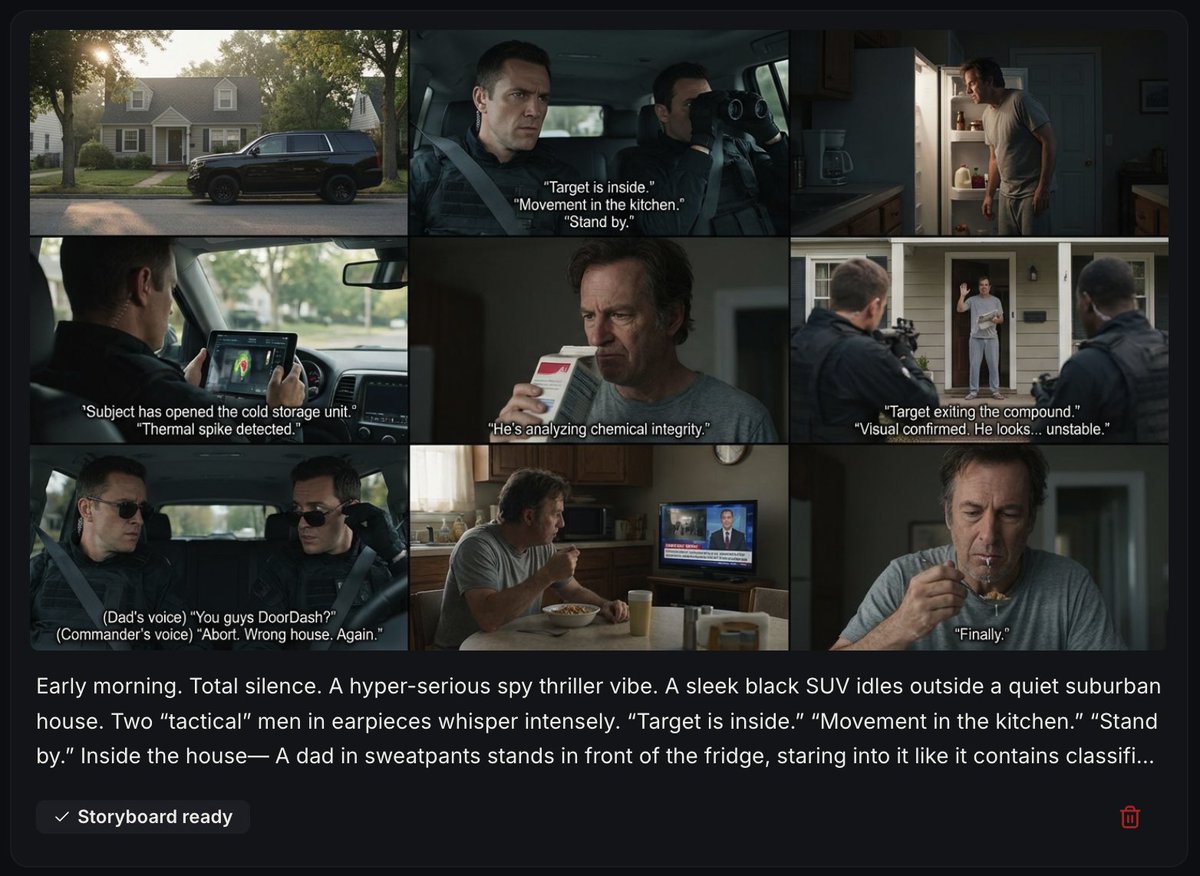
Spy Thriller Comedy Storyboard Prompt
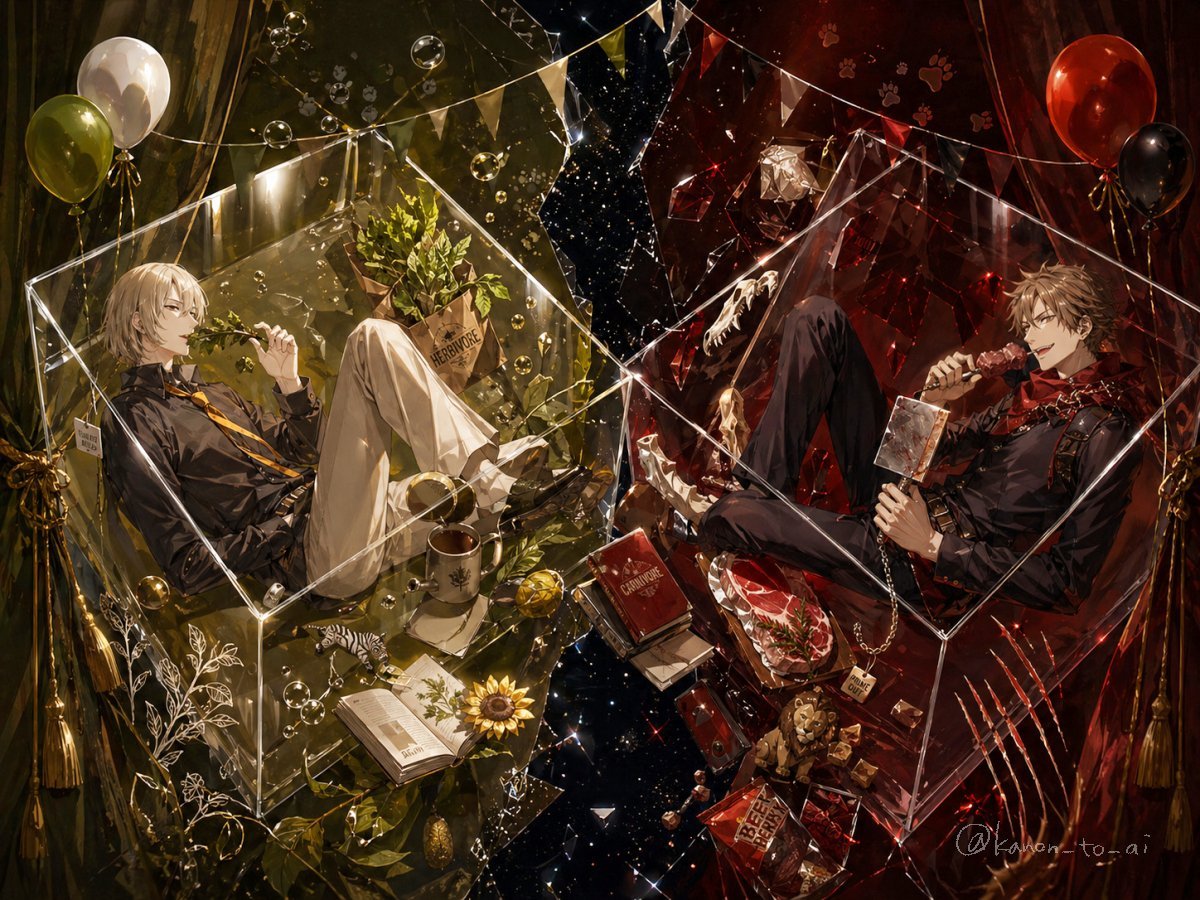
Dual-Themed Anime Boys in Crystal Boxes
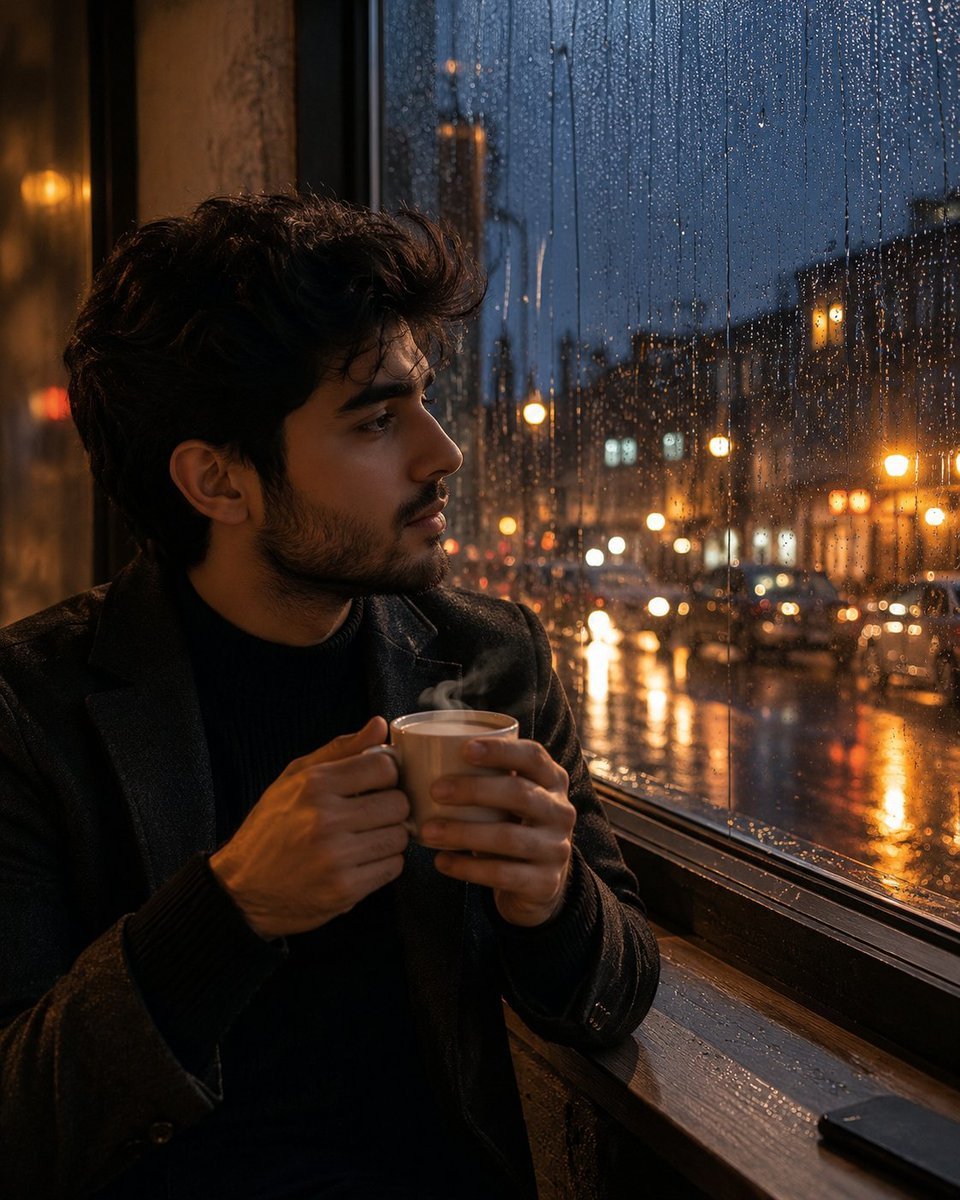
Tea and Rain Mood Portrait
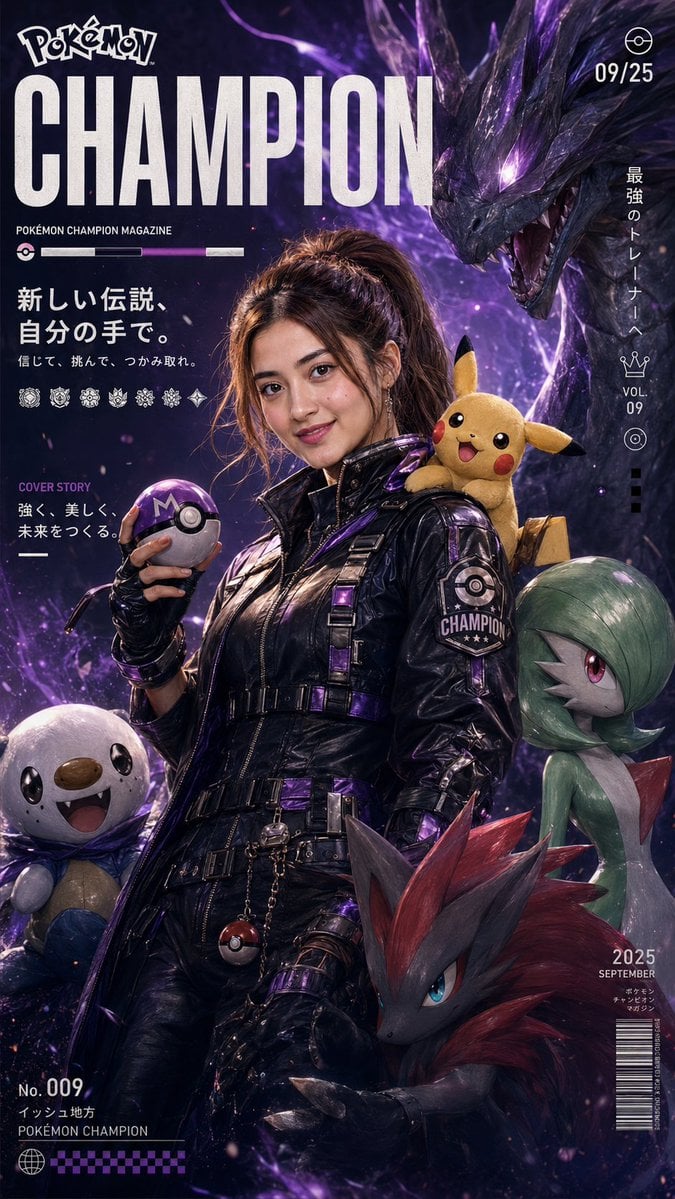
Pokemon Champion Magazine Cover
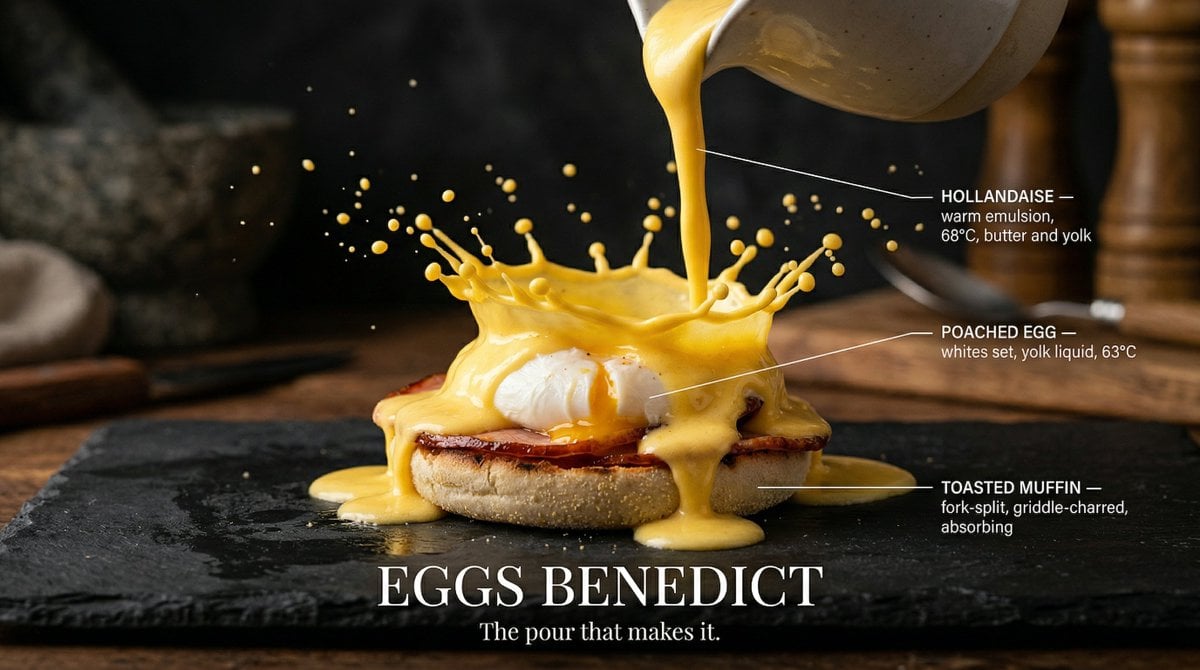
Slow Motion Pour Food Photography Prompt for Nano Banana 2

Generating 'Karaage-kun' Image with Nano Banana Pro
Seedance - Character Transition
Browse template categories
NESCAFÉ Coffee Map Poster questions
How do I use the NESCAFÉ Coffee Map Poster template?
Add your photo if the template asks for one, edit the prompt if you like — the template's model and format are already selected — and press Generate. Your version opens in PicX Studio.
Can I customize the NESCAFÉ Coffee Map Poster template?
Yes. You can change the subject, setting, lighting, mood, format, and available model controls before creating your image.
Is the NESCAFÉ Coffee Map Poster template free?
Opening and editing this template is free. Generating uses credits, shown on the Generate button when you are signed in.
Which AI model should I use?
Start with GPT Image 2, which is the model associated with this template. You can compare another compatible model for a different finish.
Looking for something else? Browse all templates.

Your photo, any look
Thousands of ready templates for every top image and video model, from one credit balance.