
Four-Panel AI Landscape Comparison
Creates a dark social-media comparison banner with four labeled anime landscape outputs for different Claude model tiers.

- Prompt included
- Model and format preset
- Premium template
The prompt behind this image
Copy the exact prompt behind Four-Panel AI Landscape Comparison, or open it in the studio and make it yours.
Goal: Create a wide comparison graphic showing how four prompt-writing AI model tiers produce the same landscape scene in GPT Image 2, with a dark editorial UI frame and Japanese headline text. Canvas: Extra-wide horizontal banner, approximately 2:1 aspect ratio, black/dark charcoal background, clean social-media comparison layout. Use thin black dividers between image columns and a compact top title area. Top text: Large white Japanese headline: {argument name="headline text" default="同じ構図・同じ画像AI(GPT Image 2)。プロンプトを“書いたAI”だけが違う4枚"}. Under it, add a smaller gray subtitle: {argument name="subtitle text" default="変えたのは「プロンプトを書くClaudeのモデル階層」だけ(左=最も安い → 右=最上位)"}. Layout: Four equal vertical landscape panels placed side by side, each with a small dark label bar at the top. Use exactly 4 panels, ordered left to right: 1. Label: “haiku | 最も安い” — a dramatic semi-realistic anime landscape at golden sunset, high mountain range in the distance, layered misty valleys, wildflower-covered rocky foreground, a tiny solitary person standing on a ridge, warm orange-purple clouds, slightly over-embellished cinematic atmosphere. 2. Label: “sonnet” — cleaner and more elegant sunset mountain valley, broad sky with soft glowing cumulus clouds, golden light spilling across rolling hills, a small lone figure on a ridge path, balanced composition, polished anime background style. 3. Label: “opus” — high-quality but restrained sunset vista, deep blue sky fading to orange near the horizon, large illuminated cloud formations, grassy hillside foreground, distant lake or reflective water, tiny figure near the bottom center, premium but conventional scenic framing. 4. Label: “fable | 最上位” — emotionally directed bright morning or late-afternoon landscape, turquoise-blue sky, towering luminous white clouds, sunbeams over a vast green valley, a small person in a white dress and hat standing in meadow grass at lower right, more narrative and poetic mood. Visual style: Refined Japanese anime background art blended with painterly cinematic lighting, highly detailed skies and atmospheric perspective. Keep all four panels similar in composition and subject matter so the comparison feels controlled, but vary mood and art direction per label. Use crisp white text, dark label bars, no logos, no watermark. Constraints: Preserve exactly 4 image panels and exactly these 4 visible panel labels. Make the title and subtitle legible. Keep the overall image looking like a posted comparison chart rather than a standalone landscape collage.
How to use Four-Panel AI Landscape Comparison in 3 steps
- 1Upload ImagePNG, JPG or paste
Add your photo
Upload the photo the template builds on. The prompt, model and format are already set.
- 2…a portrait of your subject in softgolden-hour light, 85mm…
Personalize
Edit the subject and creative details for your destination.
- 3Generate
Generate
Press Generate — your image is created in PicX Studio, so you can compare it with the original and refine one variable at a time.
More like this
Templates with the same subject, style or setup. Open one to see its prompt.
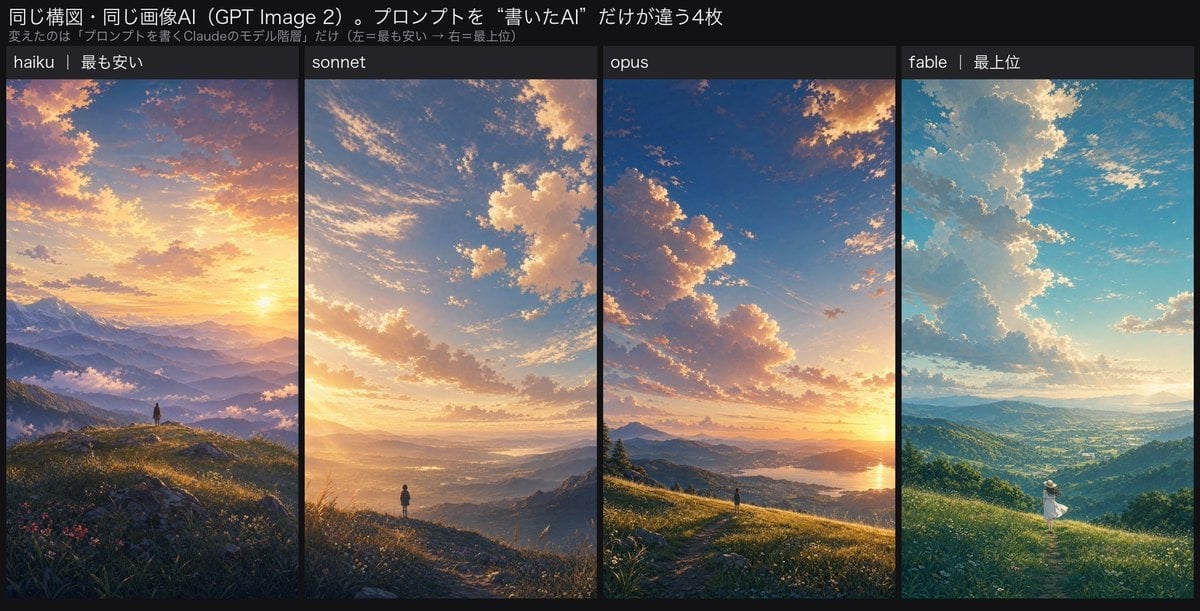
Four-Panel AI Landscape Comparison
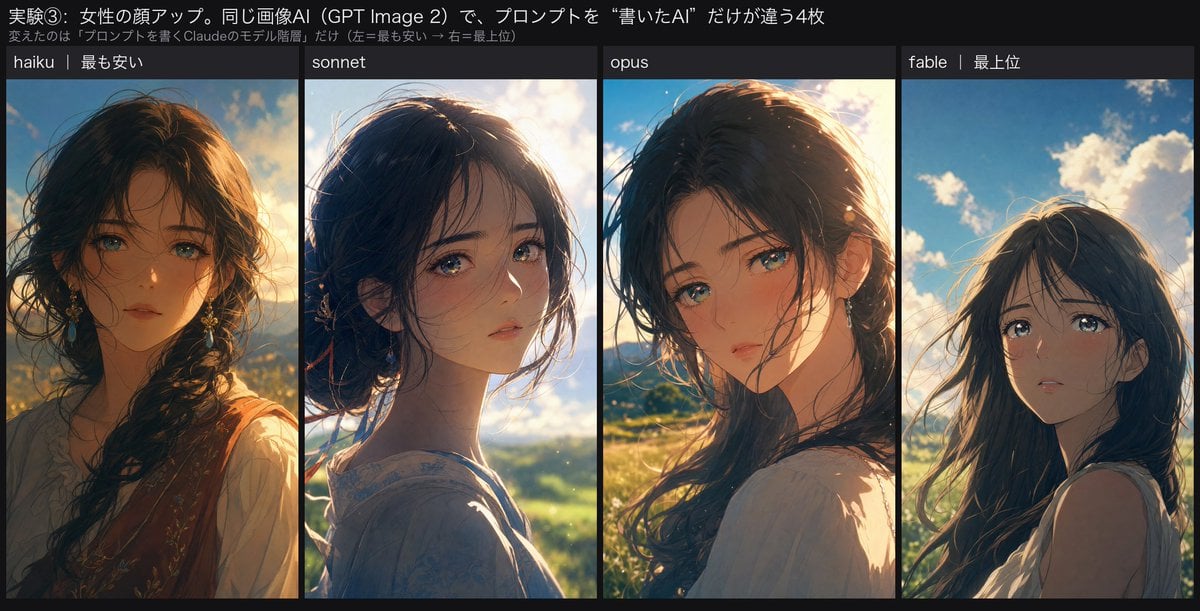
Four-Panel Anime Face Comparison
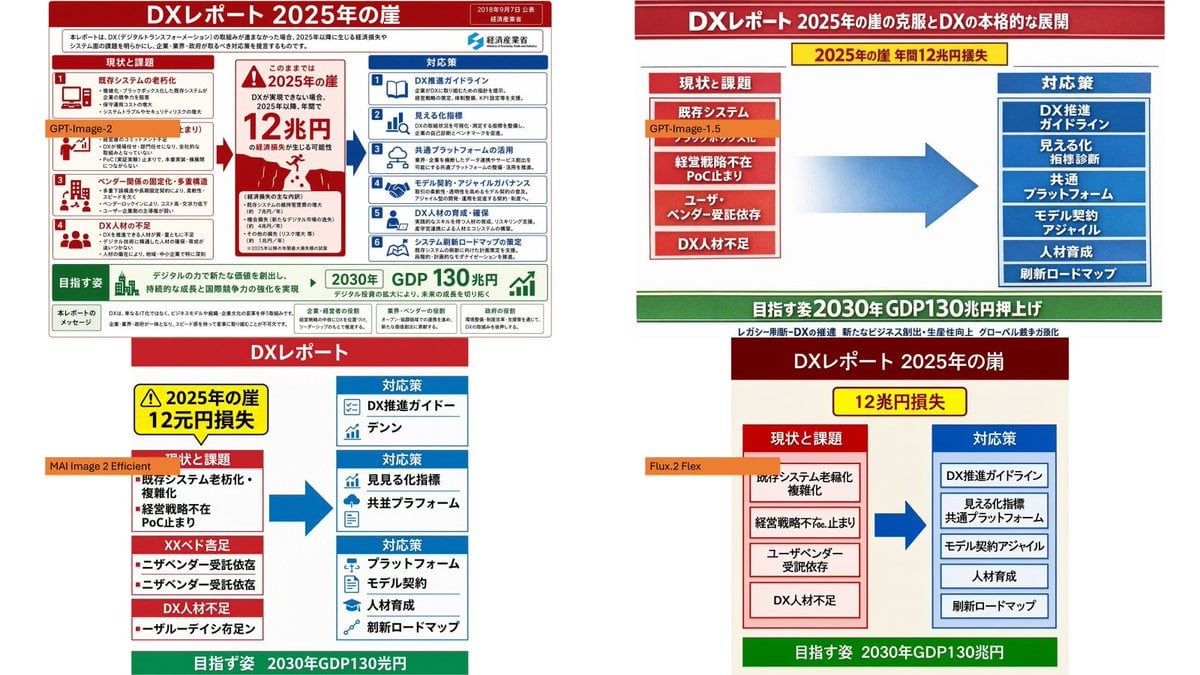
Four-Panel DX Report Model Comparison
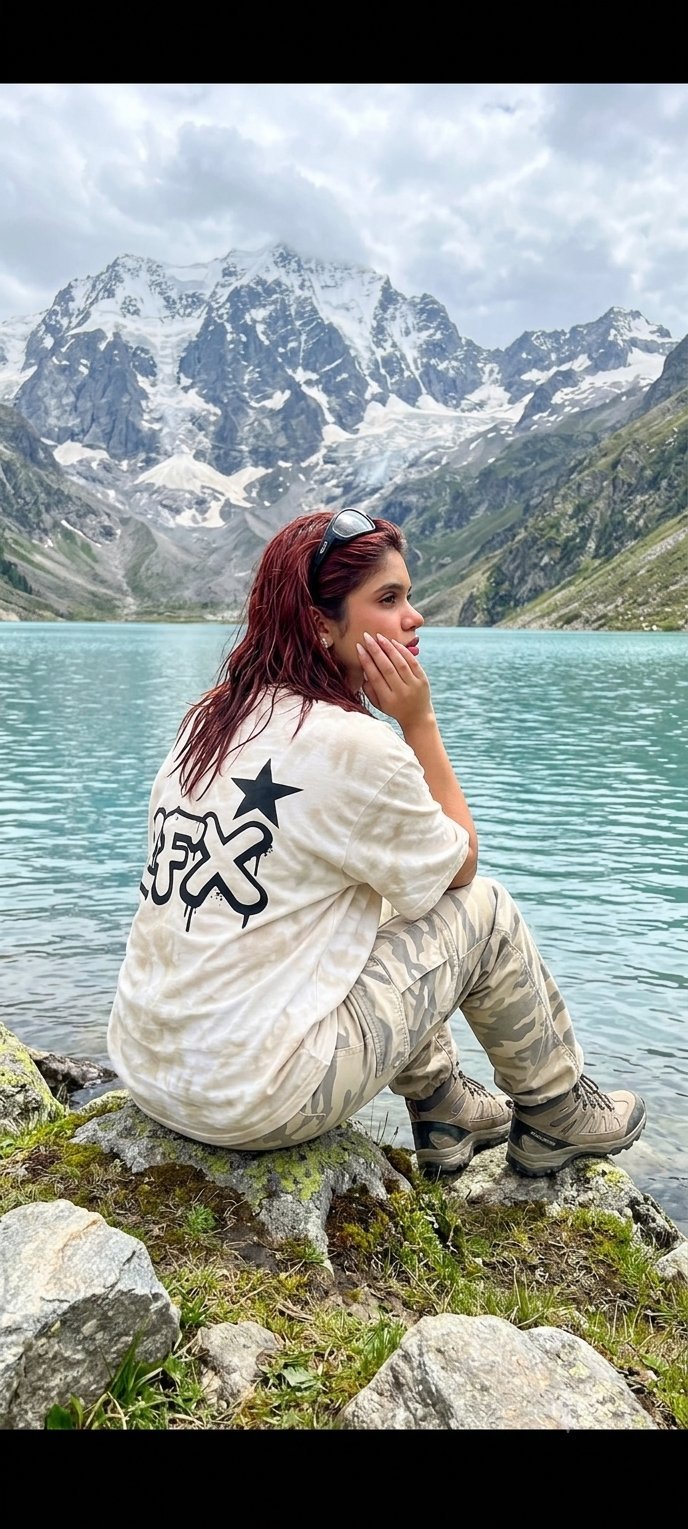
Teen Girl Alpine Lake Mountain View
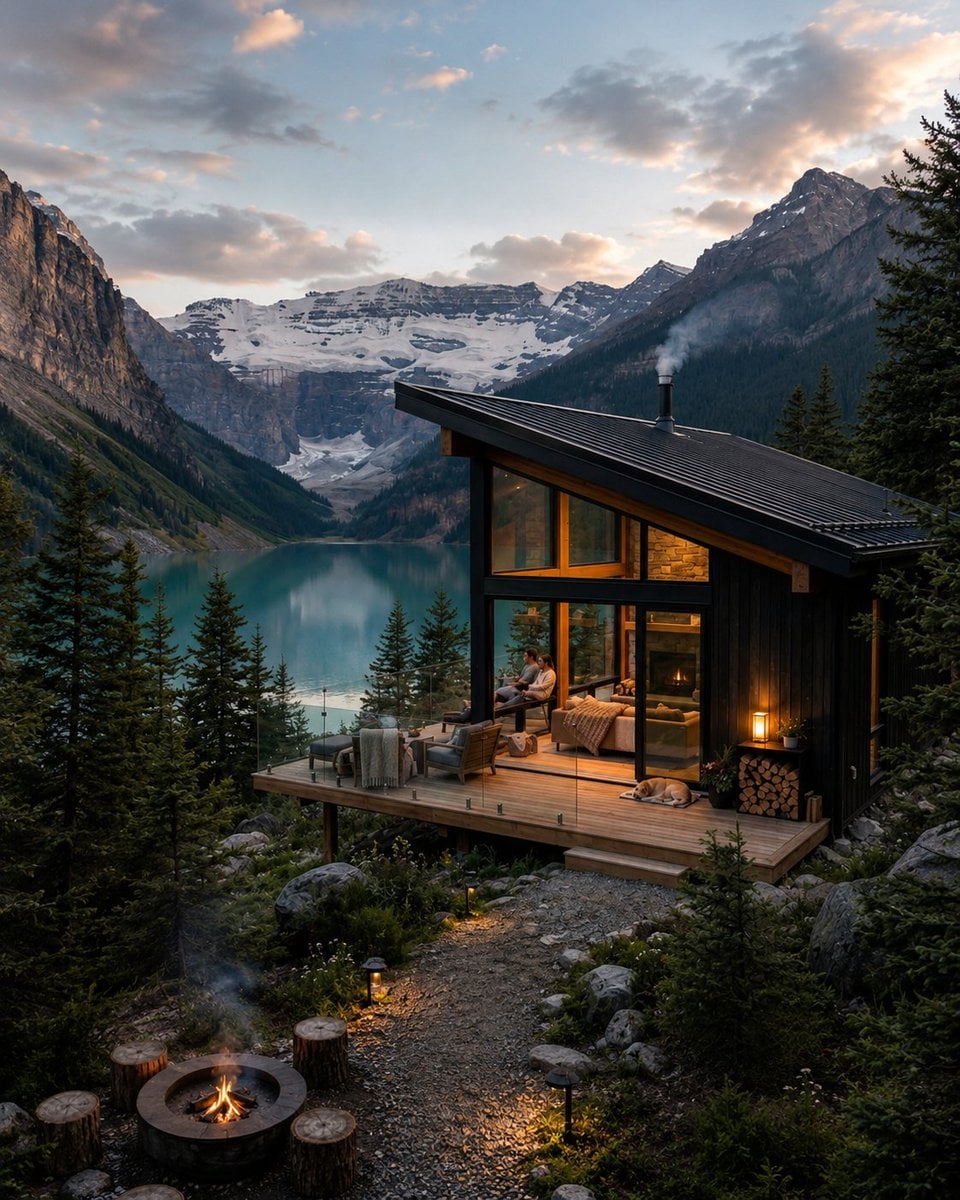
Mountain Lake Sunset Landscape
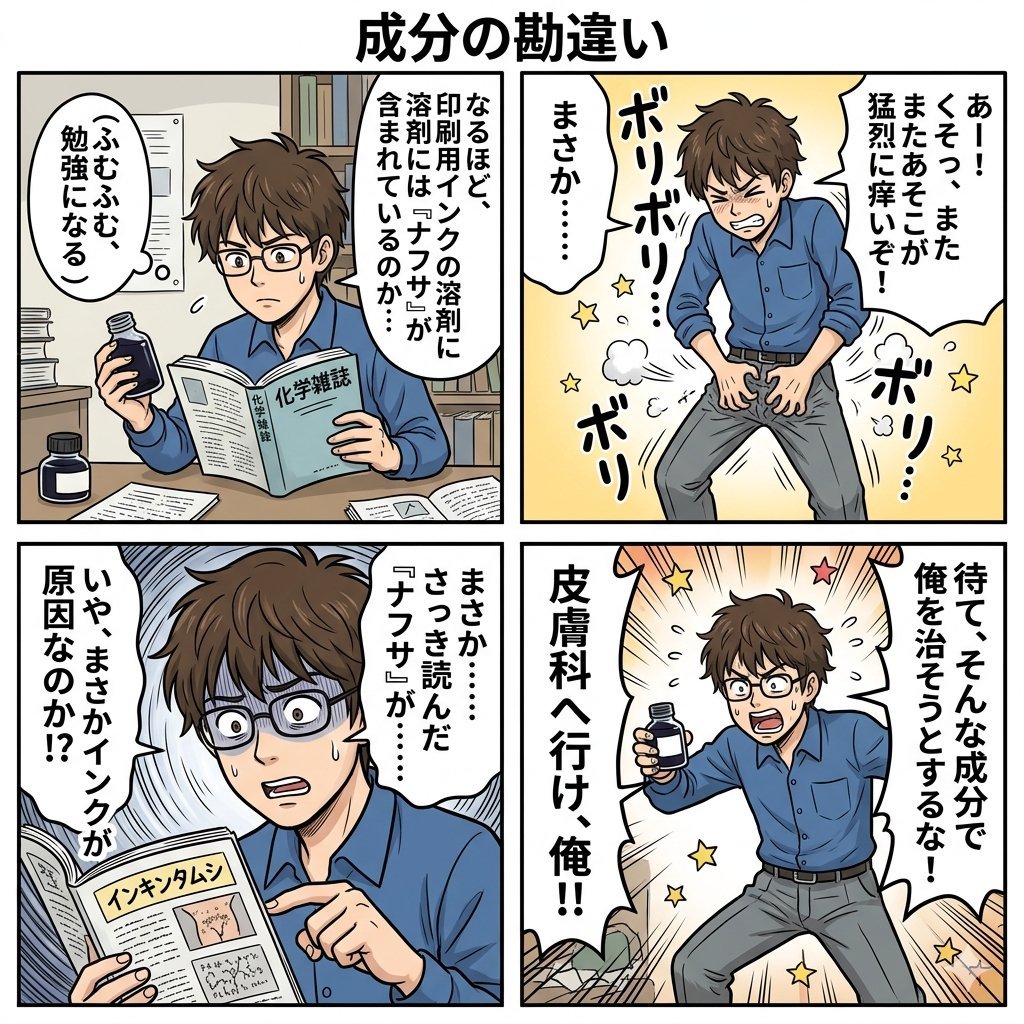
Component Differences Four-Panel Manga
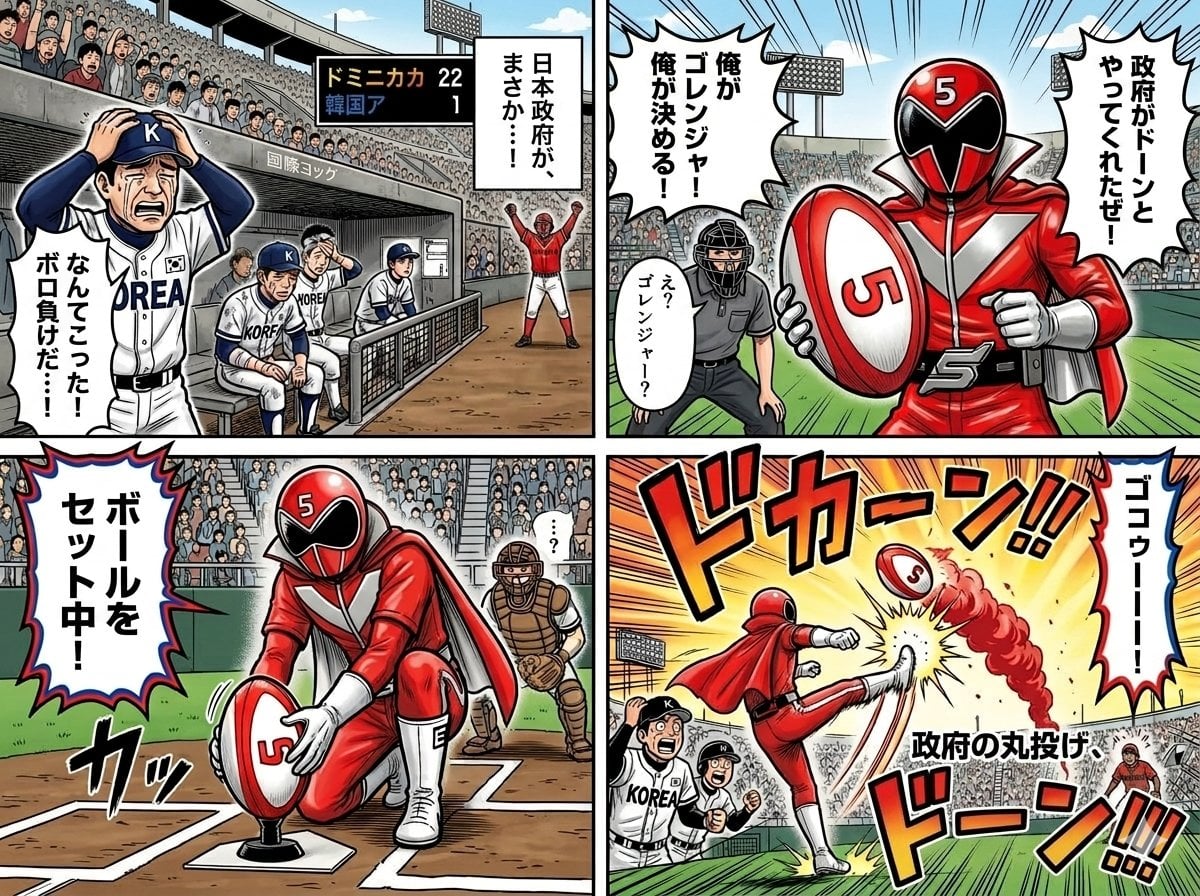
Four-Panel Manga with Sentai and Rugby

Ghibli Final Takeoff Field
Ghibli Rainy Tram Interior
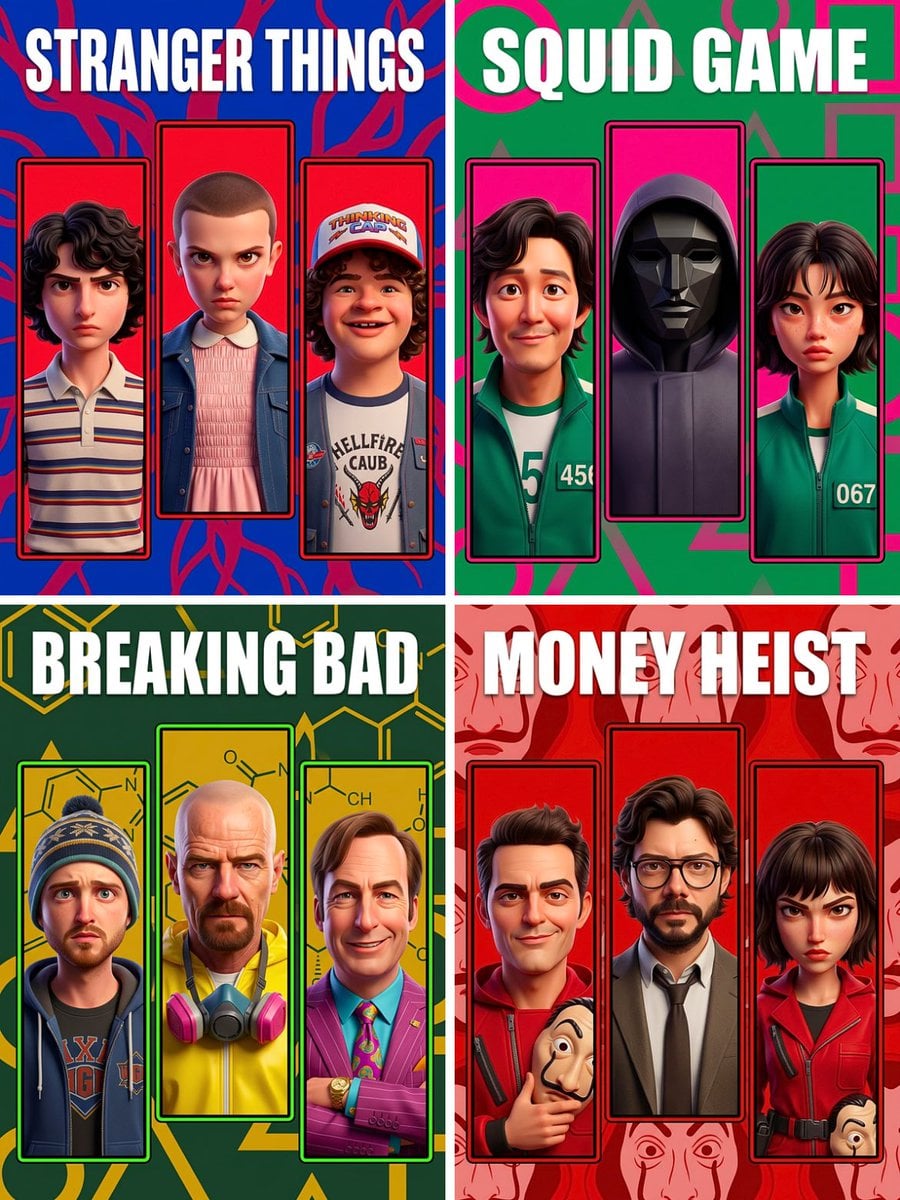
Ghibli Star Observatory

Ghibli Tiny House On Back

Ghibli Lantern River Festival
Make it yours
Four-Panel AI Landscape Comparison works as-is. These are the safest ways to change it without losing the look.
Change one field
Copy a single group, rewrite it, and generate again so you can see what that field is doing.
Keep the frame, change the subject
Hold the composition and light of Four-Panel AI Landscape Comparison, then swap wardrobe, props or the person for a new take.
| If the result… | Why | Fix |
|---|---|---|
| The result drifts from the preview | Too many fields changed at once. | Reuse Four-Panel AI Landscape Comparison as-is first, then change one group — subject, light, or setting. |
| The model over-stylizes the scene | The prose prompt leaves finish and camera underspecified. | Add one camera or lighting sentence and stay on GPT Image 2. |
More GPT Image 2 templates
Other prompts made for GPT Image 2.

Six VTuber Japanese Logo Sheet

Realistic Portrait of Woman and Deer

The Vista Modular Condo Poster

AI Model Routing Comparison Infographic

2.5D Anime Art Board

Isometric Productivity Desk Scene

New York Double Exposure Poster

Japanese Tatami Lifestyle Magazine Cover

NESCAFÉ Coffee Map Poster

Brutalist Cogito Chinese Typography Poster
More image prompts
Fresh picks from across the catalog.
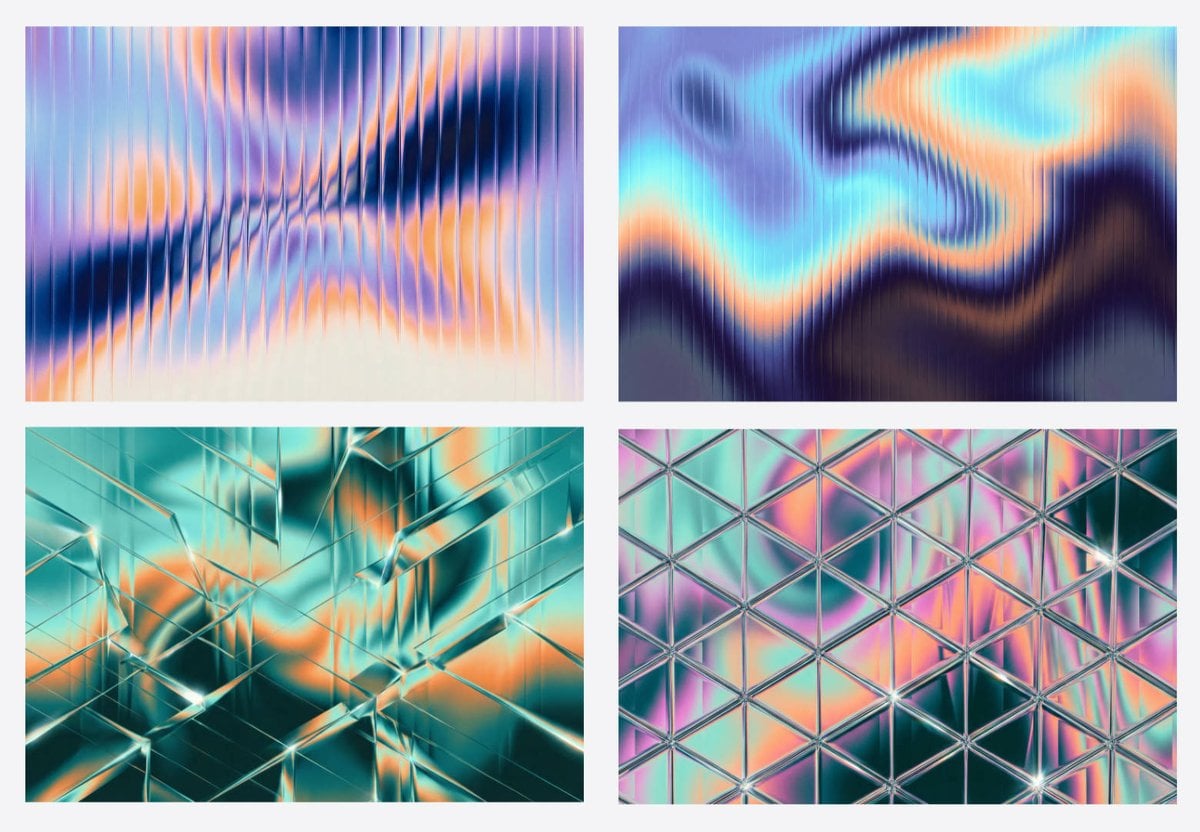
Generating Fractal Glass Gradient Images with Nano Banana Pro
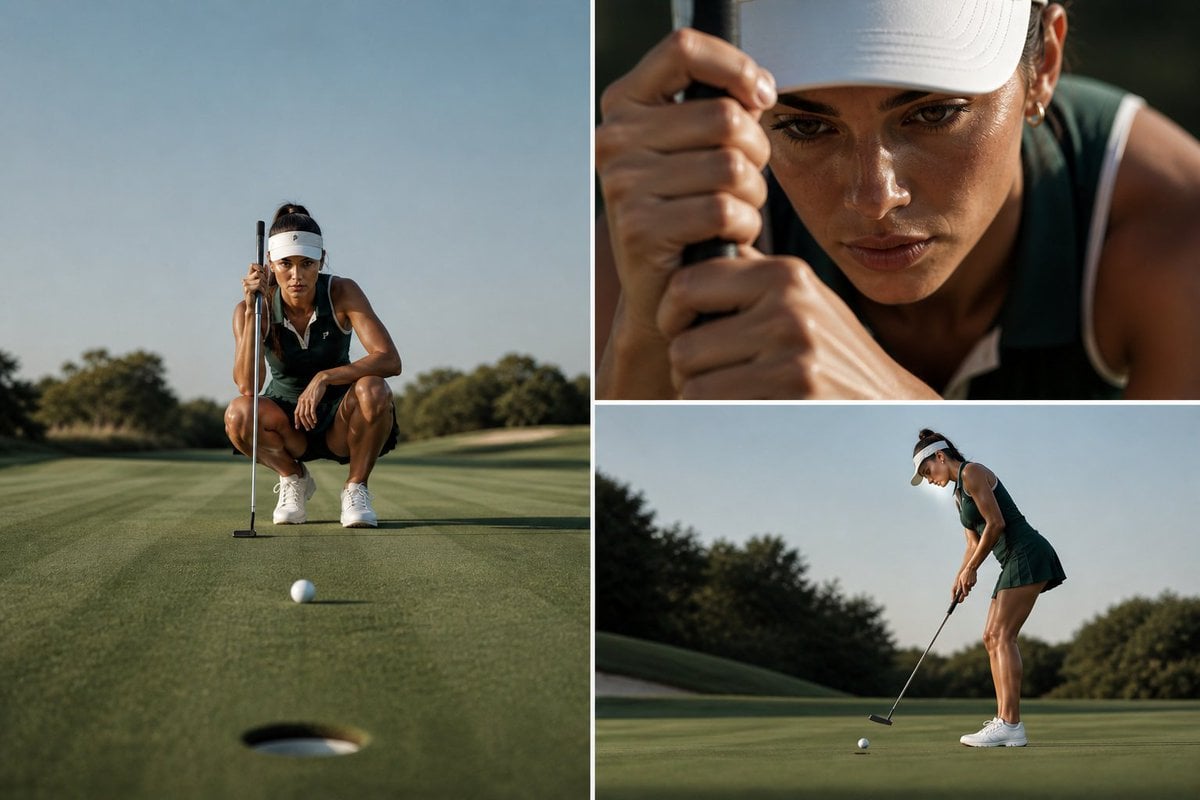
Luxury Golf Editorial Collage

Anime Lion Costume Safari Study
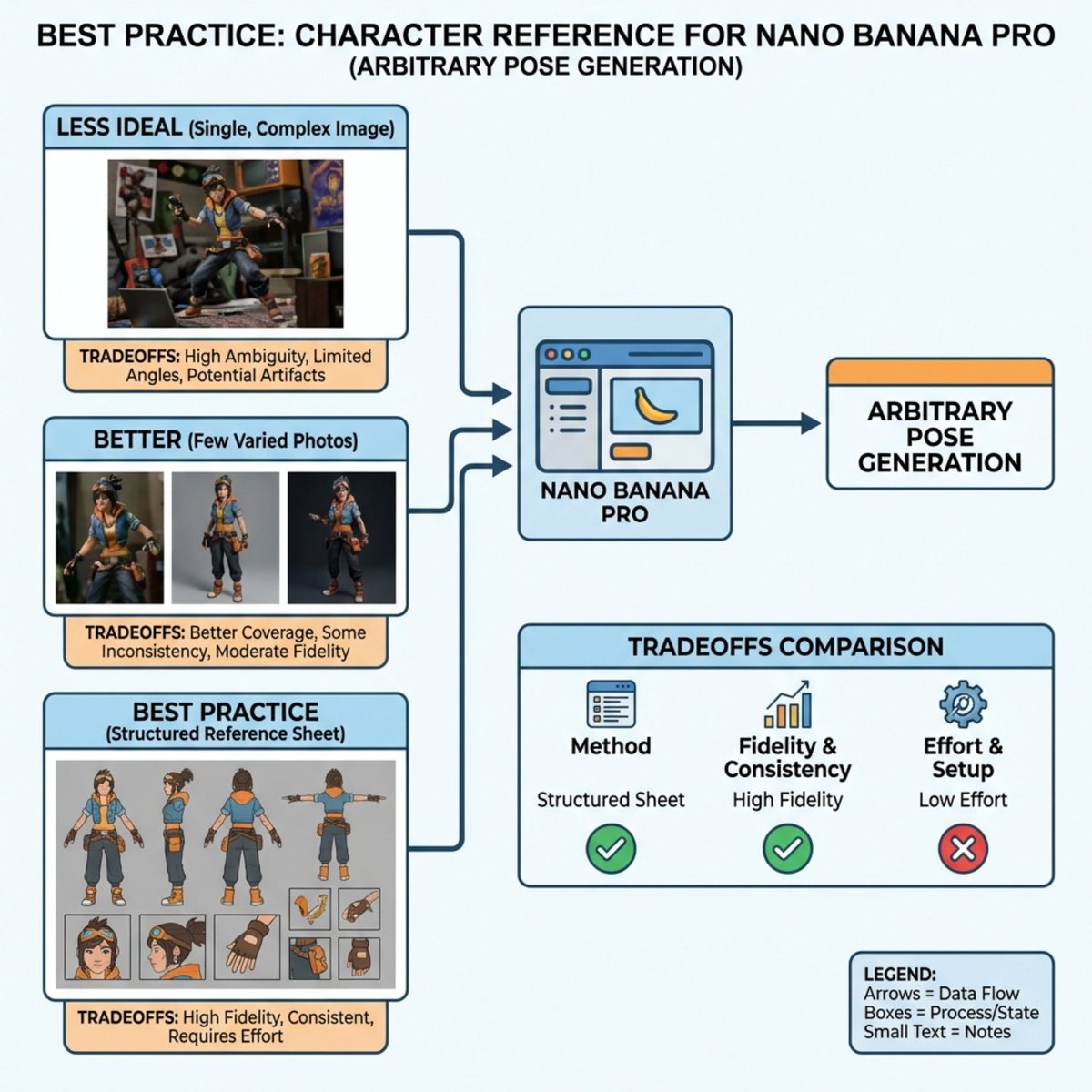
Nano Banana Pro Explains Itself
Animal Hiragana Study Sheet
Futuristic Floating City at Sunset
photography

Cinematic Close-up of Pensive Woman
Red Pink Fractal Kaleidoscope
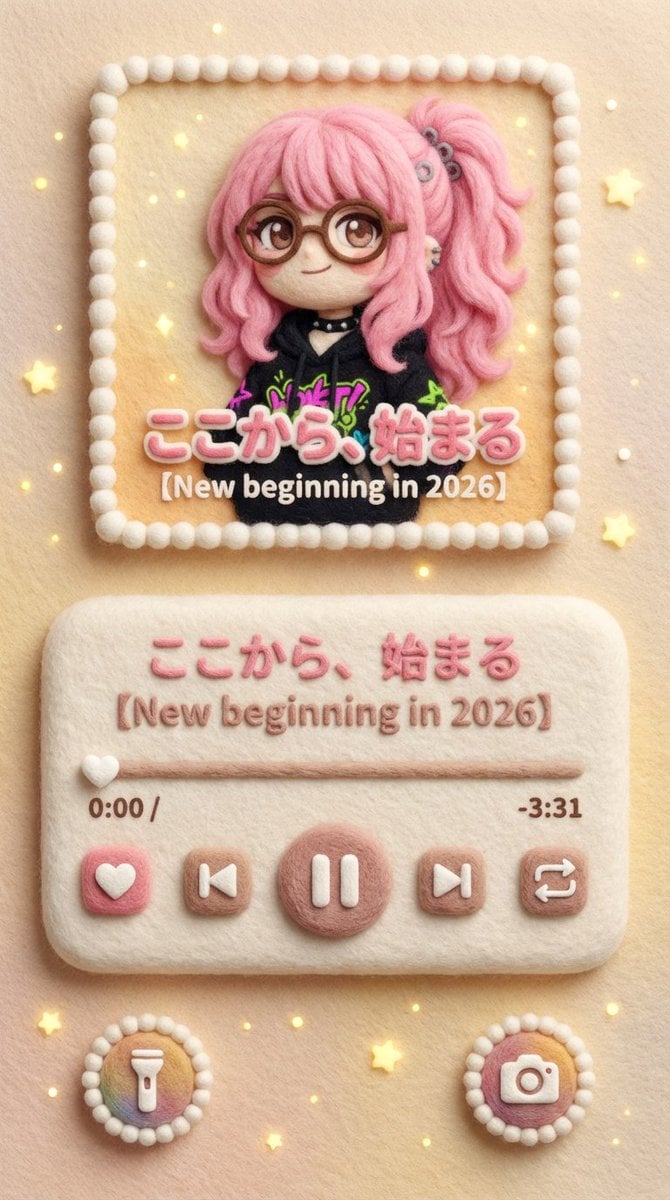
Felted Wool Smartphone Lock Screen Music Player
Browse template categories
Four-Panel AI Landscape Comparison questions
How do I use the Four-Panel AI Landscape Comparison template?
Add your photo if the template asks for one, edit the prompt if you like — the template's model and format are already selected — and press Generate. Your version opens in PicX Studio.
Can I customize the Four-Panel AI Landscape Comparison template?
Yes. You can change the subject, setting, lighting, mood, format, and available model controls before creating your image.
Is the Four-Panel AI Landscape Comparison template free?
Opening and editing this template is free. Generating uses credits, shown on the Generate button when you are signed in.
Which AI model should I use?
Start with GPT Image 2, which is the model associated with this template. You can compare another compatible model for a different finish.
Looking for something else? Browse all templates.

Your photo, any look
Thousands of ready templates for every top image and video model, from one credit balance.