
Futuristic Floating City at Sunset
A cinematic sci-fi skyline prompt for creating epic floating megacity concept art with sunset lighting, clouds, and flying spacecraft.
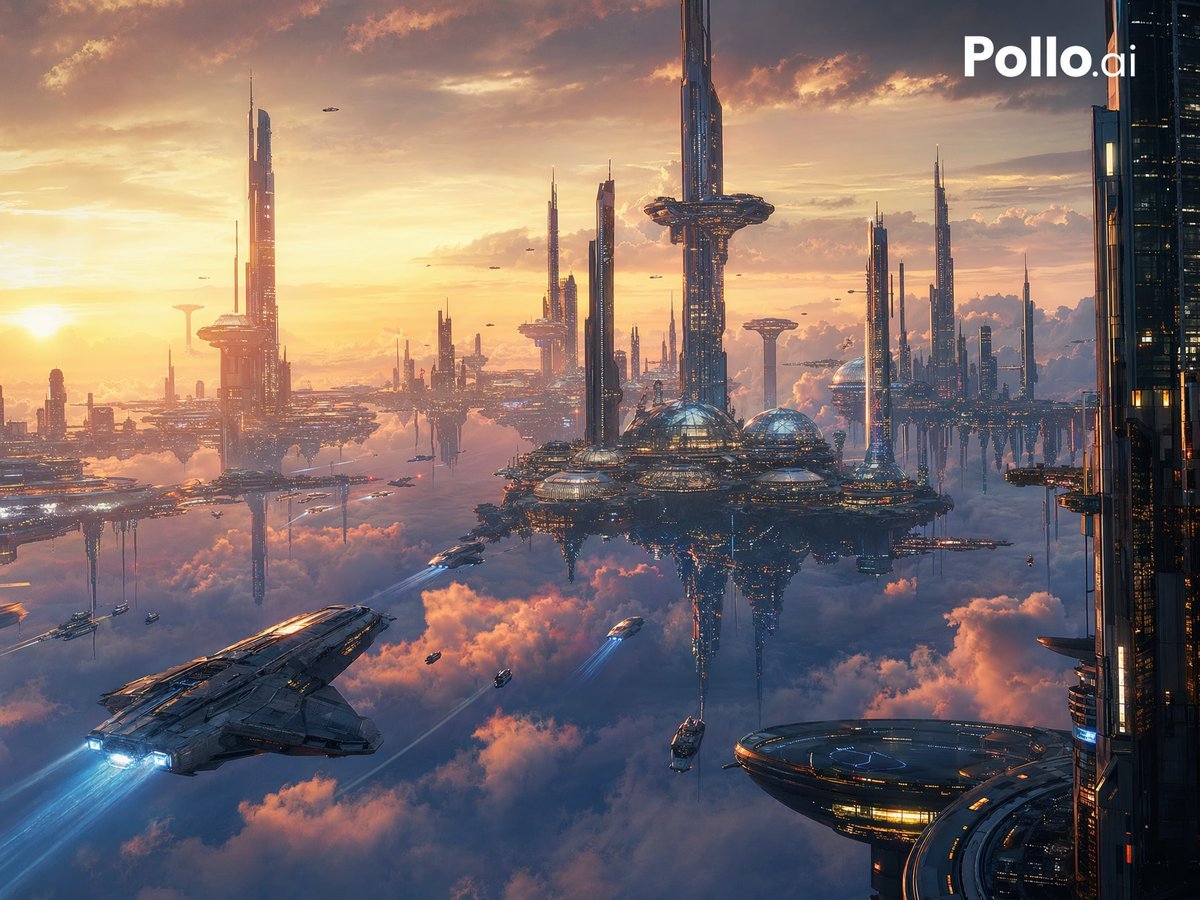
- Prompt included
- Model and format preset
- Free template
The prompt behind this image
Copy the exact prompt behind Futuristic Floating City at Sunset, or open it in the studio and make it yours.
A vast cinematic sci-fi city floating above a sea of glowing clouds at sunset, viewed from a high aerial perspective. The scene shows an advanced utopian megacity made of many slender futuristic skyscrapers and elevated platforms rising out of the clouds, with 2 prominent central dome structures, 1 large circular landing platform in the lower right foreground, 1 massive spacecraft in the lower left foreground flying toward the city with bright blue engine trails, and numerous smaller flying vehicles scattered across the sky. The architecture is sleek, metallic, and ultra-detailed, with tall needle-like towers, layered skybridges, suspended districts, and illuminated windows. Warm golden sunlight pours in from the left near the horizon, casting orange, peach, and pink highlights across the clouds, while the buildings reflect cool steel blues and subtle neon accents. Include dramatic volumetric clouds below and between the structures, atmospheric haze for depth, a grand sense of scale, and a polished concept-art look. Composition should feel epic and panoramic, with the tallest tower near the center-right, additional spires receding into the distance, and a dark vertical megastructure framing the far right edge. Add a clean white "Pollo.ai" logo in the top-right corner. Hyper-detailed, cinematic lighting, futuristic worldbuilding, high contrast, sharp focus, premium science-fiction key art.
How to use Futuristic Floating City at Sunset in 3 steps
- 1Upload ImagePNG, JPG or paste
Add your photo
Upload the photo the template builds on. The prompt, model and format are already set.
- 2…a portrait of your subject in softgolden-hour light, 85mm…
Personalize
Edit the subject and creative details for your destination.
- 3Generate
Generate
Press Generate — your image is created in PicX Studio, so you can compare it with the original and refine one variable at a time.
More like this
Templates with the same subject, style or setup. Open one to see its prompt.

Floating Woman Above Cityscape with Notifications

Cozy Knit Sweater Window Portrait

Minimalist Hand-Drawn Doodle Portrait

Mountain Lake Sunset Landscape
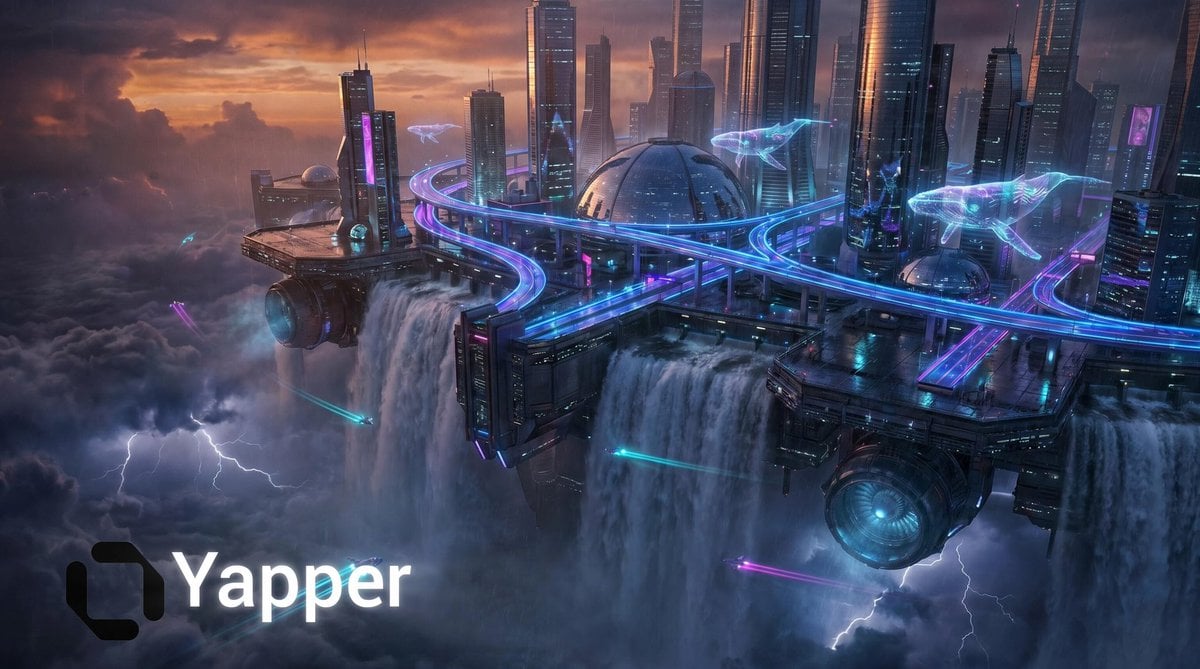
Cyberpunk Floating Megacity
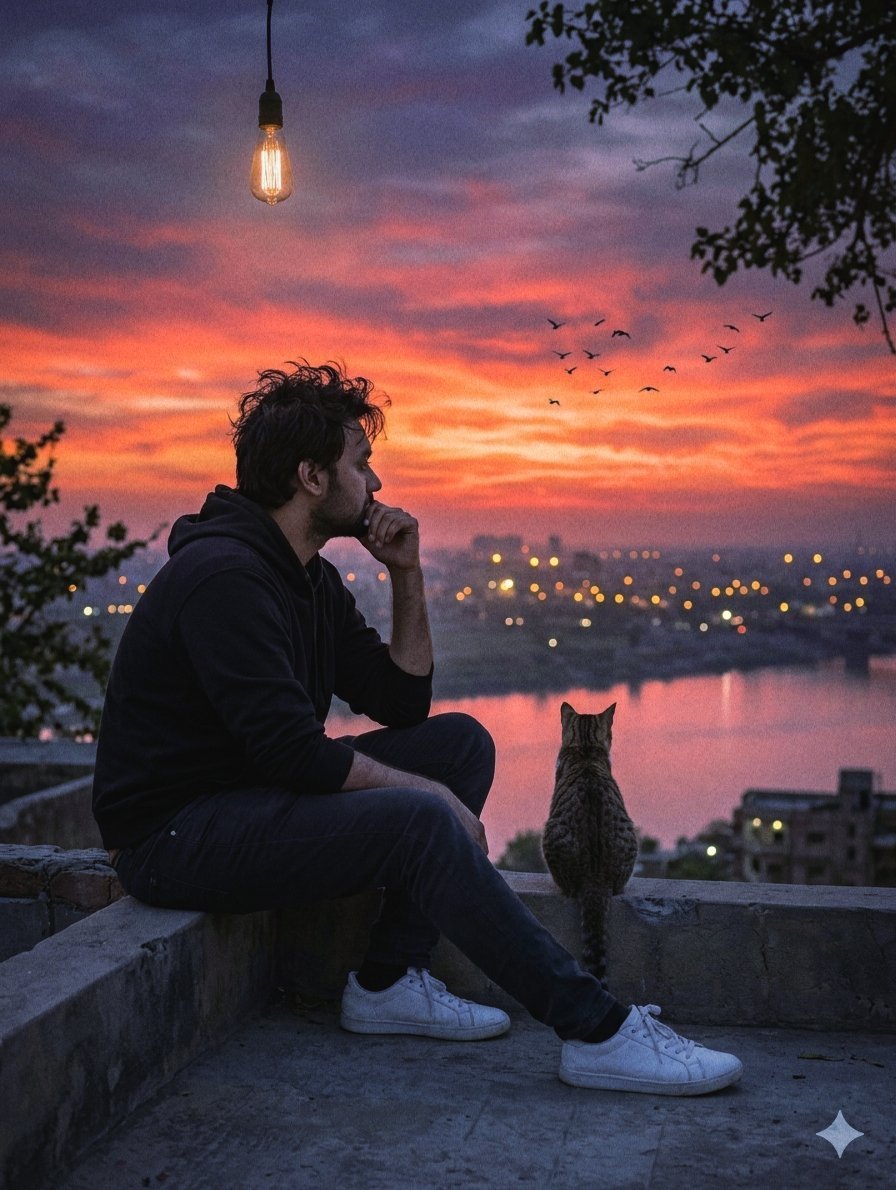
Melancholic Rooftop City Sunset
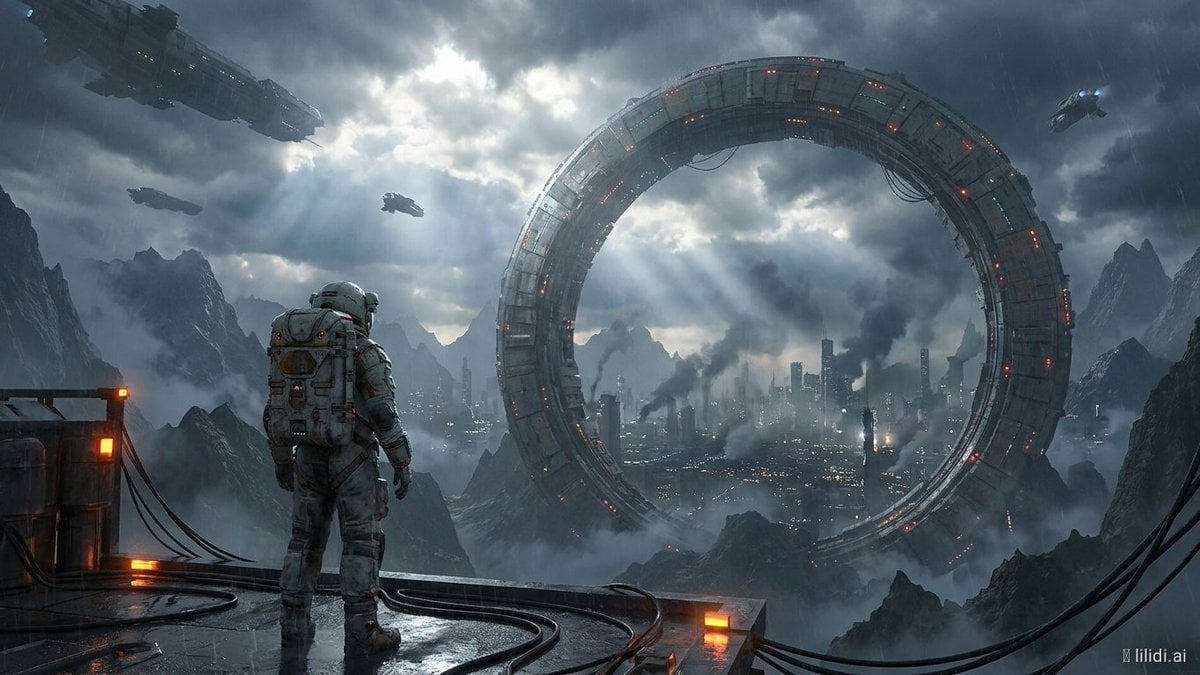
Futuristic Ring Megacity Concept Art

Artistic Arborpunk Garden Observatory Complex

Futuristic Chrome Helmet Fashion Portrait

Futuristic Studio Neon Ring Minimalist Portrait
Futuristic Chrome Helmet Fashion Portrait
Futuristic Studio Neon Ring Minimalist Portrait
Make it yours
Futuristic Floating City at Sunset works as-is. These are the safest ways to change it without losing the look.
Change one field
Copy a single group, rewrite it, and generate again so you can see what that field is doing.
Keep the frame, change the subject
Hold the composition and light of Futuristic Floating City at Sunset, then swap wardrobe, props or the person for a new take.
| If the result… | Why | Fix |
|---|---|---|
| The result drifts from the preview | Too many fields changed at once. | Reuse Futuristic Floating City at Sunset as-is first, then change one group — subject, light, or setting. |
| The model over-stylizes the scene | The prose prompt leaves finish and camera underspecified. | Add one camera or lighting sentence and stay on GPT Image 2. |
More GPT Image 2 templates
Other prompts made for GPT Image 2.

Six VTuber Japanese Logo Sheet

Realistic Portrait of Woman and Deer

The Vista Modular Condo Poster

AI Model Routing Comparison Infographic

2.5D Anime Art Board

Isometric Productivity Desk Scene

New York Double Exposure Poster

Four-Panel AI Landscape Comparison

Japanese Tatami Lifestyle Magazine Cover

NESCAFÉ Coffee Map Poster
More image prompts
Fresh picks from across the catalog.
Majestic Bald Eagle Wildlife Portrait
Cinematic Twilight Coastal Landscape with Toyota Land Cruiser

Train-ad style book advertisement image
Urban Iced Coffee Portrait

Floating Google Services Portrait Poster
AI Fashion Prompt: Monochromatic Minimalist Utilitarian Style
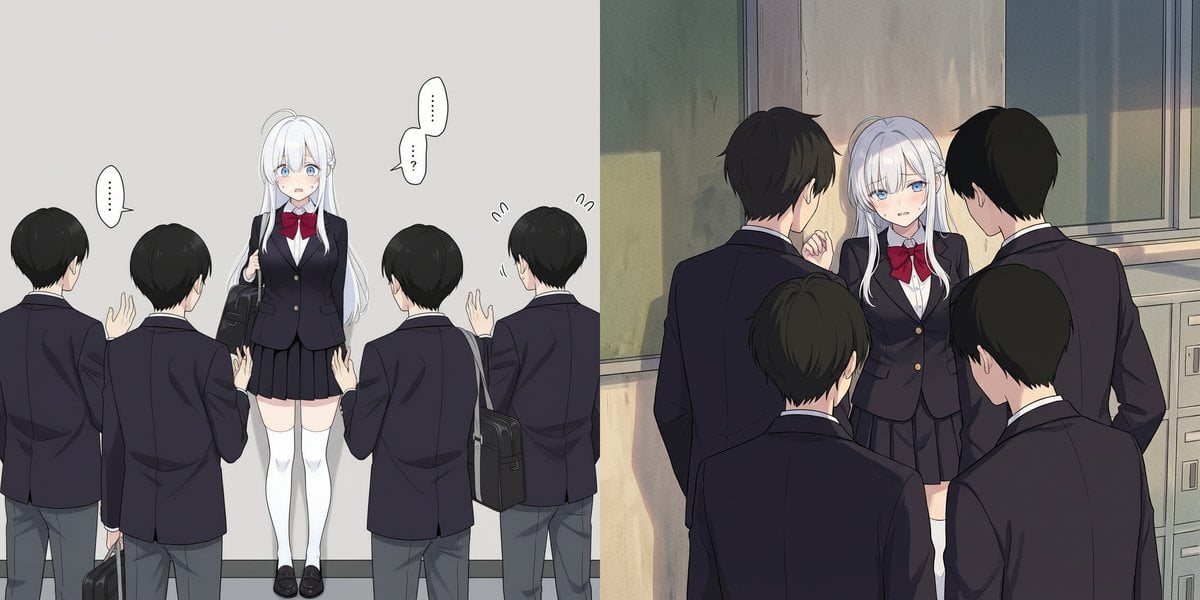
Girl cornered by three male students
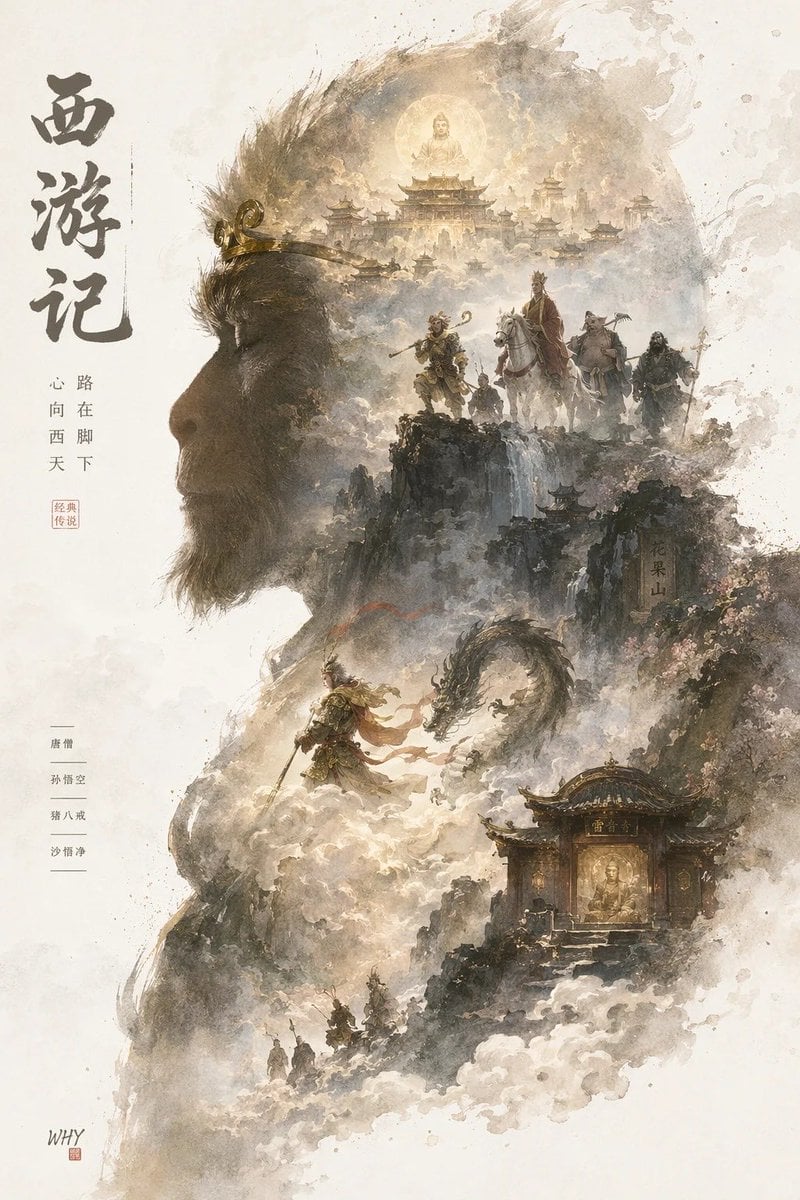
Epic Silhouetted World Poster
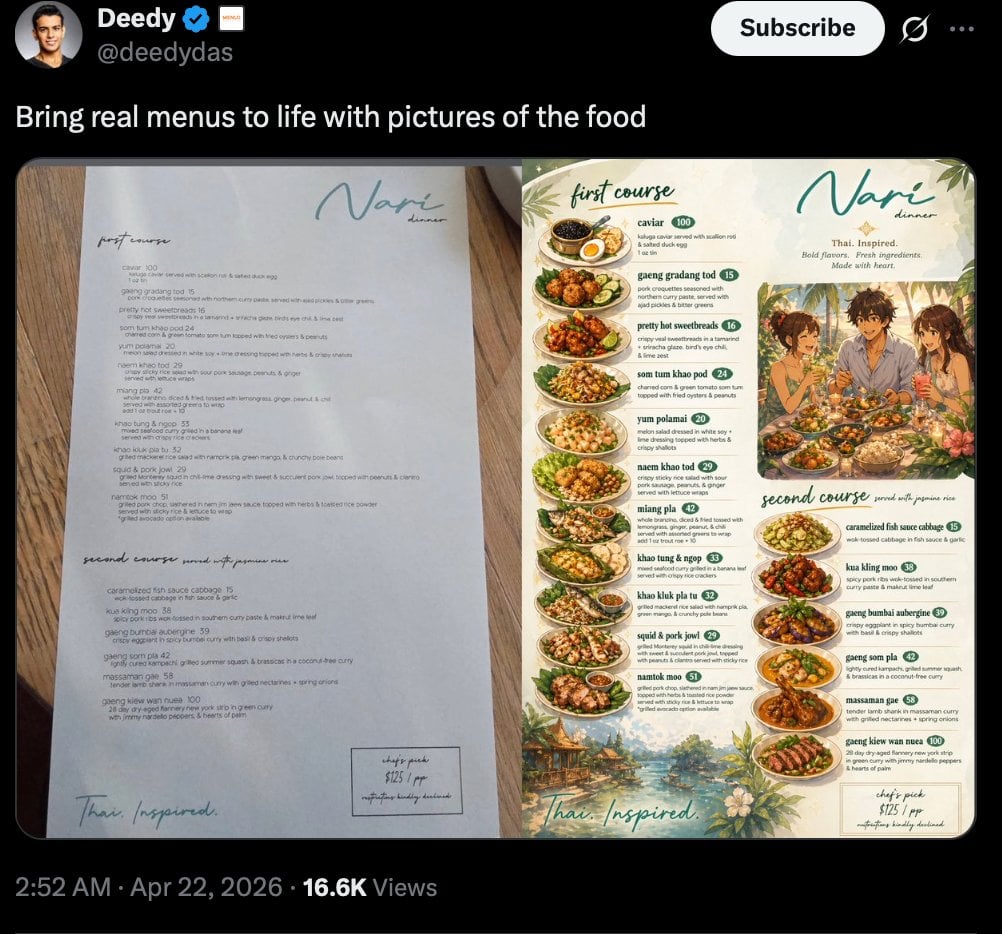
Viral Tweet Menu Before-and-After
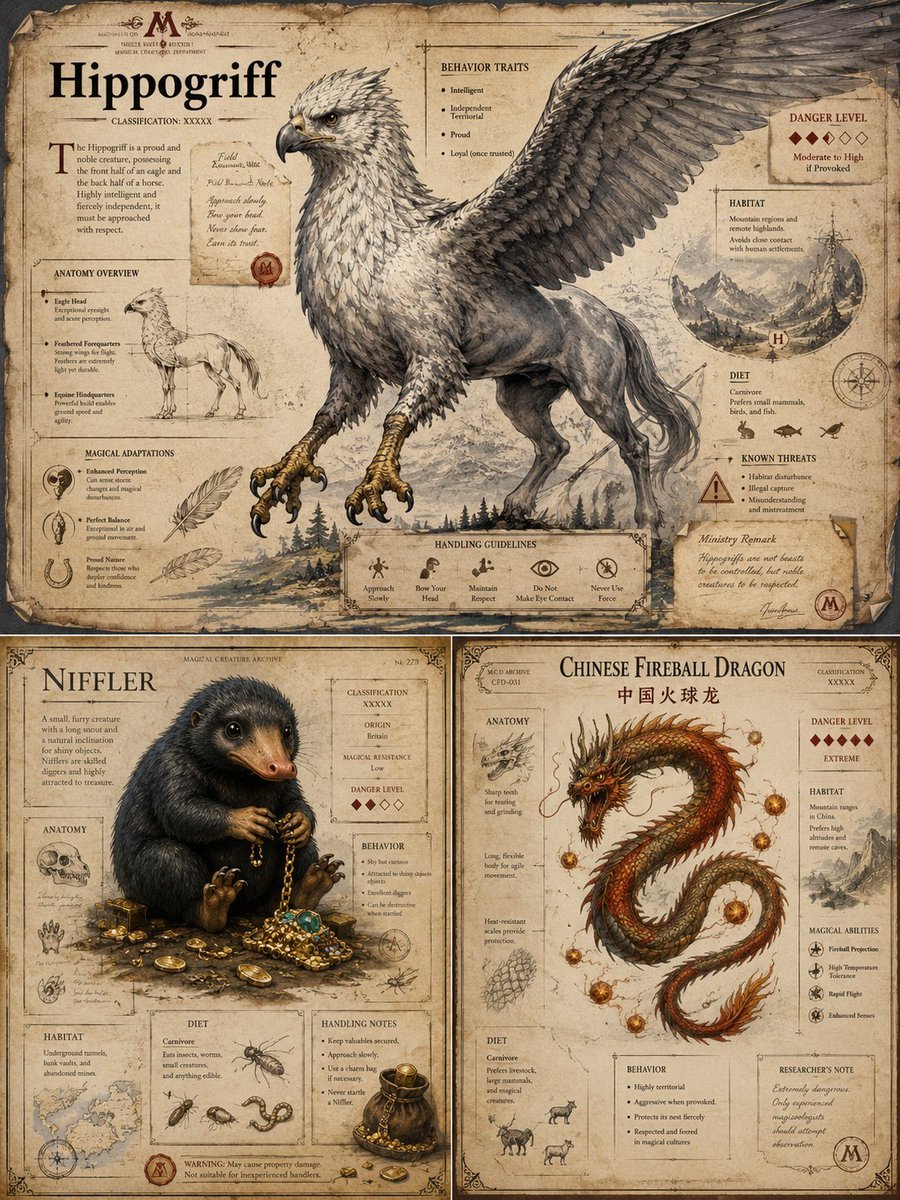
Magical Creature Bestiary Plates
Browse template categories
Futuristic Floating City at Sunset questions
How do I use the Futuristic Floating City at Sunset template?
Add your photo if the template asks for one, edit the prompt if you like — the template's model and format are already selected — and press Generate. Your version opens in PicX Studio.
Can I customize the Futuristic Floating City at Sunset template?
Yes. You can change the subject, setting, lighting, mood, format, and available model controls before creating your image.
Is the Futuristic Floating City at Sunset template free?
Opening and editing this template is free. Generating uses credits, shown on the Generate button when you are signed in.
Which AI model should I use?
Start with GPT Image 2, which is the model associated with this template. You can compare another compatible model for a different finish.
Looking for something else? Browse all templates.

Your photo, any look
Thousands of ready templates for every top image and video model, from one credit balance.