
Floating Google Services Portrait Poster
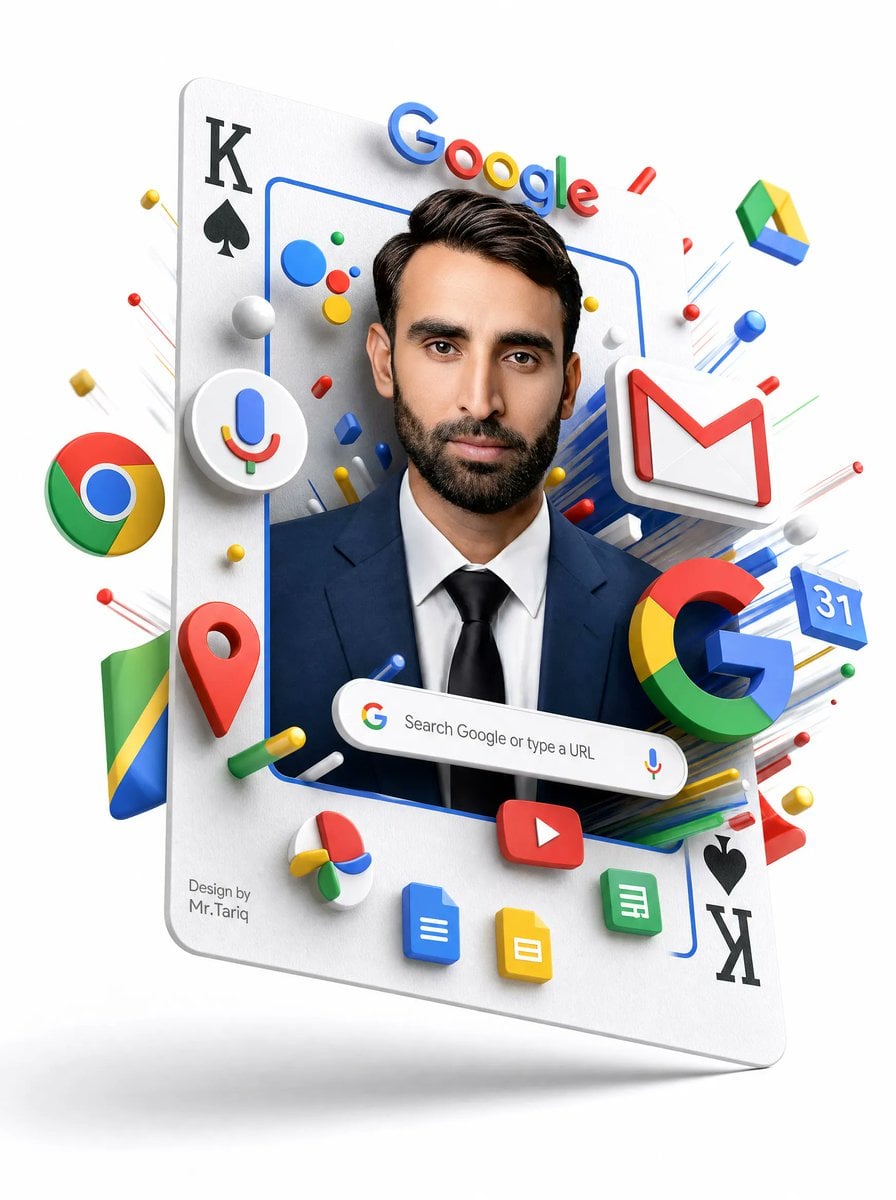
Generates a glossy 3D vertical poster of a masked business portrait embedded in a playing card surrounded by Google app icons.
- Prompt included
- Model and format preset
- Free template
The prompt behind this image
Copy the exact prompt behind Floating Google Services Portrait Poster, or open it in the studio and make it yours.
- Type
- 3D surreal Google services portrait poster
- Style
- clean white-background commercial 3D render, glossy plastic icons, realistic studio lighting, soft shadows, floating depth, high-detail advertising composition
- Main Subject › Description
- a floating oversized playing card tilted slightly backward, used as a vertical portrait frame
- Main Subject › Card Details › Top Left
- black K with black spade symbol
- Main Subject › Card Details › Bottom Right
- black spade symbol with black K, rotated upside down
- Main Subject › Card Details › Surface
- matte white paper texture with rounded corners and subtle thickness
- Main Subject › Portrait › Person
- front-facing professional man from chest up wearing a navy business suit, white shirt, and black tie
- Main Subject › Portrait › Face
- covered by a centered opaque rectangular blur/mask in medium warm brown, hiding all facial features
- Main Subject › Portrait › Hair
- dark neatly styled hair visible above the mask
- Main Subject › Portrait › Frame
- thin rounded blue rectangular outline around the portrait
- Visible Text › Google Wordmark
- Visible Text › Search Bar
- Search Google or type a URL
- Visible Text › Signature
- Design by Mr.Tariq
- Custom Parameters › Headline Brand Text
- {argument name="headline brand text" default="Google"}
- Custom Parameters › Search Bar Text
- {argument name="search bar text" default="Search Google or type a URL"}
- Custom Parameters › Signature Text
- {argument name="signature text" default="Design by Mr.Tariq"}
- Custom Parameters › Suit Color
- {argument name="suit color" default="navy blue"}
- Custom Parameters › Face Mask Color
- {argument name="face mask color" default="medium warm brown"}
- Layout › Centerpiece
- portrait framed inside the playing card, occupying the central vertical area
- Layout › Top
- large colorful Google wordmark floating above the person's head, casting small shadows
- Layout › Middle
- Google ecosystem icons burst outward around the portrait in layered 3D perspective
- Layout › Bottom
- rounded Google search bar floating across the chest area, with small Google G icon on the left and microphone icon on the right
- Layout › Background
- pure white empty studio background with faint floor shadow below the floating card
- Discrete Elements Count › Major Google Service Icons
- 11
Raw JSON
{"type":"3D surreal Google services portrait poster","style":"clean white-background commercial 3D render, glossy plastic icons, realistic studio lighting, soft shadows, floating depth, high-detail advertising composition","main_subject":{"description":"a floating oversized playing card tilted slightly backward, used as a vertical portrait frame","card_details":{"top_left":"black K with black spade symbol","bottom_right":"black spade symbol with black K, rotated upside down","surface":"matte white paper texture with rounded corners and subtle thickness"},"portrait":{"person":"front-facing professional man from chest up wearing a navy business suit, white shirt, and black tie","face":"covered by a centered opaque rectangular blur/mask in medium warm brown, hiding all facial features","hair":"dark neatly styled hair visible above the mask","frame":"thin rounded blue rectangular outline around the portrait"}},"visible_text":{"google_wordmark":"Google","search_bar":"Search Google or type a URL","signature":"Design by\nMr.Tariq"},"custom_parameters":{"headline brand text":"{argument name=\"headline brand text\" default=\"Google\"}","search bar text":"{argument name=\"search bar text\" default=\"Search Google or type a URL\"}","signature text":"{argument name=\"signature text\" default=\"Design by Mr.Tariq\"}","suit color":"{argument name=\"suit color\" default=\"navy blue\"}","face mask color":"{argument name=\"face mask color\" default=\"medium warm brown\"}"},"layout":{"centerpiece":"portrait framed inside the playing card, occupying the central vertical area","top":"large colorful Google wordmark floating above the person's head, casting small shadows","middle":"Google ecosystem icons burst outward around the portrait in layered 3D perspective","bottom":"rounded Google search bar floating across the chest area, with small Google G icon on the left and microphone icon on the right","background":"pure white empty studio background with faint floor shadow below the floating card"},"discrete_elements_count":{"major_google_service_icons":11,"major_google_service_icons_list":["Chrome logo sphere on the left", "Google Assistant microphone icon inside a white circular badge on the left", "Gmail white envelope with red M on the upper right", "Google Drive triangular icon floating upper right", "Google Maps red location pin lower left", "large multicolor Google G lower right", "Google Calendar blue tile showing 31 on the right", "YouTube red rounded rectangle play button near bottom center", "Google Docs blue document icon at bottom", "Google Slides yellow document icon at bottom", "Google Sheets green document icon at bottom right"],"playing_card_corner_markings":4,"playing_card_corner_markings_list":["top-left K", "top-left spade", "bottom-right spade", "bottom-right K"],"search_bar_components":3,"search_bar_components_list":["Google G icon", "search text", "microphone icon"],"small_decorative_objects":"many small red, blue, yellow, green and white spheres, capsules, rods, and streak lines radiating outward; do not make them readable labels"},"composition_instructions":"Create a polished, high-resolution vertical poster. Make the card appear to hover with a soft gray shadow beneath it. Use strong depth layering so icons protrude from the card and surround the portrait. Keep all logos crisp, colorful, and toy-like with beveled edges. Preserve the central face-obscuring rectangle exactly, while keeping hair, ears, suit, and tie visible. Avoid cluttering the background; all action should be concentrated around the floating card."}How to use Floating Google Services Portrait Poster in 3 steps
- 1Upload ImagePNG, JPG or paste
Add your photo
Upload the photo the template builds on. The prompt, model and format are already set.
- 2…a portrait of your subject in softgolden-hour light, 85mm…
Personalize
Edit the subject and creative details for your destination.
- 3Generate
Generate
Press Generate — your image is created in PicX Studio, so you can compare it with the original and refine one variable at a time.
More like this
Templates with the same subject, style or setup. Open one to see its prompt.

Google Gemini Nano Banana Pro

Couple Goals from the Google Gemini Nano

Found Photograph: Us, 1970

80s Couple Studio Portrait

80s Bollywood Star

80s Golden Hour Cinema

Me in 1985

1985 Studio Portrait

Hyper-Realistic Minecraft POV Portrait

Japan Travel Brochure Poster

Rooftop Fisheye — Cat-Ear Balaclava at Golden Hour

Floating Philippines Island Travel Portrait
Make it yours
Floating Google Services Portrait Poster works as-is. These are the safest ways to change it without losing the look.
Swap the setting
Keep the rest of the prompt and replace the location block. The current setting is “pure white empty studio background with faint floor shadow below the floating ca”.
Change one field
Copy a single group, rewrite it, and generate again so you can see what that field is doing.
Keep the frame, change the subject
Hold the composition and light of Floating Google Services Portrait Poster, then swap wardrobe, props or the person for a new take.
| If the result… | Why | Fix |
|---|---|---|
| The result drifts from the preview | Too many fields changed at once. | Reuse Floating Google Services Portrait Poster as-is first, then change one group — subject, light, or setting. |
| GPT Image 2 ignores part of the JSON | Some models flatten or skip nested keys. | Keep the same values and paste them as a short paragraph instead. |
More GPT Image 2 templates
Other prompts made for GPT Image 2.

Six VTuber Japanese Logo Sheet

Realistic Portrait of Woman and Deer

The Vista Modular Condo Poster

AI Model Routing Comparison Infographic

2.5D Anime Art Board

Isometric Productivity Desk Scene

New York Double Exposure Poster

Four-Panel AI Landscape Comparison

Japanese Tatami Lifestyle Magazine Cover

NESCAFÉ Coffee Map Poster
More image prompts
Fresh picks from across the catalog.

Red Carpet Premiere Gala Prompt (Multilingual)
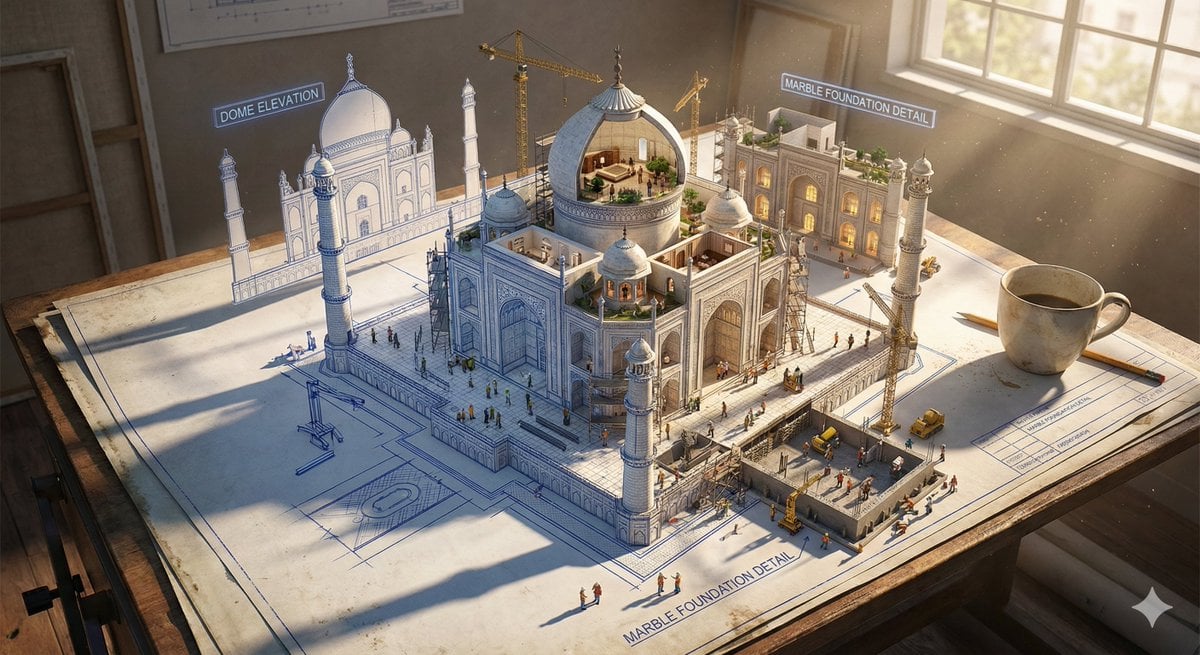
Epic 3D Architectural Blueprint Construction Scene

Contemplative Window View Portrait

Character Consistency in Kyoto Setting
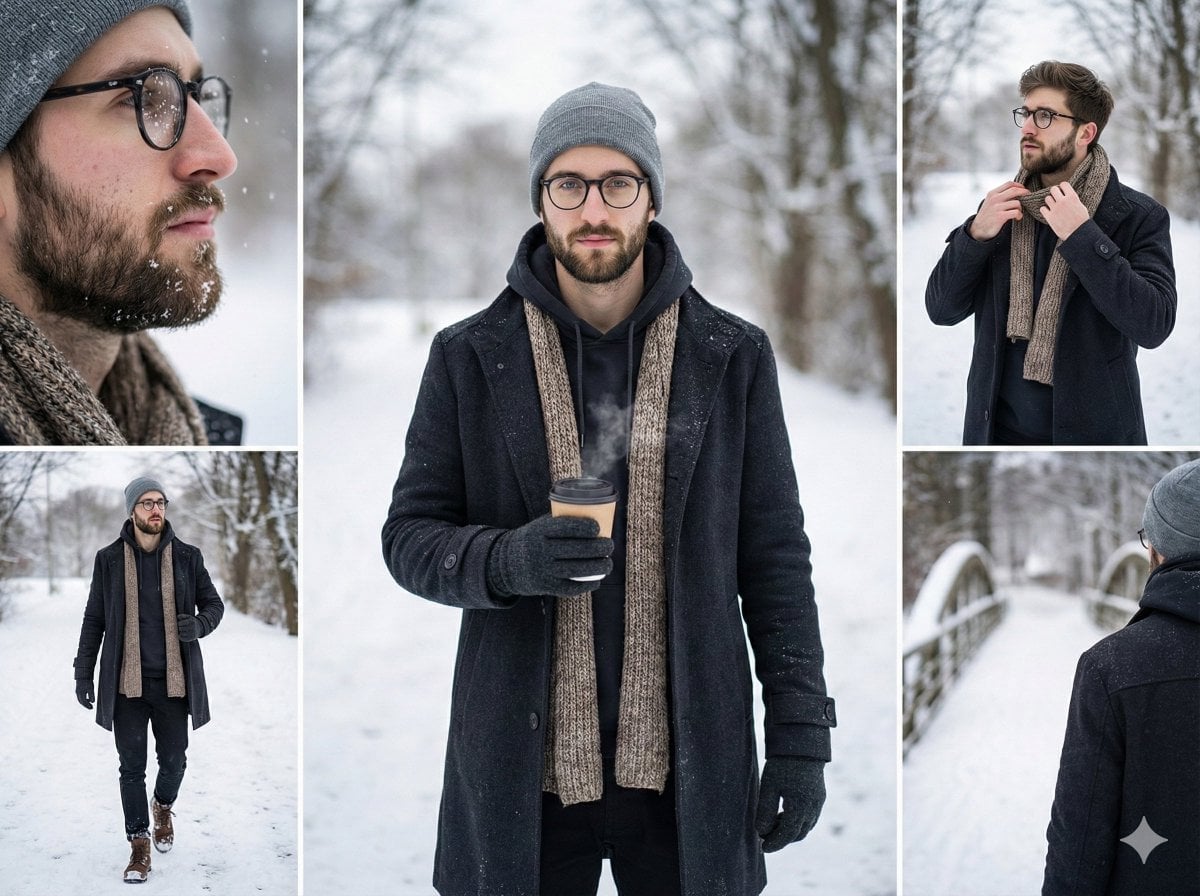
Multi-Shot Cinematic Fashion Collage in Winter
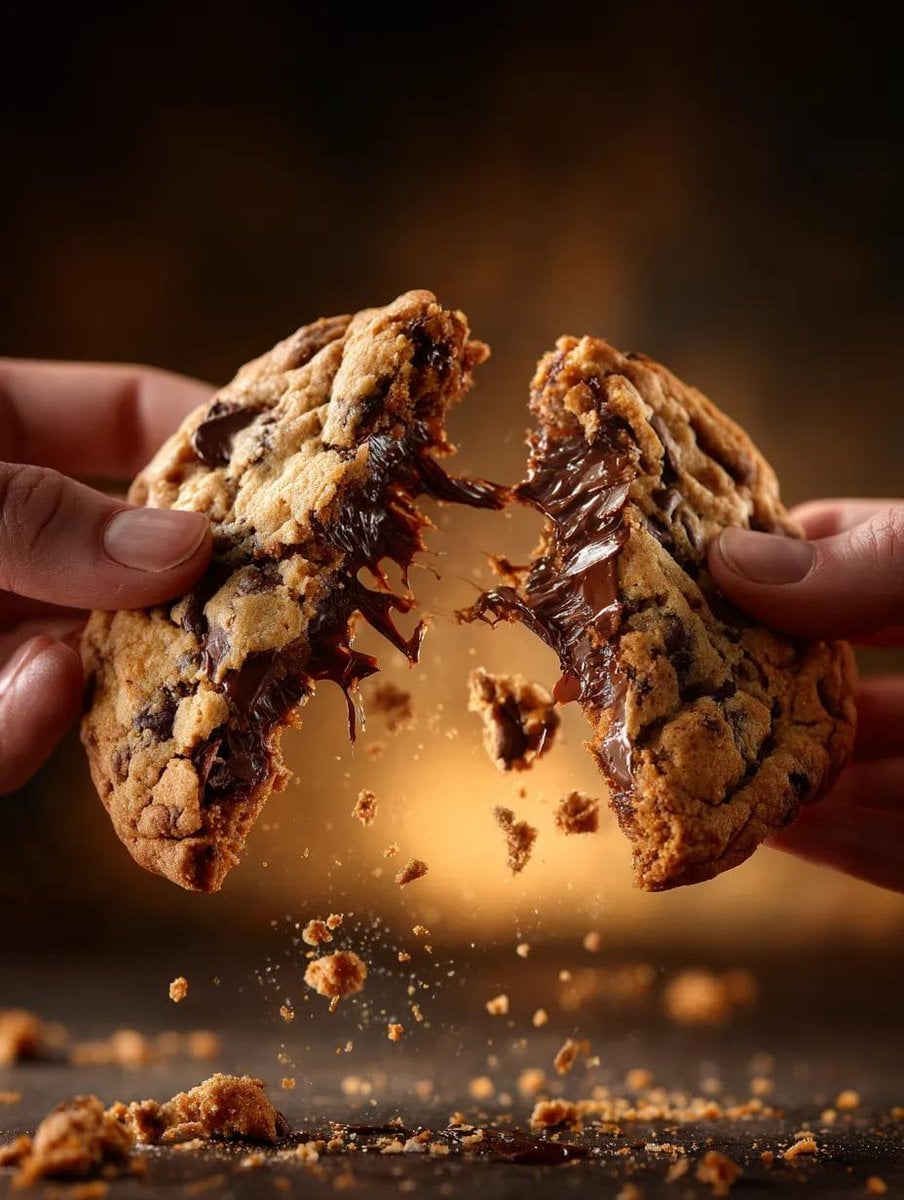
Food Action Photography Prompts for Melted Cheese and Gooey Textures
Realistic McDonald's Selfie Portrait
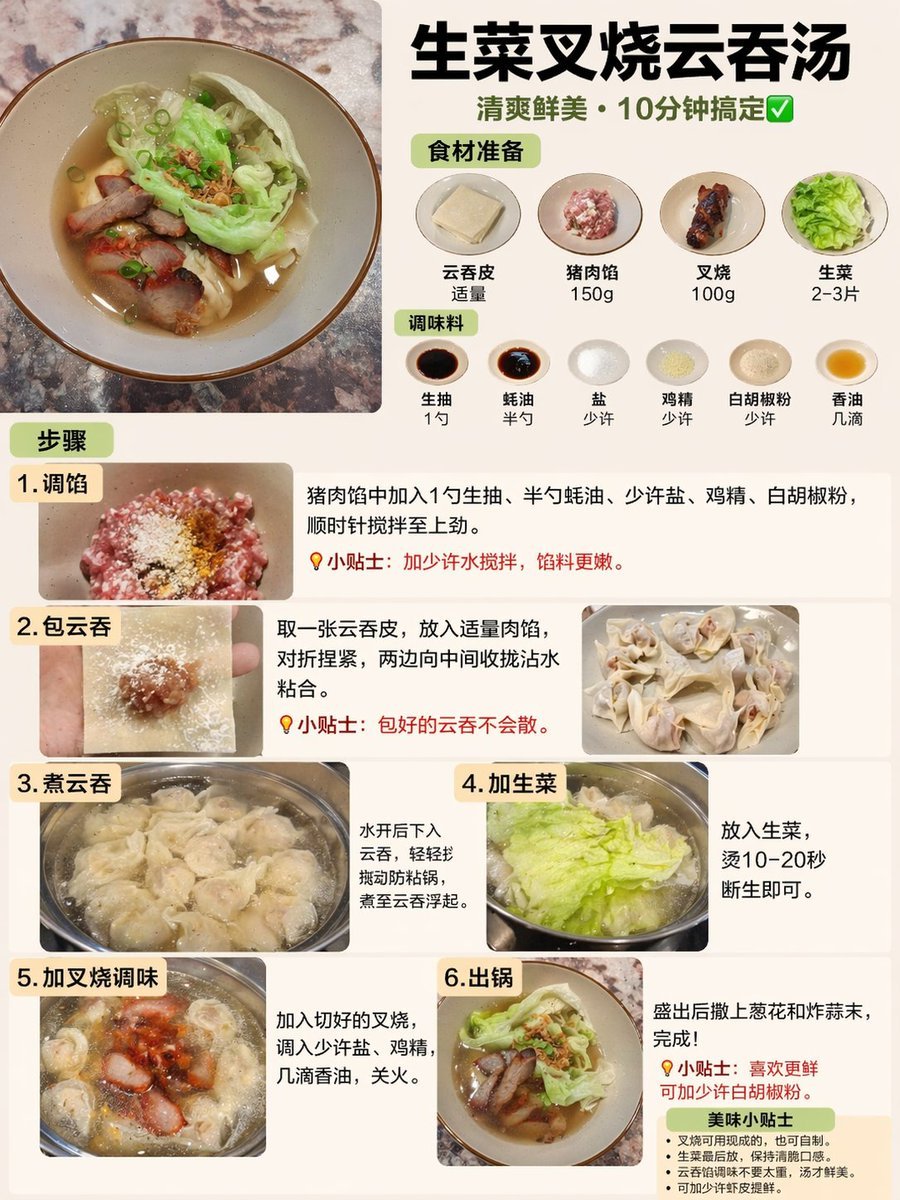
Educational Textbook Cover Design
Smartphone Screen Stepping Out Optical Illusion Prompt
Futuristic Apple Campaign Concept
Browse template categories
Floating Google Services Portrait Poster questions
How do I use the Floating Google Services Portrait Poster template?
Add your photo if the template asks for one, edit the prompt if you like — the template's model and format are already selected — and press Generate. Your version opens in PicX Studio.
Can I customize the Floating Google Services Portrait Poster template?
Yes. You can change the subject, setting, lighting, mood, format, and available model controls before creating your image.
Is the Floating Google Services Portrait Poster template free?
Opening and editing this template is free. Generating uses credits, shown on the Generate button when you are signed in.
Which AI model should I use?
Start with GPT Image 2, which is the model associated with this template. You can compare another compatible model for a different finish.
Looking for something else? Browse all templates.

Your photo, any look
Thousands of ready templates for every top image and video model, from one credit balance.