
Red Carpet Premiere Gala Prompt (Multilingual)
A highly structured JSON prompt, written partially in English and Hindi/Urdu (using terms like 'Sunehri', 'Gehra Surkh', 'Meethi muskurahat'), designed to generate an image of three women (Sadie Sink and Ana de Armas…

- Prompt included
- Model and format preset
- Free template
The prompt behind this image
Copy the exact prompt behind Red Carpet Premiere Gala Prompt (Multilingual), or open it in the studio and make it yours.
{ "event_details": { "name": "Première Gala Event", "theme": "Grand Red Carpet", "ambience": "Luxurious, glamorous, aur high-energy", "confetti_color": "Sunehri (Gold)" }, "main_subjects": [ { "id": 1, "position": "Left", "facial_expression": "Meethi muskurahat", "hair_style": "Wavy blonde bob", "outfit": { "color": "{argument name="dress color 1" default="Burgundy / Gehra Surkh"}", "style": "Off-the-shoulder, floor-length ball gown", "fabric_texture": "Satin aur chiffon ka imtizaj" }, "jewelry": "Chote sunehri jhumke aur rings" }, { "id": 2, "position": "Center", "facial_expression": "Pur-aitamaad aur khush-akhlaq", "hair_style": "Sleek back-tied bun (siyah baal)", "outfit": { "color": "{argument name="dress color 2" default="Classic Bright Red"}", "style": "V-neck, sleeveless, high-slit wrap gown", "footwear": "Golden high-heeled sandals" }, "posture": "Hathon ko side par rakha hua hai" }, { "id": 3, "position": "Right", "facial_expression": "Sharmili muskurahat", "hair_style": "Lambe surkh (Ginger/Red) wavy baal", "outfit": { "color": "{argument name="dress color 3" default="Vibrant Red"}", "style": "Full-sleeve lace top gown", "details": "Dress par floral lace ka kaam hai" } } ], "background_elements": { "backdrop": "Surkh makhfali (velvet) parda", "typography": "Golden 'PREMIÈRE' text aur stylized logo", "media_presence": "Professional photographers ka ek bada group jo cameras aur flashes ke saath khara hai", "lighting": [ "Spotlights jo oopar se aa rahi hain", "Multiple camera flashes ki roshni" ] }, "technical_aspects": { "composition": "Eye-level portrait", "focus": "Teeno khawateen par sharp focus, background halka blurred", "color_palette": "Ziyada tar Surkh (Red) aur Sunehri (Gold)" } }
How to use Red Carpet Premiere Gala Prompt (Multilingual) in 3 steps
- 1
Open
The prompt is already in the box next to the preview, with the template's model and format selected.
- 2…a portrait of your subject in softgolden-hour light, 85mm…
Personalize
Edit the subject and creative details for your destination.
- 3Generate
Generate
Press Generate — your image is created in PicX Studio, so you can compare it with the original and refine one variable at a time.
More like this
Templates with the same subject, style or setup. Open one to see its prompt.



Make it yours
Red Carpet Premiere Gala Prompt (Multilingual) works as-is. These are the safest ways to change it without losing the look.
Change one field
Copy a single group, rewrite it, and generate again so you can see what that field is doing.
Keep the frame, change the subject
Hold the composition and light of Red Carpet Premiere Gala Prompt (Multilingual), then swap wardrobe, props or the person for a new take.
| If the result… | Why | Fix |
|---|---|---|
| The result drifts from the preview | Too many fields changed at once. | Reuse Red Carpet Premiere Gala Prompt (Multilingual) as-is first, then change one group — subject, light, or setting. |
| The model over-stylizes the scene | The prose prompt leaves finish and camera underspecified. | Add one camera or lighting sentence and stay on Nano Banana 2. |
More Nano Banana 2 templates
Other prompts made for Nano Banana 2.

Photorealistic Leaf Shaped Like a Dragon

K-Pop Idol Portrait Grid for Rapid Selection

Poetic Rain Forest Portrait During Golden Hour

Urban Street Portrait with Cartoon Inner Self Duo

Candid Nighttime Photo with Cat Prompt

High-Concept 3D Diorama Generation Prompt

Cinematic Futuristic Studio Portrait Template

Skincare Editorial Photography Collage Prompt

Hyper-Realistic Commercial Product Photography (Splash Effect)

Hyper-Realistic Nightclub Portrait Prompt
More image prompts
Fresh picks from across the catalog.
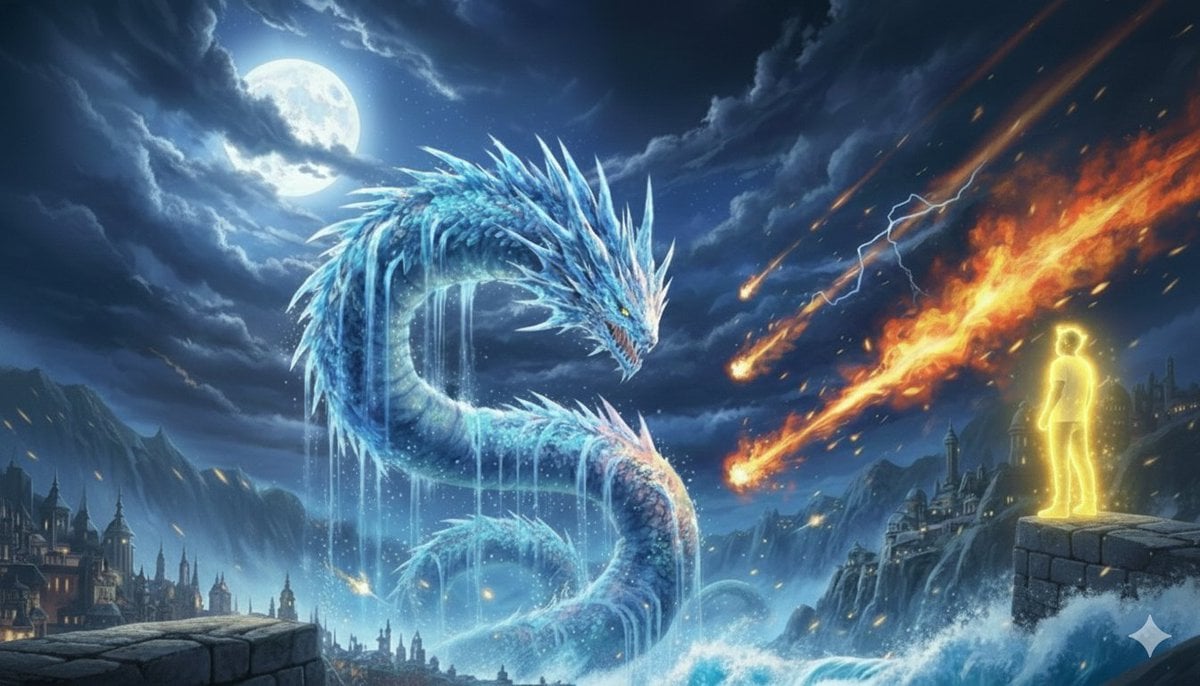
Image Generation Prompt: Nishimura Mizuki and Leviathan
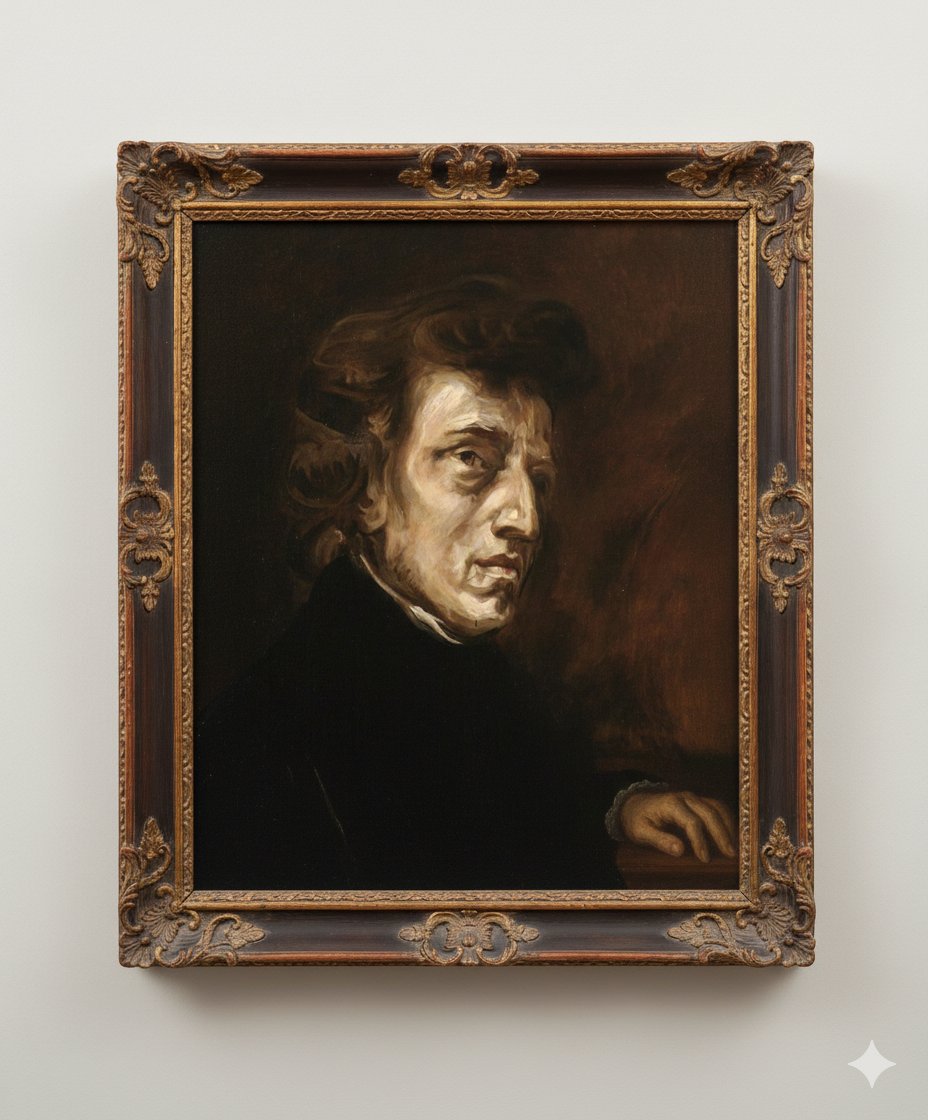
Image Generation Prompt: Altering a Chopin Painting
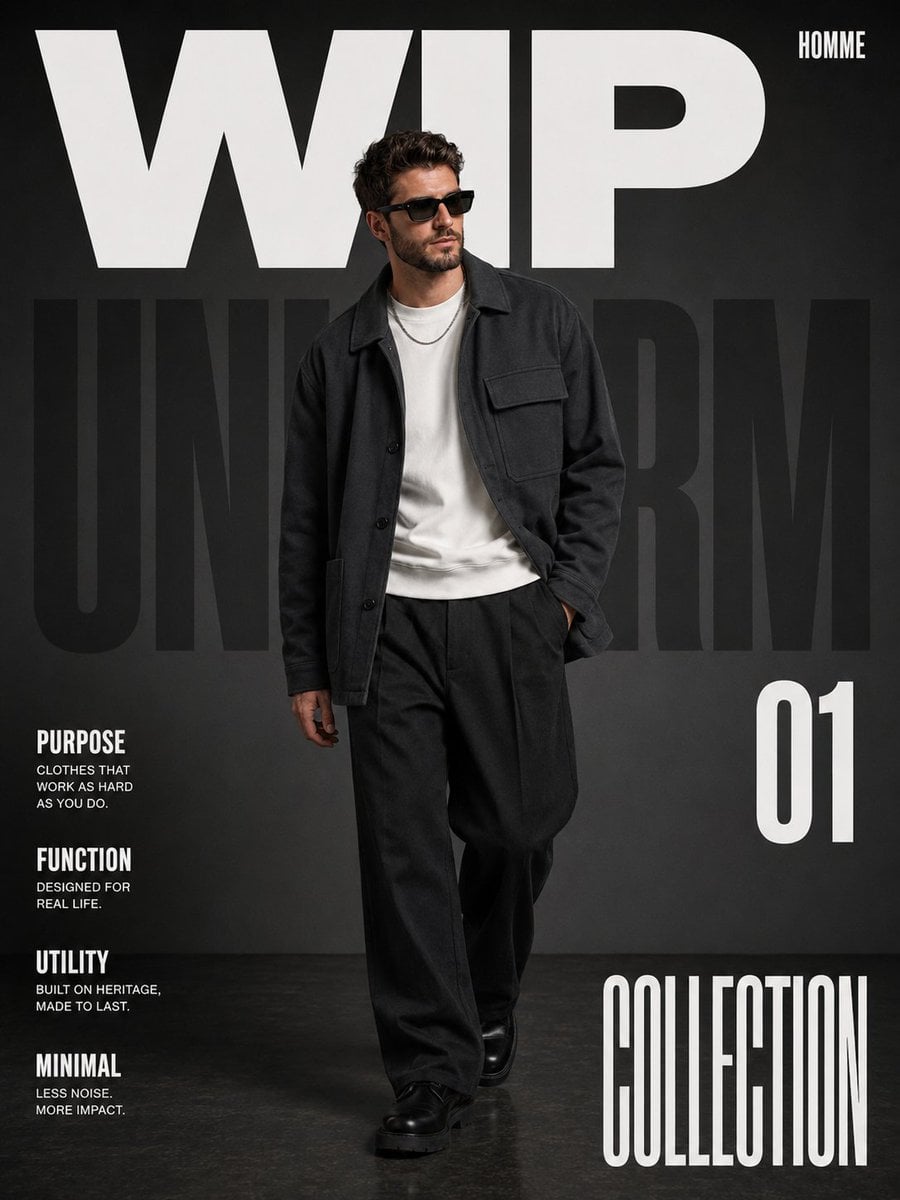
Premium Editorial Fashion Magazine
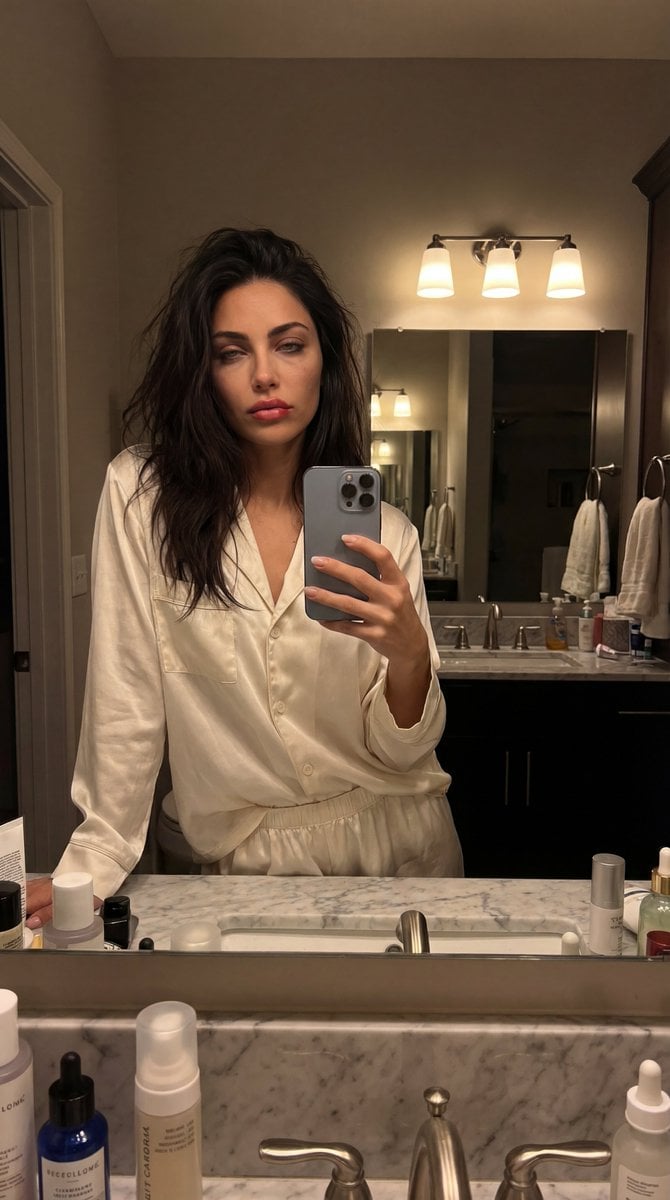
Intimate Bathroom Mirror Selfie

Japanese Company Setup Landing Page
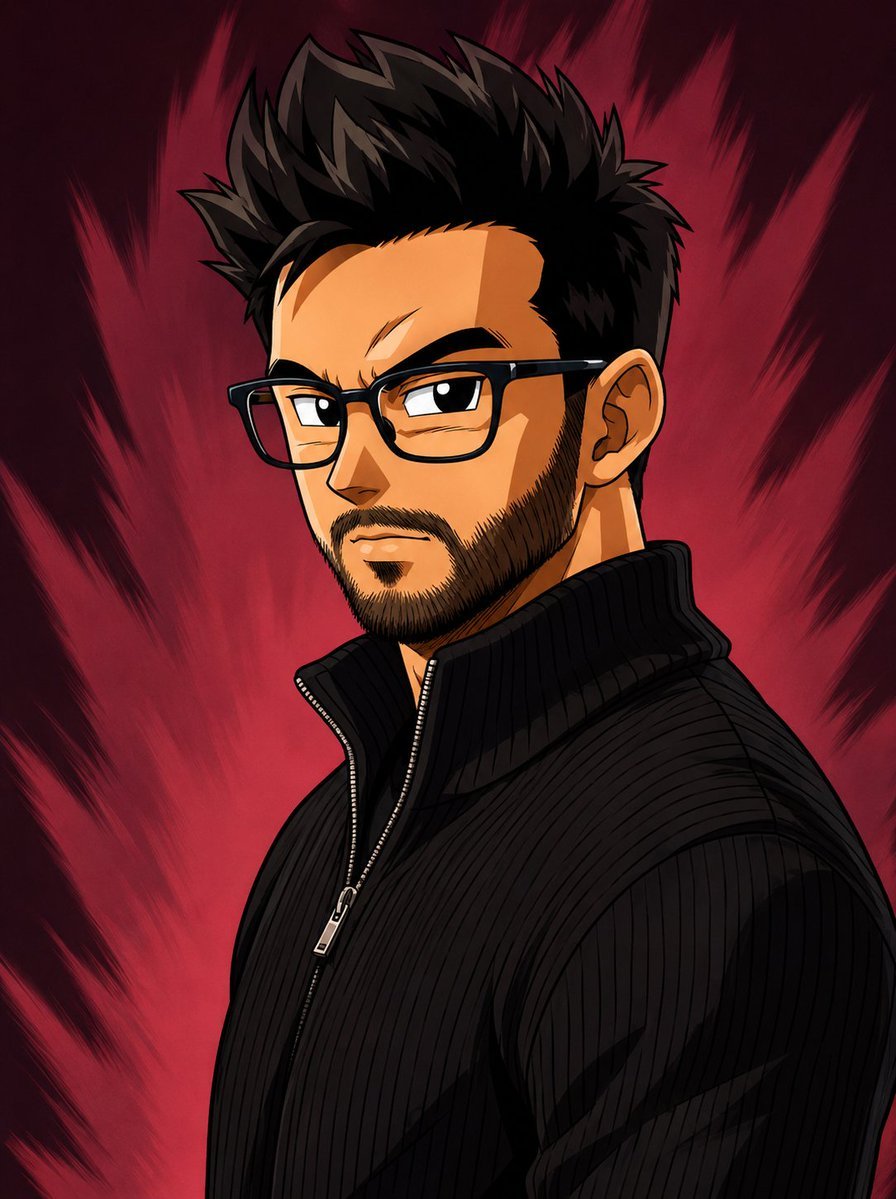
Dragon Ball Art Style Transformation
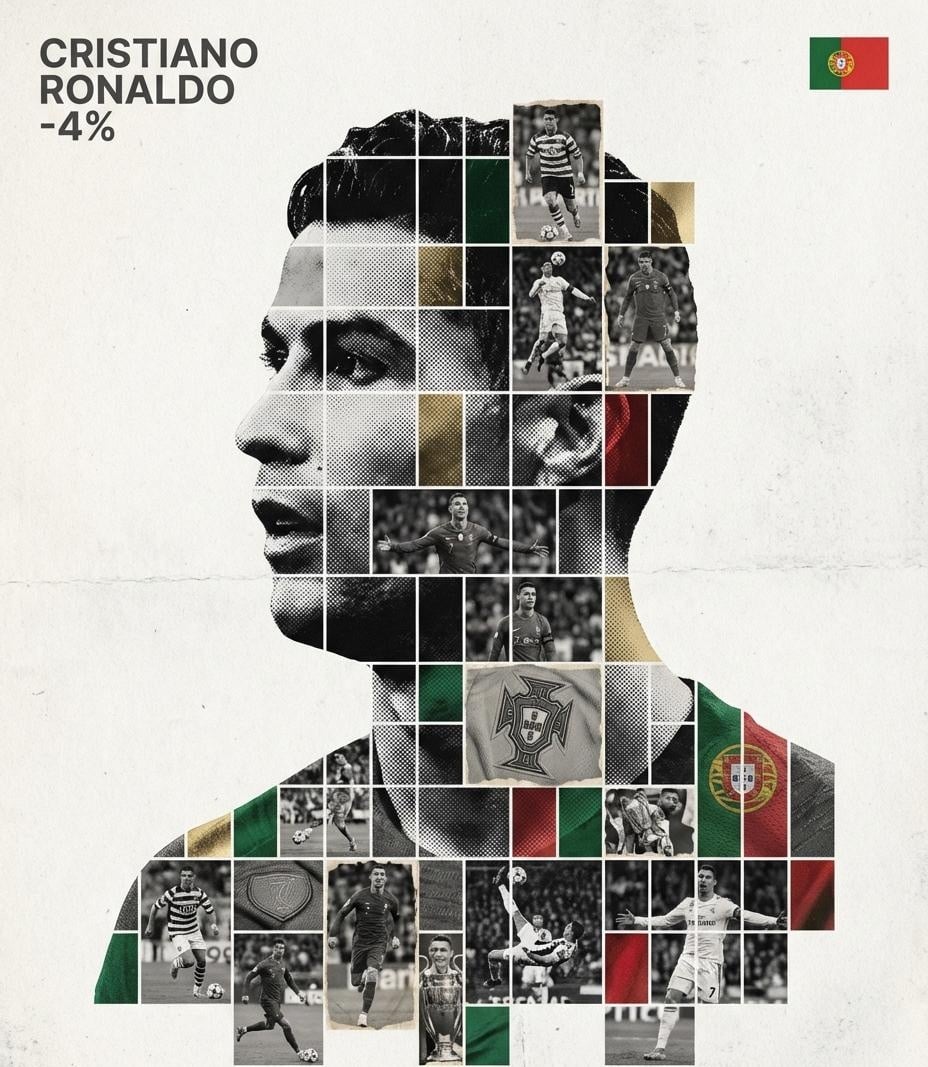
Gallery-Quality Tribute Poster with Textured Photo Mosaic Silhouette
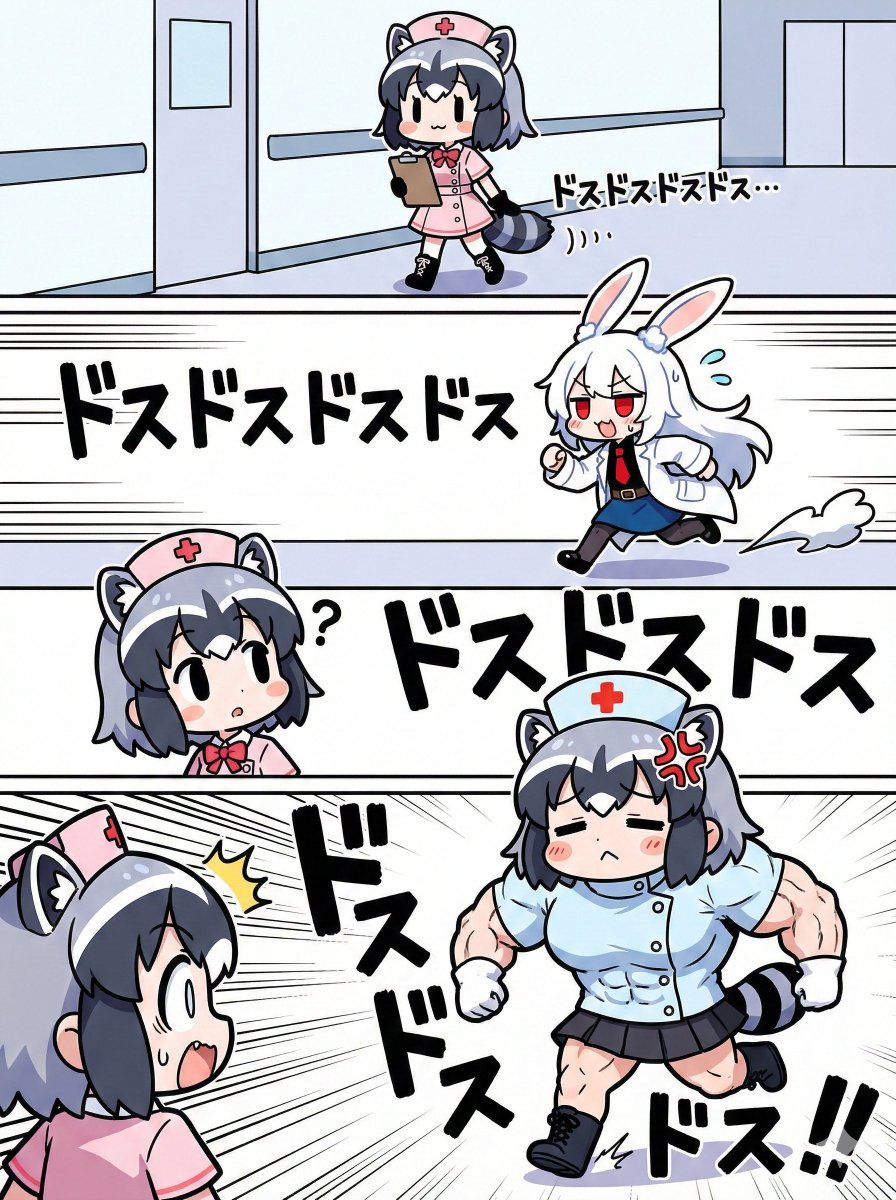
Nano Banana Pro Image Generation Prompt for Sunecat
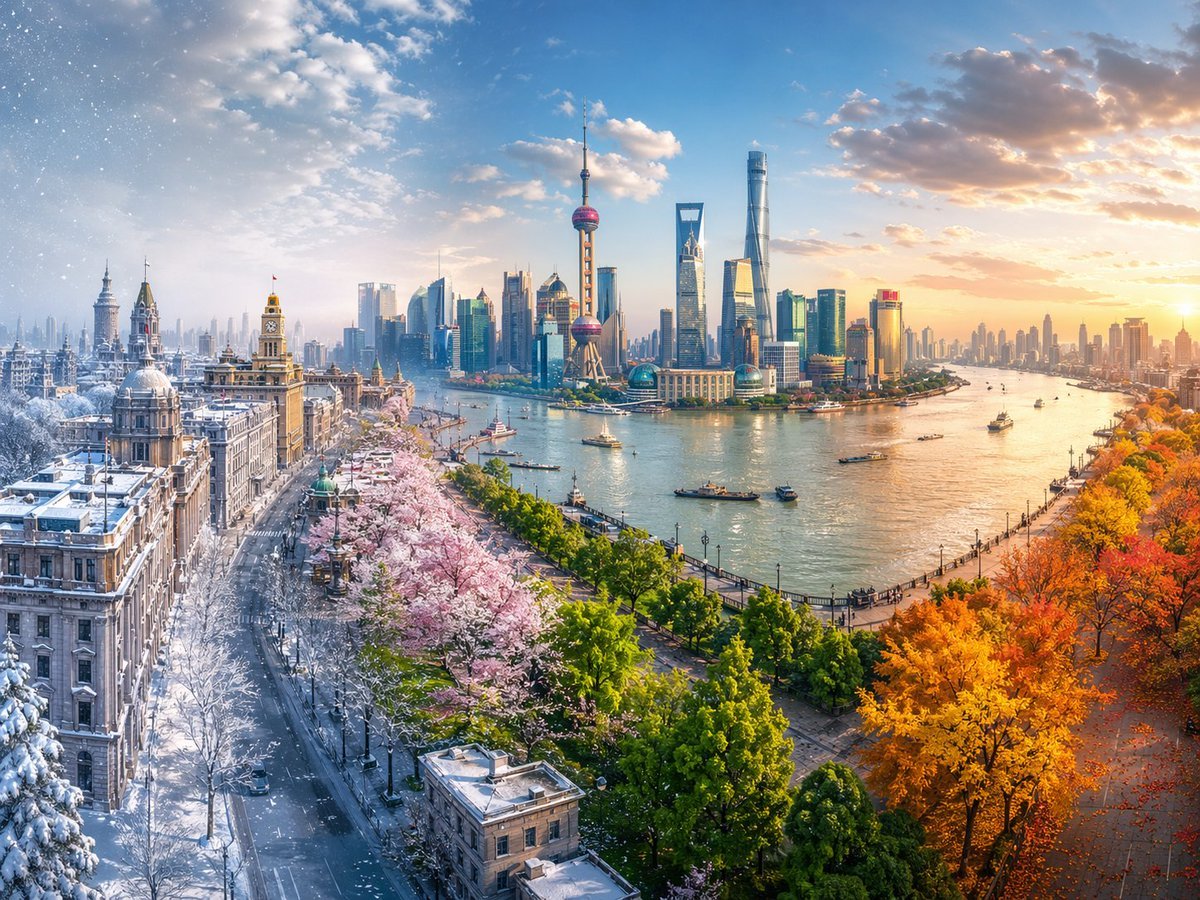
Four Seasons Continuous Panorama
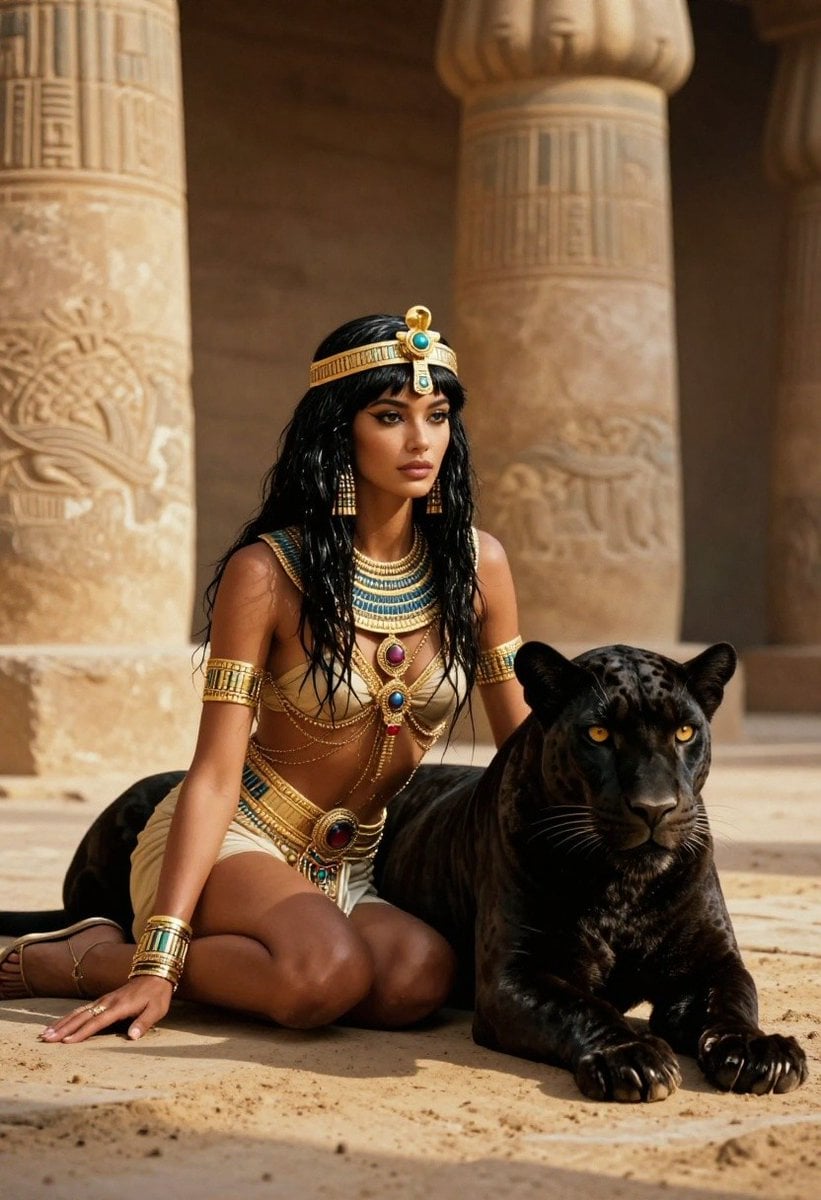
Ancient Egyptian Queen with Black Panther
Browse template categories
Red Carpet Premiere Gala Prompt (Multilingual) questions
How do I use the Red Carpet Premiere Gala Prompt (Multilingual) template?
Add your photo if the template asks for one, edit the prompt if you like — the template's model and format are already selected — and press Generate. Your version opens in PicX Studio.
Can I customize the Red Carpet Premiere Gala Prompt (Multilingual) template?
Yes. You can change the subject, setting, lighting, mood, format, and available model controls before creating your image.
Is the Red Carpet Premiere Gala Prompt (Multilingual) template free?
Opening and editing this template is free. Generating uses credits, shown on the Generate button when you are signed in.
Which AI model should I use?
Start with Nano Banana 2, which is the model associated with this template. You can compare another compatible model for a different finish.
Looking for something else? Browse all templates.

Your photo, any look
Thousands of ready templates for every top image and video model, from one credit balance.