
Poetic Rain Forest Portrait During Golden Hour
A highly detailed JSON prompt for generating a cinematic, intimate portrait of a young woman sitting in a lush forest clearing during a light rain.

- Prompt included
- Model and format preset
- Free template
The prompt behind this image
Copy the exact prompt behind Poetic Rain Forest Portrait During Golden Hour, or open it in the studio and make it yours.
{ "scene_type": "soft rain forest portrait, golden hour light filtering through trees", "camera_perspective": { "description": "cinematic portrait photography, eye-level to slightly low angle", "focus": "sharp focus on her face and upper body, forest background softly blurred", "what_we_see": "her upper body, shoulders, chest, crossed legs, rain falling through light" }, "subject": { "action": "sitting calmly in the forest during light rain, head tilted slightly upward toward the falling rain", "pose": "relaxed seated pose, shoulders soft, torso subtly angled toward camera, posture open and natural", "expression": "mouth slightly parted, eyes lifted upward toward the rain, a gentle satisfied expression suggesting she enjoys getting wet", "physical": { "age": "early 20s", "body": "soft curvy build, natural proportions, feminine curves visible but understated", "hair": "long natural red hair, wet and clinging to neck and shoulders, strands sticking softly to skin", "skin": "very fair pale skin with freckles across face, shoulders, and arms, dewy from rain", "eyes": "green" }, "outfit": { "dress": { "type": "light summer dress", "style": "white, thin fabric, delicate and flowing", "straps": "thin shoulder straps", "fit": "fabric clings slightly due to rain, subtly defining her chest and waist in a tasteful, natural way", "neckline": "soft V-neck that gently emphasizes her chest without being explicit", "length": "above the knee" } }, "hands": { "one_hand": "lightly touching collarbone or strap", "other_hand": "resting loosely on lap" } }, "environment": { "location": "lush forest clearing", "weather": "light rain falling through trees", "background": "tall trees, green foliage, soft bokeh highlights from sunlight", "ground": "ferns and forest floor vegetation", "lighting": "warm golden sunlight breaking through clouds and trees, mixing with rain for glowing highlights" }, "camera": { "type": "cinematic portrait lens", "framing": "mid-thigh to head", "depth_of_field": "shallow, creamy background blur", "aspect": "2:3 or 3:4", "quality": "high realism, film-like texture" }, "realism_details": { "skin": "natural texture visible, freckles emphasized by moisture, soft sheen from rain", "fabric": "dress slightly translucent where wet, fabric folds visible, clinging naturally", "hair": "wet strands unevenly placed, not styled", "rain": "individual raindrops visible in foreground and background", "emotion": "calm, intimate, content" }, "vibe": "soft sensuality, natural femininity, peaceful enjoyment of rain, poetic and intimate rather than posed, a quiet beautiful moment" }
How to use Poetic Rain Forest Portrait During Golden Hour in 3 steps
- 1
Open
The prompt is already in the box next to the preview, with the template's model and format selected.
- 2…a portrait of your subject in softgolden-hour light, 85mm…
Personalize
Edit the subject and creative details for your destination.
- 3Generate
Generate
Press Generate — your image is created in PicX Studio, so you can compare it with the original and refine one variable at a time.
More like this
Templates with the same subject, style or setup. Open one to see its prompt.

80s Golden Hour Cinema

Rooftop Fisheye — Cat-Ear Balaclava at Golden Hour

Rainy Café Window Moody Portrait

Enchanted Forest Root Kiss Scene By Nano

Cinematic Golden Hour Garden Portrait

Cinematic Golden Hour Urban Portrait

Golden Hour Redhead Portrait

Golden Hour Cinematic Boss Energy Portrait

Golden Hour Cinematic Portrait
Golden Hour Daisy Field Portrait
Golden Hour Rose Portrait

Golden Hour Korean Classroom Portrait
Make it yours
Poetic Rain Forest Portrait During Golden Hour works as-is. These are the safest ways to change it without losing the look.
Change one field
Copy a single group, rewrite it, and generate again so you can see what that field is doing.
Keep the frame, change the subject
Hold the composition and light of Poetic Rain Forest Portrait During Golden Hour, then swap wardrobe, props or the person for a new take.
| If the result… | Why | Fix |
|---|---|---|
| The result drifts from the preview | Too many fields changed at once. | Reuse Poetic Rain Forest Portrait During Golden Hour as-is first, then change one group — subject, light, or setting. |
| The model over-stylizes the scene | The prose prompt leaves finish and camera underspecified. | Add one camera or lighting sentence and stay on Nano Banana 2. |
More Nano Banana 2 templates
Other prompts made for Nano Banana 2.

Photorealistic Leaf Shaped Like a Dragon

K-Pop Idol Portrait Grid for Rapid Selection

Urban Street Portrait with Cartoon Inner Self Duo

Candid Nighttime Photo with Cat Prompt

High-Concept 3D Diorama Generation Prompt

Cinematic Futuristic Studio Portrait Template

Skincare Editorial Photography Collage Prompt

Hyper-Realistic Commercial Product Photography (Splash Effect)

Hyper-Realistic Nightclub Portrait Prompt

Cinematic Urban Rain Scene Prompt (Neo-Noir)
More image prompts
Fresh picks from across the catalog.
Cinematic Winter Forest Portrait Prompt
Vintage Bollywood Editorial Portrait

Anti-AI Villainess Manga Poster
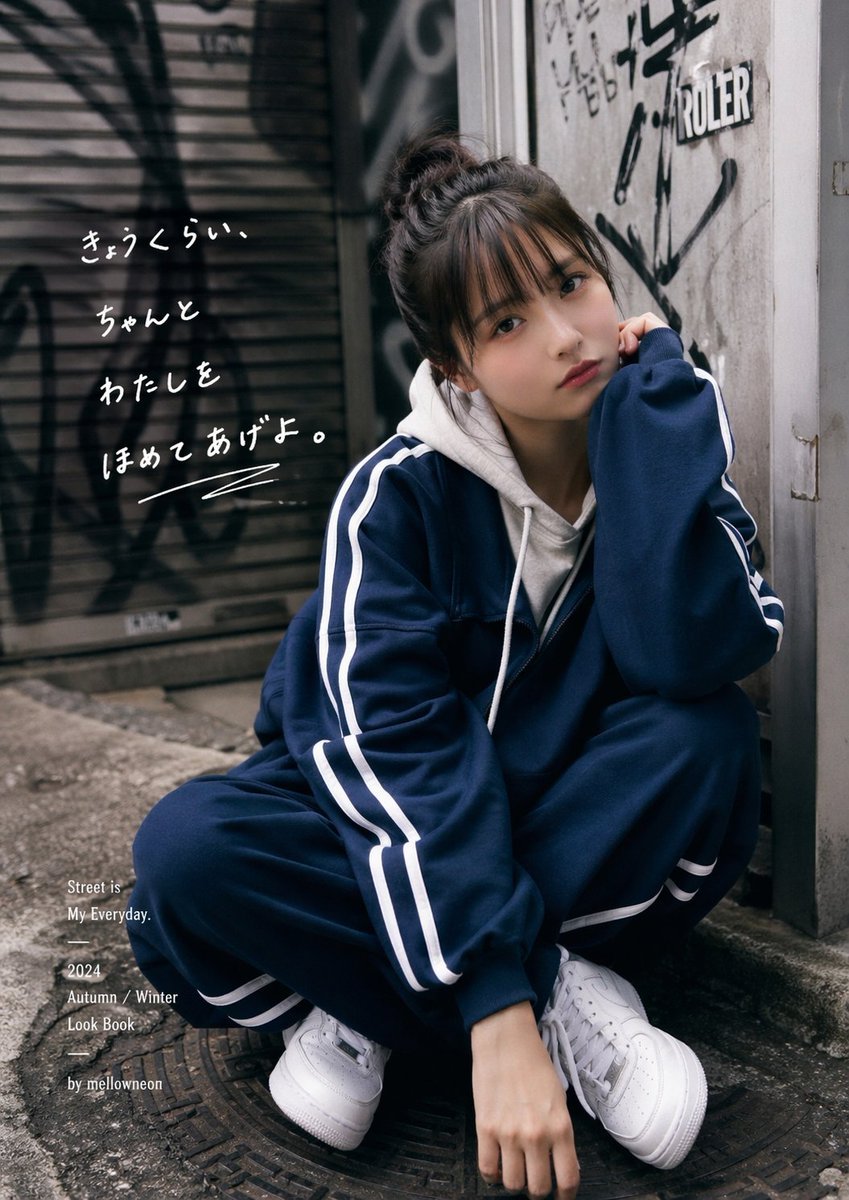
Urban Japanese Streetwear Lookbook Portrait

Template Prompt for High-Resolution AI Art

Fantasy Christmas Sleigh Pulled by Wolves
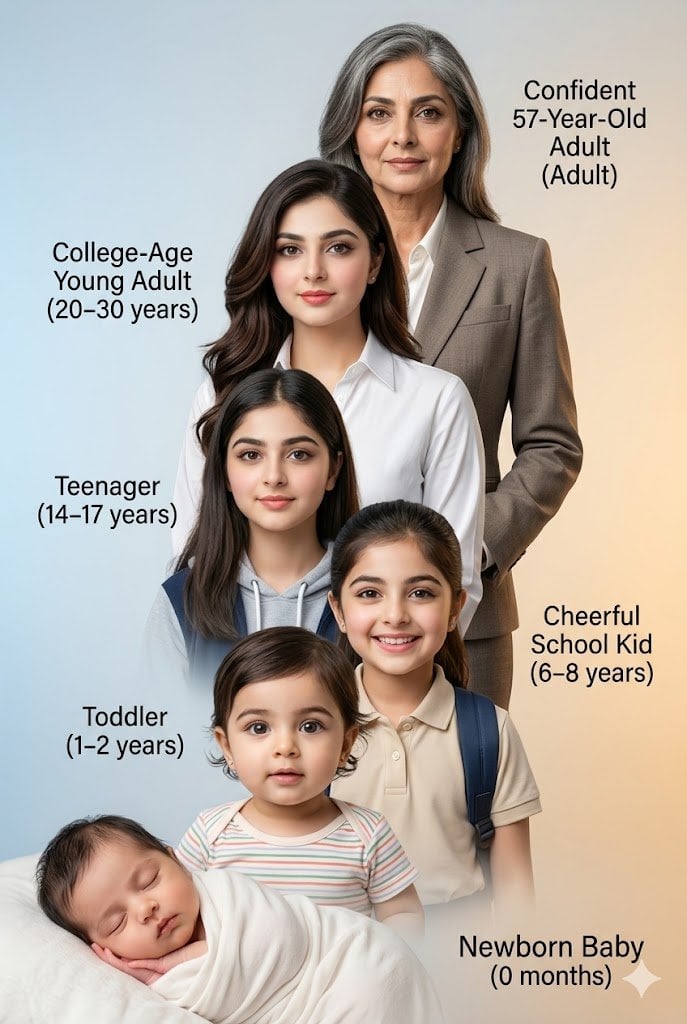
Human Life Progression Composite
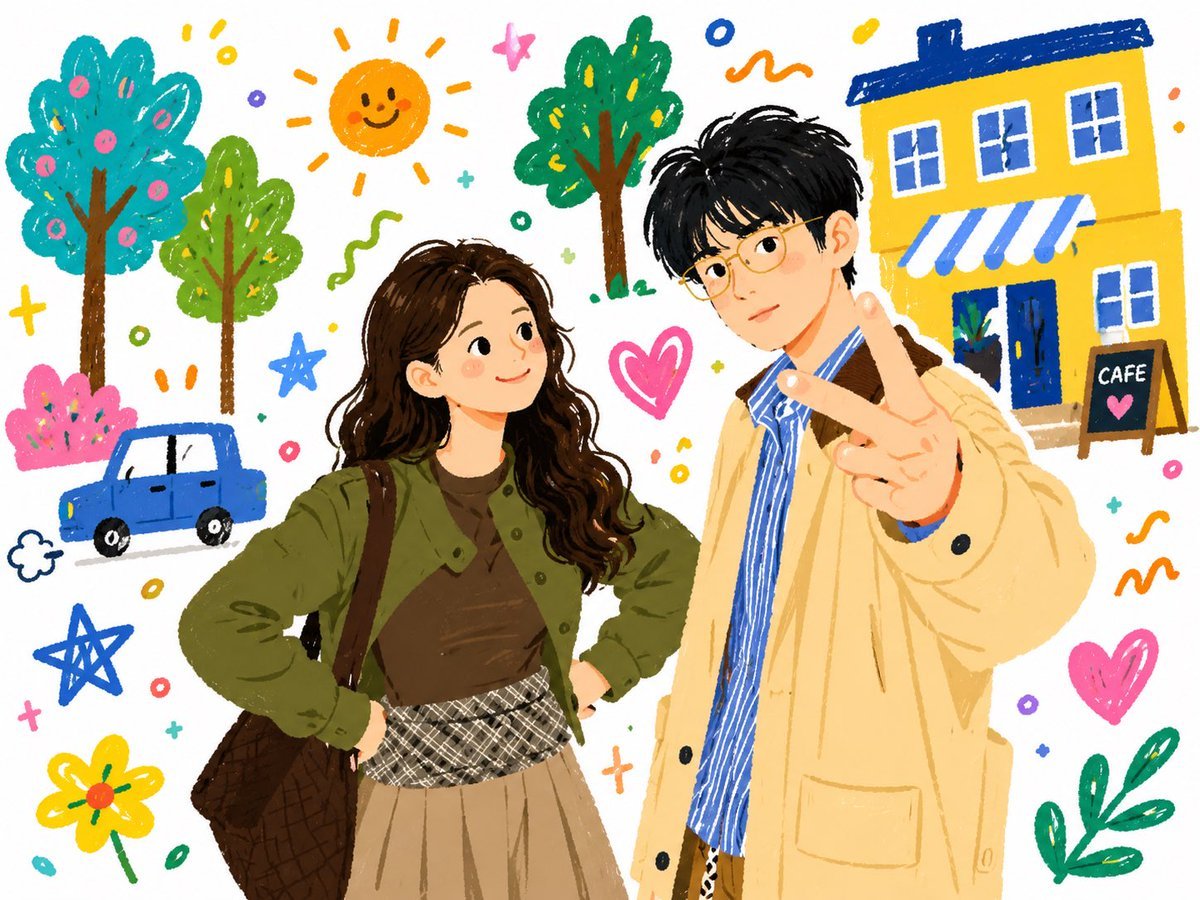
Doodle Couple Diary Illustration
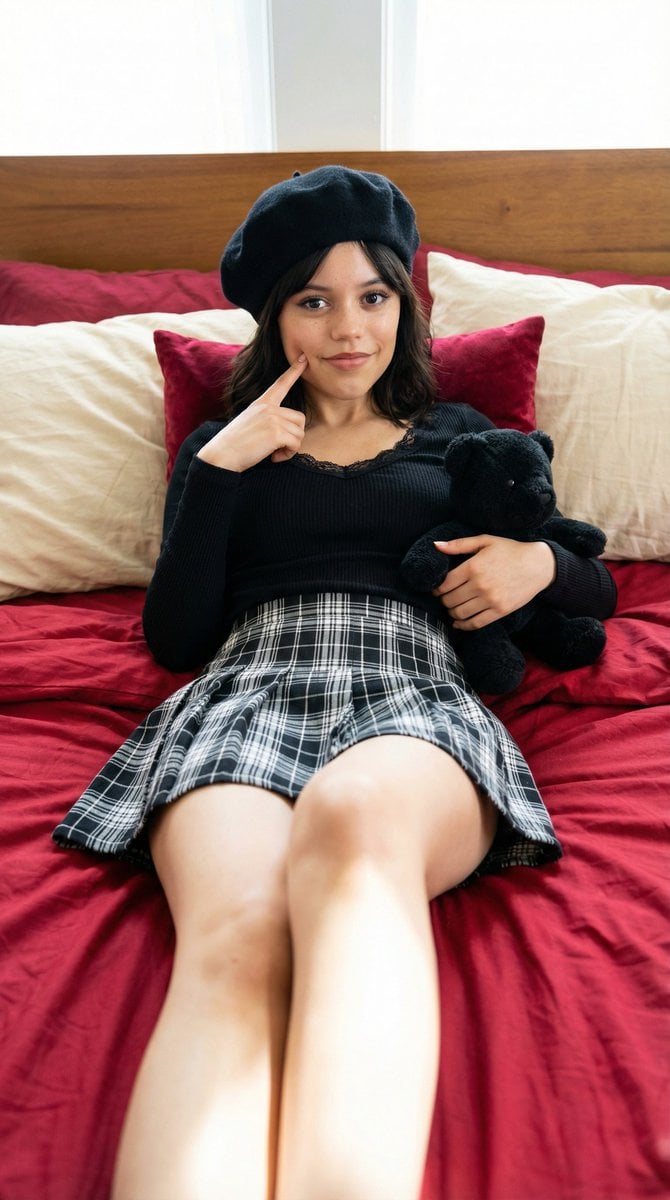
Photorealistic Portrait of a Young Woman on a Bed with a Teddy Bear
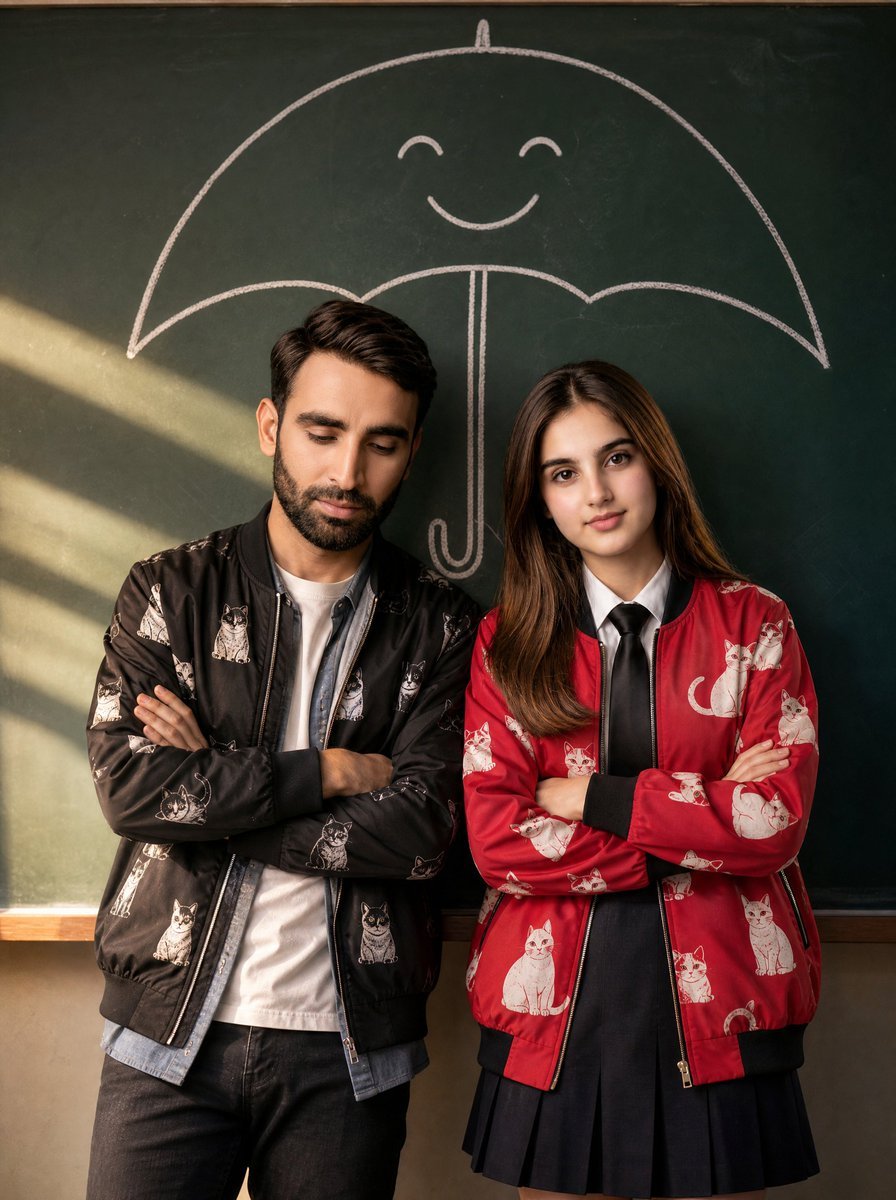
Korean Drama Style Classroom Portrait
Browse template categories
Poetic Rain Forest Portrait During Golden Hour questions
How do I use the Poetic Rain Forest Portrait During Golden Hour template?
Add your photo if the template asks for one, edit the prompt if you like — the template's model and format are already selected — and press Generate. Your version opens in PicX Studio.
Can I customize the Poetic Rain Forest Portrait During Golden Hour template?
Yes. You can change the subject, setting, lighting, mood, format, and available model controls before creating your image.
Is the Poetic Rain Forest Portrait During Golden Hour template free?
Opening and editing this template is free. Generating uses credits, shown on the Generate button when you are signed in.
Which AI model should I use?
Start with Nano Banana 2, which is the model associated with this template. You can compare another compatible model for a different finish.
Looking for something else? Browse all templates.

Your photo, any look
Thousands of ready templates for every top image and video model, from one credit balance.