
Cinematic Golden Hour Urban Portrait
A highly detailed prompt for a cinematic fashion portrait set in a city street during golden hour, emphasizing realistic skin textures and warm filmic lighting.
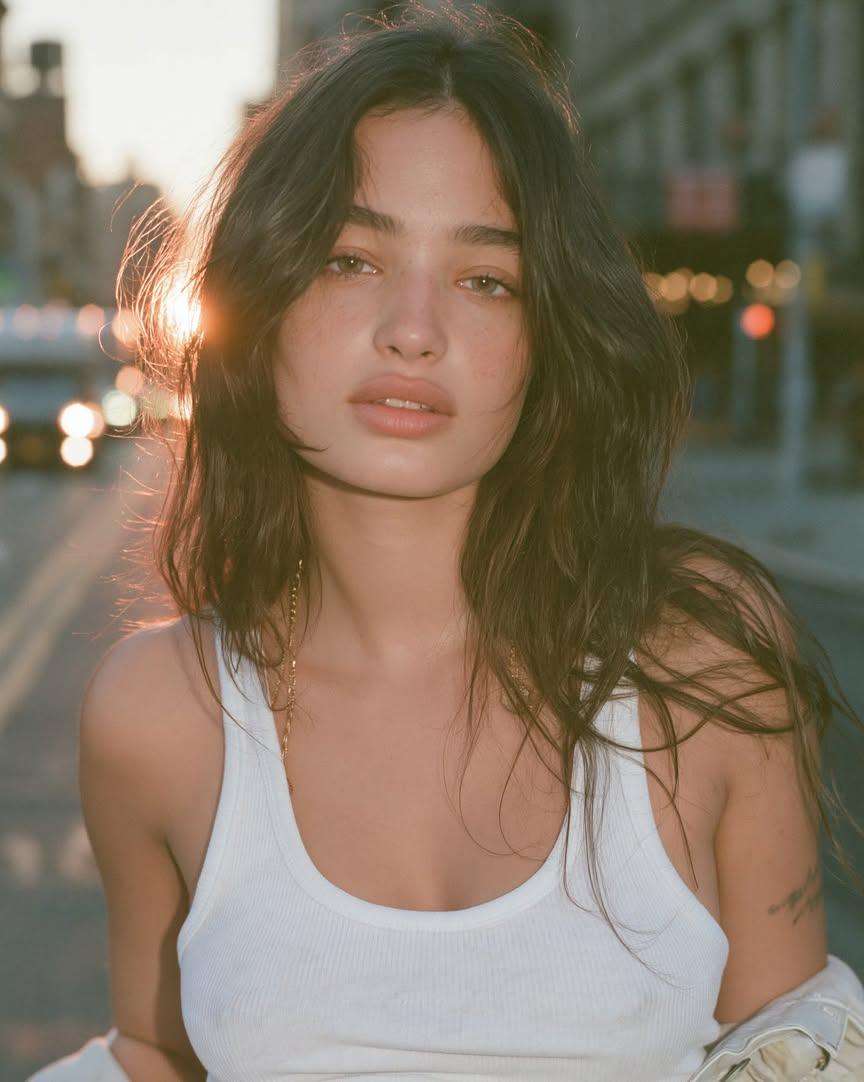
- Prompt included
- Model and format preset
- Premium template
The prompt behind this image
Copy the exact prompt behind Cinematic Golden Hour Urban Portrait, or open it in the studio and make it yours.
{ "reference_image": "uploaded_image", "prompt": "Recreate the uploaded image while preserving the subject's identity, facial structure, hairstyle, pose, framing, and overall composition. A close-up cinematic portrait of a young woman standing in the middle of a quiet city street during golden hour. Warm sunset backlighting creates a glowing halo around her dark, medium-length tousled hair with soft curtain bangs. She looks directly into the camera with a calm, slightly melancholic, effortless expression. Natural olive-fair skin with subtle freckles, minimal makeup, thick natural eyebrows, hazel-green eyes, soft pink lips, and realistic skin texture with visible pores. She wears a fitted white ribbed tank top, a delicate gold chain necklace, and a light jacket casually slipping off one shoulder. The background is softly blurred with urban buildings, distant traffic, warm bokeh lights, and shallow depth of field. The sun peeks through the left side of her hair, producing gentle lens flare and soft rim lighting. Color grading is warm, muted, slightly filmic with Kodak Portra 400 tones, soft contrast, lifted blacks, creamy highlights, and subtle grain. Captured as if on a full-frame mirrorless camera with an 85mm f/1.4 lens at f/1.8, ultra realistic photography, editorial fashion portrait, natural imperfections, crisp focus on the eyes, highly detailed, photorealistic, premium magazine quality.", "negative_prompt": "anime, cartoon, CGI, 3D render, painting, illustration, overprocessed skin, plastic skin, excessive makeup, harsh shadows, oversaturated colors, low resolution, blurry face, distorted anatomy, extra limbs, duplicate features, crossed eyes, bad hands, cropped face, watermark, logo, text, noise artifacts, unnatural lighting, exaggerated facial features", "settings": { "aspect_ratio": "4:5", "style": "photorealistic editorial", "lighting": "golden hour backlight with soft natural fill", "camera": "Full-frame mirrorless", "lens": "85mm f/1.4", "aperture": "f/1.8", "quality": "ultra", "film_emulation": "Kodak Portra 400", "sharpness": "high on eyes, soft background", "color_tone": "warm cinematic" } } "background": { "scene": "wide city street at golden hour", "depth_of_field": "extremely shallow", "background_blur": "strong optical compression from an 85mm lens, smooth creamy bokeh, distant buildings and vehicles dissolve into large circular bokeh highlights, foreground and background melt away naturally, only the subject's face remains tack sharp", "bokeh": "large, soft, circular, cinematic bokeh with gentle bloom around light sources", "focus_falloff": "eyes critically sharp, hair edges slightly soft, shoulders gradually lose focus, street rapidly fades into blur", "atmosphere": "warm sunset haze with subtle halation around bright highlights" }
How to use Cinematic Golden Hour Urban Portrait in 3 steps
- 1Upload ImagePNG, JPG or paste
Add your photo
Upload the photo the template builds on. The prompt, model and format are already set.
- 2…a portrait of your subject in softgolden-hour light, 85mm…
Personalize
Edit the subject and creative details for your destination.
- 3Generate
Generate
Press Generate — your image is created in PicX Studio, so you can compare it with the original and refine one variable at a time.
More like this
Templates with the same subject, style or setup. Open one to see its prompt.

80s Golden Hour Cinema

Rooftop Fisheye — Cat-Ear Balaclava at Golden Hour
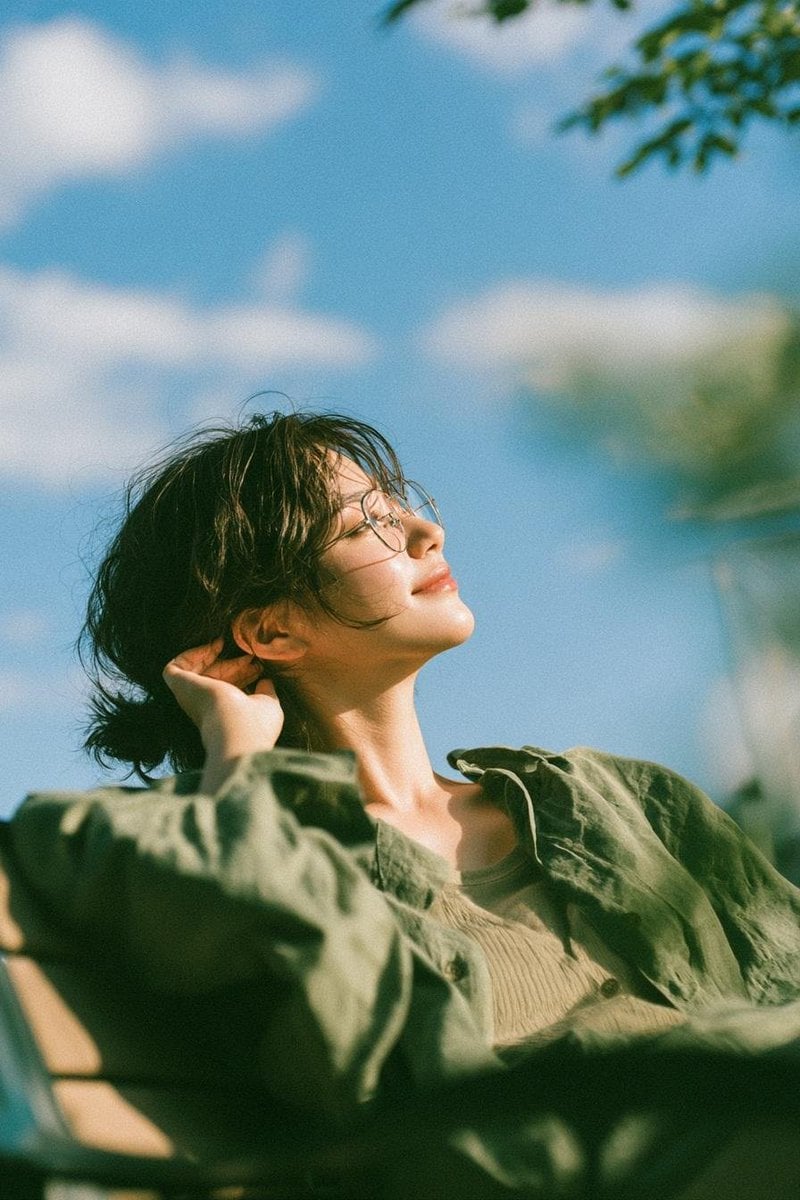
Cinematic Golden Hour Garden Portrait
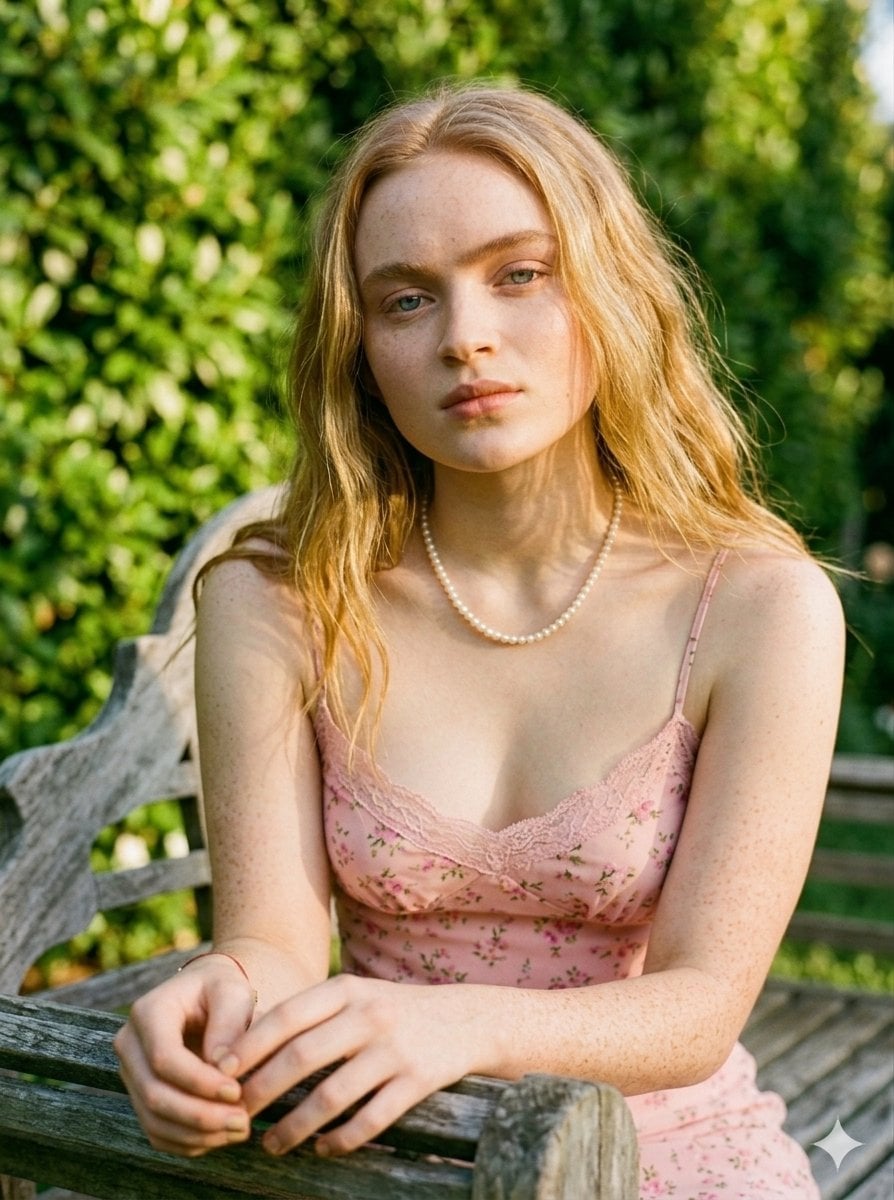
Golden Hour Redhead Portrait
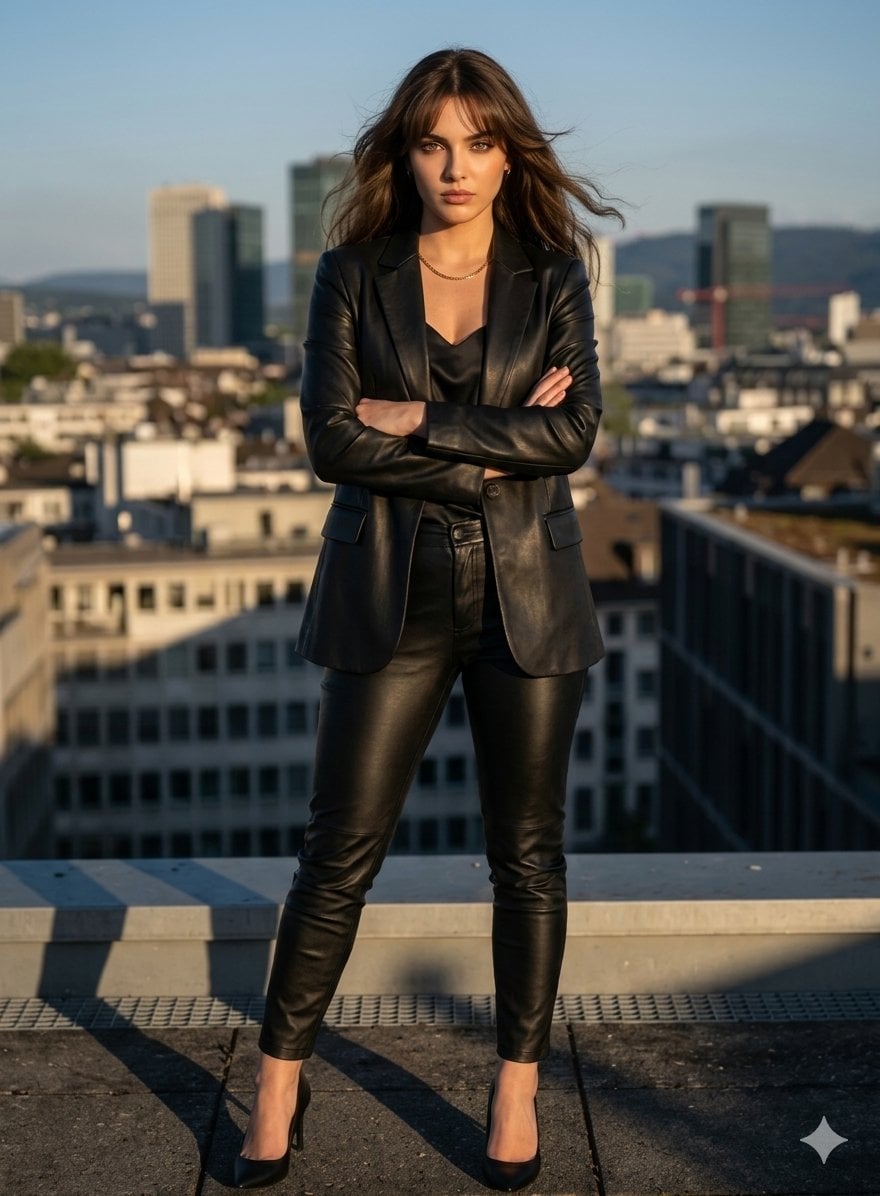
Golden Hour Cinematic Boss Energy Portrait
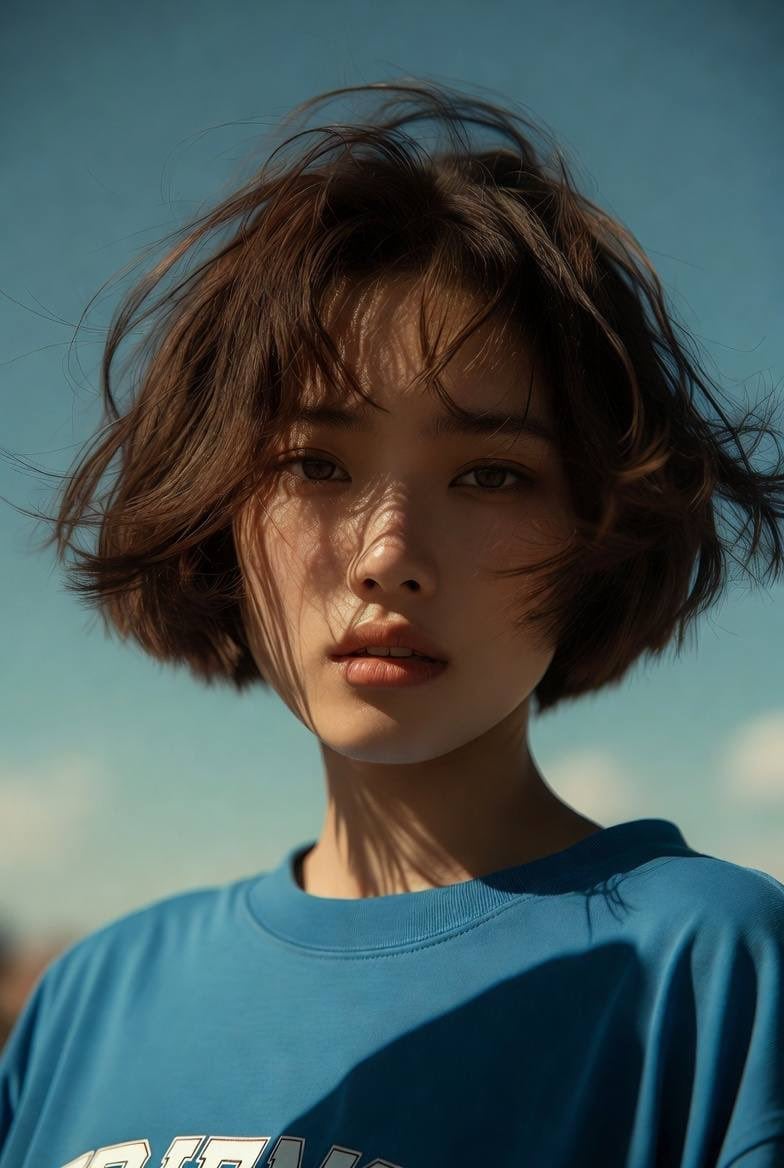
Golden Hour Cinematic Portrait
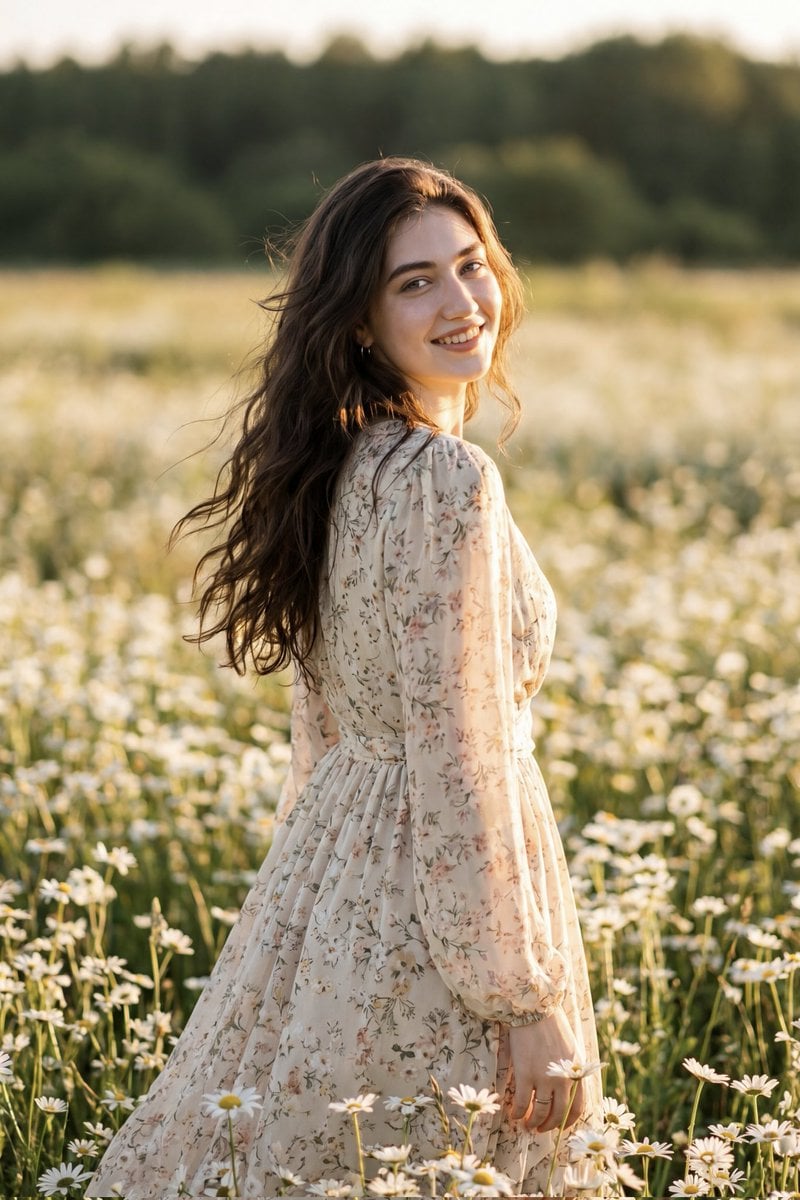
Golden Hour Daisy Field Portrait
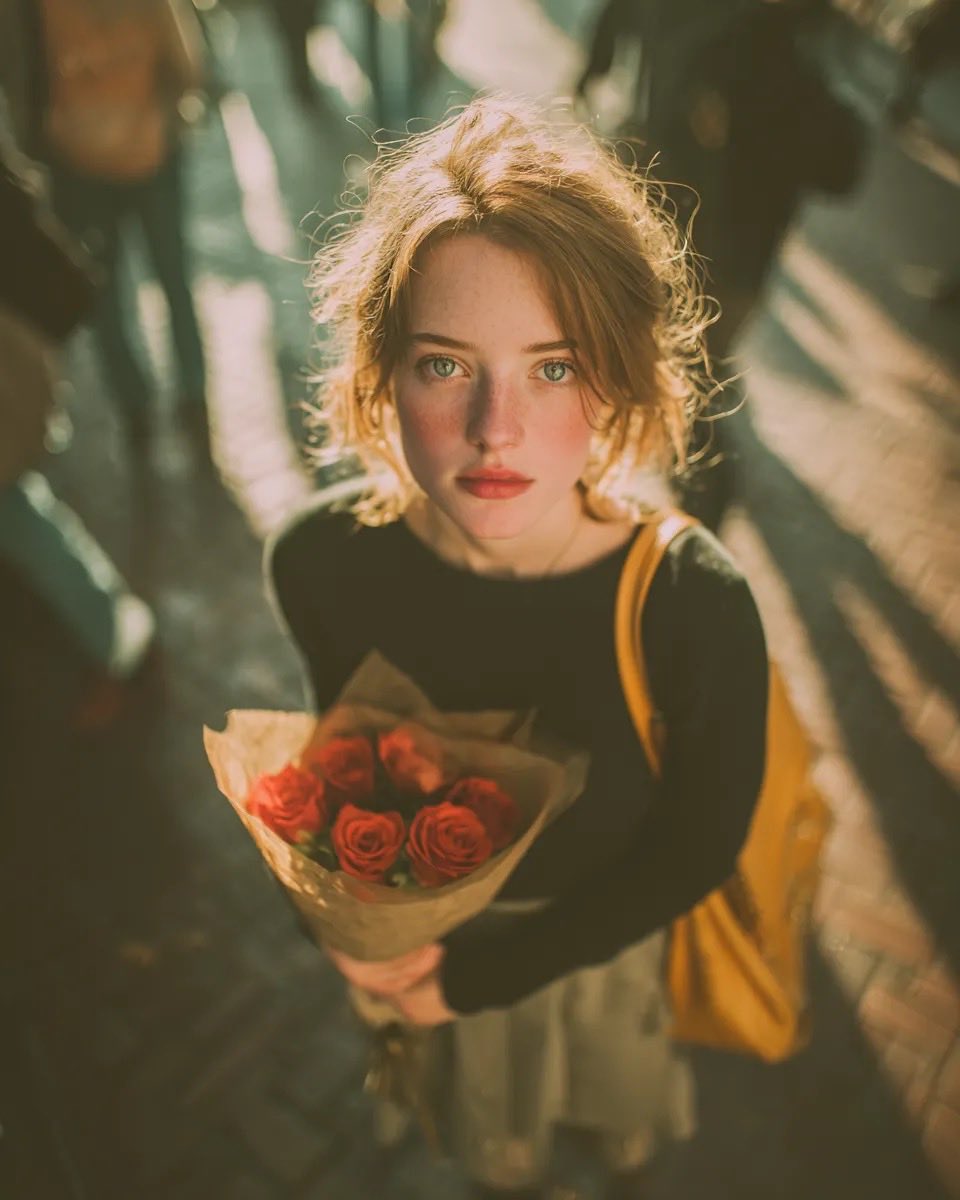
Golden Hour Rose Portrait

Golden Hour Korean Classroom Portrait
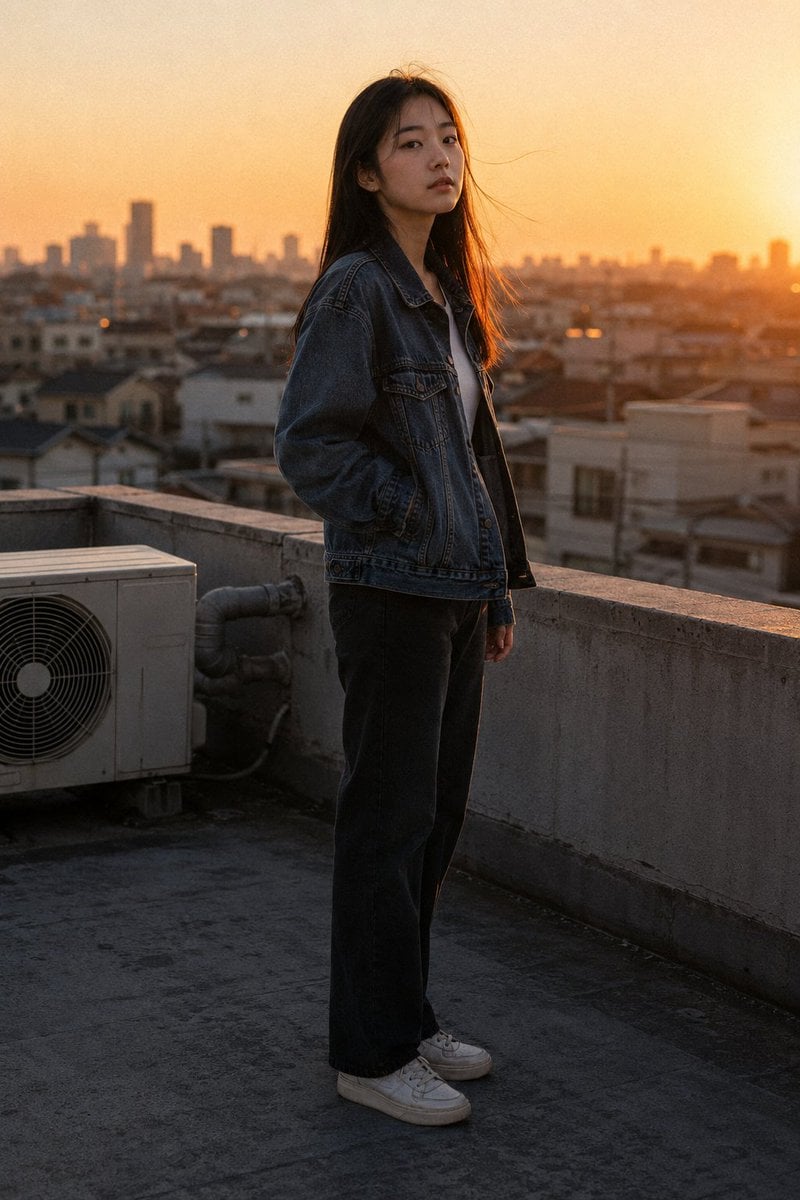
Golden Hour Rooftop Portrait
Golden Hour Contemplative Portrait

Poetic Rain Forest Portrait During Golden Hour
Make it yours
Cinematic Golden Hour Urban Portrait works as-is. These are the safest ways to change it without losing the look.
Change one field
Copy a single group, rewrite it, and generate again so you can see what that field is doing.
Keep the frame, change the subject
Hold the composition and light of Cinematic Golden Hour Urban Portrait, then swap wardrobe, props or the person for a new take.
| If the result… | Why | Fix |
|---|---|---|
| The result drifts from the preview | Too many fields changed at once. | Reuse Cinematic Golden Hour Urban Portrait as-is first, then change one group — subject, light, or setting. |
| The model over-stylizes the scene | The prose prompt leaves finish and camera underspecified. | Add one camera or lighting sentence and stay on GPT Image 2. |
More GPT Image 2 templates
Other prompts made for GPT Image 2.

Six VTuber Japanese Logo Sheet

Realistic Portrait of Woman and Deer

The Vista Modular Condo Poster

AI Model Routing Comparison Infographic

2.5D Anime Art Board

Isometric Productivity Desk Scene

New York Double Exposure Poster

Four-Panel AI Landscape Comparison

Japanese Tatami Lifestyle Magazine Cover

NESCAFÉ Coffee Map Poster
More image prompts
Fresh picks from across the catalog.
Premium Esports Gamer Portrait Prompt
Symbolic Act of Defiance in the Snow

Gpt2 Infographic Edu Visual Good Bath Day Editorial Poster
X Bubblebrain Portrait

Epic LEGO Spider-Man movie poster scene
Dramatic High-Contrast Editorial Portrait Prompt

Image generation of Suu Mizumiya using Nano Banana Pro
Cozy Lifestyle Photography Prompt for Nano Banana Pro
Tokyo Blue Hour Motorcycle Editorial

Chinese Tomato Nutrition Poster
Browse template categories
Cinematic Golden Hour Urban Portrait questions
How do I use the Cinematic Golden Hour Urban Portrait template?
Add your photo if the template asks for one, edit the prompt if you like — the template's model and format are already selected — and press Generate. Your version opens in PicX Studio.
Can I customize the Cinematic Golden Hour Urban Portrait template?
Yes. You can change the subject, setting, lighting, mood, format, and available model controls before creating your image.
Is the Cinematic Golden Hour Urban Portrait template free?
Opening and editing this template is free. Generating uses credits, shown on the Generate button when you are signed in.
Which AI model should I use?
Start with GPT Image 2, which is the model associated with this template. You can compare another compatible model for a different finish.
Looking for something else? Browse all templates.

Your photo, any look
Thousands of ready templates for every top image and video model, from one credit balance.