
Epic LEGO Spider-Man movie poster scene
A detailed Chinese prompt for an epic LEGO-style Spider-Man action scene with stormy skies, lightning, scattered bricks and cinematic poster-style composition.

- Prompt included
- Model and format preset
- Free template
The prompt behind this image
Copy the exact prompt behind Epic LEGO Spider-Man movie poster scene, or open it in the studio and make it yours.
史诗级乐高蜘蛛侠摆出充满动感的动作姿势,展现其标志性超能力,身着标志性服装,色彩和细节真实还原。戏剧性的暴风雨天空中,耀眼的闪电照亮整个场景。超级英雄摆出英勇姿态,周围是旋转的乐高碎片和飞舞的积木块,场景中散落着小型乐高小人仔,它们正惊叹地注视着这一切。整体采用电影海报式构图,配以逼真渲染效果,营造出史诗般的超级英雄氛围,色彩浓郁饱和,运用专业的景深和富有戏剧性的光影效果
How to use Epic LEGO Spider-Man movie poster scene in 3 steps
- 1
Open
The prompt is already in the box next to the preview, with the template's model and format selected.
- 2…a portrait of your subject in softgolden-hour light, 85mm…
Personalize
Edit the subject and creative details for your destination.
- 3Generate
Generate
Press Generate — your image is created in PicX Studio, so you can compare it with the original and refine one variable at a time.
More like this
Templates with the same subject, style or setup. Open one to see its prompt.

Spider-Man Night Swing New York Cinematic

Spider-Verse Painterly Portrait Poster

Germany 10 Championship Celebration Poster

Gpt2 Youtube Thumbnail Wuxia Movie Character Posters

Gpt2 Social Media Post Bmw Performance Social Poster
Epic Concept/Movie Poster Generator
Epic Anime Movie Poster from Photo
Japanese Realist Romance Movie Poster

Japan Travel Brochure Poster

Surreal LEGO Human Minifigure
Retro 90s Romantic Movie Portrait

Cartoon TV Show Poster Pack
Make it yours
Epic LEGO Spider-Man movie poster scene works as-is. These are the safest ways to change it without losing the look.
Change one field
Copy a single group, rewrite it, and generate again so you can see what that field is doing.
Keep the frame, change the subject
Hold the composition and light of Epic LEGO Spider-Man movie poster scene, then swap wardrobe, props or the person for a new take.
| If the result… | Why | Fix |
|---|---|---|
| The result drifts from the preview | Too many fields changed at once. | Reuse Epic LEGO Spider-Man movie poster scene as-is first, then change one group — subject, light, or setting. |
| The model over-stylizes the scene | The prose prompt leaves finish and camera underspecified. | Add one camera or lighting sentence and stay on Nano Banana 2. |
More Nano Banana 2 templates
Other prompts made for Nano Banana 2.

Photorealistic Leaf Shaped Like a Dragon

K-Pop Idol Portrait Grid for Rapid Selection

Poetic Rain Forest Portrait During Golden Hour

Urban Street Portrait with Cartoon Inner Self Duo

Candid Nighttime Photo with Cat Prompt

High-Concept 3D Diorama Generation Prompt

Cinematic Futuristic Studio Portrait Template

Skincare Editorial Photography Collage Prompt

Hyper-Realistic Commercial Product Photography (Splash Effect)

Hyper-Realistic Nightclub Portrait Prompt
More image prompts
Fresh picks from across the catalog.
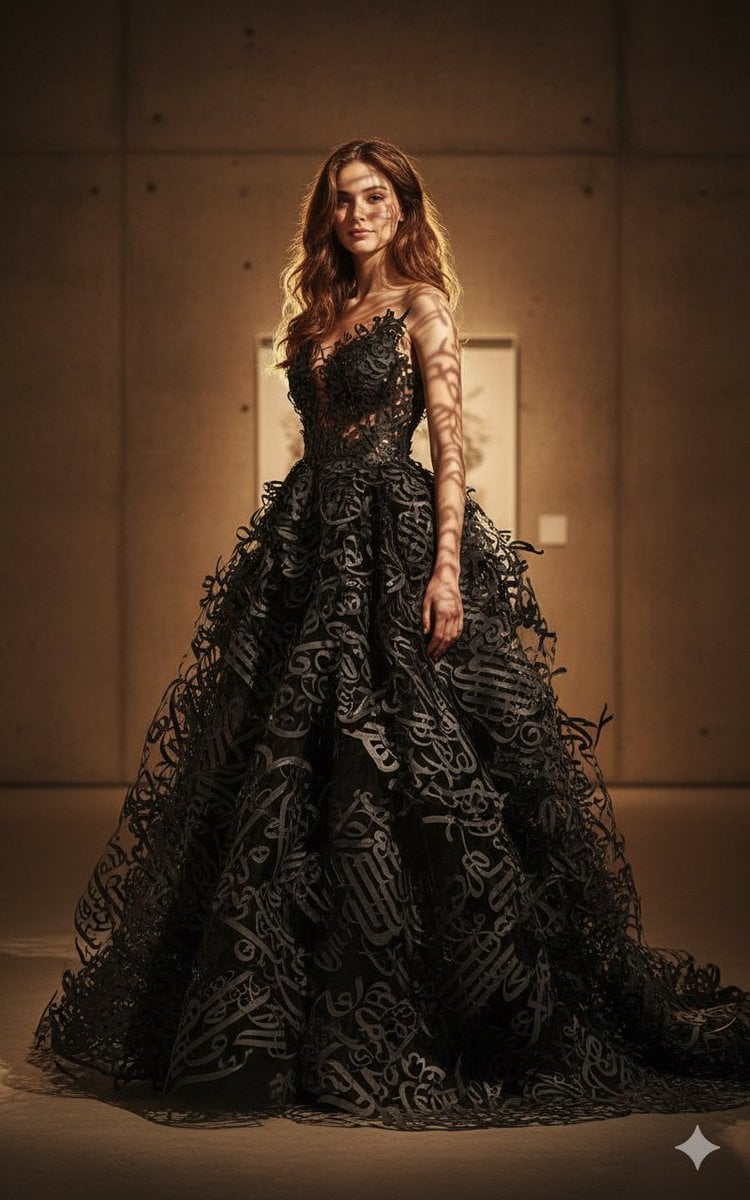
Art-Couture Portrait with Calligraphy Fabric
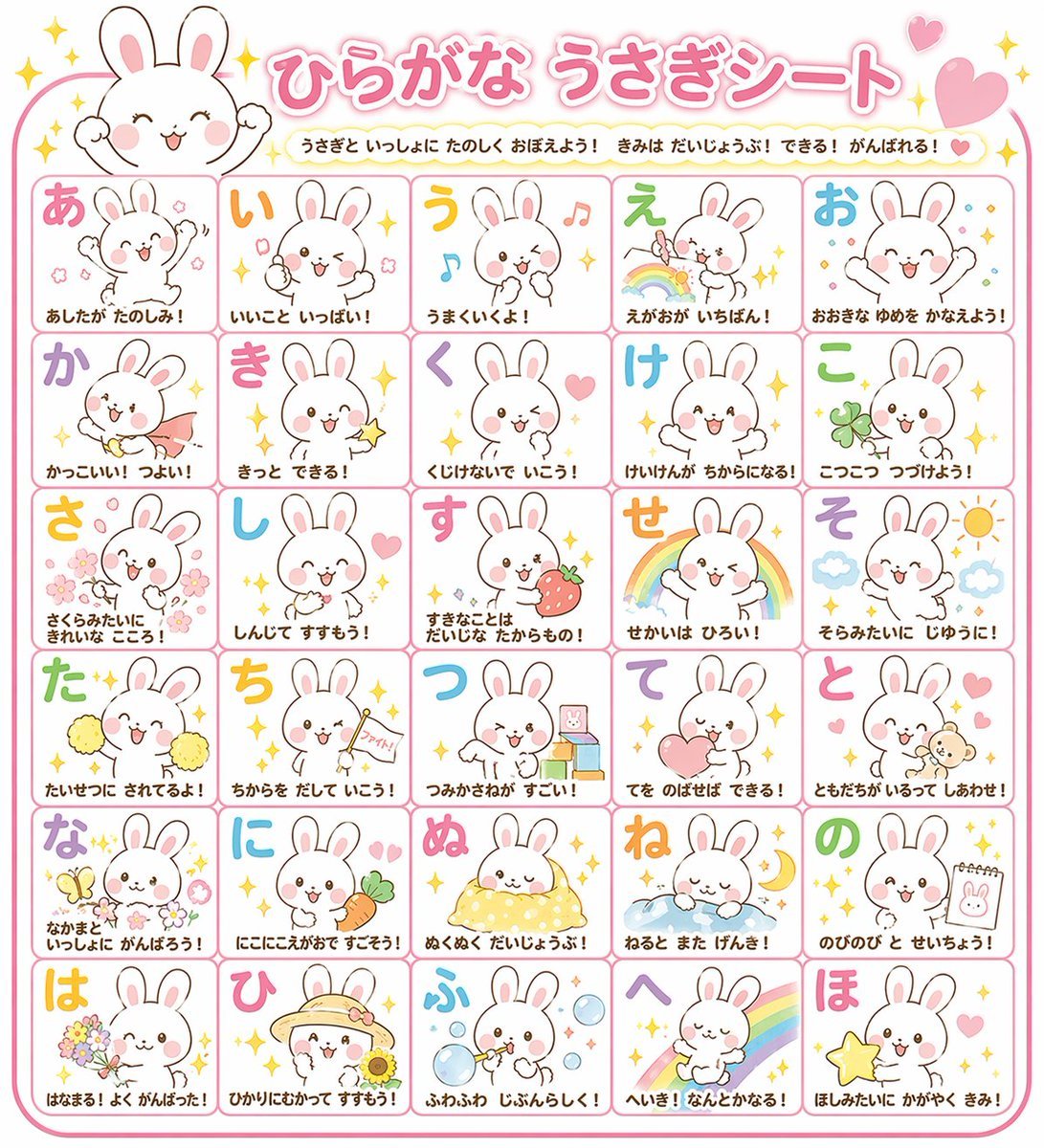
Educational Hiragana Sheet
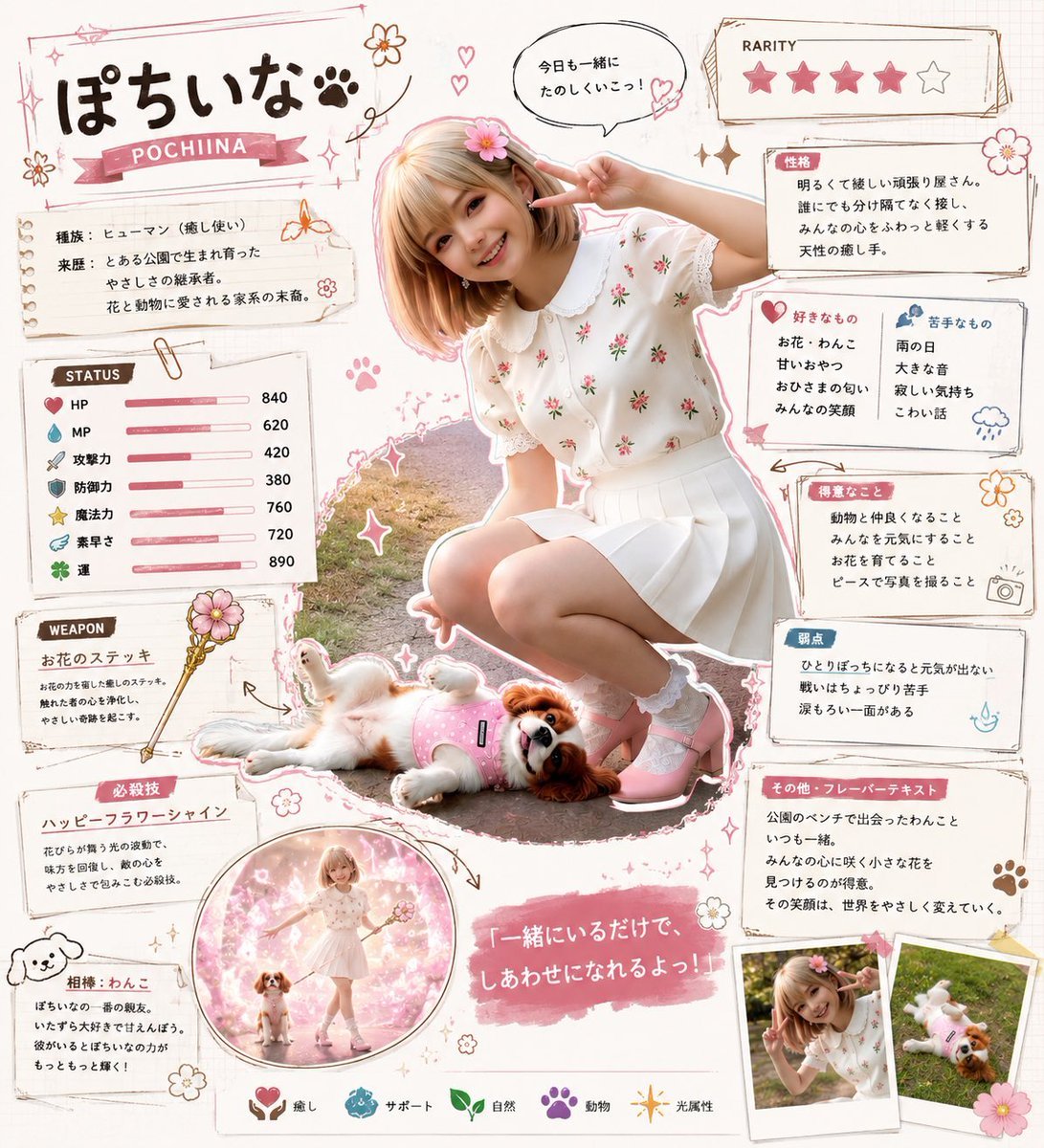
Kawaii RPG Character Profile Sheet
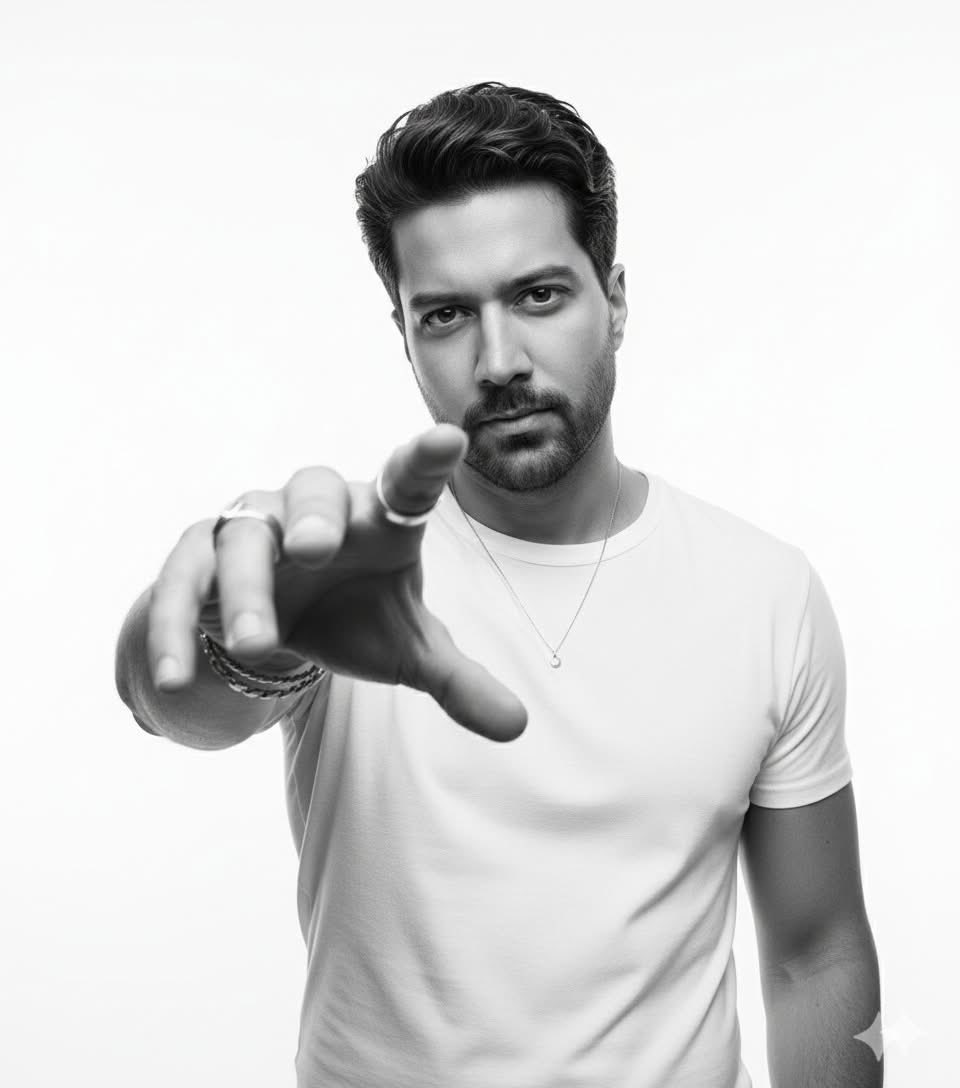
High-Key B&W Cinematic Portrait
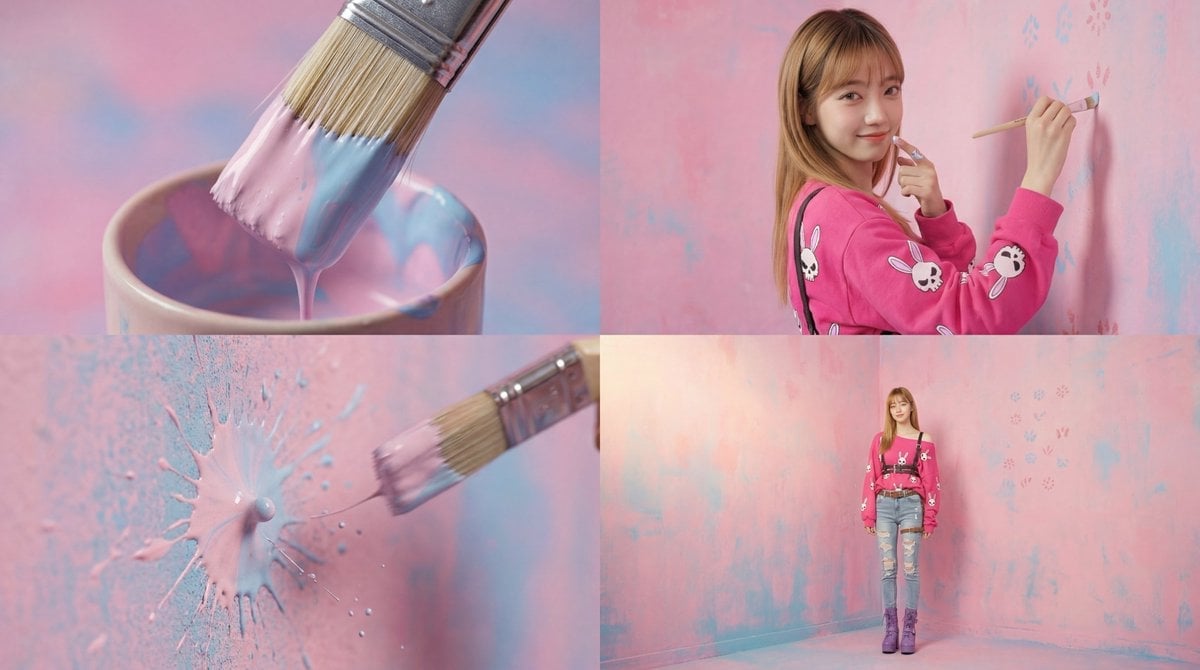
Cinematic 4-Cut Video Prompt of Woman Painting

Anime Style AI Image Generation Prompt for Deep Sea Fantasy
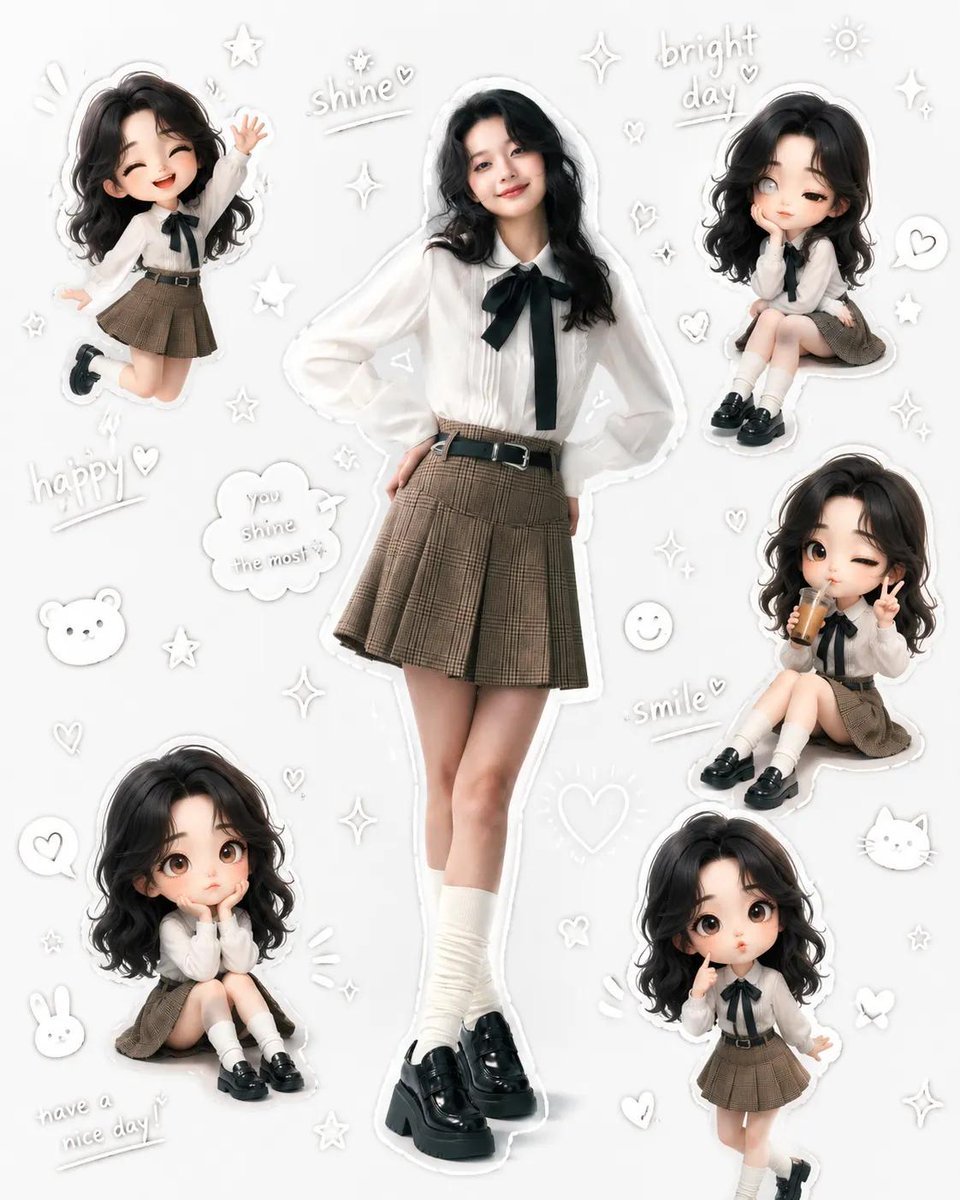
Kawaii School Girl Aesthetic Collage

Massive Truck Launch and Landing Video Prompt

Anachronistic Beauty Tutorial
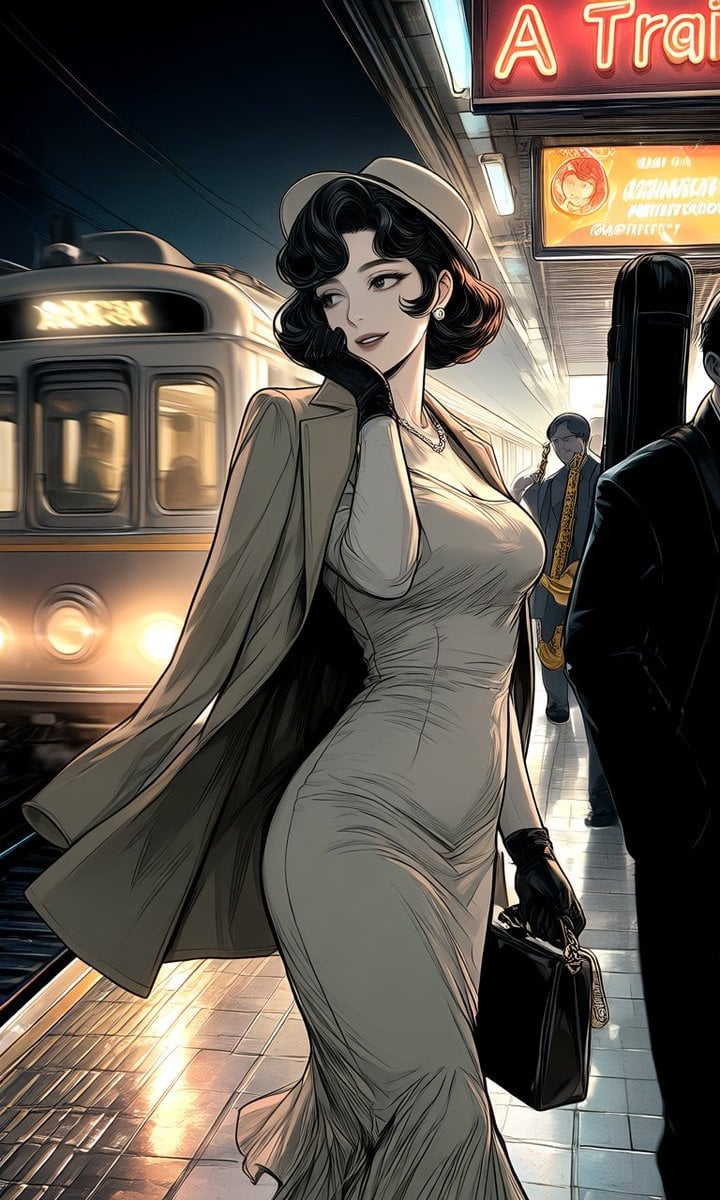
Anime Subway Fashion Noir
Browse template categories
Epic LEGO Spider-Man movie poster scene questions
How do I use the Epic LEGO Spider-Man movie poster scene template?
Add your photo if the template asks for one, edit the prompt if you like — the template's model and format are already selected — and press Generate. Your version opens in PicX Studio.
Can I customize the Epic LEGO Spider-Man movie poster scene template?
Yes. You can change the subject, setting, lighting, mood, format, and available model controls before creating your image.
Is the Epic LEGO Spider-Man movie poster scene template free?
Opening and editing this template is free. Generating uses credits, shown on the Generate button when you are signed in.
Which AI model should I use?
Start with Nano Banana 2, which is the model associated with this template. You can compare another compatible model for a different finish.
Looking for something else? Browse all templates.

Your photo, any look
Thousands of ready templates for every top image and video model, from one credit balance.