
Japanese Realist Romance Movie Poster
A highly detailed prompt for a Japanese movie poster aesthetic, focusing on composition, natural lighting, and emotional distance inspired by classic romance films.
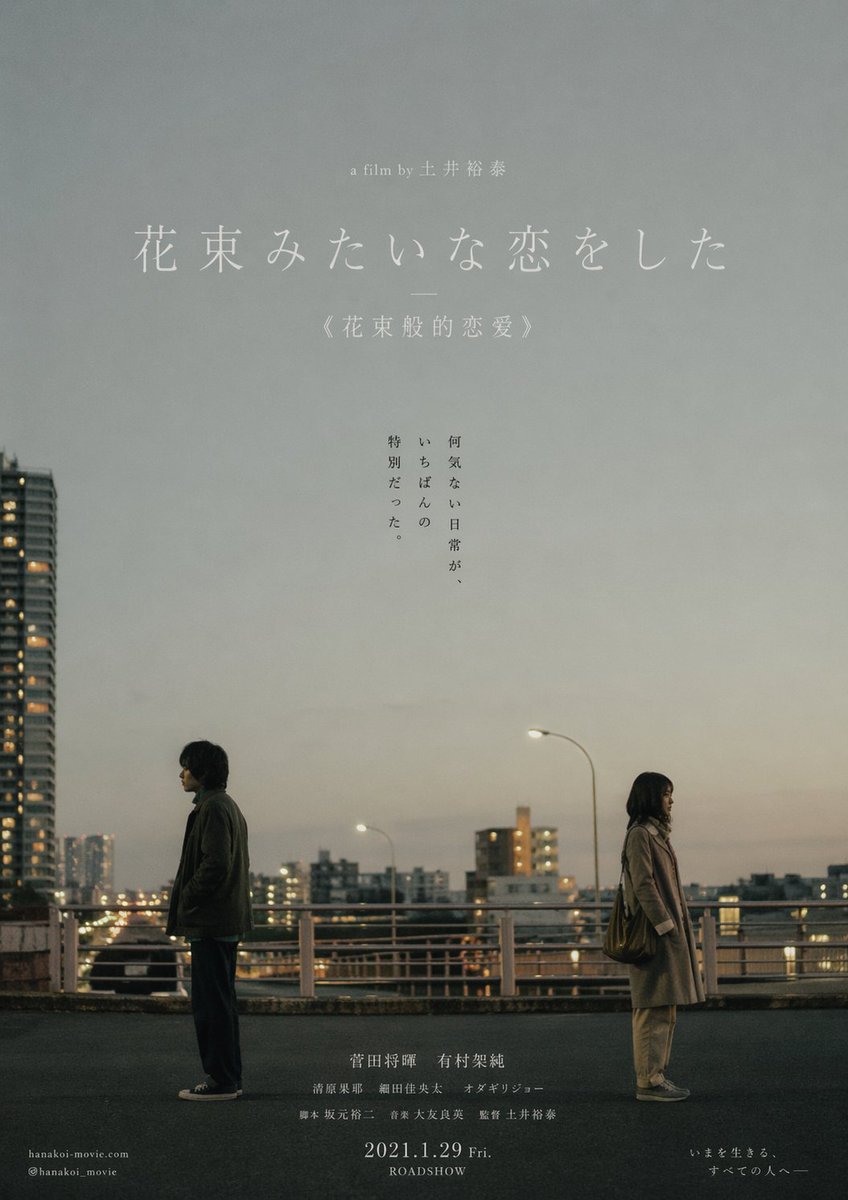
- Prompt included
- Model and format preset
- Free template
The prompt behind this image
Copy the exact prompt behind Japanese Realist Romance Movie Poster, or open it in the studio and make it yours.
Japanese realist romance-film poster style, inspired by 《花束般的恋爱》. A Japanese couple in their twenties stand in an everyday urban setting (a street or intersection), keeping a subtle, genuine distance from each other, with no physical contact — like a moment when a relationship is slowly drifting apart. The mood is quiet and restrained, carrying unspoken emotion and a sense of time passing. The composition is a film key-visual: the figures are placed toward the bottom or to one side of the frame, with large areas of negative space preserved to emphasize space and air. The lighting is natural (overcast or dusk), in low-saturation gray-blue, beige, and warm gray tones, with an authentic photographic texture. The image carries fine film grain and a slight everyday feel — not deliberately beautified, not over-polished, like a single frame from a real film. A small amount of natural flowers may be added at the edge or foreground of the frame as a restrained metaphor (understated, not overdone, not decorative). Add the title 「花束みたいな恋をした」 in the negative space, in a fine Mincho typeface, laid out simply and airily; below it, in a small font, add 《花束般的恋爱》. Overall requirements: authentic Japanese film-poster texture, literary, restrained, true-to-life, emphasizing the relationship rather than romantic symbols; avoid saccharine depictions of love, avoid piling up flowers, avoid influencer-style prettiness, avoid a crowded composition, avoid the "polished but hollow" AI look. Negative prompt: AI look, overly beautified, sea of flowers, romantic filters, excessive lighting effects, high saturation, neon lights, couples embracing intimately, posed feel, purikura-style framing, influencer style, illustration look, 3D rendering, cluttered elements. Japanese minimalist literary film-poster style, inspired by 《情书》. A winter snow-field scene: a close-up of a young woman's face, her face close to the snow or half-buried in it, with fine snowflakes falling naturally. The composition is a restrained close-up of the side of her face or a slightly angled face; the figure takes up a large portion of the frame but is not overly sharp or crisp, with the edges softened slightly or slightly out of focus. Her expression is the calm that comes after sadness — tears or tear-tracks in her eyes, the emotion withdrawn and restrained, as if she has just finished crying and is slowly settling back into quiet; her gaze does not look at the camera, carrying a sense of memory and blankness. The lighting is natural diffused winter light or soft overcast light, in cool white, pale gray, and light blue tones, low saturation and low contrast, with no strong shadows and no dramatic lighting effects. The snow and air form a clean background. The image texture sits between real photography and film — with slight grain, a slight haze, a touch of whiteness or slight overexposure, like an old photo or film still faded by time. Skin should not be overly detailed — no skin-smoothing, no sharpening, no heavy retouching. The composition is asymmetrical; the face may be partially cropped, the background kept extremely minimal, with appropriate negative space preserved. Add the minimal title 「Love Letter」 or 「ラヴレター」 in the negative space, in a fine Mincho or fine serif typeface, with wide letter-spacing and an airy layout, in a light gray color; below it, in a very small font, add 《情书》. Overall requirements: authentic Japanese literary film-poster texture, quiet, understated, restrained, like a memory covered in snow; avoid a glamour-photo look, avoid influencer-style aesthetics, avoid polished filters, avoid lighting effects, avoid high contrast and high saturation, avoid a sharp digital look, avoid overacted emotion, avoid "pretty but hollow." Negative prompt: AI look, skin-smoothing, sharpening, HDR, high contrast, high saturation, dreamy lighting effects, lens flare, filter look, glamour-photo style, influencer face, posed, looking straight at the camera, exaggerated emotion, 3D rendering, illustration style, cluttered background.
How to use Japanese Realist Romance Movie Poster in 3 steps
- 1
Open
The prompt is already in the box next to the preview, with the template's model and format selected.
- 2…a portrait of your subject in softgolden-hour light, 85mm…
Personalize
Edit the subject and creative details for your destination.
- 3Generate
Generate
Press Generate — your image is created in PicX Studio, so you can compare it with the original and refine one variable at a time.
More like this
Templates with the same subject, style or setup. Open one to see its prompt.

Gpt2 Youtube Thumbnail Wuxia Movie Character Posters
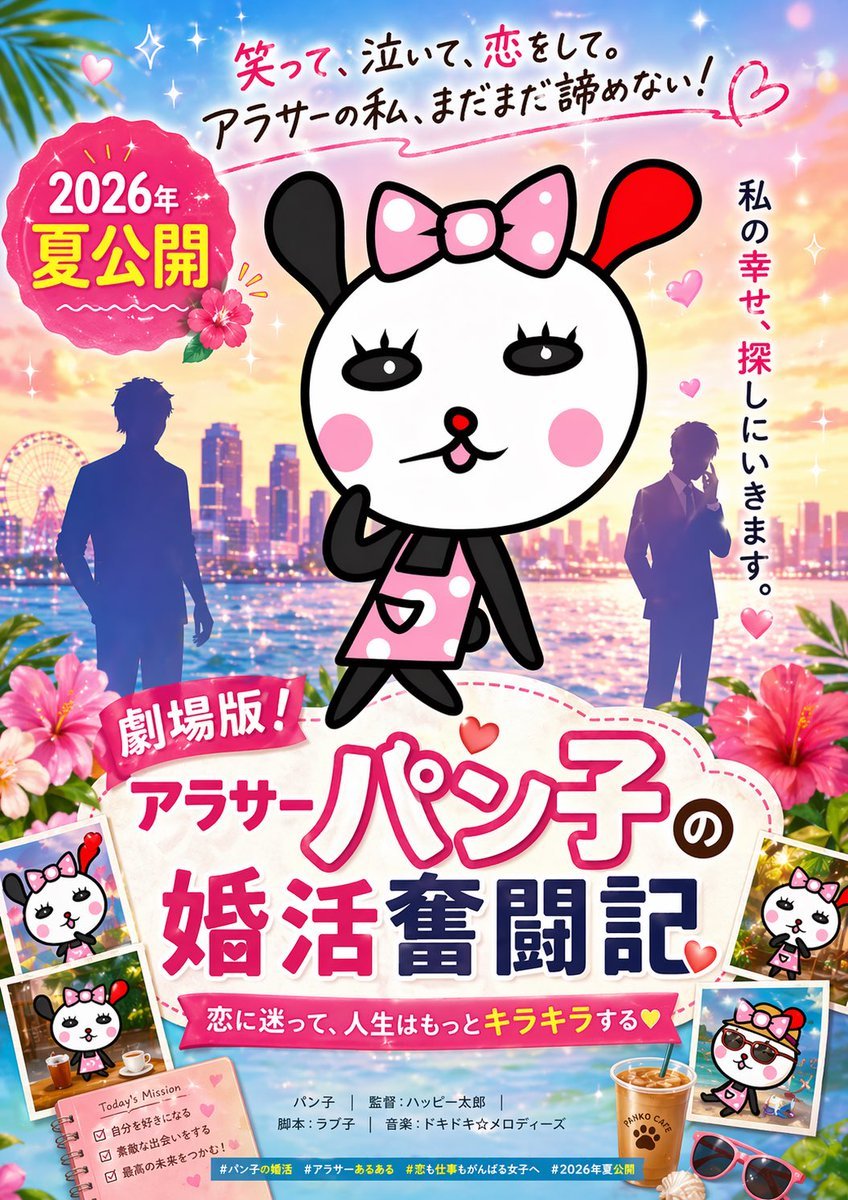
Cute Japanese Romcom Movie Poster

Two Tickets, One Night

If We Met in 1985

Before We said Goodbye

Our Song was on a Cassette

Meet Me When It Rains

The Date After College

Two Hearts. One Scooter.

80s Rooftop Couple

1986 Street Couple

Minecraft Japanese Research Lab Exploration
Make it yours
Japanese Realist Romance Movie Poster works as-is. These are the safest ways to change it without losing the look.
Change one field
Copy a single group, rewrite it, and generate again so you can see what that field is doing.
Keep the frame, change the subject
Hold the composition and light of Japanese Realist Romance Movie Poster, then swap wardrobe, props or the person for a new take.
| If the result… | Why | Fix |
|---|---|---|
| The result drifts from the preview | Too many fields changed at once. | Reuse Japanese Realist Romance Movie Poster as-is first, then change one group — subject, light, or setting. |
| The model over-stylizes the scene | The prose prompt leaves finish and camera underspecified. | Add one camera or lighting sentence and stay on GPT Image 2. |
More GPT Image 2 templates
Other prompts made for GPT Image 2.

Six VTuber Japanese Logo Sheet

Realistic Portrait of Woman and Deer

The Vista Modular Condo Poster

AI Model Routing Comparison Infographic

2.5D Anime Art Board

Isometric Productivity Desk Scene

New York Double Exposure Poster

Four-Panel AI Landscape Comparison

Japanese Tatami Lifestyle Magazine Cover

NESCAFÉ Coffee Map Poster
More image prompts
Fresh picks from across the catalog.
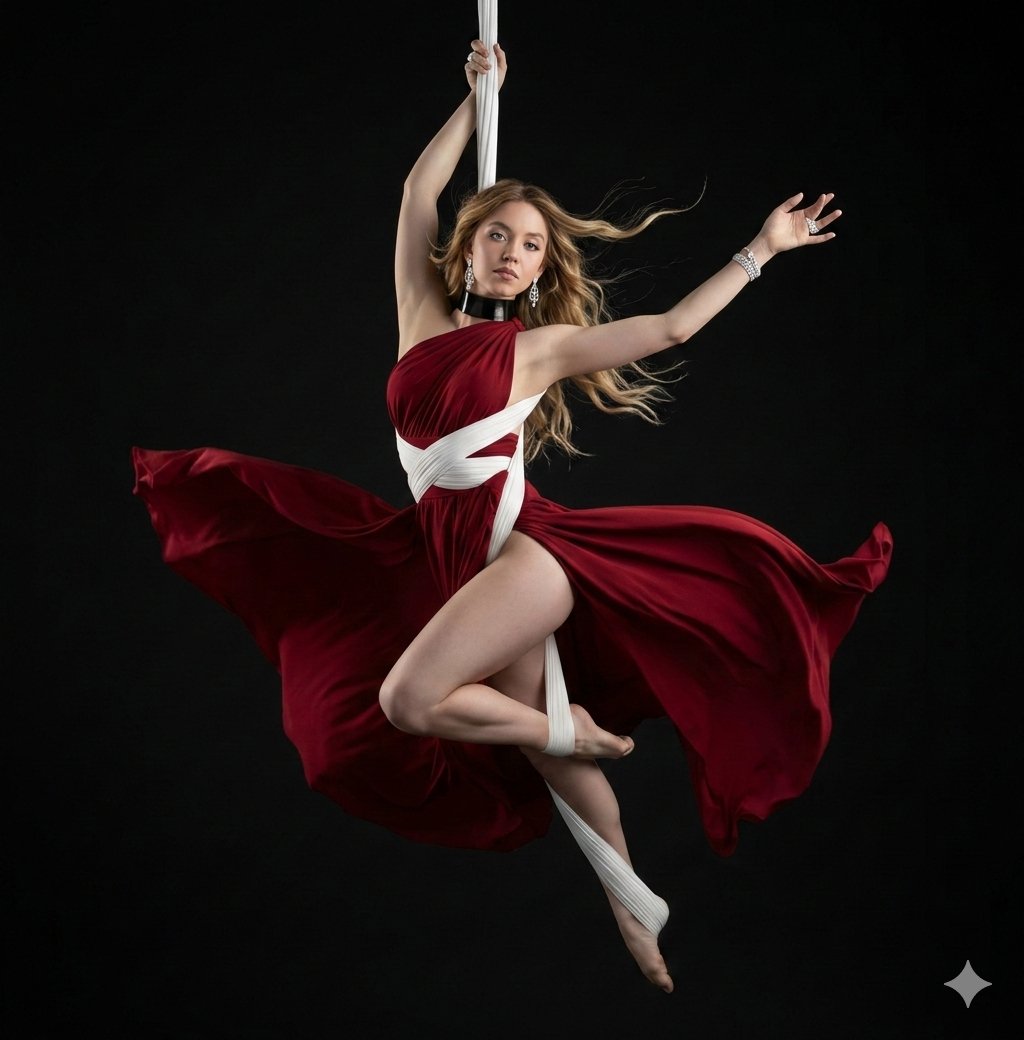
Dramatic Aerial Silk Artist in Red Dress
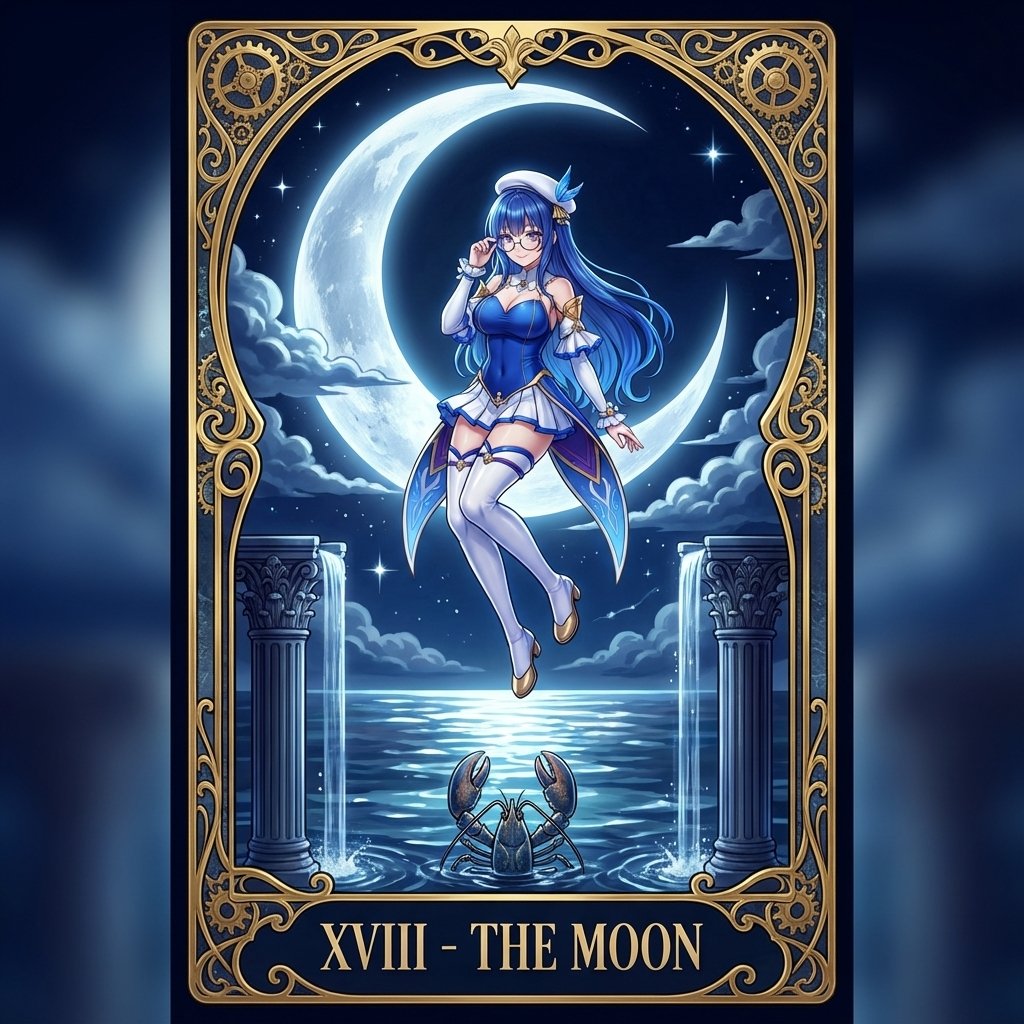
Tarot Card Conversion Prompt (Gothic/Art Nouveau Style)
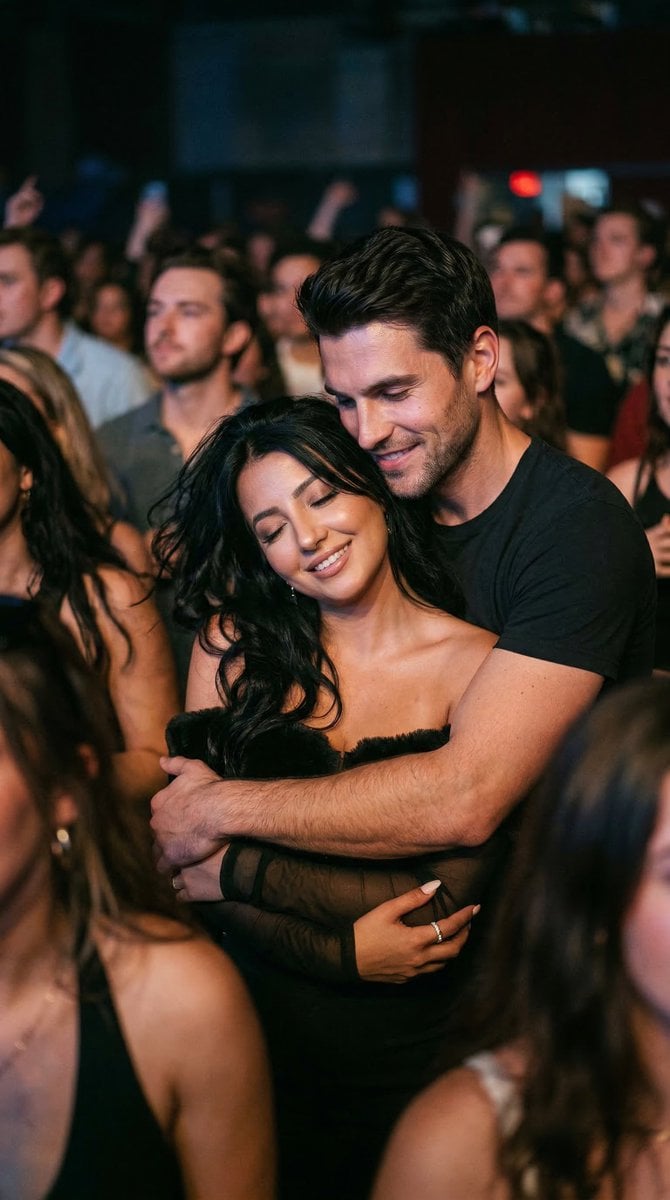
Photorealistic Concert Embrace Scene
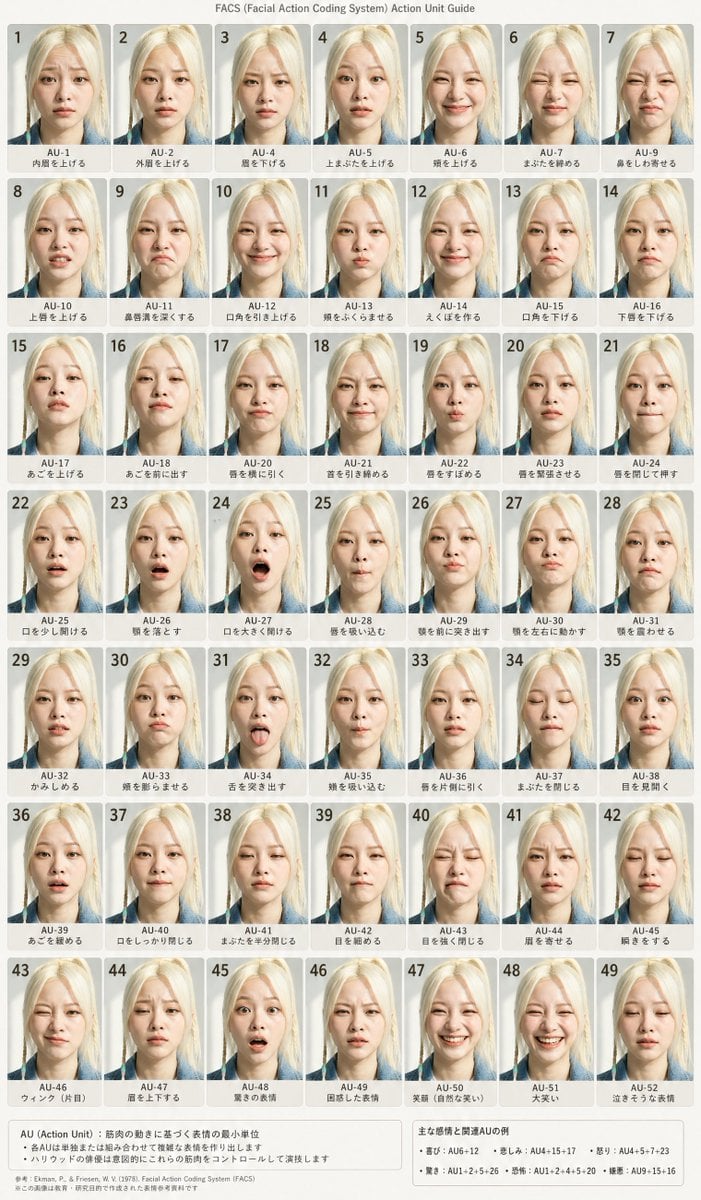
FACS Facial Expression Chart
Rainy Kamakura Hydrangea Garden
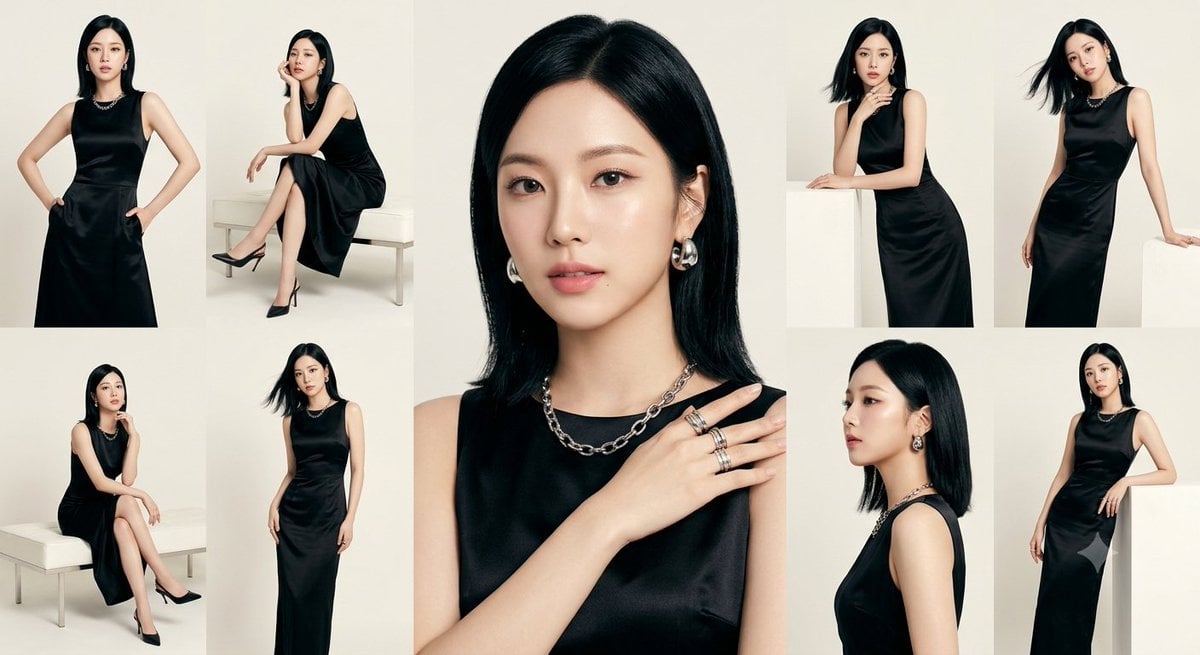
Anonymous Black Dress Fashion Collage
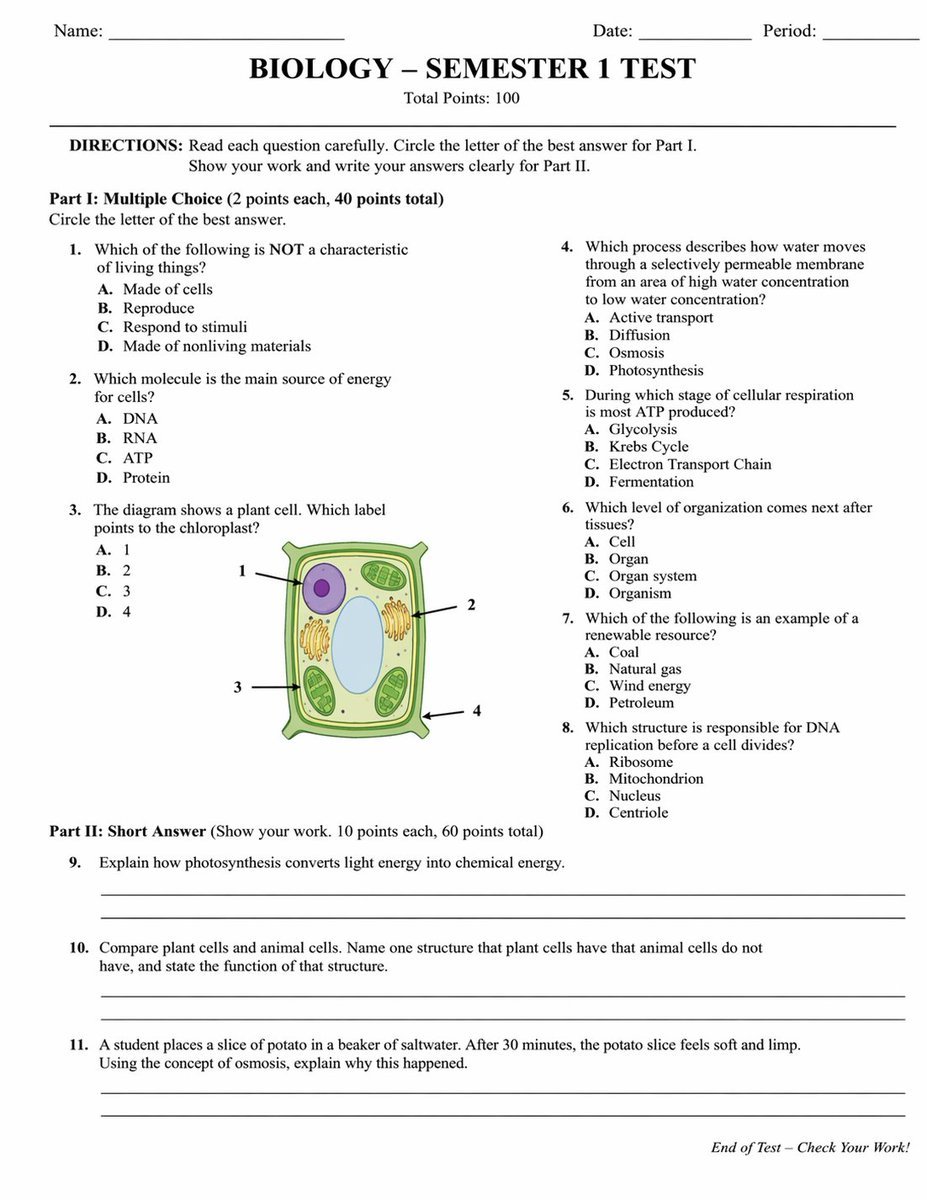
Academic Exam Paper Generator
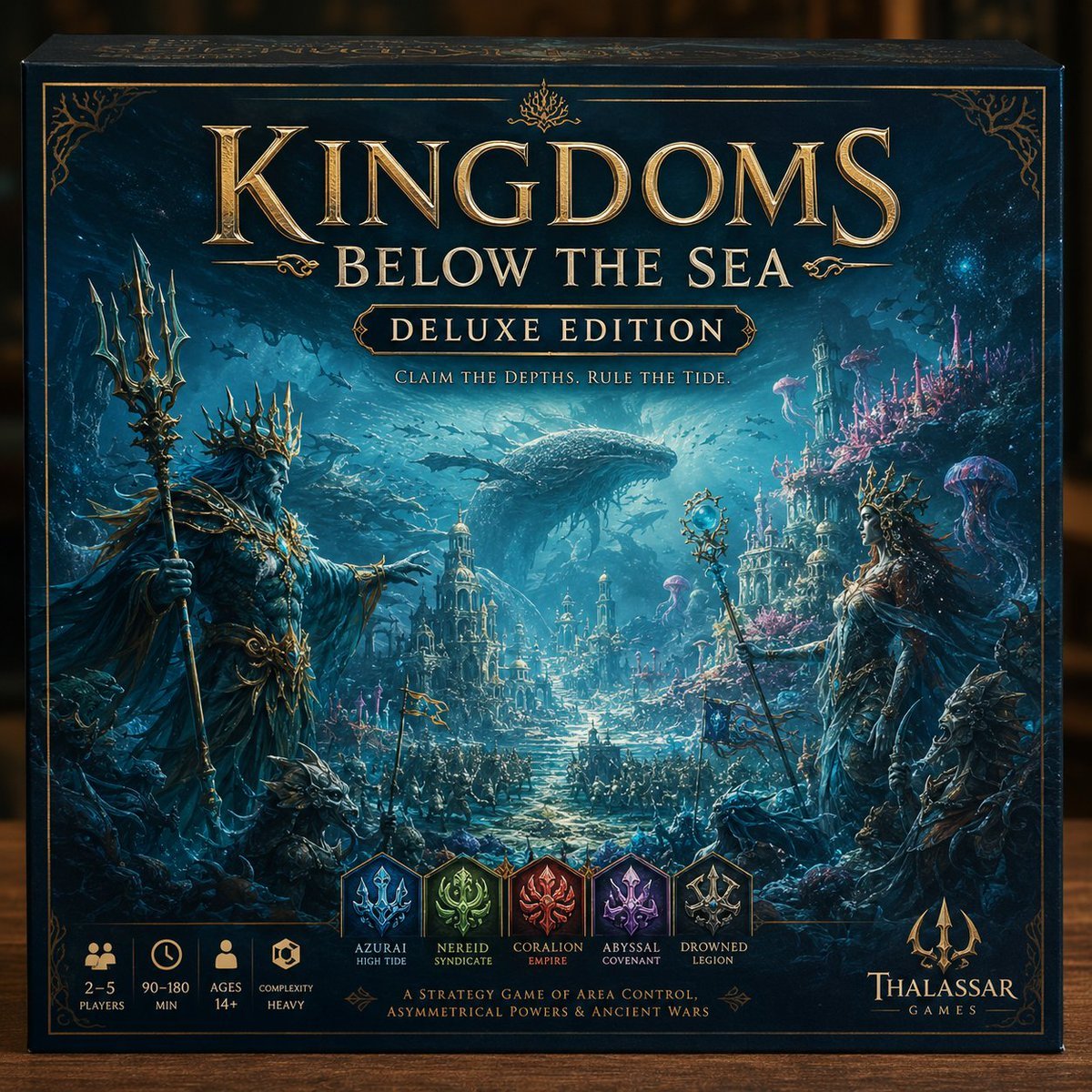
Deluxe Underwater Kingdom Board Game Box
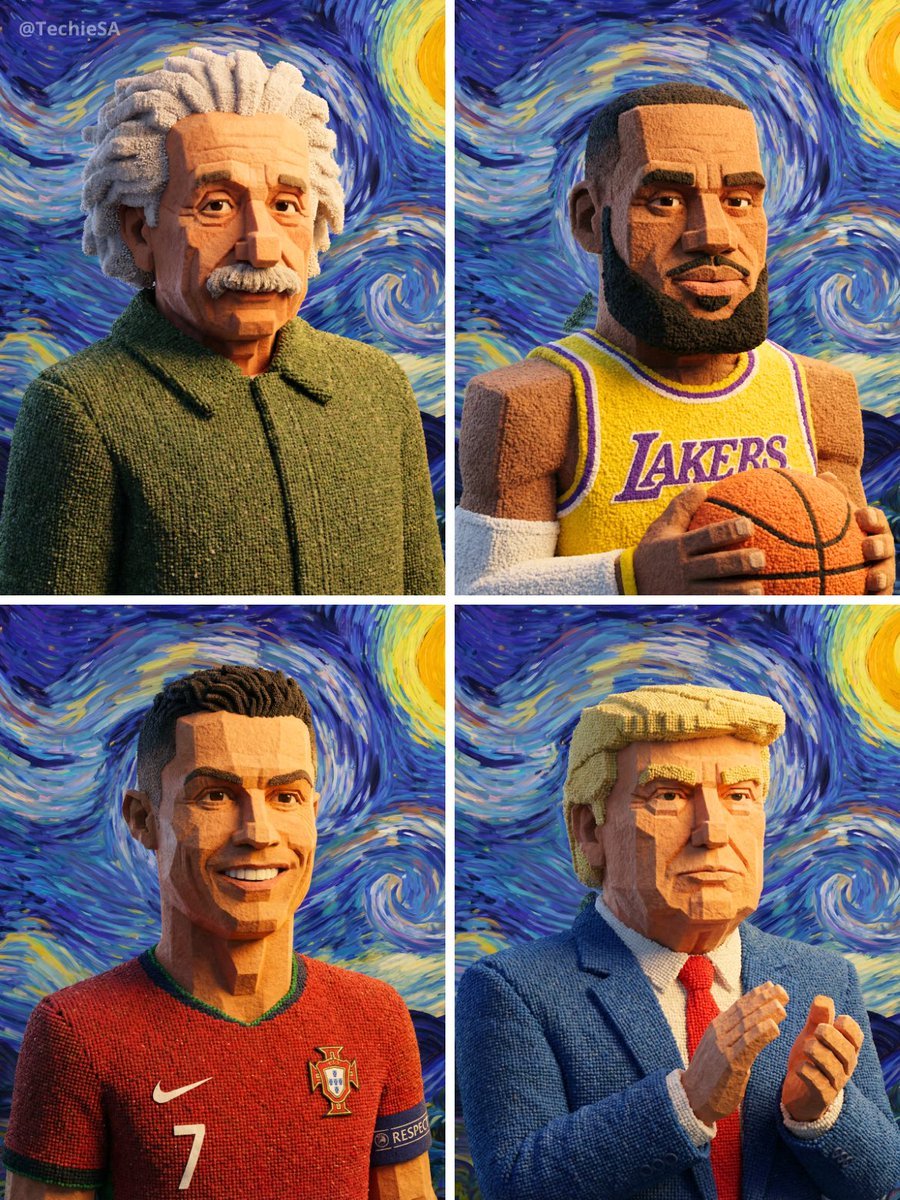
Geometric Clay Figures
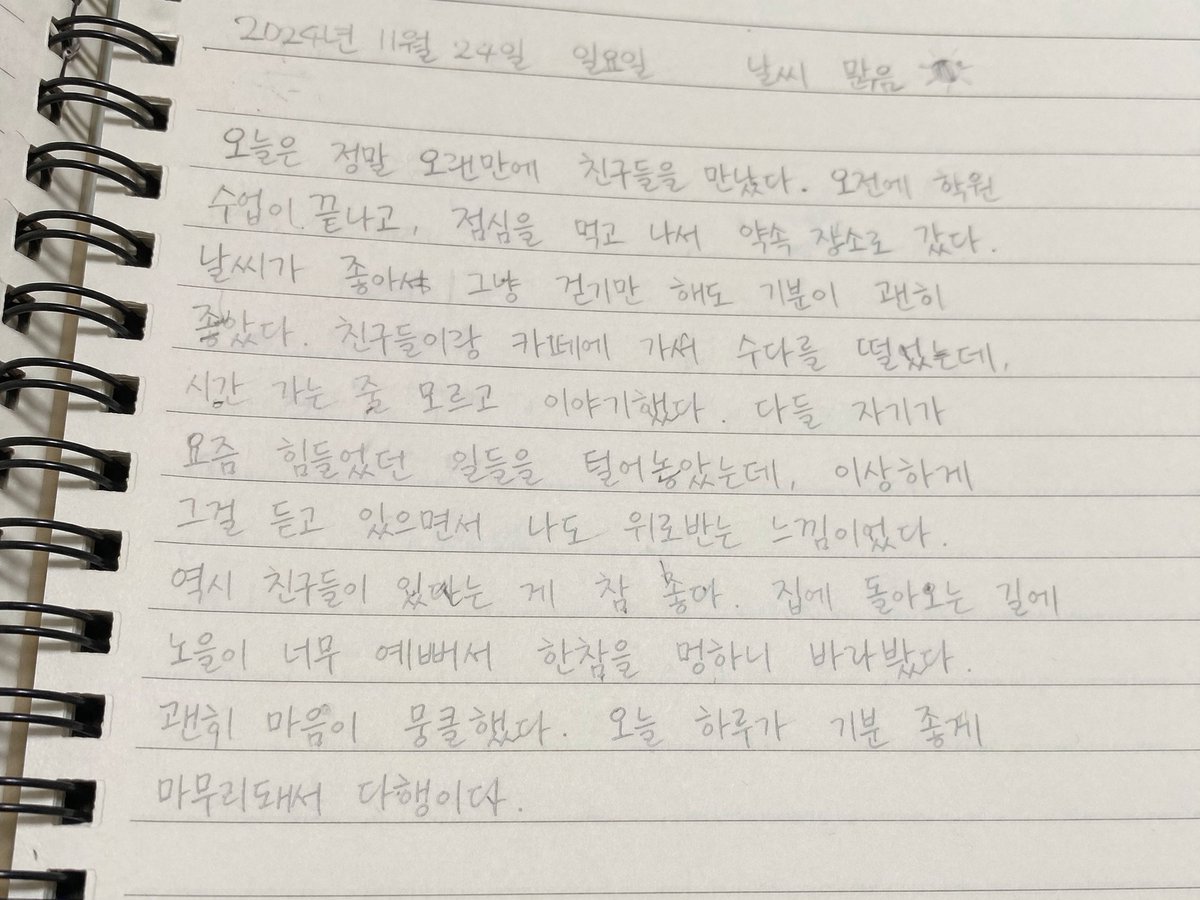
Handwritten Korean Journal Entry
Browse template categories
Japanese Realist Romance Movie Poster questions
How do I use the Japanese Realist Romance Movie Poster template?
Add your photo if the template asks for one, edit the prompt if you like — the template's model and format are already selected — and press Generate. Your version opens in PicX Studio.
Can I customize the Japanese Realist Romance Movie Poster template?
Yes. You can change the subject, setting, lighting, mood, format, and available model controls before creating your image.
Is the Japanese Realist Romance Movie Poster template free?
Opening and editing this template is free. Generating uses credits, shown on the Generate button when you are signed in.
Which AI model should I use?
Start with GPT Image 2, which is the model associated with this template. You can compare another compatible model for a different finish.
Looking for something else? Browse all templates.

Your photo, any look
Thousands of ready templates for every top image and video model, from one credit balance.