
Anonymous Black Dress Fashion Collage
Generates a photorealistic editorial contact sheet of an anonymized fashion model styling a black satin dress across nine studio poses.
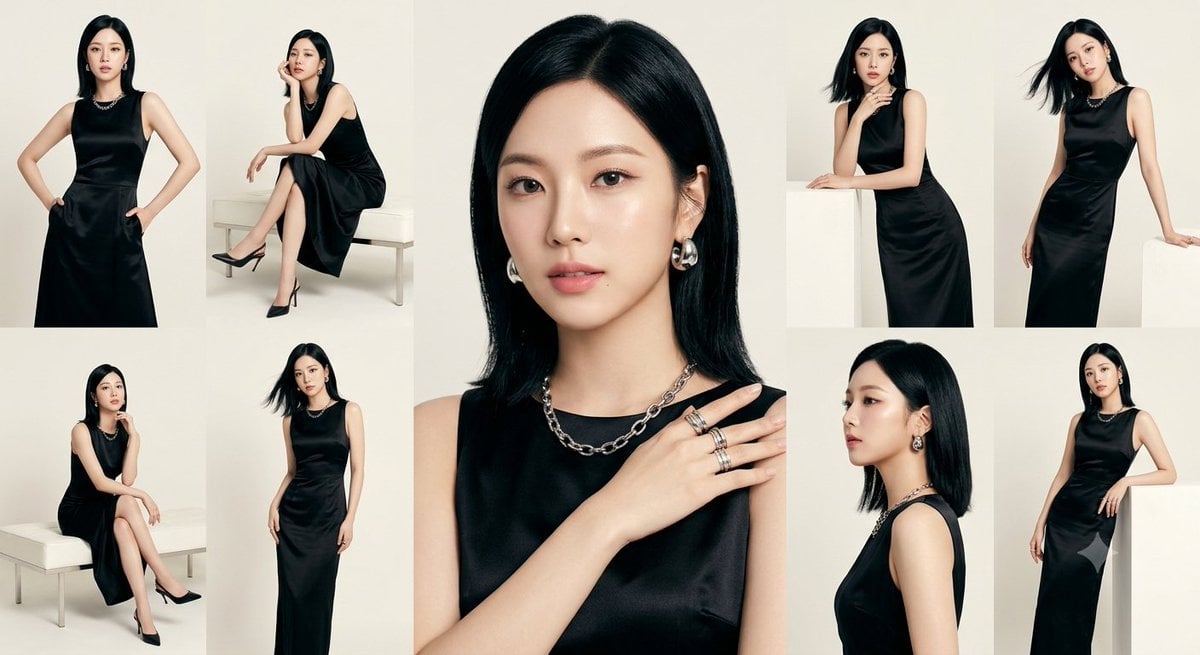
- Prompt included
- Model and format preset
- Free template
The prompt behind this image
Copy the exact prompt behind Anonymous Black Dress Fashion Collage, or open it in the studio and make it yours.
Goal: Create a high-fashion editorial contact sheet collage featuring {argument name="character description" default="a slim East Asian woman with straight shoulder-length black hair"} modeling a minimalist black satin sleeveless dress, with every face intentionally obscured by a soft beige rectangular blur for anonymity. Canvas: Wide horizontal 16:9 collage, approximately 1200×675 px, warm off-white studio background, clean magazine look, no borders between panels, soft natural studio lighting, muted cream and black palette. Layout: Build exactly 9 visible photo panels arranged as an asymmetrical fashion lookbook grid. The center panel is the largest, a close-up portrait from chest to head, showing glossy black hair, a black sleeveless satin neckline, silver chain necklace, silver hoop earrings, and one hand across the collarbone wearing stacked silver rings. Around it place 8 smaller editorial shots: 1 full-body standing front pose with hands on hips at far left; 1 seated side pose on a white bench with crossed legs and black pointed heels in the upper left; 1 seated pose on a white bench with legs crossed and hand near chin in the lower left; 1 full-length standing pose in the lower middle-left; 1 upper-body pose leaning on a white block with one hand near the neck in the upper right; 1 dynamic standing pose with hair flipped outward in the upper far right; 1 side-profile bust portrait in the lower right-center; 1 standing three-quarter pose with one hand on hip in the lower far right. Subject details: The model wears {argument name="dress description" default="a black satin sleeveless midi-to-maxi dress with a simple round neckline and subtle drape"}, {argument name="jewelry description" default="chunky silver chain necklace, silver hoop earrings, and multiple silver rings"}, and black pointed high heels in seated/full-body shots. Hair is sleek, glossy, dark, center-parted or slightly side-parted, shoulder length with occasional motion in two panels. Poses are elegant, poised, fashion catalog style. Visual style: Photorealistic luxury fashion editorial, studio lookbook contact sheet, soft shadows, creamy beige background, refined styling, crisp fabric sheen, high-end magazine composition, minimal props limited to a white bench and white block. Constraints: Use exactly 9 panels and exactly 9 obscured faces, each face covered by a rectangular blurred beige block matching skin tones. Do not show readable text, logos, watermark, extra people, colorful background, or additional accessories beyond the listed jewelry and shoes.
How to use Anonymous Black Dress Fashion Collage in 3 steps
- 1Upload ImagePNG, JPG or paste
Add your photo
Upload the photo the template builds on. The prompt, model and format are already set.
- 2…a portrait of your subject in softgolden-hour light, 85mm…
Personalize
Edit the subject and creative details for your destination.
- 3Generate
Generate
Press Generate — your image is created in PicX Studio, so you can compare it with the original and refine one variable at a time.
More like this
Templates with the same subject, style or setup. Open one to see its prompt.
Anonymous Black Lace Fashion Portrait

Miniature Self Portrait Collage

80s College Gate

1988 Mall Style

80s Polka Dot Saree
Indian Anarkali Fashion Collage
Vintage Anonymous Portrait Collage
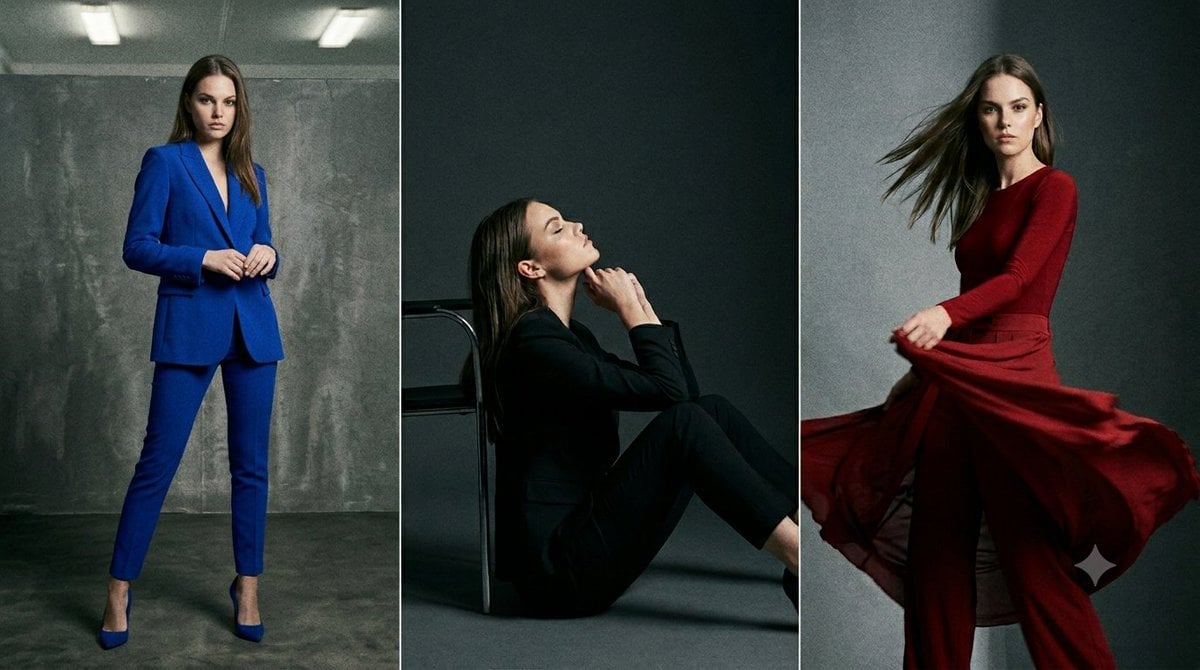
Anonymous Fashion Editorial Triptych
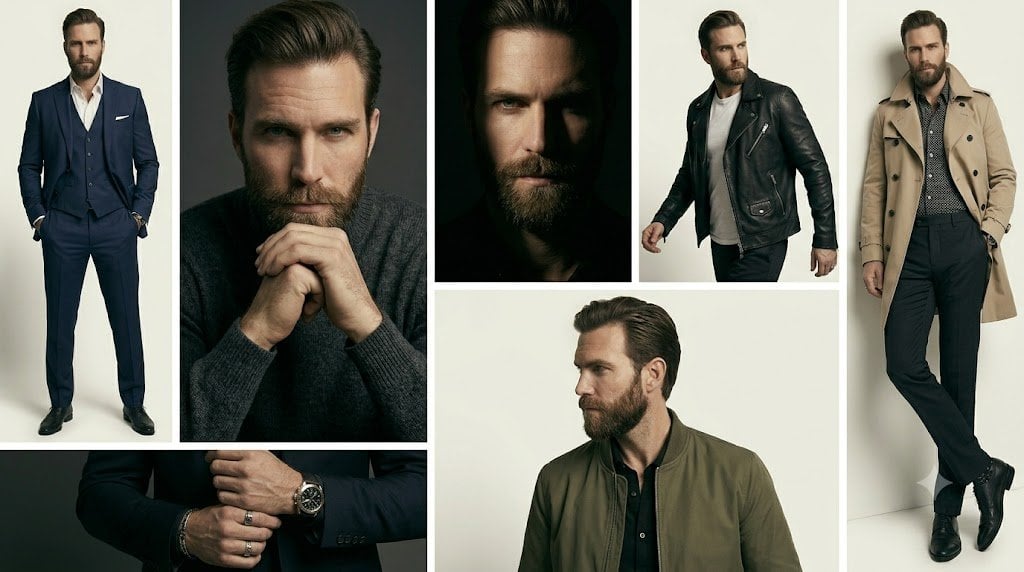
Anonymous Menswear Editorial Collage

Rainy Monsoon Fashion Collage
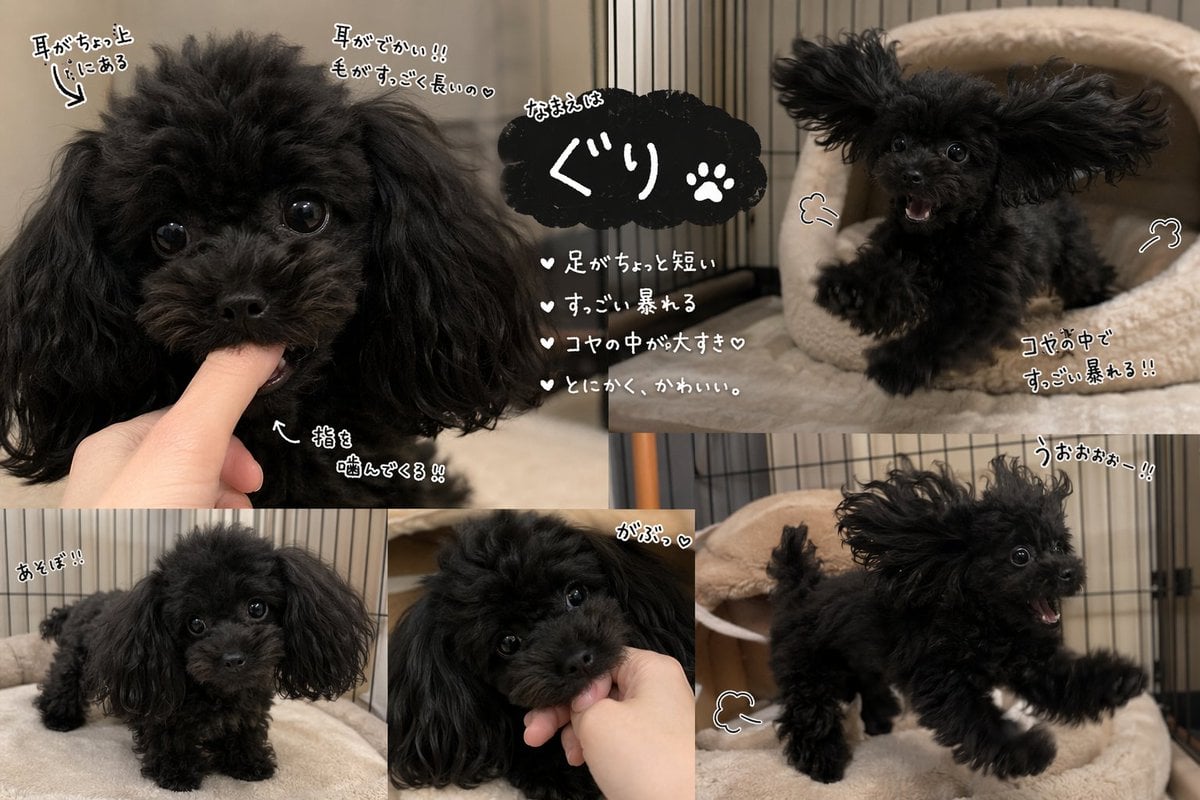
Cute Black Toy Poodle Collage
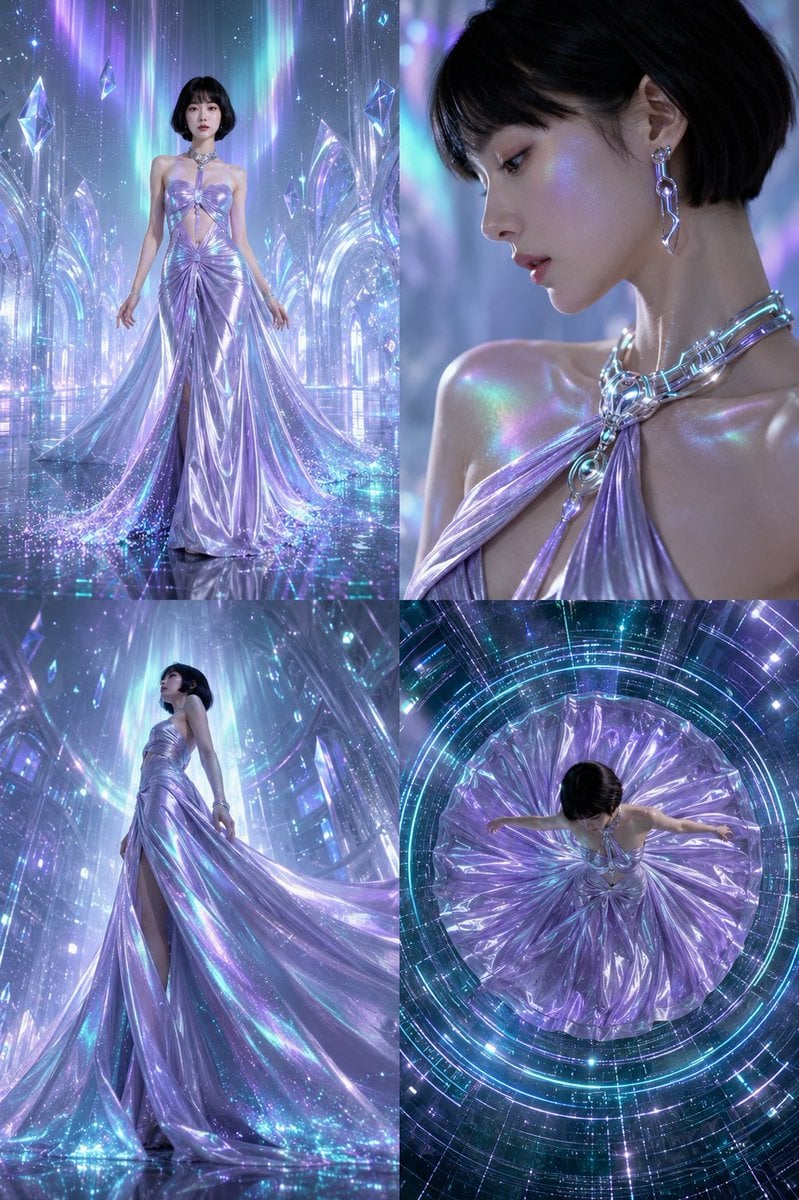
Futuristic Ice Palace Fashion Collage
Make it yours
Anonymous Black Dress Fashion Collage works as-is. These are the safest ways to change it without losing the look.
Change one field
Copy a single group, rewrite it, and generate again so you can see what that field is doing.
Keep the frame, change the subject
Hold the composition and light of Anonymous Black Dress Fashion Collage, then swap wardrobe, props or the person for a new take.
| If the result… | Why | Fix |
|---|---|---|
| The result drifts from the preview | Too many fields changed at once. | Reuse Anonymous Black Dress Fashion Collage as-is first, then change one group — subject, light, or setting. |
| The model over-stylizes the scene | The prose prompt leaves finish and camera underspecified. | Add one camera or lighting sentence and stay on GPT Image 2. |
More GPT Image 2 templates
Other prompts made for GPT Image 2.

Six VTuber Japanese Logo Sheet

Realistic Portrait of Woman and Deer

The Vista Modular Condo Poster

AI Model Routing Comparison Infographic

2.5D Anime Art Board

Isometric Productivity Desk Scene

New York Double Exposure Poster

Four-Panel AI Landscape Comparison

Japanese Tatami Lifestyle Magazine Cover

NESCAFÉ Coffee Map Poster
More image prompts
Fresh picks from across the catalog.
Consistent Korean Girl Identity Lifestyle
Low-Angle Sentimental Sky Poster
Funny anatomical diagram of a pet
Bold Double Cheeseburger Ad Poster
Modern MPLUS Link UI Redesign
Vintage European Travel Sketchbook
Eye-Level Belgian Waffles Food Photography Prompt
panel Japanese gag manga about Nanami eating ramen
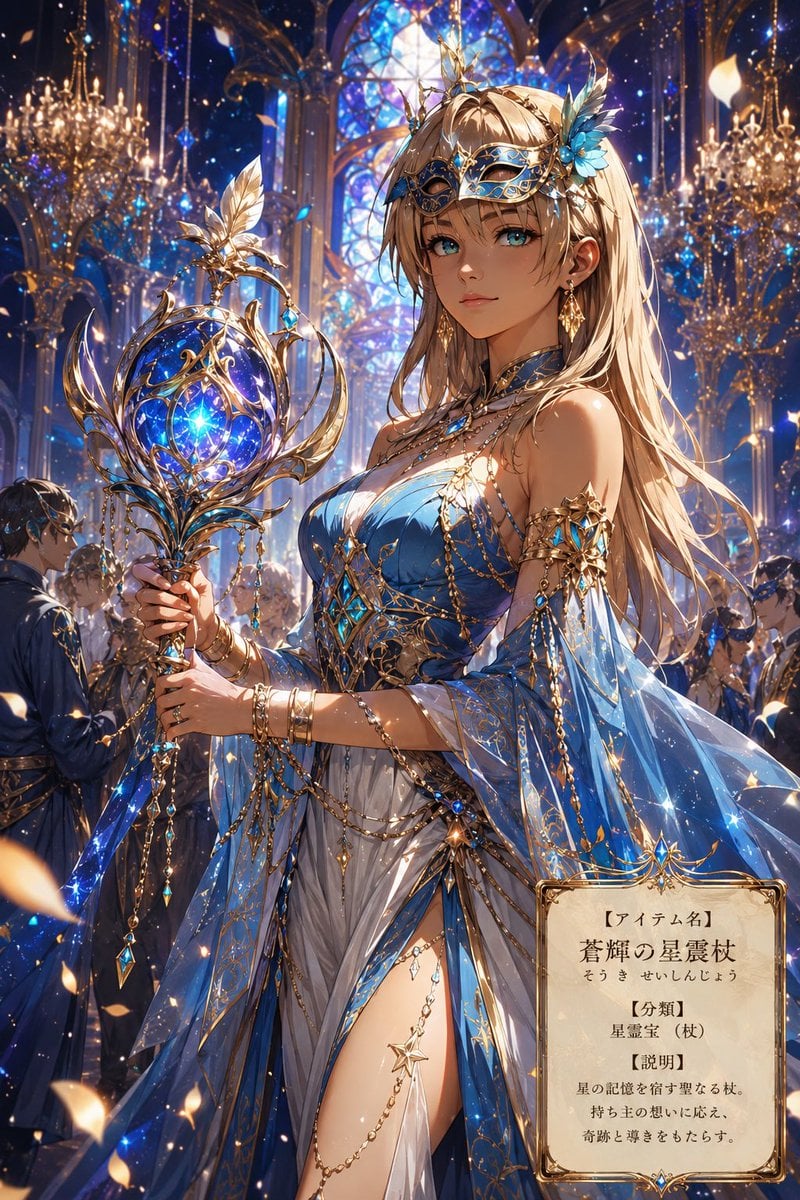
Fantasy Masquerade Ball Treasure Item
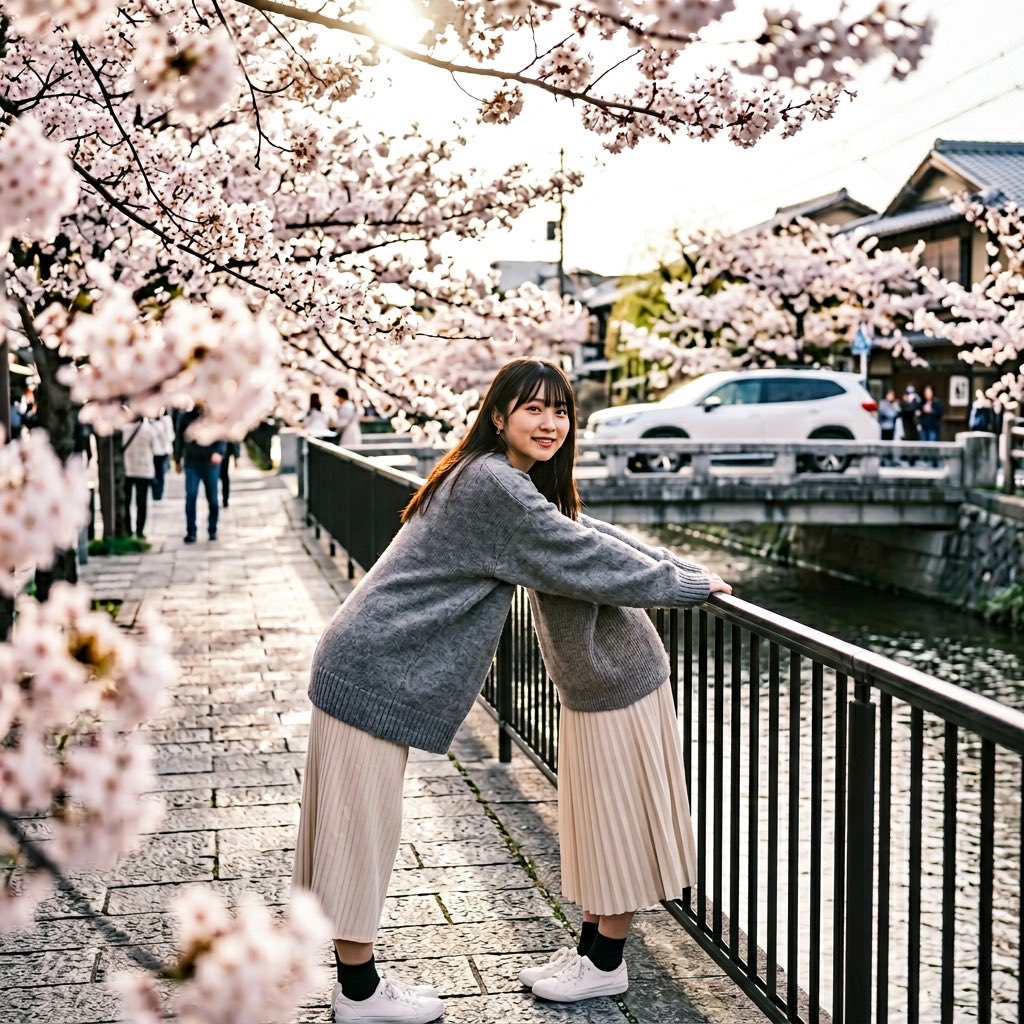
Anatomy Correction Prompt for Nano Banana 2
Browse template categories
Anonymous Black Dress Fashion Collage questions
How do I use the Anonymous Black Dress Fashion Collage template?
Add your photo if the template asks for one, edit the prompt if you like — the template's model and format are already selected — and press Generate. Your version opens in PicX Studio.
Can I customize the Anonymous Black Dress Fashion Collage template?
Yes. You can change the subject, setting, lighting, mood, format, and available model controls before creating your image.
Is the Anonymous Black Dress Fashion Collage template free?
Opening and editing this template is free. Generating uses credits, shown on the Generate button when you are signed in.
Which AI model should I use?
Start with GPT Image 2, which is the model associated with this template. You can compare another compatible model for a different finish.
Looking for something else? Browse all templates.

Your photo, any look
Thousands of ready templates for every top image and video model, from one credit balance.