
80s Polka Dot Saree
80s Bollywood heroine look — a 1980s restyle of a photo you upload, written for one person in frame.

- Prompt included
- Model and format preset
- Free template
The prompt behind this image
Copy the exact prompt behind 80s Polka Dot Saree, or open it in the studio and make it yours.
Give the woman in this photo an 80s Bollywood heroine look. Keep their facial features exactly the same as in the original picture provided. Dress them in a white georgette polka dot saree with a decent blouse, soft pleats, and a nicely draped pallu, paired with classic 80s jewellery such as jhumkas, bangles, a delicate necklace, and a small bindi. Add voluminous 80s-style blowout hair and a graceful pose with one hand placed under the chin. Their expressions should be bold. Add warm cinematic lighting, grainy effect, and imperfections of old film photography style to make it look like a real vintage Bollywood photo from 1985.
How to use 80s Polka Dot Saree in 3 steps
- 1Upload ImagePNG, JPG or paste
Add your photo
Upload the photo the template builds on. The prompt, model and format are already set.
- 2…a portrait of your subject in softgolden-hour light, 85mm…
Personalize
Edit the subject and creative details while keeping the 9:16 frame.
- 3Generate
Generate
Press Generate — your image is created in PicX Studio, so you can compare it with the original and refine one variable at a time.
More like this
Templates with the same subject, style or setup. Open one to see its prompt.












Make it yours
80s Polka Dot Saree works as-is. These are the safest ways to change it without losing the look.
Change the frame
This template is built for 9:16. Try a matching image ratio in Studio if you need a different crop.
Change one field
Copy a single group, rewrite it, and generate again so you can see what that field is doing.
Keep the frame, change the subject
Hold the composition and light of 80s Polka Dot Saree, then swap wardrobe, props or the person for a new take.
| If the result… | Why | Fix |
|---|---|---|
| The result drifts from the preview | Too many fields changed at once. | Reuse 80s Polka Dot Saree as-is first, then change one group — subject, light, or setting. |
| The crop feels wrong | The prompt is framed for 9:16. | Set the image ratio to 9:16 before generating. |
| The model over-stylizes the scene | The prose prompt leaves finish and camera underspecified. | Add one camera or lighting sentence and stay on Openai/gpt Image 2.5/flare. |
More image prompts
Fresh picks from across the catalog.
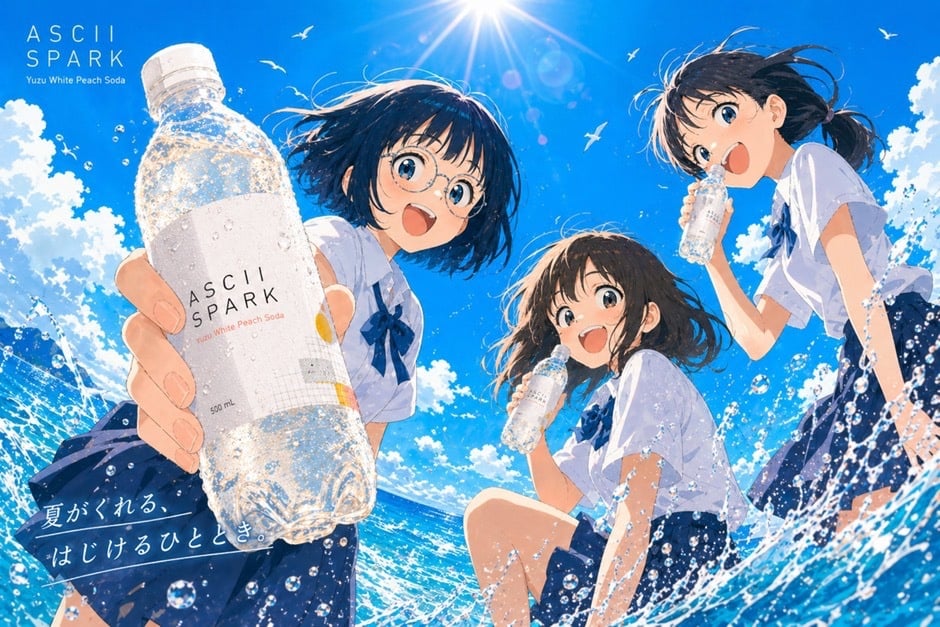
Anime Summer Soda Ad Poster
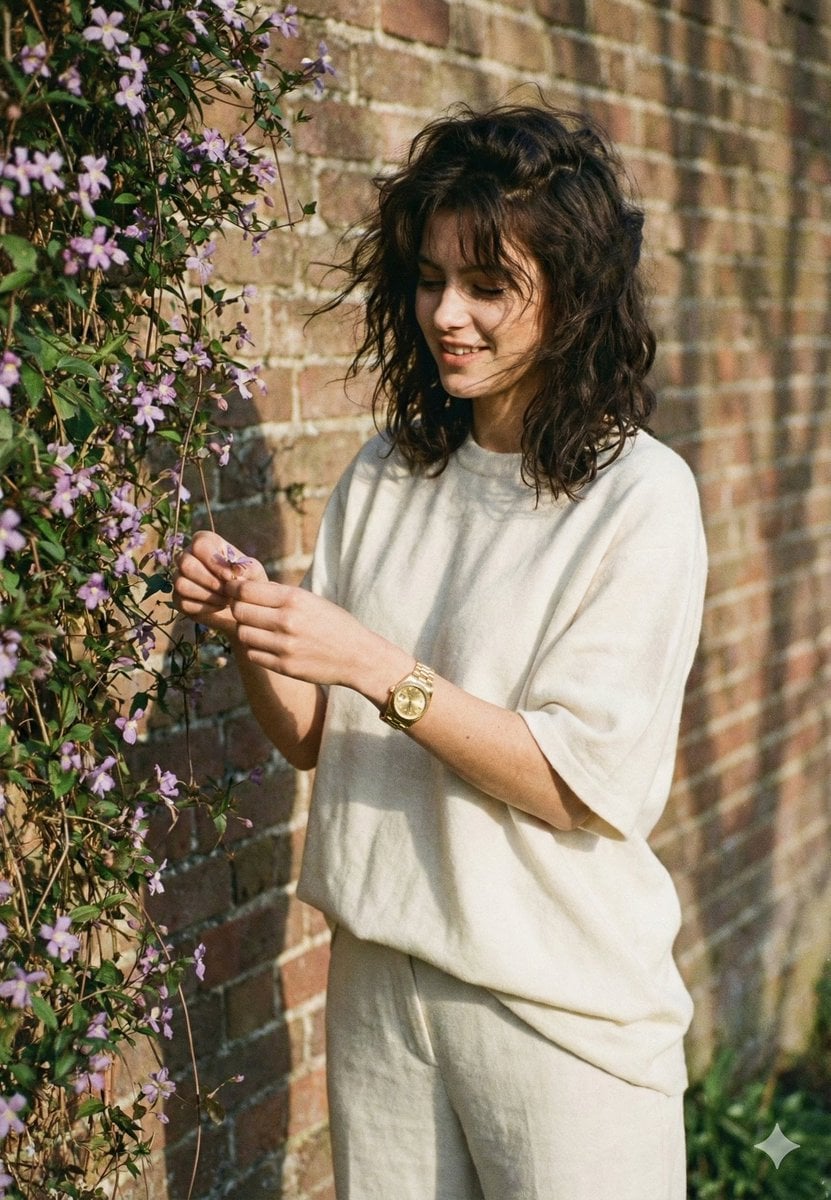
Intimate Film Aesthetic Garden Portrait
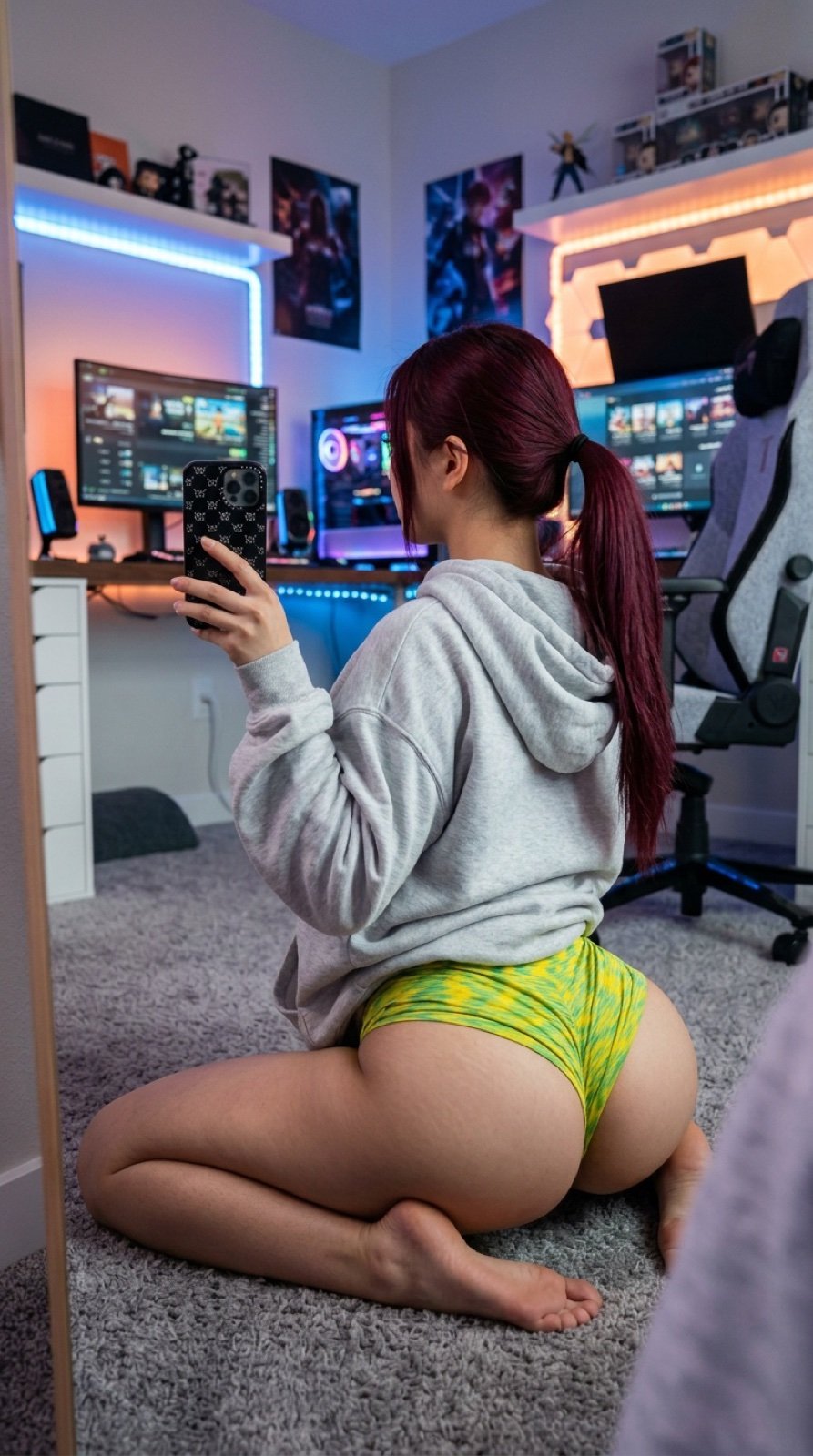
Detailed JSON Prompt for Gamer Girl Selfie
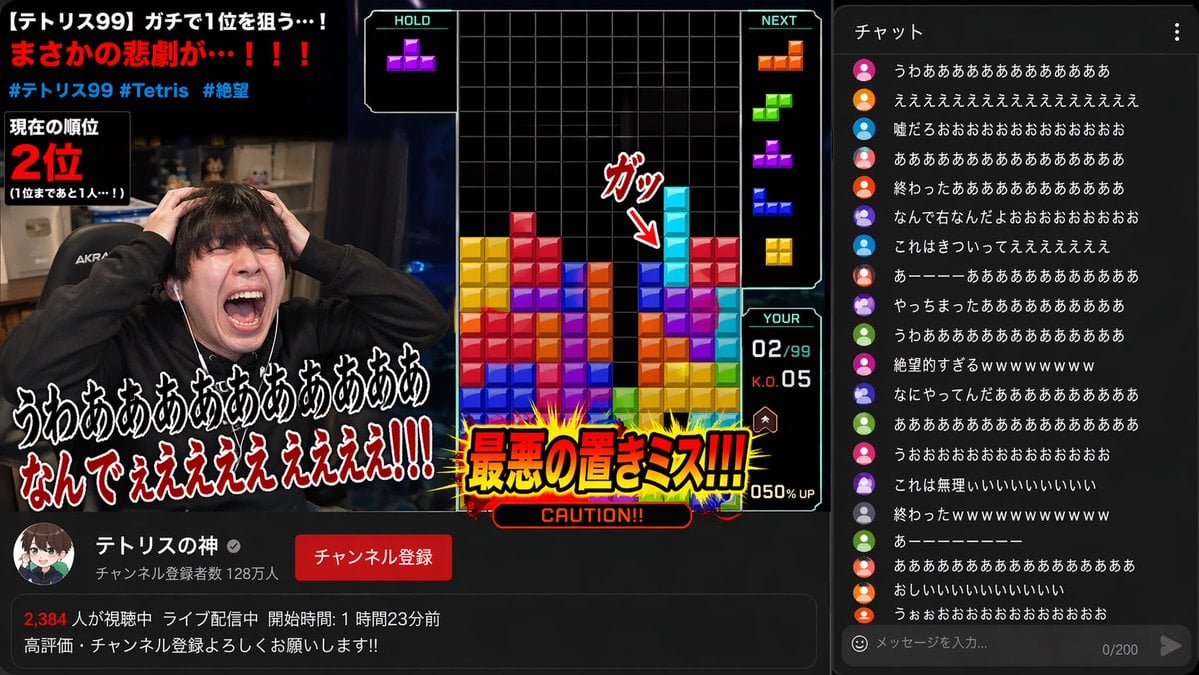
YouTube Gaming Stream Despair Scene
Sketch to Professional UI Design
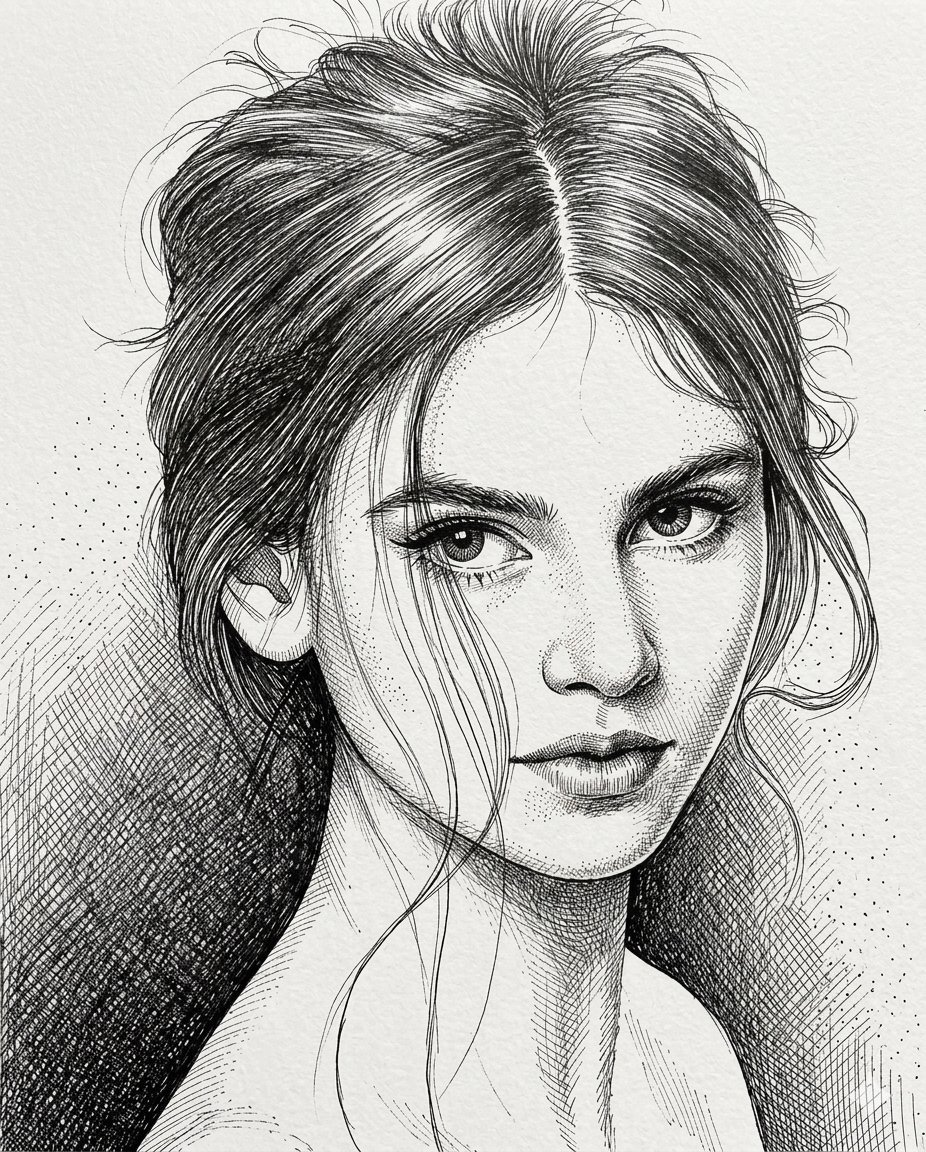
High-Contrast Pen and Ink Portrait
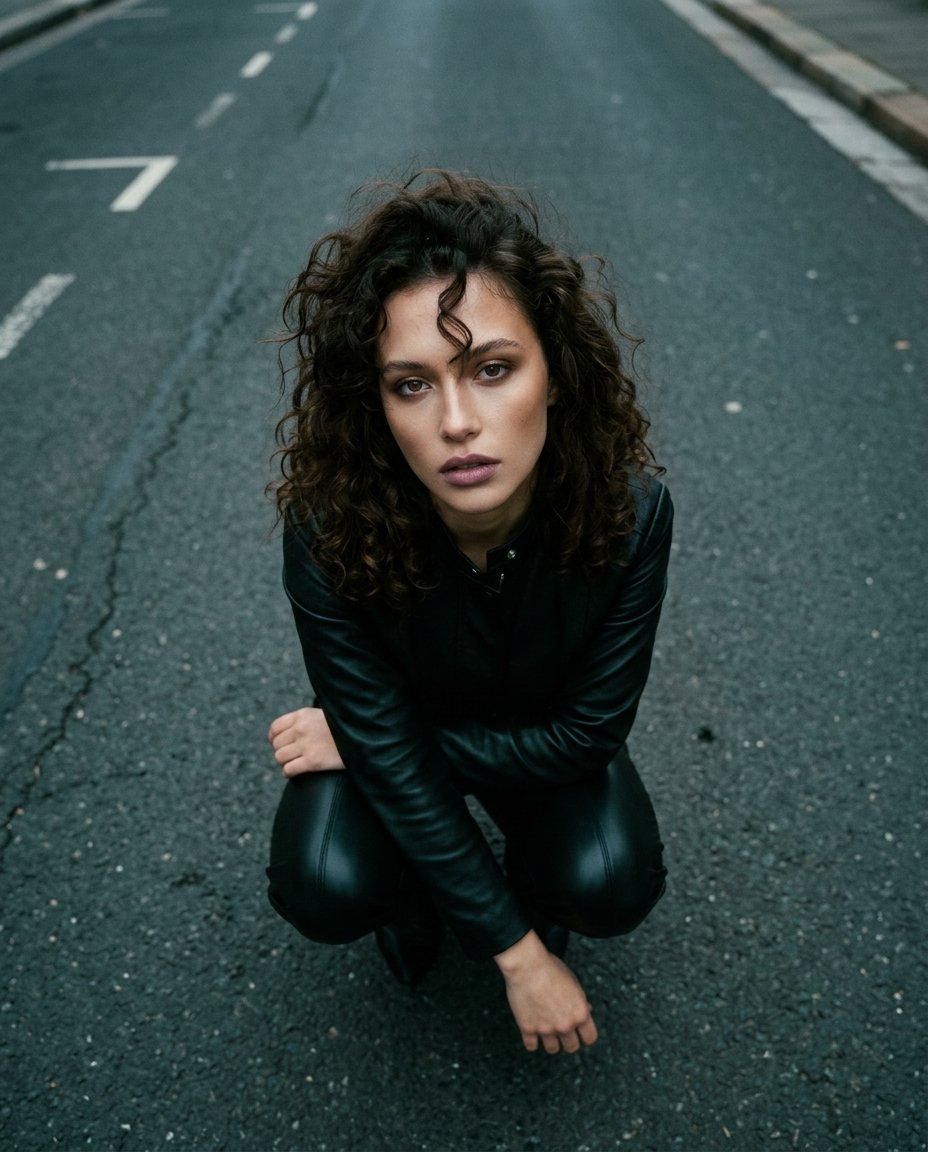
Top-Down Cinematic Portrait
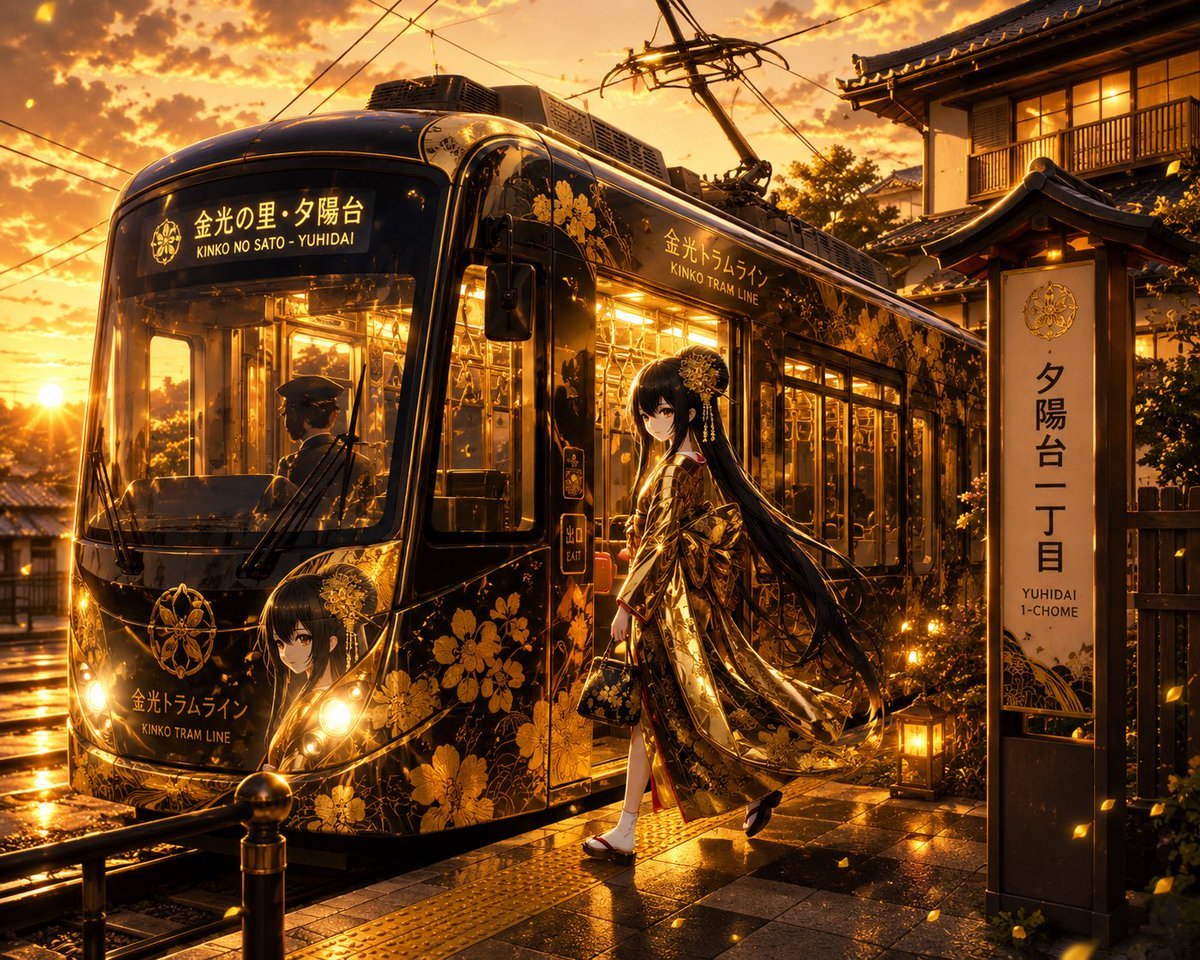
Golden Anime Tram at Sunset
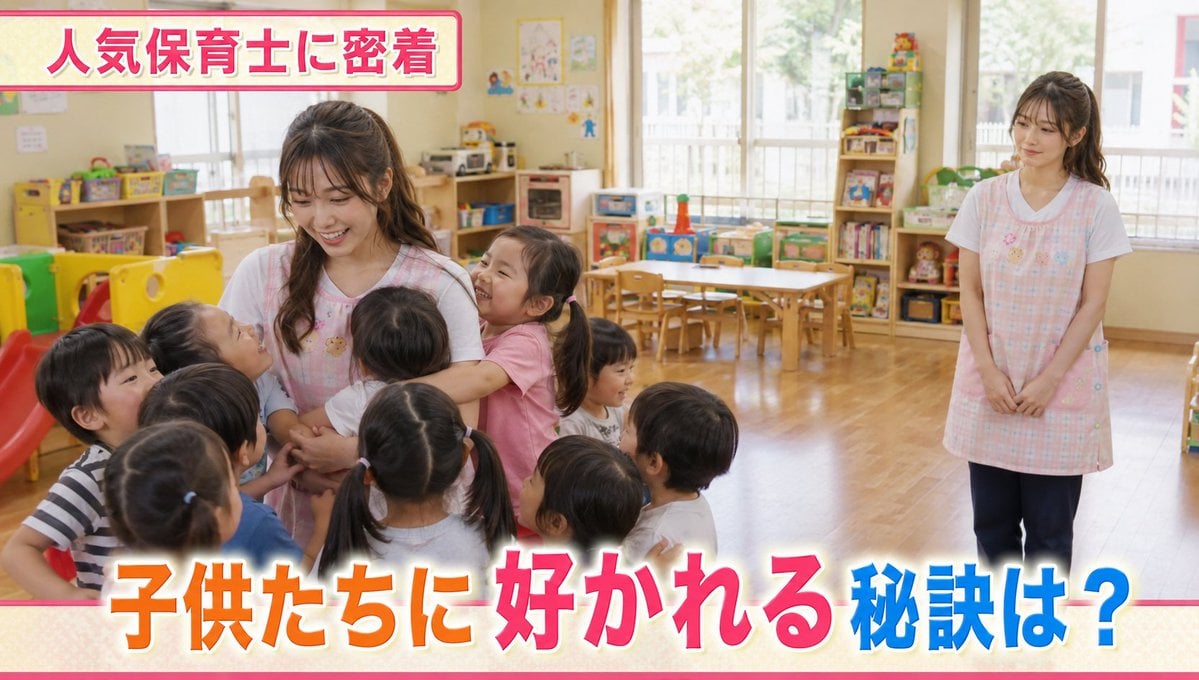
Contrast in Popularity Twin Teachers
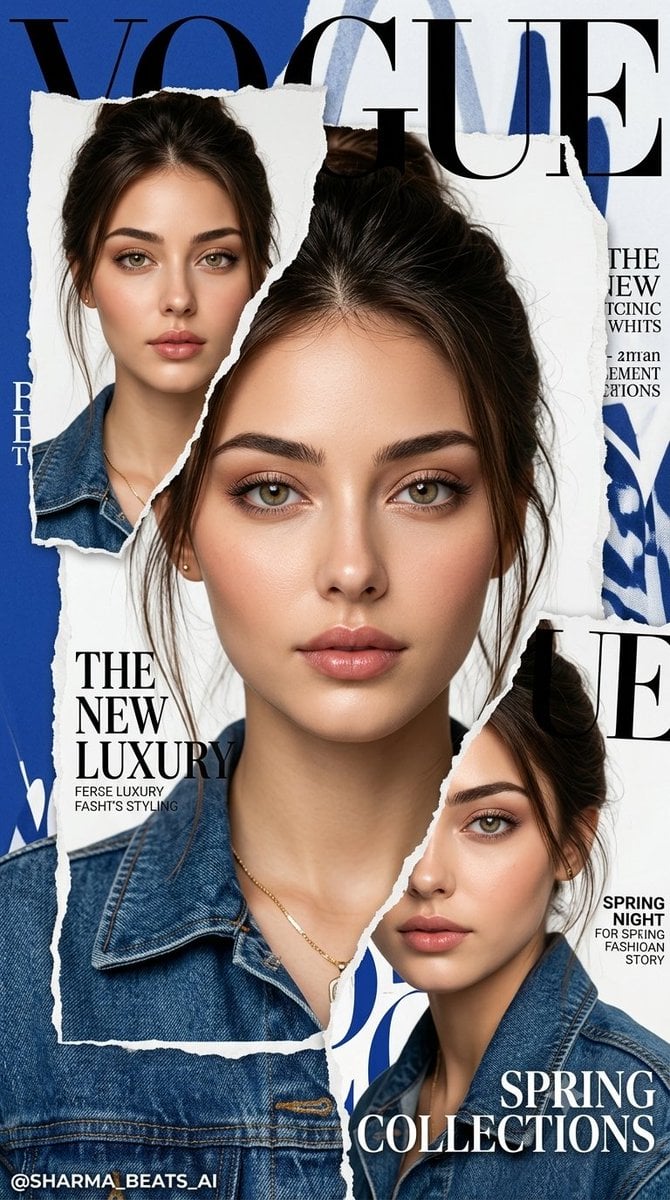
Luxury Vogue Fashion Editorial Poster
Browse template categories
80s Polka Dot Saree questions
How do I use the 80s Polka Dot Saree template?
Add your photo if the template asks for one, edit the prompt if you like — the template's model and format are already selected — and press Generate. Your version opens in PicX Studio.
Can I customize the 80s Polka Dot Saree template?
Yes. You can change the subject, setting, lighting, mood, format, and available model controls before creating your image.
Is the 80s Polka Dot Saree template free?
Opening and editing this template is free. Generating uses credits, shown on the Generate button when you are signed in.
Which AI model should I use?
Start with Openai/gpt Image 2.5/flare, which is the model associated with this template. You can compare another compatible model for a different finish.
Looking for something else? Browse all templates.

Your photo, any look
Thousands of ready templates for every top image and video model, from one credit balance.