
Contrast in Popularity Twin Teachers
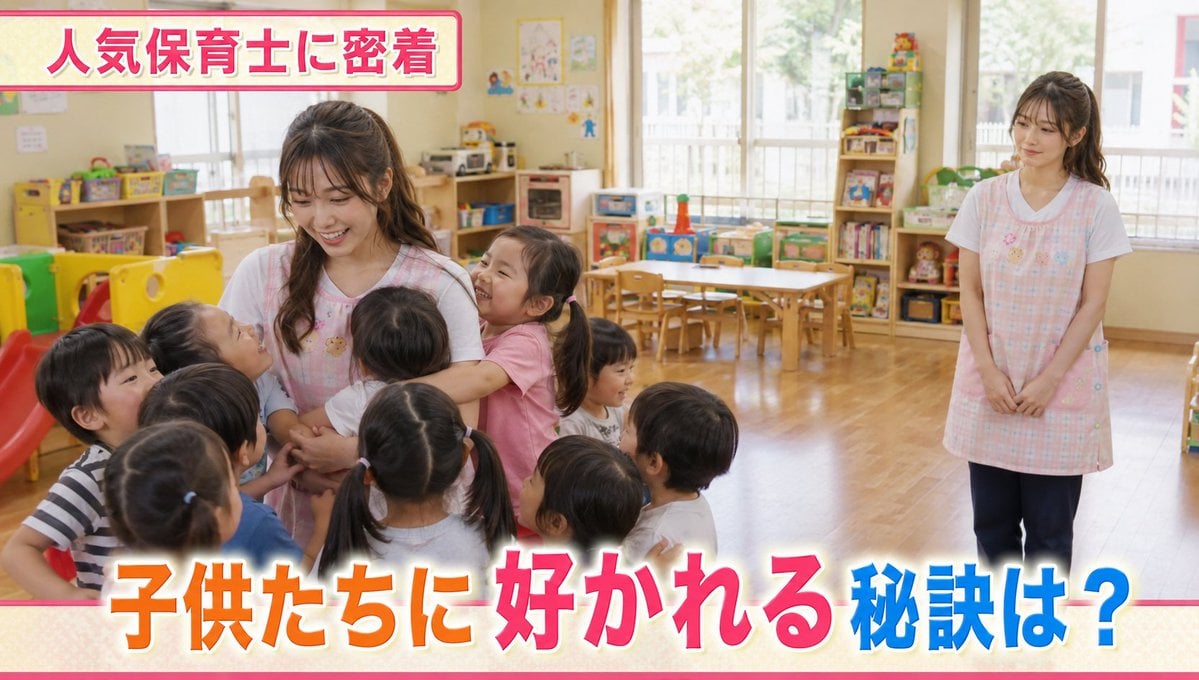
A complex narrative prompt depicting the stark difference in popularity between two identical twin nursery teachers in a documentary-style television broadcast.
- Prompt included
- Model and format preset
- Premium template
The prompt behind this image
Copy the exact prompt behind Contrast in Popularity Twin Teachers, or open it in the studio and make it yours.
Keep the {argument name="subject" default="twins"} from the reference images, realistic live-action style, the interior of a {argument name="location" default="bright Japanese daycare center"}. A warm daycare room with colorful play equipment, toys, bookshelves, and children's desks and chairs lined up. Soft natural daytime light is streaming in. The twins both work as {argument name="occupation" default="daycare teachers"}. They wear matching gentle-looking daycare-teacher aprons of the same design. However, there is an extreme difference in their popularity. One of the teachers is overwhelmingly popular with the children. A large number of kids gather around her, holding her hands or hugging her. The popular teacher interacts with the children with a beaming smile, speaking to them gently. Happy smiles overflow around her, and she is the central figure of the daycare room. Meanwhile, there isn't a single child around the other twin teacher. Only empty space stretches out nearby. She stands a little way off, gazing wistfully at her popular twin and the circle of children. A lonely expression, a slightly troubled smile, an atmosphere of somehow not having a place to belong. The camera shoots from a position that takes in the whole daycare room. On the left is the popular teacher surrounded by children; on the right stands the unpopular teacher, alone. A comical situation where the two have the same face, yet are treated in extremely different ways. Natural expressions on the children's faces, a warm daycare-like atmosphere, a realism like a documentary-style TV feature. Natural light, realistic skin texture, photorealistic, ultra-high detail, realistic TV program/documentary quality. Do not include any corporate logos or real group names. At the top of the screen, a TV-program-style caption reads 「人気保育士に密着」, and at the bottom, 「子供たちに好かれる秘訣は?」.
How to use Contrast in Popularity Twin Teachers in 3 steps
- 1Upload ImagePNG, JPG or paste
Add your photo
Upload the photo the template builds on. The prompt, model and format are already set.
- 2…a portrait of your subject in softgolden-hour light, 85mm…
Personalize
Edit the subject and creative details for your destination.
- 3Generate
Generate
Press Generate — your image is created in PicX Studio, so you can compare it with the original and refine one variable at a time.
More like this
Templates with the same subject, style or setup. Open one to see its prompt.
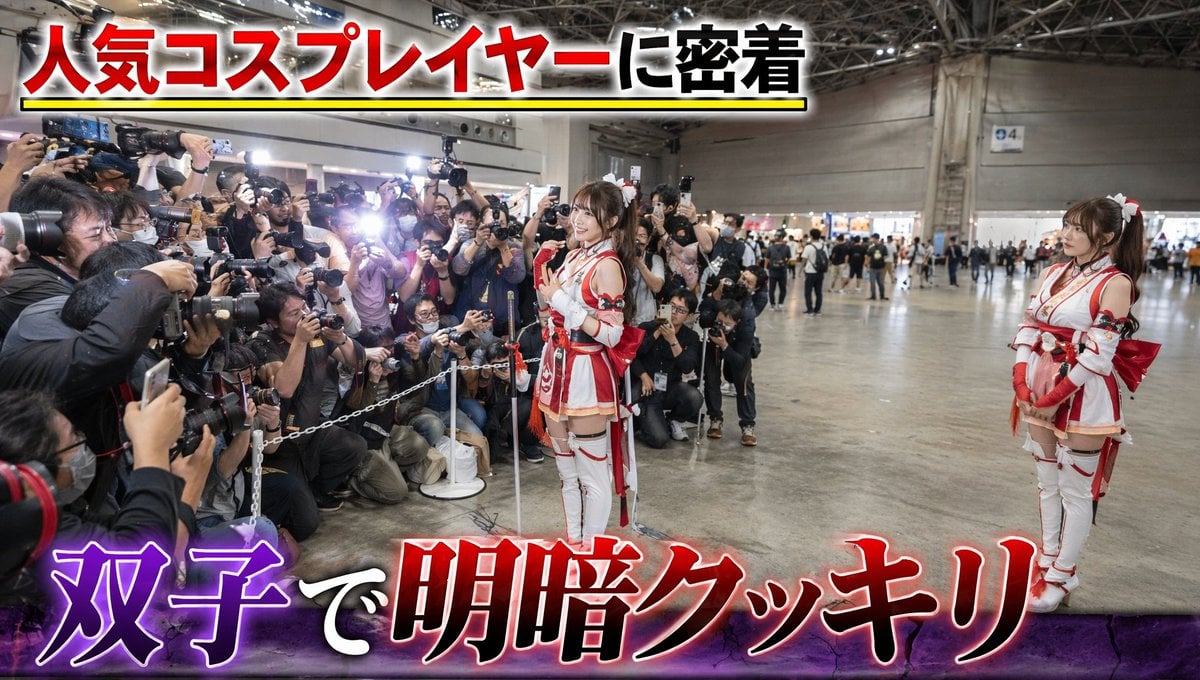
Twin Cosplayers Popularity Contrast
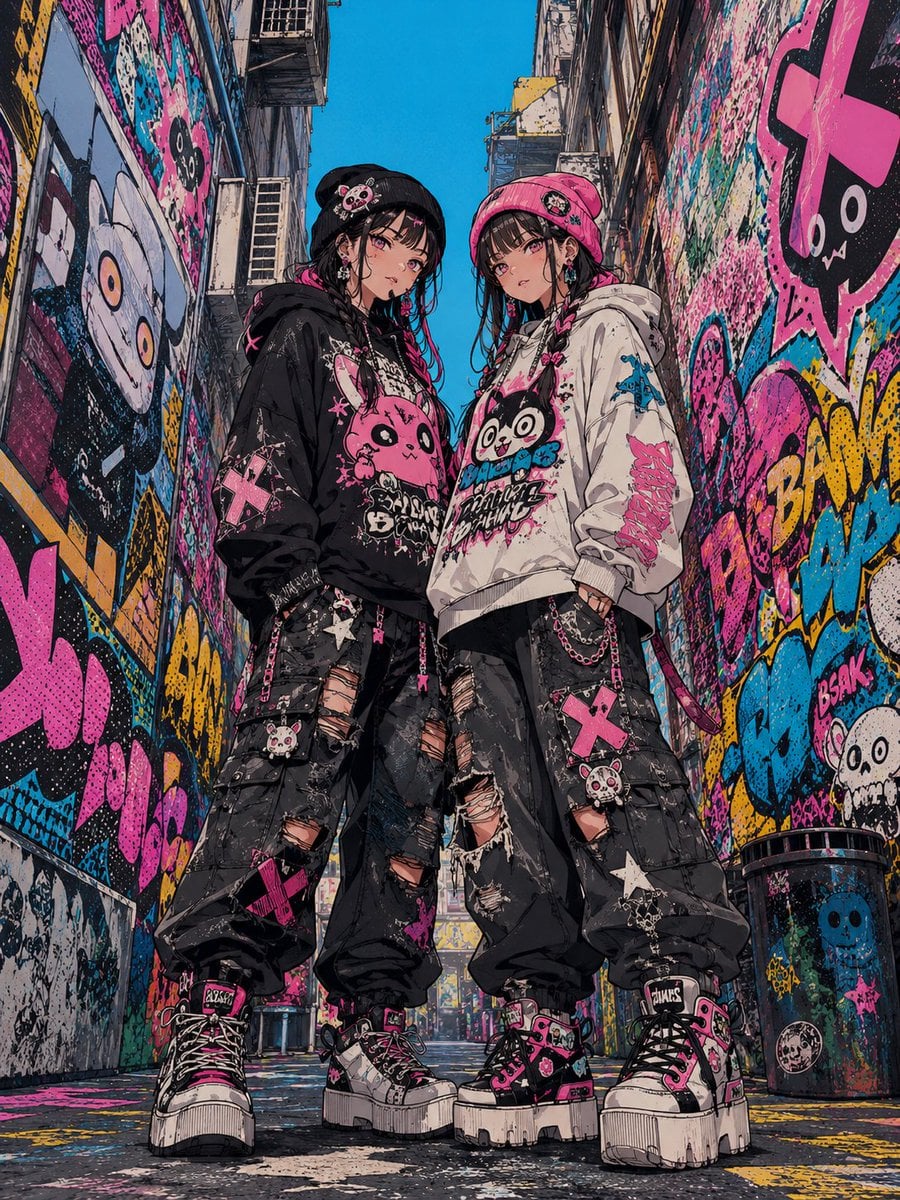
Dark Pop Horror Alley Twins
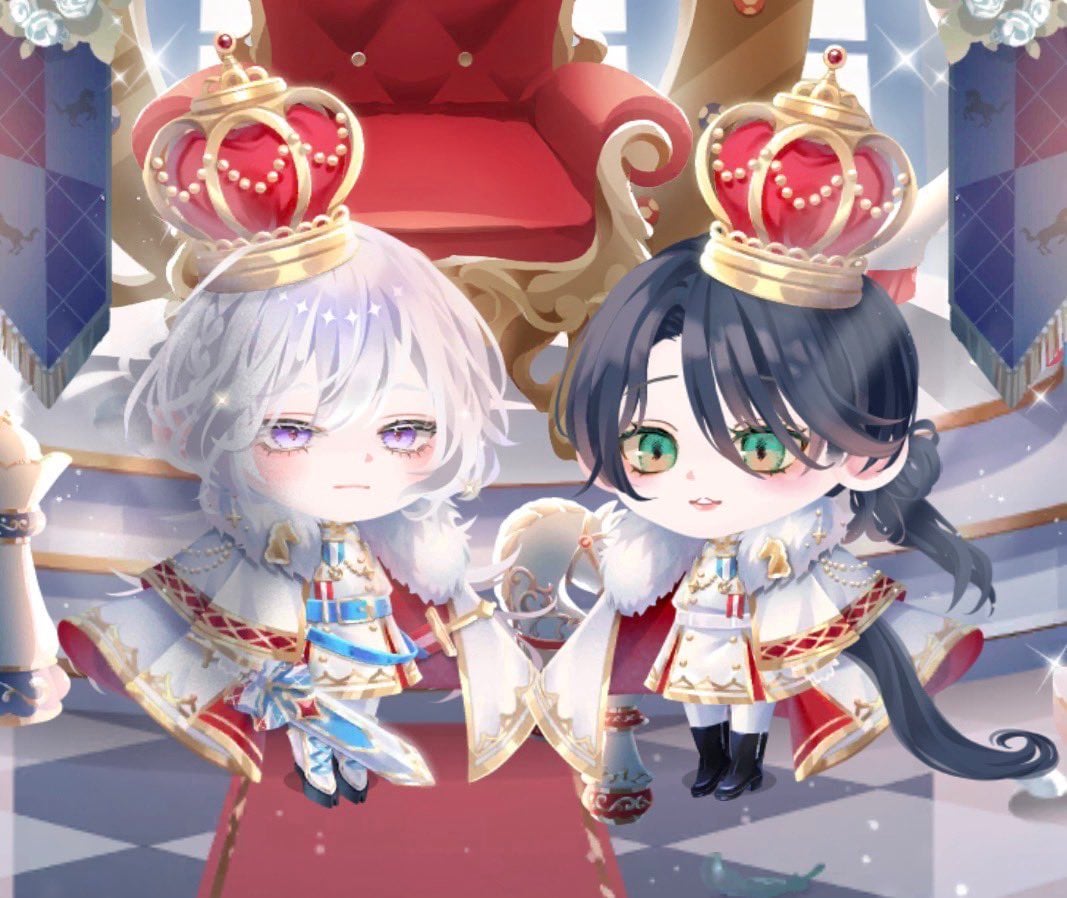
Chibi Royal Horse Twin Princes
High-Contrast Monochrome Identity Portrait
Real Woman with Illustrated Twin

High Contrast Cinematic Face Portrait

Blonde Twin Tails Girl Drinking Tea
Realistic Smartphone Selfie Twins
Real Person and Ink-Twin Doodle
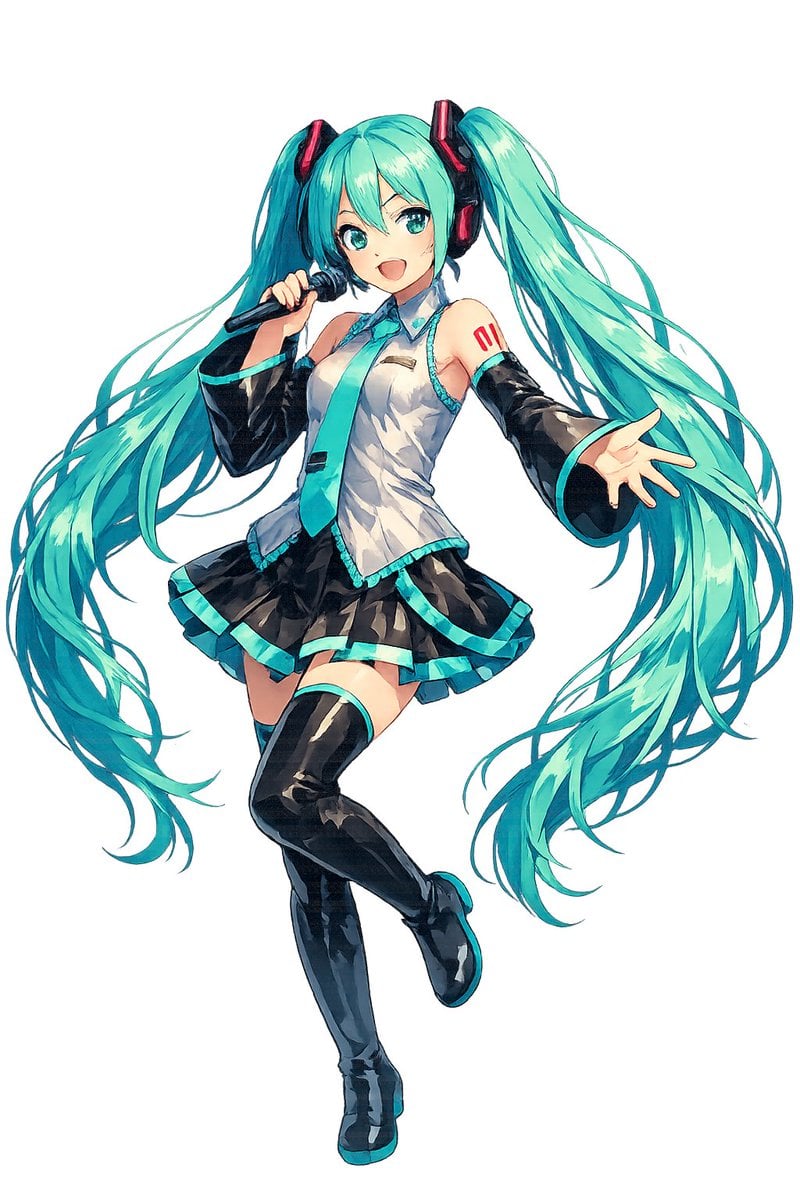
Full-Body Teal Twin-Tail Anime Idol

Anime Yin-Yang Twin Girls
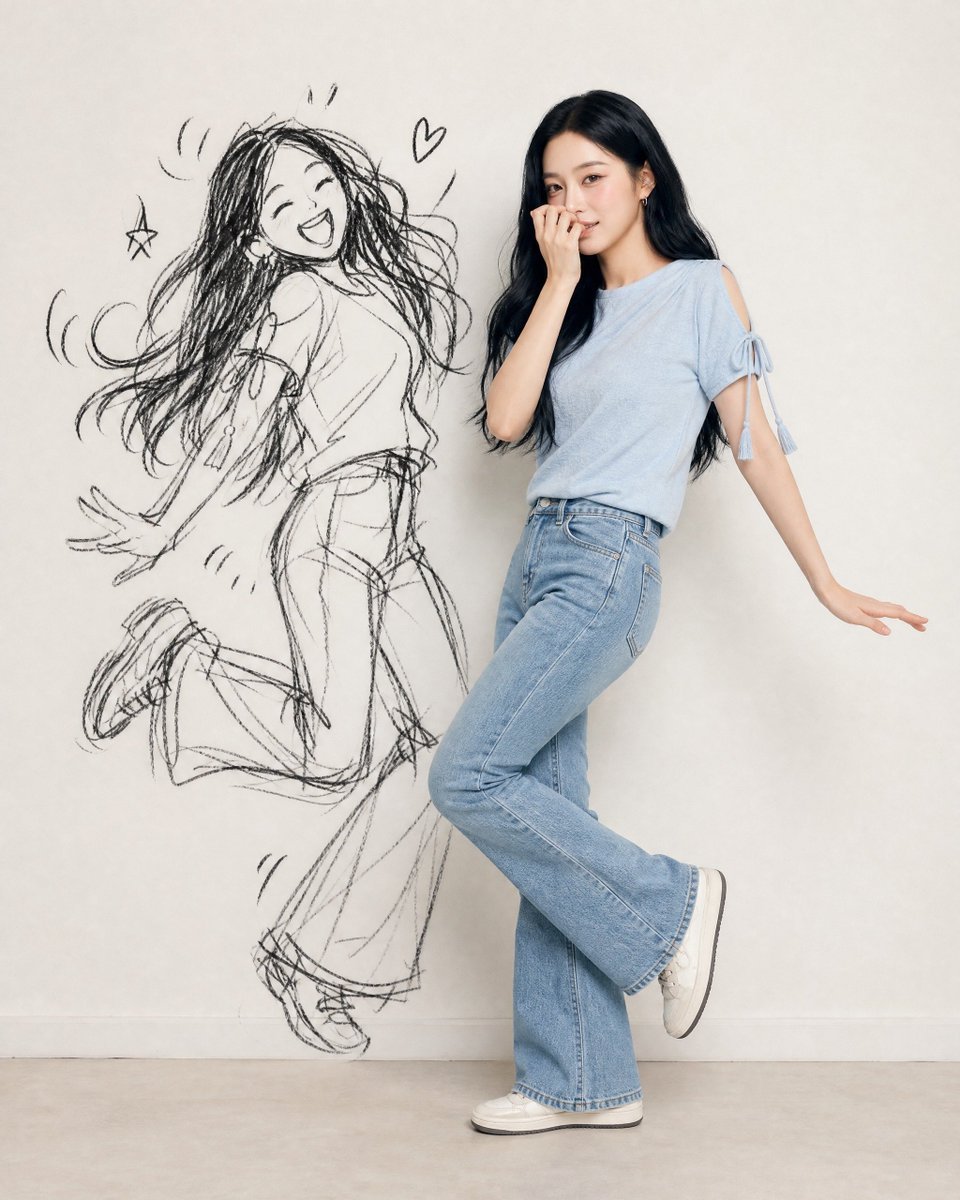
Ink-Twin Doodle Stylization
Make it yours
Contrast in Popularity Twin Teachers works as-is. These are the safest ways to change it without losing the look.
Change one field
Copy a single group, rewrite it, and generate again so you can see what that field is doing.
Keep the frame, change the subject
Hold the composition and light of Contrast in Popularity Twin Teachers, then swap wardrobe, props or the person for a new take.
| If the result… | Why | Fix |
|---|---|---|
| The result drifts from the preview | Too many fields changed at once. | Reuse Contrast in Popularity Twin Teachers as-is first, then change one group — subject, light, or setting. |
| The model over-stylizes the scene | The prose prompt leaves finish and camera underspecified. | Add one camera or lighting sentence and stay on GPT Image 2. |
More GPT Image 2 templates
Other prompts made for GPT Image 2.

Six VTuber Japanese Logo Sheet

Realistic Portrait of Woman and Deer

The Vista Modular Condo Poster

AI Model Routing Comparison Infographic

2.5D Anime Art Board

Isometric Productivity Desk Scene

New York Double Exposure Poster

Four-Panel AI Landscape Comparison

Japanese Tatami Lifestyle Magazine Cover

NESCAFÉ Coffee Map Poster
More image prompts
Fresh picks from across the catalog.

High Fidelity Face Swap Task Definition
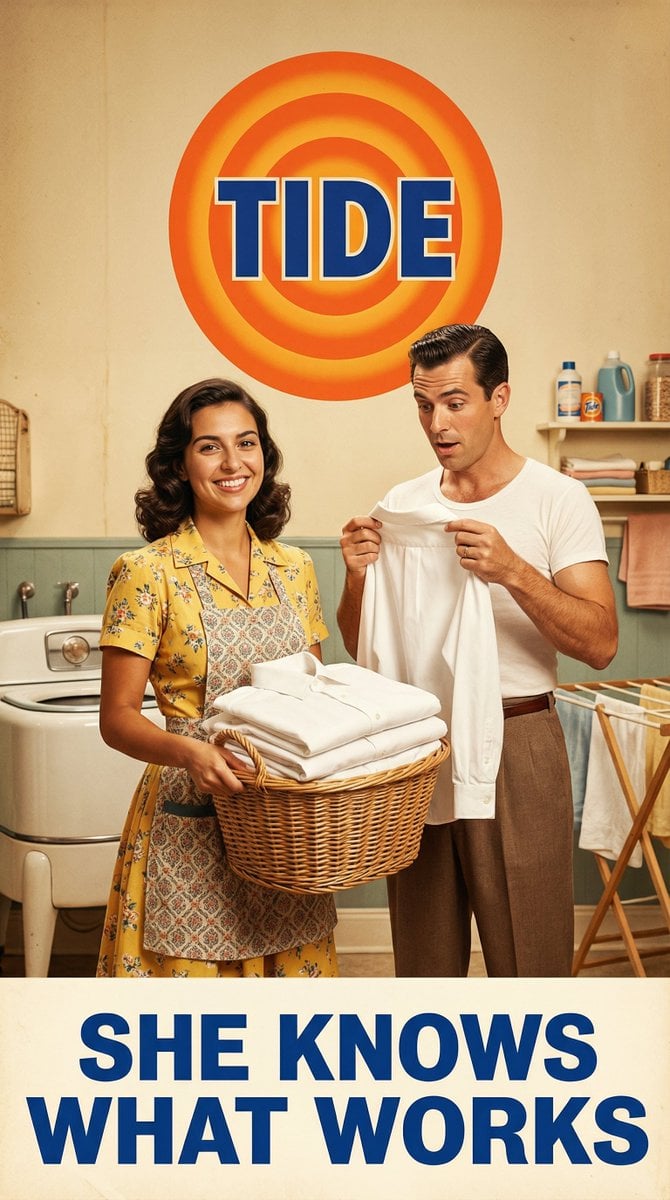
Vintage 1950s Detergent Ad Recreation Prompt
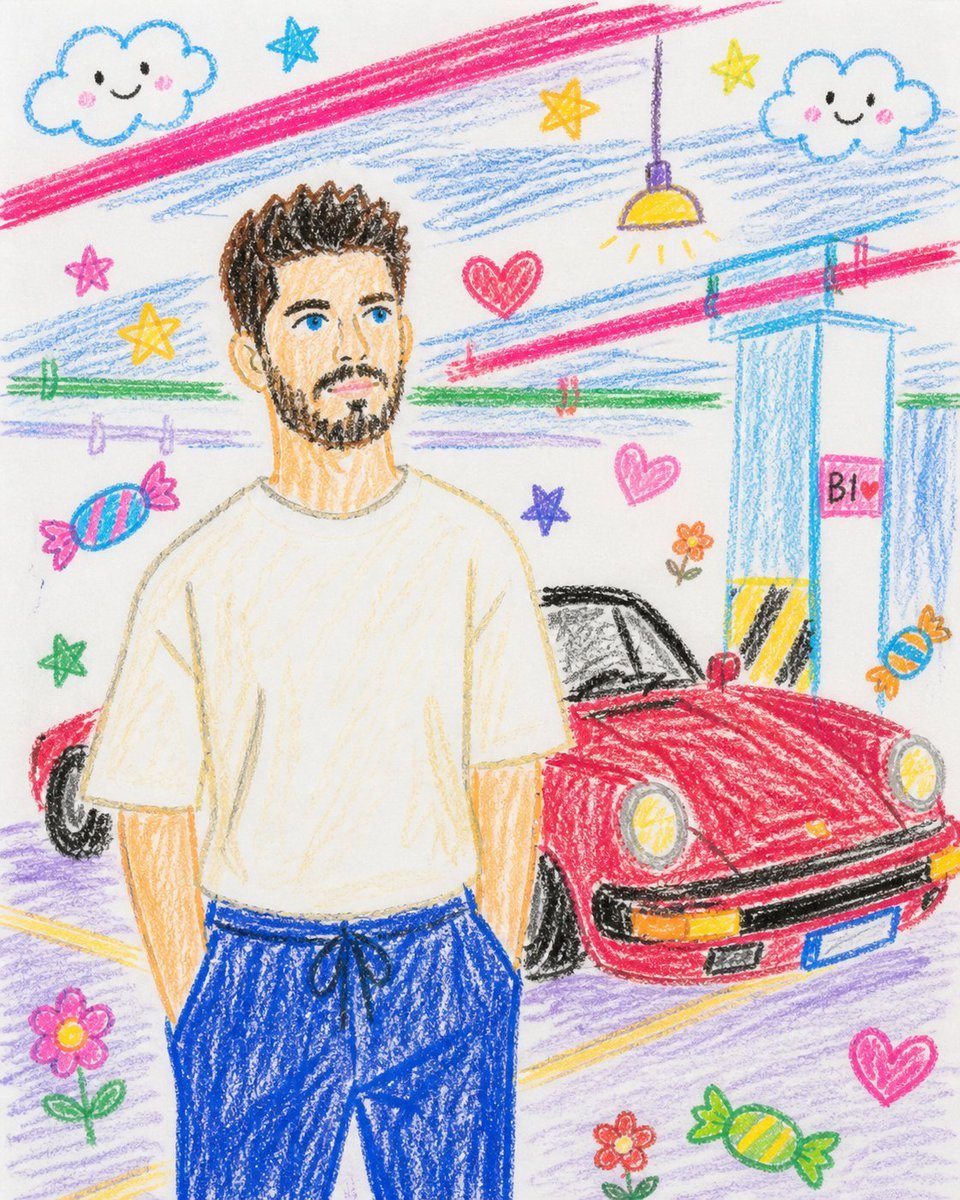
Childlike Crayon Drawing Re-creation

Close-up Portrait with Metallic Chainmail Top

Egyptian Style Editorial Diner Shot

Photorealistic Romantic Couple with Turkish Flag Prompt
Vibrant Abstract Pattern Prompt
Cyberpunk Future Ready Fashion Poster
Accidental iPhone Camera Selfie
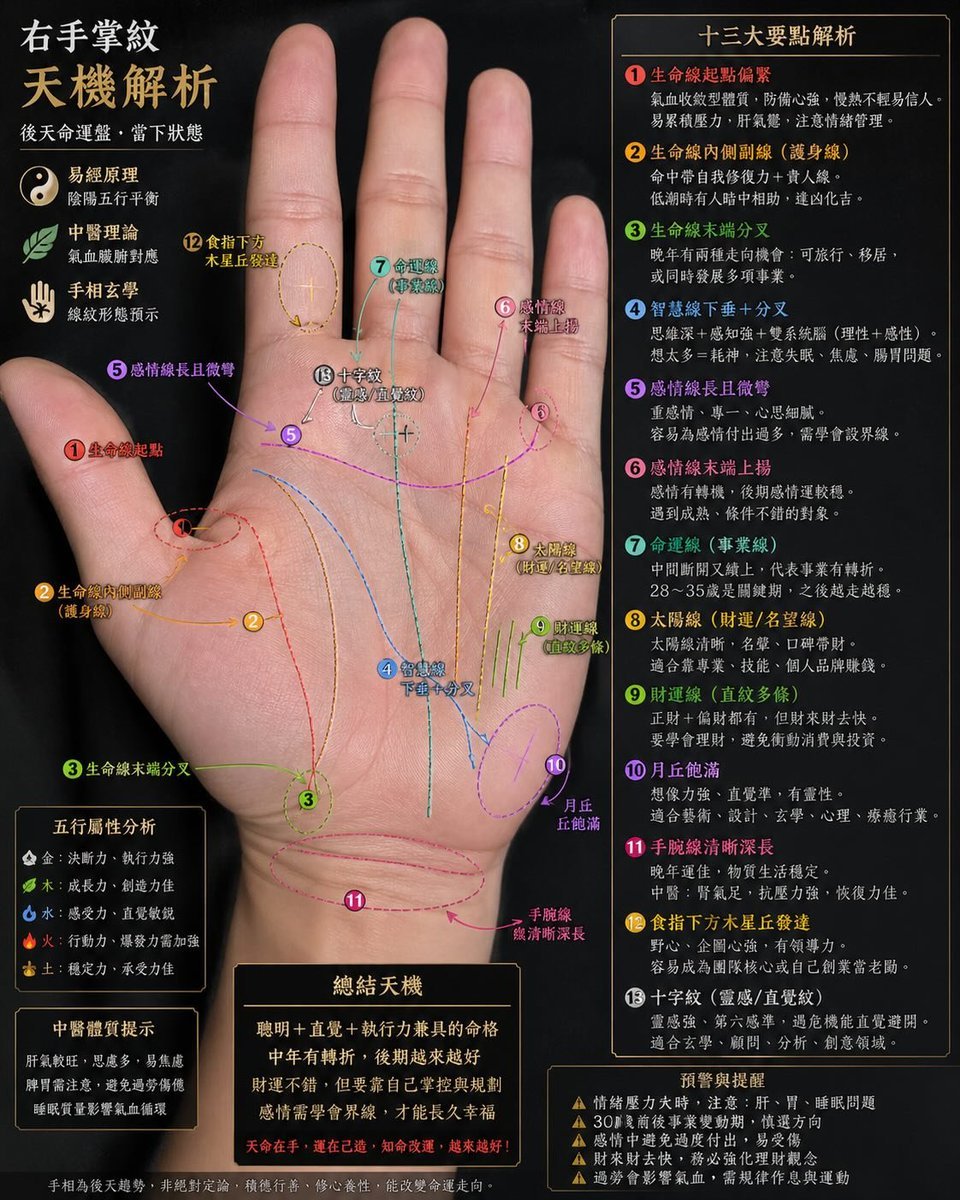
Palmistry Analysis Card Generator
Browse template categories
Contrast in Popularity Twin Teachers questions
How do I use the Contrast in Popularity Twin Teachers template?
Add your photo if the template asks for one, edit the prompt if you like — the template's model and format are already selected — and press Generate. Your version opens in PicX Studio.
Can I customize the Contrast in Popularity Twin Teachers template?
Yes. You can change the subject, setting, lighting, mood, format, and available model controls before creating your image.
Is the Contrast in Popularity Twin Teachers template free?
Opening and editing this template is free. Generating uses credits, shown on the Generate button when you are signed in.
Which AI model should I use?
Start with GPT Image 2, which is the model associated with this template. You can compare another compatible model for a different finish.
Looking for something else? Browse all templates.

Your photo, any look
Thousands of ready templates for every top image and video model, from one credit balance.