
Ink-Twin Doodle Stylization
A structured JSON-based prompt for stylizing an image with an 'ink-twin' doodle character mimicking the main subject's pose.
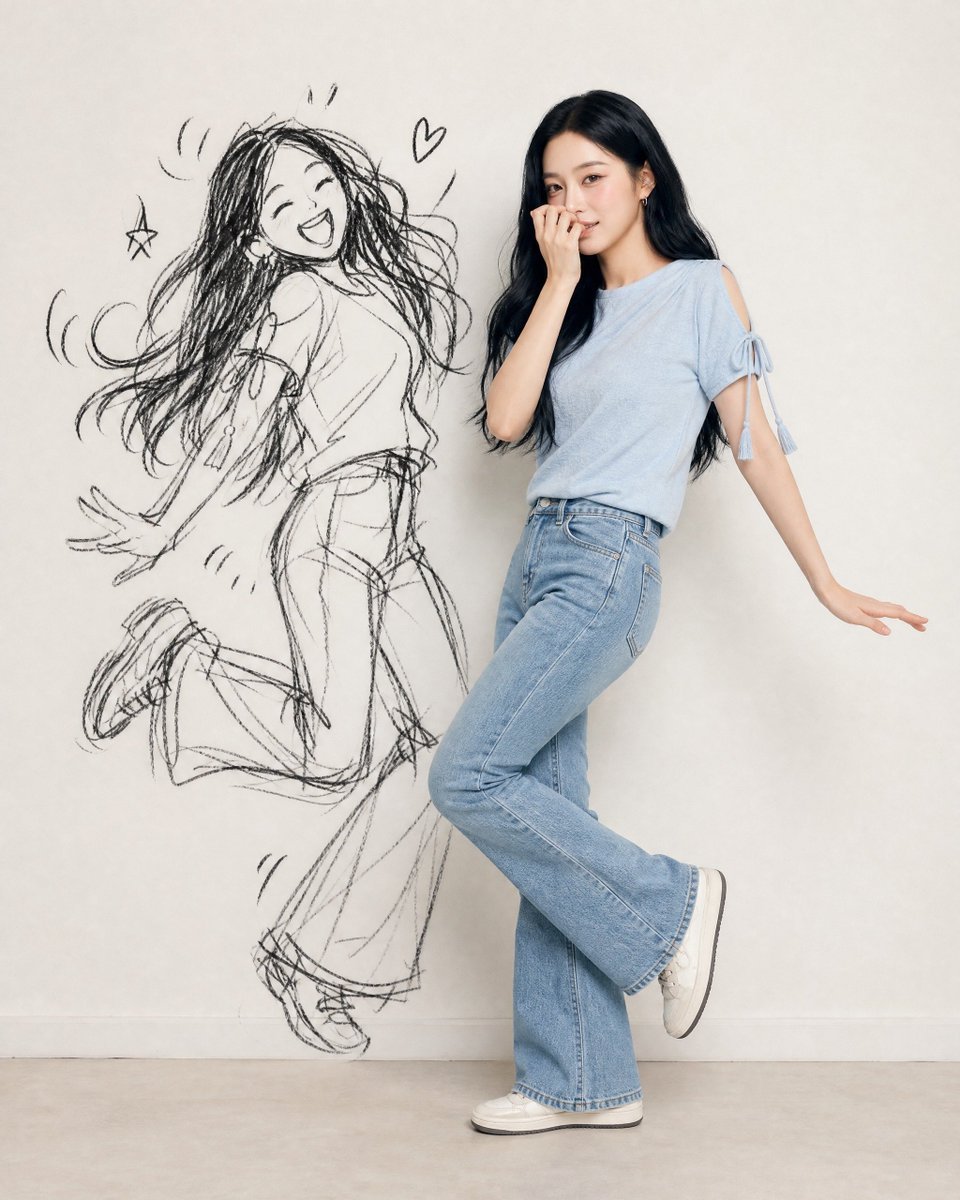
- Prompt included
- Model and format preset
- Free template
The prompt behind this image
Copy the exact prompt behind Ink-Twin Doodle Stylization, or open it in the studio and make it yours.
- Identity Ref › Source
- uploaded photo
- Identity Ref › Lock
- face, eyes/nose/mouth, skin tone, hair (length/texture/color), accessories, exact outfit
- Identity Ref › Rule
- no invented details
- Composition › Format
- vertical 4:5/9:16
- Composition › Figures
- real subject, ink-twin doodle
- Composition › Layout
- side by side, poses fully visible
- Real Subject › Style
- photoreal, full-body
- Real Subject › Outfit
- match reference exactly
- Real Subject › Expression
- playful, embarrassed, caught-out charm
- Real Subject › Pose
- natural, toned-down version
- Ink Twin › Style
- rough black sketch/charcoal doodle on wall
- Ink Twin › Recognizability
- silhouette only (hair/outfit/pose shape)
- Ink Twin › Avoid
- realistic 2nd person, flat shadow, color cartoon
- Ink Twin › Energy
- amplified, chaotic vs real subject
- Ink Twin › Extras
- optional sparse comic marks (motion lines/star/heart)
- Pose Rule › Instruction
- new playful/mischievous shared pose each time
- Pose Rule › Avoid
- pointing, finger-guns, mirrored/repeated poses
- Pose Rule › Relationship
- subject = subtle version; twin = amplified cartoon version, same beat
- Setting › Background
- clean minimal wall (white/cream/gray)
- Setting › Lighting
- soft, even, daylight-style, face visible
- Mood
- playful, stylish, chaotic-fun, shareable
- Negative Prompt
- invented appearance, outfit changes, twin as real 2nd person, flat/creepy shadow, color cartoon twin, weak resemblance, clutter, repeated/stiff/mirrored poses, text, watermark, extra limbs, bad hands
Raw JSON
{
  "identity_ref": {
    "source": "uploaded photo",
    "lock": ["face", "eyes/nose/mouth", "skin tone", "hair (length/texture/color)", "accessories", "exact outfit"],
    "rule": "no invented details"
  },
  "composition": {"format": "vertical 4:5/9:16", "figures": ["real subject", "ink-twin doodle"], "layout": "side by side, poses fully visible"},
  "real_subject": {"style": "photoreal, full-body", "outfit": "match reference exactly", "expression": "playful, embarrassed, caught-out charm", "pose": "natural, toned-down version"},
  "ink_twin": {
    "style": "rough black sketch/charcoal doodle on wall",
    "recognizability": "silhouette only (hair/outfit/pose shape)",
    "avoid": ["realistic 2nd person", "flat shadow", "color cartoon"],
    "energy": "amplified, chaotic vs real subject",
    "extras": "optional sparse comic marks (motion lines/star/heart)"
  },
  "pose_rule": {
    "instruction": "new playful/mischievous shared pose each time",
    "avoid": ["pointing", "finger-guns", "mirrored/repeated poses"],
    "relationship": "subject = subtle version; twin = amplified cartoon version, same beat"
  },
  "setting": {"background": "clean minimal wall (white/cream/gray)", "lighting": "soft, even, daylight-style, face visible"},
  "mood": "playful, stylish, chaotic-fun, shareable",
  "negative_prompt": [
    "invented appearance", "outfit changes", "twin as real 2nd person",
    "flat/creepy shadow", "color cartoon twin", "weak resemblance",
    "clutter", "repeated/stiff/mirrored poses", "text", "watermark",
    "extra limbs", "bad hands"
  ]
}How to use Ink-Twin Doodle Stylization in 3 steps
- 1Upload ImagePNG, JPG or paste
Add your photo
Upload the photo the template builds on. The prompt, model and format are already set.
- 2…a portrait of your subject in softgolden-hour light, 85mm…
Personalize
Edit the subject and creative details for your destination.
- 3Generate
Generate
Press Generate — your image is created in PicX Studio, so you can compare it with the original and refine one variable at a time.
More like this
Templates with the same subject, style or setup. Open one to see its prompt.
Real Person and Ink-Twin Doodle

Blonde Twin Tails Girl Drinking Tea

Real Illustration Split Portrait Transition

Vintage Lithograph Retro World Cup Poster
Vintage Lithograph Retro World Cup Poster
Dark Pop Horror Alley Twins
Chibi Royal Horse Twin Princes
Minimal Ink Vignette Archive
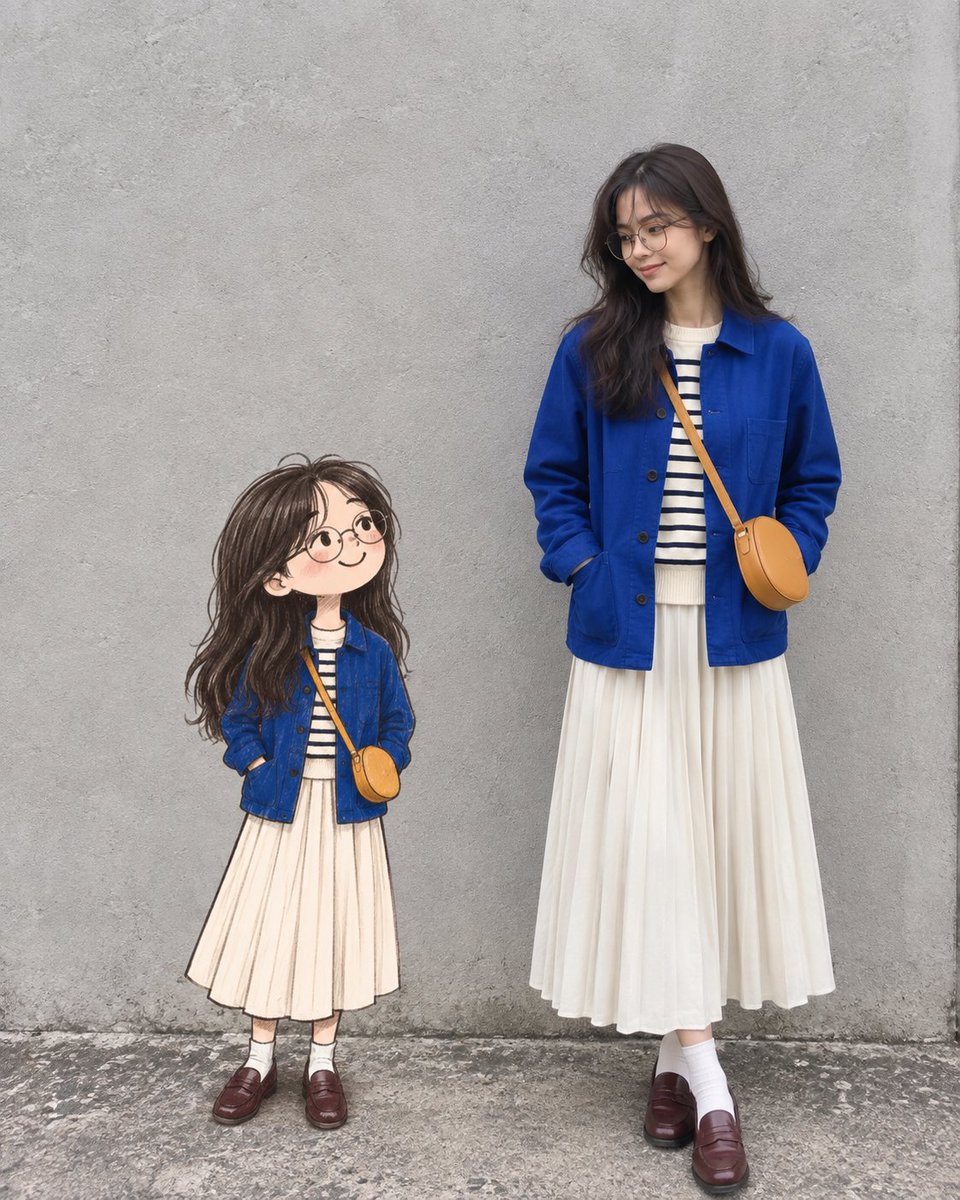
Real Woman with Illustrated Twin

Hand-Drawn Doodle Grid Poster
Miami Nightlife Scene Stylization
Realistic Smartphone Selfie Twins
Make it yours
Ink-Twin Doodle Stylization works as-is. These are the safest ways to change it without losing the look.
Swap the setting
Keep the rest of the prompt and replace the location block. The current setting is “clean minimal wall (white/cream/gray)”.
Swap the light
One lighting change is enough to compare takes. Current light: “soft, even, daylight-style, face visible”.
Change one field
Copy a single group, rewrite it, and generate again so you can see what that field is doing.
| If the result… | Why | Fix |
|---|---|---|
| The result drifts from the preview | Too many fields changed at once. | Reuse Ink-Twin Doodle Stylization as-is first, then change one group — subject, light, or setting. |
| GPT Image 2 ignores part of the JSON | Some models flatten or skip nested keys. | Keep the same values and paste them as a short paragraph instead. |
More GPT Image 2 templates
Other prompts made for GPT Image 2.

Six VTuber Japanese Logo Sheet

Realistic Portrait of Woman and Deer

The Vista Modular Condo Poster

AI Model Routing Comparison Infographic

2.5D Anime Art Board

Isometric Productivity Desk Scene

New York Double Exposure Poster

Four-Panel AI Landscape Comparison

Japanese Tatami Lifestyle Magazine Cover

NESCAFÉ Coffee Map Poster
More image prompts
Fresh picks from across the catalog.
Monochromatic Ivory Cinematic Portrait
Japanese Ink Splatter Comic Illustration
Ultra-Realistic Beauty Portrait Prompt

Miniature People Cinematic World Prompt
Extract frame and modify expression and weather
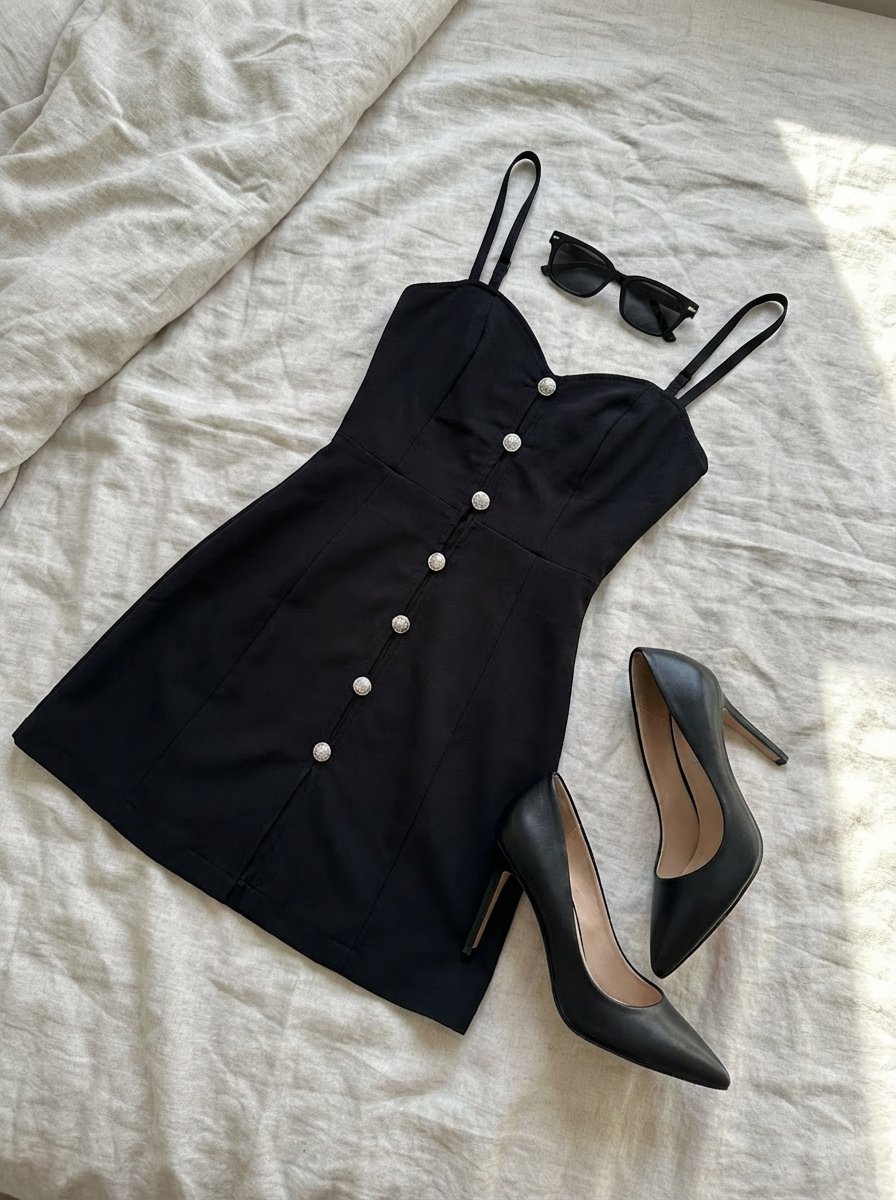
Clothing laid out separately on a bed
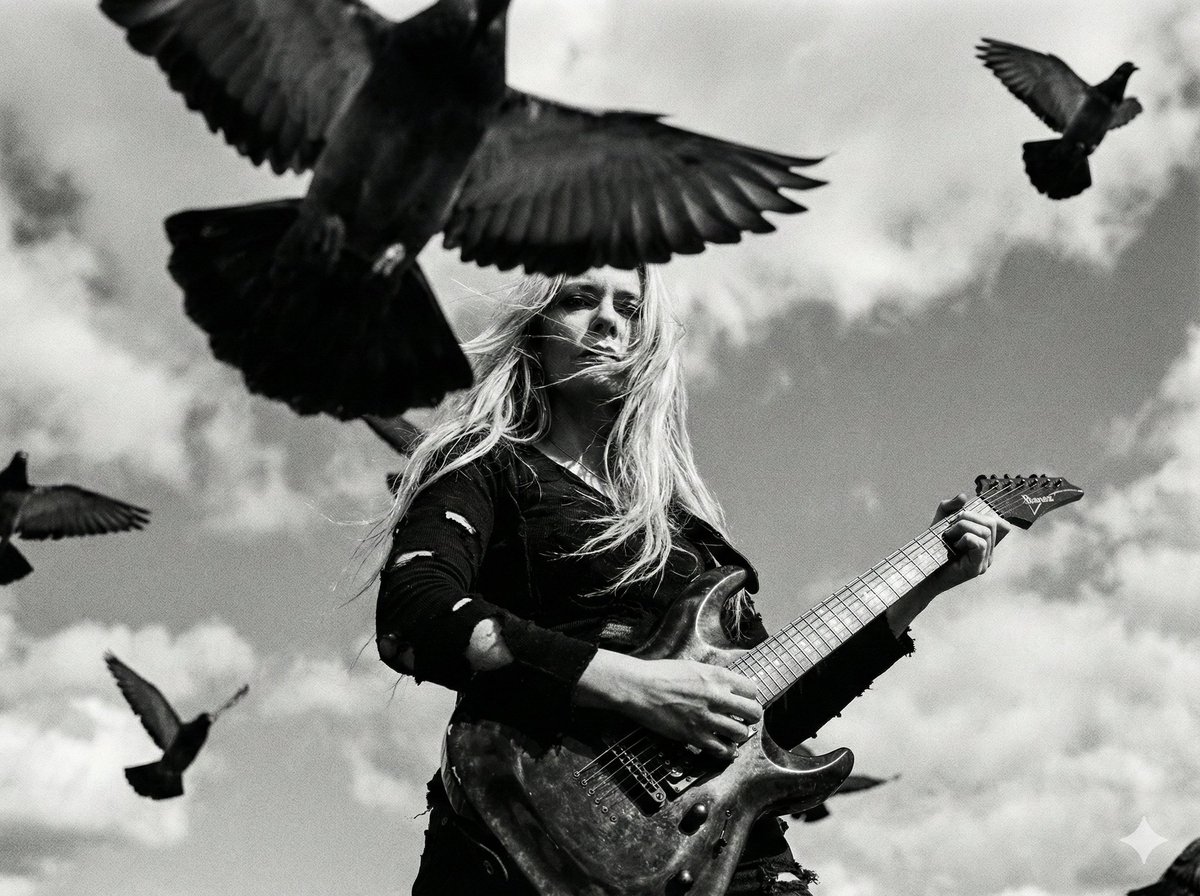
Cinematic Black and White Photo of Woman with Guitar and Pigeons
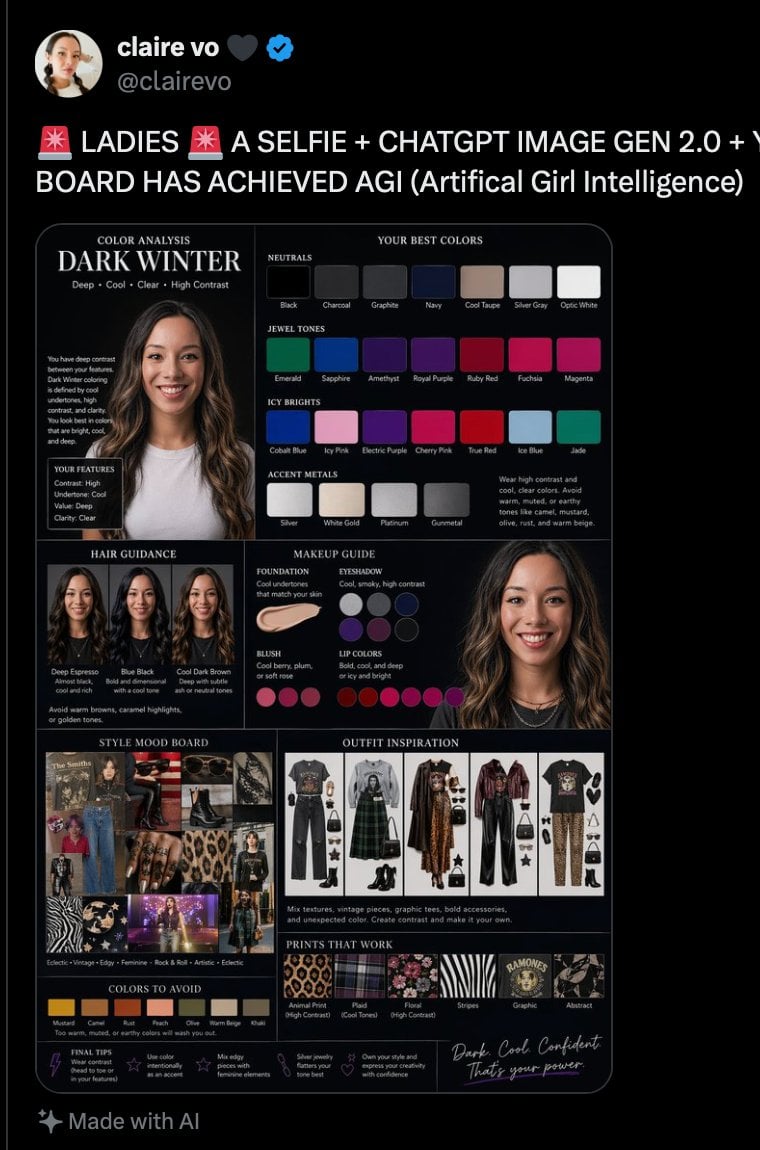
Dark Winter Color Analysis Tweet
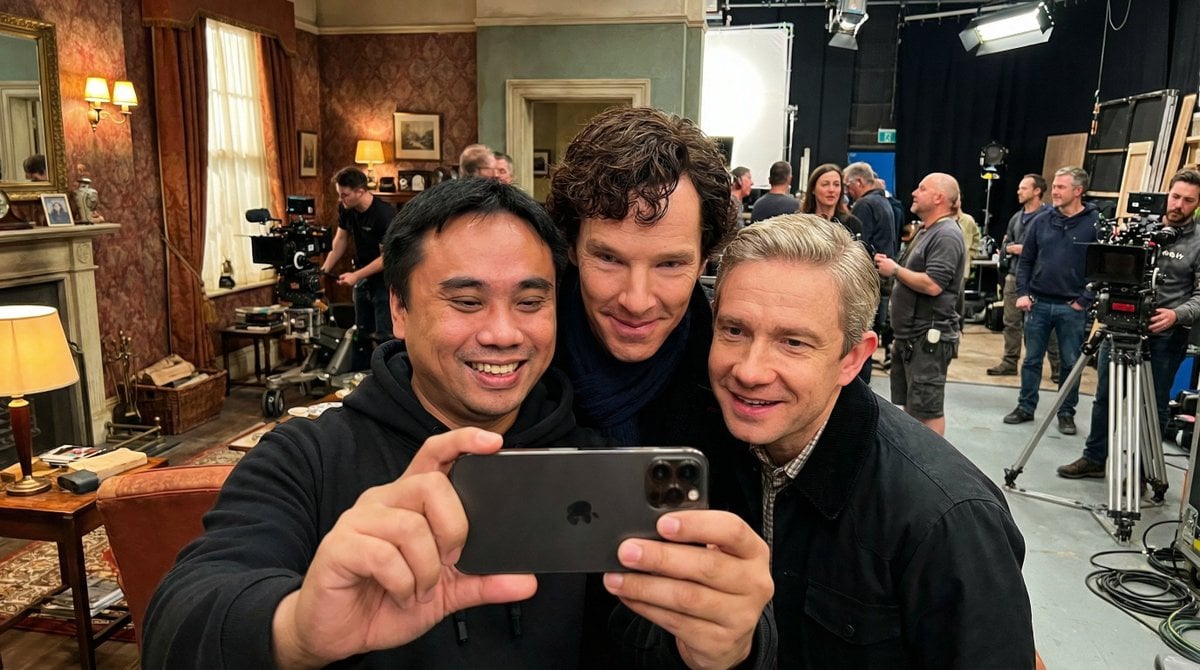
Behind-the-Scenes Movie Selfie with Identity Lock
Generate an image in the style of a given moodboard
Browse template categories
Ink-Twin Doodle Stylization questions
How do I use the Ink-Twin Doodle Stylization template?
Add your photo if the template asks for one, edit the prompt if you like — the template's model and format are already selected — and press Generate. Your version opens in PicX Studio.
Can I customize the Ink-Twin Doodle Stylization template?
Yes. You can change the subject, setting, lighting, mood, format, and available model controls before creating your image.
Is the Ink-Twin Doodle Stylization template free?
Opening and editing this template is free. Generating uses credits, shown on the Generate button when you are signed in.
Which AI model should I use?
Start with GPT Image 2, which is the model associated with this template. You can compare another compatible model for a different finish.
Looking for something else? Browse all templates.

Your photo, any look
Thousands of ready templates for every top image and video model, from one credit balance.